
HomeHawk
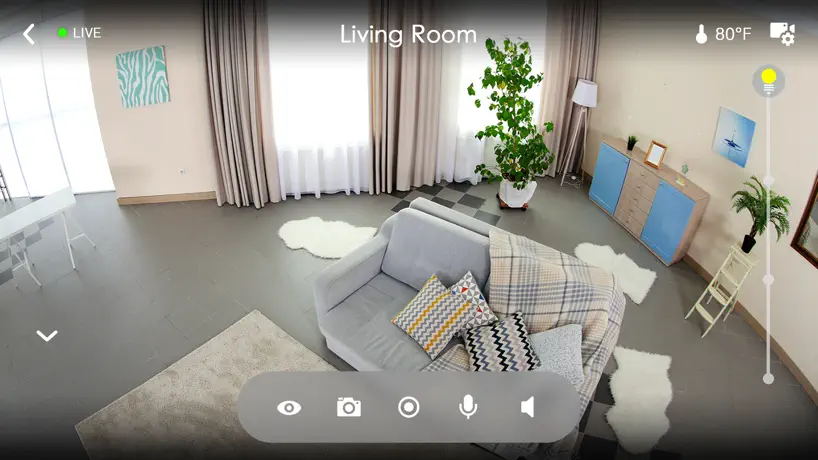
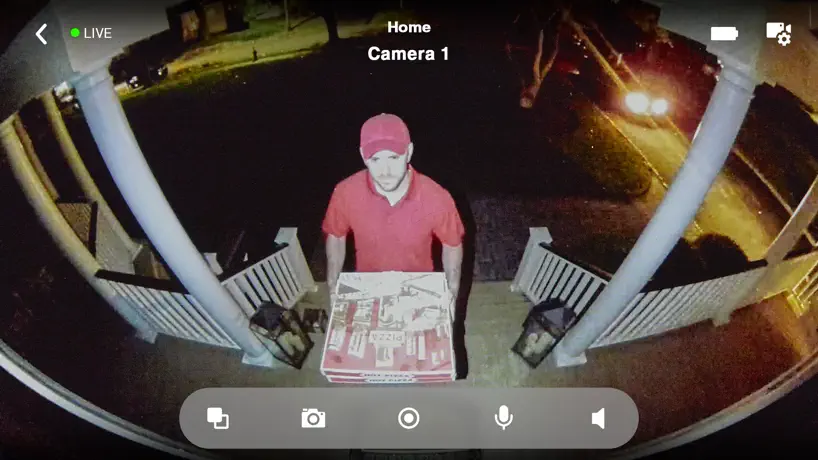
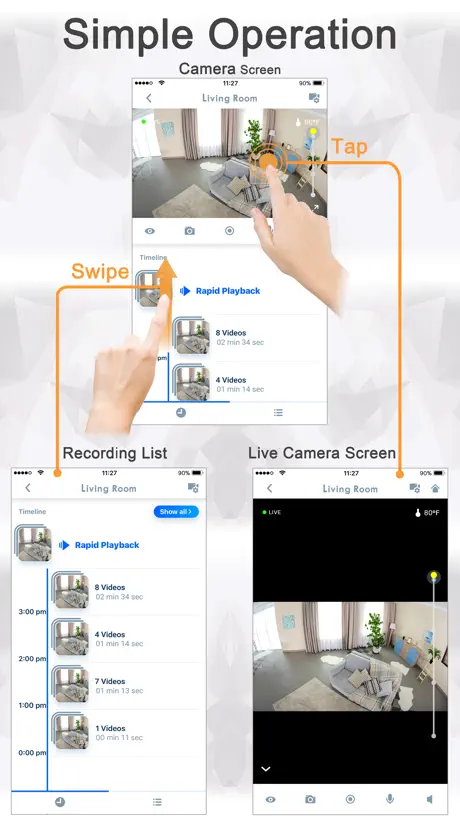
How much does HomeHawk cost?
Prices are current as of 18 Nov 2026.
HomeHawk has no in-app products on record in the United States.
10+ alternatives to HomeHawk
| HomeHawk |   Canary - Smart Home Security | 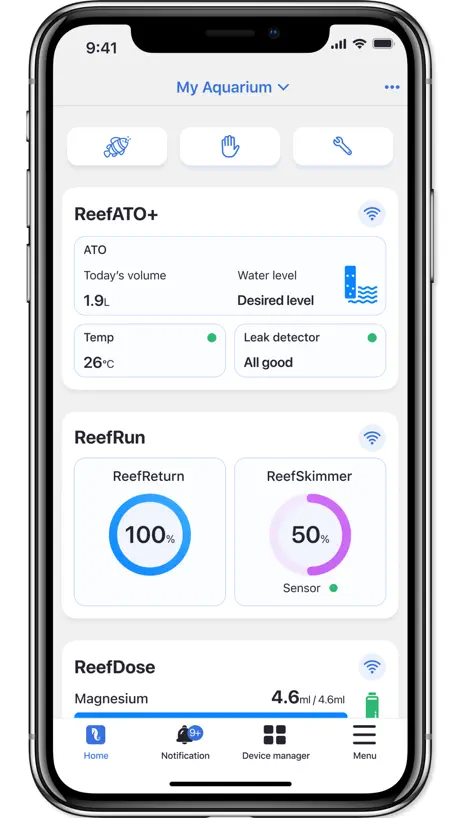  ReefBeat | 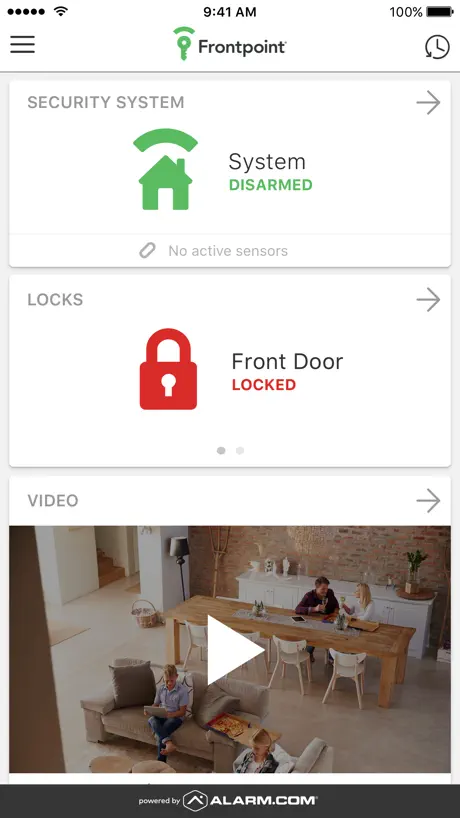  Frontpoint |   ZoomOn Home Security Camera |   Wisenet SmartCam+ |   Home Network System |   Kuna Smart Home Security |   Logi Circle Security Camera |   Panasonic SmartWiFi |   EOJO | |
|---|---|---|---|---|---|---|---|---|---|---|---|
| Rating / 5 | 4.4 | 4.1 | 2.9 | 4.3 | 4.1 | 2.0 | 1.9 | 1.9 | 1.9 | 4.3 | 2.7 |
| Reviews | 2.8K | 7.2K | 5K | 4.7K | 2.9K | 1.5K | 449 | 351 | 143 | 90 | 30 |
| Released | 2018 | 2014 | 2019 | 2015 | 2017 | 2017 | 2014 | 2015 | 2015 | 2020 | 2023 |
| Weekly price | — | — | — | — | $2.49 | — | — | — | — | — | — |
| Monthly price | — | $19.99 | — | — | $4.99 | — | — | — | — | — | — |
| 3-month price | — | — | — | — | $19.99 | — | — | — | — | — | — |
| Annual price | — | $249.00 | — | — | $39.99 | — | — | — | — | — | — |
| One-time price | — | — | — | — | $179.99 | — | — | — | — | — | — |
The going rate for each plan in United States, in its own currency, shaded from the cheapest price on the row to the dearest.
HomeHawk reviews
4.4 out of 5, based on 2,767 reviews.
What people like
- No monthly subscription fees required
- Clear picture even at night
- Easy to download videos locally
What they complain about
- App crashes or won't open
- Live video feed is choppy
- Camera drops connection often
- Notifications stop working after updates
Love it
Awesome features
Needs updated to current OS 27
Just stare at a loading screen for live video on one of my cameras . Other only connects half the time
Bugs
Hey you need to update app and fix bugs
Doesn't know the difference between an insect and a human
The alarm goes of saying "person" for insects, trees moving, animals etc.
Privacy block
Would like to know if you can block a car or door as the camera is facing another building and do to privacy act we need to block it that the camera doesn’t view anyone from the next building! Plus not receiving full alerts !
Blows Ring Away!
This is just incredible! Separates motion and people in your recordings so you can pull up one or the other, or both. Very clear, even at night. Worth every penny. No more monthly fees! Woo hoo! You will need a micro SD card but those are relatively inexpensive though. Love it!
Does not work. Permissions are broken.
The application prompts that one needs to enable LAN access permissions, however on the latest version of iOS (26.5.2), this does not work. It prompts one to open the settings menu, however the setting to enable the permission is not listed because the app never actually prompts iOS for the permission. I have deleted and re-installed the app multiple times on several iOS devices and have seen consistent behavior. The application is unusable.
Cannot change notifications tone
Works. But unable to change notification tone. Appears the option has been removed from the app.
Won’t catch important videos
Won’t catch important videos because it won’t stay connected uses all the battery really fast
Choppy video
The live feed and the video recordings are choppy more times than not.
Great Camera App with no fees
This Panasonic Homehawk app is great for what it needs to do. I am using it with the Homehawk window camera. It gives you a live feed, notifications for motion detected whether person or something else, and it's configurable. You can watch videos on the app and download them to your phone without any fees or signing up for a subscription service. The app itself may look basic, but it does everything I need too access the camera and use anything recorded.
Loved it initially
They seem to have updated it. I can’t log into my app or connect to my camera. It’s now in the trash.
Indoor camera to watch outside
I had my alarm system changed and upgraded with Vivint. I WAS using hawk camera but it refuses to hook up to internet. I’ve tried many approaches no dice nice cameras but won’t hook up again. Don’t know if it’s the camera or my internet. When it works it’s great. But…
Major Security Risk
This app claims apple ios wants my location but we all know that’s far from the truth. It blocks me from the live camera and videos. It’s quite annoying having it as it’s a lie to get them to keep scan for your location. Lately it’s not wanting to stay on the network i put on, it wants cellular data. This is going back.
Goes offline often
Goes offline often
Reliable
You may spend a little more for this product compared to other wireless home security cameras but remember you get what you pay for. Panasonic, please keep pumping out quality products like the Homehawk. This camera system is easy to setup, has a great long life battery, good picture quality. I’m tired of buying crap electronic products and that’s why I keep going back to Panasonic.
App Stopped Working
On 4/12/26 app stopped working for not only me, but other family members who have HomeHawk cameras. We are all on different networks & different phones and none of us can view our cameras. Just says ‘no connection’ in app. Cameras are working as you receive notifications from camera saying there is motion or person but app is not connecting to camera. I have restarted phone and deleted & reinstalled app but nothing has worked. Started working for a week, now it’s 4/24 and not working again. Panasonic has not responded.
Can’t open the app
I have this device for more than a year now and its working great. But today, after more that a year, I can’t open the app. I deleted it and re download and I let me set up the cam. But when I try to pen the app again , it shut off. I tried multiple times to open the app but it won’t open. What seem to be the issue?
Please Fix.
Lots of trouble accessing the cameras lately. Was working perfectly before… what happened?
Homehawk playback speed and 4k
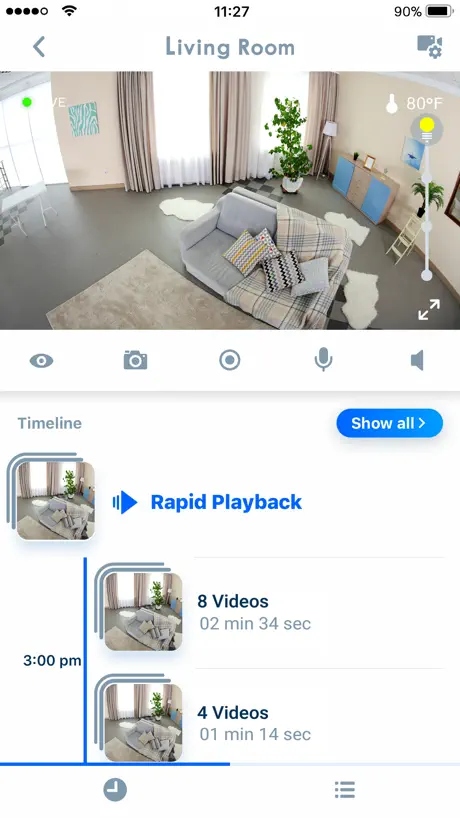
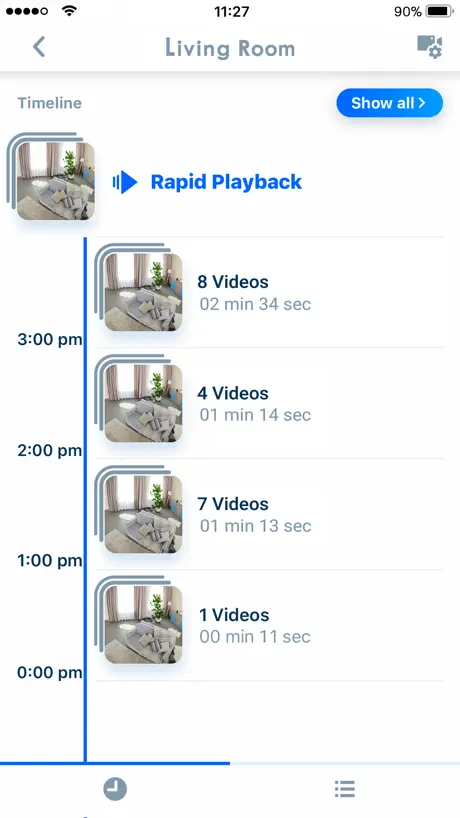
There is a lot to like about these security cameras, especially the convenient window mount and the continuous record mode, but the rapid playback features misses a lot of content by skipping past every 5 seconds of activity. It takes WAYYYYYY to long to get through all of the videos. This takes a lot away from an otherwise good camera experience. Eufy, Lorex and other home security apps have a nice 2x and 4x continuous playback speed option that lets you see what happens every second of each recording without missing a beat. My only other comment is I would like to see Panasonic step up their security camera game and make a similar window camera, but with 4k or at least 2k resolution. I want to buy another Panasonic, but Eufy and others have higher resolution options right now
Sucks
Suck BIG TIME
AP
I have been used this app for few years. App don’t work on. iPhone 15 pro . Please update, Thanks
Good, when it’s working.
Constantly drops the network, which requires re-registration, a real pain in the neck.
Good recording but no online account
Goo clarity and unique functionality of bein on the internal windows. Cons: Does not have a online account where all the camera can be registered once and reused on multiple devices. We are forced to pair all the cameras every time with a new phone or iPad. It is time consuming Second, the notification cannot be scheduled to be silenced during certain time of the day. Third, wish there was a desktop web version to see the videos from the camera. Everything else is fantastic
App is not working
App stop working after iPhone update. Please fix ASAP!! I get notifications but when I go to the app it keeps saying no connection.
Price point friendly
App can be glitchy at times, (Since latest iPad update to 16.2 app seems to need an update too.) but cameras still record when triggered and can be viewed later. Initial setup was tricky but doable Getting the movement alarm/record setting set up is a task that I’m always playing with. I monitor my summer house and garage at a remote location and it gives me peace of mind during winter storms.
May 2024 Firmware Update - Can’t view videos now!
This camera app has always been frustratingly slow and glitchy. But since I updated the firmware today, now I can’t see any of my recordings past or present from my SIM card!
App crashes when opened
The camera has worked well but the last few days the app crashes when I open it. I have deleted the app then downloaded it again. But once it is connected the app crashes. The camera has the blue light and I can see it is connected to my wifi network.
Won’t connect
When setting up the app gives you the password the camera uses so when the app finally asks for that password it doesn’t work. Cmon Panasonic. Really?!
Interface doesn’t even support pasting WiFi key
Unbelievable, in 2022 an app cannot even get the wifi key from the phone automatically, and even worst, cannot use a “paste” function from the phone to copy the wifi key. The only input is manual or from the camera.
Playback issues
Update: video playback and live view only work if I delete my wifi info and use only local network. The problem is you can’t save/download videos unless you are only on wifi, or on your home network. On the off, very rare, chance I can view a video on my wifi and try to save it, that doesn’t work. It goes through the motions of saving but it never shows up in my camera roll. The video quality is phenomenal, but a great video is useless when you can’t do anything with it. Using iPhone and iPad with current 17.4.1 iOS. Same issues on both. Since update ios17 on iPhone and iPad (17.1.2 on both) live view and motion playback does not load/open up. It just says loading. The app shows motion captured, but does not respond when trying to look at it. Another thing: allow video download/saving regardless of being on home network wifi, or only local network.
Panasonic camera
Not picking up people as expected
backyard
it isn’t recording or giving notifications
Camera good? App garbage
Window Camera: I hate to do this as at first setup I was very happy. But in less than 24 hours I have had to completely reset the camera and redownload this app in apparently a futile attempt to keep this thing working. The issues: 1 time. The camera completely stops responding to your device and your network. 3 times. The camera will send notifications to your device and show a screen shot of captures but will no longer respond to commands to view the live camera feed or playback recordings. So you get a notice, but can’t watch anything. I am beyond aggravated at this point and have already started from factory reset scratch 3 of the 4 times. I do not understand why after an hour or two, the camera will no longer let you see anything. Also, my 3rd time reconnecting, it gave numerous issues and wouldn’t even find the camera. I am so disappointed. I guess this camera will be returned.
Home Screen, Cameras View, Location
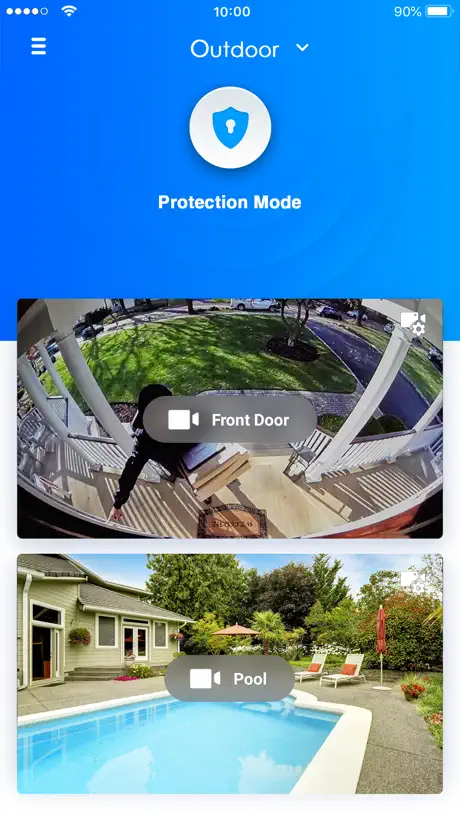
Please ask the developer to make the Cameras the actual focus of the home screen and not the large Settings icons that I have to scroll past to view the actual cameras. Those large icons are a huge waste of space, time, and an inconvenience to scroll past. What is going on with requiring location to open up the App? Very odd, very strange, very much snooping behavior by the App. Why do you need to know precise location of where we are when viewing our cameras.
No Notifications
I no longer receive any type of notifications on my 3 cameras. I have a iPhone with the newest software and no longer receiving notifications. It’s doesn’t show me a banner on my phone or make an alert sound. Please fix. Thank you.
Update
Hi, Ever since last update when I go into app, it won’t connect. I must go in and out of the app three or four times before it connects again tried to reset it and that does nothing. Please fix
Love the product - App needs work
I wish it could allow only alerts for People rather than motion. Otherwise, pretty good functioning from both together.
Monthly notification limit reached
Really? A camera that uses my sd card to store images and videos locally suddenly has a notification limit? Why ruin things were working fine for years? You should be ashamed of yourself
Unreliable at best and no native iPad
Lots of “communication errors” failures when setting up new devices to camera. No native iPad support in 2023?!
HomeHawk FAQ
- Is HomeHawk free?
- Yes. The app is free, in all 2 countries it sells in, and it sells nothing inside it.
- Does HomeHawk have a free trial?
- No. None of its offers (US) come with a free trial.
- What are the best alternatives to HomeHawk?
- Canary - Smart Home Security (4.1 from 7,225 reviews, premium from $7.99), ReefBeat (2.9 from 4,964 reviews) and Frontpoint (4.3 from 4,710 reviews).
HomeHawk download
Last updated 1 month ago.
HomeHawk sells in 2 countries. It was released 8 years and 10 months ago, on 19 Jan 2018. It holds a 4.4 rating from 2,767 reviews.
Supports 3 languages: English, French, Spanish.
How much does HomeHawk make?
Third-party estimates for the last 30 days, worldwide — not the store's own figures, which Apple publishes for nobody.