∙ Solitaire ∙
Play the Classic Card Game!
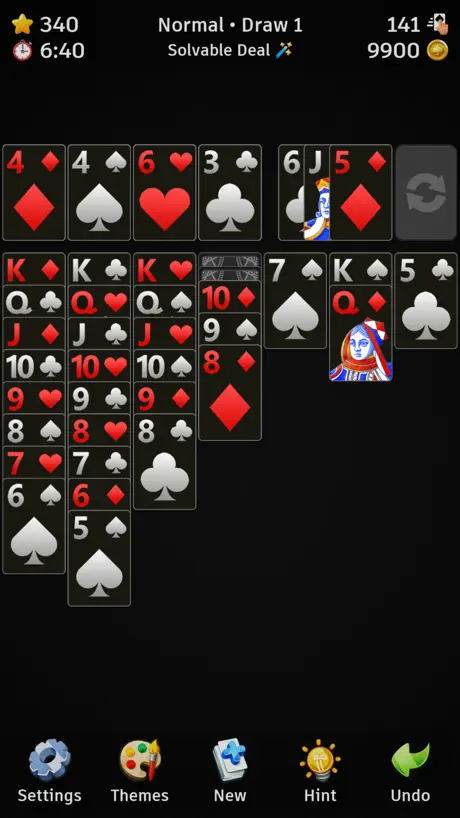
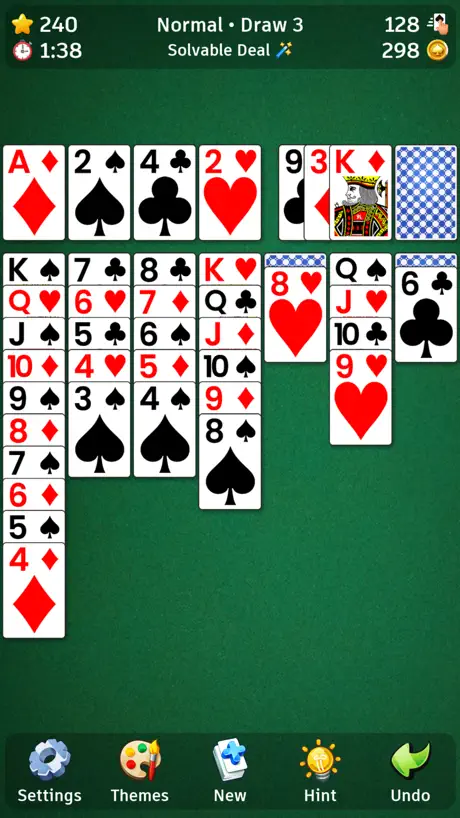
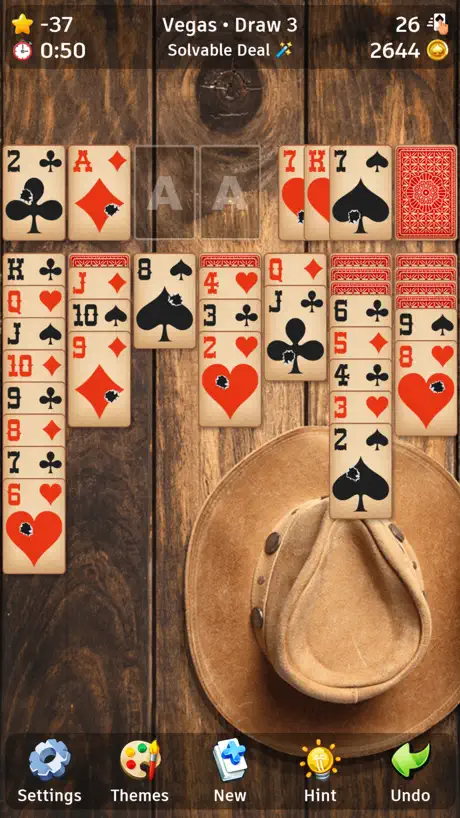
How much does ∙ Solitaire ∙ cost?
Prices are current as of 23 Oct 2026.
8 one-time purchases from $0.99
In the United States, ∙ Solitaire ∙ has 8 one-time purchases priced $0.99 – 9.99.
| Product | Price |
|---|---|
| 2.000 Coins | $0.99 |
| 5.000 Coins | $1.99 |
| Solitaire 2x Coins | $2.49 |
| 10.000 Coins | $2.99 |
| Solitaire No Ads | $3.99 |
| 25.000 Coins | $4.99 |
| 60.000 Coins | $6.99 |
| 150.000 Coins | $9.99 |
10+ alternatives to ∙ Solitaire ∙
| ∙ Solitaire ∙ |   Minesweeper Classic 2 Minesweeper Classic 2 |   Solitaire ™: Card Games Solitaire ™: Card Games |   FreeCell Solitaire Card Game. FreeCell Solitaire Card Game. | 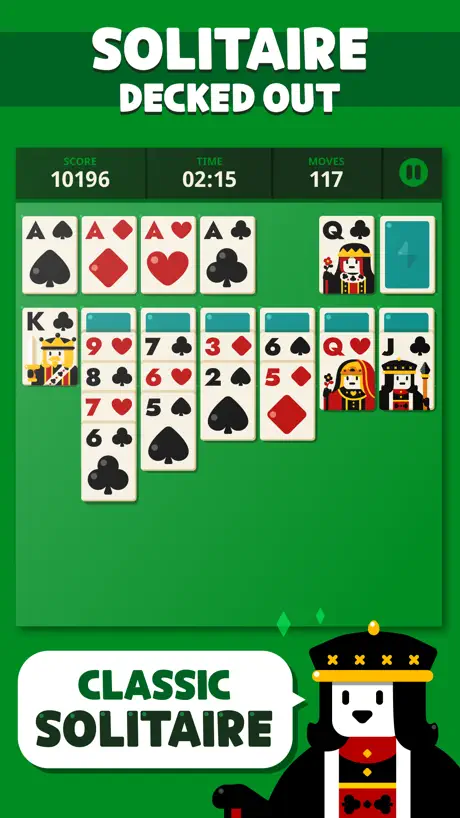  Solitaire: Decked Out Solitaire: Decked Out | 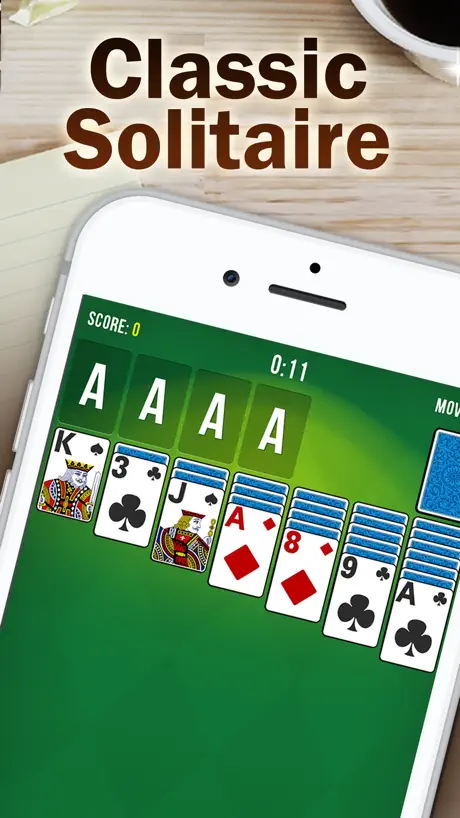  Solitaire: Collection Solitaire: Collection |   Solitaire ‣ Solitaire ‣ |   The Klondike Solitaire The Klondike Solitaire |   Solitaire ◆ Solitaire ◆ |   Solitaire: Classic Solitaire: Classic |   Solitaire Classic Gold Solitaire Classic Gold | |
|---|---|---|---|---|---|---|---|---|---|---|---|
| Rating / 5 | 4.6 | 4.6 | 4.6 | 4.5 | 4.6 | 4.7 | 4.5 | 4.4 | 4.6 | 4.6 | 4.4 |
| Reviews | 883 | 87K | 43K | 29K | 15K | 10K | 8.8K | 8.7K | 8.1K | 4.8K | 2.3K |
| Released | 2017 | 2010 | 2018 | 2011 | 2016 | 2018 | 2011 | 2011 | 2016 | 2018 | 2018 |
| One-time price | $2.99 | $14.99 | $1.99 | $2.99 | $0.99 | — | $19.99 | $1.99 | $19.99 | $7.99 | $0.99 |
The going rate for each plan in United States, in its own currency, shaded from the cheapest price on the row to the dearest. Plans fewer than four in ten of the priced apps sell are left out.
∙ Solitaire ∙ reviews
4.6 out of 5, based on 883 reviews.
What people like
- No subscription or weird restraints.
- Beautiful graphics and nice options.
- Developer makes great quality games too.
What they complain about
- Ads are predatory and scammy.
- App crashes when you open it.
- Bad for kids because of ads.
Great classic solitaire
Very happy with this solitaire, lots of nice options, and does not have obnoxiously long or an obnoxious amount of ads, which is very refreshing compared to similar games.
Ads, Ads, Ads
All of the horrific adverts in this game are for a “New Version of Solitaire!” too make you think you need to update this horrific application. If you are lucky and do not touch ANY advert in this horrible game FILLED WITH ADVERTS then you will like it. This really is one of the few remotely PLAYABLE solitaire applications because of the insane and unplayable amount of scamming adverts on other apps for Solitaire. This terrible game though is so filled with “beyond EXTREMELY PREDATORY” adverts that NOBODY should play it unless they are older and know how to avoid EXTREMELY HORRIFIC PREDATORY ADVERTS!!! Solitaire = 10/10, The ads = -7/10. There are 2 adverts in between every game of solitaire. All the adds are complete scams to make this garbage application even better!“ Everything advertised on this horrific app is a scam so ONLY, ONLY get this app if you are an odd adult who won’t shuffle *weird shrug*. The adverts in this game are more horrific than you think and aren’t censored at all! With how horrific and predatory this game is, PLEASE DO NOT get this for a child. It’s just a slop game filled with adverts. Unfortunately if you’re an adult, this app is pretty good for JUST solitaire ONLY. I would give it a 5/5 for the solitaire, but the HORRIFIC AND SUGGESTIVE ADVERTS make this game below zero in ratings. This “Solitaire” app is beyond horrible and should’ve been taken off the App Store long long ago! If you’re children have not ACCIDENTALLY spent money on some different game on this predatory app than you are lucky. This app is horrible unless you are older and every advertisement is beyond scammy/suggestive... so great for kids. Nice going apple and the nasty application review “A.I.” I am sure you hirred/use. If you got this game, filled with suggestive advertisements, for a child then you are probably an idiot anyway so…
Glitch
It keeps glitching when i try to open the app
Worth it 👍👍
Super fun and simple! Only pay once to get rid of ads, and doesn’t track you 😁
Unskipable ads
Good game but the sometimes unskipable ads are annoying
Truly sent from beyond
I have been searching high and low, far and wide, for a good solitaire mobile app that didn’t have some kind of subscription or weird restraint on how many games you could play, or any other sort of gimmick. all I want is straight forward solitaire and this app gives me just that.
It don’t let you win XD
Love it it’s a very challenging
Big crashing issue :(
So this is my favorite solitaire app and I really like the developers’ minesweeper app too. Lately when I’ve been playing the app, after some rounds of solvable playing, the app will crash and gets in a crash loop. It won’t fix when deleting and reinstalling the app so the bug might be stored in iCloud. I had it deleted for a few months and gave it another go and it worked for a bit but it’s crash looping again. I love this app and I’d be so glad to be able to play it again. Hope it gets fixed soon
Works well
I think it could have a more pixely art style to be retro, but the sleek ui is nice on its own, I got recommended this from the minesweeper app which I like more
Nice
I decided to try this Solitaire game and it is really nice. Graphics are great as is the game play. It is also in landscape mode which is a bonus. I bought coins so that I could buy the bigger cards and different backgrounds. You have to purchase the remove ADS separately for $4.99 as I HATE ADS so purchased that also. A big THANKS to the developer.
Best solitaire
Love this solitaire version! Beautiful graphics and minimal ads!
Great game as always!
Always glad to see Still57’s quality games, my favorite developer hands down. His game design is simplistic yet rich! Perfect game with great graphics for someone who can’t just sit around without keeping hands and mind busy!
best ⭐️⭐️⭐️⭐️⭐️
best solitaire that i have ever played.
∙ Solitaire ∙ price by country
A one-time purchase costs $2.74 in Qatar and $4.60 in Colombia — 1.7× more for the same thing. Below is the going rate for each plan in every country that sells it — the middle price of what the app charges there, in the country's own currency with the dollar equivalent beneath it.
| Country | One-time |
|---|---|
| Afghanistan | $2.99 |
| Albania | $3.99 |
| Algeria | $2.99 |
| Angola | $2.99 |
| Anguilla | $2.99 |
| Antigua And Barbuda | $2.99 |
| Argentina | $2.99 |
| Armenia | $3.99 |
| Australia | A$4.99$3.47 |
| Austria | €2.99$3.35 |
| Azerbaijan | $3.99 |
| Bahamas | $2.99 |
| Bahrain | $2.99 |
| Barbados | $3.99 |
| Belarus | $3.99 |
| Belgium | €2.99$3.35 |
| Belize | $2.99 |
| Benin | $3.99 |
| Bermuda | $2.99 |
| Bhutan | $2.99 |
| Bolivia | $2.99 |
| Bosnia & Herzegovina | €2.99$3.35 |
| Botswana | $2.99 |
| Brazil | R$19.90$3.96 |
| British Virgin Islands | $2.99 |
| Brunei Darussalam | $2.99 |
| Bulgaria | €2.99$3.35 |
| Burkina Faso | $2.99 |
| Cambodia | $2.99 |
| Cameroon | $3.99 |
| Canada | CA$3.99$2.81 |
| Cape Verde | $2.99 |
| Cayman Islands | $2.99 |
| Chad | $2.99 |
| Chile | CLP 2,990$3.06 |
| Colombia | COP 14,900$4.60 |
| Congo | $3.99 |
| Congo, Democratic Republic | $2.99 |
| Costa Rica | $2.99 |
| Cote Divoire | $3.99 |
| Croatia | €2.99$3.35 |
| Cyprus | €2.99$3.35 |
| Czech Republic | CZK 79.00$3.63 |
| Denmark | DKK 29.00$4.34 |
| Dominica | $2.99 |
| Dominican Republic | $2.99 |
| Ecuador | $2.99 |
| Egypt | EGP 149.99$2.86 |
| El Salvador | $2.99 |
| Estonia | €2.99$3.35 |
| Fiji | $2.99 |
| Finland | €2.99$3.35 |
| France | €2.99$3.35 |
| Gabon | $2.99 |
| Gambia | $2.99 |
| Georgia | $3.99 |
| Germany | €2.99$3.35 |
| Ghana | $3.99 |
| Greece | €2.99$3.35 |
| Grenada | $2.99 |
| Guatemala | $2.99 |
| Guinea-bissau | $2.99 |
| Guyana | $2.99 |
| Honduras | $2.99 |
| Hong Kong | HK$22.00$2.80 |
| Hungary | HUF 1,490$4.57 |
| Iceland | $3.99 |
| India | ₹299.00$3.15 |
| Indonesia | IDR 59,000$3.30 |
| Iraq | $2.99 |
| Ireland | €2.99$3.35 |
| Israel | ₪9.90$3.22 |
| Italy | €2.99$3.35 |
| Jamaica | $2.99 |
| Japan | ¥500$3.19 |
| Jordan | $2.99 |
| Kazakhstan | KZT 1,790.00$3.99 |
| Kenya | $3.99 |
| Kosovo | €2.99$3.35 |
| Kuwait | $2.99 |
| Kyrgyzstan | $2.99 |
| Lao Peoples Democratic Republic | $2.99 |
| Latvia | €2.99$3.35 |
| Lebanon | $2.99 |
| Liberia | $2.99 |
| Libya | $2.99 |
| Lithuania | €2.99$3.35 |
| Luxembourg | €2.99$3.35 |
| Macao | $2.99 |
| Macedonia | $2.99 |
| Madagascar | $2.99 |
| Malawi | $2.99 |
| Malaysia | MYR 14.90$3.64 |
| Maldives | $2.99 |
| Mali | $2.99 |
| Malta | €2.99$3.35 |
| Mauritania | $2.99 |
| Mauritius | $3.99 |
| Mexico | MX$69.00$3.81 |
| Micronesia | $2.99 |
| Moldova | $3.99 |
| Mongolia | $2.99 |
| Montenegro | €2.99$3.35 |
| Montserrat | $2.99 |
| Morocco | $3.99 |
| Mozambique | $2.99 |
| Myanmar | $2.99 |
| Namibia | $2.99 |
| Nauru | $2.99 |
| Nepal | $3.99 |
| Netherlands | €2.99$3.35 |
| New Zealand | NZ$4.99$2.79 |
| Nicaragua | $2.99 |
| Niger | $2.99 |
| Nigeria | NGN 4,900.00$3.68 |
| Norway | NOK 39.00$4.08 |
| Oman | $2.99 |
| Pakistan | PKR 900$3.25 |
| Palau | $2.99 |
| Panama | $2.99 |
| Papua New Guinea | $2.99 |
| Paraguay | $2.99 |
| Peru | PEN 12.90$3.75 |
| Philippines | ₱199.00$3.16 |
| Poland | PLN 14.99$3.84 |
| Portugal | €2.99$3.35 |
| Qatar | QAR 9.99$2.74 |
| Romania | RON 14.99$3.14 |
| Russia | RUB 249.00$2.91 |
| Rwanda | $2.99 |
| Sao Tome & Principe | $2.99 |
| Saudi Arabia | SAR 12.99$3.46 |
| Senegal | $3.99 |
| Serbia | €2.99$3.35 |
| Seychelles | $2.99 |
| Sierra Leone | $2.99 |
| Singapore | SGD 3.98$3.11 |
| Slovakia | €2.99$3.35 |
| Slovenia | €2.99$3.35 |
| Solomon Islands | $2.99 |
| South Africa | ZAR 59.99$3.61 |
| South Korea | ₩4,400$3.32 |
| Spain | €2.99$3.35 |
| Sri Lanka | $2.99 |
| St. Kitts and Nevis | $2.99 |
| St. Lucia | $2.99 |
| St. Vincent & The Grenadines | $2.99 |
| Suriname | $2.99 |
| Swaziland | $2.99 |
| Sweden | SEK 39.00$3.90 |
| Switzerland | CHF 3.00$3.60 |
| Taiwan | NT$90.00$2.82 |
| Tajikistan | $2.99 |
| Tanzania | TZS 9,900.00$3.78 |
| Thailand | THB 99.00$2.94 |
| Tonga | $2.99 |
| Trinidad and Tobago | $2.99 |
| Tunisia | $2.99 |
| Turkey | TRY 149.99$3.04 |
| Turkmenistan | $2.99 |
| Turks and Caicos | $2.99 |
| Uganda | $3.99 |
| Ukraine | $3.99 |
| United Arab Emirates | AED 12.99$3.54 |
| United Kingdom | £2.99$3.95 |
| United States | $2.99 |
| Uruguay | $2.99 |
| Uzbekistan | $2.99 |
| Vanuatu | $2.99 |
| Venezuela | $2.99 |
| Vietnam | ₫99,000$3.83 |
| Yemen | $2.99 |
| Zambia | $3.99 |
| Zimbabwe | $3.99 |
∙ Solitaire ∙ FAQ
- Is ∙ Solitaire ∙ free?
- Yes. The app and its basic features are free, in all 174 countries it sells in. Premium features are paid: they start from $0.99 (US), across 8 one-time purchases.
- Does ∙ Solitaire ∙ have a free trial?
- No. None of its offers (US) come with a free trial.
- Where is ∙ Solitaire ∙ cheapest?
- A one-time purchase costs QAR 9.99 (≈$2.74) in Qatar and COP 14,900 (≈$4.60) in Colombia, its cheapest and dearest countries.
- What are the best alternatives to ∙ Solitaire ∙?
- Minesweeper Classic 2 (4.6 from 86,738 reviews, premium from $1.99), Solitaire ™: Card Games (4.6 from 43,188 reviews, premium from $1.99) and FreeCell Solitaire Card Game. (4.5 from 29,425 reviews, premium from $2.99).
∙ Solitaire ∙ download
Last updated 1 year ago.
∙ Solitaire ∙ sells in 174 countries. It was released 8 years and 11 months ago, on 22 Nov 2017. It holds a 4.6 rating from 883 reviews.
Supports 32 languages: English, Arabic, Catalan, Croatian, Czech, Danish, Dutch, Finnish, French, German, Greek, Hebrew, Hindi, Hungarian, Indonesian, Italian, Japanese, Korean, Malay, Norwegian Bokmål, Polish, Portuguese, Romanian, Russian, Chinese, Slovak, Spanish, Swedish, Thai, Turkish, Ukrainian, Vietnamese.
How much does ∙ Solitaire ∙ make?
Third-party estimates for the last 30 days, worldwide — not the store's own figures, which Apple publishes for nobody.
Revenue by plan
- One-time 100%
Revenue by country
- United States 27%
- Poland 16%
- South Korea 7%
- Canada 4%