
Photo Vault: lock Secret album
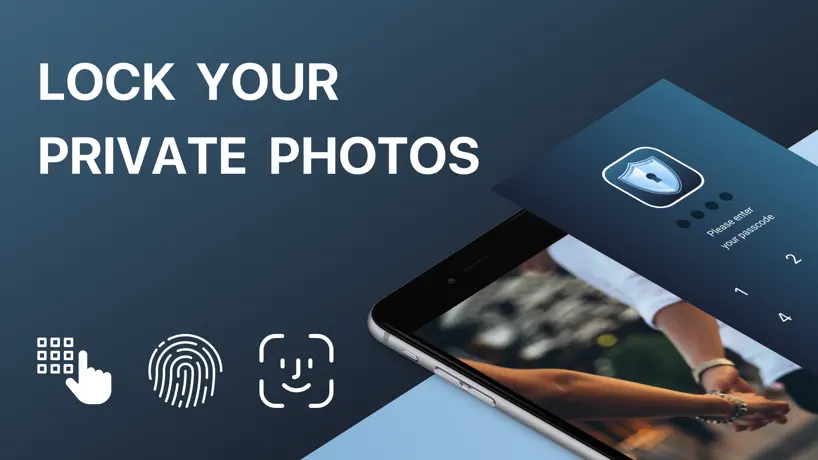
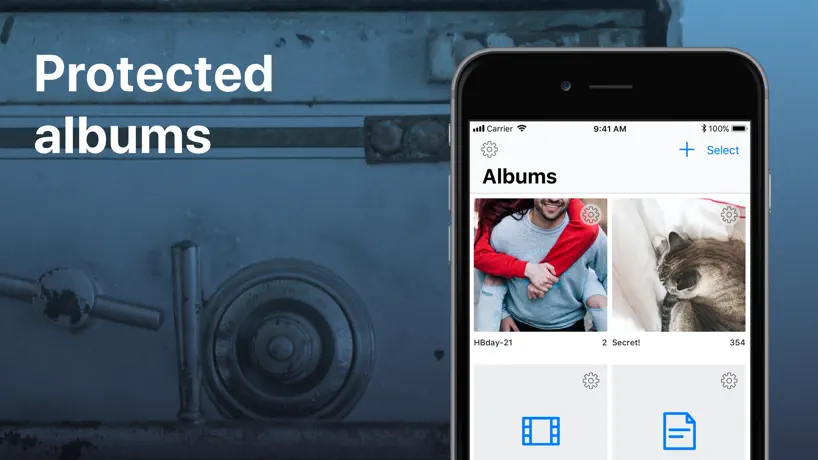
For pictures, files, documents
How much does Photo Vault: lock Secret album cost?
Prices are current as of 29 Sept 2026.
1 one-time purchase from $4.99
In the United States, Photo Vault: lock Secret album has 1 one-time purchase priced $4.99.
| Product | Price |
|---|---|
| Full version Unlock | $4.99 |
See what Photo Vault: lock Secret album costs in all 175 countries →
10+ alternatives to Photo Vault: lock Secret album
| Photo Vault: lock Secret album | 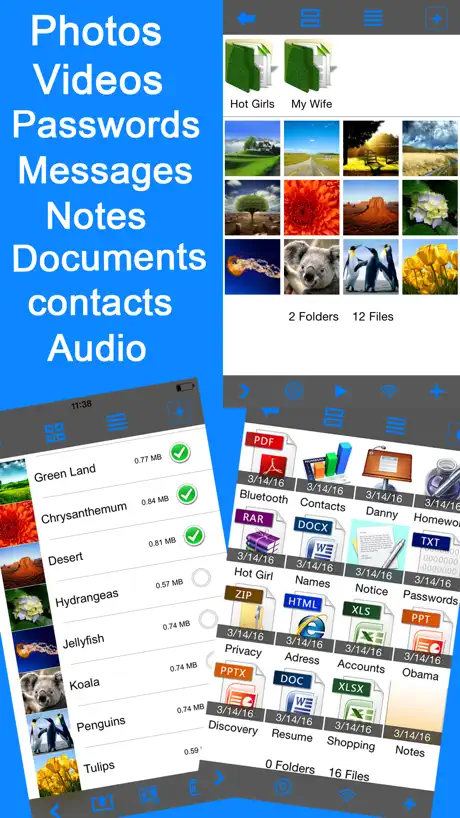  Secret Photo Vault Lock Photos Secret Photo Vault Lock Photos | 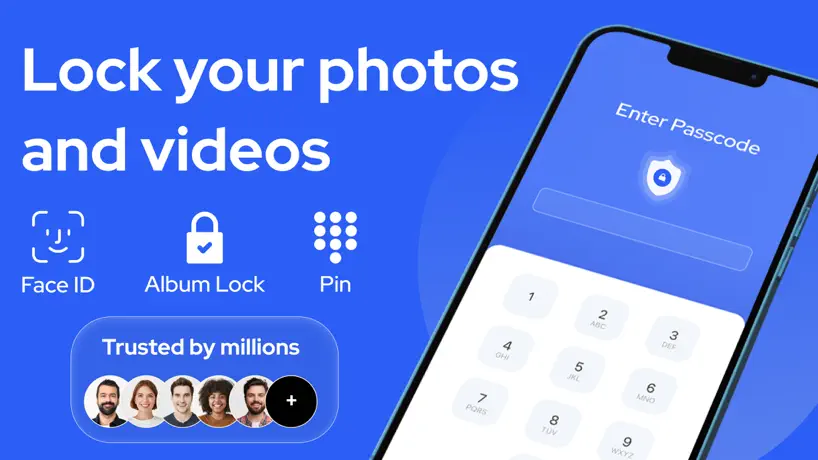  SV - Private Photo Vault PRO SV - Private Photo Vault PRO | 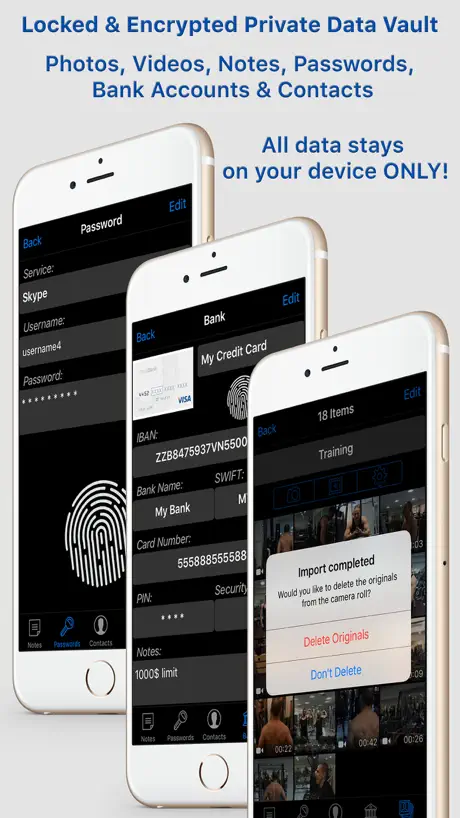  Hidden Photo Vault-Hide App LS Hidden Photo Vault-Hide App LS | 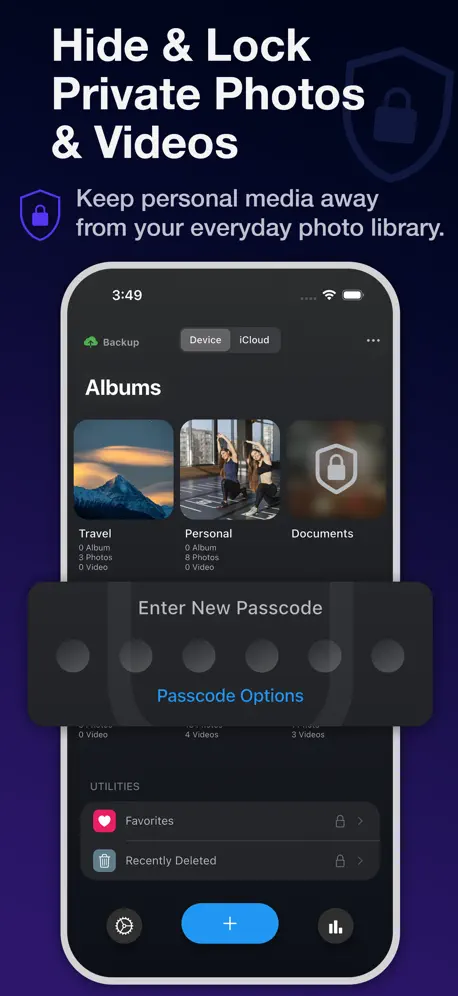  Safety Photo+Video Vault Safety Photo+Video Vault |   Photo Safe - private photos Photo Safe - private photos |   Photo Vault・Private Safe Lock Photo Vault・Private Safe Lock |   3D Photo Ring: Album Browser 3D Photo Ring: Album Browser |   Hide Photos: Secret Vault Hide Photos: Secret Vault | 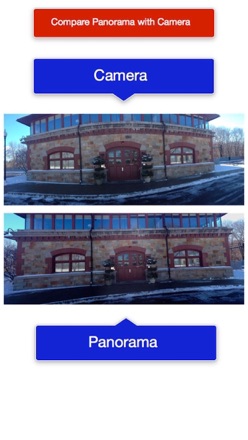  Panorama. Panorama. |   LockBox Secure PIN Photo Vault LockBox Secure PIN Photo Vault | |
|---|---|---|---|---|---|---|---|---|---|---|---|
| Rating / 5 | 4.6 | 4.5 | 4.8 | 4.7 | 4.7 | 4.7 | 4.5 | 4.3 | 4.6 | 2.6 | 5.0 |
| Reviews | 889 | 58K | 49K | 11K | 4.3K | 778 | 502 | 347 | 258 | 20 | 5 |
| Released | 2018 | 2011 | 2011 | 2013 | 2011 | 2017 | 2022 | 2011 | 2021 | 2012 | 2025 |
| Monthly price | — | — | $6.99 | $1.99 | $2.99 | — | — | — | — | — | — |
| Annual price | — | — | $39.99 | $17.99 | $29.99 | — | — | — | — | — | — |
| One-time price | $4.99 | $6.99 | — | $29.99 | $4.99 | — | — | $2.99 | — | — | — |
The going rate for each plan in United States, in its own currency, shaded from the cheapest price on the row to the dearest.
Photo Vault: lock Secret album reviews
4.6 out of 5, based on 889 reviews.
What people like
- One-time purchase instead of a monthly subscription
- Supportive developers fix bugs quickly
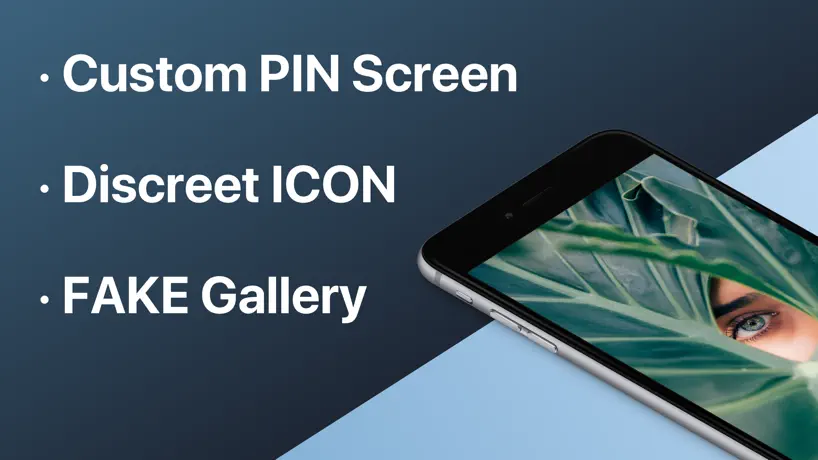
- Includes hidden calculator mode to disguise the app
What they complain about
- Forgets your password with no recovery option
- Photos are visible in the Files app
- You cannot change the app name or icon
- Deleting the app permanently deletes all your photos
Hi Developer
This app hasn't had an update in a year, including people’s reviews. I'm just concerned that this app might stop working one day and that I'll lose all my photos and videos due to a lack of an update, I'm saying this because it has happened to me with other apps, in which they eventually stopped working when I saw that updates and people’s reviews were not being answered and left them out cold, that's why I hope the developer of this app will at least respond to what I had just said and put me a ease
Password No Longer Working
My previous password is no longer working. Tried every single other password I could think of. Messaged support and haven’t heard anything, and there’s no way to reset your password otherwise. So much for paying for the premium version. My pictures from the past 7 years are just lost.
Ж
Не могу восстановить пожалуйста помогите мне восстановить данные
Баг программы
Не работает Импорт из фото.
Пожелания которых очень не хватает
Сделайте пожалуйста возможность синхронизации между несколькими устройствами 🙏
Excellent
Nice app
Don’t Download it caution
When you save your pictures here, you can only see 20 pictures. The app will ask you for a paid subscription if you want to see your pictures.
Heavy equipment operator
It does everything it’s supposed too and some and a couple trap doors
App name is too obvious
Developer needs to rename this app to something more discreet than “Photo Vault”. It completely defeats the entire purpose of the app. Unusable with this name.
Очень странный импорт
Само приложение хорошее. Но очень странный импорт из фото. Если ты выбрал сначала три фотографии (например), добавил, и пытаешься тут же ещё раз импортировать, то он уже не заходит в фото айфона. Очень странно. Либо баг какой, исправьте пожалуйста
Great app but I need help..
Hey I always used the app, I paid for the premium version last year, never had any problem until days ago, my pin code (password) didnt worked, it worked 1 min before, then 5 days later still not working, cant have acces to my stuff, Im still trying to have some help. My other password for the other "fake" folders work tho. Help ?
Обман
Цифры наоборот
Кэш
А как очистить кэш?
Класс, но…
Есть нюанс.. все что спрятал - все доступно в приложении apple «файлы» —> обзор —> iPhone —> Photo Vault. Ничего не скрыто, смотри сколько влезет без всяких паролей. Лет 5 пользовался - только сейчас спалил. В чем скрытность, разработчики?)
Приложение неплохое, НО
Из-за того что нет поддержки живых фото и нет адекватного жеста выхода из просмотра фотографий очень неудобно пользоваться. Если исправят, то с удовольствием куплю полную платную версию приложения. Отдельный респект за модель без подписки, а с разовой покупкой.
Five stores
You for supporting
Ужасно
Загрузила туда все фотки с телефона и после они как не странно стали платными, просто ужасный способ заработать, вынуждать делать покупку..
I like it
Could be better if it had upload option for cloud storage when switching devices But I can’t complain to much Just don’t delete the app and you won’t lose your stuff
Not very secure
The app seems to work of but you cant change the title of the app. You can change it to a calculator icon to hide it but it’s still named Photo Vault. Derr, it’s like waving a flag and shouting hey, look in here. Add the functionality to change the apps name and I’ll give this 5 stars.
Photo Vault
Works well. Three stars because its’ title, visible on the desk top, defies its intended purpose. I could give it five stars if there were a means of changing the title to further secure the “actual” contents.
Ок!
Классное предложение)!👍
Cant get into the app at all
I’ve had this app for several years. In all that time I’ve been able to access it three times. I put important pictures in the vault, and I never had to set a passcode, there was a standard one I used. Cant find anything on “how to” that actually works. The only reason I keep the app is because I want the pics What can I do?
Премиум версия
Премиум версия покупается один раз и навсегда? Или надо будет ещё продлять?
Stable app that provides everything I wanted
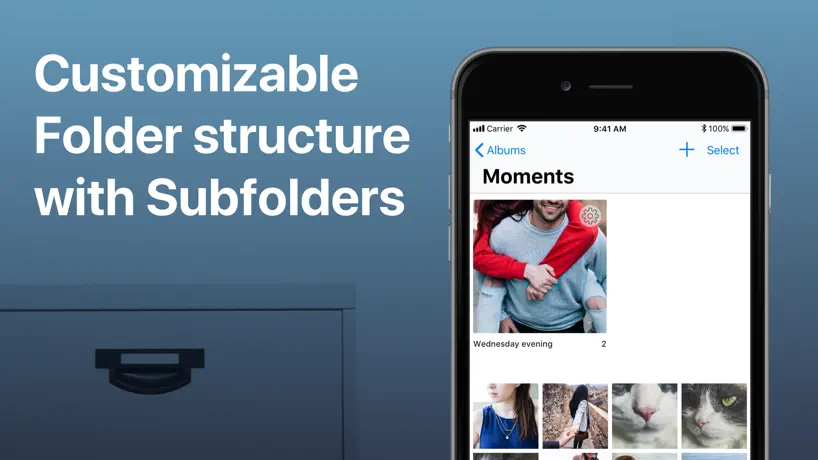
I needed an app that stores non-essential, private media, has a slideshow feature with options for display time, has nested foldering and decent file explorer functionality, is stable, and while possibly paid, does not implement a subscription model. I wasn't looking for anything fancy, but many apps at the time had some, but not all, of what I wanted. This app provides everything on the other hand, so I am very satisfied. I've used this app for at least three years. Over the time I've used this app I've encountered very few problems. The team is also responsive to bug reports. When I reported issues with moving files from one folder to another, the devs issued a patch within 24 hours that fixed it. As long as the app is stable and provides consistent base services and no drastic change, which has been true so far, I am satisfied and would recommend this product to anyone with similar requirements.
Accidently deleted app
All the photos are gone when I accidently deleted app….
Довольна
Приложение хорошие, но я переменяла функцию на калькулятор и забыла случайно пароль, не могли бы вы мне помочь с этим
This is definitely the best photo app you can ask for!!
Amazing
Only 20 photos free???
20 is NOTHING. Searched and searched, every app has ads or major glitches, this one seemed ok, but no, their capacity is NOTHING, for decent amount you have to pay. Crazy. $10/MONTH?! Like you are equal to Netflix or Prime? Just once could people be reasonable? If anything actually did what it SAID so I wouldn’t LOSE MATERIAL I TREASURED. Now it is GONE!!! Forever. I am beyond angry.
Help
I saw a review that said to use the “%” for the calculator setting and I tried all the ways I could think of to get it to accept my pin that way like pressing it before and after but it still won’t accept my pin please help
Great app with lots of useful features
This is the Photo Vault app that has all the features I was looking for. Plus there is no subscription. I highly recommend
Complain
Hi I have paid to use this app but i have been saving pictures in it but today i logins but the folder was empty plz help me get that back thanks
Нормально
Можно сделать что бы фото в альбомах сортировалось по съемки дата. Спасибо 😉
Problem
I used photo vault in calculator mode. It was working properly now one day i have use the calculator mode for calculation and now app is not accepting the password. What can i do to recover all my photo and videos. Also it doesn’t send any recovery password or anything on my mail. So tell me what to do.
Piss Weak!
Having to buy the Full version to view all your pictures. Blackmail?? Pathetic Nerds..
I don’t know how
So I stored a couple of my photos here, but I made it look like a calculator and now I don’t know how to make it go back. Help!
Rip off app
I paid for app the next day it wanted me to buy it again rip off app stay away. I went in to buy app again and there was a restore app I restored and it worked, program should not say you need to buy full version of app when you all ready did buy it.
Quite crap. don’t get this app!
Don’t bother with this app! Lost my secret vault and now requires full version? ?No warning! App and its operation very clunky. And crashed when large numbers of photos selected to extract. D
Θ
Здравствуйте. Почему то когда ставлю тайную дверь и набираю пароль ничего не получаеться. Цифры просто набираться и все. 5 раз на рвано нажимать пробовала. Не получилось. Почта для восстановления указана.
Photo Vault: lock Secret album price by country
A one-time purchase costs $4.68 in Pakistan and $7.93 in Colombia — 1.7× more for the same thing. Below is the going rate for each plan in every country that sells it — the middle price of what the app charges there, in the country's own currency with the dollar equivalent beneath it.
| Country | One-time |
|---|---|
| Afghanistan | $4.99 |
| Albania | $5.99 |
| Algeria | $4.99 |
| Angola | $4.99 |
| Anguilla | $4.99 |
| Antigua And Barbuda | $4.99 |
| Argentina | $4.99 |
| Armenia | $5.99 |
| Australia | A$7.99$5.75 |
| Austria | €5.99$6.96 |
| Azerbaijan | $5.99 |
| Bahamas | $4.99 |
| Bahrain | $4.99 |
| Barbados | $5.99 |
| Belarus | $5.99 |
| Belgium | €5.99$6.96 |
| Belize | $4.99 |
| Benin | $5.99 |
| Bermuda | $4.99 |
| Bhutan | $4.99 |
| Bolivia | $4.99 |
| Bosnia & Herzegovina | €5.99$6.96 |
| Botswana | $4.99 |
| Brazil | R$29.90$5.84 |
| British Virgin Islands | $4.99 |
| Brunei Darussalam | $4.99 |
| Bulgaria | €5.99$6.96 |
| Burkina Faso | $4.99 |
| Cambodia | $4.99 |
| Cameroon | $5.99 |
| Canada | CA$6.99$5.07 |
| Cape Verde | $4.99 |
| Cayman Islands | $4.99 |
| Chad | $4.99 |
| Chile | CLP 5,990$6.42 |
| China | CN¥38.00$5.65 |
| Colombia | COP 24,900$7.93 |
| Congo | $4.99 |
| Congo, Democratic Republic | $4.99 |
| Costa Rica | $4.99 |
| Cote Divoire | $5.99 |
| Croatia | €5.99$6.96 |
| Cyprus | €5.99$6.96 |
| Czech Republic | CZK 129.00$6.19 |
| Denmark | DKK 39.00$6.07 |
| Dominica | $4.99 |
| Dominican Republic | $4.99 |
| Ecuador | $4.99 |
| Egypt | EGP 249.99$4.91 |
| El Salvador | $4.99 |
| Estonia | €5.99$6.96 |
| Fiji | $4.99 |
| Finland | €5.99$6.96 |
| France | €5.99$6.96 |
| Gabon | $4.99 |
| Gambia | $4.99 |
| Georgia | $5.99 |
| Germany | €5.99$6.96 |
| Ghana | $5.99 |
| Greece | €5.99$6.96 |
| Grenada | $4.99 |
| Guatemala | $4.99 |
| Guinea-bissau | $4.99 |
| Guyana | $4.99 |
| Honduras | $4.99 |
| Hong Kong | HK$38.00$4.85 |
| Hungary | HUF 1,990$6.38 |
| Iceland | $5.99 |
| India | ₹499.00$5.28 |
| Indonesia | IDR 89,000$5.04 |
| Iraq | $4.99 |
| Ireland | €5.99$6.96 |
| Israel | ₪17.90$5.95 |
| Italy | €5.99$6.96 |
| Jamaica | $4.99 |
| Japan | ¥800$5.12 |
| Jordan | $4.99 |
| Kazakhstan | KZT 2,990.00$6.57 |
| Kenya | $5.99 |
| Kosovo | €5.99$6.96 |
| Kuwait | $4.99 |
| Kyrgyzstan | $4.99 |
| Lao Peoples Democratic Republic | $4.99 |
| Latvia | €5.99$6.96 |
| Lebanon | $4.99 |
| Liberia | $4.99 |
| Libya | $4.99 |
| Lithuania | €5.99$6.96 |
| Luxembourg | €5.99$6.96 |
| Macao | $4.99 |
| Macedonia | $4.99 |
| Madagascar | $4.99 |
| Malawi | $4.99 |
| Malaysia | MYR 22.90$5.67 |
| Maldives | $4.99 |
| Mali | $4.99 |
| Malta | €5.99$6.96 |
| Mauritania | $4.99 |
| Mauritius | $5.99 |
| Mexico | MX$99.00$5.86 |
| Micronesia | $4.99 |
| Moldova | $5.99 |
| Mongolia | $4.99 |
| Montenegro | €4.99$5.80 |
| Montserrat | $4.99 |
| Morocco | $4.99 |
| Mozambique | $4.99 |
| Myanmar | $4.99 |
| Namibia | $4.99 |
| Nauru | $4.99 |
| Nepal | $5.99 |
| Netherlands | €5.99$6.96 |
| New Zealand | NZ$9.99$5.88 |
| Nicaragua | $4.99 |
| Niger | $4.99 |
| Nigeria | NGN 7,900.00$5.98 |
| Norway | NOK 59.00$6.34 |
| Oman | $4.99 |
| Pakistan | PKR 1,300$4.68 |
| Palau | $4.99 |
| Panama | $4.99 |
| Papua New Guinea | $4.99 |
| Paraguay | $4.99 |
| Peru | PEN 22.90$6.82 |
| Philippines | ₱299.00$4.77 |
| Poland | PLN 24.99$6.74 |
| Portugal | €5.99$6.96 |
| Qatar | QAR 19.99$5.49 |
| Romania | RON 29.99$6.63 |
| Russia | RUB 449.00$5.33 |
| Rwanda | $4.99 |
| Sao Tome & Principe | $4.99 |
| Saudi Arabia | SAR 19.99$5.33 |
| Senegal | $5.99 |
| Serbia | €5.99$6.96 |
| Seychelles | $4.99 |
| Sierra Leone | $4.99 |
| Singapore | SGD 6.98$5.50 |
| Slovakia | €5.99$6.96 |
| Slovenia | €5.99$6.96 |
| Solomon Islands | $4.99 |
| South Africa | ZAR 99.99$6.27 |
| South Korea | ₩7,700$5.72 |
| Spain | €5.99$6.96 |
| Sri Lanka | $4.99 |
| St. Kitts and Nevis | $4.99 |
| St. Lucia | $4.99 |
| St. Vincent & The Grenadines | $4.99 |
| Suriname | $4.99 |
| Swaziland | $4.99 |
| Sweden | SEK 69.00$7.21 |
| Switzerland | CHF 4.00$4.94 |
| Taiwan | NT$150.00$4.74 |
| Tajikistan | $4.99 |
| Tanzania | TZS 14,900.00$5.64 |
| Thailand | THB 199.00$6.04 |
| Tonga | $4.99 |
| Trinidad and Tobago | $4.99 |
| Tunisia | $4.99 |
| Turkey | TRY 249.99$5.16 |
| Turkmenistan | $4.99 |
| Turks and Caicos | $4.99 |
| Uganda | $5.99 |
| Ukraine | $5.99 |
| United Arab Emirates | AED 19.99$5.45 |
| United Kingdom | £4.99$6.74 |
| United States | $4.99 |
| Uruguay | $4.99 |
| Uzbekistan | $4.99 |
| Vanuatu | $4.99 |
| Venezuela | $4.99 |
| Vietnam | ₫149,000$5.73 |
| Yemen | $4.99 |
| Zambia | $5.99 |
| Zimbabwe | $5.99 |
Photo Vault: lock Secret album FAQ
- Is Photo Vault: lock Secret album free?
- Yes. The app and its basic features are free, in all 175 countries it sells in. Premium features are paid: they start from $4.99 (US), across 1 one-time purchase.
- Does Photo Vault: lock Secret album have a free trial?
- No. None of its offers (US) come with a free trial.
- Where is Photo Vault: lock Secret album cheapest?
- A one-time purchase costs PKR 1,300 (≈$4.68) in Pakistan and COP 24,900 (≈$7.93) in Colombia, its cheapest and dearest countries.
- What are the best alternatives to Photo Vault: lock Secret album?
- Secret Photo Vault Lock Photos (4.5 from 58,324 reviews, premium from $6.99), SV - Private Photo Vault PRO (4.8 from 48,999 reviews, premium from $6.99) and Hidden Photo Vault-Hide App LS (4.7 from 11,289 reviews, premium from $1.99).
Photo Vault: lock Secret album download
Last updated 1 year ago.
Photo Vault: lock Secret album sells in 175 countries. It was released 8 years and 8 months ago, on 1 Feb 2018. It holds a 4.6 rating from 889 reviews.
Supports 2 languages: English, Russian.
How much does Photo Vault: lock Secret album make?
Third-party estimates for the last 30 days, worldwide — not the store's own figures, which Apple publishes for nobody.
Revenue by plan
- One-time 100%
Revenue by country
- United States 42%
- Russia 33%
- Canada 7%
- Australia 2%