
Navigate eReader 2.0
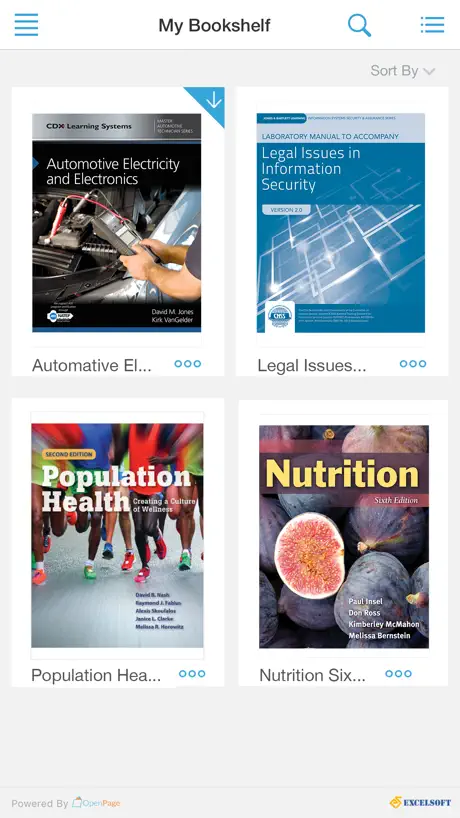
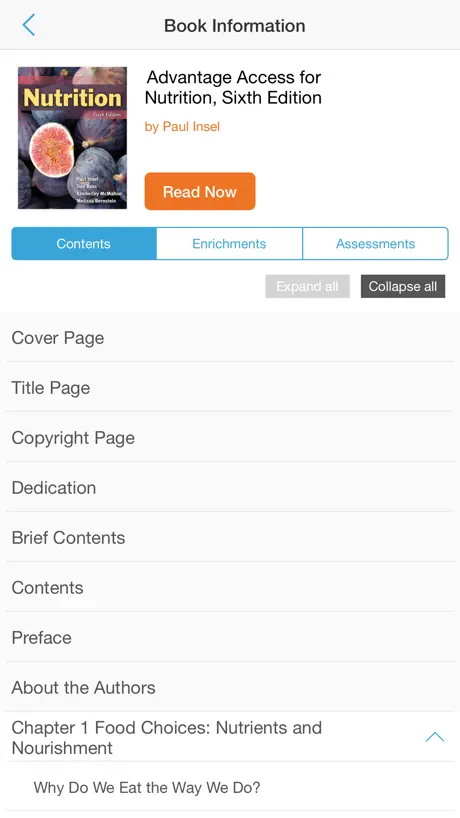
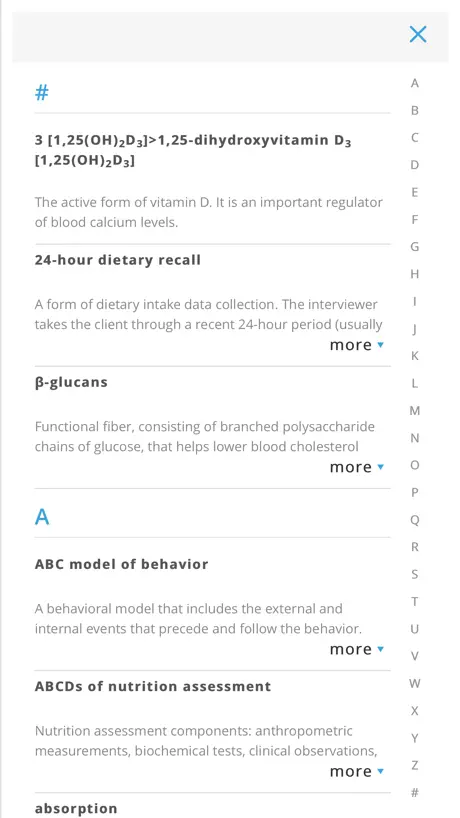
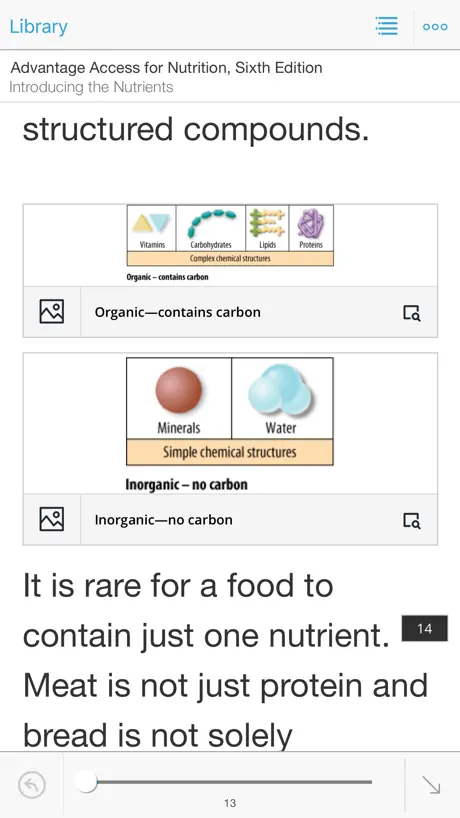
How much does Navigate eReader 2.0 cost?
Prices are current as of 14 Nov 2026.
Navigate eReader 2.0 has no in-app products on record in the United States.
10+ alternatives to Navigate eReader 2.0
| Navigate eReader 2.0 |   Pocket Prep EMS 2026 |   EMT Prep 2027 - Practice Exams |   IFSTA Essentials 7 |   MedicTests 2026 EMS Education |   EMT Prep |   EMT Prep 2026: Pass Exam Test |   Medic Pass 2026: EMS Prep |   Platinum Planner |   EMCE |   Fisdap | |
|---|---|---|---|---|---|---|---|---|---|---|---|
| Rating / 5 | 1.5 | 4.8 | 4.8 | 4.6 | 4.8 | 4.7 | 4.7 | 4.7 | 1.4 | 2.5 | 1.1 |
| Reviews | 385 | 16K | 11K | 2.3K | 2.1K | 1.7K | 708 | 681 | 87 | 55 | 46 |
| Released | 2017 | 2020 | 2019 | 2019 | 2021 | 2021 | 2023 | 2023 | 2016 | 2019 | 2015 |
| Weekly price | — | — | $2.99 | — | — | $3.99 | — | $4.99 | — | — | — |
| Monthly price | — | $15.99 | $9.99 | — | $34.99 | $24.99 | $24.99 | $29.99 | — | — | — |
| One-time price | — | — | $16.99 | $19.99 | $69.99 | $99.99 | $89.99 | — | — | — | — |
The going rate for each plan in United States, in its own currency, shaded from the cheapest price on the row to the dearest. Plans fewer than four in ten of the priced apps sell are left out.
Navigate eReader 2.0 reviews
1.5 out of 5, based on 385 reviews.
What people like
- Works perfectly for offline reading access.
- Easy to use without major issues.
- You can read your books on the go.
What they complain about
- App crashes constantly when launching books.
- Login process is confusing and difficult.
- Page navigation skips or goes backward wrongly.
- You cannot adjust text-to-speech playback speed.
Works well
No issues! Works super well for me! Idk what all the other reviews are saying
Unable to use
Can you please update this app so we can actually read the ebooks that we paid for? I paid so that I cqn have access to the book but the app just keeps crashing.
Not bad
Please add a dark or night mode if possible. Thanks!
Text-to-Speech
It’s a decent BASIC eReader app. It does have text-to-speech/immersive reader, but no way to adjust playback speed. That would be a really helpful feature.
Decent option
Overall decent but it needs some fine tuning seems to be a lot of glitches when the app is put to work outside of casual scrolling for reading . Ex: I press collapse all info on the left tab and start scrolling through chapters just for it to crash because I went to fast or whatever the reason so I have to take it very slow when navigating to not stress the app
Bonne appli
Bonne appli, qui fonctionne parfaitement et est facile à utiliser
App doesnt work
I cant download my purchased book to download because the app just cuts off no matter what i do
Absolutely needs a dark/customizable color read mode!
Otherwise, the app is pretty decent. The page turning leaves a little bit to be desired but it does work. I am also unsure why the rating is so low, it’s not that bad, I regularly use it on my iPad 11 Pro and my iPhone 12 promax without any issues.
A few more features, then perfection.
I’m reading a lot of anatomy and would love to have the ability to zoom in on some of the tables when I’m away from home studying. Changing pages is not very fluid. As opposed to scrolling to the next page- or an arrow going back and forth. The arrow button to go back and page input don’t always seem to work or are bugged. Overall I do enjoy reading my book on the go, just wish it was more user friendly on mobile devices.
Not Impressed
I need this app to access a particular book, however every time I open the menu to do an annotation the whole app crashes. This is absolutely useless when you’re trying to take notes during a course. Also, trying to open ‘support’ results in no webpage and an ‘are you connected to the internet?’ type error. I’m struggling to get it to work because I have to, that’s the only reason I’m tolerating the app.
Reviews had me concerned
I need the book accessible offline and the app seems to work just like the webpage version. I DO RECOMMEND IT, makes a accessing the book less of a hassle especially if you have a pc and tablet, keep the books open and use your pc freely without switching back an forth. So far no issues. Thank you J&B
Functionality issues
Navigating my textbooks in this app is useless and impossible. Anytime I try to advance to the next page, it skips 1, 3, or even 7 pages. Such a waste of my time.
The login issue is a simple but annoying fix
I was getting the same log in error as others.. was ready to give up but decided to login to the website through jb learning (where my acct is through) on my iPad. Once I logged in and launched the Ebook through that way it brought up the download or launch app button which brought my acct online and was able to use app. Now no issues, -1 star because of how difficult it was to figure out. So for others.. try logging into your acct through your iPad on the web browser.. and launch your book.
Super Glitchy (iPhone)
I love that I can access my books on the go. However, whenever I instinctively swipe backwards to go to previous pages, it takes me to the main menu and the overall app distinctions. I can’t even open the book back up without fully closing and reopening the app.
By far the worst ereader I have even attempted to use
How do you take a pdf and make it impossible to navigate on mobile?
Frustrating
This is not my first time using JBL learning products. Whether through the browser or the App, it does not matter—it’s all frustrating. Every potential support feature that you think will help you better actively interact with the material is a useless dead end. Why are the key terms in the books just links to a page that doesn’t even give you a definition. Like I click on link to “cow” and it jumps to a page that just says “cow”. Thats it. No definition. Forget scrolling down to find things via the chapter contents. And the app—forget it. Makes zero difference. It’s all convoluted. Stop doing things half way and not ergonomic. Try testing it out with real people to see how people read and learn.
Lack of customization
This app is inferior in every way to bookshelf. You can’t scroll continuously through pages like you would on a traditional webpage. You can use dark mode for a black background. It’s not very user friendly and tts doesn’t allow you to jump to sections by tapping on wherever you want to start from. It’s a sad experience
Constantly crashing
Now it says my book needs to be updated but every time I click to update it the app crashes. The app was at least operational before but I can’t even open the previous version of my book.
Could be great
The app is helpful as I can read on the go but the app will not allow full screen and if I exit a book I cannot get back in without closing the app. I do like the notes and annotation options but it’s very frustrating to not be able to have the app in full screen mode, this leaves my other apps/bar showing when I’m trying to focus. If they fixed these problems I’d give it a much higher rating.
Books aren’t available?
I added a new book to my shelf online, after accessing my app, I no longer have ANY books on my shelf. There needs to be a section to add the redemption/access code within the app itself. I have to go online to access my reading material if I want to see it that way. What’s the point of having the app now?!
HORRIBLE
You have to scroll down perfectly straight or else it will skip a page to the right, but if you slide your finger to the left it will close you out of the book instead of returning you to the page you were at. And when you try and click the book to get back in, it won’t work so you have to restart the app :/ There should be an option to turn off sliding pages. The bar at the bottom is also terrible as it won’t tell you what page you’re going to and just shows titles that are completely inaccurate. The concept of this is so cool, it would be way better to be able to keep reading my book when outside instead of having to pull out my laptop. But it was not very well made :(
Not happy Very clunky
In my other text books I can tap on the screen where I want the ereader to begin. This one goes to the very beginning every.single.time. It is so monotonous. I can’t walk away for too long if I need to grab something because the reader will have to start over (I essentially time out). Another aspect is the speed. FTLofG please add the ability to change the speed. The voice is pleasant but so slow that it is one to put you to sleep. This is a function that even the old cassette players for the blind had back in the ‘80s and 90s. I can remember speeding through my college books back then. I also remember a friend listening to hers as she did other chores and that thing was going super fast. I couldn’t understand some but she had as this was her way of getting books for 20 years. Catch up. I really need to be able to write notes in my texts and then transfer those notes over. Other textbook readers have this function. I can highlight and find that, but I can’t write notes. I have a pencil that would make it easy. Why can’t you add that function like others. This app just really lacks what the others have. I’m just really at a loss why it is the go to for this publisher.
Last update broke app
Every time I try to go back a page it sends me to the main book selection page and freezes ,I shouldn’t have to hard close the app every time I go back a page
Stop UNDERLING text
To the DEVELOPERS Please allow USERS to torn off the FEATURE that UNDERLINES words from the GLOSSARY throughout the TEXT. Reading TEXT with randomly UNDERLINED words is very ANNOYING.
This app sucks
This is really very bad app for a book worth 1000$ I feel like I got ripped off. You can do a lot better than this but my guess is you busy ripping off other students. Monopoly over these books need to stop.
Pretty bad
The app crashes whenever I try an launch a book.
Navigate eReader 2.0 FAQ
- Is Navigate eReader 2.0 free?
- Yes. The app is free, in all 175 countries it sells in, and it sells nothing inside it.
- Does Navigate eReader 2.0 have a free trial?
- No. None of its offers (US) come with a free trial.
- What are the best alternatives to Navigate eReader 2.0?
- Pocket Prep EMS 2026 (4.8 from 15,980 reviews, premium from $15.99), EMT Prep 2027 - Practice Exams (4.8 from 11,477 reviews, premium from $1.99) and IFSTA Essentials 7 (4.6 from 2,328 reviews, premium from $1.99).
Navigate eReader 2.0 download
Last updated 4 months ago.
Navigate eReader 2.0 sells in 175 countries. It was released 9 years and 2 months ago, on 28 Aug 2017. It holds a 1.5 rating from 385 reviews.
Supports 1 language: English.
How much does Navigate eReader 2.0 make?
Third-party estimates for the last 30 days, worldwide — not the store's own figures, which Apple publishes for nobody.