
Nemonic Classic
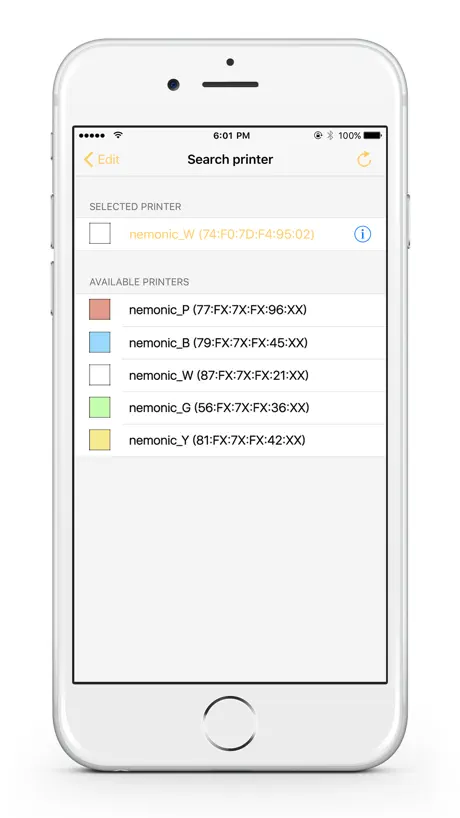
How much does Nemonic Classic cost?
Prices are current as of 18 Nov 2026.
Nemonic Classic has no in-app products on record in the United States.
10+ alternatives to Nemonic Classic
| Nemonic Classic |   Bakey: Install & Use Fonts |   MemoWidget (todo&photo widget) | 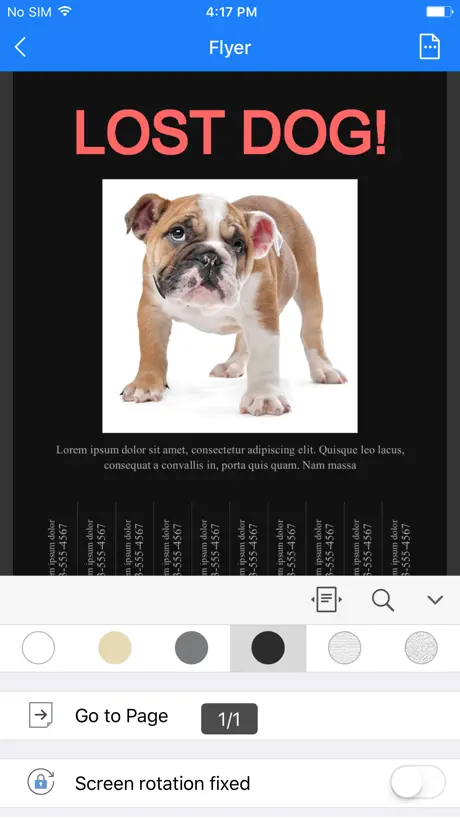  Polaris Viewer - PDF, Document | 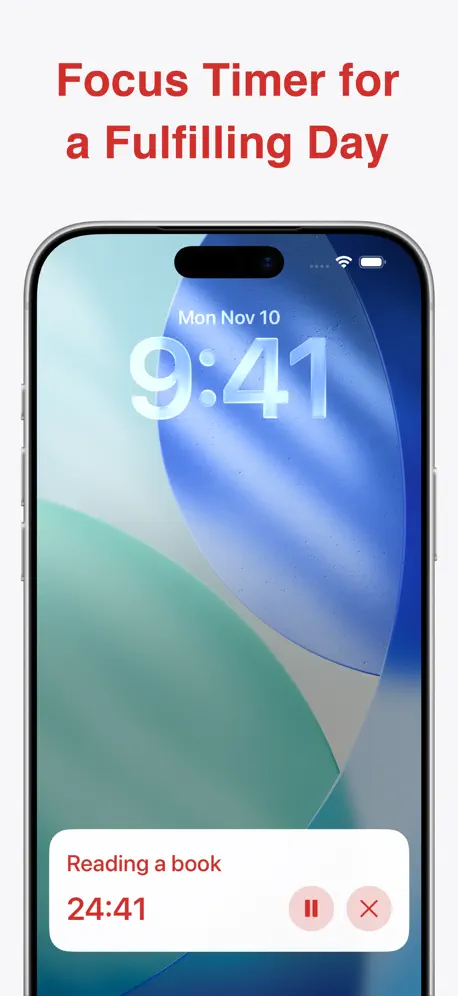  Ultimate Focus - Visual Timer | 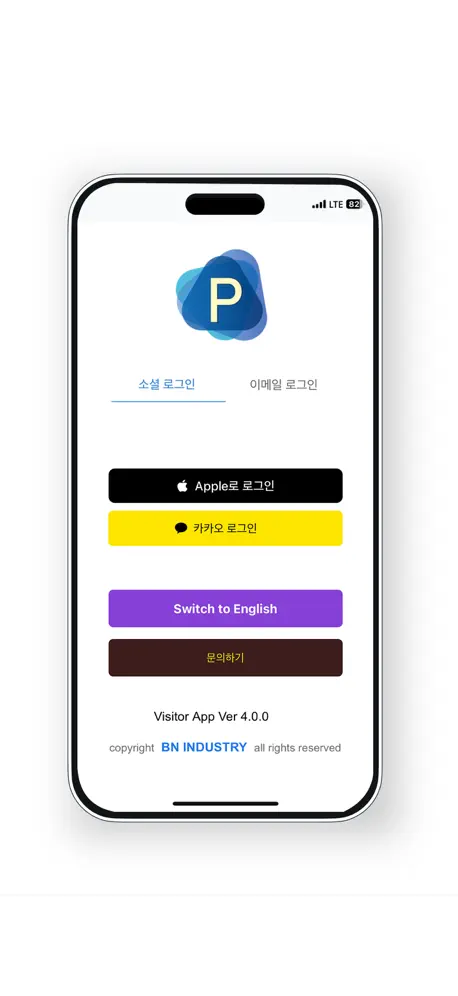  해피 파킹 - 스마트 방문 차량 예약 앱 | 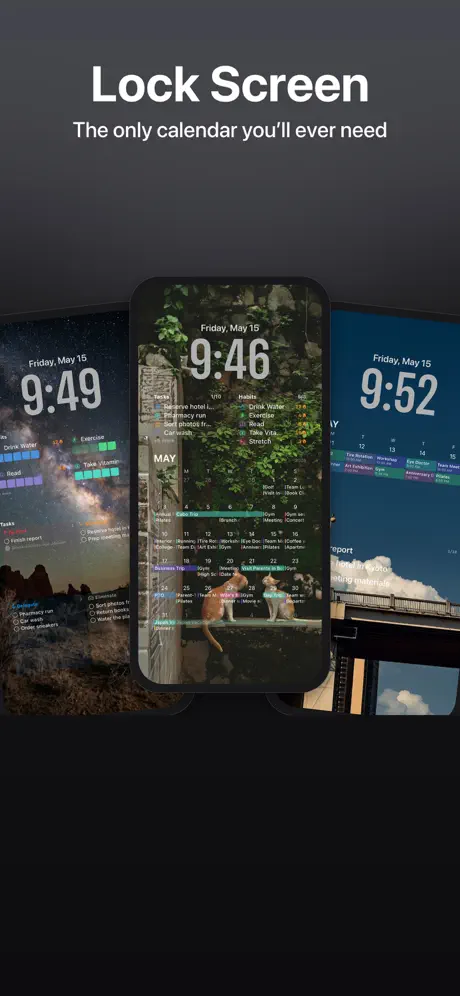  AnySchedule - Shared Calendar |   Eisenhower Matrix: Todo & Task |   Hancom Docs |   네이버 메모 – Naver Memo |   Daily Schedule -easy timetable | |
|---|---|---|---|---|---|---|---|---|---|---|---|
| Rating / 5 | 3.1 | 4.8 | 4.7 | 4.5 | 4.8 | 4.6 | 4.6 | 4.5 | 2.4 | 2.7 | 5.0 |
| Reviews | 260 | 26K | 15K | 13K | 11K | 8.6K | 3.5K | 3.1K | 2.3K | 1.4K | 1 |
| Released | 2017 | 2020 | 2020 | 2018 | 2023 | 2019 | 2026 | 2023 | 2022 | 2011 | 2023 |
| Monthly price | — | — | $2.99 | — | $2.99 | — | $2.99 | $2.99 | — | — | $1.49 |
| Annual price | — | — | $14.49 | — | $17.99 | — | $11.99 | $17.99 | — | — | $14.99 |
| One-time price | — | $2.99 | — | $10.99 | $39.99 | — | $19.99 | $29.99 | — | — | $33.49 |
The going rate for each plan in United States, in its own currency, shaded from the cheapest price on the row to the dearest. Plans fewer than four in ten of the priced apps sell are left out.
Nemonic Classic reviews
3.1 out of 5, based on 260 reviews.
What people like
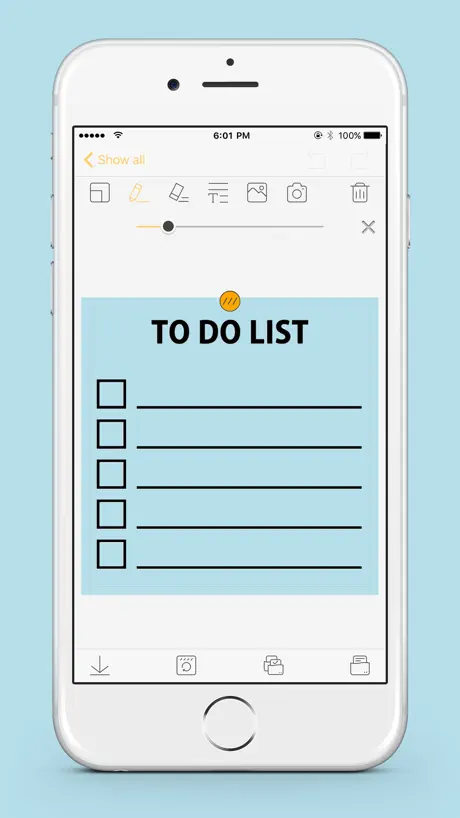
- Great for visual task lists.
- Easy to print notes quickly.
- Totally free with good features.
What they complain about
- Bluetooth connection fails often.
- Does not work on many iPhones.
- No horizontal mode on iPads.
좋은데 개선 부탁
너무 좋아서 직장에도 두대, 집에도 한대 사용해요. 근데 어플 사용할 때 세로로 화면이 고정되어있더라구요. 가로로도 변환하면서 쓸수있으면 좋겠어요.
프린트 연결 안됨
프린트 연결이 자꾸 실패합니다.. 블루투스에서 기기 삭제 후 연결이 됐는데도 프린트하려하면 -81에러 떠요ㅠㅠ
아이패드 가로 지원 됐으면 좋겠어요
아이패드에서 실행은 가능한데 가로모드가 지원되지 않아서 매직키보드에 거치해서 사용할 수가 없습니다. 키보드로 타이핑 하면 더 쾌적할거 같은데 가로 지원이 됐으면 좋겠구요, 텍스트 박스에서 직선을 그릴 수 있는 도구툴이 있었으면 좋겠습니다. 직선툴이 되면 그걸로 텍스트 박스나 표 같은 디자인을 만들 수 있을거 같은데 그냥 핸드드로잉 툴만 있어서 아쉽습니다.
아이패드에서 너무 불편
갤럭시에서와 다르게 위에 글씨조절 창이 계속 화면 가리고 터치도 잘 안먹혀요
용지조정이
좀 더 자유로우면 좋겠습니다. 메모가 끝나는 부분에거 끊기는 등
아이폰 네모닉 미니 지원( nemonicmini_m3)
개발자님 안녕하세요! 지인에게 네모닉미니를 선물받게 되었습니다-! 아이폰 앱스토어에 네모닉 앱이 있어 다운을 받고 사용을 하게되었습니다:) 그런데 블루투스 연결은 되지만 핸드폰 화면에 지원되지 않는다고 뜨더라구요ㅠㅠ 그래서 다른분의 폰을 빌려 쓰고있는데 불편함이 있어서요ㅠㅠ 앱은 정말 좋은거 같습니다! 원하는대로 편집해서 프린트해서 공부할때 쓰는데 너무 좋습니다:)다만 앱과 아이폰의 연동이 불편하다는점이 큰 단점인거 같습니다
Broken
No longer connect to Nemonic nor can it find the printer after I’m told to clear and search again. Useless esp I just bought the papers. Will never buy Nemonic again
아이패드 사용시 가로모드 가능할까요
고시생입니다:-) 핸드폰으로 중요한부분 바로바로 스캔하고, 메모할때도 깔끔하게 할수 있어서 자주 애용중인데요! 핸드폰으로 사용시 속도가 느려서 아이패드 지원가능한지 봤더니 앱이 있어서 깔았는데 ㅎㅎㅎ... 저는 주로 키보드 연결해서 사용중인데 아이패드에서는 세로모드만 지원되네요 ㅠㅠㅠ 제발 가로모드로도 지원해주세요 그럼 진짜 200프로 활용가능할것 같습니다 ㅠㅠ 맥에서 블루투스로 안되고 선으로 연결해야해서 ㅠㅠㅠ 주로 핸드폰 아이패드 활용하는데 키보드 사용해서 빠르게 자판치며 시간 절약하고 싶어요!!! 제발 부탁드려요!!!!
ios 는 인쇄를 할 수가 없나요?
제 폰이 ios 애플인데 연결이 전혀 안됩니다. 원래 그런건가요?
Great and easy to use, but…
I’ve been using this printer and app for years at my job. The app is very easy to use and the printer works well. The only downside (and I NEVER expected to say this) is that, with lack of any sort of account or login info, every time I have to redownload the app, I lose all my saved notes. So if you upgrade your device, you lose your saved notes. My phone factory reset recently and I lost years of data. Years. I have to start from scratch now. I’m usually the last person wanting to sign up for another account. I actually have an email I use when I just don’t want them having my “real” email. It is a real email, it’s my real email, I just never check it because I only use it for these type situations. But I truly feel this would help this app out a lot.
아이폰 13 미니 호환이 안돼요
업데이트 해주세요 ㅠㅠ
그럼 어플을 만다고 앱스토에 넣어놓노
짱나게 ㅡㅡ 기능이 지원될때 처 넣어놓던가 겁나 열받게하네
아이폰 블루투스 연결 오류
네모닉 잘 사용하고 있습니다.다만 블루투스가 한번 뽑을때마다 다시 연결해야되네요 제 핸드폰 문제인줄 알았는데 다른분꺼도 같은현상이 있더라구요 해결법이 있을까요??
지원되지 않는 악세서리
아이폰 12 프로 맥스 입니다. 블루투스 연결시 해당 기기는 지원하지 않는다며 연결이 되지 않습니다. 금방 수정될줄 알고 기다렸는데 몇년이 지났는데도 수정이 이루어지지 않고 있는거 보면 아에 해당 문제를 보고 받지 못한게 아닌가 싶어서 리뷰 남겨 놓습니다.
프린터 연결
갑자기 프린터 연결이 끊기고 그 뒤로 프린터가 안 떠서 연결이 안되는데 이게 뭘까요 ㅠㅠ 그리고 어디에 문의해야하는지 ..
학습용으로 너무 잘 쓰고 있어요!
학습용으로 사용중인데 만족스럽습니다! 한가지 개선점이 있다면 메모들을 보관하고싶은데 워낙 많아서 일일이 찾기가 어렵더라구요 ㅠ 그래서 폴더같은 걸 만들어서 나눠 보관할 수 있으면 참 좋을 것 같아 건의해봅니다~
What has happened?
Does not stay connected any longer with Bluetooth no matter how many times I uninstall and reinstall
텍스트 박스
텍스트 박스가 한개만 생성되네요. 갤럭시에서는 여러개 만들어지던데 아이패드에서도 여러개 생성되게 해주세요. + 오늘날짜 영문으로 바로 추가될 수 있는 기능 추가되면 진짜 좋겠어요. 페이퍼랑 쓸 때 애용하는 기능입니다.
プリンターが登録出来ない
iPhone12 pro MAX, iOS15.6.1環境でアプリから印刷が出来なくなった。 iOSのアップデート後に出来なくなったみたい。 プリンターを認識はしているが機種自体の登録がアプリ側で出来ない。 プリンター側のリセットボタンを押しても変わらず。 サポートにメールしても、その後どうなったか一向に返事がこない・・・。
아이폰 아예 안되나요?
mip-101인데 업데이트 하거나 아예 할 수 있는 방법이 없나요?
A Hidden Gem
This is an amazing free app!! I can't believe it has not been discovered and taken off. It's exactly what I need and then some with great features, amazing templates, simple, and free!! Thanks developers!!!! *It would be a bonus to be able to change the font color and style, but as a free app, it's certainly not lacking without that feature.
WONT PRINT
CANT PRINT THE STUPID THING THAT I MADE CUS ITS NOT CONECTING TO MY PRINTER!!!!!!!!!!!!!
Great tool
Love app and would love to see updated notes and templates would be really helpful. I would also like a suggestion on printer labels its becoming difficult to find replacement labels please help
달력 업데이트
안해주나요?😳
Works well for Post It Notes, Not Transparent Labels
The app works great for Post-It Notes, but Nemonic sells transparent labels .5" x 2" for which this app does not accommodate! I am hoping there will be an update to the app, as this is one of the reasons I bought this printer. If it were to get updated, I will come back and upgrade my review.
Nikki9
It is a very useful four work chores and other stuff I love thatThere is a lot of styles and I like it you should definitely get it
Does not print
Like many others will not connect to the printer.
개선되었으면해요
사이즈 폭은 괜찮은데 길이를 더 길게 할수 있었으면 좋겠어요🙂 영수증 용지로 사용하는데 칸이 적어서ㅠ 텍스트도 만들수 있는 수 가 안정해 있으면 좀 더 좋을거 같아요 크게 불편함 없이 잘 사용하고 있는데 조금 만 더 개선되면 사용하는데 편리하고 좋을거 같아요!💚
네임 스티커 그림이나 이모티콘
네임 스티커에 캐릭터 그림이나 이모티콘같운것이 있었음 합니다
앱 가로 모드 가능하게 해주세요
아이패드에 매직키보드 붙여서 사용중인데, 네모닉 앱 실행시 세로모드로 전환되어 버리니 앱을 사용할 수가 없습니다.
I LOVE THIS APP!
This app is amazing! There is so much to it, along with everything being so creative and cute! And this app is great for people while during covid spare on virtual and need a free and high quality notes app! I love it! Great job and keep at it :)
App didn’t connect to the printer
The app didn’t connect to the printer, do not download
건의드립니다
안녕하세요 개발자님. 아이패드에서 가로모드도 지원된다면 작업 중 패드를 세로로 돌려가며 쓰는 불편함 없이 훨씬 효율적으로 이용이 가능할 것 같습니다.
가로 버젼 가능하게 해주세요
태블릿에서 키보드로 편집하는게 편할 것 같은데 회전이 안되요. 가로로 회전되도록 해주세요. 일러스트도 크기를 자르거나 하는 등의 편집이 됐으면 좋겠네요. 글상자도 하나가 아니라 여러개 형성할 수 있으면 좋겠구요. 다른 라벨 프로그램 사용하는게 있는데 그것보다는 약간 불편함이 느껴집니다.
네임택 버그
네임택 첫째줄 쓸때에 화면밖 위로 올라가버려서 뭘쓰는지 안보여요 진짜 너무불편해요
Great and Plentiful Templates
Version 2.1.19 Crashing bug has been fixed! Thanks!
Won’t Connect
So frustrating. Printer will not connect any longer. Just bought paper and cannot return. Support unresponsive. Just did update and still does not work. Tried every possible way to connect and nothing. #POS.
All that I need but....
Is there a possibility that I can ‘pin’ it in my home screen? Like a widget of something? Or is it possible but I’m not sure how or maybe possible if I pay for it? That would be really great
맥os지원?
2020 맥북에어 쓰고있고 네모닉미니 사용하려는데 버전에 맞는 드라이브도 쓰고 usb포트까지 연결했는데 블루투스는 잡혀도 계속 프린터 및 스캔에서 설정끝내고 써야한다고해서 설정하려했더니 자꾸 안잡히네요; 그래도 잉크안쓰는거라서 중고로 거래한건데 흠... 아이폰ㆍ아이패드는 안된다쳐도 맥os에선 되야되는데 왜 안되는지;;
핸드폰과의 연결에 문제가 있습니다
한장 출력후 블루투스를 새로 연결해 줘야하네요. 여러개를 뽑으려면 출력 후 블루투스연결을 계속 반복해야합니다.
Visual person
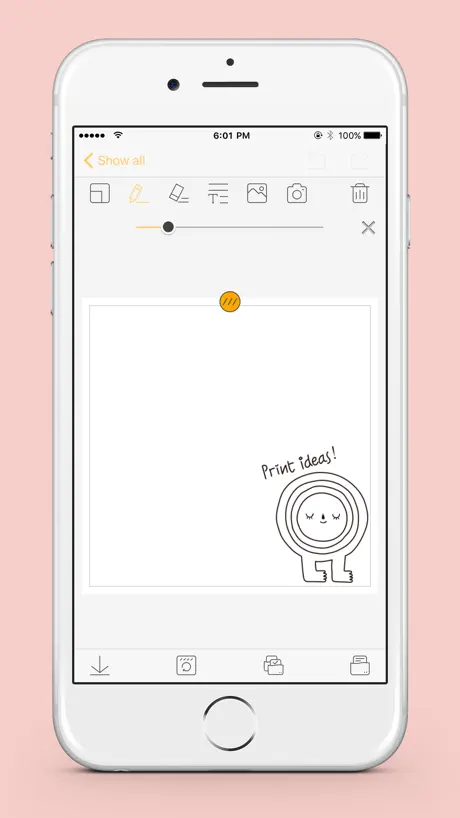
So thrilled to have this! Typical task lists don’t do it for me. I am an artist and most of my ToDo’s refer to specific images I need to tweak or replicate or ship. It can be hard to remember which images go with which customer and receipts don’t show this unless I take the time to scribble a quick mini version line drawing in the corner. So having a device that lets me drop in a visual is so helpful and time saving for me!
Doesn't work at all
New out of the box and it doesn't work. Several emails to support with no response. No way to return.
複数画像を1枚に印刷したい
iPhoneアプリ内で複数画像を並べて印刷できるようにしてほしい。 アプリ内で今月や来月のカレンダーを生成できたら嬉しいです。
아이폰이 사용이 안되면
미니 샀는데 환불이라도 하고 싶네요 아니 안드로이드 되면 아이폰도 그냥 하면 되는건제 왜 안하시는거에요 삼성에게 약점 잡히셨나
제품 자체는 훌륭한 수준인데 지원소프트웨어가 좀 미흡한 듯…..
제품은 아주 만족스럽게 사용 중에 있습니다. 다만 IOS 및 mac용 소프트웨어가 좀 미흡한 수준입니다. 그리고 아이패드용 앱에서 가로보기 지원 꼭 좀 부탁드립니다.
Easy to use
Easy to use. Works well could use improvement in being able to shrink texts to fit within the allotted space easier.
Doesn’t work for iPhone.
App demands I “Select an accessory” prior to printing, then shows “Printer Error” when accessory can’t be selected, and doesn’t print anything. But it works on an S22 Ultra. Not sure why it’s even on the app store if it doesn’t work on my iPhones.
使えるツールではある
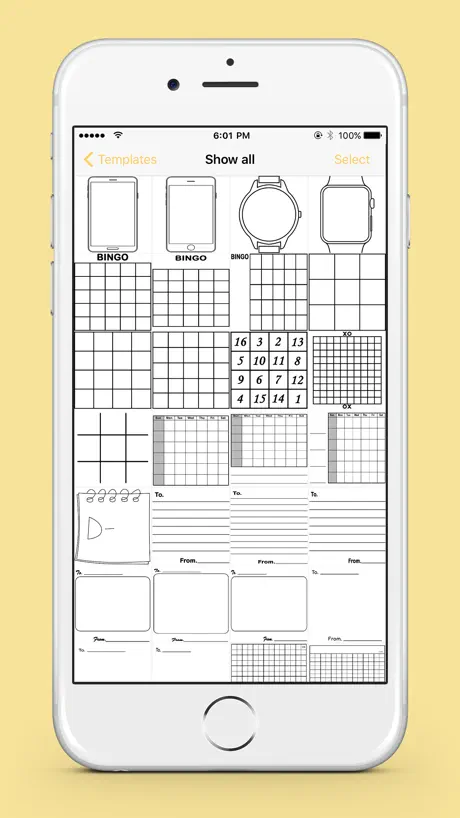
職場で使っています。iPhoneから付箋を印刷できるのは非常に便利で重宝しています。 星を一つ減らしたのは、メモ作成時のテキストボックスの仕様が使いにくい為です。 文字サイズの調整がスライダーになっており、文字サイズの調整がかなりしんどいです。あらかじめいくつかフォントサイズを決めた仕様の方が使いやすいかと思います。 また、テキストボックス入力中、メモの下の方まで文章を書きたい場合、キーボードが邪魔になって書いている文字が見えないのは結構困ります。 あと、テキストボックスが複数配置できるようになると使いやすいと思います。 手書きがデフォルトでメモの作成が始まりますが、テキストボックスから作成が始まるとありがたいです。手書きがメインの機能だとすると、直接メモに書いた方が早いのであまり存在意義が表せないと思います。 スマートフォンでサイトからの引用をすぐに印刷したり、アプリ上で作成した覚書などのテキストを印刷できることがこの商品の強みだと思うので、テキスト印刷を強化していただけたら便利になるかと思いました。 職場のデスクワーク使用という視点での意見なのであまり参考にはならないかもしれませんが、上記に挙げた点を考慮していただければビジネス用途でもっと広がりそうだと思います。
아이폰11프로
아이폰 11프로에서 사용 안되나요? 인쇄 시에 안된다고 계속 나와요?
업데이트이후 저장된거 사용 불편
<내메모>에 저장해서 조금씩 내용 수정해서 잘 사용하고 있었는데 최근 업데이트 이후인지 수정하려면 글씨 크기가 달라져서 맞춰서 다시 다 수정해야하네요ㅠㅠ
Nemonic Classic FAQ
- Is Nemonic Classic free?
- Yes. The app is free, in all 173 countries it sells in, and it sells nothing inside it.
- Does Nemonic Classic have a free trial?
- No. None of its offers (US) come with a free trial.
- What are the best alternatives to Nemonic Classic?
- Bakey: Install & Use Fonts (4.8 from 26,387 reviews, premium from $2.99), MemoWidget (todo&photo widget) (4.7 from 14,985 reviews, premium from $2.99) and Polaris Viewer - PDF, Document (4.5 from 12,594 reviews, premium from $10.99).
Nemonic Classic download
Last updated 4 months ago.
Nemonic Classic sells in 173 countries. It was released 9 years and 5 months ago, on 9 Jun 2017. It holds a 3.1 rating from 260 reviews.
Supports 7 languages: English, French, German, Italian, Japanese, Korean, Chinese.
How much does Nemonic Classic make?
Third-party estimates for the last 30 days, worldwide — not the store's own figures, which Apple publishes for nobody.