Naver Papago - AI Translator
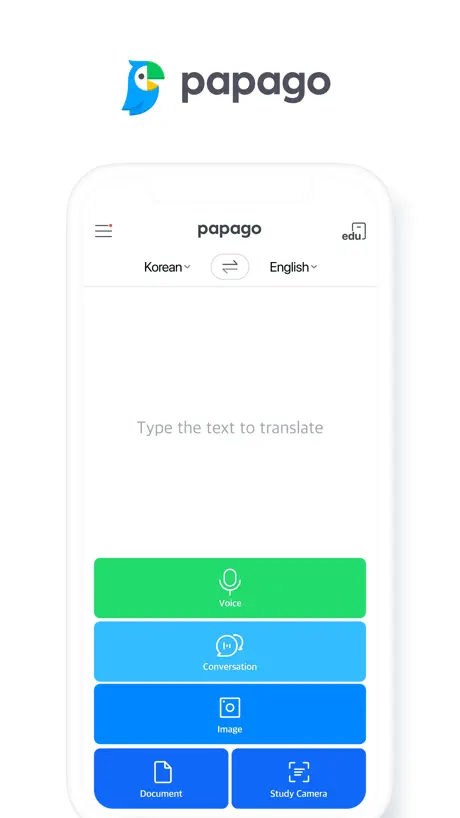
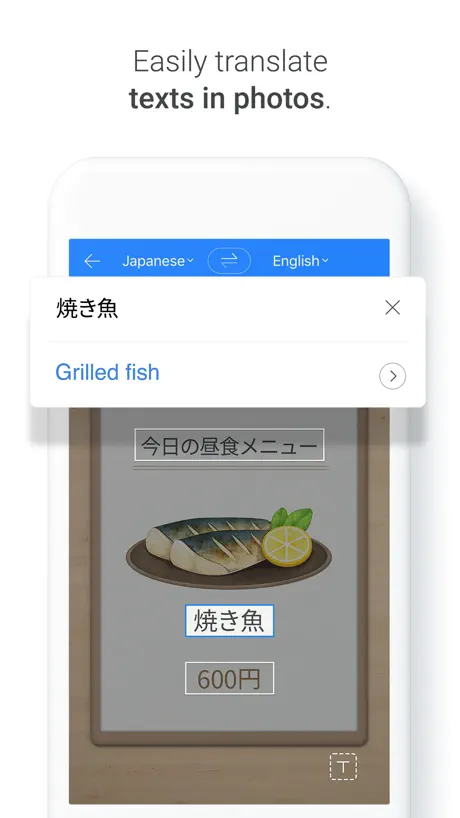
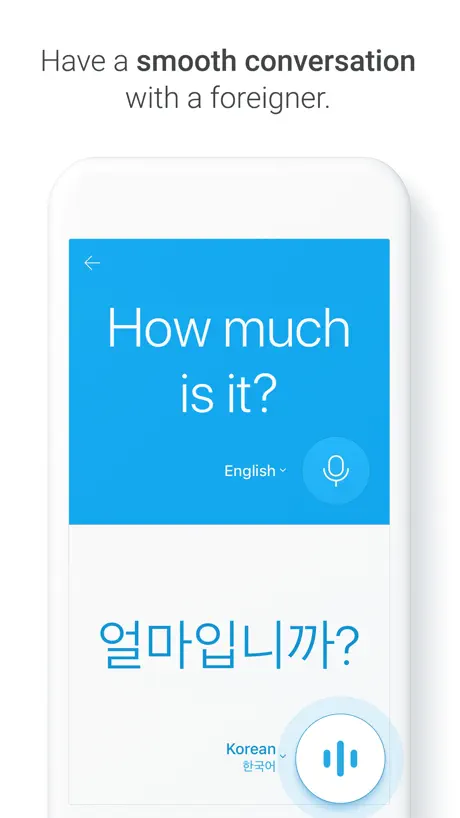
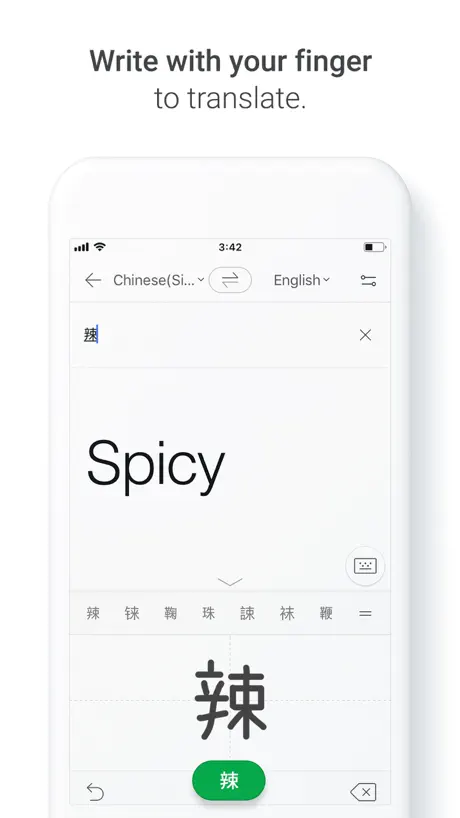
How much does Naver Papago - AI Translator cost?
Prices are current as of 6 Nov 2026.
Naver Papago - AI Translator has no in-app products on record in the United States.
10+ alternatives to Naver Papago - AI Translator
| Naver Papago - AI Translator | 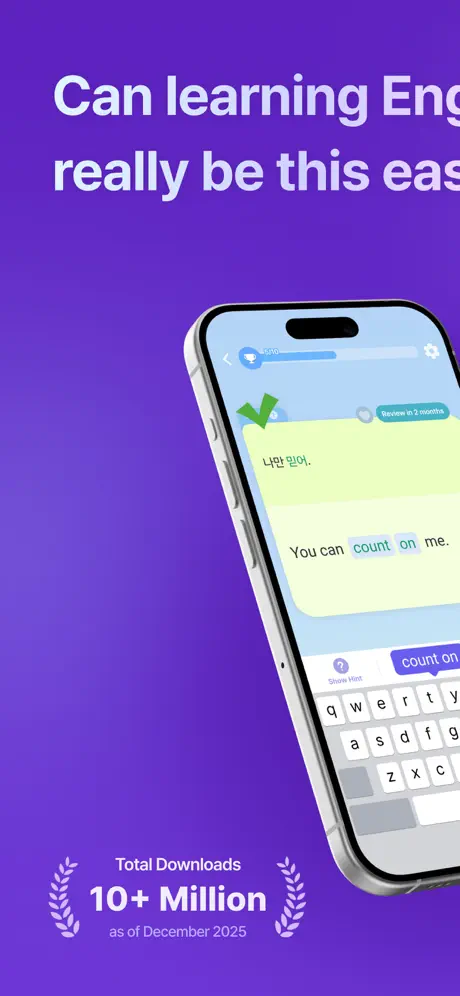  Epop: Learn Real-Life English |   하이클래스 |   클래스카드 | 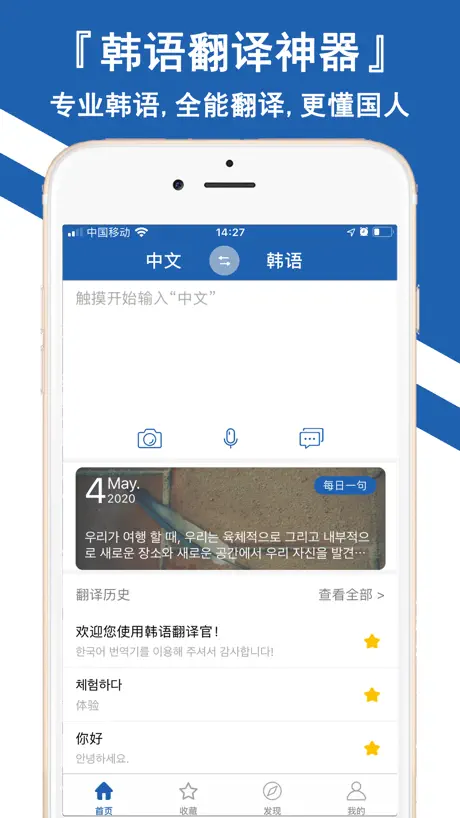  韩语翻译官-随身韩文拍照翻译软件 | 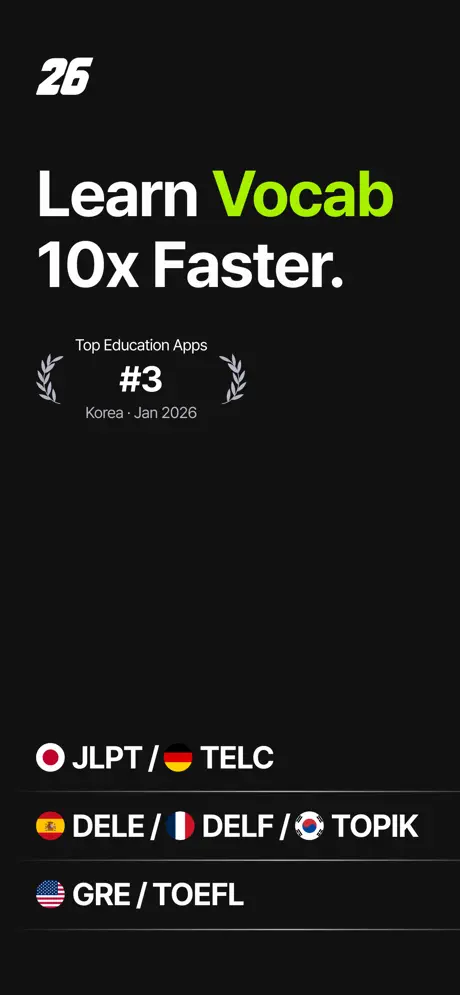  26s: Vocabulary Builder |   리로스쿨 |   Kuli Kuli: Travel Translator |   아이알리미 |   스마트 공지시스템 e알리미 |   컴시간알리미 | |
|---|---|---|---|---|---|---|---|---|---|---|---|
| Rating / 5 | 4.5 | 4.7 | 4.7 | 4.2 | 4.9 | 4.8 | 3.5 | 4.6 | 3.9 | 1.4 | 3.4 |
| Reviews | 68K | 101K | 65K | 26K | 18K | 13K | 5.4K | 4.2K | 1.8K | 1.7K | 175 |
| Released | 2016 | 2019 | 2020 | 2017 | 2018 | 2024 | 2015 | 2023 | 2016 | 2014 | 2024 |
| Monthly price | — | $14.99 | — | — | — | $14.99 | — | — | — | — | — |
| Annual price | — | $99.99 | — | — | $14.99 | $89.99 | — | — | — | — | — |
| One-time price | — | — | — | — | $0.99 | $68.00 | — | $14.99 | — | — | — |
The going rate for each plan in United States, in its own currency, shaded from the cheapest price on the row to the dearest.
Naver Papago - AI Translator reviews
4.5 out of 5, based on 67,559 reviews.
What people like
- Best option for Asian language translations
- Saves translated images directly to your phone
- Great tool for learning new languages
What they complain about
- Keeps forcing Korean as a default language
- Recent updates cause frequent crashes and bugs
- Voice recognition misses words or autocorrects badly
- Supports very few languages compared to rivals
Helps me
It helps learn languages and practice!
Used to be good
used to be really good now it takes 30 seconds to switch to different modes
파파고 리뷰
너무 좋은데 음성이 조금 아쉅네요.하지만 정말 효과 좋아요!!
엥간치해라
빨리고쳐주세요 접속자체가안되는데
오류가 넘 심해용
잘 쓰고 잇엇는데 다시 깔고 뭘 해봐도 그냥 계속 저 파란새 화면 뿐이고… 응…
편하 다이얏
재미떠
ts pmo
study camera only wanna do korean pmo
오류많음
오류가 너무 많네요… 뜻이 다른 뜻이 나왔어요 그리고 낮말 카드 좋은데 더 다양한 언어가 있었으면 좋겠습니다
단어들이 나오지 않네요
전에는 한국어에서 영어를 번역할 때 같거나 비슷한 의미를 가진 단어들이 나왔는데 이제는 나오지 않네요. 근데 반대로 영어에서 한국어로 번역할땐 나오네요. 버그인지 뭔지는 모르겠으나 만약 버그라면 빨리 수정 되길 바랍니다.
Not as good as the built in translator
As someone who’s been learning Japanese, I’ve come to rely on this app less & less as I’ve noticed that it’s not as good, and occasionally gets things incredibly wrong. I feel like it’s actually gotten worse as times gone on & not as good as previous versions.
way better than anything apple or google could ever do lol
try harder next time!
Don’t like image translated
I love the app but I don’t like that the translated text is in a separate box and not on the actual image. It makes it really hard to understand.
Almost there!
It does reasonably well. It thinks too hard with spoken words and wants to use more commonly used words similar to an autocorrect feature. It will start out with what you expect, then change it to a more common similar sounding words. With similar sounds from words like 쭉, 죽 and 죽, Papago wants to change them all to 죽. It would be nice to turn off the autocorrect feature and have a feature that displays whatever is spoken. Have a pronunciation learning section as well. Autocorrect is very helpful with complete words. Not always with word parts or word symbols.
왤케 버벅이고 멈추나요?
진짜 그동안 너무 감사하게 잘쓰고 있었는데 두달?인지 3달인지 정확하게 기억은 안납니다만 업데이트 하고나서 계속 화면이 멈춰요. 폰 문제라면 다른 어플도 그래야 하는데 파파고만 그래요 글을 작성하고나서 스스로 번역하는 과정에서 버퍼링 걸리듯 멈춰서 빠르게 수정도 안되고.. 어플 리뷰를 단한번도 안쓰다가 답답해서 참다참다 씁니다.. 기종은 아이폰15프로입니다. 심지어 서브폰 아이폰12미니는 그런 현상이 전혀 없는데 아이폰15에서 버벅거리는거 보고 업뎃 절대 안하고 있습니다. 방금 최신업데이트 하고도 여전히 그러네요. 15버전 최신 12미니 버전 1.1025
Offline Spanish
Add Spanish offline translation
Compare.
I like comparing its translations with other software, and I always come back to it.
Worst!!
Take down the app right now. Went to South Korea depending on this app. Made my life miserable. Stupid app!
I like it
I like it a lot however there are times where it’s not picking up what I’m saying Google Translate does it better when I’m talking fast in Korean. It tries to keep up but it even when I say it slow it doesn’t pick up everything
エラー頻発します
重宝しているのですが、このところ翻訳がうまくいかず何度もリロードしないと訳してくれません。エラーも頻発します。使い勝手がどんどん悪くなり残念です。
Notes In Korean?
Why is the Edu section available for usage if they won’t let the users change the language from Korean to English so we can understand the meaning of the words. It’s completely not useful at that point no longer. They may as well delete it from the app.
Superb.
Apple’s built-in translation tools are pretty great, especially the ability to find and translate text in photos; it’s just too bad that there doesn’t seem to be a way to save a photo with translations in place! Enter Papago. It does this extremely well.
번역 멀리서 되지도 않는데 누가 씀?
가까이서 해도 이상하게 되고 멀리서 하면 아예 안되는데 어케쓰란거냐..
What happened?
This app is working properly until a week or so ago. I wanted to sync the data between the app on my iPad and the app on my iPhone so I signed out of my iPhone app I couldn’t sign in again now it says I’m signed in but all my favorites are gone, and there is no history. I’ve lost all the data. I’ve saved over the last months. What happened?
早急な改善願います
アップデートしたら全然動かなくなりました。今まですごく便利だった分ので残念です。早く改善することを願います。
Very limited languages
Hardly any languages on this app
Super helpful
I’m not one to write reviews but I think this app deserves it! It’s my go to translation tool when I am at work and I will have people varying in language from Spanish to Chinese come in. I find it easy to navigate and does a better job translating Asian languages than say Google Translate!
Worst log in ever
Worst log in ever
Highly recommend, but needs some more work. Overall, happy with Papago.
I’ve been using Papago for about four years. In the beginning there were significant issues with translation (I’m using for both Korean and Japanese). The issues were particularly with Korean. Being new to Hangul, I didn’t understand the sentence structure and the app didn’t work well with helping to understand that aspect. With the help of other sources I was finally able to figure out, for the most part, how to put together sentences and phrases. It still translates some words and sentences awkwardly and differently than other translation apps. I’m actually still trying to figure some of those out. In certain cases I just go with what the majority of the other apps say. But I’m writing a review today for one very important (to me at least) that seems to not be working as well as previously. I think it’s very important especially to foreigners and those who are younger who are using this app. There is an “honorific” option when translating. Recently, I’ve noticed it’s not working as it has in the past. I’m not saying it just gives outright casual translation, but it certainly doesn’t provide the ”니다“ ending like it used to. I understand not everything ends with “니다” , but it seems like there’s more of the “요“ ending instead. This is just my personal opinion, but if I’m speaking to someone who I don’t know and who is older than me I would rather use the more formal ending. Please take these suggestions into consideration. 감사합니다.
韓国語⇄日本語
で使用してます。韓国語はアップデートされる前の方が正確だったように感じます。長い文だとふりがなのせいで文字数が増えた為か表示されなくなりましたし翻訳も不自然になりました。改善お願いします。
don’t support Arabic translation for photos
don’t support Arabic translation for photos
멋진 앱
저는 이 앱을 단순히 일본어 중국어 등을 배우기 위해 많이 사용하지 않습니다
Fail
App fails to properly load and start listening. Consistently fails to pick up the and understand the first two syllables in a translation and cuts off translation while in the middle of speaking. Complete and utter trash.
add more languages
cannu also add tagalog or ilocano 😇🙏
小葵花妈妈再也不用担心孩子看不懂英文书了
直接打开pdf书籍翻译这个功能很棒,但是翻译准确度很低哎,糟糕,希望改进求求了。
Keyboard
Only thing missing is them creating a keyboard.
Arabic Language Support
I wish to support Arabic facing playback and also after translating the texts in the images clean the option of saving as an image
Buggy Study Mode
When I tried to use study mode, I’m always stuck with Korean on either input or output. I wanted to translate Japanese to English but it only lets me do Korean to English, Japanese to Korean, etc. No matter what I do, one of them is Korean.
Good but app but need more languages
The translations are very accurate and I quite like the app however there is a very limited amount of languages to choose from. Hopefully in future updates there can be more languages added like Arabic for example.
couldn’t use
Currently in Japan right now and every time I tried to scan an image for translation I can’t select japan to English. It keeps changing it to Korean. My app it’s updated as well not sure why it’s doing that. Just use google translate
I think it’s hacked..
I used to go to this translator as my go to because I am learning 3 languages and it offers many languages to translate into but recently I’ve been noticing something weird. When I translate simple words it gives me wack results. Yesterday I searched up the meaning for « si » in French which means if, but the translator gave me « if so please explain why ________________________________________________________________________________________________”then I searched up the meaning for a sentence about a house and it gave me “ at home last Saturday, I had the opportunity to talk to my wife and daughter about their experiences with aids and hiv.” UM? I believe it’s been hacked.
very good
greattttttttt app
Study camera does not work
App keeps trying to translate to or from Korean. Better to use Google translate to translate Japanese to English
Accurate !
I really like the accurate translations. I wish there was a setting for informal speech though. To get an informal sentence the sentence has to be written informally in English. Except for that I love it !!!
Always changes to Korean
I’m just looking for Japanese/English, and it took forever to get the typed from/to to not default to Korean (despite my never selecting that as something I’d like to translate). It also took forever to get the picture option to not default to Korean. However, the “study” camera option won’t even let me change it to J/E nor E/J. If I change “from” to J, it changes “to” to K. If I then change “to” to E, it changes “from” to K. And the endless cycle continues. I couldn’t get it to work no matter how many times I tried. I looked in the settings if there was some pre-set default preference or something, but didn’t see anything that’d let me select my preferred language, so not sure why it does this. Incredibly frustrating though.
잘쓰고있지만 grammarly 같이 문법 수장해주는 기능도있으면 좋겠어요
..
Best App I’ve found
I’ve tried all of the main translating apps and this is easily the best one!! Thank you!
Bring back the previous version!
Omg what have you done? We use these for school and quick conversations. How do you expect us to select multiple texts in a conversation when we’re trying to translate a whole page. It’s just wonky. New update not needed. We needed more accurate translation
Good
It's a good app, it's super handy but speaker who reads the phrases goes a little bit too fast that I can't quite catch what's she's saying sometimes.
Widget app not working
The widget app stopped working after the update 1.9.19 version, also image translation is difficult to use as the buttons get in the way of the translated text
지금은 튕겨서 사용을 못하지만 점점 발전하는 것 같아서 사전 대용으로 사용하기에도 좋습니다.
잘 사용하고 있는데 어느 순간인가 이 앱을 실행하면 모든 앱이 멈춰버리네요. ㅠㅠㅠ. 지우고 다실 설치해도 동일한 현상이 반복되는데요 ㅠㅠ.. 사전 대용으로 사용하기도 좋고 처음보다 번역되는 내용이 나름 많이 개선되어 잘 사용하고 있었는데 아쉽네요 ..ㅠㅠ
Naver Papago - AI Translator FAQ
- Is Naver Papago - AI Translator free?
- Yes. The app is free, in all 175 countries it sells in, and it sells nothing inside it.
- Does Naver Papago - AI Translator have a free trial?
- No. None of its offers (US) come with a free trial.
- What are the best alternatives to Naver Papago - AI Translator?
- Epop: Learn Real-Life English (4.7 from 100,863 reviews, premium from $14.99), 하이클래스 (4.7 from 64,799 reviews) and 클래스카드 (4.2 from 26,330 reviews).
Naver Papago - AI Translator download
Last updated 0 months ago.
Naver Papago - AI Translator sells in 175 countries. It was released 10 years and 2 months ago, on 11 Sept 2016. It holds a 4.5 rating from 67,559 reviews.
Supports 12 languages: English, French, German, Indonesian, Italian, Japanese, Korean, Russian, Chinese, Spanish, Thai, Vietnamese.
How much does Naver Papago - AI Translator make?
Third-party estimates for the last 30 days, worldwide — not the store's own figures, which Apple publishes for nobody.