Verizon Content Transfer
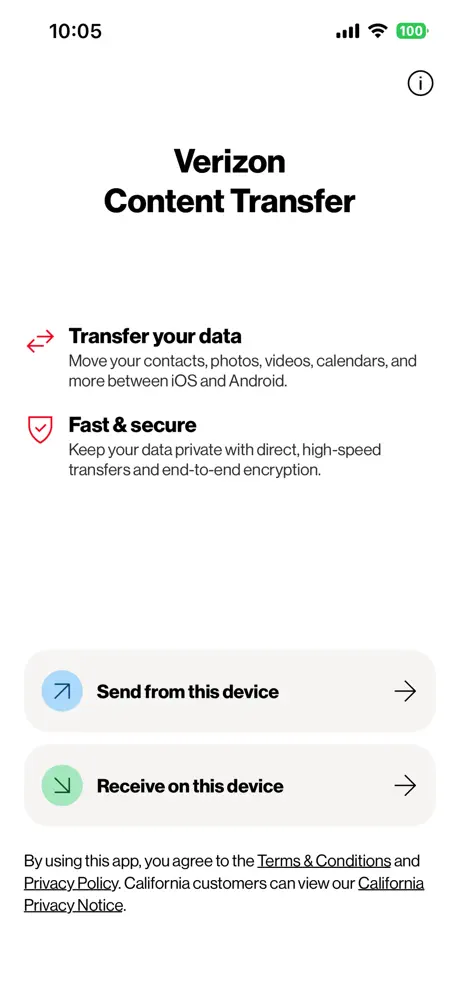
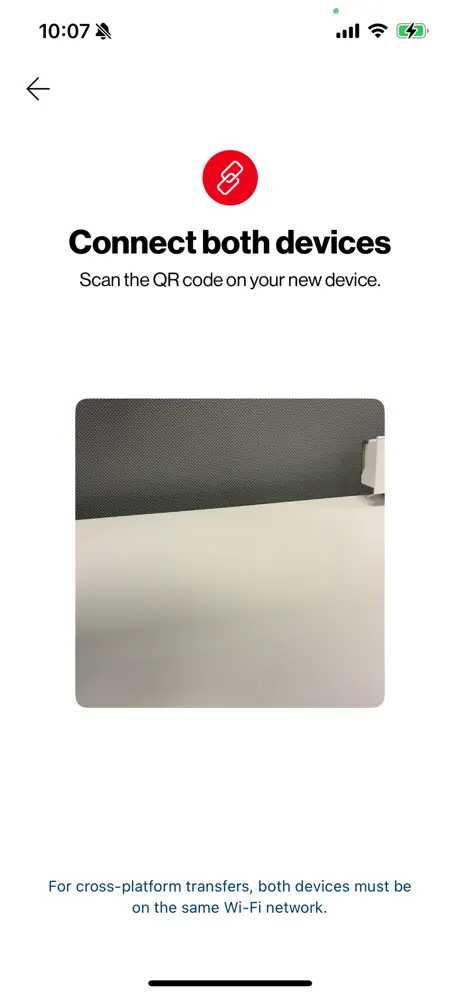
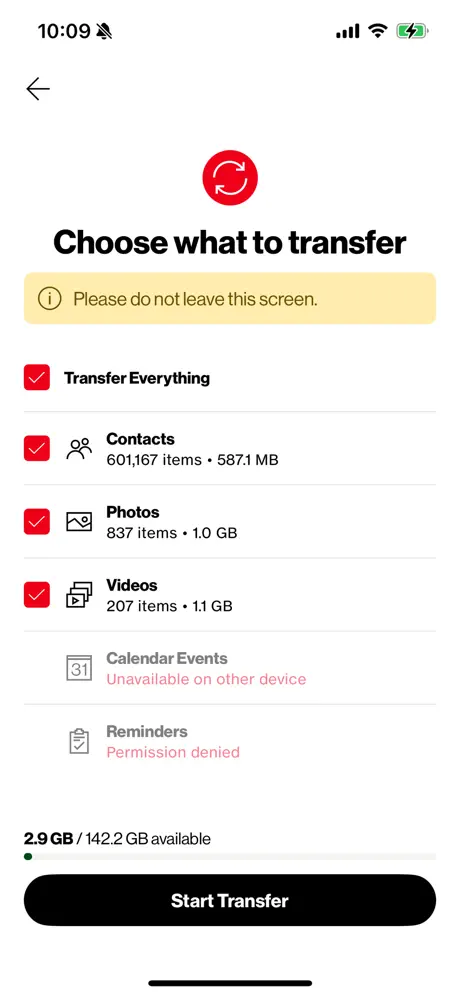
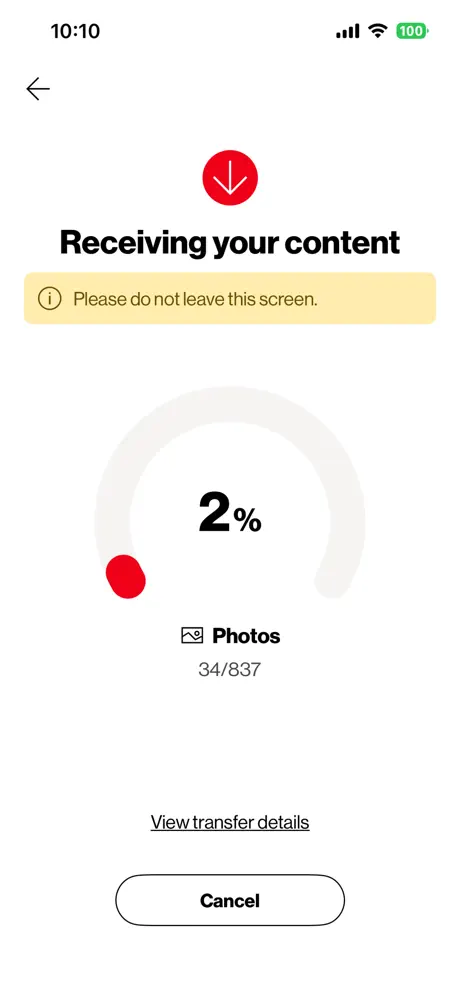
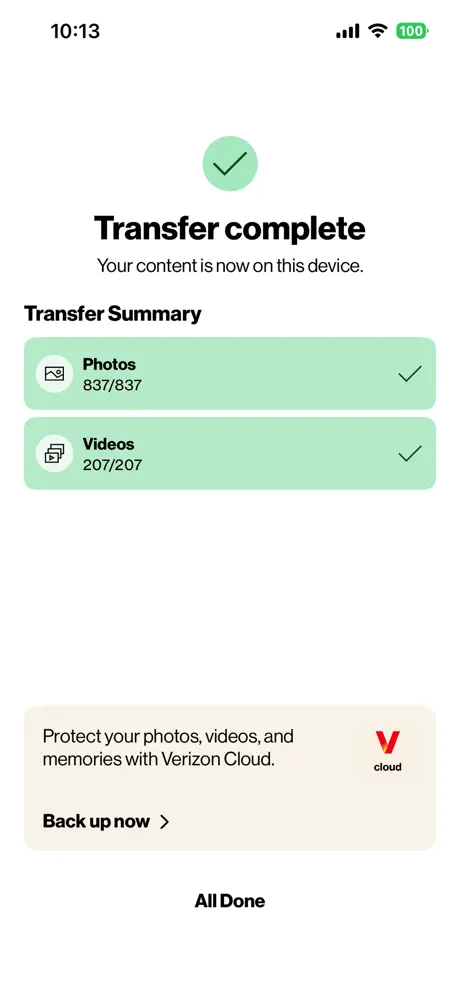
How much does Verizon Content Transfer cost?
Prices are current as of 12 Sept 2026.
Verizon Content Transfer has no in-app products on record in the United States.
10+ alternatives to Verizon Content Transfer
| Verizon Content Transfer | 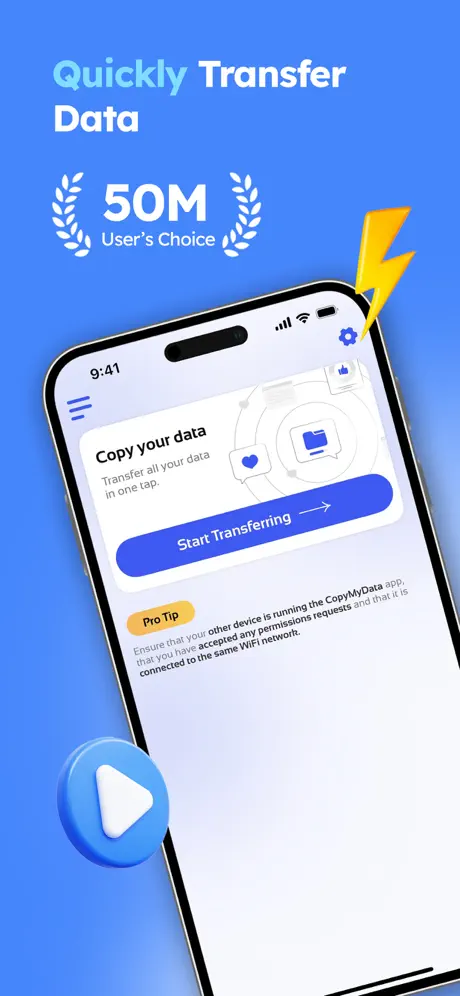  Copy My Data - Smart Transfer Copy My Data - Smart Transfer |   My Total Wireless: Account App My Total Wireless: Account App |   Copy My Data Copy My Data |   Tech Coach Tech Coach |   Data Transfer - MobileTrans Data Transfer - MobileTrans |   LogMeIn Rescue Customer LogMeIn Rescue Customer |   Copy My Data - Mobile Transfer Copy My Data - Mobile Transfer |   Smart Transfer App Smart Transfer App |   Samsung Smart Switch Mobile Samsung Smart Switch Mobile |   Smart Switch - Phone Clone Smart Switch - Phone Clone | |
|---|---|---|---|---|---|---|---|---|---|---|---|
| Rating / 5 | 4.7 | 4.6 | 4.8 | 4.3 | 4.5 | 3.7 | 4.6 | 4.6 | 4.6 | 3.0 | 3.0 |
| Reviews | 33K | 99K | 44K | 19K | 13K | 8K | 5.5K | 5.5K | 2.5K | 1.3K | 1K |
| Released | 2016 | 2014 | 2016 | 2022 | 2016 | 2021 | 2013 | 2022 | 2019 | 2021 | 2020 |
| Weekly price | — | $5.99 | — | $4.99 | — | $6.99 | — | $5.99 | — | — | $0.99 |
| Monthly price | — | $10.99 | — | $8.99 | — | $19.99 | — | $9.99 | $4.99 | — | $6.99 |
| Annual price | — | $54.99 | — | $17.99 | — | $19.99 | — | $59.99 | $19.99 | — | $29.99 |
| One-time price | — | — | — | $12.99 | — | $2.99 | — | — | $2.99 | — | $1.99 |
The going rate for each plan in United States, in its own currency, shaded from the cheapest price on the row to the dearest. Plans fewer than four in ten of the priced apps sell are left out.
Verizon Content Transfer reviews
4.7 out of 5, based on 32,554 reviews.
What people like
- Works perfectly for many happy users.
- Transfers photos and videos very fast.
- Much easier than moving data by hand.
What they complain about
- Phones refuse to connect properly.
- Transfer speed varies wildly between users.
- Often misses contacts and other data.
Chardinai
Duvall
Wish it was faster
Way too slow to transfer took over 5 hours because I had a lot of photos and videos
Verizon content transfer app
App took way too long to transfer from old phone to new one, over 15 hours. It transferred most of my items except my contacts. It will take me a long time to get over 300 contacts to the new phone manually. Another thing is I have no direction on how to activate my number on the new phone. Other than that, no issues.
Does not work with iPhone 17
Both phones are connected to WiFi and does not give me a QR Code to scan. It keeps saying connect to WiFi
Doesn’t copy transfer old phone.
This app uses to COMPLETLY transfer everything… apps and locations, wallpaper backgrounds, ringtones. But now it only does photos, contacts, messages.
Needed a quick transfer
I couldn’t afford to buy more iCloud storage and needed a quick transfer of 200+ GB from an old phone to a new phone. AI led me to this option and it took less then 5mins to transfer my data.
Doesn’t work
Trying to back up my contacts from my iPhone to my iPad. They NEVER connect.
Did not want to connect phones
Did not want to connect phones to transfer took over an hour this time.
Great App
This is a must when doing your own phone setup. Just receive your new phone and this app ensures all of your important items are loaded on your new phone.
Trash.
Too slow. Crashes.
Issues with Content Transfer
It did not transfer all that I chose. It’s useless
Rhonda Ranee Garcia
My tech was awesome same guy as last time I had a problem with this phone he’s so sweet and patient he’s great did a amazing job both times thank you so much for helping me Julian
Close
Everytime i open the app and click next it closes the app I’ve deleted and redownloaded it and everything and nothing is working
If I only knew
Way better than transferring by hand
Easy and it works.
Like Sunday morning.Easy.
Meh
Application was easy but didn’t really work?
Good
Fast
Have to try over and over
This app took about an hour to get to function correctly. What I found from someone else’s review is that you have to run the app on each phone at the exact time in order to get past all of the wi-fi connection issues. Even then I had to reboot both phones multiple times in order to get to the actual transfer page to work. That is absolutely ridiculous.
Fast and safe
Easy
Keeps crashing on 16 pro
Don’t get
Amazing!
Had no issues and the content transferred very fast! Will definitely use again
Transfer
Did not transfer everything
Transfer
Smooth as silk!
Not working
Keeps glitching so I had to manual import from my iCloud
Great
Convenient and Efficient
Crash city
Can’t even get the 2 phones to connect
Verizon Content Transfer FAQ
- Is Verizon Content Transfer free?
- Yes. The app is free, in all 175 countries it sells in, and it sells nothing inside it.
- Does Verizon Content Transfer have a free trial?
- No. None of its offers (US) come with a free trial.
- What are the best alternatives to Verizon Content Transfer?
- Copy My Data - Smart Transfer (4.6 from 99,097 reviews, premium from $2.99), My Total Wireless: Account App (4.8 from 43,589 reviews) and Copy My Data (4.3 from 19,462 reviews, premium from $4.99).
Verizon Content Transfer download
Last updated 4 months ago.
Verizon Content Transfer sells in 175 countries. It was released 10 years and 2 months ago, on 20 Jul 2016. It holds a 4.7 rating from 32,554 reviews.
Supports 1 language: English.
How much does Verizon Content Transfer make?
Third-party estimates for the last 30 days, worldwide — not the store's own figures, which Apple publishes for nobody.