
MovStash - Blur Video Editor
Mosaic and Blur Video
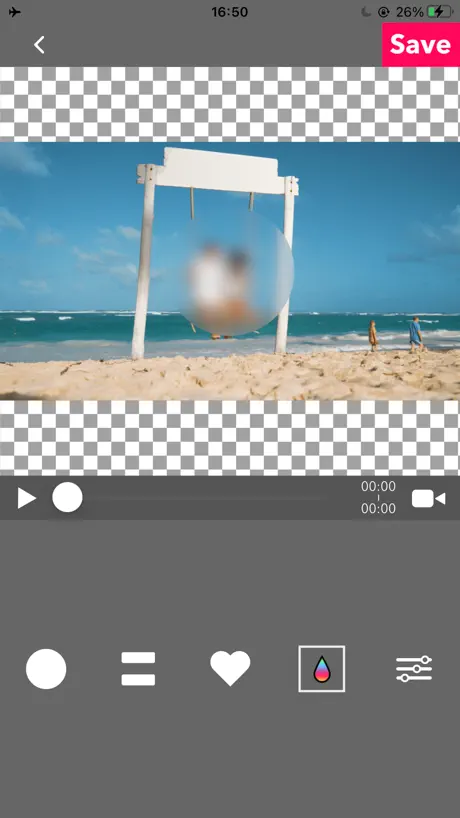
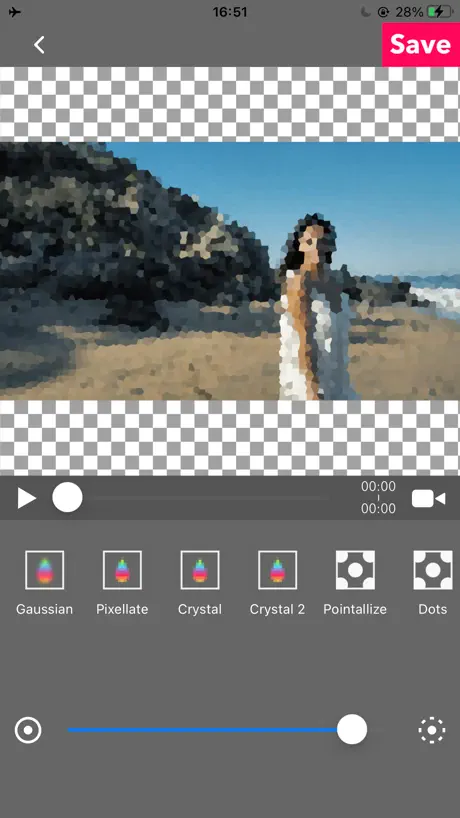
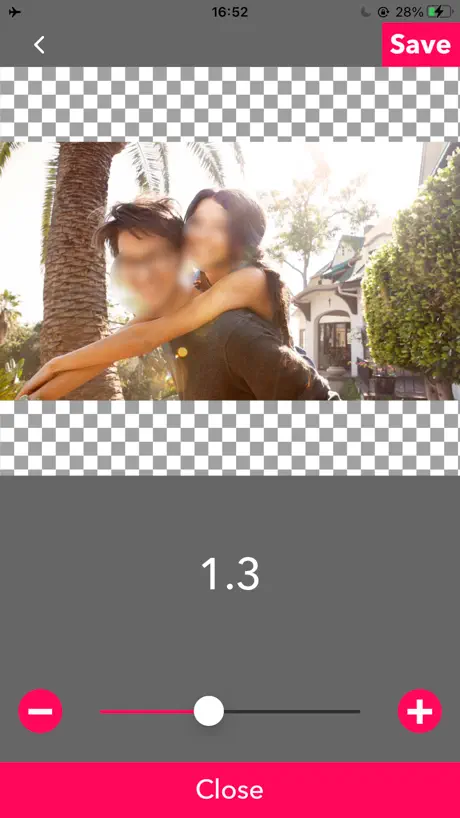
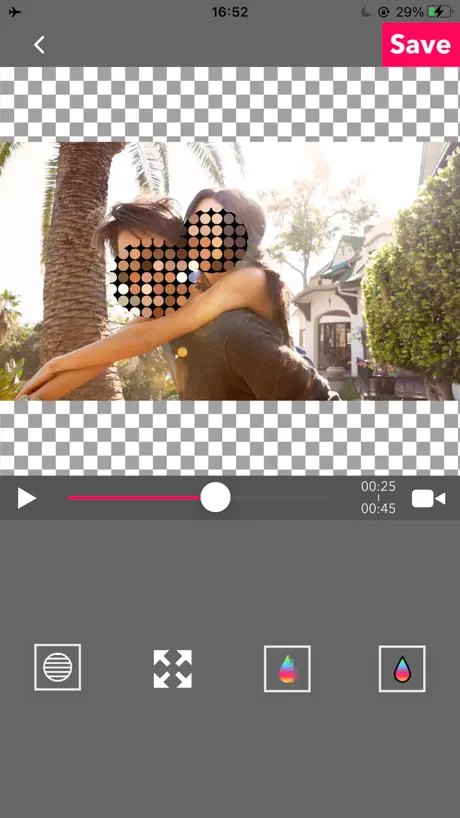
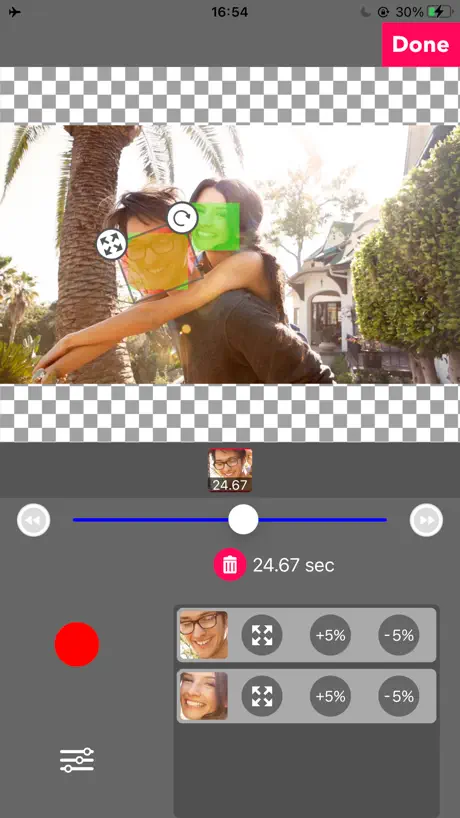
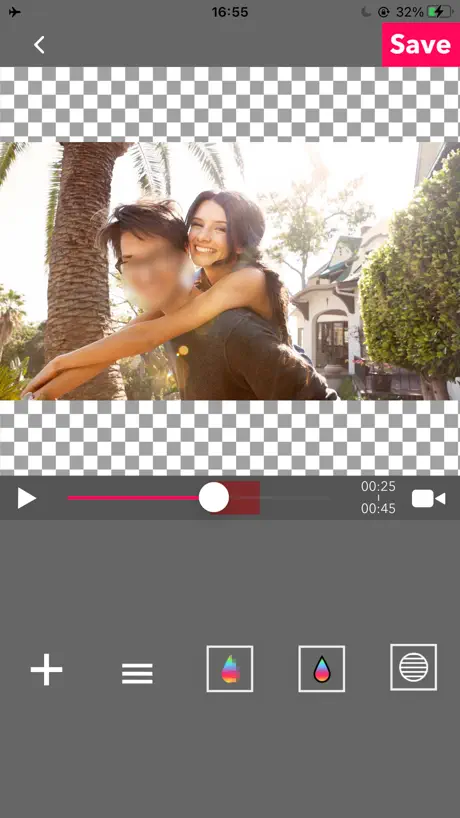
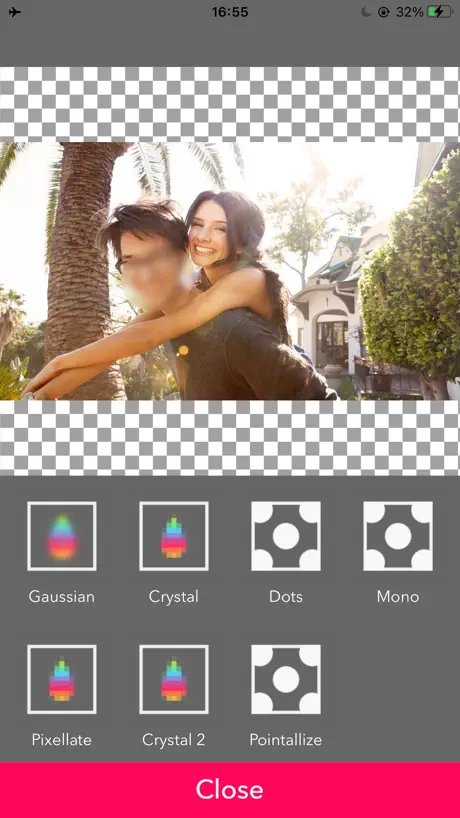
How much does MovStash - Blur Video Editor cost?
Prices are current as of 11 Nov 2026.
MovStash - Blur Video Editor has no in-app products on record in the United States.
10+ alternatives to MovStash - Blur Video Editor
| MovStash - Blur Video Editor |   Ultralight: Photo Video Editor |   Andalusi AI Design Photo Video |   Blur Video & Photo BlurEffect |   Kitaba - Arabic Fonts & Design | 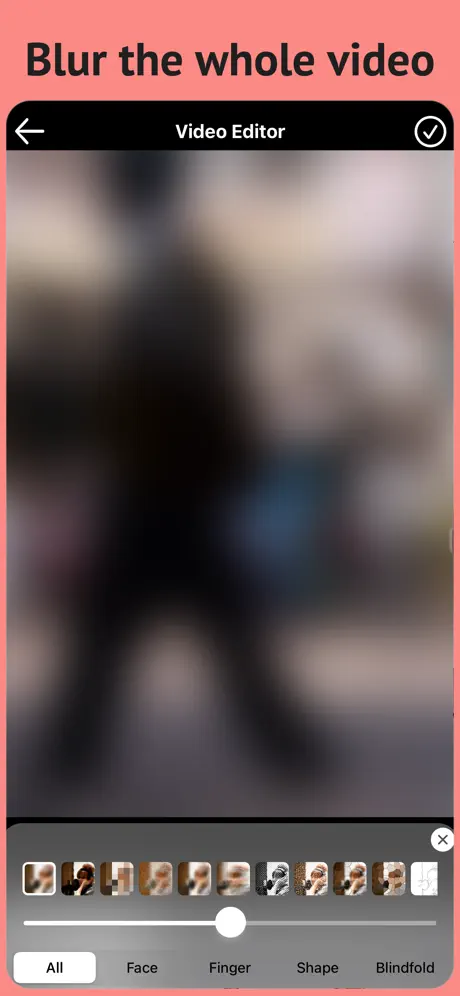  Blur Video & Mosaic | 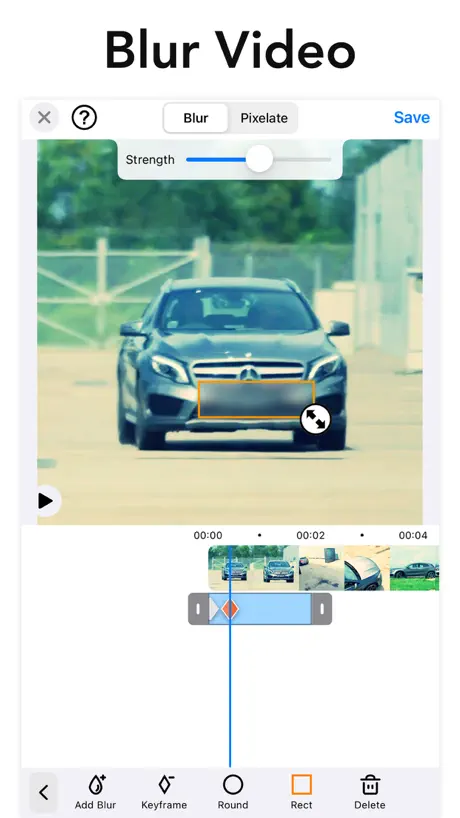  Blur-Video |   Collage Maker Grid Layout | 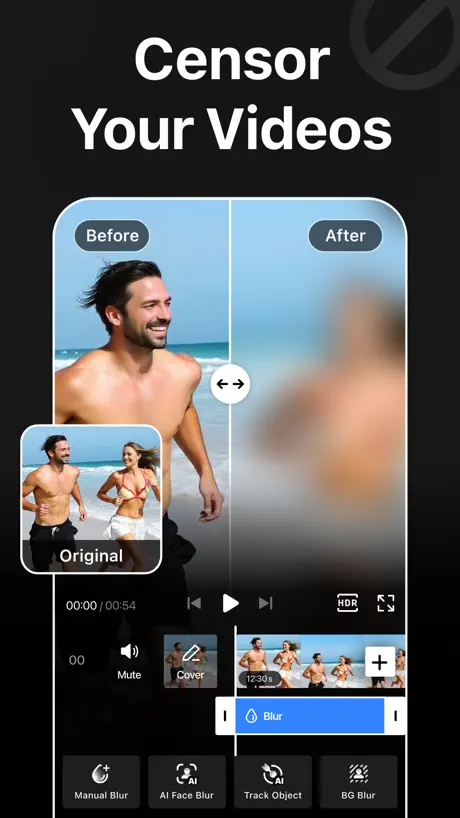  Blur Video - AI Blur Maker | 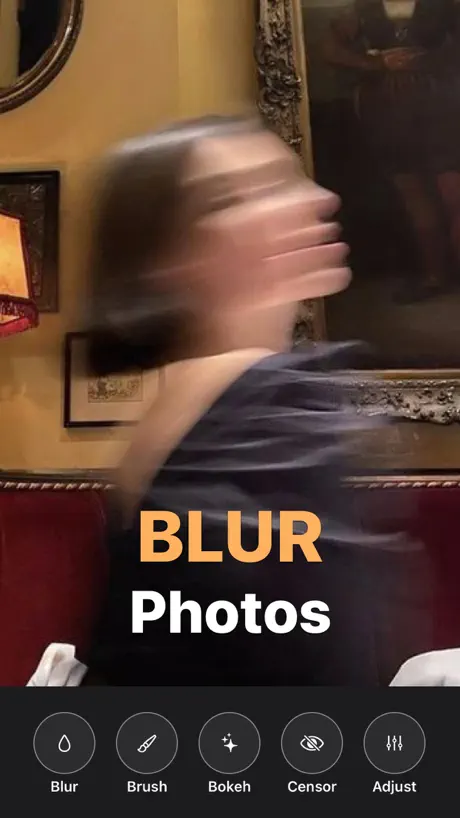  Blurry Photo Aрр | 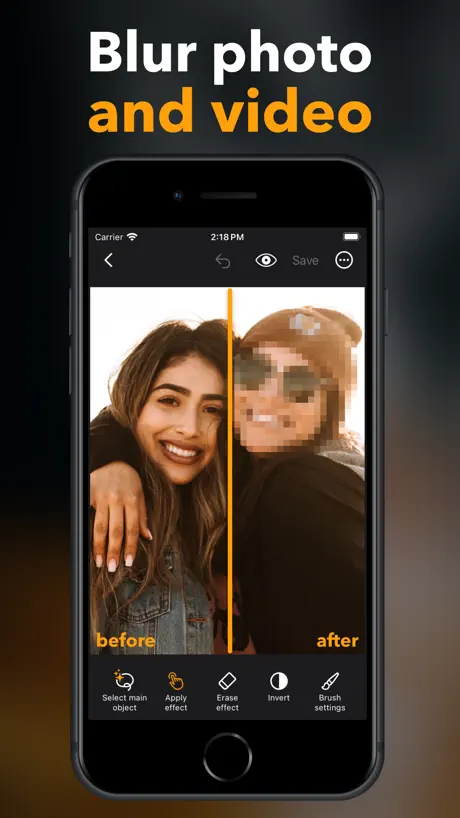  Blur Video & Photo -AI Pix App | |
|---|---|---|---|---|---|---|---|---|---|---|---|
| Rating / 5 | 4.3 | 4.7 | 4.5 | 4.6 | 4.5 | 4.5 | 4.8 | 4.6 | 4.6 | 4.4 | 4.6 |
| Reviews | 7.3K | 174K | 86K | 85K | 84K | 59K | 42K | 27K | 13K | 5.6K | 3.4K |
| Released | 2015 | 2015 | 2018 | 2016 | 2015 | 2017 | 2021 | 2016 | 2021 | 2023 | 2021 |
| Weekly price | — | — | — | — | $2.99 | — | — | $1.99 | $5.99 | $2.99 | $5.99 |
| Monthly price | — | $4.99 | $9.99 | $5.99 | $9.99 | $3.99 | $3.99 | $9.99 | $2.99 | — | $5.99 |
| Annual price | — | $24.99 | $39.99 | $35.99 | $59.99 | $24.99 | $9.99 | $34.99 | $9.99 | $29.99 | $29.99 |
| One-time price | — | $0.99 | $24.99 | $59.99 | $29.99 | $3.99 | — | $3.99 | $9.99 | $9.99 | $29.99 |
The going rate for each plan in United States, in its own currency, shaded from the cheapest price on the row to the dearest.
MovStash - Blur Video Editor reviews
4.3 out of 5, based on 7,289 reviews.
What people like
- Simple and easy for beginners to use
- Does the job well for basic blurring
- Free to download and use
What they complain about
- Crashes often and you lose all work
- No way to save your progress mid-edit
- Hard to scroll through long videos accurately
- Blur tool jumps around instead of staying put
Nice but it doesn’t have trim
4/5
Unmitigated Time-waster
(Take a gander at all of the five star reviews for this app... you just might notice a trend. Just sayin'.) I know a ton of work goes into these apps, and that the majority of apps fail for one reason or the other. However, I rarely feel compelled to write a negative review. I limit those to apps that have essentially failed to achieve some basic functional standards. This app is replete with these kinds of deficiencies, including the ability to save mid-edit, basic save-as functions, ability to select from all available file/video locations including the Hidden Album—an album that may contain media where blurring is especially desired by virtue of the fact that they are stored in a hidden location, dependable app stability, clear pathways to support when needed, the ability to save projects at any point in the editing process, and finally the ability to save projects at any point in the editing process. Oh! Did I mention the ability to save projects at any point in the editing process? (You get the point.) The culmination of these and other issues with this Half-baked Slop-cake©️, it wastes users' time. And I mean a LOT of users' time. Time equals money. Forgive my cynicism, but it almost seems like this app was deliberately designed to be as obtuse as possible in order to garner more minute$ that the endless ads are in front of users' frustrated faces. Hard to say, plus, I know absolutely nothing about his these things work. What I DO know is that this app doesn't work. Aaaaaaand DELETE!
Very good!
I have had this on my old phone, and I will say this was very good but also I have got confused, as I use this app as I am a fan page and when I tried blurring my idols body ( stomach) I’d zoom in but then while, I am the screen goes all blurry and yeah! But other than, that well done!
CRASHCRASHCRASH!!!
This darned thing keeps crashing on me over and over. It happened to me twice today, and I lost 4 hours trying to blur a face that appears in about one third of an 8 minute video. If this is the best there is out there, then don’t even bother trying.
Works, Most of The Time
This app is really helpful for some of the videos I edit that need faces blurred. However, it will crash in the middle of an edit or I’ll get the edit done and it will fail to save. Sometimes I spend quite a bit of time editing one video. There is no way to save your project so when these happen I have to start all over and that can very discouraging.
Only app youll need
For blurring video this super user friendly and no annoying ads. It has ads but just the right amount.
Fix this!!!
Horrible app! It keeps crashing and you lose all your work! Avoid headaches and stress. Look for another app that actually works. This is NOT it.
won’t let me blur
i used to be able to blur out my videos, but now it just won’t let me blur out videos anymore :( i’ve been really upset because i really need it.
色味が変わる
iPhone 15 に機種変更してから色味が変わるようになりました。ノーマルのiPhone 15でPro ではありません
Random Crashes, No way to save progress
if you have a shorter video you need to blur, it works great, if you have a longer video you need to blur. say a quick prayer and hope you can finish before it randomly crashes and there’s no way to save your progress so you have to start over. wasted hours trying to edit a 10 min video
Amazing
I have used this app for years , it’s simple and it works . I wonder if there are any other apps they have.
Couldn’t Save
This app did exactly what I wanted it to, but every time I tried to save the video, I would get an error message and I would lose all my work. I was never able to actually save the edited video.
bug fix plz
i wanted to use this app ever since i heard abt it but then when i tried it and chose my video the video isnt appearing plz fix this issue
Could be brilliant
I came here to write a 3 or 4* review, but then I saw a review from 2yrs ago complaining of all the same issues I have, and realised that the developers just don’t care. That lack of caring enough to improve, change or fix the myriad of annoying glitches and shortfalls in the app tells me that it’s not worth leaving an encouraging review in the trust that the feedback will be heeded, but more use in leaving a warning for anyone else tempted to use the app - caveat emptor, buyer beware, get ready to be frustrated! For the record: - Anything longer than a few minutes of video risks the app crashing randomly. Any work to that point is lost - If they don’t crash, longer videos are a nightmare due to the haphazard and inaccurate scroll bar that you’re forced to use to navigate with (it’s the width of your screen whether the clip is 3 seconds or 3 hours!) Sure you could use the forwards and backwards arrows to go frame by frame, but that’s a lot on a 15 minute+ video - No way to save an edit and come back to it later so if you shut down your phone for any reason (battery?) mid-edit, any work to that point is lost - If you leave the app while editing, you run the risk of it forgetting what you were doing. Any work to that point is lost - No undo/redo - No warning when you hit the back arrow one too many times, back to load screen. Any work to that point is lost There’s a pattern there if you look closely enough! It’s a shame, because the blurring and other effects are well applied (some feathering around the zone would be nice to have), but the usability is so bad that I think I’m going to go back to having to do it on the desktop, even if it is less convenient. Real wasted opportunity as I’d pay good money for a version of this app that worked the way it really ought to.
Easy to use. Can’t send modified videos in messages
Overall the app is really easy to use however I have tried on numerous occasions to share video that has faces blurred through iMessage and text and they simply won’t send. I wanted to contact the app creator but the help link takes me to twitter and I’m not a member and will not become one so hopefully they will read this review and handle the issue.
Amazing app!!!
This app is amazing and helps me so much with editing my YouTube videos I 100% recommend for editing beginners and editing pros
Needs to be fixed
Keeps freezing and Not saving the video. The way you can edit is great but it keeps freezing and won’t save the video and does not back up the progress you make. Going to delete and find another app
Not working??
Every time I click the ”blur with time-line mode” the video NEVER LOADS please fix it! Thank you!
Buggy
The bug for me are STILL not fix 😖
解像度の設定
解像度の設定はありますか? 一部だけモザイクを全体の1/8程の時間処理しただけで、データ量が元データの2/3ほどになっていました。 4Kで動画を残しているので、そういった解像度の処理についても設定出来るようにしていただけませんか…
Works as described
It’s free it works. Amazing the people who complain when it works and it’s free
Crashes unexpectedly
It works as intended but crashes so frequently while using the timeline feature and it doesn’t save your progress locally or on a cloud so all of the progress you’ve made goes away. Would be a great app if it actually functioned properly.
More bugs
So when I downloaded this app I went to photos or videos and it didn’t show the video so I couldn’t blur out the face can you fix this bug
It would be a good app but
It would be a good app but when I try to add in the video it doesn't even show up
ボタンが...
タイムラインで動画にぼかしを入れた時、ぼかしの数が多くなると、「三」アイコンを選んだ際に1番下のタイムラインが「閉じる」ボタンで隠れてしまい押せなくなる。良いアプリなだけに非常にもったいない。
Best app ever!!
Love this app!!!
Settings? No videos?!
I read your reviews however I decided to give your app a try… the people are correct!! There is No place to even Give Permission for videos!! And the only videos my phone would find is on ICloud!! I don’t have any videos there!! I hate to be mean but really… this Is junk!!! 🥴☹️
It keep taking me out the app
I like the app but when I’m in the middle of blurring stuff it takes me out the app and erase everything I just did
Semi
It worked for the first time but now it’s not showing the video :(
お世話になってます
便利で使わせてもらっています。 モザイクの濃さをプラスマイナスで変更しても変わりません。修正を希望します。
Love it
Love it
Does not work!
Terrible! Trying to blur my dogs tags. Doesn’t work at all. Wasted so much time trying to figure it out for nothing. 🤬
Brilliant
Found this through google/YouTube video. Blurred out my licence plate in several places in a single video. Takes a while to render once done and some settings aren’t exactly clear but did the job, spot on! Recommend
This app crashes so much
And could use some new tools and features
if u r looking for a simple, free app, get this one!
Well, it’s good enough for me, but I wish it was more high tech like the blur spot would move with the thing it was covering during the vid, our u could actually draw over the place u want to blurt. But u might need to pay for an app like that. So if u r looking for a simple, free app, get this one!
Perfect app
This helps me so much with my vids bc I have not done a face reveal :)
Why won’t my video load?
I am trying to blur out something in my video.And It’s not letting me import anything?Pls fix it! x
Decent
I just think the blur should mix into the video and also the adds get in the way
It crashes too much
I like this app, but it crashes too much. I have a really nice 12 inch iPad maxed. It's the only app that crashes so far. Which is a shame, because I really like the app, and what it does.
Gave it another shot
The timeline is the best way to use the blur tool, but you have know the first point, the next point, and the last point leads where all points in between gravitate to. My biggest complaint is the resize and rotate tool is directly connected to the blur tool and it obstructs the view of the blur tool when you want to blur small sections.
Video has NOT been exported
Keep getting this message of the video not able to be expected Updated to the latest one and keep getting this issue
??
What’s going on with this app? It literally doesn’t seem to work…or….how to use it isn’t intuitive. Either way, the result is the same. This is a hard pass.
I love and hate this app the most
Considering it is the only app of its kind I have to give it 4 stars as I have found this tool absolutely indispensable. If you need to blur faces in a video using an app for tablet then this is the only app for you. However, creating a finished video is like running the gauntlet. With so few tools and no ability to scroll rough the video other than one frame at a time, the experience is knife edge from start to finish. There seems no way to fix, lock or anchor the space that blurs the face, so the blur is constantly moving around and jumping to places you didn’t want it, even after you thought you fixed it in place. I have lost count of the times I have lost hours upon hours of work because there is no save option, no undo or redo options, the app does not prompt you when you are about to go too far back and lose work, crashes randomly and closes anytime you want to view any other apps. ‘Love hate’ is the best way to describe this brilliant little cluster flip.
Keeps crashing
It works but then crashes and looses all your work It would also be nice if you could change the shape of the square so it fits to a number plate Otherwise good app
It was good but I need some help.
How do I make just a blur last for a few seconds? Just askin (:
Good
Good
Don’t waste your time
I bought the app thinking I could blur out a license plate in a video, it worked okay until I go to upload it and it says “Video has Not been exported. Something went wrong :(“ then it proceeds to delete whatever editing you had already done. I repeated this process using different methods 7-8 times and I still got the same message. Overall, I would suggest just finding a different app to edit your photos or videos on.
I love it and if more shapes are added this will be 5 stars
What I’ve been looking for for a long time! I will give this 5 stars if you add a rectangle shape, app desperately needs it. More shapes would be cool too!
Everyone’s a critic
I had high hopes after reading the reviews. The app is quite usable in the sense that it’s intuitive and doesn’t require a rain man brain to figure out how to use it. However, having spent an hour blurring out two faces on a 2 minute vid only to have the app crash when I selected save put me right off it. I tried it again with one blur and it did it again. It seems to work if you work on a vid for no more than 30 seconds, save it the repeat. At that point I gave up and went looking for another app.
🤔
Very good but crashes when trying to save
MovStash - Blur Video Editor FAQ
- Is MovStash - Blur Video Editor free?
- Yes. The app is free, in all 175 countries it sells in, and it sells nothing inside it.
- Does MovStash - Blur Video Editor have a free trial?
- No. None of its offers (US) come with a free trial.
- What are the best alternatives to MovStash - Blur Video Editor?
- Ultralight: Photo Video Editor (4.7 from 173,939 reviews, premium from $0.99), Andalusi AI Design Photo Video (4.5 from 85,729 reviews, premium from $9.99) and Blur Video & Photo BlurEffect (4.6 from 85,251 reviews, premium from $5.99).
MovStash - Blur Video Editor download
Last updated 3 months ago.
MovStash - Blur Video Editor sells in 175 countries. It was released 11 years ago, on 17 Nov 2015. It holds a 4.3 rating from 7,289 reviews.
Supports 8 languages: English, Arabic, Italian, Japanese, Korean, Portuguese, Chinese, Spanish.
How much does MovStash - Blur Video Editor make?
Third-party estimates for the last 30 days, worldwide — not the store's own figures, which Apple publishes for nobody.