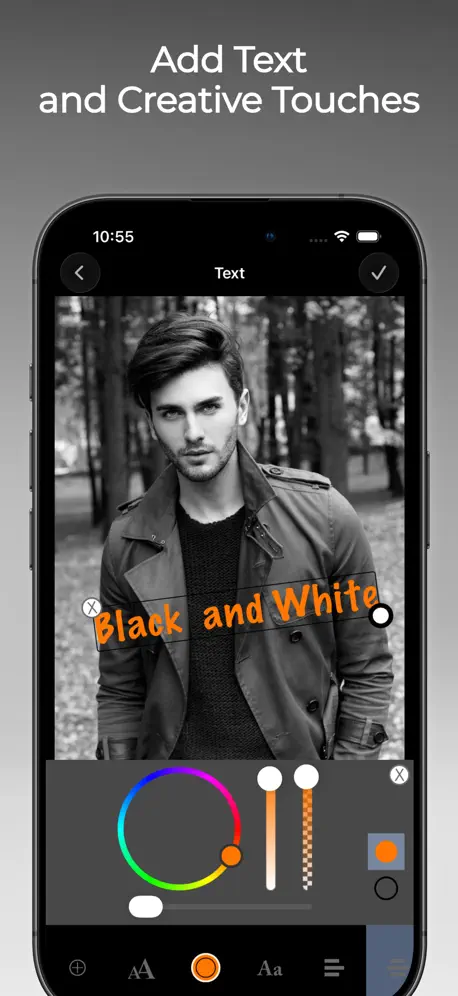
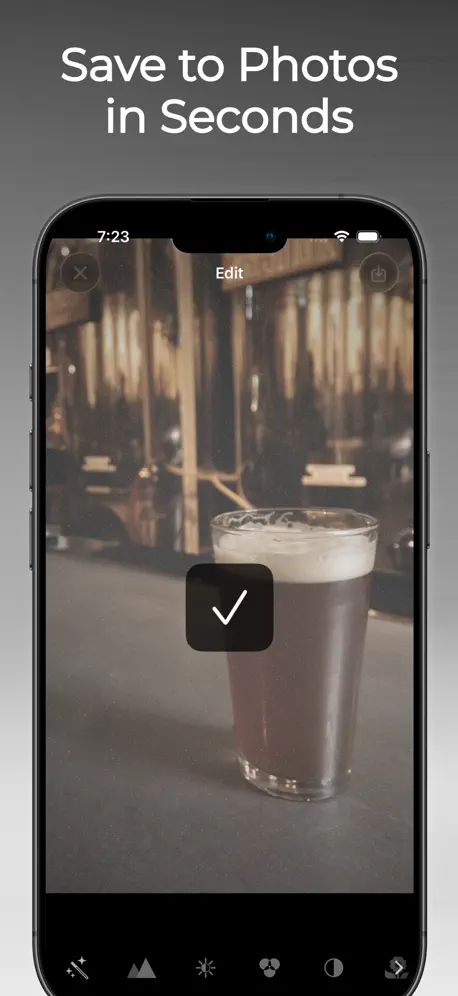
B&W Retro Photo Editor
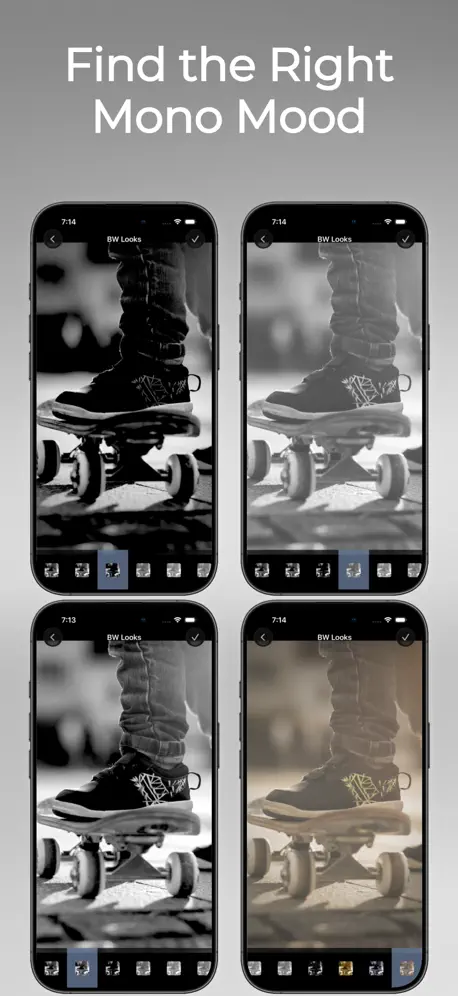
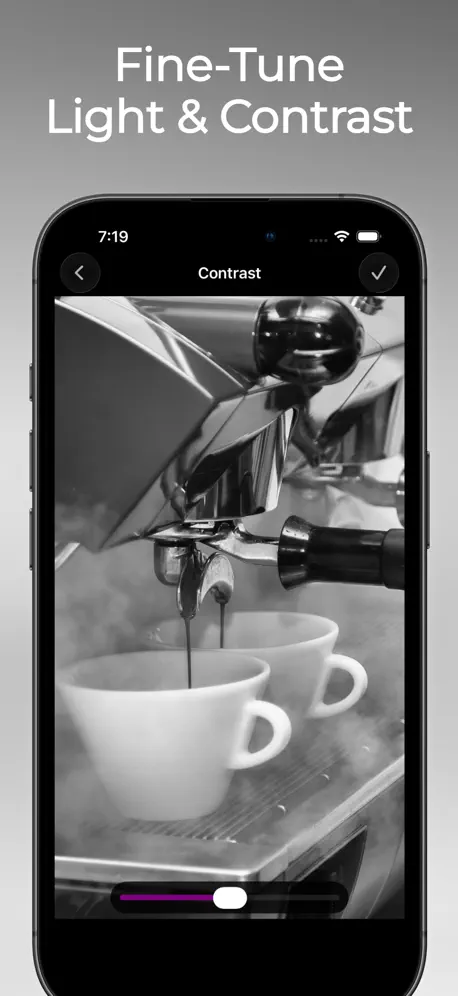
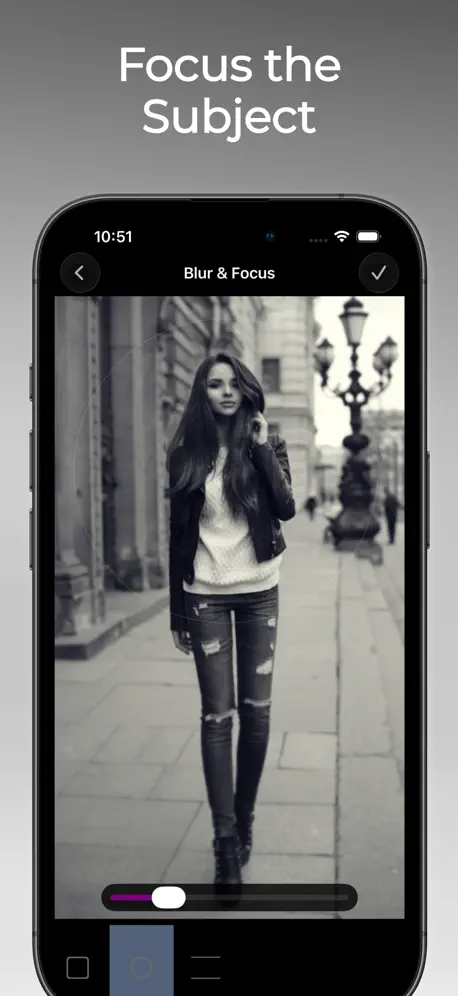
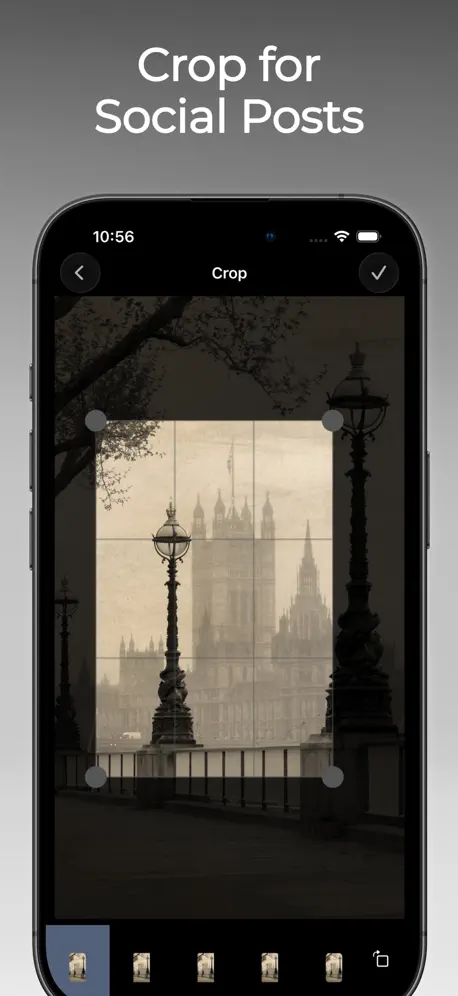
Black & white photo filters
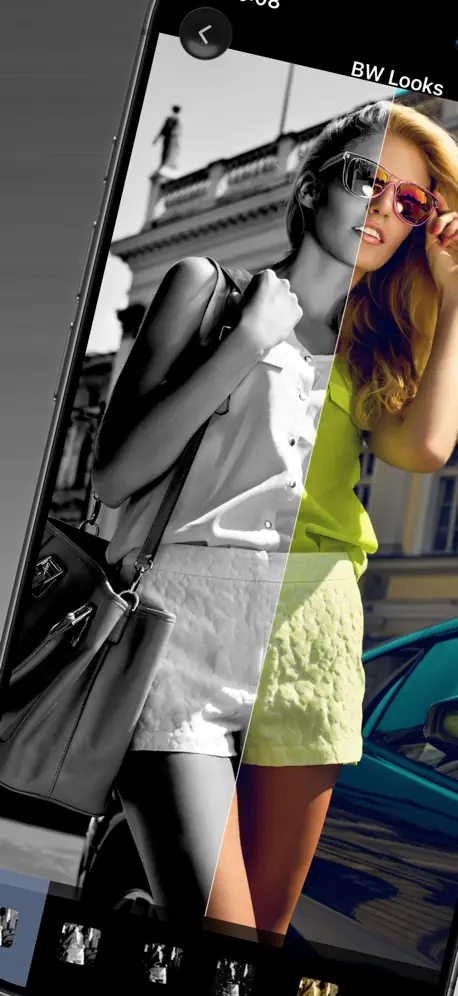
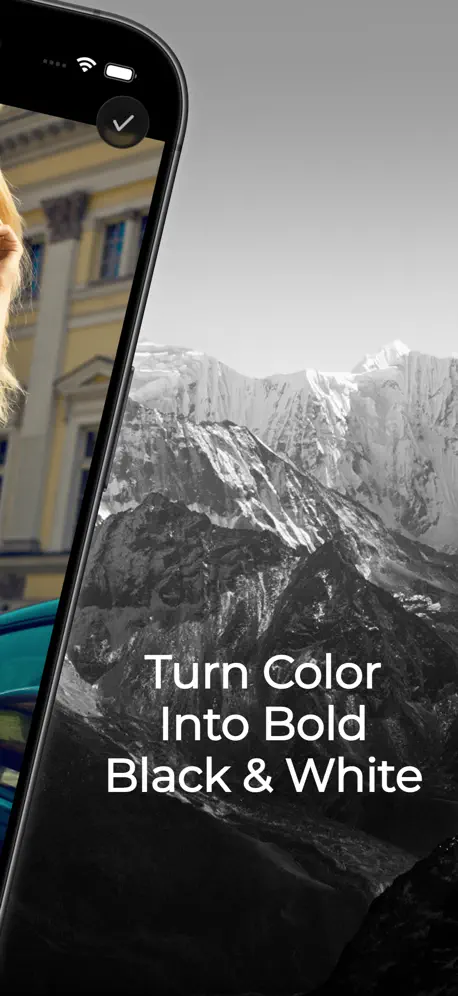
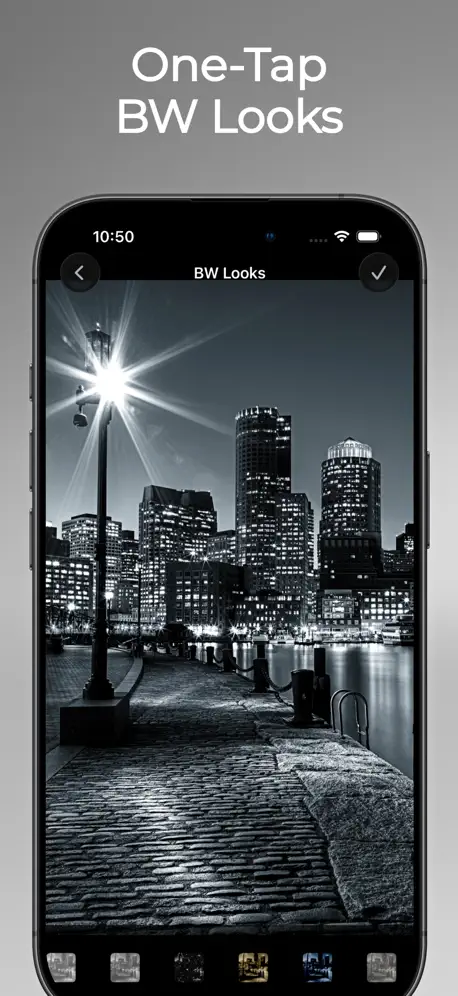
How much does B&W Retro Photo Editor cost?
Prices are current as of 2 Oct 2026.
1 one-time purchase from $4.99
In the United States, B&W Retro Photo Editor has 1 one-time purchase priced $4.99.
| Product | Price |
|---|---|
| Remove Ads | $4.99 |
See what B&W Retro Photo Editor costs in all 175 countries →
10+ alternatives to B&W Retro Photo Editor
| B&W Retro Photo Editor |   Picsee-Add text on photos Picsee-Add text on photos |   Pro Camera-Omnipotent Camera Pro Camera-Omnipotent Camera |   Darkr - Black And White Filter Darkr - Black And White Filter | 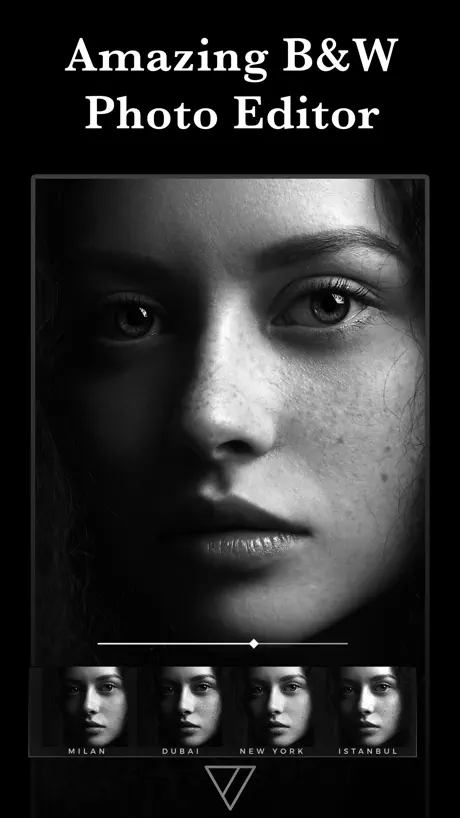  Carbon - B&W Filters & Effects Carbon - B&W Filters & Effects |   Camera 720 Camera 720 |   Vitro : Vintage & Retro Camera Vitro : Vintage & Retro Camera |   Video to Photo - Grab HD Pic Video to Photo - Grab HD Pic |   Black and White Camera for IG Black and White Camera for IG |   Black and White Picture Camera Black and White Picture Camera |   Monotone - BnW Film Emulation Monotone - BnW Film Emulation | |
|---|---|---|---|---|---|---|---|---|---|---|---|
| Rating / 5 | 4.5 | 4.6 | 4.5 | 4.7 | 4.6 | 4.6 | 4.8 | 4.7 | 4.4 | 4.4 | 4.2 |
| Reviews | 1.8K | 196K | 83K | 48K | 36K | 5.5K | 2.5K | 1.4K | 938 | 787 | 132 |
| Released | 2015 | 2013 | 2017 | 2016 | 2016 | 2014 | 2020 | 2021 | 2015 | 2016 | 2020 |
| Monthly price | — | $7.99 | — | — | $4.99 | — | $4.99 | $2.99 | — | — | — |
| Annual price | — | $26.99 | — | — | $29.99 | — | $14.99 | $9.99 | — | — | — |
| One-time price | $4.99 | $2.99 | — | $1.99 | $3.99 | $1.99 | $4.99 | $2.99 | — | — | — |
The going rate for each plan in United States, in its own currency, shaded from the cheapest price on the row to the dearest. Plans fewer than four in ten of the priced apps sell are left out.
B&W Retro Photo Editor reviews
4.5 out of 5, based on 1,760 reviews.
What people like
- Easy to use for photos.
- Great results with sepia effects.
- Does exactly what it promises.
What they complain about
- Ads cover the screen constantly.
- You can’t actually use the app.
- Charges for ad removal but fails.
Without ads this is a great easy to use app
I have found this to be an easy to use editor for black and white photos—and really like the sepia effect.
Ads within 2 minutes block full screen
The app didn’t allow me to go two minutes without the whole screen covered in ads, with no way to dismiss them. Even when I clicked the ad, it wouldn’t go away. It’s impossible to try this ad for even the most basic functions. There are literally dozens if not hundreds of apps that have similar functions, and it makes no sense to pay for an ad that doesn’t let you get at least some feel for it. Give a user a week, or just day or, heck, even just an hour before completely breaking the functionality. Not letting you use it properly for even two minutes suggests the creator is not confident in the quality of their own product. Just avoid, save the time. Lots of better options out there worth paying for.
Sehr gut
Funktioniert alles Tolle Ergebnisse
使えなかった
レビュー見てからダウンロードしよう! このアプリは今後共に絶対にいらないと思います!
Herramienta
Útil para Estudio 📖😊👨🏽🎨
TERRIBLE APP
I couldn’t use, everytime that I open the app one different advertising opens.
Amazing
It does exactly what I need it to! I absolutely love this
HELP
I am beyond irate right now! Like another person said you are automatically hit with some kind of spam add that takes you to the App Store I finally got back to the app by pushing my home button in the process of pushing the home button and it said that I purchased a limited access to the app I never purchased apps! And I didn’t even like this app that much to begin with I CANT EVEN FIND ANYTHING Sying ANYTHING IN THE APP ABOUT PURCHASING I WANT TO UNPurchaase this app NOW HELP I CANNOT FIND ANY INFO About payment about canceling anything, I go to the website and it literally looks like all it is going to do is spam my mailbox I contacted my bank this was absolutely the biggest scam I’ve ever experienced on Apple
Mostly Spam
This app inundates you with so many pop up ads it’s virtually impossible to do anything and black and white isn’t even its primary function!
Adverts do not get removed even after payment
Paid for adverts to be removed! And after payment! No adverts were removed! Nice one!!! Come on Apple.. you need to do something about these kind of apps! Just there to take money off you..
Garbage
Can not believe this app. Opened it for the first time and was immediately hit with an add that filled the screen. Closed that add, and was hit with a DirecTV add. I closed the app and deleted it. I don't have time for BS like that. Have no idea how, or even if, this app does anything...other than waste people's time. Move on.
Does not offer what they say👎
Lies! Hate it!
Horrible!!! -0 Stars
If I could give this app zero stars I would because it does not even deserve one. This app has numerous pop-up ads and it makes it impossible to use. I Deleted the app right away. Thankfully I did not pay for this crap!!!
Pass on this
In less than a minute there were four ads interrupting the function of the app. Icons are hard to read and are not intuitive.
B&W Retro Photo Editor price by country
A one-time purchase costs $4.69 in Pakistan and $7.47 in Colombia — 1.6× more for the same thing. Below is the going rate for each plan in every country that sells it — the middle price of what the app charges there, in the country's own currency with the dollar equivalent beneath it.
| Country | One-time |
|---|---|
| Afghanistan | $4.99 |
| Albania | $5.99 |
| Algeria | $4.99 |
| Angola | $4.99 |
| Anguilla | $4.99 |
| Antigua And Barbuda | $4.99 |
| Argentina | $4.99 |
| Armenia | $5.99 |
| Australia | A$7.99$5.55 |
| Austria | €5.99$6.79 |
| Azerbaijan | $5.99 |
| Bahamas | $4.99 |
| Bahrain | $4.99 |
| Barbados | $5.99 |
| Belarus | $5.99 |
| Belgium | €5.99$6.79 |
| Belize | $4.99 |
| Benin | $5.99 |
| Bermuda | $4.99 |
| Bhutan | $4.99 |
| Bolivia | $4.99 |
| Bosnia & Herzegovina | €5.99$6.79 |
| Botswana | $4.99 |
| Brazil | R$29.90$5.75 |
| British Virgin Islands | $4.99 |
| Brunei Darussalam | $4.99 |
| Bulgaria | €5.99$6.79 |
| Burkina Faso | $4.99 |
| Cambodia | $4.99 |
| Cameroon | $5.99 |
| Canada | CA$6.99$4.92 |
| Cape Verde | $4.99 |
| Cayman Islands | $4.99 |
| Chad | $4.99 |
| Chile | CLP 5,990$6.15 |
| China | CN¥38.00$5.65 |
| Colombia | COP 24,900$7.47 |
| Congo | $5.99 |
| Congo, Democratic Republic | $4.99 |
| Costa Rica | $4.99 |
| Cote Divoire | $5.99 |
| Croatia | €5.99$6.79 |
| Cyprus | €5.99$6.79 |
| Czech Republic | CZK 129.00$5.99 |
| Denmark | DKK 39.00$5.92 |
| Dominica | $4.99 |
| Dominican Republic | $4.99 |
| Ecuador | $4.99 |
| Egypt | EGP 249.99$4.81 |
| El Salvador | $4.99 |
| Estonia | €5.99$6.79 |
| Fiji | $4.99 |
| Finland | €5.99$6.79 |
| France | €5.99$6.79 |
| Gabon | $4.99 |
| Gambia | $4.99 |
| Georgia | $5.99 |
| Germany | €5.99$6.79 |
| Ghana | $5.99 |
| Greece | €5.99$6.79 |
| Grenada | $4.99 |
| Guatemala | $4.99 |
| Guinea-bissau | $4.99 |
| Guyana | $4.99 |
| Honduras | $4.99 |
| Hong Kong | HK$38.00$4.84 |
| Hungary | HUF 1,990$6.16 |
| Iceland | $5.99 |
| India | ₹499.00$5.20 |
| Indonesia | IDR 99,000$5.53 |
| Iraq | $4.99 |
| Ireland | €5.99$6.79 |
| Israel | ₪14.90$4.85 |
| Italy | €5.99$6.79 |
| Jamaica | $4.99 |
| Japan | ¥800$5.09 |
| Jordan | $4.99 |
| Kazakhstan | KZT 2,990.00$6.80 |
| Kenya | $5.99 |
| Kosovo | €5.99$6.79 |
| Kuwait | $4.99 |
| Kyrgyzstan | $4.99 |
| Lao Peoples Democratic Republic | $4.99 |
| Latvia | €5.99$6.79 |
| Lebanon | $4.99 |
| Liberia | $4.99 |
| Libya | $4.99 |
| Lithuania | €5.99$6.79 |
| Luxembourg | €5.99$6.79 |
| Macao | $4.99 |
| Macedonia | $4.99 |
| Madagascar | $4.99 |
| Malawi | $4.99 |
| Malaysia | MYR 22.90$5.61 |
| Maldives | $4.99 |
| Mali | $4.99 |
| Malta | €5.99$6.79 |
| Mauritania | $4.99 |
| Mauritius | $5.99 |
| Mexico | MX$99.00$5.48 |
| Micronesia | $4.99 |
| Moldova | $5.99 |
| Mongolia | $4.99 |
| Montenegro | €4.99$5.66 |
| Montserrat | $4.99 |
| Morocco | $5.99 |
| Mozambique | $4.99 |
| Myanmar | $4.99 |
| Namibia | $4.99 |
| Nauru | $4.99 |
| Nepal | $5.99 |
| Netherlands | €5.99$6.79 |
| New Zealand | NZ$9.99$5.64 |
| Nicaragua | $4.99 |
| Niger | $4.99 |
| Nigeria | NGN 7,900.00$5.95 |
| Norway | NOK 59.00$6.14 |
| Oman | $4.99 |
| Pakistan | PKR 1,300$4.69 |
| Palau | $4.99 |
| Panama | $4.99 |
| Papua New Guinea | $4.99 |
| Paraguay | $4.99 |
| Peru | PEN 22.90$6.66 |
| Philippines | ₱299.00$4.76 |
| Poland | PLN 24.99$6.49 |
| Portugal | €5.99$6.79 |
| Qatar | QAR 19.99$5.49 |
| Romania | RON 29.99$6.45 |
| Russia | RUB 449.00$5.37 |
| Rwanda | $4.99 |
| Sao Tome & Principe | $4.99 |
| Saudi Arabia | SAR 19.99$5.33 |
| Senegal | $5.99 |
| Serbia | €5.99$6.79 |
| Seychelles | $4.99 |
| Sierra Leone | $4.99 |
| Singapore | SGD 6.98$5.45 |
| Slovakia | €5.99$6.79 |
| Slovenia | €5.99$6.79 |
| Solomon Islands | $4.99 |
| South Africa | ZAR 99.99$6.09 |
| South Korea | ₩7,700$5.68 |
| Spain | €5.99$6.79 |
| Sri Lanka | $4.99 |
| St. Kitts and Nevis | $4.99 |
| St. Lucia | $4.99 |
| St. Vincent & The Grenadines | $4.99 |
| Suriname | $4.99 |
| Swaziland | $4.99 |
| Sweden | SEK 69.00$6.90 |
| Switzerland | CHF 4.00$4.79 |
| Taiwan | NT$150.00$4.70 |
| Tajikistan | $4.99 |
| Tanzania | TZS 14,900.00$5.62 |
| Thailand | THB 199.00$5.93 |
| Tonga | $4.99 |
| Trinidad and Tobago | $4.99 |
| Tunisia | $4.99 |
| Turkey | TRY 249.99$5.10 |
| Turkmenistan | $4.99 |
| Turks and Caicos | $4.99 |
| Uganda | $5.99 |
| Ukraine | $5.99 |
| United Arab Emirates | AED 19.99$5.45 |
| United Kingdom | £4.99$6.62 |
| United States | $4.99 |
| Uruguay | $4.99 |
| Uzbekistan | $4.99 |
| Vanuatu | $4.99 |
| Venezuela | $4.99 |
| Vietnam | ₫149,000$5.75 |
| Yemen | $4.99 |
| Zambia | $5.99 |
| Zimbabwe | $5.99 |
B&W Retro Photo Editor FAQ
- Is B&W Retro Photo Editor free?
- Yes. The app and its basic features are free, in all 175 countries it sells in. Premium features are paid: they start from $4.99 (US), across 1 one-time purchase.
- Does B&W Retro Photo Editor have a free trial?
- No. None of its offers (US) come with a free trial.
- Where is B&W Retro Photo Editor cheapest?
- A one-time purchase costs PKR 1,300 (≈$4.69) in Pakistan and COP 24,900 (≈$7.47) in Colombia, its cheapest and dearest countries.
- What are the best alternatives to B&W Retro Photo Editor?
- Picsee-Add text on photos (4.6 from 195,629 reviews, premium from $0.99), Pro Camera-Omnipotent Camera (4.5 from 82,685 reviews) and Darkr - Black And White Filter (4.7 from 47,952 reviews, premium from $1.99).
B&W Retro Photo Editor download
Last updated 4 months ago.
B&W Retro Photo Editor sells in 175 countries. It was released 10 years and 11 months ago, on 12 Oct 2015. It holds a 4.5 rating from 1,760 reviews.
Supports 32 languages: English, Arabic, Catalan, Croatian, Czech, Danish, Dutch, Finnish, French, German, Greek, Hebrew, Hindi, Hungarian, Indonesian, Italian, Japanese, Korean, Malay, Norwegian Bokmål, Polish, Portuguese, Romanian, Russian, Chinese, Slovak, Spanish, Swedish, Thai, Turkish, Ukrainian, Vietnamese.
How much does B&W Retro Photo Editor make?
Third-party estimates for the last 30 days, worldwide — not the store's own figures, which Apple publishes for nobody.
Revenue by plan
- One-time 100%
Revenue by country
- United States 31%
- Japan 14%
- Germany 10%
- United Kingdom 3%