
myWGU Mobile
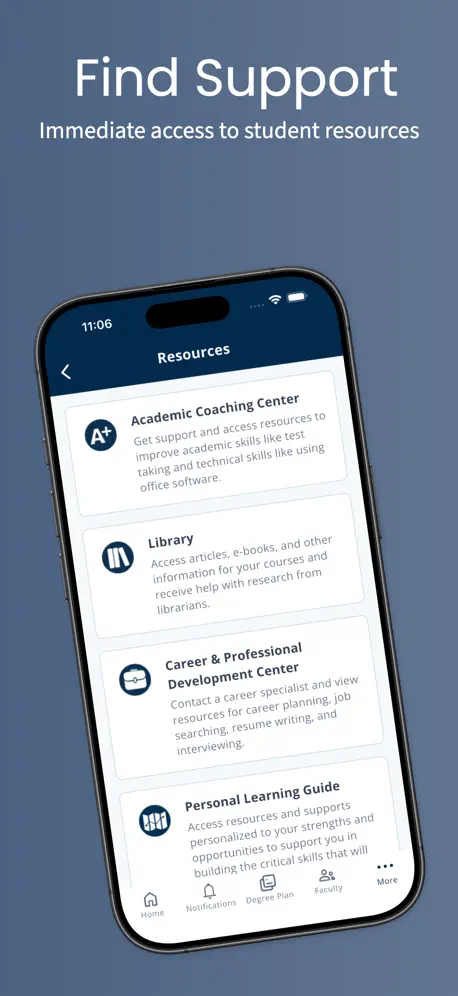
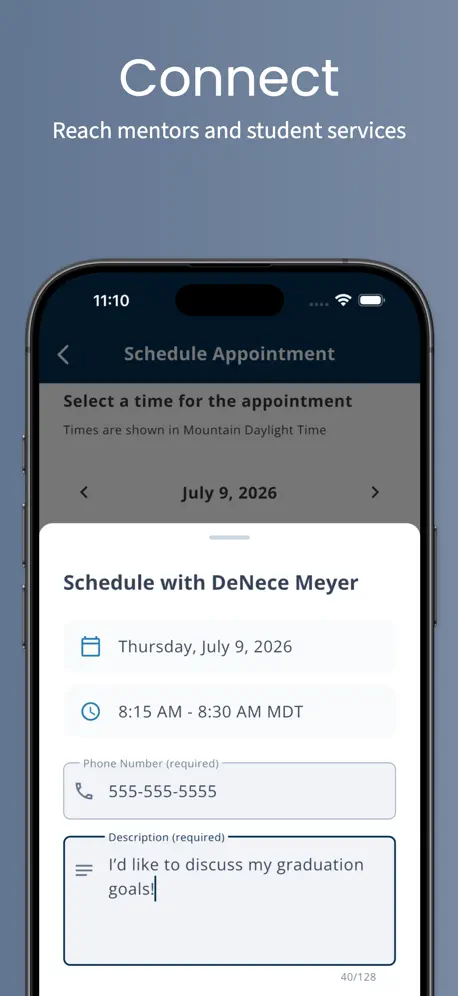
How much does myWGU Mobile cost?
Prices are current as of 15 Nov 2026.
myWGU Mobile has no in-app products on record in the United States.
10+ alternatives to myWGU Mobile
| myWGU Mobile |   Bookshelf |   Frontline Education |   Red Rover K12 |   Studocu: Notes & Practice |   Pocket Prep IT & Cybersecurity |   Cengage Read |   Study.com |   TPT (Teachers Pay Teachers) |   MindEdge Learning |   Study.com - College Saver | |
|---|---|---|---|---|---|---|---|---|---|---|---|
| Rating / 5 | 4.3 | 4.6 | 4.7 | 4.7 | 4.7 | 4.8 | 4.2 | 4.1 | 2.7 | 3.9 | 4.3 |
| Reviews | 1.3K | 121K | 85K | 49K | 32K | 5K | 4.8K | 4.2K | 671 | 259 | 23 |
| Released | 2015 | 2010 | 2017 | 2020 | 2019 | 2020 | 2023 | 2016 | 2012 | 2016 | 2025 |
| 3-month price | — | — | — | — | $34.99 | $49.99 | — | — | — | — | — |
| Annual price | — | — | — | — | $79.99 | $124.99 | — | — | — | — | — |
| One-time price | — | — | — | — | — | — | — | $299.99 | — | $79.99 | — |
The going rate for each plan in United States, in its own currency, shaded from the cheapest price on the row to the dearest. Plans fewer than four in ten of the priced apps sell are left out.
myWGU Mobile reviews
4.3 out of 5, based on 1,275 reviews.
What people like
- Great for studying during short breaks
- Simple interface with no clutter
- Works well enough for most tasks
What they complain about
- App says update but nothing updates
- Videos do not play in the app
- Text is way too big on iPad
- App crashes constantly or freezes up
Convenient
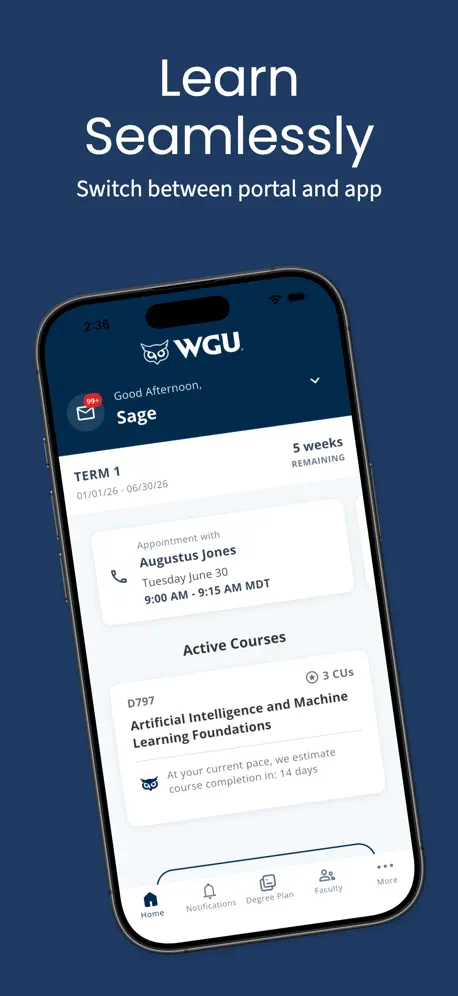
It’s really nice to have the option to study literally in my pocket. I’m not always at home on my laptop so this has been good for making use of the 5-10 min empty pockets of time I find throughout the day. Would love a Text to speech option so I could listen during a workout or while I’m driving to work though
WHY IS IT HUGE?
Everything worked great until you guys updated it. Now I have to move the iPad further away because you have made everything GIGANTIC! Can you please add a feature back we’re everything doesn’t look so huge and cheap? It reminds me of when iPad first came out and developers rushed to make the iPhone app compatible, you’ve just stretched it without proper aspect ratios. PLEASE FIX!
Update message
I keep getting a message to update the app when I open it, but when it takes me to the App Store it says I have the latest version?
Terrible
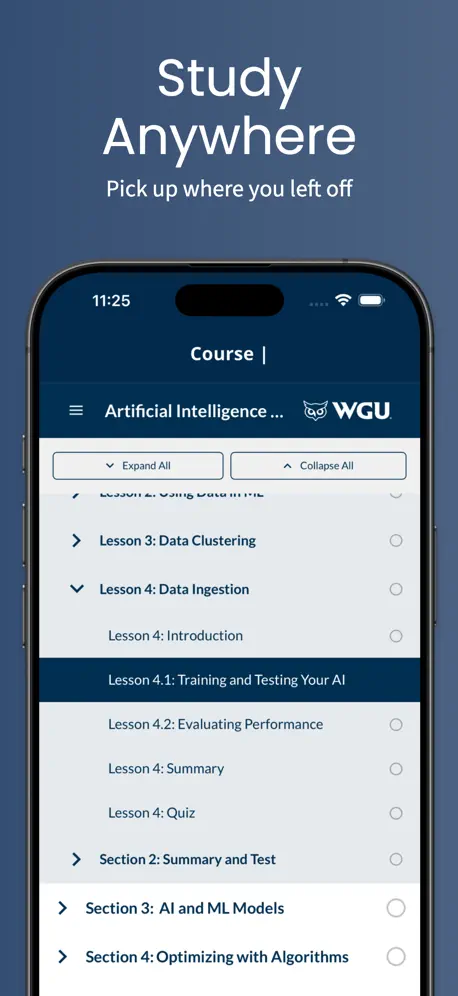
Every time I try to access course materials I am unable to. You click to open the textbook, and every time you try to expand lessons. The page changes and you can’t even select where you left off. The only option is to start the whole damn thing over again. Plus the read aloud feature is TERRIBLE.
I have to reload after update
After the most recent update, I have to delete it and redownload it or I’m redirected constantly to update and I already did. Only stops when I delete it and reinstall.
Fantastic App!
Quality of the courses on a phone is amazing. Really easy to use and view on the go.
eText cannot be read
WGU blocks browser access on mobile devices, so I downloaded the app with the goal of reading my textbook at a time when I don’t have access to my laptop. However, the app doesn’t display eText content. That’s the only thing I’d want to use this app for.
Works great, mostly!
It works really well, but now that I’ve been changed over to the alumni portal none of the links are working and the app just freezes on the graduation page.
STILL NOT WORKING!
When I open the app on my phone, it tells me to update the WGU Mobile app. There’s no update button. It doesn’t give me the MFA authentication code for my screen. It’s not working very frustrating.
Version 7.0.0 and iPad problems
Just updated to version 7. I like that it matches the desktop website better, but I literally can read the text on my iPad from 25 feet away with the way it is formatted. It looks fine on my phone, but the UI upscaled to a 13” iPad is ridiculous; it hurts to try to use it.
They finally heard us!
Being able to do coursework in the app is greatly appreciated! And you can listen along! Thanks!
Horrible
Never works
New glitch
Most recent update now glitches while in the course materials and every few pages diverts me to panopto and an error that I can’t sign in or view anything. I have to skip pages to bypass it.
Crashing Constantly
It crashes almost every time I load the app up. It’s unusable. Every now and then it’ll load everything but 96% of the time it crashes
AMAZING APP THANK YOU!
Amazing app ! Thank you so much for making it so easy to study on the go. Everything is perfect seamless. I specially LOVE that the app is not loaded with unnecessary options, it is so simple and straight to the point. Everything I need is on there I haven’t wished for there to be anything else. Thank you again so much !
Used to work..
This app used to work fine but now every time I sign into it, it loads and then prompts me to sign in again. Can’t even use it. Yes, I’ve uninstalled and reinstalled and checked for updates and changed my WiFi settings, etc. On an iPhone 16 pro as well so it’s not that. Just a portly optimized app. Shame.
Great app bad update
Love the app but WHY IS EVERYTHING SO BIG!!! There’s no need for such huge text please bring back the old interface, or allow us to change the size
Panopto videos do not play.
Panopto videos do not play in the app. Tried both Panopto app and web versions.
Great App
Imroving
Not updating
When I open the app I am prompted to hit the blue button to “UPDATE myWGU App”, when I tap the blue button, I am taken to the App Store and the WGU App does not say UPDATE it only says OPEN. I hit the OPEN button and it takes me back to the app where, again, I am prompted to update the app and it’s a cycle of not having the option to really update the app.
Don’t like the update
I’m not sure what happened, before the app updated I was able to have a full screen me see more. But now since it’s updated everything is super zoomed in and I can’t barely see or change it
Love the app, could be tweaked
I love the app for the ability to study on the go on my phone and iPad. It has very helpful features that help you avoid going to the website. The one thing I am struggling with recently is losing my place in the coursework after my screen locks or exiting the app. After opening my device I have to look for my place in my reading which is kind of frustrating.
No update
App keeps telling me “it’s time to update” so I click on it and it brings me here…where there is no update
Does not work
Nice to have an app for easy and convenient access to the site material, but sign in does not work.
Ok could be better
Works well enough for most tasks. Reading material for courses doesn’t consistently scale well though.
App Degraded and Broken
App isn’t featuring proper connection to baseline production environment from WGU and may be issued with trust certificate mismatch that allows or enables downloads from third party and malicious environments.
Unable to access course community
The lack of community support makes this app less useful. Reading the text is fine but the videos are the best way to study and we can’t access them through this. Made worse by the website demanding to use MGA.
App is great only if we didn’t crash
After the most recent update, the app crashes every time you refresh the page. I tried this both on the iPad as well as the iPhone X. Please fix this. Otherwise, great app.
App doesnt work
Even after updating the app I cant log in.
App not working
I keep trying to open the app but it says download the latest version. I click that link and when it takes me to the App Store, there’s nothing to update. I even deleted the app, reinstalled, and same issue. Pls fix it.
Can I revert back?
This app has obnoxiously large borders when trying to view course materials and the online textbook. This interface is trash. Is there a way to revert back? I can’t view lecture notes like this.
No new update
Receive a message, that I cannot close, saying "Time to Update...Update the app" when the app shows it is fully updated in the app store.
App is garbage
The app is telling me to update, but I already have the most updated version. We’ll now when try to log on on the computer I can’t because the MFA keeps telling me to scan the QR code to pair my device to my phone, but my phone was already paired to my device. To keep things simple, the new update unpaired my phone from my computer but my computer still thinks it’s paired so it won’t show me a passcode or QR code to pair my phone again. Effectively locking me out of my account. WGU simply doesn’t think when doing anything and it shows.
myWGU Mobile FAQ
- Is myWGU Mobile free?
- Yes. The app is free, in all 175 countries it sells in, and it sells nothing inside it.
- Does myWGU Mobile have a free trial?
- No. None of its offers (US) come with a free trial.
- What are the best alternatives to myWGU Mobile?
- Bookshelf (4.6 from 120,936 reviews), Frontline Education (4.7 from 85,415 reviews) and Red Rover K12 (4.7 from 48,910 reviews).
myWGU Mobile download
Last updated 18 days ago.
myWGU Mobile sells in 175 countries. It was released 11 years ago, on 16 Nov 2015. It holds a 4.3 rating from 1,275 reviews.
Supports 1 language: English.
How much does myWGU Mobile make?
Third-party estimates for the last 30 days, worldwide — not the store's own figures, which Apple publishes for nobody.