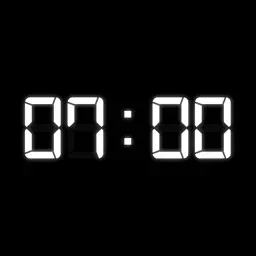
Millisecond Clock
The Most Accurate Clock
| Revenue % | |||||
|---|---|---|---|---|---|
| One-time purchase | 175 | $0.69 – $1.51 | 24.8% | +18.0% | |
| One-time purchase | 175 | $2.73 – $4.53 | 24.8% | +18.0% | |
| One-time purchase | 175 | $3.49 – $6.05 | 24.8% | +18.0% |
Description
Millisecond Clock shows the exact time down to 1/1000 of a second, accurate enough to measure real delay in cameras, video streams, and network connections.
Point a camera at the screen and compare it to another display: the difference in milliseconds tells you exactly how much latency you are dealing with.
Beyond precision, Millisecond Clock is a clock you can make your own. Every part of it, from color and font to position on screen, is yours to design.
DESIGN YOUR CLOCK- 13 built-in color themes, or create unlimited custom themes with the full color picker
30 fonts, from the classic digital LED look to elegant serif and rounded styles
Adjustable glow and shadow effects for extra depth
Drag the clock, date, and weekday anywhere on screen, and resize each one independently
STAY ON TIME, YOUR WAY- 12-hour or 24-hour time, with an optional blinking colon
9 date formats to match how you write dates
Show or hide the date and day of the week
Toggle the millisecond display on or off
BUILT TO STAY ON SCREEN- Keeps your screen awake so the clock is always visible
A true universal app, designed for both iPhone and iPad
Millisecond Clock is free to use, supported by ads.
A one-time in-app purchase removes ads and unlocks every premium theme, no subscription required.
Last collected from the App Store on