PV Cam Viewer
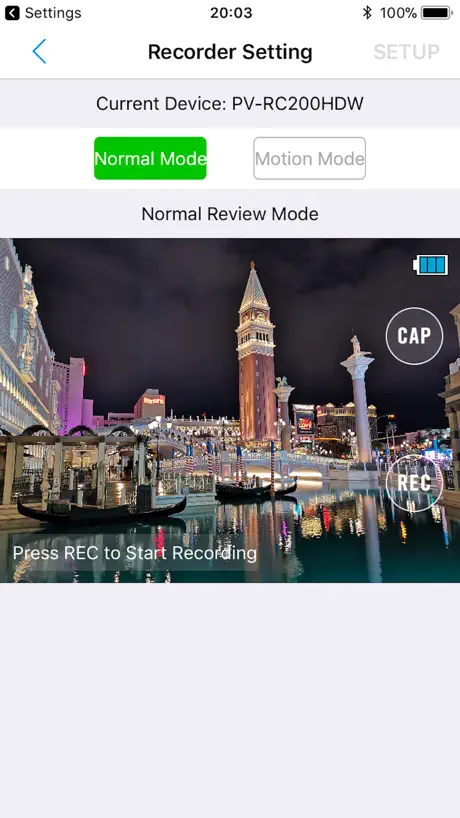
How much does PV Cam Viewer cost?
Prices are current as of 15 Nov 2026.
PV Cam Viewer has no in-app products on record in the United States.
10+ alternatives to PV Cam Viewer
| PV Cam Viewer | 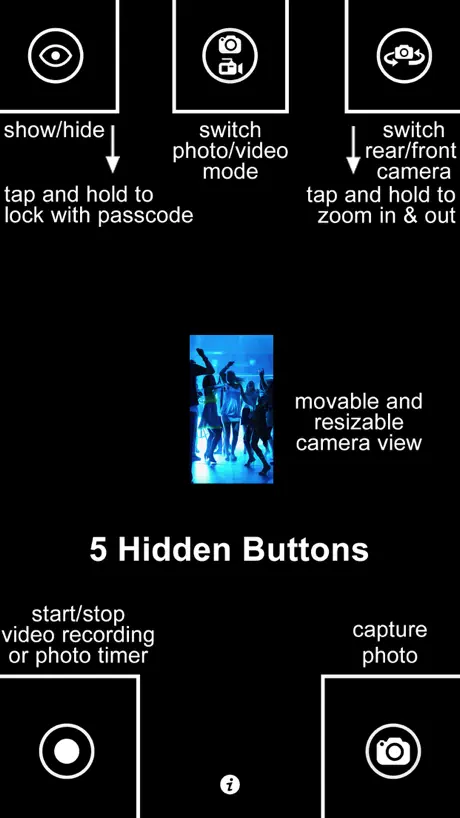  SP Camera | 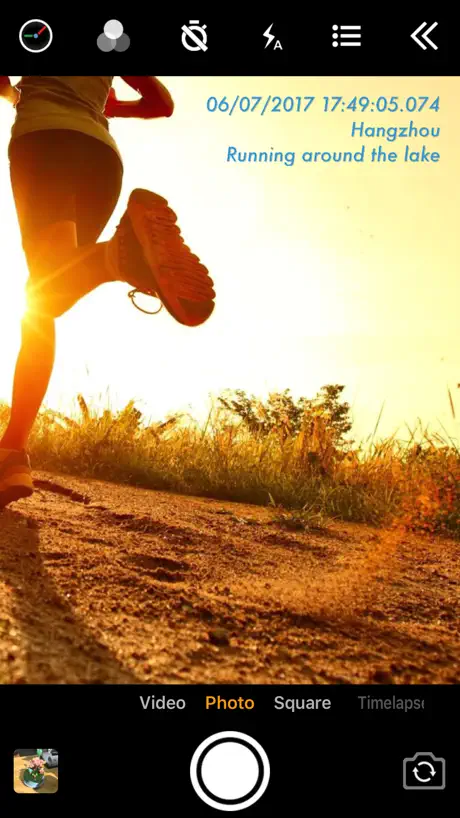  Timestamp Camera Pro |   Yi Eye | 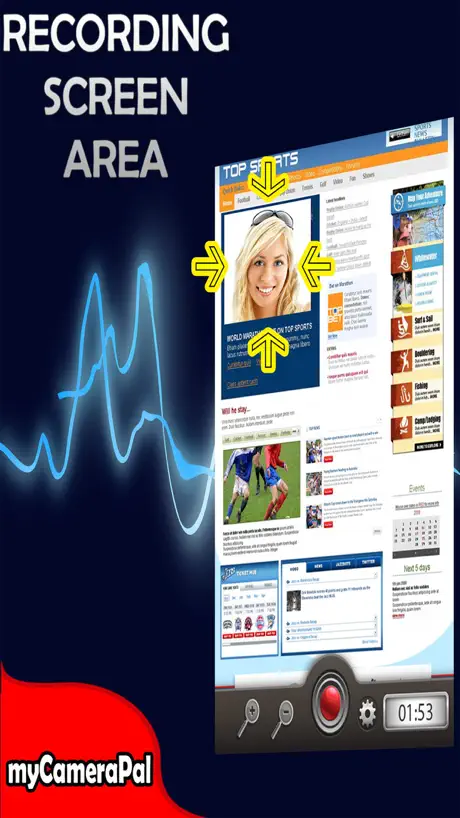  myCameraPal - Look Busy! |   SiOnyx Aurora |   Camama |   CAMDUCK |   Cloud Spy |   SIONYX |   MotorolaSolutions SmartControl | |
|---|---|---|---|---|---|---|---|---|---|---|---|
| Rating / 5 | 2.5 | 4.5 | 4.7 | 2.8 | 2.8 | 2.2 | 1.9 | 2.7 | 3.2 | 2.8 | 4.2 |
| Reviews | 100 | 3.3K | 1.5K | 680 | 134 | 69 | 62 | 54 | 36 | 22 | 14 |
| Released | 2015 | 2013 | 2014 | 2017 | 2013 | 2018 | 2020 | 2021 | 2012 | 2022 | 2021 |
| One-time price | — | — | — | — | $1.99 | — | — | — | — | — | — |
The going rate for each plan in United States, in its own currency, shaded from the cheapest price on the row to the dearest.
PV Cam Viewer reviews
2.5 out of 5, based on 100 reviews.
What people like
- Great reliability with Lawmate cameras
- Camera connectivity is very solid
- Easy to control unit settings
What they complain about
- Crashes constantly when you open it
- Audio recording fails or won't save
- Won't work on newer iOS versions
- Black screen instead of live view
Pretty good app
It is very reliable as far as the camera connectivity. It isn't the prettiest app but thats ok for me.
Can view recording in app
I also can’t see what’s being recording in the app and I also have T-mobile. This app is worthless.
Fix notifications
Please fix notifications. Don’t work! It is critically important
デバイスの読み込みができない。
タイトルの通りです。至急改善を求めます。
Notifications
Lately the app is gone insane with notifications. One every 10 seconds (why?!). If it is recording then no further notification should be sent. I had over 160 in one hour as the cam was activated by the light changes in the room, there was no real motion (no person in the room). And if turn the sensitivity down it won’t trigger even if I pass my hand in front of the device. Even as I’m typing this message I’m am receiving constant notifications the the cam is activated. Also, I use to be able to view the videos through the app and now can’t. What happened with that?! The video situation is not as important, but getting a notice every 10 seconds is beyond annoying.
PV Cam Viewerは、使えない
PV Cam Viewerを使わず PV Cam wifi をお試しください 使えるかも? 自分は、使用出来ました
Black screen loading.
Can’t view what I’m recording. There is a black screen and it doesn’t load. Horrible.
Functions but can be finicky
Had connection issues initially. Got it to work and seems to function correctly.
Please update the app for IOS Apple
Is there any one Who can update the app? For what I buy the products IF it doesnt work ?
PV Cam viewer
When will come the App update for IOS THIS VOICE QUALITY IS VERY PUR ANSWER URGENTLY PLEASE
Awesome App!
This app is only good with Lawmate items! Not too sure about other camera’s, but when it comes to Lawmate I’ve always had great service.
Needs major iOS improvements
This app needs iOS improvements
Update58
When it works it is amazing but continues to drop out offline after re booting, configuration, re routing. Honestly, I have applied every solution from their support dept and I can’t get home internet or remote visual access! Can you guys just give a free flowing stable platform or please or give me a heads up on what is needed please,
Crushing on WiFi - useless
Doesn’t work on WiFi at all
Good app, but...
Good app, but after the update, it’s not possible to Connect and noting run .
T mobile service
This app has a problem with the review mode wit T mobile service phones.
Has stopped working since updating phone to 13.1
App worked great until I updated phone to 13.1. Now it does not work at all.
One drawback
Like the app itself does what it says, with one massive drawback. I cannot get it to work reliably with a VPN. Tried three so far all the same. Five stars without this issue.
Handy app but one big flaw
I'm using the iPhone 7 plus and this app generally works well. I can control the unit easily from the app as well as checking the settings. The one downfall is when I start recording, the picture pixelates until you can't make the picture out at all. This means I cannot check that I'm capturing what I want to capture whilst in the process of recording. I've even deleted and reinstalled the app in case there had been an issue with the initial download - still no success. 😞
Unusable
It only opens once after being installed. Afterwards it crashes every time you reopen.
Needs work
It works well for IOS 13.7 but with the new software update to IOS 14 I’m unable to watch my video recordings when I back them up.
Clunky and crashes often
The app basically works. But the interface is clunky and looks like it was written in the 1990s. I have to choose my one camera every time I start the app. It does not remember the chosen camera. While the app asks if it can send notifications, it never does. If the camera detects motion, you will not be notified. The app usually crashes every time I launch it, then works fine if I start it right up again. This app clearly needs a lot of work.
Don’t buy
App doesn’t even work, crashes every time I open it. Waste of money, needed this for a new job that I start tomorrow and now can’t do anything.
Won’t open.
I’ve erased and re downloaded. Is there a fix for this!?
no audio
This will not allow to save or hear audio. When you click this option it reverts back and never saves to the device as that option
Not working with ISO 13 update
Have updated my phone to ISO 13 and since doing I’m now unable to connect WiFi to the PV cam will this be updated soon
Doesn’t work at all just crashes
App is garbage Can’t use it as it crashes 100% of the time. Total garbage
Annoyed
This app would easily be 5 stars if we could download the videos remotely without being on the same wifi !!! Please fix the issue
App crashes
Using IOS 17.0.2, this app has been crashing and unable to backup the recordings.
Version 4.2.9 Sept 19, 2017
September 23, 2017 I was hoping that with this new version it would solve the "remotely" backup files under recording to be possible (enable)! I have a iPhone7 and iPad Air 2 with the latest iOS 11 update therefore it should work! But not.. only to see the backup files at 0% when I try to download remotely and the note "Do not support internet". Also I notice that when I stream live view at home or remotely, I can not here "sound" from the microphone. I can here the sound when I have downloaded the videos at home (when the device and smartphone/iPad are connected to the same Wi-Fi internet) and I live in Canada. I am sure that the software people (team)and Mr. Li Xingwei are doing the best to correct this problem. Thank you August 15, 2017 Could you "please" make it possible to "back up files" remotely! The video clips are there but we can not view them remotely... I love what you have improve...Thank you very much July 19, 2017 version 4.2.5 This above version does finally shows the recording of video clips remotely with WiFi or Internet (3G or LTE). This is a very good improvement. The problem is that you can not "Back up files" an view it remotely. It's stay at 0% with the information of "Do not support internet". Could you make it possible to backup the video/photo clips remotely in your next version? Thank you very much...I would definitely give 5 stars + June 26, 2017 Update... Thank you for your version 4.2.2 on June 16, 2017! This is a 4 1/2 Stars for me. It could be 5 Stars if we could remotely download the video/photo clips and view instantly. We have to wait to get home where the device is connected to the same internet to download the video/photo clips to view them. Please correct this "interface" in this app on your next version and a lot of people will be very happy and give you 5 Stars! --------------------------------------------------------------- - It doesn't say what is the improvements from the previous Version dated November 30, 2016 - No view remotely through Wi-Fi - Only when the device and smartphone are connected to the same Wi-Fi internet that you can download videos on app. - The LawMate Technology says: Wi-Fi capability enables you to view and review live and RECORDED video from anywhere in the world. - it's false and very disappointing! - Please fix these problems!
Nice camera but app doesn’t open after setting up.
The camera has good quality. The app doesn’t open. This camera useless if I can’t use the app and watch video.
PV Cam Viewer FAQ
- Is PV Cam Viewer free?
- Yes. The app is free, in all 175 countries it sells in, and it sells nothing inside it.
- Does PV Cam Viewer have a free trial?
- No. None of its offers (US) come with a free trial.
- What are the best alternatives to PV Cam Viewer?
- SP Camera (4.5 from 3,332 reviews), Timestamp Camera Pro (4.7 from 1,530 reviews) and Yi Eye (2.8 from 680 reviews).
PV Cam Viewer download
Last updated 1 year ago.
PV Cam Viewer sells in 175 countries. It was released 11 years and 4 months ago, on 11 Jul 2015. It holds a 2.5 rating from 100 reviews.
Supports 4 languages: English, Czech, Japanese, Chinese.
How much does PV Cam Viewer make?
Third-party estimates for the last 30 days, worldwide — not the store's own figures, which Apple publishes for nobody.