
Drum Kit: Rhythm Pad
Drum Pad for Rhythm Practice
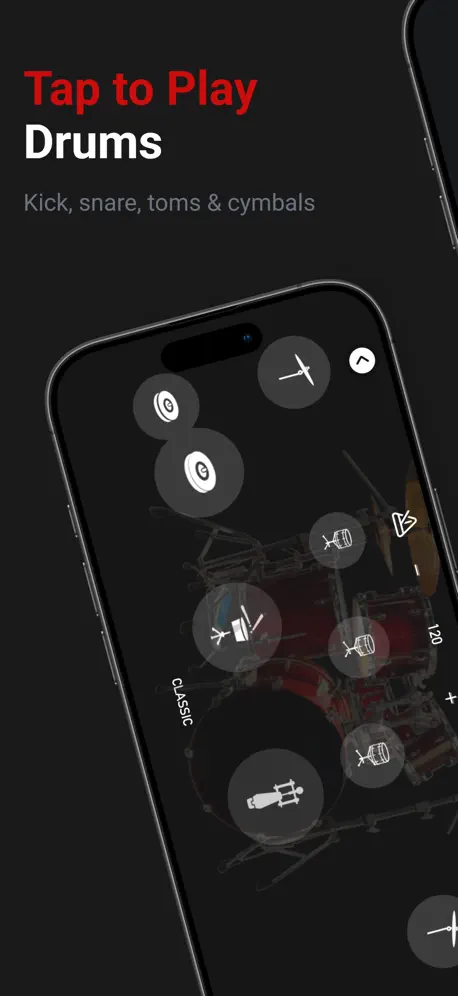
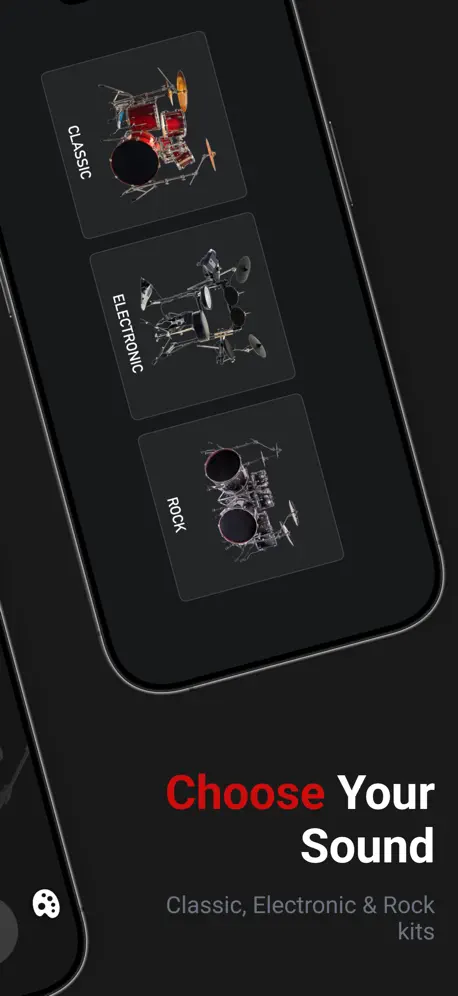
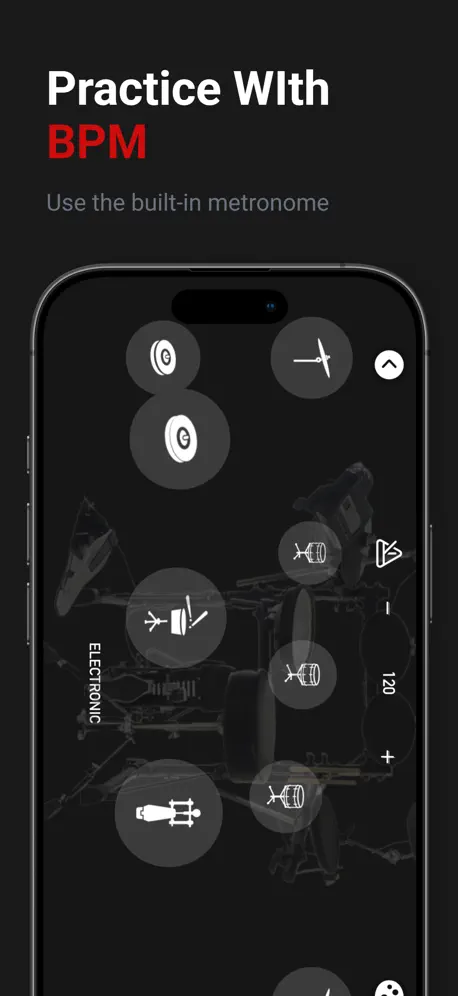
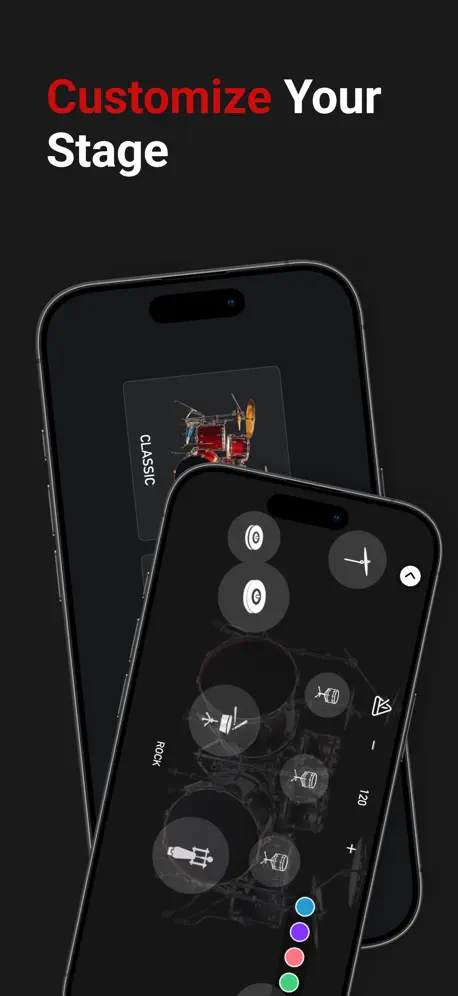
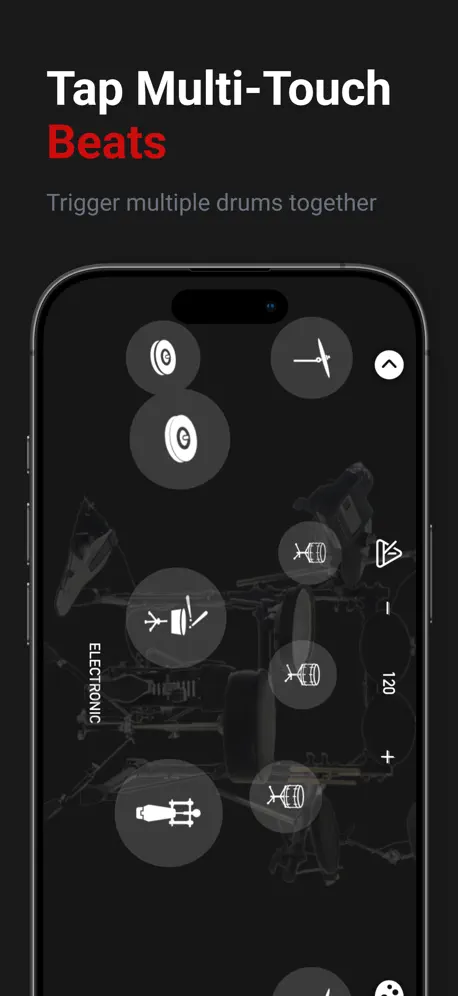
How much does Drum Kit: Rhythm Pad cost?
Prices are current as of 8 Oct 2026.
1 one-time purchase from $4.99
In the United States, Drum Kit: Rhythm Pad has 1 one-time purchase priced $4.99.
| Product | Price |
|---|---|
| Remove Ads | $4.99 |
10+ alternatives to Drum Kit: Rhythm Pad
| Drum Kit: Rhythm Pad |   Drum Set - Real Pad Machine HD Drum Set - Real Pad Machine HD |   Loop pad: make & mix beats Loop pad: make & mix beats |   Pocket Drums Pocket Drums |   Pocket Drums Classic Pocket Drums Classic | 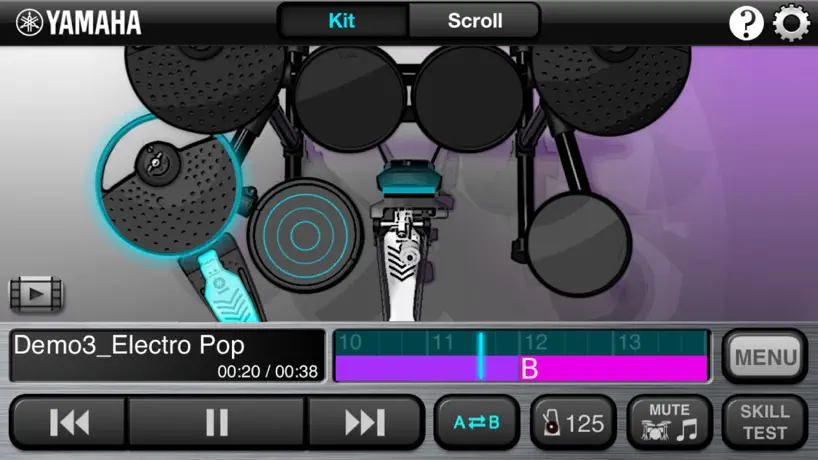  Song Beats Song Beats |   Double Kick Drum Kit Double Kick Drum Kit |   Play Drum – Real Drums Kit App Play Drum – Real Drums Kit App |   Real Drums! Real Drums! |   Rockin' Drums Rockin' Drums |   Drum Starz Drum Starz | |
|---|---|---|---|---|---|---|---|---|---|---|---|
| Rating / 5 | 4.2 | 4.4 | 4.4 | 3.9 | 3.9 | 3.9 | 4.3 | 4.5 | 3.8 | 4.2 | 4.2 |
| Reviews | 766 | 1.9K | 740 | 531 | 171 | 157 | 146 | 137 | 90 | 68 | 53 |
| Released | 2015 | 2020 | 2021 | 2012 | 2011 | 2012 | 2011 | 2021 | 2014 | 2012 | 2013 |
| Weekly price | — | — | $2.99 | — | — | — | — | — | — | — | — |
| Monthly price | — | — | $9.99 | — | — | — | — | — | — | — | — |
| 3-month price | — | — | $24.99 | — | — | — | — | — | — | — | — |
| Annual price | — | — | $29.99 | — | — | — | — | — | — | — | — |
| One-time price | $4.99 | — | — | — | — | $0.99 | — | — | — | — | — |
The going rate for each plan in United States, in its own currency, shaded from the cheapest price on the row to the dearest.
Drum Kit: Rhythm Pad reviews
4.2 out of 5, based on 766 reviews.
What people like
- Fun and enjoyable to use
- Sounds feel very realistic
- Great for adding beats to songs
What they complain about
- App crashes immediately upon opening
- Ads appear even in paid version
- Developer ignores user complaints and emails
たかぽん
やっぱりぅぃるすが入ったりするなよ
Doesn't let me in
Every time when I get on the app, It doesn't let me play. It just takes me out of app.
Im Prinzip gut
Es ist eine tolle App die sehr realistische Sounds bietet. Es macht total Spaß darauf zu spielen. Selbst Songs in iTunes lassen sich mit dem Instrument aufpeppeln! Schade nur dass trotz der Pro Version beim Programmstart oft Werbung eingeblendet wird. Das nervt. Hat man diese weggeblickt funktioniert die App 1A. Kleines Manko: Beim iPad ist die maximale Schlagzeug Lautstärke zu leise, beim iPhone dagegen ist sie perfekt! Für die unnötige Werbeeinblendungen in der bezahlten Pro Version ziehe ich drei Sterne ab.
いいけど
いちいち種類を変える度に広告表示やめてください わざわざ広告解除のためにapp 内課金を使わせるのもやめてください
Rock
Çok iyi
为什么点进去就闪退?
能不能修复一下?
Mütiş
Ar
BROKEN DO NOT USE
This app is broken so avoid this until they have a fix for it.
ความเห็น
สนุกดีครับ
No workie
Why does Apple keep apps that don't even work anymore???
好
这个软件好好玩好喜欢
Dis is poo
The app doesn’t open fix this
良いのかなぁ?笑笑(*^^*)
よ、良いかもしれない!!(白目
Developers have abandoned this App
Doesn’t appear to have any updates for the past 2 years. User in October of 2019 commented about the inability to open the app. I have the exact same issue. I attempted to contact the developer via their website and they do not have an automated email contact link on their website. Just a general “info@.. “email address. Don’t waste your time on downloading this.
Not opening
I just downloaded the app and it won’t open. Every time I go to open it it loads for maybe half a second a closes again. Please fix this.
Дичь полнейшая!
Люди, которые понимают хоть маленько в ударных, не ведитесь на оценку приложения, в реальности оно не пригодно для использования, зоны тапа настолько маленькие, что ни о какой дроби или переходе не может быть и речи!
Bad
ใช้งานไม่ได้
假的不要下
假的
Drum Kit: Rhythm Pad price by country
A one-time purchase costs $4.69 in Pakistan and $7.69 in Colombia — 1.6× more for the same thing. Below is the going rate for each plan in every country that sells it — the middle price of what the app charges there, in the country's own currency with the dollar equivalent beneath it.
| Country | One-time |
|---|---|
| Afghanistan | $4.99 |
| Albania | $5.99 |
| Algeria | $4.99 |
| Angola | $4.99 |
| Anguilla | $4.99 |
| Antigua And Barbuda | $4.99 |
| Argentina | $4.99 |
| Armenia | $5.99 |
| Australia | A$7.99$5.55 |
| Austria | €5.99$6.71 |
| Azerbaijan | $5.99 |
| Bahamas | $4.99 |
| Bahrain | $4.99 |
| Barbados | $5.99 |
| Belarus | $5.99 |
| Belgium | €5.99$6.71 |
| Belize | $4.99 |
| Benin | $5.99 |
| Bermuda | $4.99 |
| Bhutan | $4.99 |
| Bolivia | $4.99 |
| Bosnia & Herzegovina | €5.99$6.71 |
| Botswana | $4.99 |
| Brazil | R$29.90$5.98 |
| British Virgin Islands | $4.99 |
| Brunei Darussalam | $4.99 |
| Bulgaria | €5.99$6.71 |
| Burkina Faso | $4.99 |
| Cambodia | $4.99 |
| Cameroon | $5.99 |
| Canada | CA$6.99$4.92 |
| Cape Verde | $4.99 |
| Cayman Islands | $4.99 |
| Chad | $4.99 |
| Chile | CLP 5,990$6.15 |
| China | CN¥38.00$5.66 |
| Colombia | COP 24,900$7.69 |
| Congo | $5.99 |
| Congo, Democratic Republic | $4.99 |
| Costa Rica | $4.99 |
| Cote Divoire | $5.99 |
| Croatia | €5.99$6.71 |
| Cyprus | €5.99$6.71 |
| Czech Republic | CZK 129.00$5.91 |
| Denmark | DKK 39.00$5.84 |
| Dominica | $4.99 |
| Dominican Republic | $4.99 |
| Ecuador | $4.99 |
| Egypt | EGP 249.99$4.77 |
| El Salvador | $4.99 |
| Estonia | €5.99$6.71 |
| Fiji | $4.99 |
| Finland | €5.99$6.71 |
| France | €5.99$6.71 |
| Gabon | $4.99 |
| Gambia | $4.99 |
| Georgia | $5.99 |
| Germany | €5.99$6.71 |
| Ghana | $5.99 |
| Greece | €5.99$6.71 |
| Grenada | $4.99 |
| Guatemala | $4.99 |
| Guinea-bissau | $4.99 |
| Guyana | $4.99 |
| Honduras | $4.99 |
| Hong Kong | HK$38.00$4.84 |
| Hungary | HUF 1,990$6.09 |
| Iceland | $5.99 |
| India | ₹499.00$5.15 |
| Indonesia | IDR 99,000$5.54 |
| Iraq | $4.99 |
| Ireland | €5.99$6.71 |
| Israel | ₪14.90$4.85 |
| Italy | €5.99$6.71 |
| Jamaica | $4.99 |
| Japan | ¥800$5.06 |
| Jordan | $4.99 |
| Kazakhstan | KZT 2,990.00$6.69 |
| Kenya | $5.99 |
| Kosovo | €5.99$6.71 |
| Kuwait | $4.99 |
| Kyrgyzstan | $4.99 |
| Lao Peoples Democratic Republic | $4.99 |
| Latvia | €5.99$6.71 |
| Lebanon | $4.99 |
| Liberia | $4.99 |
| Libya | $4.99 |
| Lithuania | €5.99$6.71 |
| Luxembourg | €5.99$6.71 |
| Macao | $4.99 |
| Macedonia | $4.99 |
| Madagascar | $4.99 |
| Malawi | $4.99 |
| Malaysia | MYR 22.90$5.60 |
| Maldives | $4.99 |
| Mali | $4.99 |
| Malta | €5.99$6.71 |
| Mauritania | $4.99 |
| Mauritius | $5.99 |
| Mexico | MX$99.00$5.50 |
| Micronesia | $4.99 |
| Moldova | $5.99 |
| Mongolia | $4.99 |
| Montenegro | €4.99$5.59 |
| Montserrat | $4.99 |
| Morocco | $5.99 |
| Mozambique | $4.99 |
| Myanmar | $4.99 |
| Namibia | $4.99 |
| Nauru | $4.99 |
| Nepal | $5.99 |
| Netherlands | €5.99$6.71 |
| New Zealand | NZ$9.99$5.58 |
| Nicaragua | $4.99 |
| Niger | $4.99 |
| Nigeria | NGN 7,900.00$5.94 |
| Norway | NOK 59.00$6.16 |
| Oman | $4.99 |
| Pakistan | PKR 1,300$4.69 |
| Palau | $4.99 |
| Panama | $4.99 |
| Papua New Guinea | $4.99 |
| Paraguay | $4.99 |
| Peru | PEN 22.90$6.66 |
| Philippines | ₱299.00$4.76 |
| Poland | PLN 24.99$6.39 |
| Portugal | €5.99$6.71 |
| Qatar | QAR 19.99$5.49 |
| Romania | RON 29.99$6.27 |
| Russia | RUB 449.00$5.25 |
| Rwanda | $4.99 |
| Sao Tome & Principe | $4.99 |
| Saudi Arabia | SAR 19.99$5.33 |
| Senegal | $5.99 |
| Serbia | €5.99$6.71 |
| Seychelles | $4.99 |
| Sierra Leone | $4.99 |
| Singapore | SGD 6.98$5.45 |
| Slovakia | €5.99$6.71 |
| Slovenia | €5.99$6.71 |
| Solomon Islands | $4.99 |
| South Africa | ZAR 99.99$6.01 |
| South Korea | ₩7,700$5.75 |
| Spain | €5.99$6.71 |
| Sri Lanka | $4.99 |
| St. Kitts and Nevis | $4.99 |
| St. Lucia | $4.99 |
| St. Vincent & The Grenadines | $4.99 |
| Suriname | $4.99 |
| Swaziland | $4.99 |
| Sweden | SEK 69.00$6.89 |
| Switzerland | CHF 4.00$4.80 |
| Taiwan | NT$150.00$4.71 |
| Tajikistan | $4.99 |
| Tanzania | TZS 14,900.00$5.65 |
| Thailand | THB 199.00$5.91 |
| Tonga | $4.99 |
| Trinidad and Tobago | $4.99 |
| Tunisia | $4.99 |
| Turkey | TRY 249.99$5.08 |
| Turkmenistan | $4.99 |
| Turks and Caicos | $4.99 |
| Uganda | $5.99 |
| Ukraine | $5.99 |
| United Arab Emirates | AED 19.99$5.45 |
| United Kingdom | £4.99$6.59 |
| United States | $4.99 |
| Uruguay | $4.99 |
| Uzbekistan | $4.99 |
| Vanuatu | $4.99 |
| Venezuela | $4.99 |
| Vietnam | ₫149,000$5.74 |
| Yemen | $4.99 |
| Zambia | $5.99 |
| Zimbabwe | $5.99 |
Drum Kit: Rhythm Pad FAQ
- Is Drum Kit: Rhythm Pad free?
- Yes. The app and its basic features are free, in all 175 countries it sells in. Premium features are paid: they start from $4.99 (US), across 1 one-time purchase.
- Does Drum Kit: Rhythm Pad have a free trial?
- No. None of its offers (US) come with a free trial.
- Where is Drum Kit: Rhythm Pad cheapest?
- A one-time purchase costs PKR 1,300 (≈$4.69) in Pakistan and COP 24,900 (≈$7.69) in Colombia, its cheapest and dearest countries.
- What are the best alternatives to Drum Kit: Rhythm Pad?
- Drum Set - Real Pad Machine HD (4.4 from 1,883 reviews), Loop pad: make & mix beats (4.4 from 740 reviews, premium from $2.99) and Pocket Drums (3.9 from 531 reviews).
Drum Kit: Rhythm Pad download
Last updated 4 months ago.
Drum Kit: Rhythm Pad sells in 175 countries. It was released 11 years and 7 months ago, on 18 Feb 2015. It holds a 4.2 rating from 766 reviews.
Supports 32 languages: English, Arabic, Catalan, Croatian, Czech, Danish, Dutch, Finnish, French, German, Greek, Hebrew, Hindi, Hungarian, Indonesian, Italian, Japanese, Korean, Malay, Norwegian Bokmål, Polish, Portuguese, Romanian, Russian, Chinese, Slovak, Spanish, Swedish, Thai, Turkish, Ukrainian, Vietnamese.
How much does Drum Kit: Rhythm Pad make?
Third-party estimates for the last 30 days, worldwide — not the store's own figures, which Apple publishes for nobody.
Revenue by plan
- One-time 100%
Revenue by country
- Thailand 26%
- United States 15%
- China 11%
- Germany 5%