
Voice Recorder Lite: Record HD
HD Audio Recording & Playback
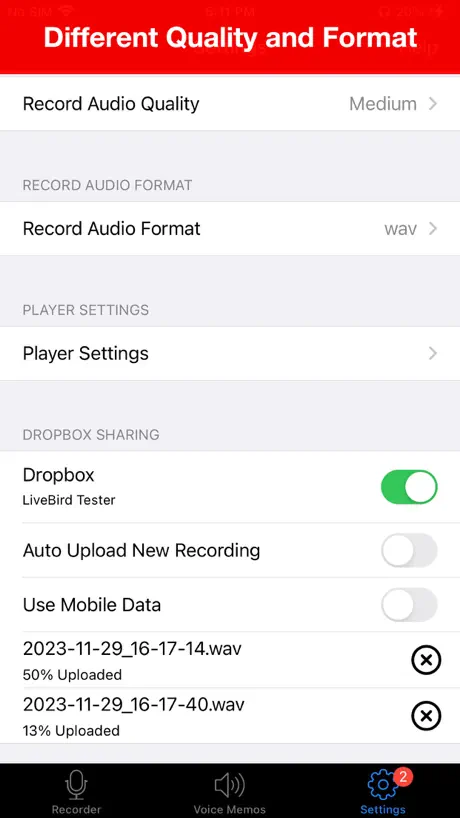
How much does Voice Recorder Lite: Record HD cost?
Prices are current as of 10 Sept 2026.
Voice Recorder Lite: Record HD has no in-app products on record in the United States.
10+ alternatives to Voice Recorder Lite: Record HD
| Voice Recorder Lite: Record HD |   Call Recorder for iPhone. Call Recorder for iPhone. | 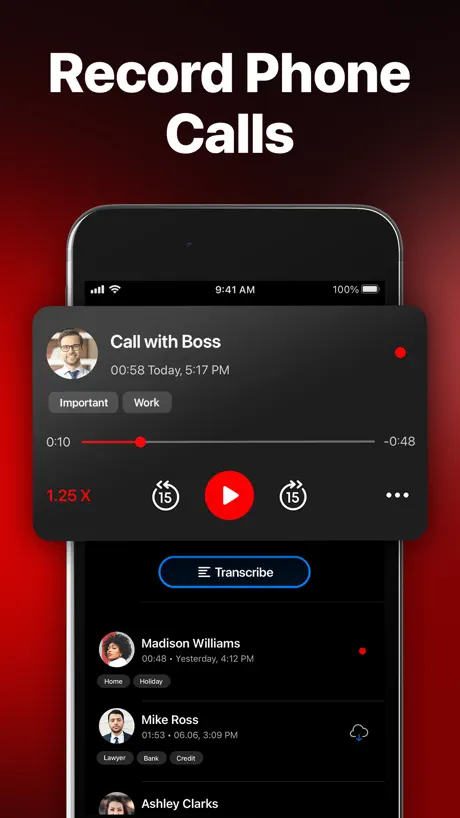  Call Recorder for iPhone ㅤ Call Recorder for iPhone ㅤ |   Call Recorder iCall Call Recorder iCall |   Call Recorder for iPhone Calls Call Recorder for iPhone Calls |   TapeACall: Call Recorder TapeACall: Call Recorder |   Call Recorder ACR ◉App MyCalls Call Recorder ACR ◉App MyCalls | 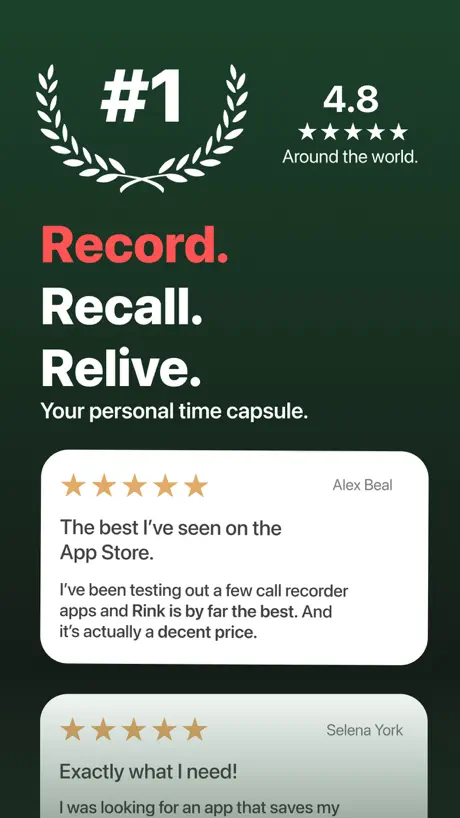  Call recorder - Rink Call recorder - Rink | 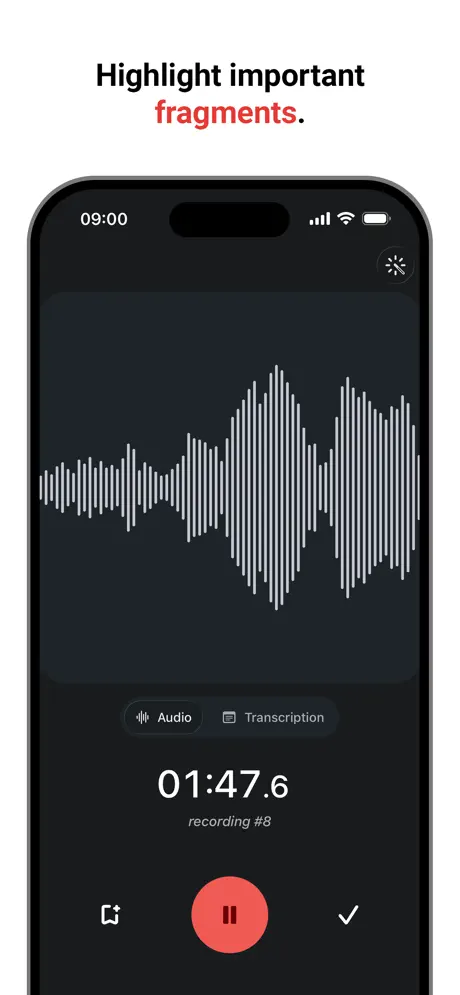  Voice Recorder & Transcribe Voice Recorder & Transcribe |   Easy Voice Recorder Easy Voice Recorder |   Phone Call Recorder Free of Ad Phone Call Recorder Free of Ad | |
|---|---|---|---|---|---|---|---|---|---|---|---|
| Rating / 5 | 4.5 | 4.5 | 4.1 | 4.5 | 4.4 | 4.0 | 4.5 | 3.9 | 4.8 | 4.7 | 4.4 |
| Reviews | 340K | 263K | 143K | 140K | 83K | 71K | 65K | 24K | 19K | 19K | 11K |
| Released | 2015 | 2020 | 2017 | 2019 | 2020 | 2013 | 2021 | 2018 | 2018 | 2017 | 2018 |
| Weekly price | — | $7.99 | $7.99 | $7.99 | $7.99 | $9.99 | $4.99 | $7.99 | — | — | $7.99 |
| Monthly price | — | — | $7.99 | — | $14.99 | $12.99 | — | $19.99 | $5.49 | — | $7.99 |
| Annual price | — | $29.99 | — | $19.99 | $69.99 | $79.99 | $49.99 | $47.99 | $34.99 | — | $59.99 |
The going rate for each plan in United States, in its own currency, shaded from the cheapest price on the row to the dearest. Plans fewer than four in ten of the priced apps sell are left out.
Voice Recorder Lite: Record HD reviews
4.5 out of 5, based on 340,495 reviews.
What people like
- Simple and easy to use.
- Voice quality sounds really good.
- Great for making music tracks.
What they complain about
- Ads pop up while recording.
- You must pay to share files.
- Hard to find how to save.
AMAZING AMAZING
JUST AMAZING!!!!!!!!!
Pay to save the files you record?
So I have this recording I did here but now can’t even send it cause your app is.
Better than ever
Best app to record music videos soundtracks
Saving the record.
Couldn’t find the saving option.
Um
Um
Audio not clear
It does not clearly record audio…:very disappointing
App
Amazing App
Paying to save an audio.
I download it and delete it at the same time. You can’t save your recordings to your phone or share them with people around you. You need to pay just to save the recording like WTH.
Love the app, absolutely!!
Keep up the great work guys.
Not function on iPhone 15
Records only the surrounding sounds not myself of the call
Great app
Love the app
bad
i’m unable to share
Wow
The app is lit I already made 2 songs in one day damn
Payment trap
Payment trap. Can't export anything without paying.
✋🏻
You guys should really try this it can help your child with speech’s you record yourself reading the speech then you give it to your child to listen and read at the same time
Complaint
It deleted itself and I lost all important recordings
Zella67
Excellent
Can’t share
It’s ridiculous that a person has to pay for sharing. I understand to pay for the pro version for editing, but for sharing?!?
Great, now I can use it to enrich my life
I am looking forward to using this app to benefit my life, enrich my sport and assist me should I feel overehelmed ever again.
Why must emailing be on the pro version that’s so stupid
User friendly app
Easy to use. Good voice quality.
The Ad’s 🤦🏻♀️
The AD’s will drive you INSANE on the free version. Pops up during a recording!
Voice Recorder Lite: Record HD FAQ
- Is Voice Recorder Lite: Record HD free?
- Yes. The app is free, in all 175 countries it sells in, and it sells nothing inside it.
- Does Voice Recorder Lite: Record HD have a free trial?
- No. None of its offers (US) come with a free trial.
- What are the best alternatives to Voice Recorder Lite: Record HD?
- Call Recorder for iPhone. (4.5 from 262,608 reviews, premium from $5.99), Call Recorder for iPhone ㅤ (4.1 from 142,656 reviews, premium from $4.99) and Call Recorder iCall (4.5 from 139,697 reviews, premium from $5.99).
Voice Recorder Lite: Record HD download
Last updated 5 months ago.
Voice Recorder Lite: Record HD sells in 175 countries. It was released 11 years and 8 months ago, on 14 Jan 2015. It holds a 4.5 rating from 340,495 reviews.
Supports 10 languages: English, French, German, Italian, Japanese, Korean, Portuguese, Russian, Chinese, Spanish.
How much does Voice Recorder Lite: Record HD make?
Third-party estimates for the last 30 days, worldwide — not the store's own figures, which Apple publishes for nobody.