
SoCatch
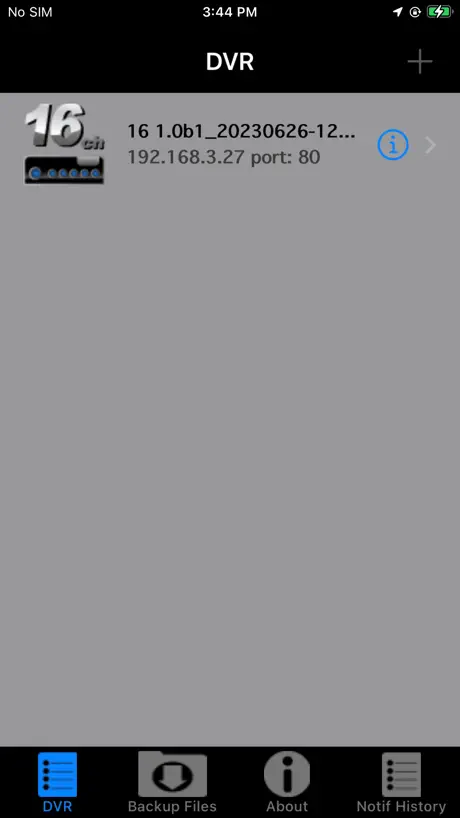
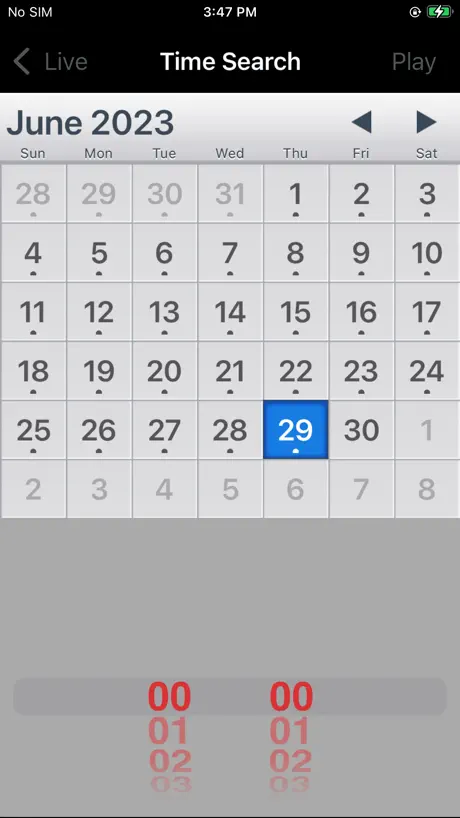
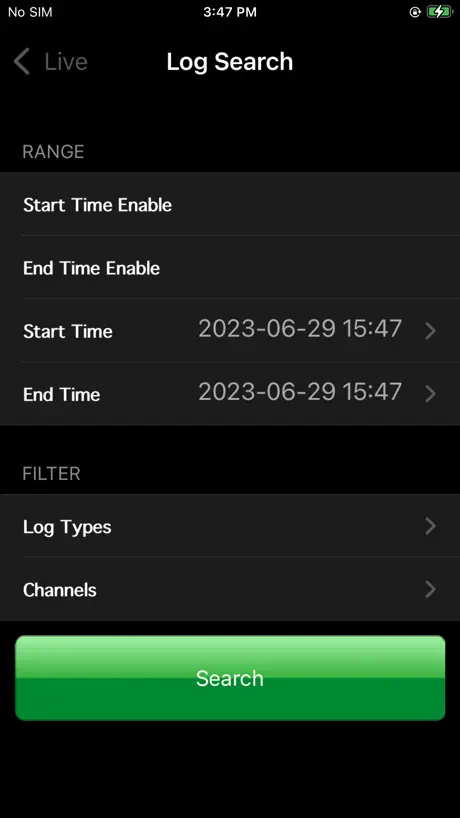
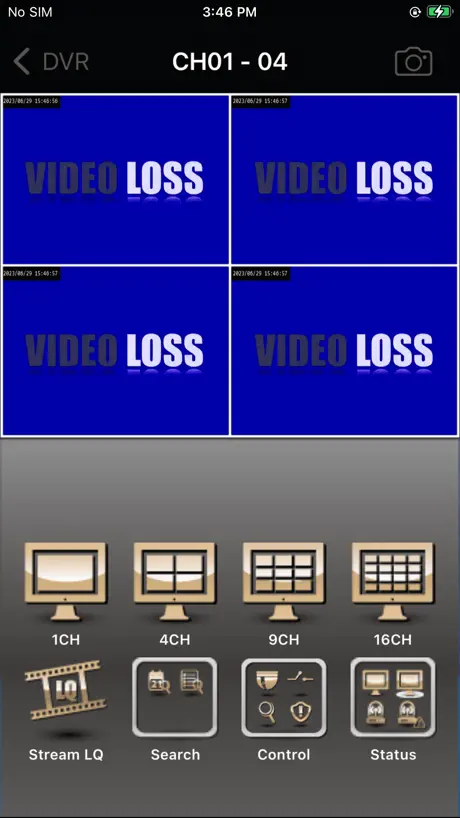
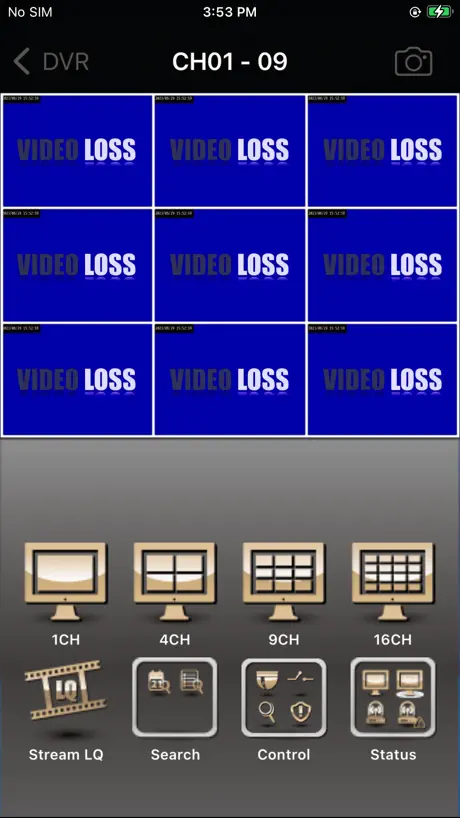
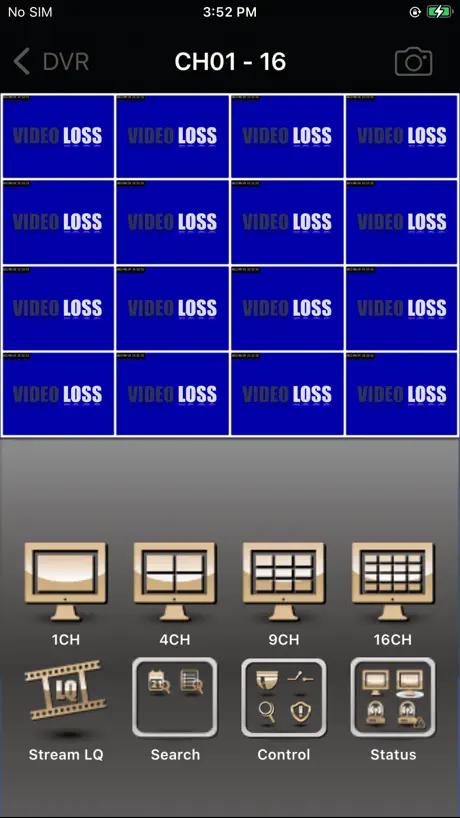
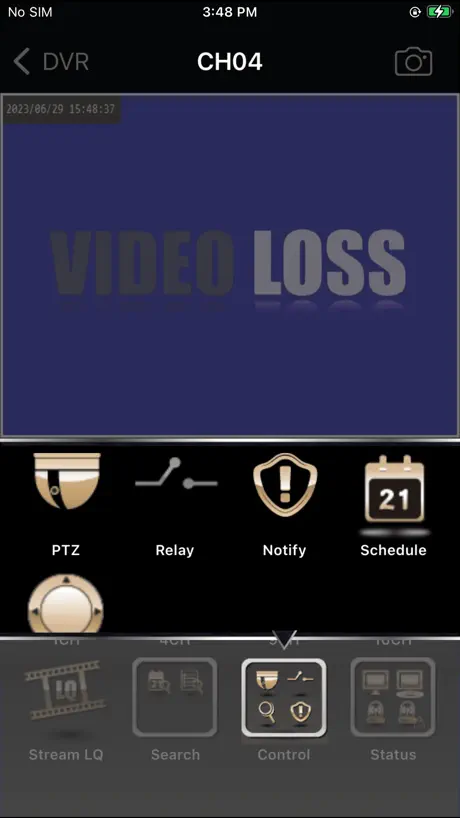
How much does SoCatch cost?
Prices are current as of 11 Nov 2026.
SoCatch has no in-app products on record in the United States.
10+ alternatives to SoCatch
| SoCatch |   MixerBox AI |   FindPoke |   Gogoro® |   SpotCam |   Readiness TW e-APP |   AquilaDVR |   TapCMS |   VantechPro |   Global Eagle | |
|---|---|---|---|---|---|---|---|---|---|---|
| Rating / 5 | 2.0 | 4.6 | 3.0 | 2.2 | 3.1 | 3.9 | 2.2 | 1.8 | 4.1 | 2.0 |
| Reviews | 1.7K | 61K | 2.2K | 1.3K | 1.2K | 603 | 601 | 184 | 174 | 46 |
| Released | 2014 | 2021 | 2021 | 2015 | 2014 | 2020 | 2011 | 2011 | 2020 | 2021 |
| Weekly price | — | $3.99 | — | — | — | — | — | — | — | — |
| Monthly price | — | $4.99 | — | — | — | — | — | — | — | — |
| 3-month price | — | $5.89 | — | — | — | — | — | — | — | — |
| 6-month price | — | $11.99 | — | — | — | — | — | — | — | — |
| Annual price | — | $22.99 | — | — | — | — | — | — | — | — |
The going rate for each plan in United States, in its own currency, shaded from the cheapest price on the row to the dearest.
SoCatch reviews
2.0 out of 5, based on 1,695 reviews.
What people like
- Works well when it finally connects
- Good for viewing security cameras remotely
- Developer fixes bugs quickly sometimes
What they complain about
- Updates often break the connection to cameras
- Mobile data connections fail frequently
- App crashes on newer iPhone models
- Support is slow or unresponsive
Working again
Thanks for the fix, it’s working again.
Connection fail
new version software can’t connect to DVR
IOS26.4.1
麻煩畫面被往下壓了被切掉4分之一我的是iphone15pro 趕快維修更新不然看的很辛苦
Connection issues
Have been using SoCatch on iphone for the past 4 years and it’s been great. However since the latest update I can hardly ever connect whereas beforehand connection took seconds. Have tried deleting and reinstalling the app, rebooting dvr system etc but no improvement. Hopefully a further update will come soon that solves this.
DVR Connection Issues
Current version connects on iPhone 11 and IPad, but doesn’t connect to IPhone SE or IPhone 16e. I will update to 5 stars if this issue can be resolved. Thank you
Update
Dear, Kindly update the Mac OS version that’s because it’s not working on Mac Thanks
HELP!!!!
Why does the ap insist on staying in DVR mode? How do I get it back to “live” again? Help me, please.
Viewing problem
After update can’t using mobile 4G reading anymore, Wifi no problem
App
The app it self works fine but the app, app logo, and basic look of the app looks cheap. I was expecting something a little more sophisticated looking.
無法觀看
更新版本之後都沒辦法看請公司再修正一下謝謝
Thank you for the swift update
The app now works beautifully. Thank you for the very swift update. The latest version doesn’t work. Again. Please sort it out ASAP. 6.4 working well. Thanks for the quick fix.
Update will not log in
Just upgraded the app and now cannot log in. Connection error, check your DVR settings. But was working perfect before the update. help me because this new update will not log in *********UPDATE********* I resolved connection to DVR issue. Developer did not help and did not reply. I resolved myself. 0. Copy down all the login info that used to work 1. Delete SO Catch from IOS 2. Power off Device 3. Power on Device 4. Reinstall SO Catch 5. Enter your credentials 6. Should connect now *** appears that the new install cache uses old data or code, blocking the login and receive connection error. When deleting the app then powering off, the old cache data is erased and the new app and data did not conflict with the old parameters. Worked for me!
Advice needed for using software
I’ve enjoyed this software very much. However, I have now switched to COX WiFi and it doesn’t give an external IP Address and cannot forward the port number. The software works great internally using the internal ip address I.e. 192.168…… So please tell me how to use this app from outside my home?
Latest updates result in a non working CCTV system
Can no longer connect to system. Update please
Cannot connect to DVR
After the latest update, I cannot connect to my DVR
Works well
Version 5.9 worked well. After the update to 6.1 it stopped connecting. This was fixed very quickly. App works very well now.
6.3 update caused more instability
6.3 update caused more instability and a connection issue again.
Version 6.4 still not working after update on iPhone 14
Version 6.4 still not working after update on iPhone 14
Fails to connect after July 23 Update
After July 2023 app update no longer connects Remove and reinstall still fails. IOS 16.5.1c and custom port 8084
Latest update does on work IOS 16
The latest update does not work on IOS 16 Will not log in!
Great App, Needs Tweaks
Our company has loved this app, but I wish there were a few changes. I wish QR code scan autofilled port, DVR name, and user name. Also when you’re adding a new DVR, the save and cancel buttons are almost identical to the background which is difficult to see for most people.
Latest update doesn’t work
I can no longer connect to the DVR after the latest update. Seems like a regular occurrence.
New Ver. 5.7 Fixed iOS 16 Problem - Thanks
The newest version 5.7 appears to have fixed the problem that iPhone users on iOS 16 were having when trying to connect to a DVR.
Needs another update
I updated my I phone 8+ , it no longer works.
Update needed, pls.
App was working fine on my ipad, ver 8 10.2” just fine. Replaced the pad with an ver9 10.2” , and it dont work on this one. Loads to a blank screen, it does connect, it reads my cam names, but no pics. Works fine on my samuung phones, S7 and an S22ultra.
Connection problems
I have a I phone and I pad and since updating to iSO 14.0.1 software on both I cannot connect to my DVD for viewing the security cameras, I checked with Microsoft and they said there side of its ok, will you be doing another update to correct this? I’m on SoCatch 5.1 at this time.
Stopped working with todays update
After updating today 7-21-23. The app no longer connects to the DVR. Was working fine until this update.
Mhc68
This app is great my cameras work great with it, my wife and I both have it on our phones.
Since update stopped working
I received the update and now this app is useless! I need it to work, I have to keep resetting my DVR every day so that it can function but then it stops working almost immediately.
Since update no good
App won’t run unless on WiFi
Finally it’s compatible with Tmobile!
Finally it’s compatible with Tmobile! Last update supports ipv6 and app works on Tmobile network. Thanks a lot!
Doesn’t work and no support whatsoever
There are so many people asking desperate questions since they can’t access their cameras anymore and there is not one answer from the developer to any questions! Guess it’s time to switch to a digital system and say bye to this lame app that offers no support. What happened??
Great app
I would love to give this app 5 stars but the PTZ feature is very spotty. Sometimes it works sometimes it doesn’t. Uninstalling the app and reinstalling it works half the time.
Stopped Working after iOS 16 update.
Have seen a slow deterioration of the reliability of this app.
Not working on mobile data
The app was perfect and still is perfect only when connected to wifi, as soon as I switch off WiFi and use my data, it doesn’t connect. I tried different t phones, different sims but no luck, if I use my IP address and web search it then it works. But not on the app. Please fix this. I’m using an iPhone With iOS 13.6
Works great
Love being able to see my cameras remotely
Doesn’t Work
App worked for a long time. App needs an UPDATE
Buona
Con il mio iPhone 6s va benissimo con rete mobile,mentre con Wi-Fi ha qualche problema non si riesce a connettere .
Keep crashing
Updated to 12.4.3 and this app keeps crashing. Pls fix this ASAP
The app stopped working after iOS 11.3
Ever since I updated my phone it crashes when you try to connect to your cameras. Rebooting the phone doesn’t help.
Perfect
All of your DVR apps have worked perfectly. Thank you!!
New update broke iOS devices
I am part of an audio video and camera surveillance company and a lot of our old legacy clients have to use this app for their old channel vision systems. I have a lot of people who cannot view the app anymore on Apple devices.
Screen
New update problem with screen size please verify
Notify option doesn’t work
I do not get notified when motion is detected on the cameras.
Updates means it doesn’t work
Will not connect to cameras after update to new IOS
Good for me!
Thanks for making this app Jesse. I'm glad we have options for our camera systems. I wish I knew this replaced iWatch DVR 2. I had no idea until my camera guy mentioned it.
Ver 5.6 broken. Cannot sign in
Last update broke sign in. Using same credentials and setup from previous version are no longer working. Signing in causes error screen. Connection error…. Cannot connect to DVR, please check your DVR settings.
Great App for viewing Cameras
Very happy with this app would be nice to have the iPhone X layout for it
Can you please add push notifications for motion
Can you please add push notifications for motion
Time Search not working
Time Search stop working after few weeks
SoCatch FAQ
- Is SoCatch free?
- Yes. The app is free, in all 175 countries it sells in, and it sells nothing inside it.
- Does SoCatch have a free trial?
- No. None of its offers (US) come with a free trial.
- What are the best alternatives to SoCatch?
- MixerBox AI (4.6 from 60,686 reviews, premium from $1.99), FindPoke (3.0 from 2,235 reviews) and Gogoro® (2.2 from 1,323 reviews).
SoCatch download
Last updated 17 days ago.
SoCatch sells in 175 countries. It was released 12 years ago, on 13 Nov 2014. It holds a 2.0 rating from 1,695 reviews.
Supports 4 languages: English, Greek, Japanese, Chinese.
How much does SoCatch make?
Third-party estimates for the last 30 days, worldwide — not the store's own figures, which Apple publishes for nobody.