
Pixel Picker: Color Inspector
Image Color Picker
How much does Pixel Picker: Color Inspector cost?
Prices are current as of 30 Sept 2026.
Pixel Picker: Color Inspector has no in-app products on record in the United States.
10+ alternatives to Pixel Picker: Color Inspector
| Pixel Picker: Color Inspector | 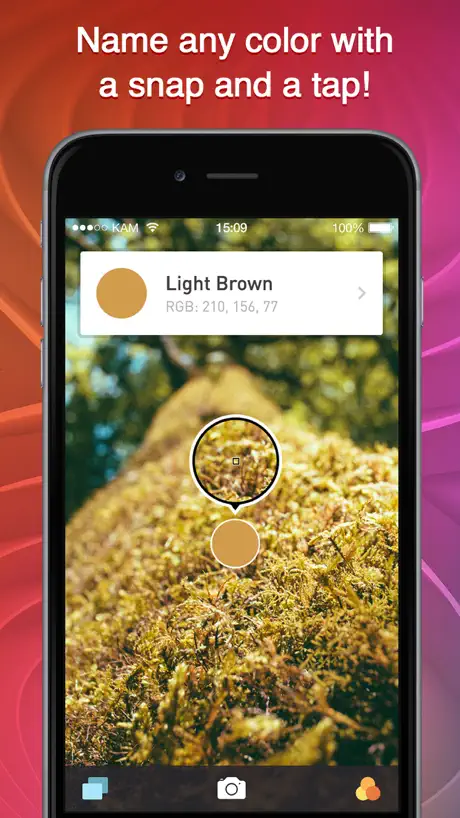  Color Name AR Color Name AR | 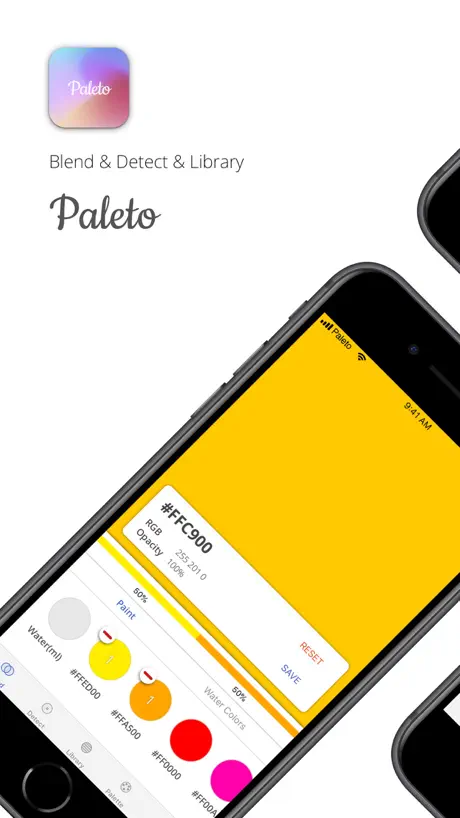  Paleto - mixing colors Paleto - mixing colors | 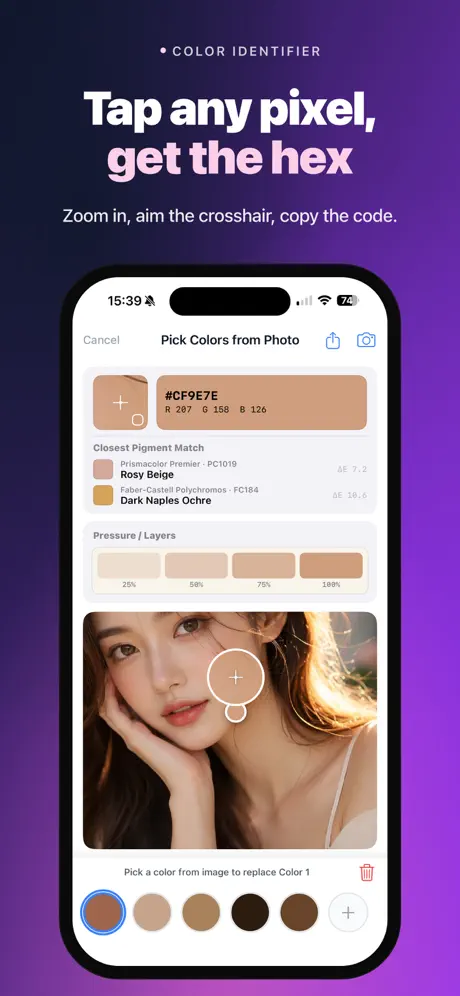  Color Picker - Pixel Color Color Picker - Pixel Color |   Colorimeter App Colorimeter App |   Color picker and helper Color picker and helper |   Campus CleanPay Campus CleanPay |   ColorAssist Lite ColorAssist Lite |   ToolCat - Useful toolbox ToolCat - Useful toolbox |   Color ID: Identify Colors Color ID: Identify Colors |   ColorPicker ColorPicker | |
|---|---|---|---|---|---|---|---|---|---|---|---|
| Rating / 5 | 4.6 | 4.4 | 4.5 | 4.4 | 4.6 | 4.7 | 1.4 | 3.5 | 4.5 | 4.0 | 2.0 |
| Reviews | 438 | 16K | 3.6K | 2.5K | 679 | 370 | 75 | 30 | 26 | 18 | 2 |
| Released | 2014 | 2014 | 2018 | 2018 | 2020 | 2021 | 2020 | 2012 | 2024 | 2024 | 2011 |
| Monthly price | — | $2.99 | $0.99 | $1.99 | — | — | — | — | — | — | — |
| Annual price | — | $14.99 | — | $6.99 | — | — | — | — | — | — | — |
| One-time price | — | $9.99 | $2.99 | — | — | — | — | — | — | — | — |
The going rate for each plan in United States, in its own currency, shaded from the cheapest price on the row to the dearest.
Pixel Picker: Color Inspector reviews
4.6 out of 5, based on 438 reviews.
What people like
- It zooms in really close for tiny details.
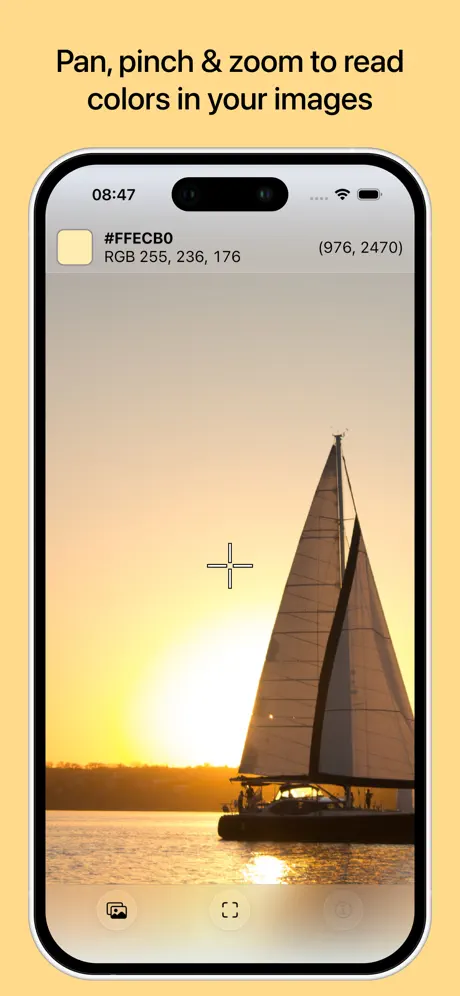
- It shows both hex and RGB values clearly.
- It does not shrink or compress your images.
What they complain about
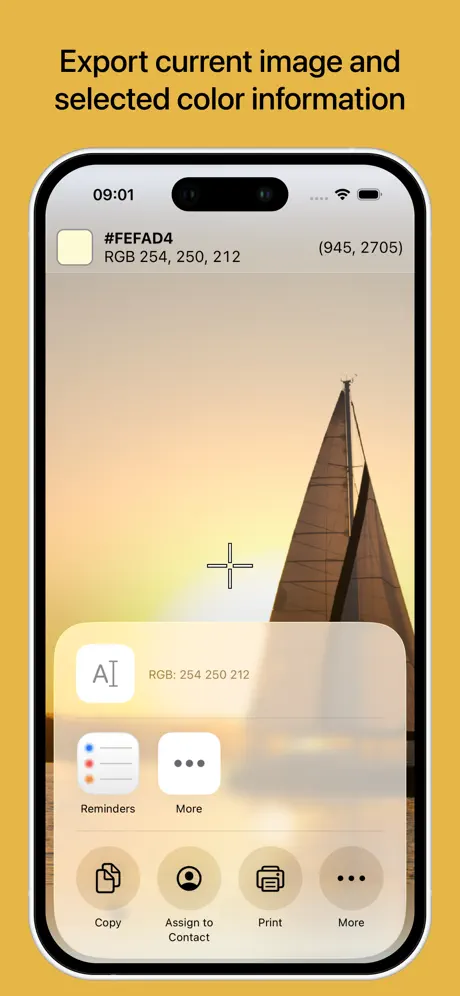
- You cannot copy the color codes to clipboard.
- It demands access to your entire photo library.
- The displayed color swatch is way too small.
Works perfecty
Please update :)
WEEZER
It didn’t have WEEZER I tried it it didn’t work
Quick+Basic+Almost Perfect
As someone who does a lot of Graphic Design, being able to determine the “Right” Color of a Brand Logo, or Whatever Else is Critical. So, finding a Good Color Picker is essential (& can be maddening!) While I had the tools I needed on my Computer and later laptop. I’ve only just gotten into exclusive use of my Apple iPhone 11 for doing my graphics work, as I am no longer making a living from it being that I am in a different industry. However, I can tell You this Color Picker App is (ALMOST) Perfect! It’s down and dirty basic. You simply open the App and select a Pic from Your camera roll, and You get the familiar color drop’s cross hairs, scroll it over whatever color you are trying to reproduce & BAM! There’s the color code break down in full lovely RGB! (Red, Green, Blue or Cyanamid)😁👍🏼PERFECT! Then simply plug those numbers into either your Illustrator, Photoshop like App and there You go! My ONLY complaint/request and why this App missed out on both PERFECT+5-Stars down to 4-Stars was that You have to have a photo to load into the color picker app in order to determine the color. This App would be so much more useful if it provided the cross hairs “On-Screen” and gave the color code breakdown there (or) provided the cross hairs and color picking “On-Screen” and populated the color code inside the App. Thanks for an Albeit very basic but extremely useful color picker!
Privacy Issues
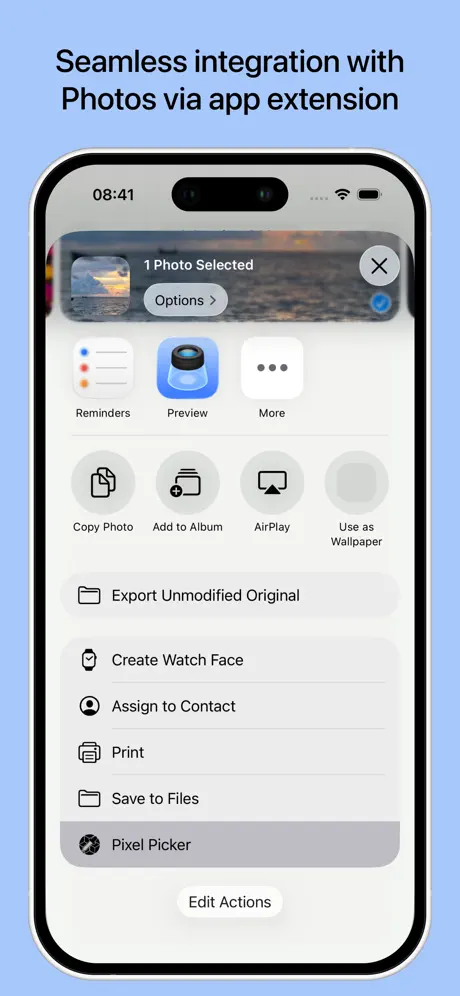
The app is perfect for what it needs to do. I was unhappy that you can’t just select photos from camera roll; regardless of what option you choose, it accesses/uploads your entire camera roll.
Leider zu klein
Ich finde das das Programm eigentlich das wiedergibt, was es soll. Doch leider musste ich feststellen das die Größe der Wiedergegebenen Farbe leider viel zu klein ist.
This is *The* app for scraping X Y and color location from images for your puposes
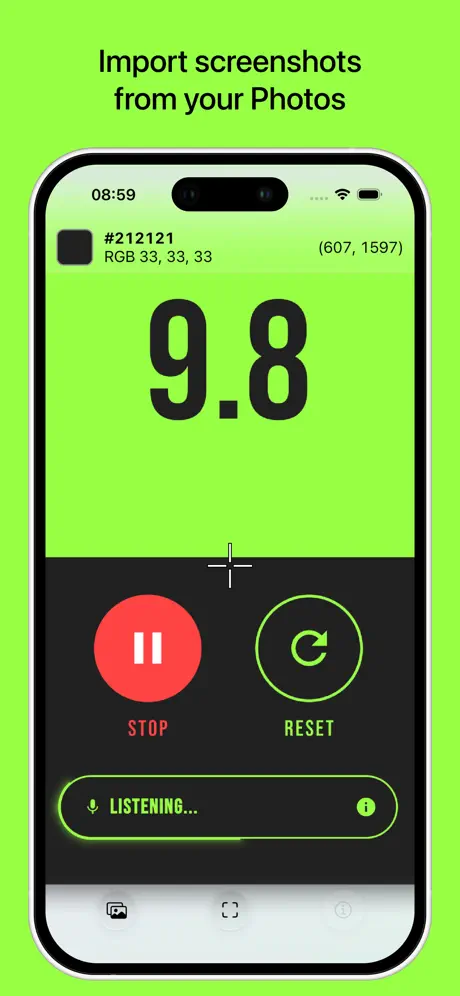
I've used this app for years to scrape X,Y location and pixel color value from screenshots I need to create intelligent automation. It's so quick and easy to use I even import the shots I grab when doing automation on windows systems using pixel picker and iOS to do the Job. *I wish it also/optioned to display color in Decimal format..but despite having to convert the RGB to decimal for my purposes in some cases. This is still my favorite tool!*
Wrong colour
Shows a clear green or blue and thinks it’s red or grey very strange not at all accurate
Okay
Copy and paste seems to be broken
購入にもにかかわらず、広告が出ている。
Restore Purchases 押したとしても、次回起動したら、また広告が出る。再度購入しかない、購入しても再度課金されないけど、バグを直してください。
Great
Been using for a year and a half (I think, maybe more, maybe less ^^) Great app.
Poor privacy & lack of updates
Don’t get me wrong. It does exactly what it says. It’s just that there is something fishy about requiring access to your entire photo library in 2022, when other apps have no problem selecting a single photo at a time. If you want a possibly better option, search for “Color Pro Picker.” $4, but it does it the same thing and actually has more features. Rate this review as helpful if you think people should know about a competitor.
It’s what I was looking for
I’ve been using this app for about 3 years(not sure but anyway) and it’s better than any other color picking apps on the App Store. Trust me. I have installed and used them all. No unnecessary heavy functions, straightforward, easy to use. The app itself is wonderful. In terms of UI design, however, it could have been better. It definitely looks old and boring, but I can stand it as long as it works. BUT the app screen doesn’t fit to iPhone xs max screen size. Not even 6s plus. Andrea, Can you please update it?
This. App. Is. Amazing.
You can zoom in SO far in on it, and say you’re trying to figure out the color of the slightest detail? No worries, this app’s got ya. Need to figure out the slightly different shade between two-similar-to-the-eye colors? This app’s got ya. Need to know the name of a color so you can find it on the internet? This app’s got ya. Sure, it has ads, but they’re small banners and absolutely worth dealing with because this. App. Is. Amazing.
Frozen
Cannot copy the colors (by clicking the top bar) or zoom in without the menu/app freezing.
Colour pick
I’ve just found this and seems to do what I need for my art work all I wanted was to know what colours I needed for my pallet of colour pencils much easier than guessing so glad I found this and it is free
Smartly done.
It is to the point.
Ehh
Had to comment cause the app looks super super ugly, sorry but not optimized for the new iPhone cutout and ads already in the main screen, no thanks. Sorry y’all, gotta keep it real. Stay blessed.
Ok but....
It does what I need but would be much better if the square of colour was larger so I could compare it properly to my art supplies.
This app did exactly what I needed
This is the quickest and easiest way to find HEX color values on the iPad. This is so useful, great app!
Would I use this ?
This is the question you have to ask. Yes it does identify a color from your picture or screenshot. It tells you (in very tiny font) the number string for the single color you pick. But then it leaves you high and dry with no real way to record and reproduce this code Seems like a lot of trouble to memorize, or write it down
Great App...
... would be nice to be able to copy hex code separately from RGB.
awesome
i like how it shows both hex and rgb color and unlike many online color pickers it doesn't shrink/compress the image before color picking
Spot on
Great & easy to use. Would be nice if the user could select rgb or hex. Current both are shown top of page. Maybe add # before the hex code as I never even spotted it. 5 stars if # or toggle option is applied.
ITS DA BEST
I NEVER SEEN SO MUCH PEOPLE LIKE A APP BEFORE,IT INSPIRES ME TO DOWNLOAD DIS APP👾👾👾👾👾👾👾👾👾👾👾👾👾👾👾👾👾👾👾👾👾👾
It's free, and it tells you RGB color values from your camera roll
That was what I needed. I had some pictures where I wanted to check the RGB color values, I search the app store for "RGB colors," and I found this free app. I open the app, I pick a photo from my camera roll, I move the little pointer around to any spot in the photo, and the app and tells movie RGB value for that spot. I knocked off one star for not being able to copy the text of those numbers to my clipboard.
Great app
Thank you!
download this app
it’s so freaking useful and I use it all the time :)
Pixel Picker: Color Inspector FAQ
- Is Pixel Picker: Color Inspector free?
- Yes. The app is free, in all 175 countries it sells in, and it sells nothing inside it.
- Does Pixel Picker: Color Inspector have a free trial?
- No. None of its offers (US) come with a free trial.
- What are the best alternatives to Pixel Picker: Color Inspector?
- Color Name AR (4.4 from 16,075 reviews, premium from $2.99), Paleto - mixing colors (4.5 from 3,560 reviews, premium from $0.99) and Color Picker - Pixel Color (4.4 from 2,450 reviews, premium from $1.99).
Pixel Picker: Color Inspector download
Last updated 11 days ago.
Pixel Picker: Color Inspector sells in 175 countries. It was released 11 years and 10 months ago, on 10 Nov 2014. It holds a 4.6 rating from 438 reviews.
Supports 1 language: English.
How much does Pixel Picker: Color Inspector make?
Third-party estimates for the last 30 days, worldwide — not the store's own figures, which Apple publishes for nobody.