
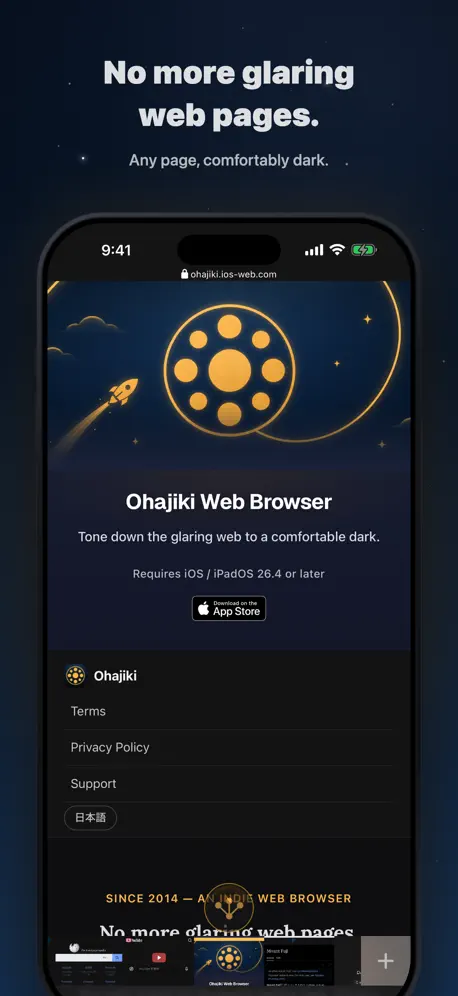
Ohajiki Web Browser
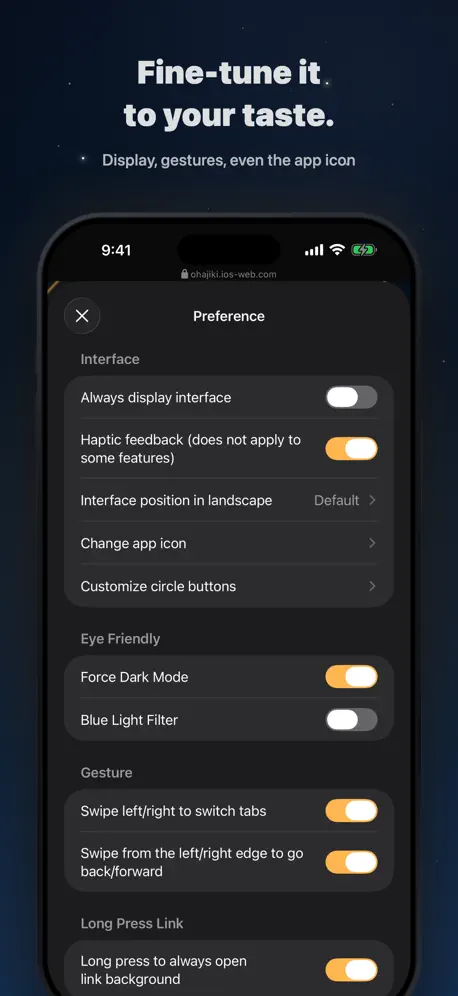
How much does Ohajiki Web Browser cost?
Prices are current as of 10 Sept 2026.
Ohajiki Web Browser has no in-app products on record in the United States.
10+ alternatives to Ohajiki Web Browser
| Ohajiki Web Browser | 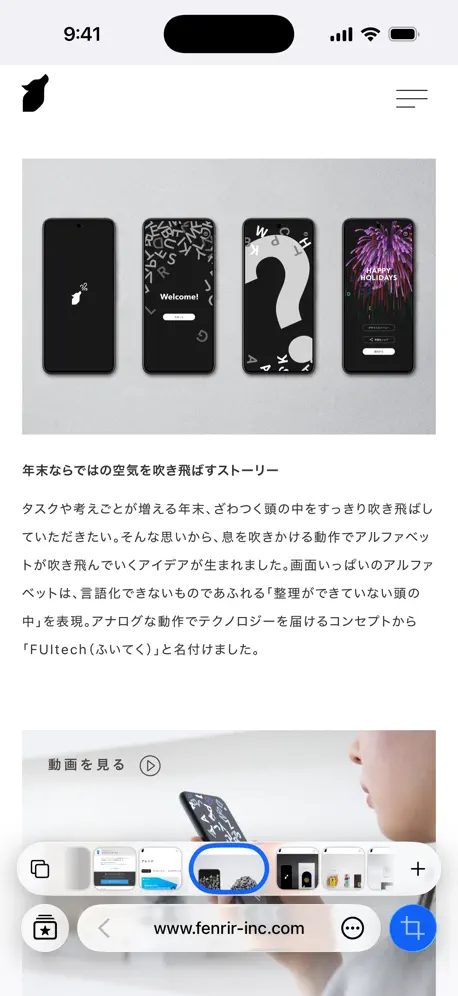  Sleipnir Mobile Sleipnir Mobile | 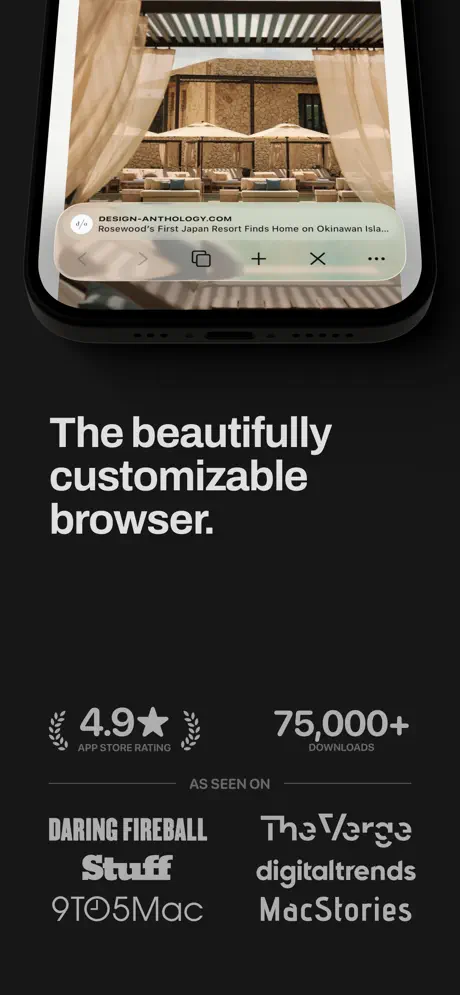  Quiche Browser Quiche Browser | 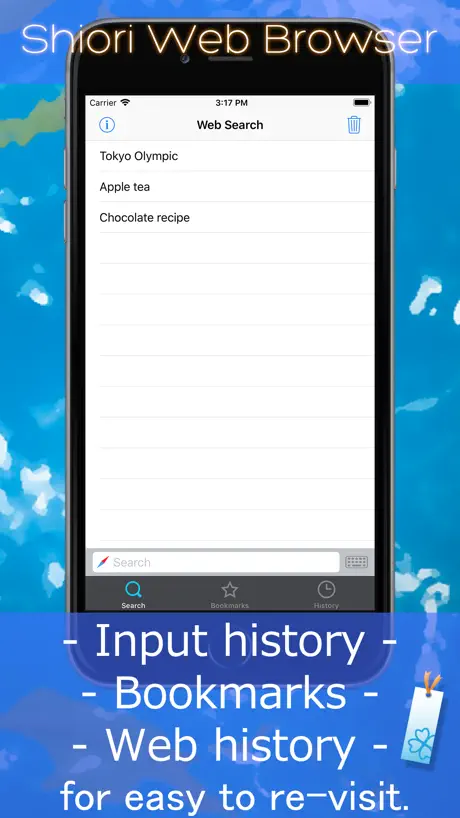  Shiori Web Browser Shiori Web Browser |   RedApp Lite: Private Browser RedApp Lite: Private Browser |   Go Browser: Private,Pure,Fast Go Browser: Private,Pure,Fast |   Lunascape Browser Lunascape Browser |   tararia - Multi Tab WebBrowser tararia - Multi Tab WebBrowser |   Safe Page – Web Browser Safe Page – Web Browser |   Pure Web Browser Pure Web Browser | |
|---|---|---|---|---|---|---|---|---|---|---|
| Rating / 5 | 4.1 | 1.1 | 4.9 | 4.4 | 4.5 | 4.6 | 3.8 | 4.3 | 4.6 | 4.2 |
| Reviews | 569 | 3.9K | 2.1K | 1.6K | 1.3K | 1.2K | 1.1K | 600 | 322 | 238 |
| Released | 2014 | 2010 | 2023 | 2014 | 2018 | 2023 | 2010 | 2022 | 2021 | 2017 |
| Monthly price | — | — | $3.99 | — | — | $1.99 | — | $3.99 | — | — |
| Annual price | — | — | $29.99 | — | — | $14.99 | — | $29.99 | — | — |
| One-time price | — | — | $4.99 | $4.99 | $24.99 | — | — | — | — | — |
The going rate for each plan in United States, in its own currency, shaded from the cheapest price on the row to the dearest.
Ohajiki Web Browser reviews
4.1 out of 5, based on 569 reviews.
What people like
- Great for reducing eye strain at night
- Blocks ads effectively and works well
- Highly customizable and easy to use once set up
What they complain about
- No more picture-in-picture video mode
- Drains battery faster than other apps
- Hard to use and confusing interface
iOS26.5か6あたりでPIP復活しました。
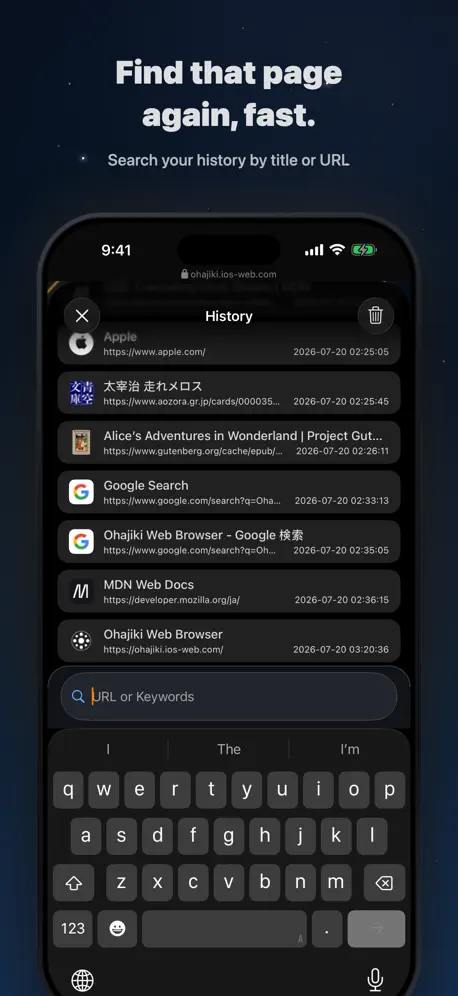
復活してない時も使ってました、便利なので。ありがとうございます。 レビューにある『不便』は『設定』からのオン/オフ等で変えられると思う。龍の爪に見えるボタンはオフ(閲覧中は下にスクロールすると消える)にしてみる、タブ関連はジェスチャ+スクロールとか。 履歴はこのアプリの名前の由来である真ん中のボタンを押していけば履歴が見れるボタンがある。頻繁に使うのはボタンのカスタマイズで手前に変更。このオハジキ表示が便利。 ただ、ストレージ容量がゴリゴリ溜まっていくから数GB超えたら一度アプリ解除している。『設定』から履歴解除するのと別問題。ブックマークはエクスポートしてればインポートも簡単だけど、フォルダが『import』になって初期フォルダとの重複や再設定が面倒だけどGBが50MBほどになってスッキリ気持ちいい。でもURLが位置情報になり得てストレージ増える原因のひとつになるなら、あまり登録しない方がいいのかもしれない。 ユーザースクリプトも使えたほうがいいよねやっぱり。 『ohajiki』と『片手キーPRO』の組み合わせで便利に使わせて頂いております、🪩✨🕺感謝のダンスを踊りたくなるくらい。
使えなくなった
今日アップデートしたら、アプリが立ち上がらず使うことすら出来なくなった。
長押しでリンクが…アップデートしたら
アップデートしたら長押しでリンクが別タブで開かなくなった… URLを直接編集したい、ヘッダーにURLの一部は出るがクリックして編集等にならずそこだけ編集、開くができたら嬉し過ぎ。 しかし使いやすい。 Sleipnirがとんでも大幅リニューアルをしたせいで全く使えなくなり難民なって辿り着き助かってます
iOS26
検索で文字を入力すると、確定前の文字と確定後の文字が二重で文字検索されてます。早くアップデートして欲しいです。
最近利用を始めました。
コレまで使用していたブラウザアプリが改悪されたため、代用品を探しておりました。 以下が使用していて気になった点です。 ①タブの削除が「上スワイプ」の動作となっており、画面スクロールしていた際に誤って削除してしまうケースが度々ありました。上ではなく「下スワイプ」であれば事故が減って使いやすくなるかと。 ②タブを長押しして移動させる際、移動速度が早すぎて意図した場所に配置しずらいです。 ③自分が気付けていないだけかもしれませんが、誤ってタブを削除した際に、即座に復元させられるような機能があると助かります。
Thanks for all the new updates!
It's my favorite browser on my phone. The UX of it surpasses any of the other major browsers I've tried. So glad the dev have been updating it lately. It was crashing a bit with the new iOS updates, but now it's sleeker than ever.
価値なし
バックグラウンド再生すらできなくなった もう終わりだよこのアプリ使い道限られすぎてる
My new browser
I stumbled upon this browser as I was looking for an alternative to Arc, and I'm really satisfied with it so far. Still learning the ropes, but great job, team! 👏
埋め込み動画が再生出来ない
相変わらずサイトに埋め込まれた多くの動画が再生出来ません。 結局リンク元へ飛んでそこで再生するしかないのですが、そこでも再生出来ない動画が多々あります。 Safariだと再生出来るので、このブラウザの問題ですね。 あと、サイトから同じドメインのリンク先へ飛んで、その後リンク元に戻るとページが勝手に再読み込みされてしまい、検索結果等が変わってしまうのも問題です。 YouTubeを利用していると、動画を見終わって元のページに戻る度にリロードされてしまい、次に見ようと思っていた動画がなくなってしまいストレスですね。 不具合がまだまだあるので 満足までは程遠いです。 つくづく不祥事から開発終了してしまったsmoozの偉大さが分かります。
悪くないが、使いにくい
真ん中にある竜の爪みたいなやつ、はっきり言って邪魔です。普通にして下さい。
Brilliant!
Can you push some of the new features to phones running iOS 16? 5⭐️
ごみすぎる。
ピクチャインピクチャとか諸々無くなって何に使うんやこのアプリ。
ブルーライト対応や自動スクロールが嬉しい
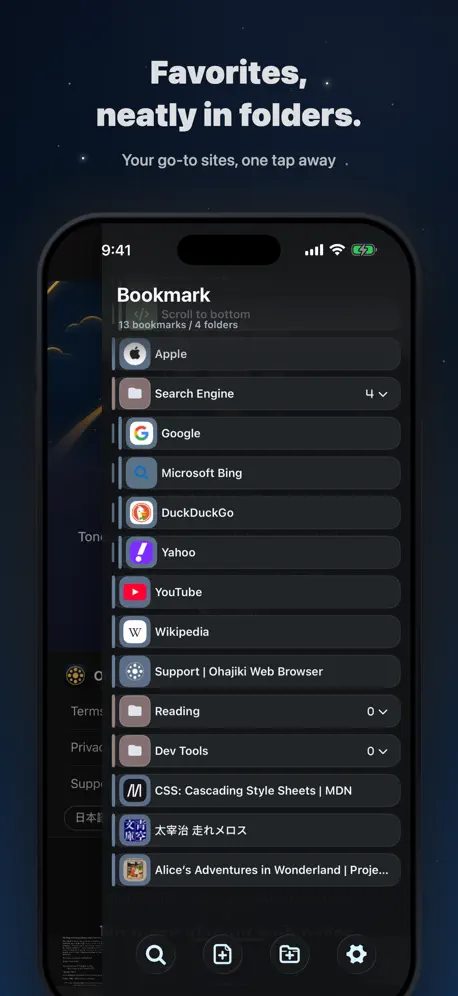
2025.11.16 アップデートありがとうございます! 遅ればせながら試してみたのですが、 やはりpixivのマンガ形式の表示がバグりますね。(画面が下にずれる、画像の表示らしき部分がグレーになって何も表示されない)なんでだろう…悲しい… iOS26になってSafariがめちゃくちゃ使いづらくなったので、本ブラウザが続いてくれるのはとてもありがたいです。 --- ブックマークのフォルダ分け、履歴のcookie以外削除、広告ブロックやダークモードなど、欲しい機能が細やかに揃っていており、直感的なUIとあいまって大変重宝していたのですが、原因は不明ですが(pixiv側かもしれない)、 pixivの複数ページの作品の表示が正常にされなくなり、少々不便になりました。 それでも長いページのブラウジングなどには今でも便利なので星4とさせていただきます。
なぜ仕様変更?
なぜピクチャーインピクチャーを辞めたの? 困るね。
iOS更新で使えなくなった。。
有料版を購入してずっお使ってたけど、iOSの更新後に起動しなくなった。。ブックマークだけでも取り出したいけどそれも出来ず。かなしい。
最強ブラウザ
PIP復活ありがとう AIでJavaスクリプトのダブルタップスクロール機能も出来るしこれ最強よね
今となっては役目がよくわからないアプリ
購入して結構長い間利用してましたが、もう必要ないかな。 多くの方が嘆いている通り、PiP機能の削除のアプデで今までのアプリとしての役目を終えた感じです。 PiP機能があって、再生中のURL取得とかもできたからダサめなUIでも我慢して使っていたのがほとんどかと思います。 あと画像一括保存機能も、保存する順番がバラバラになることがあり、使い勝手がイマイチでした。このせいで多分ほとんどの人が一括保存を使っていなかったでしょう。 アプデで機能削除された件ですが、Youtubeの規制・広告強化に合わせてこうなったのでしょう。braveブラウザはちゃんと考えてPiPを実装されたのでうまく回避できているようですね。 ここ最近のohajikiは、機能に関する更新はほぼされていなかったので、PiPのために再開発されることはないんだと思います。 一時期はこのアプリがないとダメ!と言えるほど利用していましたが、今では使うメリットがどこにもないのが残念です。
小窓復活
小窓から動画出てたから復活して欲しい。他はありがたい
ピクチャーインピクチャー復活希望
タイトルの通りですけど、きっと大人の事情で難しいですよね。UIも慣れれば使いやすいので気に入ってましたが、一番のメリットが失われてしまったので、また抜け道のブラウザを探すかな、、
PIPが使えないなら…
どうしよう…使い続けるか迷う。 PIPが使えないなら、せめてライブ配信中のコメント見れる様にして欲しいです。 ゲーム用のラジオとして使ってたんだけどなぁ。これだとブラウザゲーム中に誤って、触れてchが切り替わってしまう。 やっぱりMacintoshは嫌いだ。 ps PIPの機能無くなったはずなのに、原理はわからないけどPIPが使えた時があるのは何で? 2024.1.12に確認
メインで使っています
使いやすいアプリで重宝しています。 ただ直していただきたい点が2点あります。他の方も書かれているかもしれないのですが 1︰動画を再生する際に別ウィンドウが開くのが不便 →広告が自動で再生するのを一々閉じないといけないのが面倒です。 2︰開いているタブを全部削除する前に削除しても良いかを一度聞いて欲しい。 →よく調べものをしていてたくさんタブを開いているのですが、ちょっと指が当たって全部消えてしまった事が何回もあります。 宜しくお願いします。 追記︰タブの全削除についての改善ありがとうございました。
PiPさようなら、、、
最近ピクチャーインピクチャーの機能が消えました。この昨日のためにOhajiki入れてたのに…悲しくて仕方ありません。
なかなか良い
最近使い始めたが、結構気に入っている 改善してほしい点がいくつか ①タブを消すために、タブを上にフリックする操作をする際に、iPhoneのホームバーに当たってしまう場合があるので、下にフリックに変更するオプションが欲しい ②タブが無い状態でアプリを起動した場合のみ、最初から検索画面を表示してほしい ③タブを閉じる、閉じたタブを開く等のジェスチャーが欲しい (あと画面下のボタンを少し小さくして欲しい)
User Script no different than bookmarklet
This feature is confusing with UserScripts, it doesn’t support GM API.
なぜ、、、
ピクチャインピクチャができなくなってしまいました すごく便利な機能で死ぬほど使わせていただいていたのでとてもショックです 何とかしていただけませんか??お願いします
大好きなブラウザ
痒い所に手が届くブラウザです もうずっと課金時代から使ってるし、これからもなくならないでほしい これ使うと他はもう使えないですね
ピクチャインピクチャ
が使えなくなっていて驚愕。価値はそこにあったのでアンスコします、残念です。
使い続けるか迷っています
機能に不満はなかったのですが、よくピクチャインピクチャで動画を見るのに使っていたのにピクチャインピクチャが出来なくなってしまったので使い続けるか迷っています
Bigger Issue
Upon Reinstalling I see no way even with a backup to get everything I had saved back. I had several years worth and there is no easy way to get ahold of the developer. Especially with so many apps now gone this one takes the lead. One small issue is that you can not export bookmarks Another update but still can not export bookmarks
使いにくすぎ
広告出ないしPiPのおかげでバックグラウンド再生できるから使ってるけど、操作性が最悪です。どうして普通のブラウザみたいなUIにできなかったのでしょうか。動画再生として、これしかまともに使えるアプリがないので仕方なく使っていますが、Braveがしっかり広告ブロックを果たしてくれたらBraveに戻りたいぐらい、操作性が悪いです。
My GoTo Browser
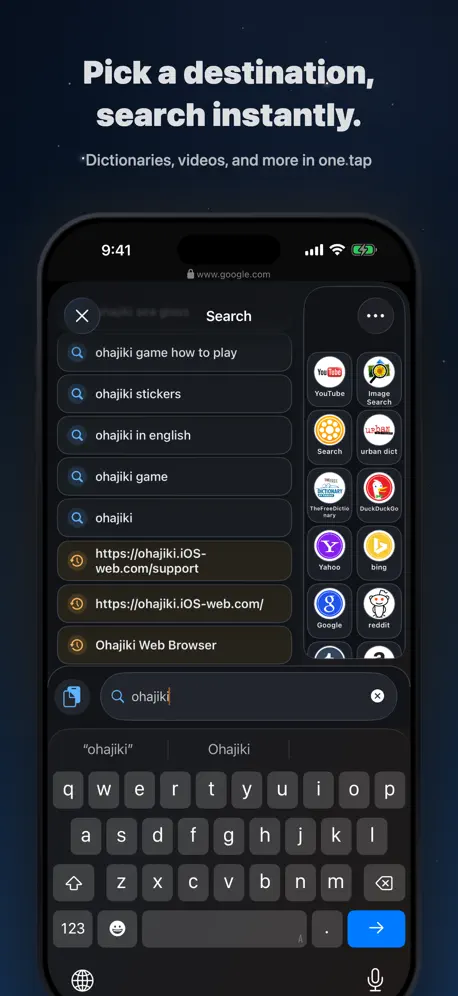
Very unique browser. The interface is organized in a differently and I needed to play around with it to find all the features and get it set up the way I wanted. It didn’t take long to get set up tue way I wanted. This is now my GoTo default browse on my Apple mobile devices. I have mine set up for: * quick switching between private and not * quick access to tilt scrolling * easy search on different engines * easy open in current or new tab * easy access to bookmarks * auto hide tab bar * quick close tab or close all tabs. And, it is non-google, non-us big tech Great design
PiP廃止
既に何件か同じコメントが見受けられるが、ピクチャインピクチャ(バックグラウンド再生)を無くしたことでかなりこのブラウザの需要が減った。というよりなくなった。 かなり便利でこれから長く使い続けようと思っていたためかなり残念。 アプリは削除するが、復活の動きがあったらまた使用したい。
結構いい感じ
Sleipnirがあまりに酷くてこっちに移ったが落ちたりもしないのでとてもいい 個人的には縦スクロールバー追加とボタンの位置移動とキャッシュ消去に開いてるタブが巻き込まれるのを別にしてくれたら嬉しい 閲覧履歴と検索履歴が消去してもできてないのは改善して欲しいな
Adware
Just a fyi for anyone else who can't or don't use ad-supported apps.
PiPないなった(泣
PiPめっちゃ重宝してたのに、他のブラウザと変わらなくなっちゃったらメリットなんなん…多分復活しない…できないよな、大企業からの圧が入ってたら。
Great one handed browser
Great one handed browser with Touch ID.
何考えてるの?
このアプリの需要はブラウザの使いやすさなんかではありません。YouTubeのpipです。 それが無くなった今、このアプリの需要は0です。カレー無しカレーライスと言ったら分かりやすいでしょう。 よってもうこのアプリを使う必要はありません。インストールしっぱなしになってる人がほとんどで、今このアプリを使ってる人はおそらく片手で数えられるぐらいでしょう。
Very nice
One of the best But wished it had a way to delete all tabs
ボタンが非常に目障り
下のボタンがとてつもなく目障り。 機能自体は使いやすいんですがね…。 色や大きさ、ボタンの出る場所等を変えられる様にして欲しいです
Great app
Great app to protect your eyes from exposure to blue light. I love how I can search at night without the worry of straining my eyes. Love it, just wish it would cost a bit less.
なぜ?!
ピクチャーインピクチャーが使えなくしたら入れる意味ないやん 削除します
Nice browser
Stumbled upon this app from Japan while looking for a replacement to Mercury Browser. I prefer a browser with ad block. After a short learning curve, I have grown to really like this browser. Works really well - love the night view mode and the ad block works very well. Only downsides are 1. It uses a lot of battery, 2. There is no private browsing mode and 3. The tab bar at the bottom takes up screen space, which isn't helpful for those of us who don't do tabbed browsing on their phone. All in all a really cool product.
使いづらいけどまあまあ便利
PiPが使いたくてインストールした。 でもYouTubeの動画はどれだけ長くてもちゃんと再生してくれるけど、ニコニコ動画やYouTubeLiveは途中で止まる。 不具合への対処やアップデートは定期的に行うべきだと思う。でないとユーザーがどんどん減る。
Almost perfect
Great browser and super customizable; well worth the money. Tried about 15 other browsers and this one blows the rest away. Touch ID, night mode on all webpages, easy to use interface, fast and looks great. Check out the free version first.
Too unconventional, javscript too restricted
User interface is very clumsy, takes up too much space and uses unconventional GUI interactions. More importantly, it seems you can only write a simple function for before and after ALL pages, I.e. you can’t have separate JavaScript for individual websites. I couldn’t get it to include jQuery.
It is very Functional but has bugs
On my iPad the search list doesn’t drop down to view the search list, only on portrait mode it works correctly.
Ohajiki Web Browser FAQ
- Is Ohajiki Web Browser free?
- Yes. The app is free, in all 173 countries it sells in, and it sells nothing inside it.
- Does Ohajiki Web Browser have a free trial?
- No. None of its offers (US) come with a free trial.
- What are the best alternatives to Ohajiki Web Browser?
- Sleipnir Mobile (1.1 from 3,893 reviews), Quiche Browser (4.9 from 2,130 reviews, premium from $2.99) and Shiori Web Browser (4.4 from 1,550 reviews, premium from $4.99).
Ohajiki Web Browser download
Last updated 2 months ago.
Ohajiki Web Browser sells in 173 countries. It was released 11 years and 11 months ago, on 24 Oct 2014. It holds a 4.1 rating from 569 reviews.
Supports 7 languages: English, German, Japanese, Korean, Portuguese, Chinese, Spanish.
How much does Ohajiki Web Browser make?
Third-party estimates for the last 30 days, worldwide — not the store's own figures, which Apple publishes for nobody.