
Dataplicity
Support Linux devices anywhere
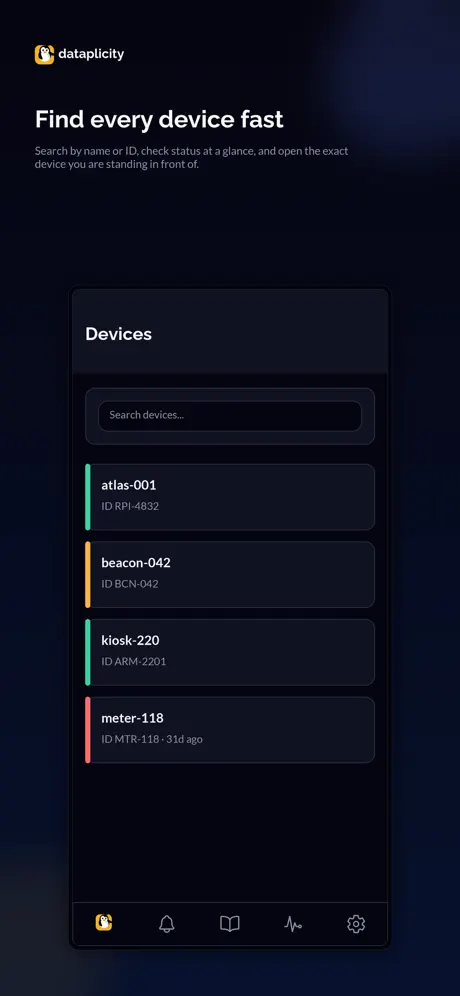
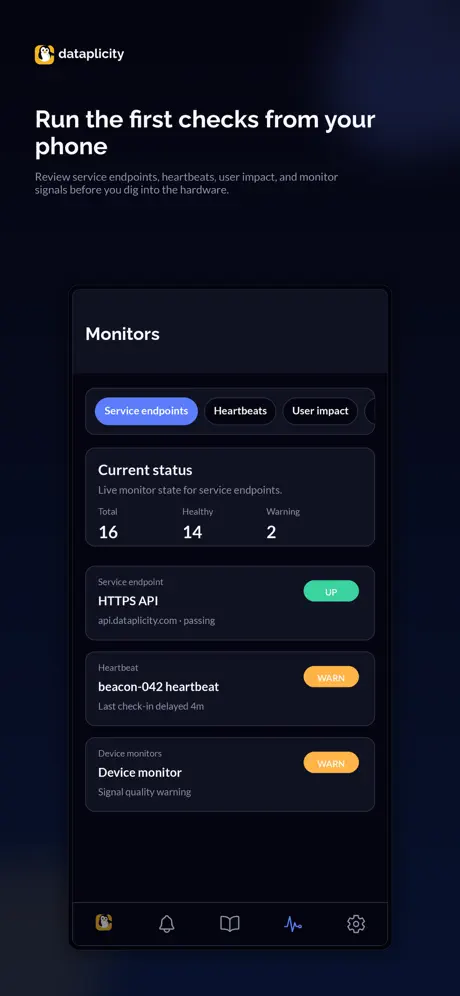
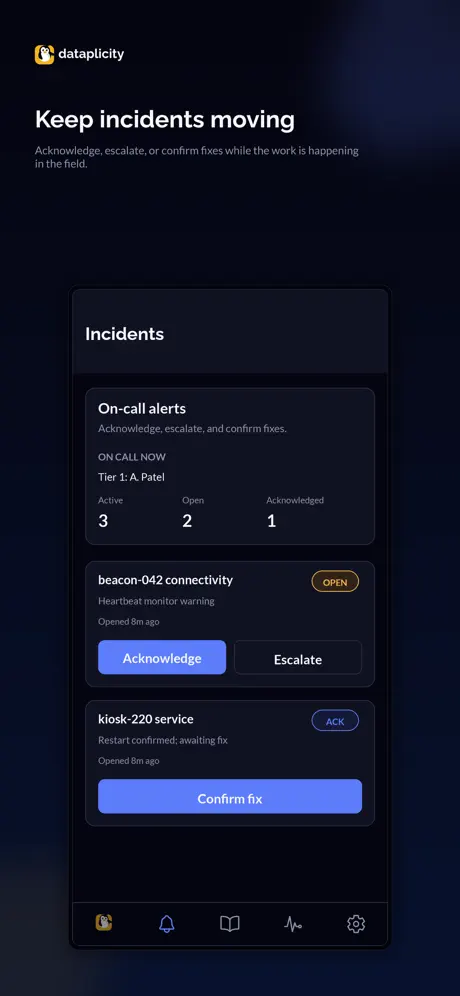
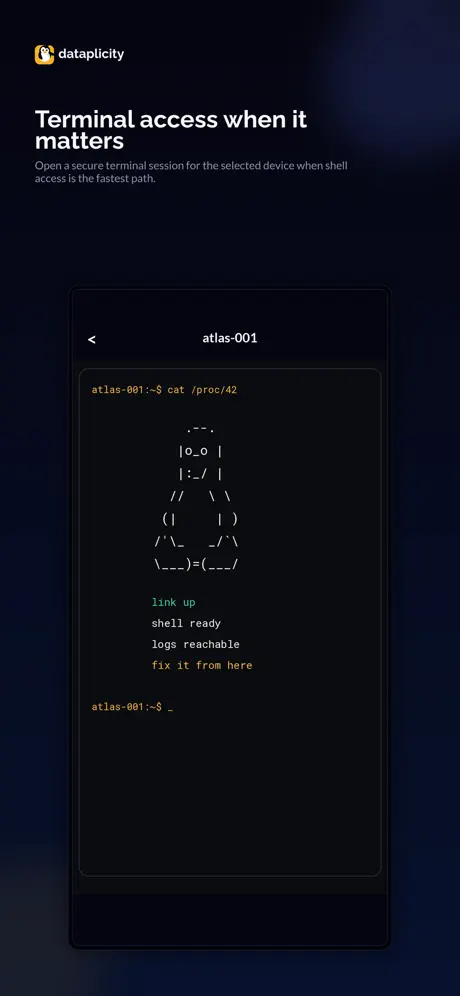
How much does Dataplicity cost?
Prices are current as of 21 Nov 2026.
Dataplicity has no in-app products on record in the United States.
10+ alternatives to Dataplicity
| Dataplicity | 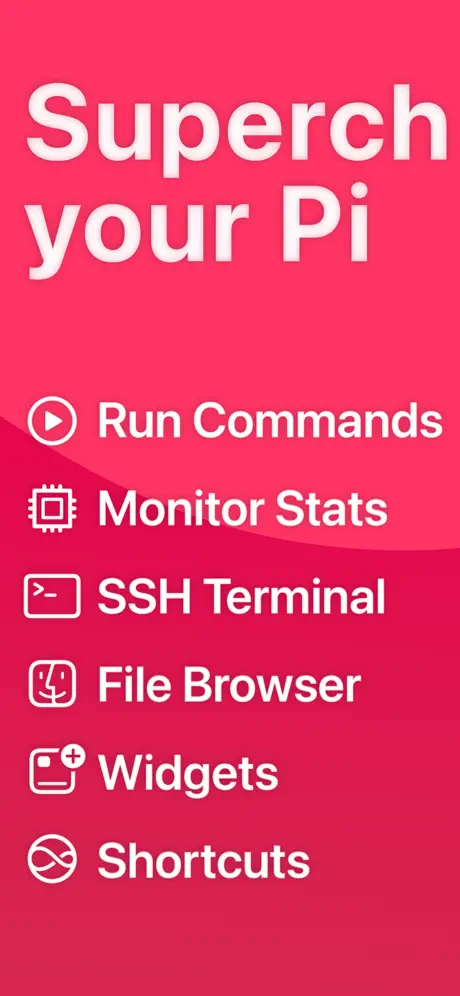  SimplePi for Raspberry Pi | 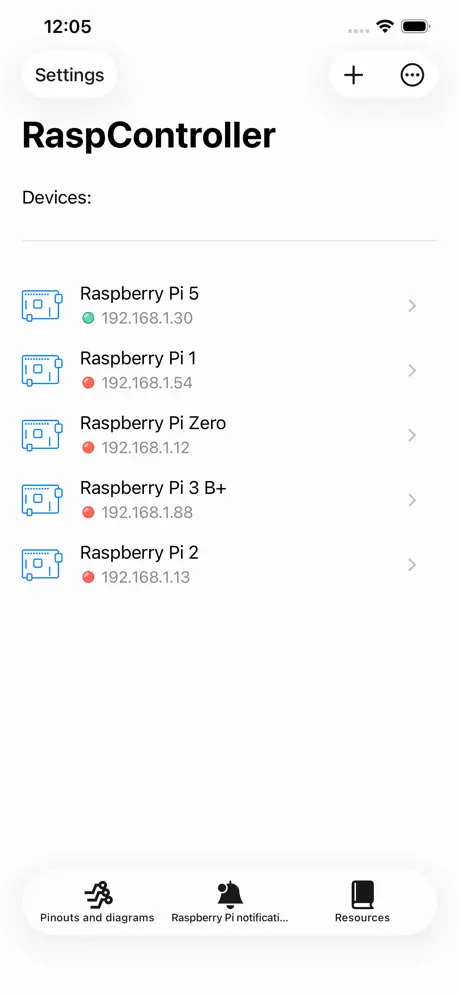  RaspController |   Remote.It |   My RPI SSH - for Raspberry PI |   GoodTerm |   TinyTERM Enterprise AS |   BTBerryWifi |   PiFi - Router for Raspberry Pi |   Terminal Emulator Plus |   Wible | |
|---|---|---|---|---|---|---|---|---|---|---|---|
| Rating / 5 | 4.7 | 3.7 | 4.6 | 4.2 | 3.6 | 5.0 | 2.1 | 4.9 | 5.0 | 1.0 | 5.0 |
| Reviews | 564 | 293 | 268 | 45 | 33 | 13 | 12 | 10 | 3 | 2 | 2 |
| Released | 2014 | 2020 | 2021 | 2019 | 2022 | 2024 | 2014 | 2022 | 2024 | 2023 | 2023 |
| 3-month price | — | — | $1.99 | — | — | — | — | — | — | — | — |
| Annual price | — | $4.99 | $2.99 | — | — | — | — | — | — | — | — |
The going rate for each plan in United States, in its own currency, shaded from the cheapest price on the row to the dearest.
Dataplicity reviews
4.7 out of 5, based on 564 reviews.
What people like
- Super easy setup for beginners.
- Works great without port forwarding.
- Access your Pi from anywhere.
- Much simpler than SSH tunneling.
What they complain about
- Your data goes through their servers.
- App crashes when adding devices.
- Bad keyboard layout on mobile.
- Cannot delete unreachable devices easily.
Excellent app!
Works smoothly, does exactly as described.
Terrible
Signed up and verified my account online and the app crashes before I can do anything. Cant add a system because the app crashes when I press the button. iPhone 16 Pro Max and it doesn’t work. This is completely useless. It looks like at the time I downloaded and wrote this review, the App Store says they fixed the signup crash. I guess they just moved it to the next step of adding the device.
Crashes
Trying to sign up but the app crashes as soon as I start to enter an email address.
Awful scrolling
The app neither auto scroll not you can do it manually when there is no room on screen. At the moment app is useless for iOS.
Best one out there...
I have played with a lot of other software that offers remote access to Linux machines and by far this is the easiest to operate..
Dose not allow you to sign up
No sign up for service works
Just what I needed!
Caveat: every command you run _will_ be sent through Dataplicity's servers, so if you have mission critical or sensitive work to do, I highly suggest a quick search on google for 'reverse SSH' or 'SSH tunnel' and going that route instead. No amount of convenience is worth an unintended or poorly timed loss of privacy. The Dataplicity services in addition to this app allow me to access my SBCs (currently Raspberry Pis) inside my LAN without having to jump through a bunch of hoops like setting up a DMZ, configuring port forwarding, etc. Because Dataplicity provides a backend service to establish and maintain internet-facing connections to my devices, I can connect to multiple devices inside any given network regardless of whether or not I am behind NAT, forwarded ports, set up a DMZ and so on and so forth. Dataplicity's service really does allow set-it-and-forget-it style console access to your home Raspberry Pis from anywhere on the web! And the app just makes it that much easier to work with your devices once setup is done!
Good except for a few bugs
Bug 1: In-Call Status Bar pushes the terminal down and hides lower half of special function keyboard (arrow keys, TAB, etc. ). Bug 2: 3rd Party Keyboards of different height block bottom half of special function keyboard.
Awesome!
Very easy to setup! And very easy to use! I wanted to play and learn about linux when Im away from the computer. Since Im newbie I spend hours to find the app and still couldn’t figure it out. I was about to give up and dataplicity was my last try and boom it only took 5min!!!!! and works great!!! with my phone without using same wifi as raspberry pi!!! I personally never write reviews on web but Dataplicity saved me from nightmare !!!! Thank you!!!!! You guys deserve to get 5 stars!!!!
Pas compris
Pas compris comment on lançait l’application
Great service
Ok, first the great. This is very easy to use, and is saving me a lot. I had jury rigged an LCD screen on my Pi so I could find its IP when connecting to a new network (which I do daily), and this LCD is as expensive as the Pi. You could do this yourself with reverse SSH, but that is a pain too. This solution is great, and the price is right. It is a painless way to get a command prompt for your Pi wherever you are, without having to punch holes through your firewall or host a reverse SSH server. The negatives? If you aren't paying for it, you are the product not the customer. The EULA makes it clear that you are giving up some privacy by using this service. This was driven home to me after installing my first device. It creates a new restricted account for itself on your box. I logged in and tried to use "sudo", but it wanted to know the Dataplicity password, which I didn't know. Shortly afterwards I got an IM from "Eric" at Dataplicity telling me to use su first. This creeped me out a little, that they are apparently monitoring each command I use. :-/ Minus 1 star for creepiness, but still worth using. Additionally, the command client on the iPhone isn't great when compared to other SSH apps, but it works.
Delete
No way to delete devices. Unreachable devices stay that way.
Simplicity
Dataplicity works very well as a convenient way to access a shell from practically anywhere. The phone access is great, but even better is the web access, as you have the luxury of a full size keyboard and such. Highly recommend.
User-Interaktion schlecht
Miserabel! Wieder mal eine App, welche dei Eingabemaske so dämlich platziert, dass sie durch die Tastatur verdeckt wird.
Interesting app, but...
It works as advertised, and very well. No issues at all. But what good is the remote terminal on a Linux system without control, tab, escape, etc. keys on the keyboard? Add a proper keyboard--copy Prompt's if you must--and Dataplicity would be a 4-5 star app. Quibbles: font size should be a setting, get the colors right in the terminal, allow landscape mode.
Works perfect for what I need
Just remember to use "su <usernamehere>" to change to your main account rather than just the dataplicity default
Crashes, unusable
I can't add my device (RP3). the app finds the device in my local network but it simply crashes when I try to add it. ( iPhone 6 IOS 10.2.1 )
A great application
This application helps me manage my test web server that I use before I publish my sites onto a hosting server.
Perfect!
I wanted to work on my rasp project over the web, I'm not very smart to do a port forwarding and still keep my network secure. So I found out about Dataplicity in raspberrypi.org and they did all the work for me, set up my raspberry to communicate with their website and I can do what I was looking for. The only thing is just as @CBinRVA said, all the traffic goes thru dataplicity servers, so no secrets I will keep from them.
Awww man....how cool is this! Stable, great interface.
Thank you for doing this...really amazing app.
Amazing
This app is amazing. People need to know about it!
It is very simple, nice and workin well.
Thanks for the creators.
Dataplicity FAQ
- Is Dataplicity free?
- Yes. The app is free, in all 175 countries it sells in, and it sells nothing inside it.
- Does Dataplicity have a free trial?
- No. None of its offers (US) come with a free trial.
- What are the best alternatives to Dataplicity?
- SimplePi for Raspberry Pi (3.7 from 293 reviews, premium from $4.99), RaspController (4.6 from 268 reviews, premium from $1.99) and Remote.It (4.2 from 45 reviews).
Dataplicity download
Last updated 3 days ago.
Dataplicity sells in 175 countries. It was released 12 years ago, on 22 Oct 2014. It holds a 4.7 rating from 564 reviews.
Supports 1 language: English.
How much does Dataplicity make?
Third-party estimates for the last 30 days, worldwide — not the store's own figures, which Apple publishes for nobody.