
Papers by ReadCube
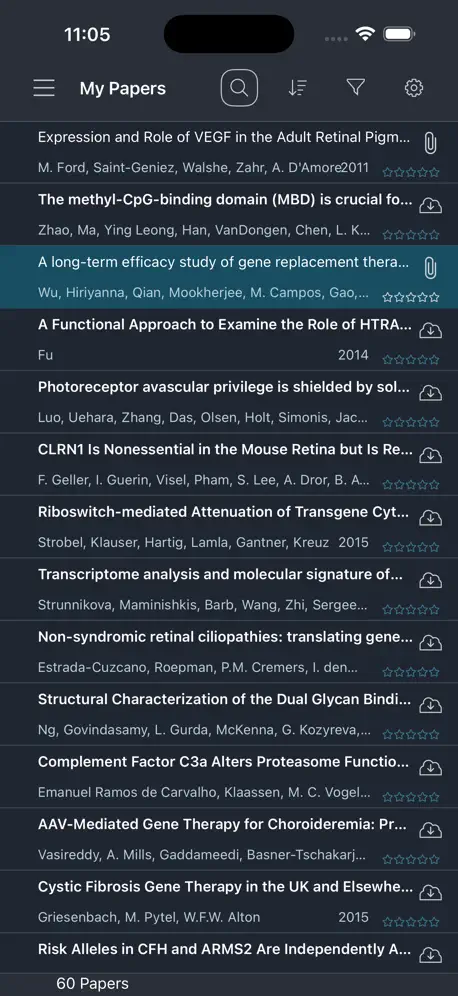
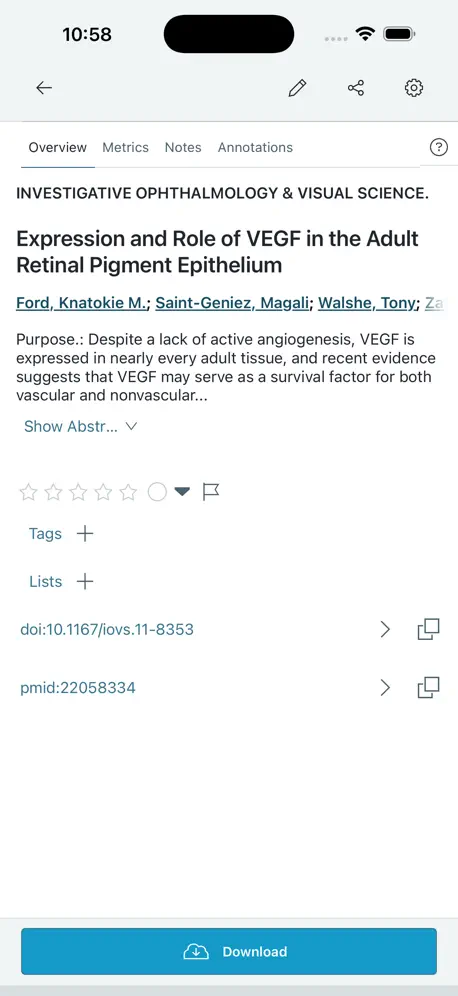
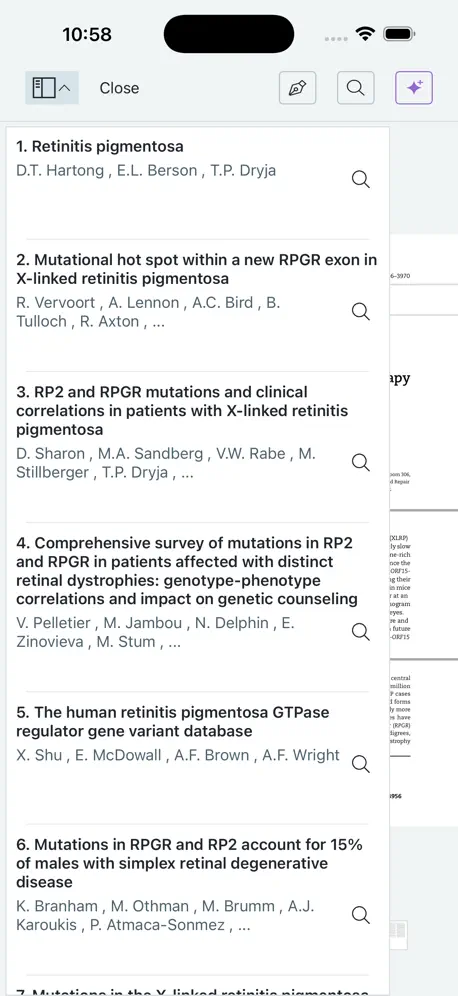
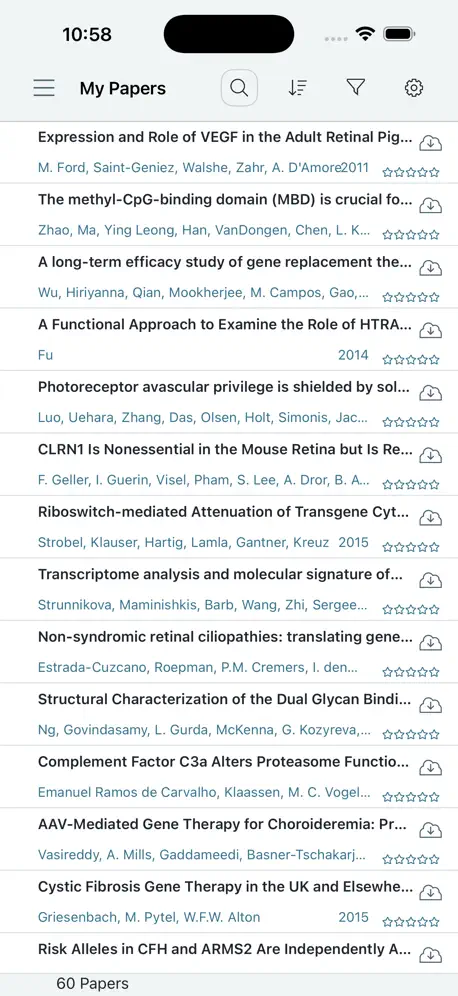
How much does Papers by ReadCube cost?
Prices are current as of 14 Nov 2026.
Papers by ReadCube has no in-app products on record in the United Kingdom.
10+ alternatives to Papers by ReadCube
| Papers by ReadCube |   MarginNote 3 | 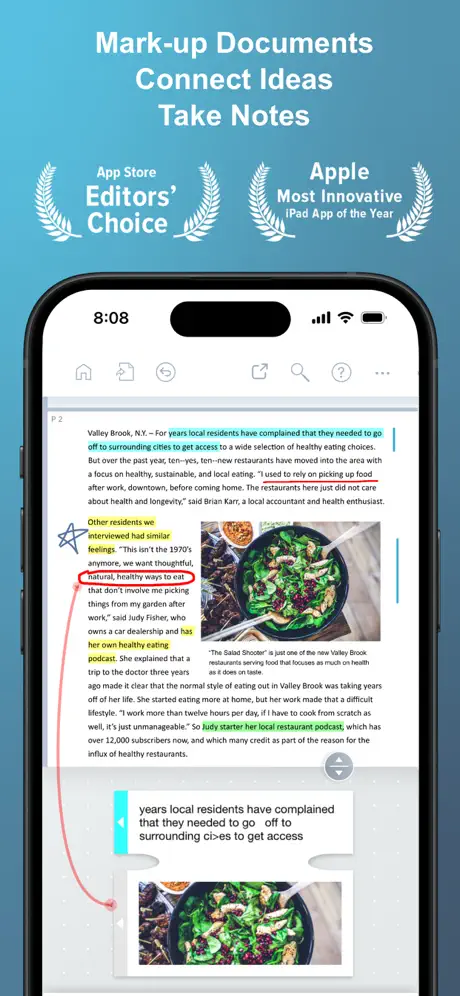  LiquidText | 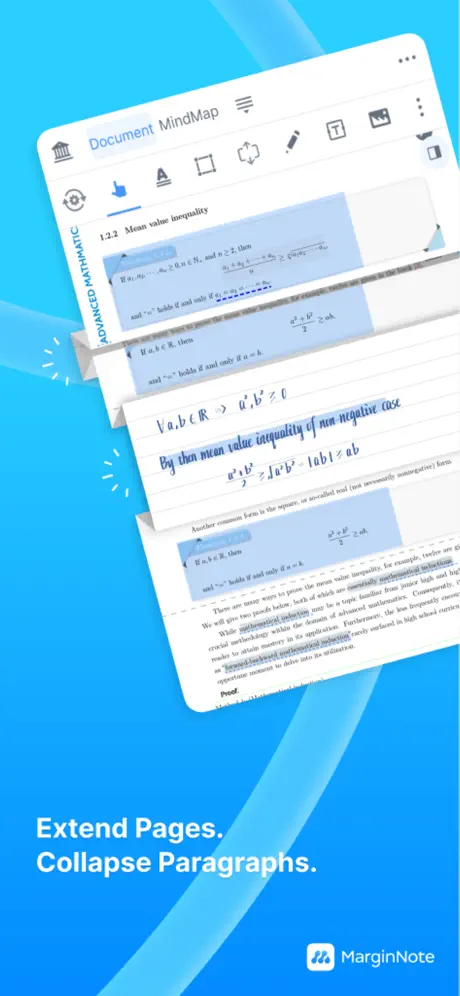  MarginNote 5: AI Notes·MindMap | 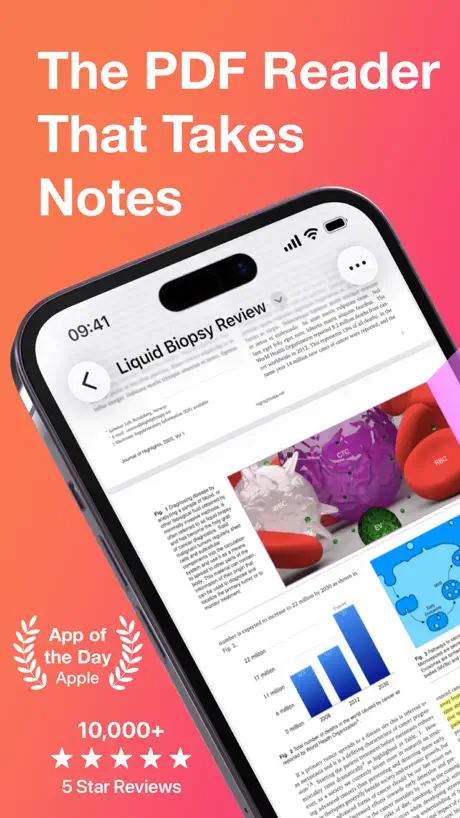  Highlights: PDF Reader & Notes |   Listening: Text to Speech |   Zotero |   Logseq |   Bookends |   EndNote |   ivySCI | |
|---|---|---|---|---|---|---|---|---|---|---|---|
| Rating / 5 | 4.0 | 4.7 | 4.6 | 4.6 | 4.5 | 4.4 | 4.6 | 4.5 | 4.6 | 3.0 | 4.7 |
| Reviews | 1.6K | 195K | 41K | 23K | 6.5K | 4.7K | 2.6K | 1.3K | 1.2K | 904 | 659 |
| Released | 2014 | 2018 | 2015 | 2024 | 2020 | 2022 | 2022 | 2022 | 2013 | 2013 | 2022 |
| Monthly price | — | £1.29 | £9.90 | — | £3.99 | £12.99 | — | — | — | — | £2.99 |
| Annual price | — | £8.99 | £99.99 | £12.99 | £24.99 | £99.99 | — | — | £14.99 | — | £29.99 |
| One-time price | — | £12.99 | — | £19.99 | — | — | — | — | £14.99 | — | — |
The going rate for each plan in United Kingdom, in its own currency, shaded from the cheapest price on the row to the dearest. Plans fewer than four in ten of the priced apps sell are left out.
Papers by ReadCube reviews
4.0 out of 5, based on 1,635 reviews.
What people like
- Seamless syncing across all devices.
- Great automatic metadata and citation support.
- Excellent customer support when you need it.
What they complain about
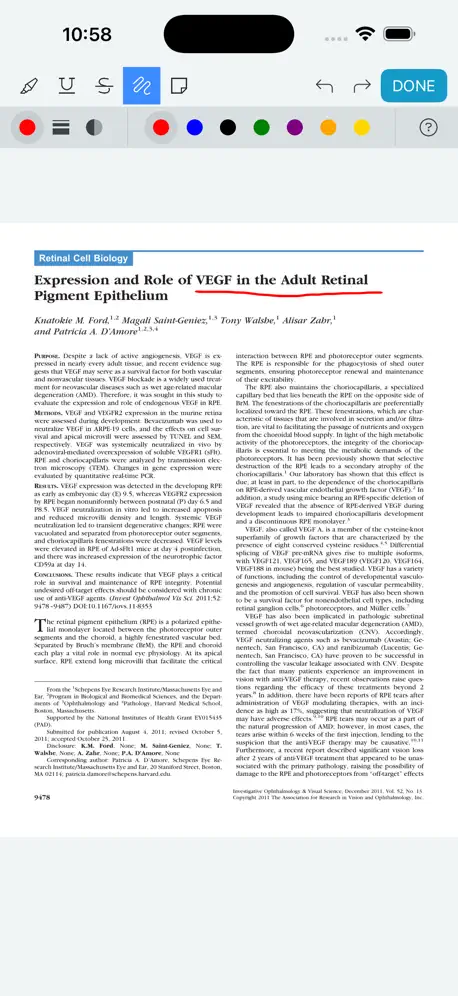
- No eraser tool for handwriting.
- Handwriting annotations are buggy and messy.
- Syncing issues lose your reading spot.
best all ever!
for real
Cannot use Apple Pencil
Apple Pencil annotations looking mushy or hard to read—Readcube told me they were aware of this more than a year ago. But nothing changed. I emailed once again and am told they are working on this (maybe for more than years). I know this is not a note taking app but it’s important feature for the ipad. I have been using this app 10+ years. If I switch one day, kind of ignorance about use experience would be one of the biggest reason
Problems with the reference chain
I do love the desktop app, as I can move up a chain of evidence and grab every paper on my way. From the iOS app, I find the reference in the source paper (so far so good) then I select the automatic reference overview (cool feature) then I click on it and follow it to website for the journal and can review the PDF. BUT at that point I push the PDF to Firefox in order to share back to Papers for ingestion of new article… what??? Please fix that! I should be able to collect papers from selecting citations
Can’t highlight properly
Used to use the app to highlight PDFs whilst reading as well as organise into collections. However most recent update has ruined highlighting function. I have alerted the development team but no action taken. Will not be using now it much I’m afraid … until it’s improved….
Good, but not as good as the destkop
This is OK for reading on the go, but the annotation (selecting and highlighting) is TOUGH. Very twitchy, also it’s hard to highlight or underline something without it accidentally thinking you meant to click on a reference and taking you many many pages away from where you were.
Best multi-device reference manager
Perhaps the only reference manager you can use accross your phone, ipad, and PC seamlessly. Love to take notes and read in depth from my ipad so the ability to do annotations and highlighting is a fantastic feature, but always need the PC for deep searches, so its great I can share the library across all my devices. Tagging feature is very useful but could use some support on ipad as you can’t search tags and must scroll through a long list. Would like to see more features in regards to display/ordering of columns in main library spreadsheet view, as any changes aren’t permanent and reset when you leave the page. Could also use some work with finding and downloading papers from ipad, always works on PC but the institutional logins don’t seem to work when accessing from ipad often.
Keeps getting worse
Papers has now reached v 4.1, about 5 months after the first release, and none of the issues and bugs that I had listed in my original review have been addressed. But we got some AI paraphernalia because it’s cool and fashionable. ———- Papers 4.0 continues its tradition of getting worse than the previous iteration. After a few days of daily usage, here is a list of observations: (1) the main issue with this version is that the underline feature on iOS has become buggy to the point of being unusable, as the cursors jumps left and right whenever I drag it across the page; (2) we are now at version 4.0, and still no bookmarking feature. Simply unbelievable; (3) there is still the issue that if you tap the top of the screen, you are sent to p. 1 of the PDF. The issue needs to be fixed ASAP, see Apple Books for reference; (4) the annotation tools have been redesigned, and now any action I take requires more taps than in Papers 3; (5) the GUI looks nicer. Lipstick on a pig?
Needs more optimization for iPad and pencil
Currently the whole working logic is still to use Apple Pencil as a mouse . It’s weird to have such kind of design at 2024
Average app (with potential)
If the app gets the same features of the desktop version, it would be much better. High potential.
Very buggy pdf annotation
Many bugs since the new update, including highlighted and underlined sections spontaneously disappearing, making PDF annotation a tedious and long process. I like the integrated AI on the desktop version, but I use my iPad for annotation so that I can take advantage of the Apple pen, but since new update, this is difficult because of all the bugs while using the Apple pen. Also lost the ability to easily access the synced PDF on computer, which is frustrating when you want to send and share PDFs. I’m likely moving back to Zotero soon. Better tags, organization of files, and fewer bugs for a fraction of the cost.
Best full feature multi platform app
I tested about 8 different products and this was the only application that allowed me to work on a browser, Windows desktop, and iOS app. Unlike other apps it is easy to annotate documents and export the annotations. The free trainings and office hours are very useful and helped me understand the product more. Almost all the PDFs I imported were able to locate the sources and pull in the metadata allowing for easy citation. The searching is great as well letting me do database searches as well as in text searching. Clearly is the winner for academic research needs!
Please develop this app!
This is a very neglected app. The team is busy with their web platform, but there are so many bugs unfixed for years, and features that are clearly missing.
aye no bad
annotation is a bit finnicky with the apple pencil, not the nicest experience. as a literature manager is ok.
Hand-drawing annotation is messed up
It used to work well but after some recent updates the hand-writing annotation becomes a total disaster. It over-smooths your handwriting without asking. Now it is even more frustrating that the things you write just disappear by themselves. Please fix these very fundamental issues!
AI needs improvement
I’ve been using papers for a while now. In the app there re bugs but they don’t interfere that much with the reading experience. However AI needs an update. It’s so weak and should have access to outside scientific sources to answer questions.
I love this app!
I've been using this app for a very long time and I love it! It allows you to insert citations into your papers, but also to keep all of your PDFs organized. In the mobile versions you can annotate, highlight, etc. Newer PDFs will allow you to click on citations and download them to your library if you have access to them. It's an all in one app that works seamlessly. I've had a couple of small issues that I needed help with and customer support was super helpful and quick to respond.
Needs So Much Work
The app is slow and has little functionality compared to Papers 3. Scrolling, highlighting, everything lags, and it’s not my setup. Other reading apps work fine. I’ve been with Papers for many years, hoping they’d fix the problems so I don’t have to migrate my massive library elsewhere, but the time has come to leave.
Great app with room for improvement
I hope annotation could be more flexible and easy to modify lipke Goodnotes
Feature stagnation
This started as a very good application. Many useful features were available. However, as it happens with most things once they are change ownership to bigger companies you start noticing decreased interest by the developers. This app has now become stagnant in terms of any new features. Also I think the impetus to develop anything is low when you have a subscription based model forming a steady stream of income without need for change.
Eraser tool missing
Good app, but the pencil needs an eraser tool.
Great sync and share
Hi - I find this so useful to be able use as an app. not only can i read anad anotate but also
Offline mode
One star for not being able to open local available pdf file while being offline. This is the most ridiculous thing ever.
PDF Markup tool integration is such a timesaver
I’ve not used the previous iterations of this app, but this current one is doing the trick. I like to use it in conjunction with the Mac desktop app. I do wish the markup had an undo feature, and I really wish there were custom sorting columns. Other than that, so far so good.
Bugs bugs and more bugs
I have been using Papers for a few years now and am remiss to move to another app because I have everything organized on Papers. As an acadamic who relies on PDF notation and organization, I can say that this app has been extremely frustrating to use on many occassions where I have spent hours (connected online by the way) notating PDFs, only to open the app the next day to see the work wasn't saved. This has happened numerous times, and I am just about done and ready to find something more reliable. I'm using the app on a new iPad incidentally. Lastly, I don't understand for the life of me why they can't add a bookmark feature - since so many times you leave a document on the page you were reading, only to reopen the app and find it is back at the beginning. Adding a bookmark feature would save us readers much time and make up for this other glitch that happens regularly.
4-year developed app yet no ‘undo’ function? ? !
You have this function on webpage version. You have been developing this app and keeping updating the versions in the pst 4 years. You have lots of competitive apps for paper archive and notes and all of them have the undo or somewhat eraser function. I really don’t understand why the developers just refuse to add this small button which should improve the user experience by at least 50%
Great app for research paper organization
I am a researcher in computer vision, and this app has saved me so many hours of pulling out and coordinating pdfs from various locations just to start reading.
Please stop updating
I normally welcome any app updates, but for the case of Readcube, please stop doing so. As a royal user since the Mac Papers era, I observed that Readcube has a reputation of breaking already-working things down and updating with useless/unnecessary updates. For this time, the new UI is extremely stupid and you need to click more buttons than what it needs before. Please stop doing stupid updates
Great on Mac, good enough on iPad
I love papers for organizing my papers for research. I usually stick to using the Mac version and only using the iPad version when I have to. The iPad version has limited capabilities in annotations, viewing the library and saving papers.
Needs improvement with ipad apps
The app works well in many aspects: syncing, sharing, finding and adding documents is super easy. The ipad app however needs improvement.The app does not work well with apple pencil. Annotation with the pencil will create random scribbles across the screen that i did not write. This has been very annoying. Furthermore, moving documents within the app does not work at all.
Needs Improvements
Needs better highlighting tools and a Trash Folder.
Physician’s dream
Best way to classify and review papers from medical journals. Continues to improve.
So not reliable
The app does not work properly (cannot highlight text) and customer support was down. Not the first time it was down. Simple app but not reliable. Canceled my subscription.
Good but not perfect
My biggest complaint is that it doesn’t save the spot you were at when reading a paper. Closing a paper and then reopening it puts you back at the beginning of the paper. I do really like being able to read on any device, especially iPad.
Many missing features
In particular, not being able to annotate papers in shared libraries is a real deal-breaker.
Amazing EXCEPT no eraser tool - please fix!
This app is incredible and exactly what I need to organize and annotate my my PDFs. However, the annotation function has one huge flaw - there’s no eraser tool. So, annotating is a huge pain and thus I can’t really use the app for that function at all. If they fixed this one tiny but major thing it would be a perfect app. Readcube - PLEASE fix it in the next update, there are lots of us on your forum who need this!!!
Great product
I used this for my dissertation and found the functionality incredibly helpful. Have recommended this to other students.
New review 2/2026 - iPhone app is longer useful for citation input
I used Papers for years because the iPhone app was an excellent cloud interface to rapidly import papers I find online. Sadly this is no longer so. It seems impossible to share PDF references to the Papers iPhone app, and the items sent as web links don’t synchronize to the desktop versions. Can no longer input from bioRxiv. Since I rarely browse from my desktop, the system is effectively broken. The desktop app also doesn’t fully work, search is virtually impossible, and support links from both area no longer operational. Old Review: Best app for mobile users (previously 5 stars) There are several good citation managers that allow importing and annotating article PDFs from a PC. My work flow is that I like to add citations wherever I learn about them, and that means entering my iPhone, while reading and making notes on my iPad. I was a happy user of Mendeley until they terminated the iOS mobile app. Papers is outstanding for this use. I can add references and PDFs instantly from a pc browser add on or directly from the app. While reading an article, it’s easy to highlight, annotate, take notes. A side bar instantly grabs any cited papers that I might want, and another tab finds related articles. It’s easy to organize my library by tags and hierarchical lists. I’m sure there are other fine features but I’ve been too busy doing great research to find about them.
Great but Apple Pencil can’t switch modes
I love using this to sync up my note taking for academic research between multiple devices (desktop, iPad, Macbook), and make citation super easy when writing papers. I use the Apple Pencil which is nice for highlighting but it has no support for double tap to change mode. Would be nice to have it switch from selection to highlight for example (or let you configure this). All In all pretty good and I will definitely keep using it, so nice to be able to download stuff on my desktop or laptop and not have to worry and it automatically syncs my library onto my iPad.
Mediocre app
I wanted to give this app a chance. I like the way it has been built and it has many good ideas behind it. Unfortunately it has been extremely poorly executed and is riddled with bugs. I tried over and over to reach to the developers and they were kind enough to respond, but I just don’t understand if they don’t know how to fix these things, don’t want to bother or are swamped with feedback and have no time. Bugs are numerous and very annoying. The proxies of some universities are not set up correctly. References in the iOS app show yellow dots which none of the developers were able to advise me how to remove. Tags are buggy, often sort improperly and there is a bug when assigning tags from the tag list to a new reference. I tried my best but am really unable to use this as my go-to reference app.
Good library manager needs CWYW
Enough said. They greatly increased the stability and syncing reliability, but for it to be actually useful I would need to actually insert a citation into a Word document. And if it is just being able to copy/paste a ref field that I can resolve later on desktop word...
Great paper collector!
I got ReadCube at the suggestion of my mentor, and I love how easy it is to save and organize all of my papers! Truly the best reference organizer that I have used.
buggy as always
I’ve been using Papers for years and I’m sick of it. The software is consistently buggy and unreliable, with constant syncing issues that never seem to get fixed. This is completely unacceptable.
Serious UX issues
Major love given to this app recently and am happy to amend my previous review. All of the UX issue I previously stated have been fixed and this feels more inline with the web and desktop app (although it would be super useful to have the annotation functionality of the web app working on mobile browsers. Finding the perfect reference manager is a bit of a white whale. For me Papers is still the best. I’d still prefer a native Mac app instead of a wrapped web app but I can live with it. Awesome work on this update. Amended review (previously 2 stars) If this app is intended to convince people to buy into the subscription model of ReadCube from Papers it need a complete UX overhaul. It’s fairly obvious this app gets little attention and there are some real experience issues. All elements are far too small for a modern mobile screen. The library is accessed from an old fashioned sidebar drawer with a tiny drag tab by way of a swipe gesture. The problem is that the swipe gesture is also used for all the element inside and outside of the drawer. A swipe to close the drawer I end up editing a folder in my library. A swipe when the drawer is closed and you activate the multi-select. Select one of these items and I’m a small finger movement from deleting an item. I want to like this as at some point Papers3 will become legacy but as a professional UX designer I am worried at how poorly thought out this app is.
Nice idea but useless on the iPhone
I think the programmers tried to make this similar to the computer program, which would have been nice. Unfortunately, the search function for new articles is relatively useless. I keep getting errors indicating that there is no internet service (there is) and receiving blank webpages when it is attempting to retrieve pdfs. Using the computer app, on the same network, around the same time, it works without problems. Would love to see this being fixed in the future.
Some rethinking needed
Coming from the Papers3 App for iOS, it seems here they have gone for simplicity. Some menu items are unresponsive, and not so user friendly. It’s a shame because it excels on the viewing documents and editing, with very fast syncing times between devices via their cloud service. I’m very pleased with that, because let’s face it, that’s what this app is for. However, I wish that the developers put a bit more thought on the functionality of app, with editing categories/keywords, a quick download all papers, hide the side menu on iPad versions, see icons instead of just titles. The layout of this app I guarantee will not please many users of Papers3, and I don’t think they are going to do well with new users, the app requires a subscription and therefore a specific set of users will download it. For me at least, I am hoping that the developers can think of a way to integrate the new features with an interface that we are familiar.
The best
I’ve tried all possible apps or combos to easily store and annotate pdfs for academia. This is by far the best option: synchs across devices smoothly, allows the use of Apple Pencil on iPad, integrates well with ms word for references (choosing among the most common citations styles). I hope that future versions will add an eraser to delete part of a written text (pencil) instead of deleting the entire text
Missing Functionalities
I have been using Papers for years but I am surprised to find that some essential tools are still missing on the iPad client. Please implement erasers for the writing tools. Also the pen stroke recognition can be improved, it feels very weird at the moment. Update: While the developer has been fully invested in “AI” gimmicks that no real user asks for, the highlighting and handwriting tools are still buggy and clunky. Feels like they don’t use their own apps at all. Update in 2025: After years of waiting, I applaud the dev team for finally adding the undo/redo button. However, the handwriting tool is still buggy and unbearable. Once I start writing a couple of words, they will simply turn invisible, and I have to tap the undo button to reveal them. There is NO eraser or group selection tool, so good luck to the user if you want to move your handwritten notes to another place. There is also no automatic shape recognition (which is fine), but letters will be unnecessarily straightened for no good reason. I implore the dev team to try out GoodNotes and Notability to see and feel how smooth their handwriting tools are.
Direct Quotes
Needs options for direct quotes e.g. being able to put the page number
Not impressed
I use ReadCube religiously on my laptop and was excited to use it for research on the road but not articles pop up on anything I searched in Google Scholar, PubMed or within ReadCube. It synced the articles I had pulled up on my laptop but nothing on the app. Hopefully it's just a glitch and is sorted out.
Unable to download PDF onto iPhone app
The articles show . When I hit read them the articles disappear from the library. Also smart cite is discount to use and keeps on crashing. HELP. On whole better than Mendeley and Papers.
Papers by ReadCube FAQ
- Is Papers by ReadCube free?
- Yes. The app is free, in all 175 countries it sells in, and it sells nothing inside it.
- Does Papers by ReadCube have a free trial?
- No. None of its offers (GB) come with a free trial.
- What are the best alternatives to Papers by ReadCube?
- MarginNote 3 (4.7 from 195,104 reviews, premium from $1.73), LiquidText (4.6 from 40,771 reviews, premium from $6.68) and MarginNote 5: AI Notes·MindMap (4.6 from 22,718 reviews, premium from $6.68).
Papers by ReadCube download
Last updated 1 month ago.
Papers by ReadCube sells in 175 countries. It was released 12 years and 6 months ago, on 6 May 2014. It holds a 4.0 rating from 1,635 reviews.
Supports 1 language: English.
How much does Papers by ReadCube make?
Third-party estimates for the last 30 days, worldwide — not the store's own figures, which Apple publishes for nobody.