GX Remote Control
How much does GX Remote Control cost?
Prices are current as of 20 Nov 2026.
GX Remote Control has no in-app products on record in the United States.
10+ alternatives to GX Remote Control
| GX Remote Control | 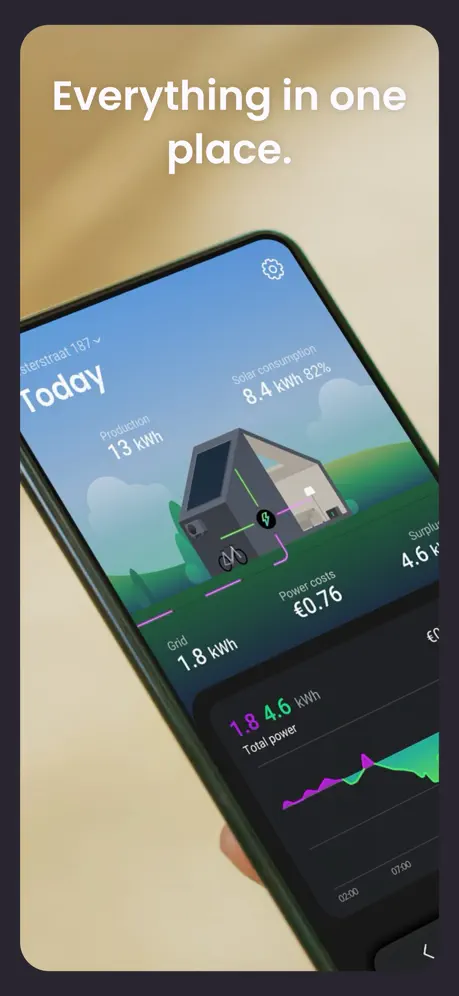  HomeWizard Energy | 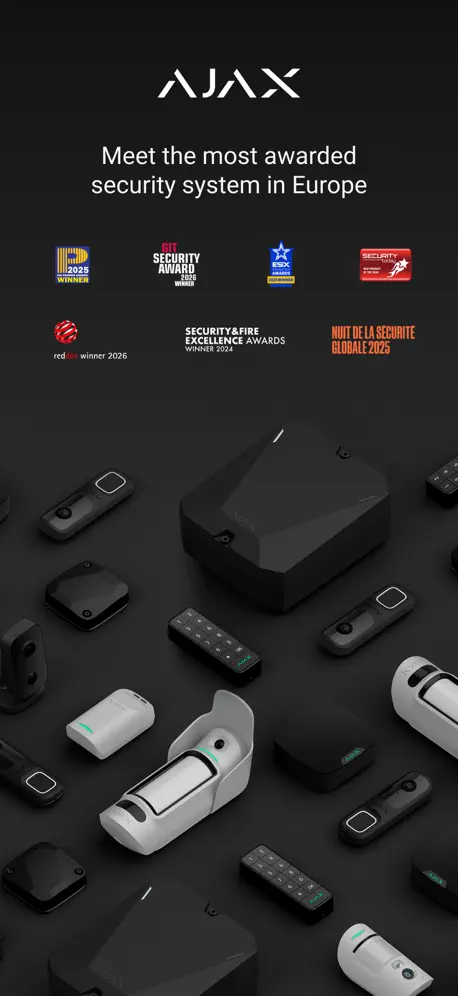  Ajax PRO: Tool For Engineers | 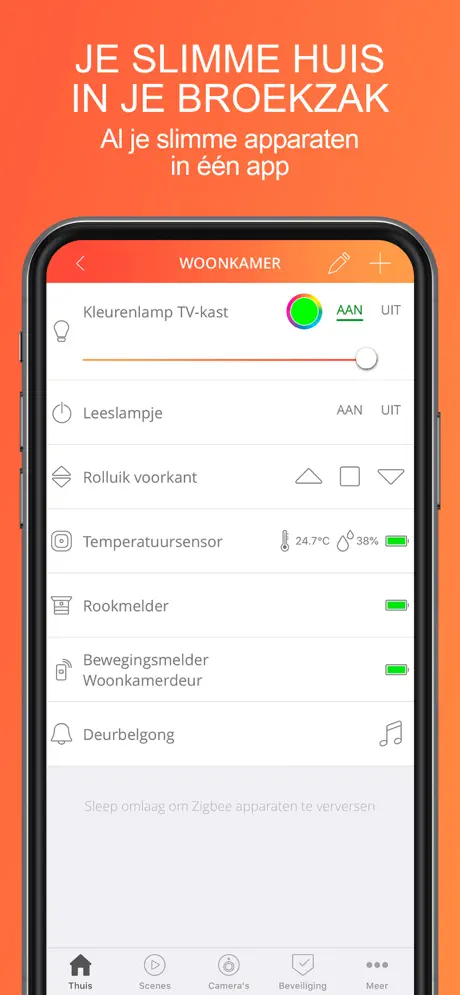  KlikAanKlikUit | 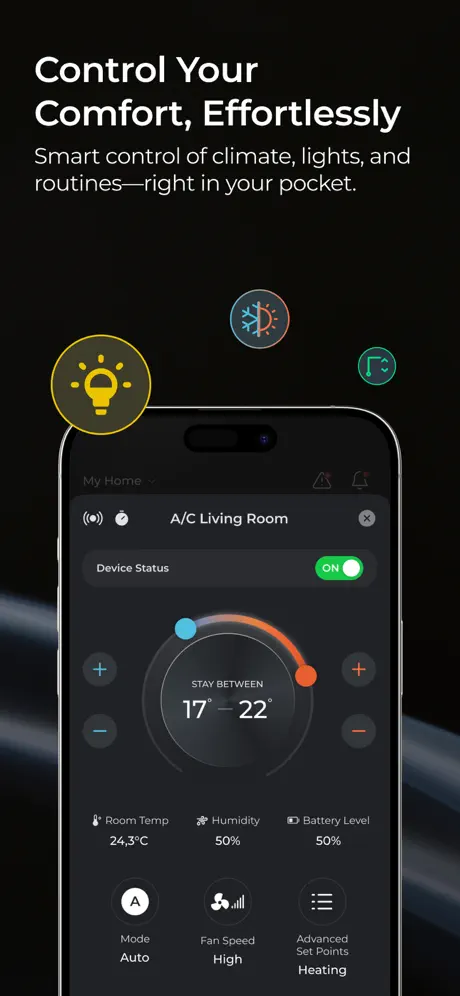  FreeControl |   in-lite |   Niko Home |   Urban Arrow |   Access Control |   MASTERS EXPO | |
|---|---|---|---|---|---|---|---|---|---|---|
| Rating / 5 | 1.9 | 4.6 | 4.7 | 2.8 | 2.5 | 4.2 | 3.2 | 4.0 | 2.5 | 4.6 |
| Reviews | 220 | 145K | 1.2K | 432 | 333 | 292 | 197 | 186 | 83 | 8 |
| Released | 2014 | 2020 | 2017 | 2013 | 2013 | 2019 | 2019 | 2022 | 2019 | 2022 |
| Monthly price | — | $0.99 | — | — | — | — | — | — | — | — |
| Annual price | — | — | — | — | $48.90 | — | — | — | — | — |
The going rate for each plan in United States, in its own currency, shaded from the cheapest price on the row to the dearest.
GX Remote Control reviews
1.9 out of 5, based on 220 reviews.
What people like
- Works well once you know the setup
- Remote arming and disarming is convenient
- Push alerts work for serious alarm events
What they complain about
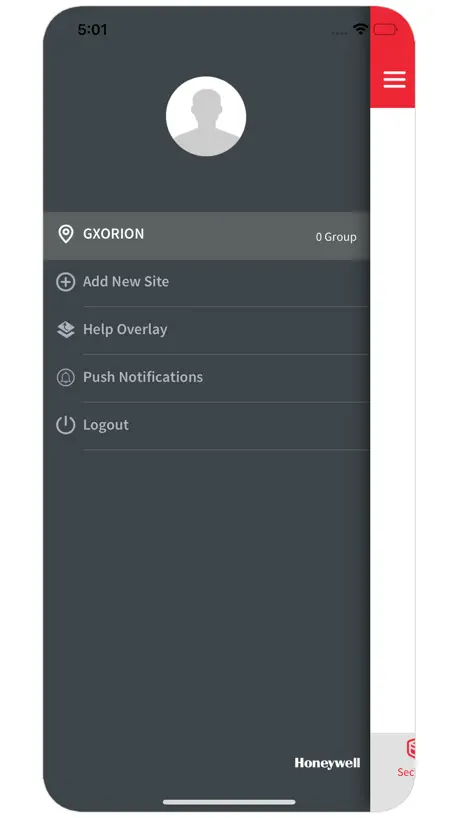
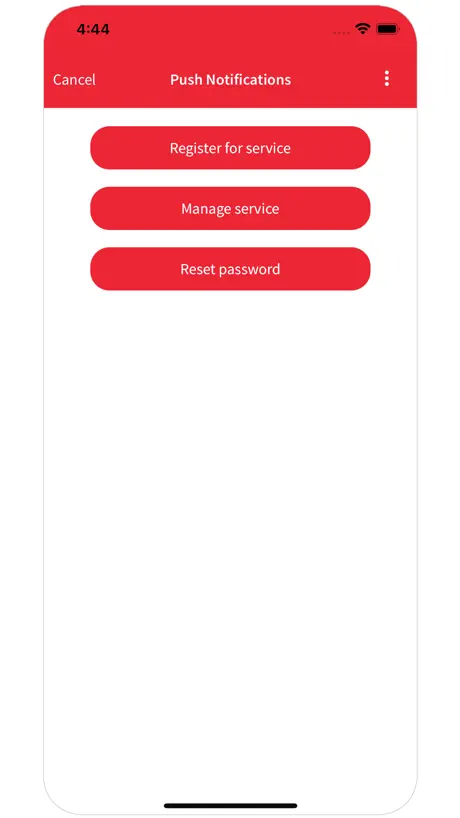
- Push notifications are hard to set up
- Biometric login doesn't save your panel choice
- App crashes on newer iPhones and iOS
- Support is unhelpful when things break
Face ID ?
I love this app but the new inclusion of Face ID doesn’t do anything!
Does not work on iPhone 17
Used for years with no issue, changed iPhone to 17 pro max iOS 26.2 and has stopped working. Try to log into a panel and app crashes
Gx remote
Werkt perfect, geen problemen mee. Gewoon juiste manier installeren en instellen! Wees blij dat het gratis is.
Finally biometrics, but wait… 😞
Finally the devs have been integrated the long awaited biometric ID authentication… But what a bummer! It’s only being used the enter the app… Come on devs, you can do more! Let us create a default user and a default panel which is connected to FaceID/TouchID, so we can log in to our panels with one touch in the app!!
Worked until IOS updates
Worked until IOS updates
Thank you for updating
Great to see an update. However small, use this every day and works well and never have any issues. Please continue to maintain and keep updated
Now charging for push notifications!
Honeywell now wants to charge for push notification that we’re free. This now allows my installation company to access my alarm and charge me over the odds.
Decent app but needs Face ID now
As an alarm installer I find the app very useful, although proper network setup is required instead of a straight forward p2p option. After almost 2 years with Face ID on iPhones I think this needs to be enabled for quicker logon
Buggs?
Inloggen gaat niet meer. Normaliter oké app.
Great when it works
A few months ago Honeywell changed the IP address of their server....without informing anyone. This caused continuous Com Fail 4 messages that couldn’t be stopped. Logging into the account via the app displayed the updated IP allowing you to update the alarm panel to resolve this but support is woeful with Honeywell tech just blaming the app developer. Today iOS 14 has broken it. Notifications are sent repeatedly to phones and won’t stop - this is happening to myself and customers. Receiving a text message seems to stop the repeated notifications immediately for some unknown reason
Technicien
Fonctionne au top avec une centrale Flex.
Works but could be great
The biggest missing feature is the ability to choose the type of push notifications. I only want to know about faults or alarms and not set/ unset actions. It becomes unusable with constant notifications that are routine. Doesn’t work on iPhone 16
Needs push notifications!
Great app now that it has push notifications. An option to save the PIN would be handy.
Inloggen
Het lukt nu niet meer om in te loggen
Notifications: what is the new ip address?
2 days ago the notification services stopped, the panel is showing a Com fail ARC error but is still accessible remotely via this app. No idea where to get support as the links are dead. This is a great app for a 'proper' alarm system and its a shame support and development is lacking!
Awesome app
Amazing app.This exceeds my expectations,it’s Honeywell and it actually works ✌️ Be aware this is not for the diy expert.
Pretty basic
It’s like the app hasn’t updated for plenty of years! Every time I launch the app I get a blank profile. Please update and get with cloud rather then port forwarding (so outdated)
Casa
Luigil
Please up date to fit newer iPhones
Doenst work ideal on newer phones(past iPhone X)
Unable to use keypad
When I first got this app it worked great. Then it was updated and things stopped functioning, the biggest issue I have now is the remote keypad dose nothing. I try to input a code the buttons highlight but nothing on the display. This is the same Whether connected to the local network or remotely over 4G. I hope this gets fixed soon. For the developers info it’s been used to control a 3-520C with firmware 6.94
Opérationnel
Très clair pour une centrale multigroupes Deux modes de connections L’aide de l’installateur est recommandée Espérons bientôt plus de fonctions
Won’t connect to the panel via App
My app has recently stopped connecting to the panel via the app, I use this on 2 sites, worked fine until a few months ago, both sites not connecting, both panels have been powered down and restarted no difference, am still receiving the notifications tho. Spoke to Tecnical no help whatsoever. Engineer has given up. Guys any ideas? Great when it works but very nightmare when it does not. Would have expected a more robust system from Honeywell.
Greatly Improved!!
Much better App! Looking forward to the outputs being included in a future update!
Good and bad!
Push notifications work fine but remote connectivity is poor. The app constantly drops connection even when connected on local network but I can connect fine via laptop with Frontshell. App needs a major update to get it working properly!
Louder alarm notification required
Good step forward from last version. However push notifications can be missed as they are not loud enough. Please find a way to have loud alerts so that alarm conditions are not missed.
Excellent just need touchID support now! Setup guide below
This app is great if you have a galaxy alarm. You can set and unset remotely (if setup correctly). View the log and use a virtual keypad. Some improvement would be: 1. Touch ID with auto connection to selected alarm (instead of typing in the code with every connect) Update 29/5/17 PUSH NOTIFICATIONS DO WORK!!! Here is how to get it working 1. Download updated version of app 2. Register for push notifications within the app 3. Verify your email address 4. Go in the push notifications and create a new panel account (you will be issued with a IP address and account number) 5. Manage your panel account and register your mobile 6. Go to your panel and go in to engineer mode, go to Ethernet and setup your module with the IP address and account number 7. Go to alarm report and select SIA-3 then switch on the events you what to push to your phone. (I.e PA, FIRE, INTRUDER, SETTING ETC ETC) 8. MAKE SURE YOU SET PROTOCOL TO TCP IF NOT YOU WILL SEE A COMMS FAIL! The default is UCP!! Tested and working on 2 x iPhone 6 1 x iPad Pro 1 x iPad Air 2 1 x Samsung s6
Push notifications - the latest!
Jan 14 2021 Can no longer access keypad via App. Screen above app keyboard just blank. Running iOS 14.3. My installer has contacted Honeywell who’ve advised they are not aware of a problem. Is anyone else having this issue? If so please report it so Honeywell can give it some attention. When my Galaxy system was installed earlier this year both my installer and Honeywell's Area Manager told me that push notifications of alarm triggers were coming soon for this app. Disappointingly I'm still waiting. Update. Well they're here but I can't find a user guide. Please publish one on the web so we can get the most out of the app. Thank you. Saturday 27th May Just tested this and it doesn't work! Very disappointing. The App works in every other way but no push notification received on triggering the alarm. In the absence of clear instructions then I don't really know what to expect. App support page simply directs you to the installers help desk. I thought the app was intended for the end user not just installers. For such a large company, Honeywell seems woefully inadequate. Friday 9th June My installer has just visited, excellent as always, and set the account number and IP address in the panel. Push notifications are now fully working and sending through notifications really quickly - just what I'd been waiting for. Brilliant! 23 May 2019 Apparently there is a known issue with push to iOS devices. I’ve been told they are working on a fix and an update will be issued in due course. They could not give me a time estimate. 25th May 2019 Still no push and support link in app returns error 404 page missing! Alarm was triggered today while we were out. Come on Honeywell get this sorted. 28th May 2019 Push notifications have recommenced this morning so it looks as though normal service is resumed. Thank you Honeywell.
Nice update
The original app was extremely disappointing, merely a remote MK7, however Honeywell has listened and clearly taken note of feedback. Much better, let's keep the feedback going.
IP address change
@Lid_mid Honeywell changed their own IP address, that’s why the notifications have stopped.
Output Control
Love the app. Push notifications are a great addition. One area that could be improved are the output controls. It would be great to be able to rearrange the order in which the outputs are listed. Currently they are arranged in output circuit order. Also, when you name an output it would be better if the name was in bold, rather than the output type - I have a long list of 'Spare' in bold with the descriptor under in grey hard to read text.
Notifications
Works a treat, including push notifications which can be configured to get exactly the information you want to receive
Honeywell!!!
This App is in a desperate need of an update / overhaul . After the I.P change issue, it has now stopped receiving notifications. II believe this has happed ever since the new IOS update. Considering Honeywell more or less set the industry standard, your falling way behind the competition. This app is almost third rate. Please look at what the others are doing and at the very minimum follow suit.
Technicien intrusion
Ya du mieux!! A quand le pilotage des relais?
Push notifications suddenly stop
App is good but need a lot more work why haven’t night set button been added like in the app pictures would be really useful also push notifications are great while they work then after about nine notifications they stop. Need more features and be able to tweak the menus and sounds yourself as they can easily be missed otherwise a good step forward hopefully an update will be out soon
Could be better
Been using this app for a couple of weeks now. It works well but as others have said these would make it so much better: Push notifications if the alarm is triggered TouchID for faster login Ability to rename groups Please get this app updated, it has been too long without an update!
Off to a good start
Straight forward to get up and working, once you've downloaded the instructions. Hopefully future updates will follow the Honeywell apps available to our friends in America.
Honeywell update has introduced a panel fault and now I cant arm via the app
A few weeks ago the app stopped working and showed an error relating to ARC and requiring a reset. None of the parameters on my app or panel were changed and looking at the other one star review below this one, it seems like Honeywell have changed something at their end and introduced the fault. If the IP address has changed please publish the new details or fix the underlying issue. Tip if you are considering getting a Honeywell Panel and looking at the Galaxy Flex Series I would advise against it and would point you in the direction of the Pyronix Enforcer range of panels, they are much easier to use and programme and are much more reliable. (This is my second flex panel after the first died within the first year). UPDATE: I have finally managed to resolve the issue and have the new IP address 159.8.126.227 You can get the up address by logging into the Galaxy flex app, clicking push notifications and clicking the manage service, login and click manage panel accounts. There you should find your user id and ip address Next you need to login as an engineer and access menu 56, find Ethernet and update the IP address Exit as engineer and wait for around 10 minutes and the error should clear.
App ben riuscita
L'app è perfettamente funzionante ed è bella graficamente. Ottima la tastiera virtuale. Manca assolutamente la possibilità di comandare le uscite della centrale come avviene sulla tastiera Touch.
Okay... Requires Devlopment
The app works in its basic functionality but requires improvement to make it sleeker and actually useable day to day. First, the good stuff - push notifications work well. They are cumbersome to setup within the app, but do work. However there’s no ability to filter what notifications are received. So you end up with a notification every time the system is set/unset. Whilst I understand these are useful, ideally I’d prefer to set filters so I could turn these off as required. Thereby only getting notifications if the alarm is going off. Setting/unsetting the alarm from the app works ok. But requires you to enter your pin every time, which is very cumbersome. Face ID/ Touch ID have been around for a long time now and are easy for developers to integrate with. Or at the very least a slicker PIN entry window (auto focus to the field, etc) would make this a useable feature. No updates for 10 months at time of writing this... come on Honeywell!
Update
Nice update would be good to be able to connect from anywhere just using one. App
Excellent 1st version
Excellent first version and look forward to see this app progress with group and output controls
Keypad screen no longer displays
You can set and unset zones but the keypad screen no longer works. No updates in 2 years. It seems Honeywell has forgotten this application exists.
Notifications
Previous had push notifications, how come this one is lacking? This was 1 of the reasons I pushed for the flex 20 etc onto my customers. Bring in push notifications and touch security.
Good App, IOS 8 bug with LOGs
This is a good app, but there is currently a bug with IOS 8. The access to the Log no longer works but older devices it works fine. Honeywell please release an update to resolve this issue. It's been a while since a new version have been released.
Appli Galaxy
Parfait !!
Push notifications don't work, no user guide
Was glad to see that push notifications have finally been added to the app. No release notes or user guide on how to set this up, but I've managed to set up a push account and add my phone and iPad, but I don't get push notifications on either during an alarm. Maybe the Ethernet module firmware needs updating too? At any rate, this feature definitely needs some guidance on how to set it up.
Slightly disappointed.
I would of thought the might of Honeywell could produce an app with more functionality. It should be capable of part setting at least! Roll out the updates and make it more of an option to sell to customers.
Not bad but could do more
I love the idea and the concept but I use groups on my house, A for house & B for garage so only the keypad is useable. The log doesn't seem to work at all with no back button and I can't seem to connect outside of my home network. There are not instructions for setting up your router. I'm sure over updates this will turn into an awesome app but at the early stages it's very basic and prone to crashing.
GX Remote Control FAQ
- Is GX Remote Control free?
- Yes. The app is free, in all 175 countries it sells in, and it sells nothing inside it.
- Does GX Remote Control have a free trial?
- No. None of its offers (US) come with a free trial.
- What are the best alternatives to GX Remote Control?
- HomeWizard Energy (4.6 from 145,127 reviews, premium from $0.99), Ajax PRO: Tool For Engineers (4.7 from 1,151 reviews) and KlikAanKlikUit (2.8 from 432 reviews).
GX Remote Control download
Last updated 11 months ago.
GX Remote Control sells in 175 countries. It was released 12 years and 10 months ago, on 10 Jan 2014. It holds a 1.9 rating from 220 reviews.
Supports 10 languages: English, Czech, Dutch, French, German, Italian, Polish, Russian, Spanish, Swedish.
How much does GX Remote Control make?
Third-party estimates for the last 30 days, worldwide — not the store's own figures, which Apple publishes for nobody.