Calculator PanecalST
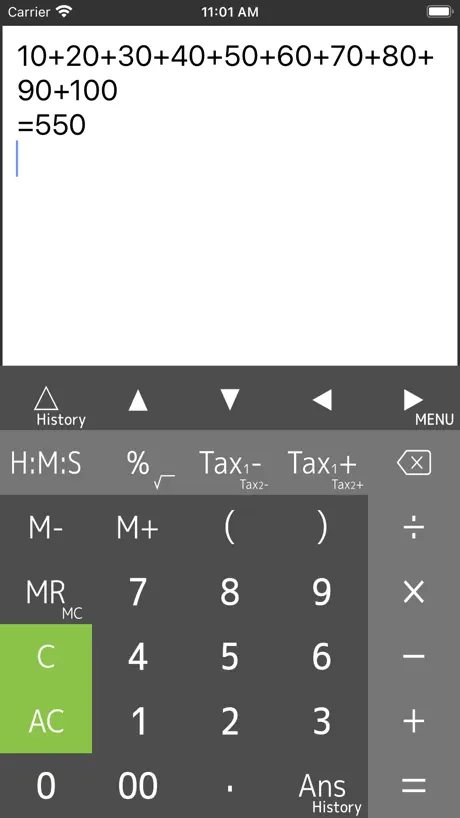
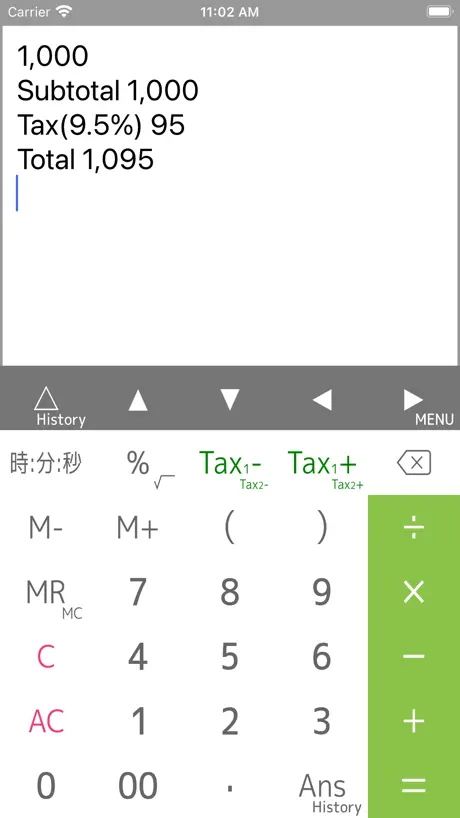
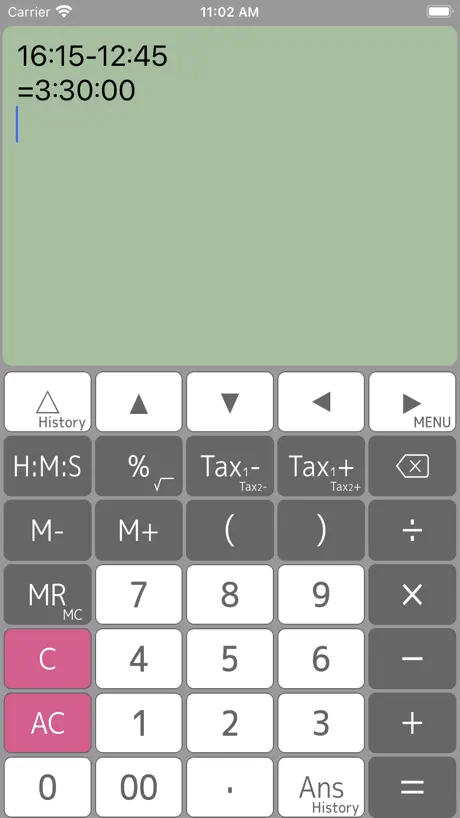
How much does Calculator PanecalST cost?
Prices are current as of 10 Sept 2026.
Calculator PanecalST has no in-app products on record in the United States.
10+ alternatives to Calculator PanecalST
| Calculator PanecalST | 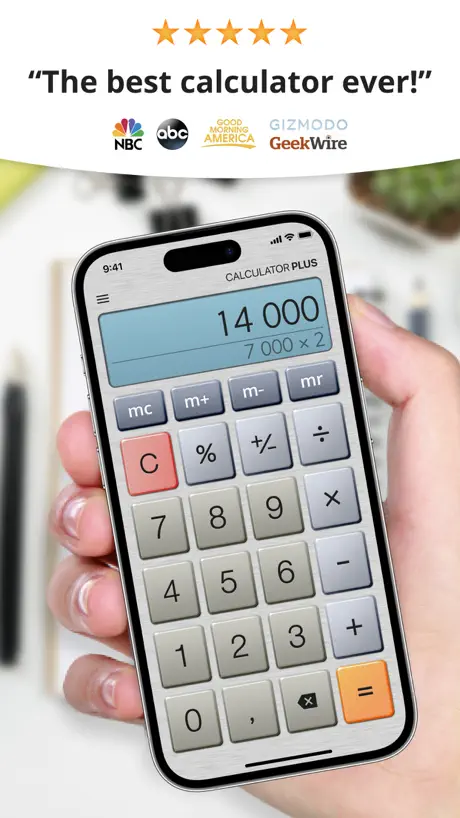  Calculator Plus #1 Calculator Plus #1 |   Simple Calculator. Simple Calculator. |   Calculator%. Calculator%. | 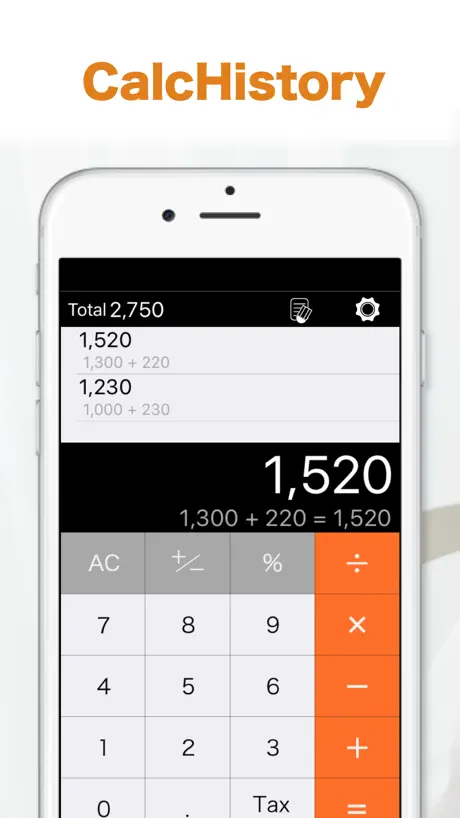  CalcHistory CalcHistory |   节拍器-练习节奏节拍音乐打拍器 节拍器-练习节奏节拍音乐打拍器 |   FlashLight X LED light tool FlashLight X LED light tool |   压缩解压大师-文件压缩&解压软件 压缩解压大师-文件压缩&解压软件 |   Essential Calculator Essential Calculator |   试管百科-试管婴儿助孕备孕怀孕孕期经验科普,不孕不育病例宝典 试管百科-试管婴儿助孕备孕怀孕孕期经验科普,不孕不育病例宝典 |   PDF转换器-专业的文档转换助手 PDF转换器-专业的文档转换助手 | |
|---|---|---|---|---|---|---|---|---|---|---|---|
| Rating / 5 | 4.7 | 4.7 | 4.5 | 4.3 | 4.5 | 4.5 | 4.2 | 4.5 | 4.1 | 4.8 | 1.7 |
| Reviews | 3.8K | 34K | 19K | 17K | 2.9K | 1.2K | 438 | 309 | 48 | 22 | 12 |
| Released | 2013 | 2012 | 2017 | 2015 | 2017 | 2023 | 2010 | 2023 | 2016 | 2022 | 2022 |
| Weekly price | — | — | — | — | — | $3.99 | — | $3.99 | — | — | — |
| Monthly price | — | $0.99 | — | — | — | $6.99 | — | $6.99 | — | — | — |
| Annual price | — | $6.29 | — | — | — | $14.99 | — | $19.99 | — | — | — |
The going rate for each plan in United States, in its own currency, shaded from the cheapest price on the row to the dearest. Plans fewer than four in ten of the priced apps sell are left out.
Calculator PanecalST reviews
4.7 out of 5, based on 3,829 reviews.
What people like
- Keeps calculation history visible on screen.
- Easy to spot and fix mistakes.
- Great for quick tax and percent math.
What they complain about
- Ads pop up and interrupt your work.
- Math results are sometimes completely wrong.
- Ads make sounds that annoy everyone.
Best Calculator
This calculation is the best ever been created bc it also keeps records on the screen for as long as you want if you don’t push the AC green button.
入れてはダメ!
ウイルスのようなアプリです。 開くと「ストレージがいっぱいです」と警告が出て慌てさせてくれます。 実は別のアプリ(ウイルスか?)へ導くという悪質なアプリです。
AC
ACの位置と0が近くて誤って全て消してしまうという地味な不便さがなければパーフェクトなくらい使いやすいのに
no rotate on ipad
rotating function disabled
初期の表示がかなり昔の履歴になる
不具合だったようで最新Verでは改善されてました。 --- 毎回アプリ起動後、結構なスクロールをしないといけないのがかなり手間… なぜこのような仕様にしてるのか謎過ぎます
100点
凄く良いです。 他は使えないです。
広告の動画がうるさい
使いやすかったのでずっと使っていましたが… 広告が出るのは仕方ないが、音が出るものはやめてほしい 静かな場所での作業中やバックグラウンドの動画が止まったりして困る
計算履歴、訂正が出来るのはいいが…
ACを誤タップして全て消えたことが何度かある。 本当に消すかどうか確認の画面があれば、ほぼ完璧なアプリだと思いました。
百分数和平方立方问题
1、百分数是一个摆设,没有无法计算。比如100*3%、8%*3%+5%等。 2、在运算中有可能涉及到平方立方问题,没有快捷键设置。
iPadで横画面で使いたい
履歴が残るのが便利なのでiPhoneでは常用しています。ただ、iPadはMagic Keyboardとともに使うのでほぼ常に横画面なのですが、この電卓はiPadだと強制的に縦画面になってしまうので使えないです。iPadの横画面にも対応してもらえたら嬉しいです。
使いやすい
言うこと無し
有料版で金を払っても
広告が出続ける。 どうなっている。
広告の音声がうるさくなった!
お世話になっております。もう5年以上ご利用させて頂いております。非常に使いやすく、愛用していましたが、先日のアップデート以降、広告から音声が出るようになり、ビックリしました。なんとかなりませんか?このままだと多分、アンイストールすると思われます。ご検討よろしくお願いします。
アップデートの催促がうざい
前までアップデートの催促は出てきませんでしたが 最近になり出現 残念です
iPad landscape
iPadでも使用できるがlandscape(横長)に対応すれば最強だと思います。横長の時には計算機が2コ並んで表示されても良い。
これ本当に無料!良すぎる。
最低限のものが、全て揃っていてしかも、LINE等する時に計算履歴が全て残る為、一々計算せずに1度で済む。 暫く使用し、使い慣れた時に有料版にする予定です。
広告問題
TEMUの広告は不用と何度も何度も送信しても、すぐにまた出る。 何故ですか?
手放せないソフト
時間の計算が容易に出来る為、給与計算で愛用しております。 ただし残念なところもあり、ゼロキーとACキーが隣接しているので、誤って計算結果をオールクリアしてしまう点もありましたので評価は星4つとさせて頂きました。
作者可以留个联系方式吗?
作者可以留个联系方式吗?有些使用上的建议想说一下。
👍
とても使い勝手が良く満足してます
起動の画面が履歴の上の方になった、、、
iPhoneをアップデートしてからか、 起動時に、履歴の最新から始まらず、最初の方の画面になる。最新までスクロールするのが、大変で、嫌になる。 どうになりますか?
便利です
必要な機能を全て満たしており過剰な機能も無く使いやすいです 一つだけ希望があり、iPadでの使用時に横画面で使えるとベストです
画面
課金して Plusを購入したが 画面が大きくならない
知らないなんて人生損してる
周りの皆んな、機種についてる電卓で普通だと思ってるけど、、、コレ打ち込んだ数字そのままで表示されたまま 延々次の計算にも入れるから 2つの商品の金額を比べたい時なんかに 物凄く便利! それで何処かで間違えた?ってとこも一目瞭然。で、間違えてたら1文字ずつ消すこと出来て そこまで戻れるんですよねぇ。最高。
使いづらくなった
バージョンアップ前の方が使い安かった メモリーの→表示要らない わかりづらい
素晴らしいです!
ルートが使えて、バックスペースキーがある電卓を探していました。 履歴も見られるし、とてもよいです。 キーボードの色パターンが、もっと選べると嬉しいです。 それから、アイコンの左下の「+」の緑色が2色になっていて気になるので、直してほしいです。
時間計算について
便利に使わせてもらってます。 今回のバージョンアップは、少し残念です。 ルート機能を多用するので、時間計算のない以前のバージョンのほうが、ボタンが単一で使いがってがよかったです。 時間、税率等、使う方は設定で選べるようにしてみては? それと、32分と27分を足すと59分なのに、1時間と結果表示されるのは、仕様?
評価
大変使いやすく毎日使っております。
信用できない、計算がおかしい!
仕事でたまたま発見!何度やってもおかしい。 1.94×22.4=43.456 ←OK 1.95×22.4=43.68 ←OK しかし、 1.96×22.4=43.903999999 おかしいでしょ? 43.904でしよ? 小数点をずれしても、この数字の組み合わせだけ同じになる。 信用できない電卓。
8%の消費税
計算の履歴が見られ 税込、税抜きがすぐにわかるのは良いですが 食品等8%の消費税の計算ができません。 10%だけでなく8%の消費税計算も できるようにお願いしたいです。
千位數和小數點好像相反了
千位數和小數點好像相反了
使用感
使用感ですが最高に使いやすいです。電卓を使わなくなりました。
広告がなければ星5
広告が長くて計算機としては大変です。
縦横変わればもっと
良い感じです。iPhoneとiPadで使っています。 が、iPadだと横に使いたいのですが、寝たまんまです。 縦横が画面に応じて変わってくれると、嬉しいです。
使いやすいんですけど
元々 色使いが好きでインストールしたので、アイコンから黄緑がなくなったので、元に戻して欲しいなぁと思います。
Very good
Calculator
どういうこと?
広告をクリックしていないのに、勝手に広告画面に変わる。しかも何度も。計算途中でも。別画面でも。やめた方がいいです。削除しました。
言語設定英語のまま?
iPad入手後に最初に入手したソフト。 キートップが英語のまま(例えば"TAX")で、付属のマニュアルも英語。個人的には特段困らないのだが、日本語を選択できるようにして欲しい。 パネルの色を変える事ができるのは非常にいい。
第二次运算会死机
第二次运算会死机
Best I’ve found
This is the calculator I use 90% of the time. I especially like the tax calculation and how it easy it is to do %ages. Even when I do a lot of those calculations every day, this is quicker and it’s easier to catch any slip of my finger when entering numbers. It also gives me something to show to whoever I need to. (That’s another story) Intuitive so should be easy for anyone who wants to do all those routine everyday calculations like sales tax.
広告
いちいち広告がウザい パッと計算したいのに広告が出て5秒待たなきゃいけない マジ使えない
計算が合いません?
4.9と入力して消費税ボタンを押すと消費税0.391合計5.292となります。消費税は、0.392のはずなんてすが、なにが悪いんでしょうか…?
Calculator PanecalST FAQ
- Is Calculator PanecalST free?
- Yes. The app is free, in all 175 countries it sells in, and it sells nothing inside it.
- Does Calculator PanecalST have a free trial?
- No. None of its offers (US) come with a free trial.
- What are the best alternatives to Calculator PanecalST?
- Calculator Plus #1 (4.7 from 33,696 reviews, premium from $0.99), Simple Calculator. (4.5 from 18,740 reviews) and Calculator%. (4.3 from 16,933 reviews).
Calculator PanecalST download
Last updated 1 month ago.
Calculator PanecalST sells in 175 countries. It was released 13 years ago, on 16 Sept 2013. It holds a 4.7 rating from 3,829 reviews.
Supports 9 languages: English, French, German, Indonesian, Japanese, Portuguese, Russian, Chinese, Spanish.
How much does Calculator PanecalST make?
Third-party estimates for the last 30 days, worldwide — not the store's own figures, which Apple publishes for nobody.