
Wider - Fullscreen Browsing
More room for the internet


How much does Wider - Fullscreen Browsing cost?
Prices are current as of 27 Nov 2026.
Wider - Fullscreen Browsing has no in-app products on record in the United Kingdom.
10+ alternatives to Wider - Fullscreen Browsing
| Wider - Fullscreen Browsing | 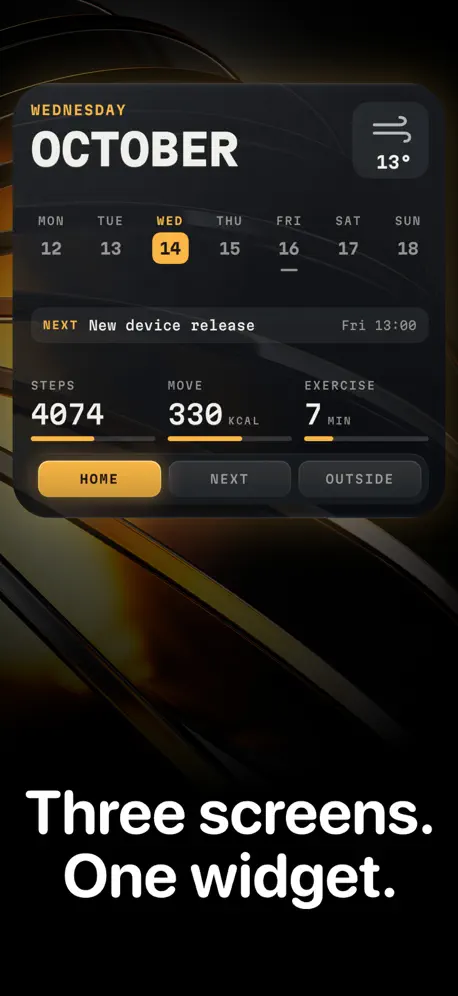  WhyNot Widgets | 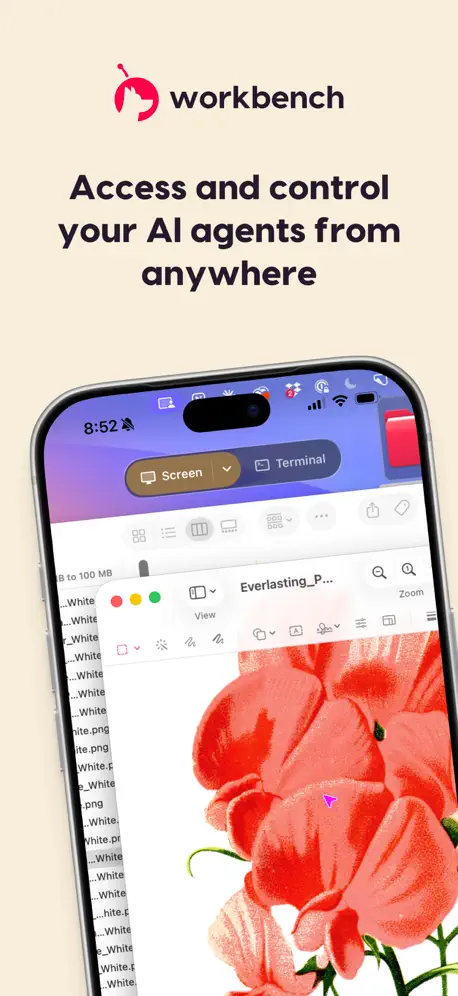  Astropad Workbench | 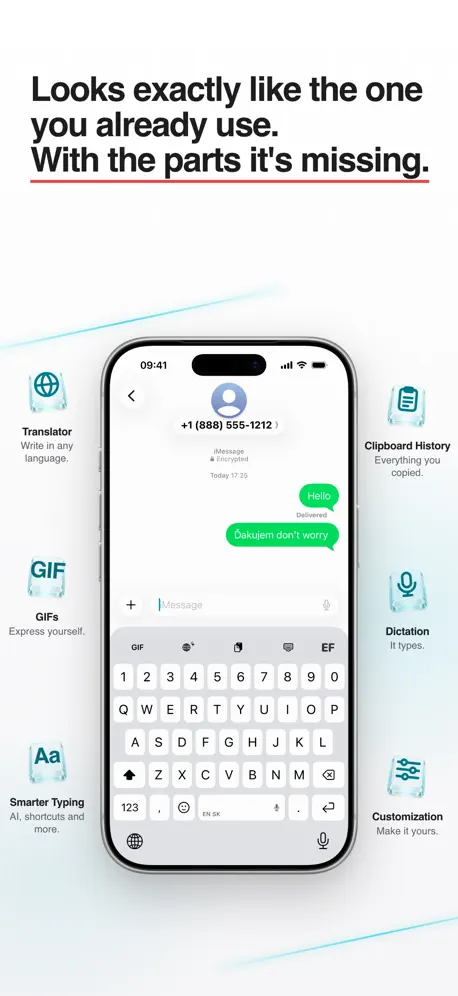  EFKey – Swipe & AI Keyboard | 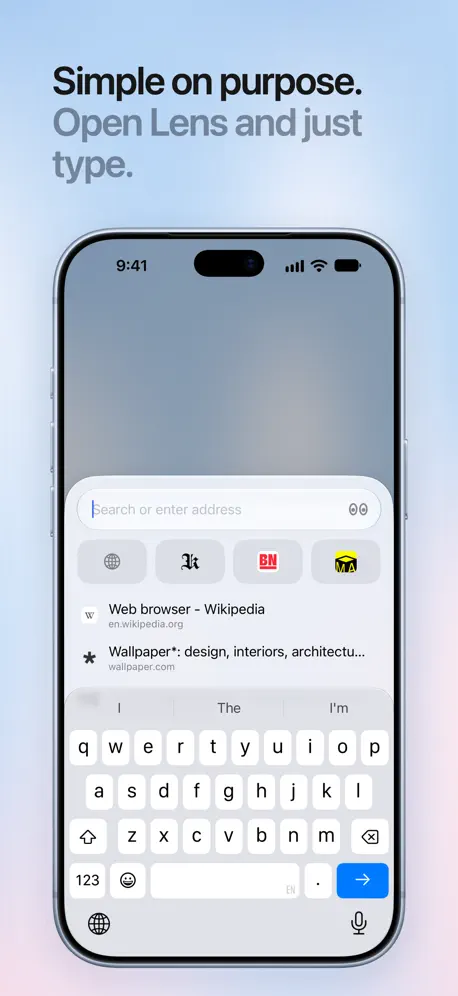  Lens: Simple, Private Browser |   Sill – Mac Streaming |   FoldCounter: Fold Stats |   OutSpan - Fullscreen Browsing |   Hingeworthy : Fold Counter |   Foldboard |   Brim Browser | |
|---|---|---|---|---|---|---|---|---|---|---|---|
| Rating / 5 | 2.2 | 4.2 | 4.8 | 4.8 | 4.9 | 4.9 | 4.8 | 4.1 | 4.7 | 3.0 | — |
| Reviews | 175 | 435 | 412 | 338 | 321 | 229 | 43 | 34 | 12 | 8 | — |
| Released | 2026 | 2026 | 2026 | 2026 | 2026 | 2026 | 2026 | 2026 | 2026 | 2026 | 2026 |
| One-time price | — | £5.99 | — | £5.99 | £12.99 | — | — | — | — | — | — |
The going rate for each plan in United Kingdom, in its own currency, shaded from the cheapest price on the row to the dearest. Plans fewer than four in ten of the priced apps sell are left out.
Wider - Fullscreen Browsing reviews
2.2 out of 5, based on 175 reviews.
It works!!
I see a lot of reviews saying that this app doesn’t work at all, so I figured since it’s working as expected for me, I should leave a review!
Does nothing
I haven’t been able to get this to work on any website
Does what it says but, needs one fix
Does exactly what it says but, needs one small fix. Can you shift the ‘wider’ on/off toggle upwards. Currently, about 80% of the icon sits behind the ‘+’ icon on Apple’s toolbar 🙏
Forced UI button is intolerable
Even ignoring the inconsistent performance - it's intolerable there's no way to turn the button off. It's not clear why it's mandatory and not just a toggle somewhere. Additionally it's not even something you can relocate, it's always there in arguably the worst place.
Great Start
Most of the time the app works great. Please fix the jittering when schooling web pages.
Works Better than other options on the AppStore
With the recent update this works great. Also has the ability to set per website
Doesn’t work
Non functional. Needs to be pulled
Simple and Useful
4 stars because nothing is perfect. It does exactly what it’s supposed to. This is an option Apple should have provided its users.
مشكلة
التطبيق باللغة العربية لايظهر الشاشة كاملة في سفاري ويظهر فراغ بالجهة اليمنى وجزء من الصفحة مخفي
Display Issues
The wider button is hidden behind the plus button on the bottom corner of the screen on my Duo.
Thanks a lot!
Free and better UI
Nothing Happens
I have it enabled and nothing is happening. Is there supposed to be some kind of button to turn it off and on in Safari? Was looking forward to it after following on Twitter but doesn’t seem to have much support. This is a risk you take when new apps are designed around new phones.
Good work around
Good proof of concept until Apple Sherlock’s the idea. Developer is incorporating feedback quickly
Doesn’t work?
I have the app turned on and all settings on but it doesn’t do anything on websites
Toggle fix
Will be good when the toggle is fixed and appears!
Ricker
Indispensable ! Should be proposed in every app for the duo. It’s perfect to be able to choose for each site
Very buggy and inconsistent
Great idea but way too buggy
Great!
This app works great, and love the floating icon for fast switching between wide and normal, as some sites are just clunky and have items hidden. One improvement that I’d love to see, when the Duo is unfolded have the floating icon doesn’t show.
Doesn’t work Most of the Time
It worked for a minute. Now it doesn’t. $2.99 down the drain. UPDATE PLEASE
Doesn’t work properly
The wider button on Safari is regularly hidden behind the new app and apps buttons on the right. It slightly moves on page scroll but doesn’t always. I’ve also experienced many sites buttons behind the safari navigation buttons on the right making it not accessible. Great idea for the app, but still many bugs to iron out. To the developer - I am happy to provide screenshots and test for you if needs be.
Funktioniert!
Super danke für die Mühe! Klappt einwandfrei und das kostenlos! Danke.
Breaks usability
Safari on duo currently works the way it does because a team of intelligent engineers found issues with basic navigation and usability by doing things the way this extension enables. But, 45 minutes and a Claude Code subscription is a dangerous thing and it convinced this 22 year old insurance salesman that he is actually a software engineer and interaction designer who is solely more capable than that team. This extension makes Safari unusable. Content on the right side of the page is unreachable. It introduces significant jank. Basic readability is obviously eliminated. Whodathought that if you put buttons on top of text, you won’t be able to read or select the text? Having paid absolutely nothing for this, I want my money back.
Yikes !!
An OS - Mess !!
Does not work on my iPhone Duo :(
The button shows in the middle of the page and doesn’t do anything when I tap it.
Don’t buy it
Doesn’t work and refused to refund me , in addition to that if you don’t give them full permission to access all web history it won’t work. Who wants that? No thanks
Pretty good
It just needs an option to hide the icon.
Not worth it
Hasn’t been getting constant updates and probably abandoned. They took the money and ran. Try one of the other apps this one is a waste of time
Define “working”
I can tell it’s extending some pages further toward the right edge of the display, the caveat, that content is now obscured by the navigation sidebar on the right edge of the display. Maybe a conflict with another extension? Maybe it did work on iOS 27.1 and something changed under the hood on iOS 27.2 causing this incompatibility? I’m not sure, either way it’s not currently working as expected.
Great concept, but doesn’t work
Activated extension, granted all permissions across the board. Safari showing extension is active. Yet nothing works. Even went on the Verge as in the screenshot demo, and still does nothing with all four options in settings.
I want it to work
I thought this was a great idea, and I really want this app to work the button is still over on the left-hand side, and nothing expands into the right hand portion of the screen. Also, the button needs to disappear. when you’re scrolling
Doesn’t work
YouTubers recommended this app. Doesn’t work. I deleted it.
Doesn’t work on 27.2
Doesn’t work on 27.2. I guess I’ll refund for now. Looks cool if it worked
It’s not working
I’m trying to use it but no use
Doesn’t work
Followed directions and it doesn’t work. Tried all the different settings and still looks the same
Wider - Fullscreen Browsing FAQ
- Is Wider - Fullscreen Browsing free?
- Yes. The app is free, in all 175 countries it sells in, and it sells nothing inside it.
- Does Wider - Fullscreen Browsing have a free trial?
- No. None of its offers (GB) come with a free trial.
- What are the best alternatives to Wider - Fullscreen Browsing?
- WhyNot Widgets (4.2 from 435 reviews, premium from $5.20), Astropad Workbench (4.8 from 412 reviews) and EFKey – Swipe & AI Keyboard (4.8 from 338 reviews, premium from $2.59).
Wider - Fullscreen Browsing download
Last updated 28 days ago.
Wider - Fullscreen Browsing sells in 175 countries. It was released 1 month ago, on 29 Oct 2026. It holds a 2.2 rating from 175 reviews.
Supports 11 languages: English, Dutch, French, German, Italian, Japanese, Korean, Portuguese, Russian, Chinese, Spanish.
How much does Wider - Fullscreen Browsing make?
Third-party estimates for the last 30 days, worldwide — not the store's own figures, which Apple publishes for nobody.