
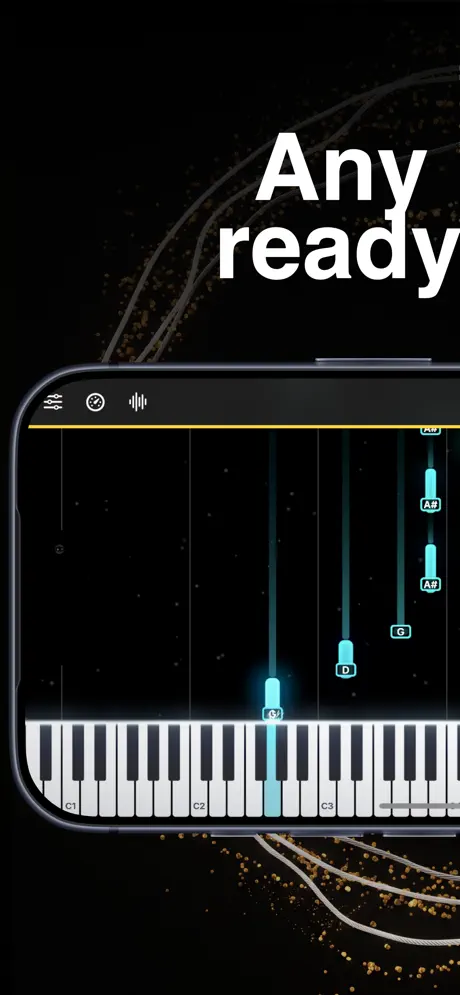
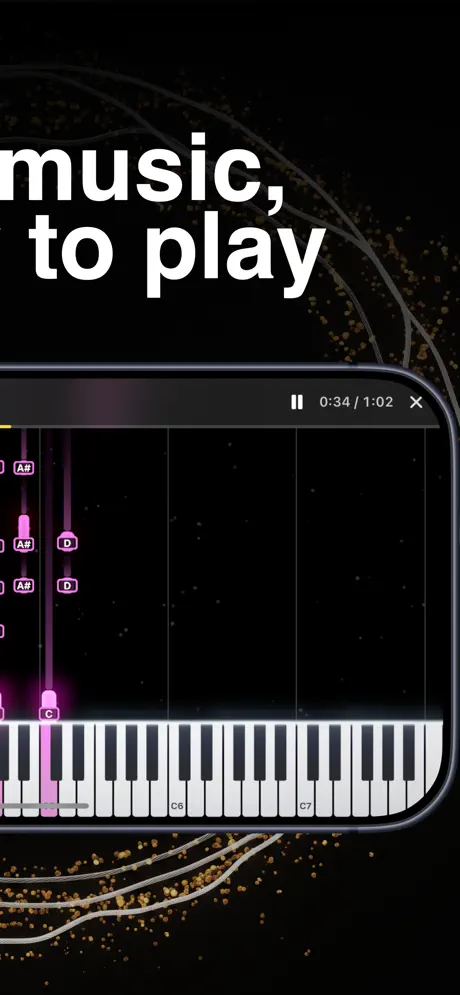
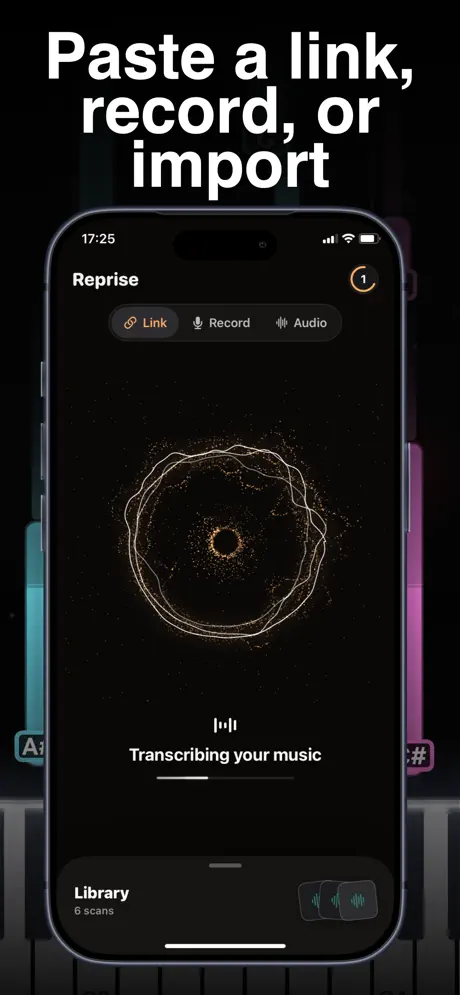
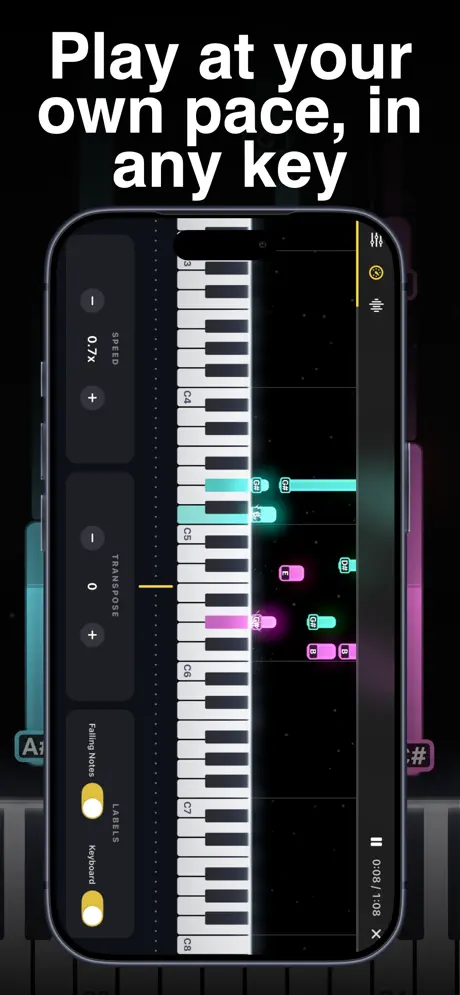
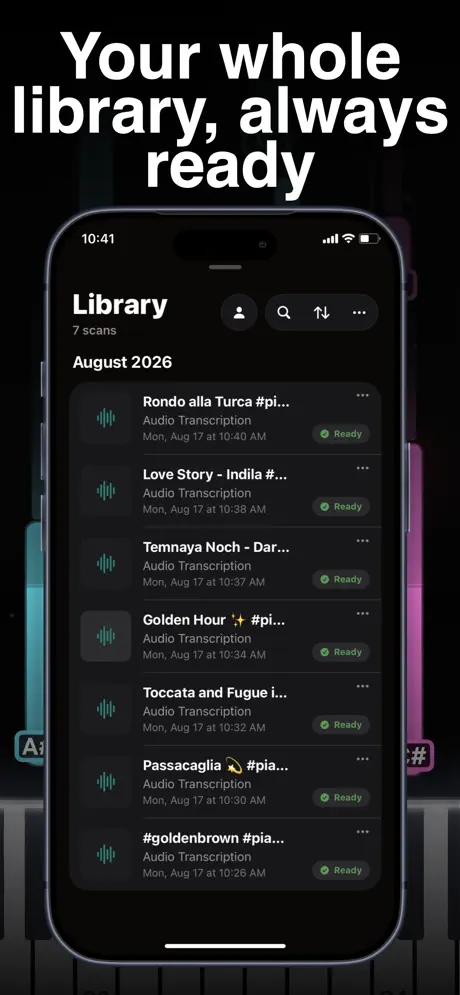
Reprise: Transcribe Music
Link or Record Audio to Play
How much does Reprise: Transcribe Music cost?
Prices are current as of 8 Oct 2026.
3 subscriptions from $6.99
In the United States, Reprise: Transcribe Music has 3 subscriptions priced $6.99 – 39.99.
| Subscription | Period | Price |
|---|---|---|
| Weekly Plan | Weekly | $6.99 |
| Monthly Plan | Monthly | $29.99 |
| Yearly Plan | Annual | $39.99 |
See what Reprise: Transcribe Music costs in all 175 countries →
10+ alternatives to Reprise: Transcribe Music
| Reprise: Transcribe Music | 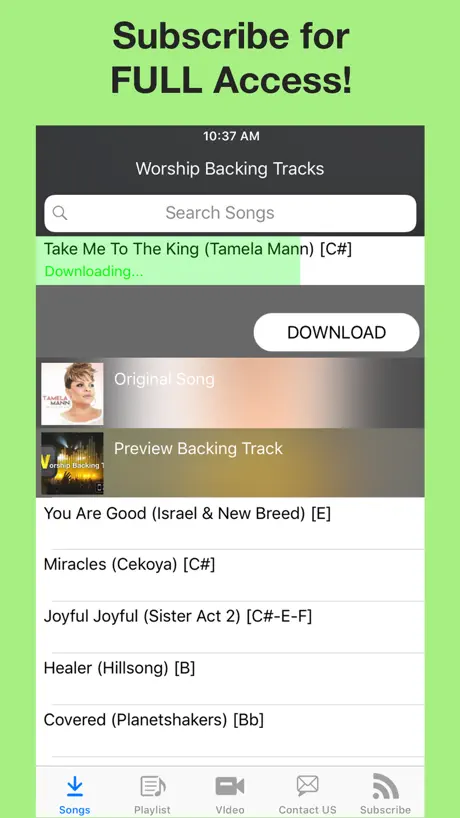  Worship Backing Tracks Worship Backing Tracks | 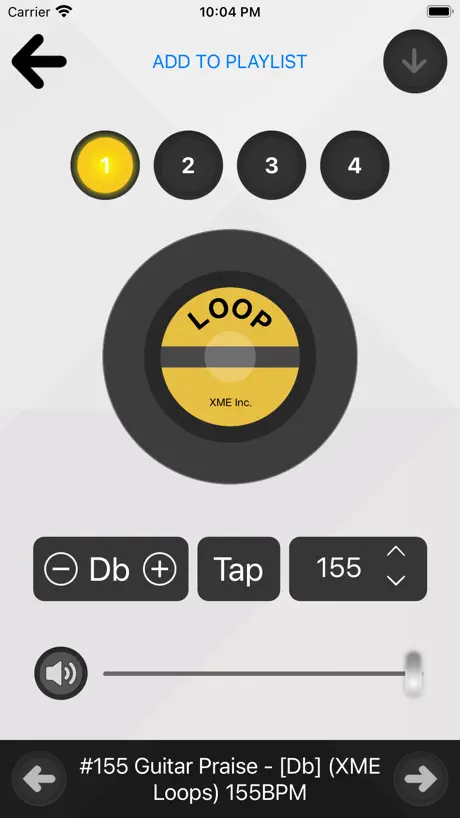  XME LOOPS XME LOOPS | 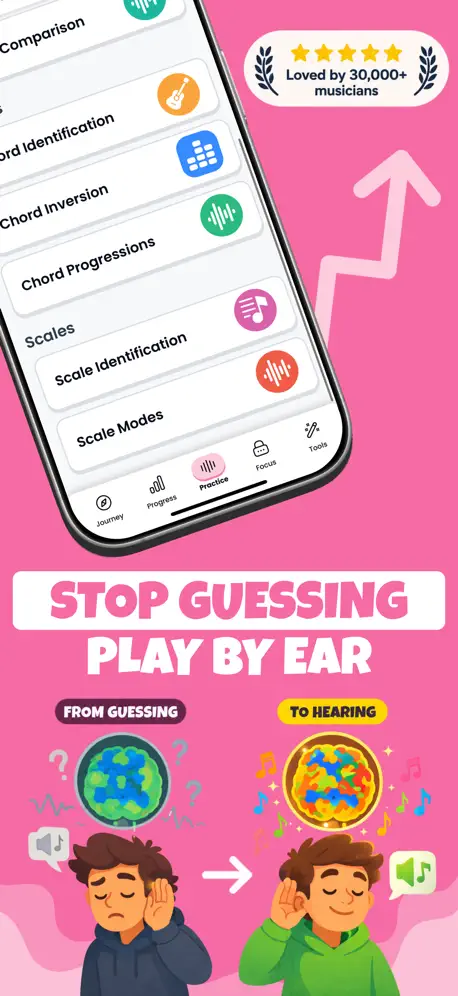  Trill: Ear Training Daily Trill: Ear Training Daily | 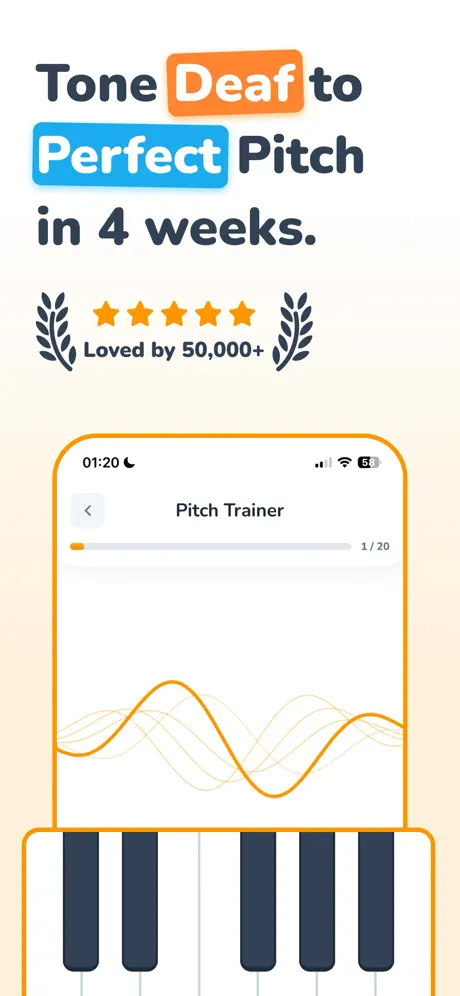  Pitch Trainer - Ear Training Pitch Trainer - Ear Training | 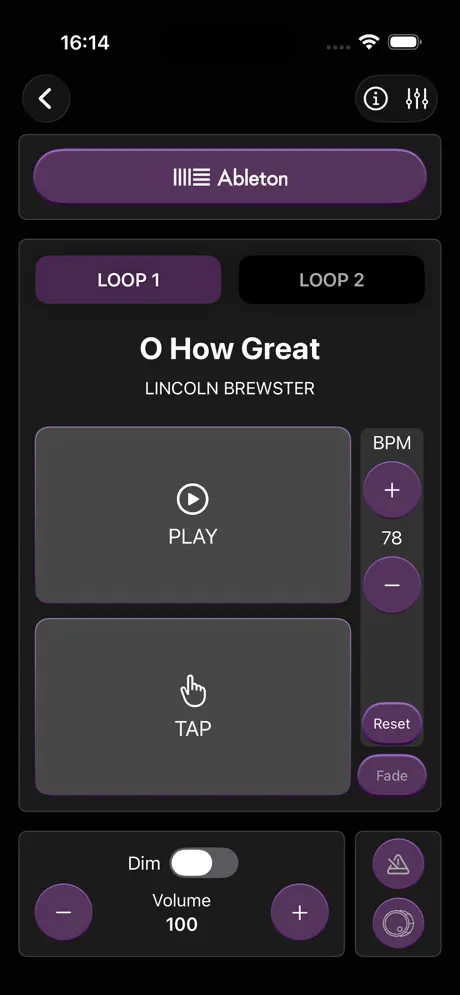  Loops By CDub Loops By CDub | 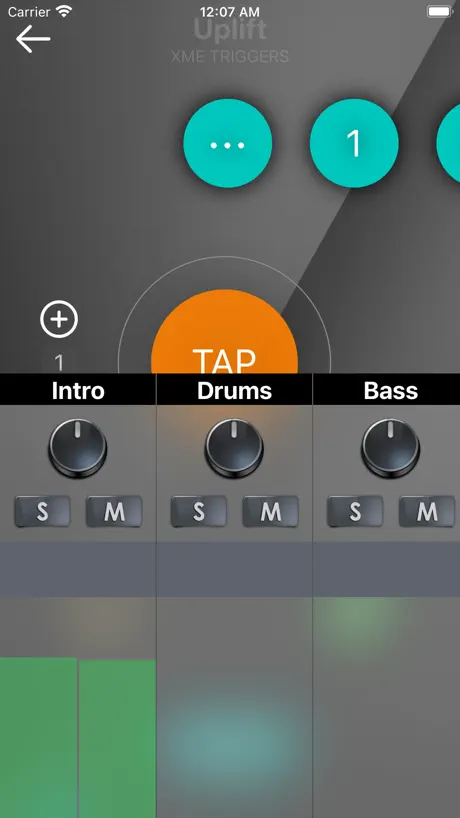  XME TRIGGERS XME TRIGGERS |   Falling Note Falling Note |   Loops & Clicks - LiveTrackz Loops & Clicks - LiveTrackz | 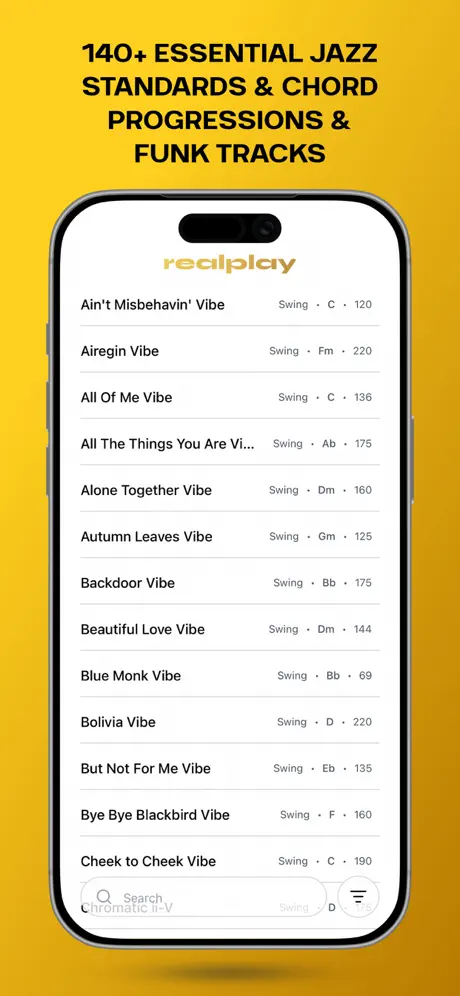  RealPlay RealPlay |   THE FEEL BOOK THE FEEL BOOK | |
|---|---|---|---|---|---|---|---|---|---|---|---|
| Rating / 5 | 4.6 | 4.9 | 4.9 | 4.5 | 4.6 | 4.5 | 4.9 | 4.7 | 4.9 | 4.7 | 4.5 |
| Reviews | 547 | 5.3K | 5.1K | 1.8K | 1.4K | 1.3K | 1.1K | 715 | 704 | 302 | 100 |
| Released | 2026 | 2017 | 2017 | 2025 | 2026 | 2016 | 2023 | 2026 | 2019 | 2026 | 2025 |
| Monthly price | $29.99 | $34.99 | $9.99 | $9.99 | $8.99 | $19.99 | $9.99 | — | — | $3.29 | — |
| Annual price | $39.99 | $399.99 | $109.99 | $24.99 | $39.99 | $199.99 | $109.99 | — | — | $21.99 | — |
The going rate for each plan in United States, in its own currency, shaded from the cheapest price on the row to the dearest. Plans fewer than four in ten of the priced apps sell are left out.
Reprise: Transcribe Music reviews
4.6 out of 5, based on 547 reviews.
What people like
- Surprisingly accurate on simple tracks
- Worth the price for many users
- Works great for hard-to-find songs
What they complain about
- Transcription fails on complex songs
- Only picks up piano parts
- Demo mode is too short
- UI feels clunky and slow
I’ve been blessed with the knowledge of this app
I personally cannot read notes so it’s hard to find songs online I can learn but this app is soooo goated and gets the notes perfectly and now I can finally learn songs I always wanted to learn
Keeps tryna make me pay 🥀
I thought the app was good until it locked and said I need to pay to move on soooo this app is gonna be deleted I’m not sorry gng next time don’t make every thing paying
Recommend
I think this app is great for practicing but maybe throwing in a metronome could help as well
Disapointed
First time and second transcriptions were amazing. I picked up specially conplex songs. As my experience was good, I subscribed for pro to get longer times. It simply won’t work now. Marimbas, acoustic guitar, strings, everything missing from the transcription. I want my money back.
Great but needs some improvements
This app will transcribe!!! The issue is how much information will it transcribe? I’ve tried this app on a few different situations where if it’s an organ solo it captured the whole accurately. And the I tried a full song arrangement and only got the vocals and it 80% accurate (it was missing some moves in the parts). I do believe this app will get better over time. However to pay a weekly or yearly subscription to not have consistent accuracy is why I give the 3 star. Make the improvements I’ll change the rating later.
Fabulous! Would pay twice as much for this fabulous app. Next upgrade please increase the font size.
What an incredible app. Songs that I could never find the sheet music for now come alive. I wonder if in the future you could add the ability to increase font size of the notes. I would pay double for this incredible app.
Needs a lot of improvement
I tried the PRO version and was instantly disappointed because it did not capture the Chord progressions accurately. In some sections where there are chords it was just playing the melody notes. This app is way overpriced considering the inaccuracies. i hesitate to even give it one star.
Amazing performance, Mid UI
This app has incredible potential. I have never seen something transcribe so accurately. It’s honestly so cool except the UI kinda sucks. I would really appreciate a better play head that is easier to move instead of the small one at the top of the screen
Pro version doesn’t always pick up instruments
The first song I downloaded from YouTube it caught all the instruments but every other song since then it’s only picking up piano even though there’s a full band. Not sure how to fix it or get it to work like it did.
More options
I just wish I could control what instruments could be played, most of the time it can’t decide whether to stay as a piano or a different instrument. And also separate between the main song with the bass melody or other parts. Also if we could edit the chords too because sometimes it won’t play anything when there’s something playing. I would love to see some changes like these, maybe I’ll continue subscribing
Holy moly guacamole
I never leave a review for anything but holy guacamole is this app something I’ve been looking for, I’ve had this mp3 file saved on my phone with a old audio that was so hard to transcribe on any other app or website and this is the one app that got it flawlessly. Literally brought tears to my eyes and is the reason why I am leaving my first ever review and 5 stars. 10/10
Trash !!!
This app is total garbage. You buy the pro version only to hear the the left hand single notes. I was my money back. This app is not helpful at AT ALL
Meh
Work for slow songs with not a lot of instruments. Choir music and gospel it’s terrible.
Good Application
Bonne application , dommage que ça ne prenne que 5 min max d’audio
Awesome
This is what I need to get away from transposing
Cost money and inaccurate
Not worth it!
Precisa melhorar muito
Nao é tudo que promete. Ideia é muito boa, mas o app: 1- Não sincroniza o audio com o midi gerado. 2- O MIDI não é tao fiel, tem hora que pega o solo de um trecho mas não capta os acordes 3- a navegação e play + atalhos pode melhorar rola um delay e quando clica na barra de espaço ele da um zoom na tela, em resumo precisa melhorar o comportar de play, stop tornar mais fácil a navegação. enfim… precisa ser bem mais preciso, se o trecho tiver uma intro de piano por exemplo ate funciona mas quando entra os instrumentos ai fica bem confuso e não pega musicas mais complexas com mais harmonias
File import issue mobile
Mobile file imports crash the app
What’s we’ve been waiting for
First app I’ve immediately paid for the subscription — such an amazing utility.
Kinda unfair
I wanna learn and improve more not waste money
Misleading
App seems interesting I wanted to test its capabilities. It only let me transcribe a few seconds of one song then wanted me to pay. I wanted to upload other links to test its accuracy more before getting into a payment plan. I think atleast give the user 3 attempts to test the transcription before having to pay. You’ve ran paid ads to get me here now I only get to test it for a few seconds. Now I’m just I’m sitting wondering if the is app worth it or not since I’ve had minimal use. Update: I bought a subscription. It transcribes if it’s just the piano however if there are other instruments playing it doesn’t transcribe well. I would have been able to figure that out if they allowed you to test it more than once during the demo. Nevertheless I’m out of $7.
Decent app buy cash grab
Id rather use some free websites for free
Midi
I think yall should add the learn mode like a midi so it can be played in real time with the piano when pressing
Wasted Money
This was a terrible waste of money, song after song the app cannot differentiate Between instruments, even for piano it often only captures the lead vocals only and plays melodies not chords whether you record, add a link or pull from your gallery it’s transcription is awful. I can’t even say it’s spotty it’s just flat out terrible. The tech isnt there for this yet just a waste of time and money, first four songs and missed all four of them terribly.
The whole song
Why is it not transcribing the whole song
Bruh
I literally transcribe God wants a yes by James hall and iykyk. That’s some serious movements and this thing literally caught every movement and note. I was about to subscribe to a 300 dollar website to practice difficult and more complex music. I’m good now. Game changer
Disappointing
So, your potential new customers get one, 1 minute sample transcription, to try out and then we’re immediately pushed to full pay subscription? This is what you refer to as the “free plan”, lol? This is my disappointing experience. You may be good at AI apps, but your marketing and branding is very poor. I wanted to try a second one minute link transcription to show colleagues (and potential customers), but no, we get one, 1 minute sample and then have to pay to unlock. I even tried deleting my first one minute demo transcription, and so now that is gone and you won’t allow another minute of demo mode for your prospective customers? Lastly, the app text incorrectly indicates a cost of $0.96 / per week, when in fact the cost is $9.99 CAD per month or $49.99 per year. Fix this “Free plan” / one, 1 minute single stupidity and I’ll consider a subscription
Literally the best app
The app actually works and it accurately transcribe and TRANSPOSE OMG LOVE AND ABSOLUTELY WORTH 40 a year. God bless yall!!!
It’s not good
It’s super spotty I used a straight piano and vocal track. And it got maybe 1/8th of everything very spot so do not download I want a refund.
THIS CHANGES THE GAME
Honestly, I was skeptical at first. But this is so accurate even on the difficult stuff. It’s like it doesn’t miss a beat. Worth it!!
Doesn’t work
Tried 10 different recordings, not a single one worked. Not surprising. Waste of time.
Dope
Dope
Nice idea but didn't have success
Every recording I uploaded failed.
Reprise: Transcribe Music price by country
A weekly subscription costs $6.65 in Indonesia and $10.02 in Brazil — 1.5× more for the same thing. Below is the going rate for each plan in every country that sells it — the middle price of what the app charges there, in the country's own currency with the dollar equivalent beneath it.
| Country | Weekly | Monthly | Annual |
|---|---|---|---|
| Afghanistan | $6.99 | $29.99 | $39.99 |
| Albania | $7.99 | $34.99 | $49.99 |
| Algeria | $6.99 | $29.99 | $39.99 |
| Angola | $6.99 | $29.99 | $39.99 |
| Anguilla | $6.99 | $29.99 | $39.99 |
| Antigua And Barbuda | $6.99 | $29.99 | $39.99 |
| Argentina | $6.99 | $29.99 | $39.99 |
| Armenia | $7.99 | $34.99 | $49.99 |
| Australia | A$9.99$6.99 | A$49.99$34.96 | A$59.99$41.95 |
| Austria | €7.99$8.99 | €34.99$39.36 | €44.99$50.61 |
| Azerbaijan | $7.99 | $34.99 | $49.99 |
| Bahamas | $7.99 | $29.99 | $39.99 |
| Bahrain | $7.99 | $29.99 | $39.99 |
| Barbados | $7.99 | $34.99 | $49.99 |
| Belarus | $7.99 | $34.99 | $49.99 |
| Belgium | €7.99$8.99 | €34.99$39.36 | €44.99$50.61 |
| Belize | $6.99 | $29.99 | $39.99 |
| Benin | $7.99 | $34.99 | $49.99 |
| Bermuda | $6.99 | $29.99 | $39.99 |
| Bhutan | $6.99 | $29.99 | $39.99 |
| Bolivia | $6.99 | $29.99 | $39.99 |
| Bosnia & Herzegovina | €7.99$8.99 | €34.99$39.36 | €44.99$50.61 |
| Botswana | $6.99 | $29.99 | $39.99 |
| Brazil | R$49.90$10.02 | R$199.90$40.14 | R$249.90$50.18 |
| British Virgin Islands | $6.99 | $29.99 | $39.99 |
| Brunei Darussalam | $6.99 | $29.99 | $39.99 |
| Bulgaria | €7.99$8.99 | €34.99$39.36 | €44.99$50.61 |
| Burkina Faso | $6.99 | $29.99 | $39.99 |
| Cambodia | $7.99 | $29.99 | $39.99 |
| Cameroon | $7.99 | $34.99 | $49.99 |
| Canada | CA$9.99$7.04 | CA$39.99$28.16 | CA$49.99$35.20 |
| Cape Verde | $6.99 | $29.99 | $39.99 |
| Cayman Islands | $6.99 | $29.99 | $39.99 |
| Chad | $6.99 | $29.99 | $39.99 |
| Chile | CLP 7,990$8.22 | CLP 34,990$35.99 | CLP 49,990$51.42 |
| China | CN¥48.00$7.15 | CN¥198.00$29.51 | CN¥298.00$44.41 |
| Colombia | COP 29,900$9.34 | COP 129,900$40.60 | COP 199,900$62.48 |
| Congo | $6.99 | $34.99 | $39.99 |
| Congo, Democratic Republic | $6.99 | $29.99 | $39.99 |
| Costa Rica | $6.99 | $29.99 | $39.99 |
| Cote Divoire | $7.99 | $34.99 | $49.99 |
| Croatia | €7.99$8.99 | €34.99$39.36 | €44.99$50.61 |
| Cyprus | €7.99$8.99 | €34.99$39.36 | €44.99$50.61 |
| Czech Republic | CZK 199.00$9.18 | CZK 799.00$36.85 | CZK 999.00$46.08 |
| Denmark | DKK 59.00$8.89 | DKK 249.00$37.50 | DKK 349.00$52.56 |
| Dominica | $6.99 | $29.99 | $39.99 |
| Dominican Republic | $6.99 | $29.99 | $39.99 |
| Ecuador | $6.99 | $29.99 | $39.99 |
| Egypt | EGP 399.99$7.65 | EGP 1,499.99$28.68 | EGP 1,999.99$38.23 |
| El Salvador | $6.99 | $29.99 | $39.99 |
| Estonia | €7.99$8.99 | €34.99$39.36 | €44.99$50.61 |
| Fiji | $6.99 | $29.99 | $39.99 |
| Finland | €7.99$8.99 | €34.99$39.36 | €44.99$50.61 |
| France | €7.99$8.99 | €34.99$39.36 | €44.99$50.61 |
| Gabon | $6.99 | $29.99 | $39.99 |
| Gambia | $6.99 | $29.99 | $39.99 |
| Georgia | $7.99 | $34.99 | $49.99 |
| Germany | €7.99$8.99 | €34.99$39.36 | €44.99$50.61 |
| Ghana | $7.99 | $34.99 | $49.99 |
| Greece | €7.99$8.99 | €34.99$39.36 | €44.99$50.61 |
| Grenada | $6.99 | $29.99 | $39.99 |
| Guatemala | $6.99 | $29.99 | $39.99 |
| Guinea-bissau | $6.99 | $29.99 | $39.99 |
| Guyana | $6.99 | $29.99 | $39.99 |
| Honduras | $6.99 | $29.99 | $39.99 |
| Hong Kong | HK$58.00$7.39 | HK$228.00$29.04 | HK$288.00$36.69 |
| Hungary | HUF 2,990$9.21 | HUF 12,990$40.00 | HUF 17,990$55.40 |
| Iceland | $7.99 | $34.99 | $49.99 |
| India | ₹699.00$7.25 | ₹2,999.00$31.09 | ₹3,999.00$41.45 |
| Indonesia | IDR 119,000$6.65 | IDR 599,000$33.46 | IDR 699,000$39.05 |
| Iraq | $6.99 | $29.99 | $39.99 |
| Ireland | €7.99$8.99 | €34.99$39.36 | €44.99$50.61 |
| Israel | ₪24.90$8.19 | ₪99.90$32.86 | ₪149.90$49.31 |
| Italy | €7.99$8.99 | €34.99$39.36 | €44.99$50.61 |
| Jamaica | $6.99 | $29.99 | $39.99 |
| Japan | ¥1,100$6.96 | ¥5,000$31.62 | ¥6,000$37.94 |
| Jordan | $6.99 | $29.99 | $39.99 |
| Kazakhstan | KZT 3,990.00$8.83 | KZT 17,990.00$39.82 | KZT 22,990.00$50.89 |
| Kenya | $7.99 | $34.99 | $49.99 |
| Kosovo | €7.99$8.99 | €34.99$39.36 | €44.99$50.61 |
| Kuwait | $6.99 | $29.99 | $39.99 |
| Kyrgyzstan | $7.99 | $29.99 | $39.99 |
| Lao Peoples Democratic Republic | $7.99 | $29.99 | $39.99 |
| Latvia | €7.99$8.99 | €34.99$39.36 | €44.99$50.61 |
| Lebanon | $6.99 | $29.99 | $39.99 |
| Liberia | $6.99 | $29.99 | $39.99 |
| Libya | $6.99 | $29.99 | $39.99 |
| Lithuania | €7.99$8.99 | €34.99$39.36 | €44.99$50.61 |
| Luxembourg | €7.99$8.99 | €34.99$39.36 | €44.99$50.61 |
| Macao | $6.99 | $29.99 | $39.99 |
| Macedonia | $6.99 | $29.99 | $39.99 |
| Madagascar | $6.99 | $29.99 | $39.99 |
| Malawi | $6.99 | $29.99 | $39.99 |
| Malaysia | MYR 29.90$7.31 | MYR 129.90$31.76 | MYR 199.90$48.88 |
| Maldives | $6.99 | $29.99 | $39.99 |
| Mali | $6.99 | $29.99 | $39.99 |
| Malta | €7.99$8.99 | €34.99$39.36 | €44.99$50.61 |
| Mauritania | $6.99 | $29.99 | $39.99 |
| Mauritius | $7.99 | $34.99 | $49.99 |
| Mexico | MX$149.00$8.29 | MX$599.00$33.31 | MX$899.00$50.00 |
| Micronesia | $6.99 | $29.99 | $39.99 |
| Moldova | $7.99 | $34.99 | $49.99 |
| Mongolia | $6.99 | $29.99 | $39.99 |
| Montenegro | €6.99$7.86 | €29.99$33.73 | €39.99$44.98 |
| Montserrat | $6.99 | $29.99 | $39.99 |
| Morocco | $6.99 | $34.99 | $39.99 |
| Mozambique | $6.99 | $29.99 | $39.99 |
| Myanmar | $6.99 | $29.99 | $39.99 |
| Namibia | $6.99 | $29.99 | $39.99 |
| Nauru | $6.99 | $29.99 | $39.99 |
| Nepal | $7.99 | $34.99 | $49.99 |
| Netherlands | €7.99$8.99 | €34.99$39.36 | €44.99$50.61 |
| New Zealand | NZ$12.99$7.30 | NZ$49.99$28.08 | NZ$69.99$39.32 |
| Nicaragua | $6.99 | $29.99 | $39.99 |
| Niger | $6.99 | $29.99 | $39.99 |
| Nigeria | NGN 9,900.00$7.45 | NGN 49,900.00$37.57 | NGN 69,900.00$52.63 |
| Norway | NOK 89.00$9.31 | NOK 399.00$41.74 | NOK 499.00$52.20 |
| Oman | $6.99 | $29.99 | $39.99 |
| Pakistan | PKR 1,900$6.87 | PKR 7,900$28.55 | PKR 9,900$35.77 |
| Palau | $6.99 | $29.99 | $39.99 |
| Panama | $6.99 | $29.99 | $39.99 |
| Papua New Guinea | $6.99 | $29.99 | $39.99 |
| Paraguay | $6.99 | $29.99 | $39.99 |
| Peru | PEN 29.90$8.69 | PEN 129.90$37.76 | PEN 179.90$52.30 |
| Philippines | ₱449.00$7.15 | ₱1,990.00$31.69 | ₱2,490.00$39.66 |
| Poland | PLN 29.99$7.73 | PLN 129.99$33.50 | PLN 199.99$51.54 |
| Portugal | €7.99$8.99 | €34.99$39.36 | €44.99$50.61 |
| Qatar | QAR 24.99$6.87 | QAR 99.99$27.47 | QAR 149.99$41.21 |
| Romania | RON 39.99$8.42 | RON 149.99$31.58 | RON 199.99$42.10 |
| Russia | RUB 599.00$7.05 | RUB 2,490.00$29.31 | RUB 3,490.00$41.08 |
| Rwanda | $6.99 | $29.99 | $39.99 |
| Sao Tome & Principe | $6.99 | $29.99 | $39.99 |
| Saudi Arabia | SAR 29.99$8.00 | SAR 129.99$34.66 | SAR 179.99$48.00 |
| Senegal | $7.99 | $34.99 | $49.99 |
| Serbia | €7.99$8.99 | €34.99$39.36 | €44.99$50.61 |
| Seychelles | $6.99 | $29.99 | $39.99 |
| Sierra Leone | $6.99 | $29.99 | $39.99 |
| Singapore | SGD 9.98$7.80 | SGD 39.98$31.23 | SGD 59.98$46.86 |
| Slovakia | €7.99$8.99 | €34.99$39.36 | €44.99$50.61 |
| Slovenia | €7.99$8.99 | €34.99$39.36 | €44.99$50.61 |
| Solomon Islands | $6.99 | $29.99 | $39.99 |
| South Africa | ZAR 149.99$9.07 | ZAR 599.99$36.30 | ZAR 799.99$48.40 |
| South Korea | ₩11,000$8.22 | ₩49,000$36.60 | ₩66,000$49.29 |
| Spain | €7.99$8.99 | €34.99$39.36 | €44.99$50.61 |
| Sri Lanka | $6.99 | $29.99 | $39.99 |
| St. Kitts and Nevis | $6.99 | $29.99 | $39.99 |
| St. Lucia | $6.99 | $29.99 | $39.99 |
| St. Vincent & The Grenadines | $6.99 | $29.99 | $39.99 |
| Suriname | $7.99 | $29.99 | $39.99 |
| Swaziland | $6.99 | $29.99 | $39.99 |
| Sweden | SEK 99.00$9.91 | SEK 399.00$39.94 | SEK 499.00$49.95 |
| Switzerland | CHF 6.00$7.21 | CHF 25.00$30.05 | CHF 35.00$42.07 |
| Taiwan | NT$220.00$6.92 | NT$990.00$31.13 | NT$1,290.00$40.57 |
| Tajikistan | $7.99 | $29.99 | $39.99 |
| Tanzania | TZS 19,900.00$7.52 | TZS 89,900.00$33.98 | TZS 99,900.00$37.76 |
| Thailand | THB 249.00$7.41 | THB 999.00$29.72 | THB 1,490.00$44.33 |
| Tonga | $6.99 | $29.99 | $39.99 |
| Trinidad and Tobago | $6.99 | $29.99 | $39.99 |
| Tunisia | $6.99 | $29.99 | $39.99 |
| Turkey | TRY 399.99$8.13 | TRY 1,499.99$30.49 | TRY 1,999.99$40.66 |
| Turkmenistan | $6.99 | $29.99 | $39.99 |
| Turks and Caicos | $6.99 | $29.99 | $39.99 |
| Uganda | $7.99 | $34.99 | $49.99 |
| Ukraine | $7.99 | $34.99 | $49.99 |
| United Arab Emirates | AED 24.99$6.81 | AED 119.99$32.69 | AED 149.99$40.87 |
| United Kingdom | £6.99$9.27 | £29.99$39.77 | £39.99$53.04 |
| United States | $6.99 | $29.99 | $39.99 |
| Uruguay | $6.99 | $29.99 | $39.99 |
| Uzbekistan | $7.99 | $29.99 | $39.99 |
| Vanuatu | $6.99 | $29.99 | $39.99 |
| Venezuela | $6.99 | $29.99 | $39.99 |
| Vietnam | ₫199,000$7.67 | ₫999,000$38.52 | ₫1,199,000$46.23 |
| Yemen | $6.99 | $29.99 | $39.99 |
| Zambia | $7.99 | $34.99 | $49.99 |
| Zimbabwe | $7.99 | $34.99 | $49.99 |
Reprise: Transcribe Music FAQ
- Is Reprise: Transcribe Music free?
- Yes. The app and its basic features are free, in all 175 countries it sells in. Premium features are paid: they start from $6.99 (US), across 3 subscriptions.
- How much does Reprise: Transcribe Music cost per month?
- Monthly Plan is $29.99 (US). The annual plan works out cheaper per month: $39.99 a year.
- Does Reprise: Transcribe Music have a free trial?
- No. None of its offers (US) come with a free trial.
- Where is Reprise: Transcribe Music cheapest?
- A weekly subscription costs IDR 119,000 (≈$6.65) in Indonesia and R$49.90 (≈$10.02) in Brazil, its cheapest and dearest countries.
- What are the best alternatives to Reprise: Transcribe Music?
- Worship Backing Tracks (4.9 from 5,316 reviews, premium from $34.99), XME LOOPS (4.9 from 5,136 reviews, premium from $9.99) and Trill: Ear Training Daily (4.5 from 1,838 reviews, premium from $4.99).
Reprise: Transcribe Music download
Last updated 4 days ago.
Reprise: Transcribe Music sells in 175 countries. It was released 3 months ago, on 17 Jun 2026. It holds a 4.6 rating from 547 reviews.
Supports 1 language: English.
How much does Reprise: Transcribe Music make?
Third-party estimates for the last 30 days, worldwide — not the store's own figures, which Apple publishes for nobody.
Revenue by plan
- Weekly 67%
- Annual 28%
- Monthly 5%
Revenue by country
- United States 78%
- Canada 3%
- France 2%
- United Kingdom 2%