
Table & Spreadsheet Maker
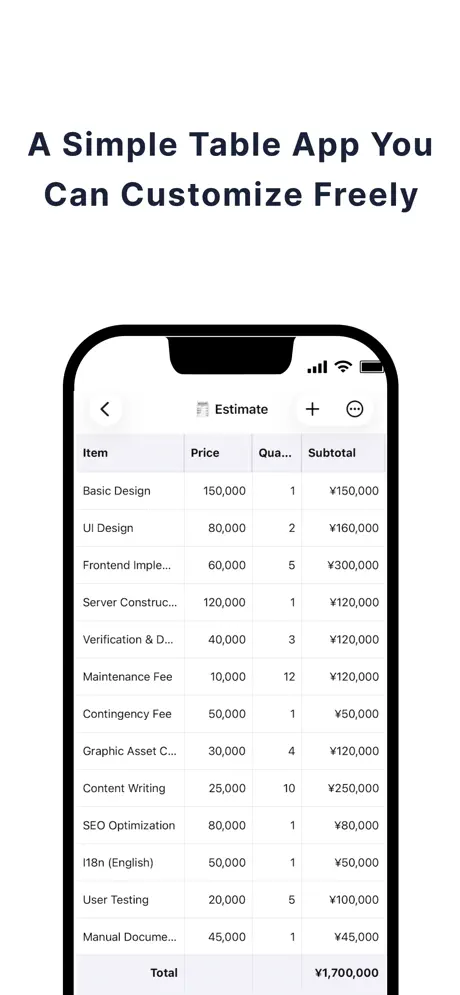
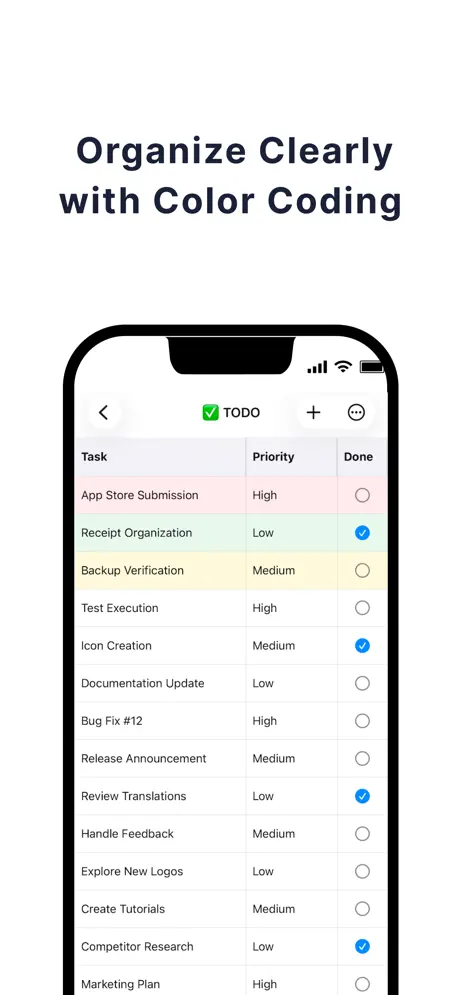
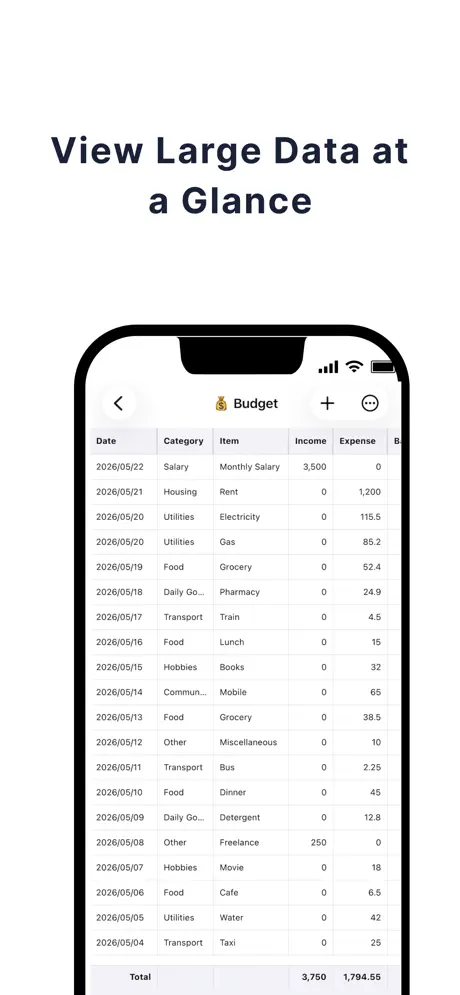
How much does Table & Spreadsheet Maker cost?
Prices are current as of 18 Nov 2026.
Table & Spreadsheet Maker has no in-app products on record in the United States.
10+ alternatives to Table & Spreadsheet Maker
| Table & Spreadsheet Maker | 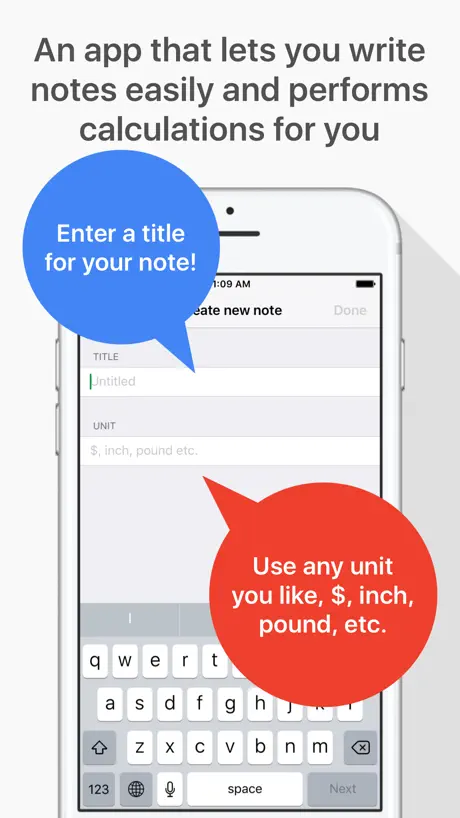  AddNotes |   シフト作成アプリ - シフト表 勤務表作成 |   Nested Folder Notes: CrumbNote |   Calmo-Easy to use calculator |   Easy Document Maker |   Calculator Notes - Spreadsheet |   noteSUM |   SimpleSigma |   CalcNotes - Calculation memo | |
|---|---|---|---|---|---|---|---|---|---|---|
| Rating / 5 | 4.4 | 4.6 | 4.3 | 4.6 | 4.5 | 4.6 | 4.6 | 4.8 | 4.0 | 4.6 |
| Reviews | 142 | 21K | 822 | 513 | 160 | 65 | 36 | 27 | 23 | 8 |
| Released | 2026 | 2017 | 2025 | 2021 | 2020 | 2026 | 2023 | 2021 | 2020 | 2025 |
| Monthly price | — | $2.99 | $3.99 | — | — | — | — | — | — | — |
The going rate for each plan in United States, in its own currency, shaded from the cheapest price on the row to the dearest. Plans fewer than four in ten of the priced apps sell are left out.
Table & Spreadsheet Maker reviews
4.4 out of 5, based on 142 reviews.
長く使いたい
10/4 テキスト折り返し機能は、セル編集がクイックの場合は使えないようなので、クイックでも折り返せるようになればいいです。 9/8 アップデートありがとうございました。要望も全て取り入れて頂いてとても嬉しいです。 簡単に出来るのは勿論のこと、良いなと思ったのが、スプレッドシートにありがちな行番号や列記号がないので見た目スッキリな表が作れた事でした。 まだまだ使いこなせてはいませんがずっと使っていきたいと思えるアプリに出会えて良かったです。 ----------- なかなかこれだと思うアプリがなかったのですが、こちらは作りたかった表が簡単に作れてとても良かったです。いくつか要望もありますので、ご検討頂けますと幸いです。 ・表名変更は表一覧ページ長押しメニューに組み込んで欲しい ・列名は何も入力せずとも保存出来たらいい ・表一覧を手動で並べ替え あと最後の列をスマホ画面サイズ以上広げるにはもう一つ列を追加しないと出来ないのでしょうか?そのあたり列設定画面などでスムーズに調整出来ると良いです。
うーん
幅いっぱいに書いたら、印刷した時に「…」となってしまう。だったら枠は印刷出来る範囲までにして欲しい。かなり枠の手前ではみ出てしまう(印刷出来ない)のは如何なものか? そもそもの幅が短い。線の種類も選べないし。
表計算アプリ
シンプルな表計算アプリを探していたので、期待を込めてダウンロードしました。 しかし「列を管理」で計算列を作り、割合計算の小数部分を編集しようとすると確定で落ちます。 結局、作りたい表を作ることができていません。 iPad Air M2 13inのiPadOS 26.5です。
A good start, needs some basic improvement to be useable
I love that it’s a small and simple app. I want to use it for text, not numbers. Main issues: (1) text doesn’t wrap in columns, makes it useless for me. (2) You can’t just hit “tab” to get to the next column; you have to choose the cell type and then hit save.
とても良い
シンプルで手早く使えてとても良いです。指定列×固定値の計算列も作れたら嬉しいです。
私にも使える
とても、簡単に使えて助かってます
良いかも
DLして触ったばかりだけどとてもいい感じです良いかも
素晴らしい
説明書なくても使える!取り込んで良かったです!良かったお店を
Table & Spreadsheet Maker FAQ
- Is Table & Spreadsheet Maker free?
- Yes. The app is free, in all 174 countries it sells in, and it sells nothing inside it.
- Does Table & Spreadsheet Maker have a free trial?
- No. None of its offers (US) come with a free trial.
- What are the best alternatives to Table & Spreadsheet Maker?
- AddNotes (4.6 from 20,721 reviews, premium from $2.99), シフト作成アプリ - シフト表 勤務表作成 (4.3 from 822 reviews, premium from $3.99) and Nested Folder Notes: CrumbNote (4.6 from 513 reviews, premium from $7.99).
Table & Spreadsheet Maker download
Last updated 1 month ago.
Table & Spreadsheet Maker sells in 174 countries. It was released 6 months ago, on 26 May 2026. It holds a 4.4 rating from 142 reviews.
Supports 2 languages: English, Japanese.
How much does Table & Spreadsheet Maker make?
Third-party estimates for the last 30 days, worldwide — not the store's own figures, which Apple publishes for nobody.