
Speech to Text - Sono
AI Note Taker
How much does Speech to Text - Sono cost?
Prices are current as of 16 Oct 2026.
1 subscription from $3.99
In the United States, Speech to Text - Sono has 1 subscription priced $3.99. It comes with a 3 days free trial.
| Subscription | Period | Price |
|---|---|---|
| Sono Pro Monthly | MonthlyTrial: 3 days | $3.99 |
1 one-time purchase from $14.99
In the United States, Speech to Text - Sono has 1 one-time purchase priced $14.99.
| Product | Price |
|---|---|
| Sono Pro Lifetime | $14.99 |
10+ alternatives to Speech to Text - Sono
| Speech to Text - Sono |   AI To-Do List: Voice Shopping AI To-Do List: Voice Shopping | 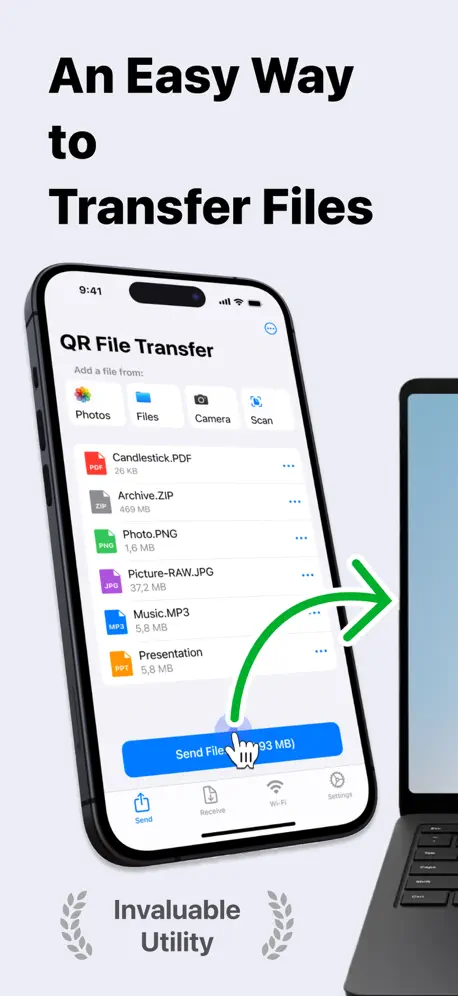  Data Drop: QR File Transfer Data Drop: QR File Transfer | 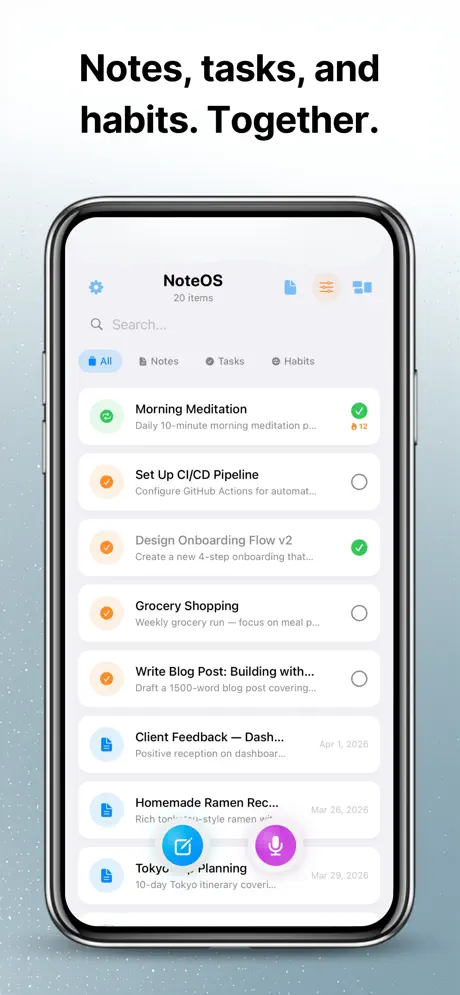  NoteOS: Voice Notes & Tasks NoteOS: Voice Notes & Tasks | 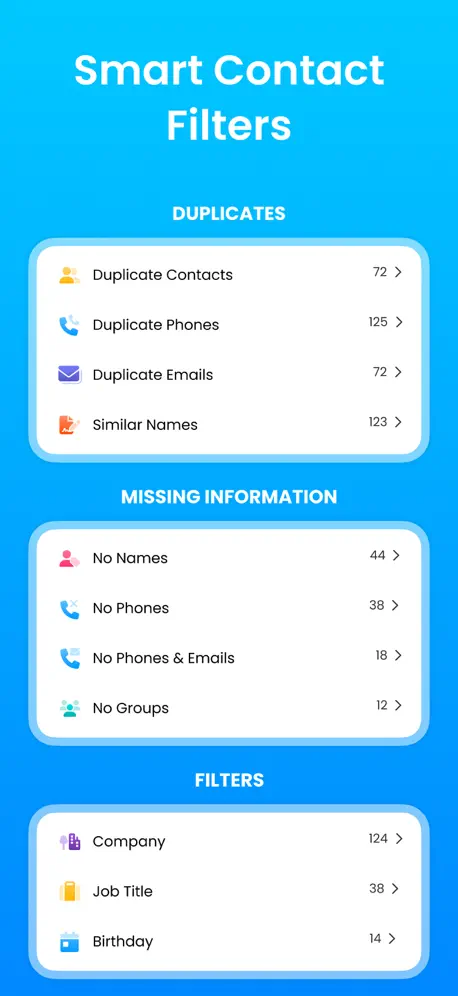  MCBackup Pro - Contacts Backup MCBackup Pro - Contacts Backup | 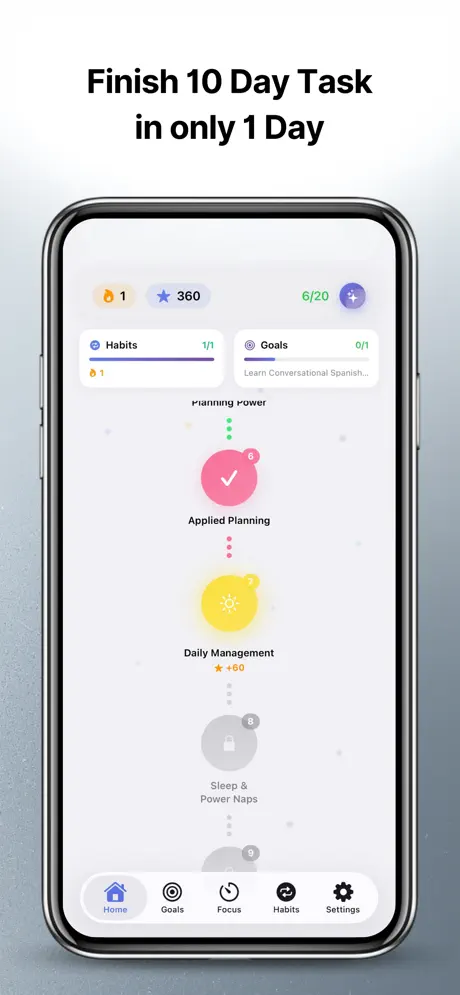  Time Management AI: Planner Time Management AI: Planner |   Lekh AI - Local AI Studio Lekh AI - Local AI Studio |   Esse: AI Video Summarizer Esse: AI Video Summarizer |   Jot - Instant Brain Dump Jot - Instant Brain Dump |   AI Lecture Note Taker AI Lecture Note Taker |   Transcription Pro Transcription Pro | |
|---|---|---|---|---|---|---|---|---|---|---|---|
| Rating / 5 | 4.6 | 4.6 | 4.7 | 4.6 | 4.7 | 4.7 | 3.9 | 4.7 | 4.8 | 4.5 | 4.5 |
| Reviews | 110 | 546 | 455 | 395 | 246 | 161 | 157 | 82 | 75 | 54 | 48 |
| Released | 2026 | 2025 | 2021 | 2026 | 2018 | 2026 | 2026 | 2025 | 2025 | 2026 | 2025 |
| Monthly price | $3.99 | $4.99 | $4.99 | $49.99 | — | $4.99 | $0.99 | — | — | — | — |
| Annual price | — | $19.99 | $29.99 | $39.99 | — | $29.99 | — | — | — | — | — |
| One-time price | $14.99 | $39.99 | $49.99 | $3.99 | — | $49.99 | — | — | — | — | — |
The going rate for each plan in United States, in its own currency, shaded from the cheapest price on the row to the dearest.
Speech to Text - Sono reviews
4.6 out of 5, based on 110 reviews.
What people like
- Works perfectly offline with no internet
- Transcription is accurate and easy to use
- Developer replies quickly and fixes bugs
- Data stays private on your device
What they complain about
- App model downloads fail constantly
- Recordings stop without warning
- Support deleted my negative comment
Sehr gute App
Tolle App! Ich würde mir zusätzlich eine Wörterbuch-Ersatzfunktion wünschen, die den Import und Export von Wörterbüchern ermöglicht. Noch wichtiger - bitte Copy-Button während Live-Transkript ergänzen.
Nope
They deleted my comment somehow, this was rubbish from the very beginning i had a year for free and the entire year it did not work at all
works well overall but may not be reliable
I was recording for about twelve to thirteen minutes. All of a sudden the recording stopped. I don’t know why. So I decided to record in smaller chunks. If this keeps happening, I’ll ask for a refund. More to come soon.
Fantastic App!
This app is great. It has auto-language detection with highly accurate transcriptions for supported languages. I like that I can delete the audio on a per-note basis or have it automatically deleted in the app’s settings to save storage. Thank you, developer!
Rubbbish-Consider before you buy
This is purely rubbish as AI models can’t be downloaded even with a VPN
Incredible
Amazing features, clean UI, super functional, exactly what I needed!! Also a very fair lifetime price!
The model has never downloaded successfully
The model has never downloaded successfully; it always shows an error and cannot be used at all. Since a local model needs to be downloaded to use it, why not embed the 486M model in the app?
Excellent App & Amazing Developer
I’ve tested many transcription apps, and Sono has become my favorite. The transcription quality is excellent, and I really appreciate that everything runs locally with a strong focus on privacy. What impressed me the most is the developer. I reported several bugs and feature suggestions, and every email received a friendly reply. Many of the issues I reported were fixed in the next updates, which shows how much the developer cares about the app and its users. Sono keeps getting better with every update, and I’m excited to see where it goes next. Highly recommended! Best wishes from Germany, Scott 🇩🇪
Excellent app for offline transcription 👍
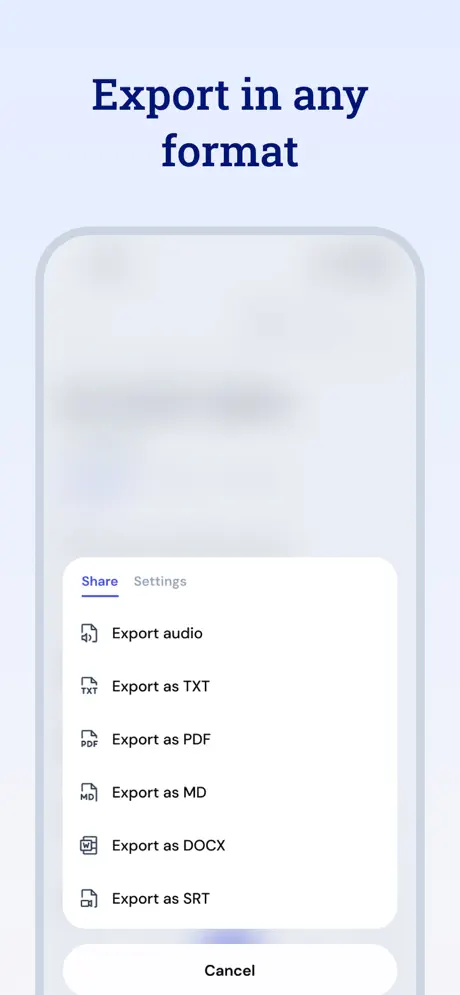
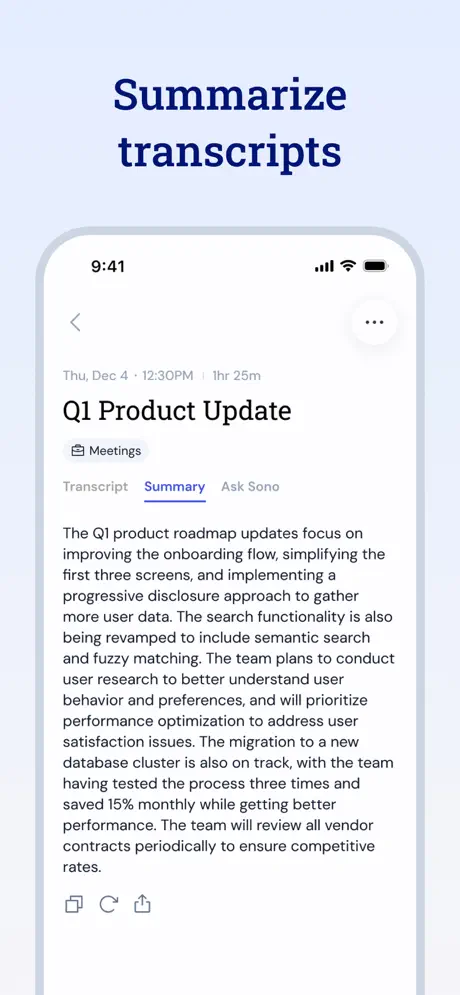
Excellent app for offline, on-device transcription. Many formats to export to, including srt, plus Ai features for summarisation and further analysis.
works great!
the transcription quality is pretty good and i like that my data is store privately
Awesome
Easy AI
Read This before buying
I have used a few notetakers over the years and this has been the easiest and most accurate notetaker I have ever used. I have used this in multiple situations and Sono has impressed me. Thank you for reading this and I highly recommend giving it a try for yourself.
Works beautifully!!
I really wanted an app that transcribe voice notes without a good phone connection(or no connection) and I finally found it! First I did not believe it so I put my phone on airplane mode. No matter the app just worked flawlessly! Cannot complain.
Good
Transcribes pretty accurately and easy to organize
Speech to Text - Sono price by country
A monthly subscription costs $3.51 in Canada and $6.25 in Colombia — 1.8× more for the same thing. Below is the going rate for each plan in every country that sells it — the middle price of what the app charges there, in the country's own currency with the dollar equivalent beneath it.
| Country | Monthly | One-time |
|---|---|---|
| Afghanistan | $3.99 | $14.99 |
| Albania | $4.99 | $17.99 |
| Algeria | $3.99 | $14.99 |
| Angola | $3.99 | $14.99 |
| Anguilla | $3.99 | $14.99 |
| Antigua And Barbuda | $3.99 | $14.99 |
| Argentina | $3.99 | $14.99 |
| Armenia | $4.99 | $17.99 |
| Australia | A$5.99$4.13 | A$22.99$15.86 |
| Austria | €3.99$4.47 | €17.99$20.17 |
| Azerbaijan | $4.99 | $17.99 |
| Bahamas | $3.99 | $14.99 |
| Bahrain | $3.99 | $14.99 |
| Barbados | $4.99 | $17.99 |
| Belarus | $4.99 | $17.99 |
| Belgium | €3.99$4.47 | €17.99$20.17 |
| Belize | $3.99 | $14.99 |
| Benin | $4.99 | $17.99 |
| Bermuda | $3.99 | $14.99 |
| Bhutan | $3.99 | $14.99 |
| Bolivia | $3.99 | $14.99 |
| Bosnia & Herzegovina | €3.99$4.47 | €17.99$20.17 |
| Botswana | $3.99 | $14.99 |
| Brazil | R$24.90$4.93 | R$99.90$19.78 |
| British Virgin Islands | $3.99 | $14.99 |
| Brunei Darussalam | $3.99 | $14.99 |
| Bulgaria | €3.99$4.47 | €17.99$20.17 |
| Burkina Faso | $3.99 | $14.99 |
| Cambodia | $3.99 | $14.99 |
| Cameroon | $4.99 | $17.99 |
| Canada | CA$4.99$3.51 | CA$19.99$14.08 |
| Cape Verde | $3.99 | $14.99 |
| Cayman Islands | $3.99 | $14.99 |
| Chad | $3.99 | $14.99 |
| Chile | CLP 4,990$5.06 | CLP 17,990$18.25 |
| Colombia | COP 19,900$6.25 | COP 69,900$21.95 |
| Congo | $3.99 | $17.99 |
| Congo, Democratic Republic | $3.99 | $14.99 |
| Costa Rica | $3.99 | $14.99 |
| Cote Divoire | $4.99 | $17.99 |
| Croatia | €3.99$4.47 | €17.99$20.17 |
| Cyprus | €3.99$4.47 | €17.99$20.17 |
| Czech Republic | CZK 99.00$4.56 | CZK 399.00$18.37 |
| Denmark | DKK 39.00$5.85 | DKK 129.00$19.34 |
| Dominica | $3.99 | $14.99 |
| Dominican Republic | $3.99 | $14.99 |
| Ecuador | $3.99 | $14.99 |
| Egypt | EGP 199.99$3.74 | EGP 799.99$14.96 |
| El Salvador | $3.99 | $14.99 |
| Estonia | €3.99$4.47 | €17.99$20.17 |
| Fiji | $3.99 | $14.99 |
| Finland | €3.99$4.47 | €17.99$20.17 |
| France | €3.99$4.47 | €17.99$20.17 |
| Gabon | $3.99 | $14.99 |
| Gambia | $3.99 | $14.99 |
| Georgia | $4.99 | $17.99 |
| Germany | €3.99$4.47 | €17.99$20.17 |
| Ghana | $4.99 | $17.99 |
| Greece | €3.99$4.47 | €17.99$20.17 |
| Grenada | $3.99 | $14.99 |
| Guatemala | $3.99 | $14.99 |
| Guinea-bissau | $3.99 | $14.99 |
| Guyana | $3.99 | $14.99 |
| Honduras | $3.99 | $14.99 |
| Hong Kong | HK$32.00$4.08 | HK$118.00$15.03 |
| Hungary | HUF 1,790$5.52 | HUF 6,990$21.55 |
| Iceland | $4.99 | $17.99 |
| India | ₹399.00$4.20 | ₹1,499.00$15.76 |
| Indonesia | IDR 69,000$3.84 | IDR 299,000$16.66 |
| Iraq | $3.99 | $14.99 |
| Ireland | €3.99$4.47 | €17.99$20.17 |
| Israel | ₪14.90$4.81 | ₪49.90$16.10 |
| Italy | €3.99$4.47 | €17.99$20.17 |
| Jamaica | $3.99 | $14.99 |
| Japan | ¥600$3.80 | ¥2,500$15.81 |
| Jordan | $3.99 | $14.99 |
| Kazakhstan | KZT 2,490.00$5.50 | KZT 8,990.00$19.85 |
| Kenya | $4.99 | $17.99 |
| Kosovo | €3.99$4.47 | €17.99$20.17 |
| Kuwait | $3.99 | $14.99 |
| Kyrgyzstan | $3.99 | $14.99 |
| Lao Peoples Democratic Republic | $3.99 | $14.99 |
| Latvia | €3.99$4.47 | €17.99$20.17 |
| Lebanon | $3.99 | $14.99 |
| Liberia | $3.99 | $14.99 |
| Libya | $3.99 | $14.99 |
| Lithuania | €3.99$4.47 | €17.99$20.17 |
| Luxembourg | €3.99$4.47 | €17.99$20.17 |
| Macao | $3.99 | $14.99 |
| Macedonia | $3.99 | $14.99 |
| Madagascar | $3.99 | $14.99 |
| Malawi | $3.99 | $14.99 |
| Malaysia | MYR 19.90$4.88 | MYR 69.90$17.13 |
| Maldives | $3.99 | $14.99 |
| Mali | $3.99 | $14.99 |
| Malta | €3.99$4.47 | €17.99$20.17 |
| Mauritania | $3.99 | $14.99 |
| Mauritius | $4.99 | $17.99 |
| Mexico | MX$89.00$4.82 | MX$299.00$16.20 |
| Micronesia | $3.99 | $14.99 |
| Moldova | $4.99 | $17.99 |
| Mongolia | $3.99 | $14.99 |
| Montenegro | €3.99$4.47 | €12.99$14.56 |
| Montserrat | $3.99 | $14.99 |
| Morocco | $3.99 | $17.99 |
| Mozambique | $3.99 | $14.99 |
| Myanmar | $3.99 | $14.99 |
| Namibia | $3.99 | $14.99 |
| Nauru | $3.99 | $14.99 |
| Nepal | $4.99 | $17.99 |
| Netherlands | €3.99$4.47 | €17.99$20.17 |
| New Zealand | NZ$6.99$3.93 | NZ$29.99$16.85 |
| Nicaragua | $3.99 | $14.99 |
| Niger | $3.99 | $14.99 |
| Nigeria | NGN 6,900.00$5.18 | NGN 24,900.00$18.71 |
| Norway | NOK 49.00$5.17 | NOK 199.00$20.99 |
| Oman | $3.99 | $14.99 |
| Pakistan | PKR 1,100$3.97 | PKR 3,900$14.08 |
| Palau | $3.99 | $14.99 |
| Panama | $3.99 | $14.99 |
| Papua New Guinea | $3.99 | $14.99 |
| Paraguay | $3.99 | $14.99 |
| Peru | PEN 17.90$5.20 | PEN 69.90$20.32 |
| Philippines | ₱249.00$3.95 | ₱999.00$15.84 |
| Poland | PLN 19.99$5.13 | PLN 69.99$17.95 |
| Portugal | €3.99$4.47 | €17.99$20.17 |
| Qatar | QAR 14.99$4.12 | QAR 49.99$13.73 |
| Romania | RON 19.99$4.20 | RON 79.99$16.80 |
| Russia | RUB 349.00$4.16 | RUB 1,290.00$15.38 |
| Rwanda | $3.99 | $14.99 |
| Sao Tome & Principe | $3.99 | $14.99 |
| Saudi Arabia | SAR 17.99$4.80 | SAR 59.99$16.00 |
| Senegal | $4.99 | $17.99 |
| Serbia | €3.99$4.47 | €17.99$20.17 |
| Seychelles | $3.99 | $14.99 |
| Sierra Leone | $3.99 | $14.99 |
| Singapore | SGD 5.98$4.67 | SGD 19.98$15.61 |
| Slovakia | €3.99$4.47 | €17.99$20.17 |
| Slovenia | €3.99$4.47 | €17.99$20.17 |
| Solomon Islands | $3.99 | $14.99 |
| South Africa | ZAR 79.99$4.84 | ZAR 299.99$18.16 |
| South Korea | ₩5,500$4.10 | ₩25,000$18.62 |
| Spain | €3.99$4.47 | €17.99$20.17 |
| Sri Lanka | $3.99 | $14.99 |
| St. Kitts and Nevis | $3.99 | $14.99 |
| St. Lucia | $3.99 | $14.99 |
| St. Vincent & The Grenadines | $3.99 | $14.99 |
| Suriname | $3.99 | $14.99 |
| Swaziland | $3.99 | $14.99 |
| Sweden | SEK 49.00$4.92 | SEK 199.00$19.98 |
| Switzerland | CHF 3.00$3.62 | CHF 14.00$16.91 |
| Taiwan | NT$120.00$3.71 | NT$490.00$15.14 |
| Tajikistan | $3.99 | $14.99 |
| Tanzania | TZS 11,900.00$4.52 | TZS 39,900.00$15.15 |
| Thailand | THB 149.00$4.44 | THB 499.00$14.88 |
| Tonga | $3.99 | $14.99 |
| Trinidad and Tobago | $3.99 | $14.99 |
| Tunisia | $3.99 | $14.99 |
| Turkey | TRY 199.99$4.04 | TRY 799.99$16.17 |
| Turkmenistan | $3.99 | $14.99 |
| Turks and Caicos | $3.99 | $14.99 |
| Uganda | $4.99 | $17.99 |
| Ukraine | $4.99 | $17.99 |
| United Arab Emirates | AED 14.99$4.08 | AED 59.99$16.35 |
| United Kingdom | £3.99$5.29 | £14.99$19.88 |
| United States | $3.99 | $14.99 |
| Uruguay | $3.99 | $14.99 |
| Uzbekistan | $3.99 | $14.99 |
| Vanuatu | $3.99 | $14.99 |
| Venezuela | $3.99 | $14.99 |
| Vietnam | ₫119,000$4.60 | ₫499,000$19.30 |
| Yemen | $3.99 | $14.99 |
| Zambia | $4.99 | $17.99 |
| Zimbabwe | $4.99 | $17.99 |
Speech to Text - Sono FAQ
- Is Speech to Text - Sono free?
- Yes. The app and its basic features are free, in all 174 countries it sells in. Premium features are paid: they start from $3.99 (US), across 1 subscription and 1 one-time purchase.
- How much does Speech to Text - Sono cost per month?
- Sono Pro Monthly is $3.99 (US).
- Does Speech to Text - Sono have a free trial?
- Yes — a 3 days free trial (US).
- Where is Speech to Text - Sono cheapest?
- A monthly subscription costs CA$4.99 (≈$3.51) in Canada and COP 19,900 (≈$6.25) in Colombia, its cheapest and dearest countries.
- What are the best alternatives to Speech to Text - Sono?
- AI To-Do List: Voice Shopping (4.6 from 546 reviews, premium from $4.99), Data Drop: QR File Transfer (4.7 from 455 reviews, premium from $4.99) and NoteOS: Voice Notes & Tasks (4.6 from 395 reviews, premium from $0.99).
Speech to Text - Sono download
Last updated 3 months ago.
Speech to Text - Sono sells in 174 countries. It was released 9 months ago, on 7 Jan 2026. It holds a 4.6 rating from 110 reviews.
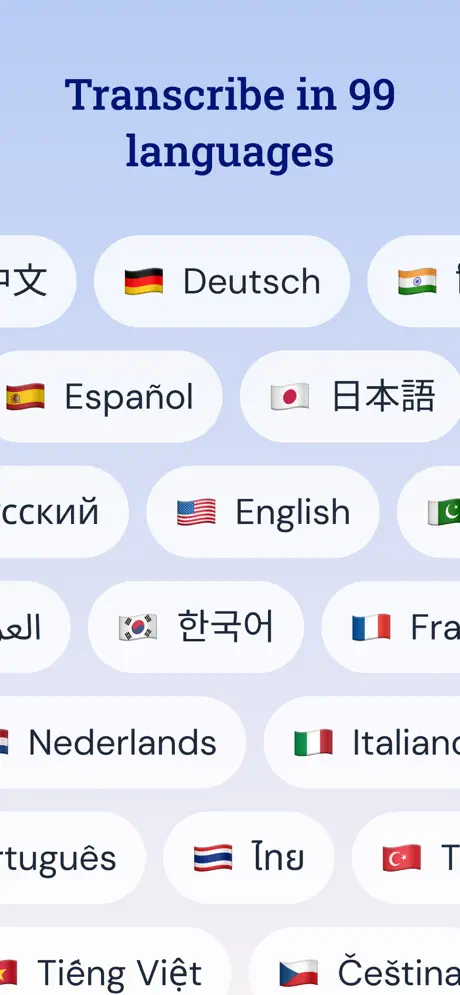
Supports 1 language: English.
How much does Speech to Text - Sono make?
Third-party estimates for the last 30 days, worldwide — not the store's own figures, which Apple publishes for nobody.
Revenue by plan
- Monthly 85%
- One-time 15%
Revenue by country
- United States 38%
- Taiwan 18%
- Hong Kong 7%
- Singapore 4%