
Drawsy: AR Draw for Sketching
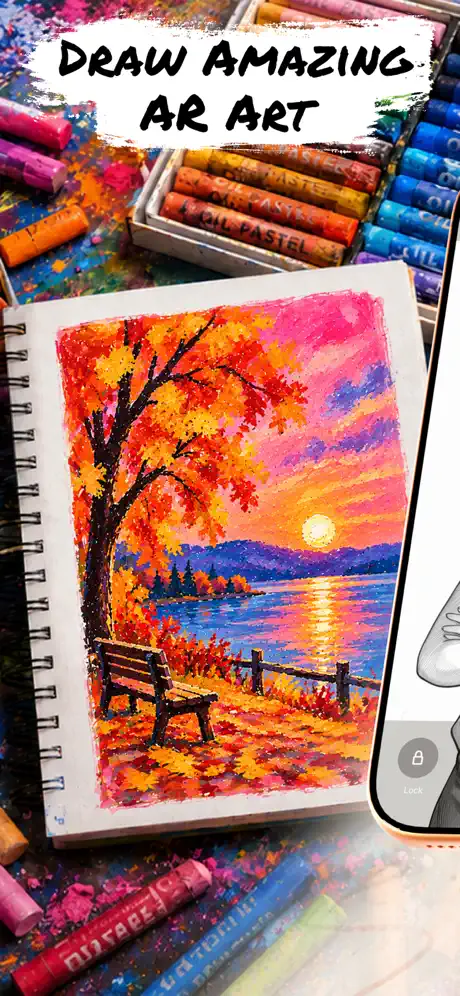
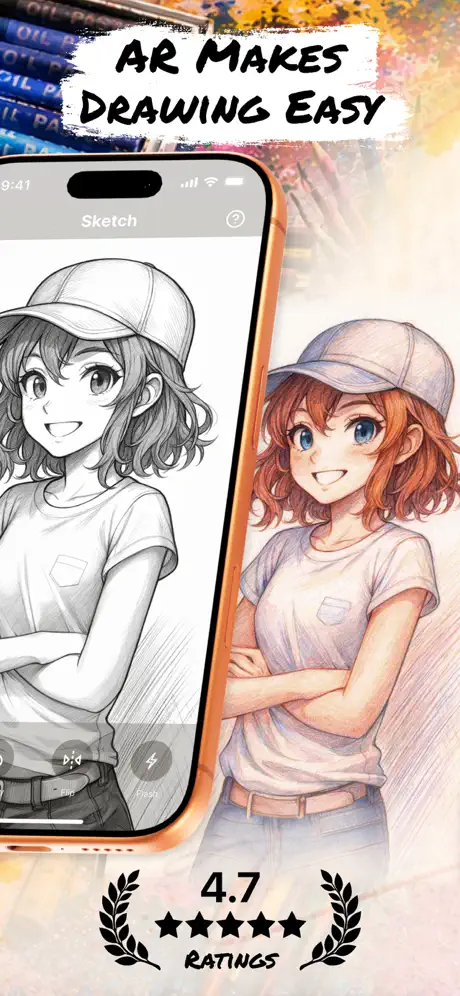
Tracing and drawing pictures

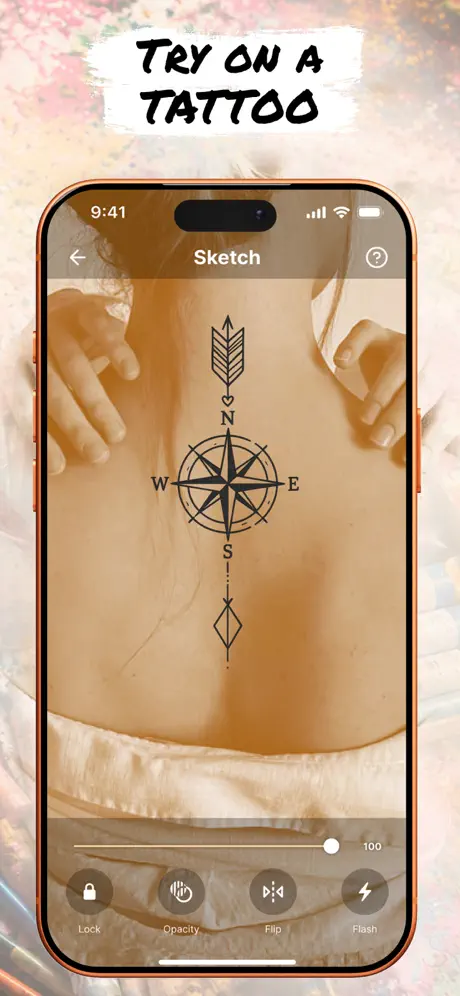
How much does Drawsy: AR Draw for Sketching cost?
Prices are current as of 29 Sept 2026.
6 subscriptions from $3.99
In the United States, Drawsy: AR Draw for Sketching has 6 subscriptions priced $3.99 – 49.99. It comes with a 3 days free trial.
| Subscription | Period | Price |
|---|---|---|
| Drawsy: AR Draw for Sketching | Weekly | $3.99 |
| Weekly Premium | Weekly | $3.99 – 7.99 |
| Weekly Trial Premium | WeeklyTrial: 3 days | $7.99 |
| Drawsy: AR Drawing for Sketching | WeeklyTrial: 3 days | $9.99 |
| Yearly Premium | AnnualTrial: 3 days | $39.99 |
| Yearly Trial Premium | AnnualTrial: 3 days | $49.99 |
3 one-time purchases from $1.99
In the United States, Drawsy: AR Draw for Sketching has 3 one-time purchases priced $1.99 – 29.00.
| Product | Price |
|---|---|
| Small Sketch Coins Pack | $1.99 |
| Medium Sketch Coins Pack | $4.99 |
| Lifetime | $29.00 |
See what Drawsy: AR Draw for Sketching costs in all 175 countries →
10+ alternatives to Drawsy: AR Draw for Sketching
| Drawsy: AR Draw for Sketching |   AR Drawing: Sketch & Paint AR Drawing: Sketch & Paint |   PicTrace: AR Drawing & Sketch PicTrace: AR Drawing & Sketch | 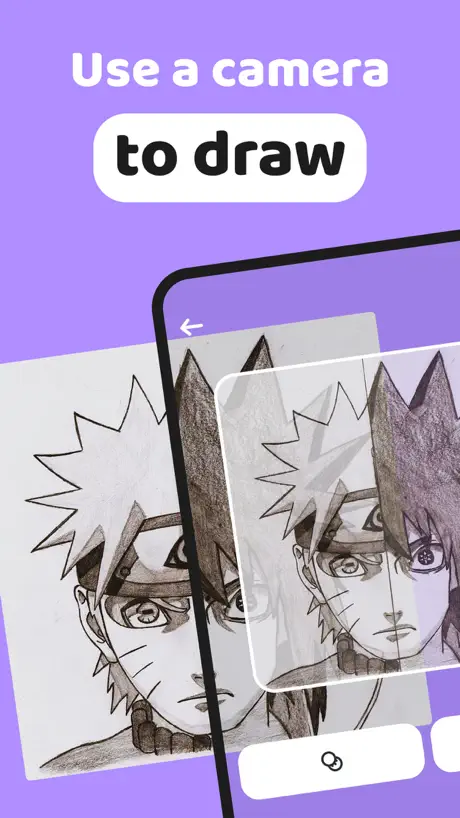  AR Drawing How to Draw Sketch AR Drawing How to Draw Sketch | 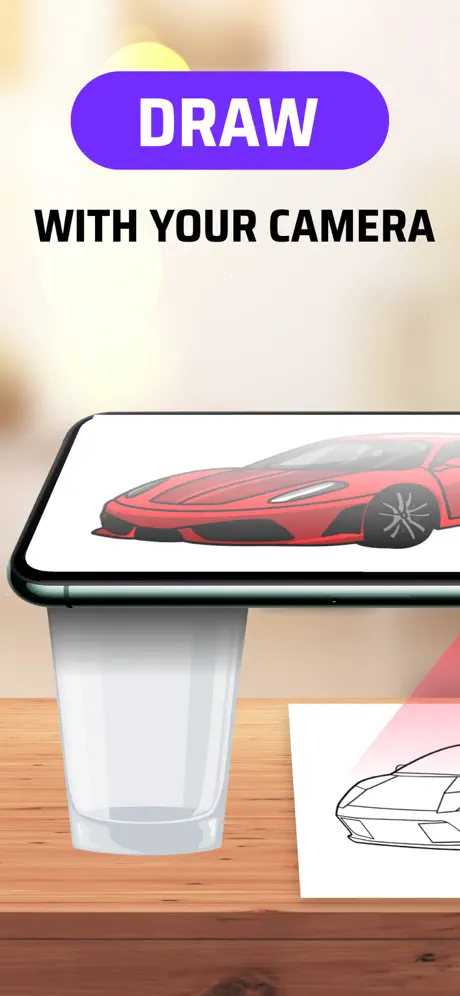  AR Drawing Sketch AI - ArtEasy AR Drawing Sketch AI - ArtEasy |   AR Projector Tracing & Drawing AR Projector Tracing & Drawing |   AR Drawing App - Sketchify AR Drawing App - Sketchify |   AR Tracing: Drawing by Tayasui AR Tracing: Drawing by Tayasui |   AI Background - Pokecut Studio AI Background - Pokecut Studio |   ARtie Lab: AR Drawing & Sketch ARtie Lab: AR Drawing & Sketch |   House AI: AI Room Design, Home House AI: AI Room Design, Home | |
|---|---|---|---|---|---|---|---|---|---|---|---|
| Rating / 5 | 4.6 | 4.4 | 4.5 | 4.6 | 4.5 | 4.3 | 4.5 | 4.2 | 4.7 | 4.6 | 4.4 |
| Reviews | 5.4K | 328K | 162K | 63K | 60K | 44K | 23K | 20K | 11K | 11K | 8.7K |
| Released | 2025 | 2023 | 2024 | 2023 | 2024 | 2023 | 2024 | 2023 | 2021 | 2025 | 2025 |
| Weekly price | $7.99 | $8.00 | $24.99 | $6.99 | $9.99 | $4.99 | $8.99 | $2.99 | $3.99 | $9.99 | $12.99 |
| Monthly price | — | — | $4.99 | $11.99 | $19.99 | — | $19.99 | — | $5.99 | — | — |
| Annual price | $39.99 | $35.00 | $55.99 | $29.99 | — | $39.99 | $39.99 | $49.99 | $49.99 | $29.99 | $69.99 |
| One-time price | $4.99 | $29.00 | — | — | $9.99 | $8.99 | — | — | — | $29.99 | — |
The going rate for each plan in United States, in its own currency, shaded from the cheapest price on the row to the dearest.
Drawsy: AR Draw for Sketching reviews
4.6 out of 5, based on 5,425 reviews.
What people like
- It works great for beginners learning to draw
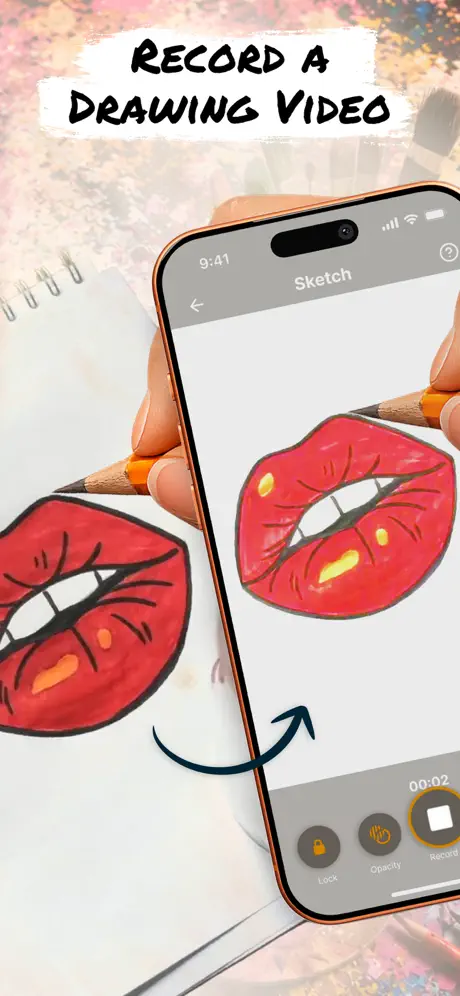
- Phone shines through paper making tracing easy
- Easy to set up once you figure it out
What they complain about
- You must pay a subscription to use it
- Upload your own photos only if you pay
- The app is slow and crashes on launch
- Ads interrupt you constantly throughout the experience
Good
Good
Bad advertisement
not worth the download you have to pay for everything and the stuff you don’t have to pay for is the ugliest things and you can’t upload your own photos unless you pay and it says it’s only $0.99 a week but it’s actually $7.99
Nice
I just wish it would show you how to outline the drawings from start to finish. Other than that I like it.
Kind of Clickbait
It seems like it could be an amazing app, but when everything cost something there’s no point in getting it if you can’t pay. The amount of adds I saw was astonishing, I thought it was going to some amazing free app, but they only advertised the features that you have to pay for. If you’re going to charge for just about everything, why not just make them pay for the app?
I don't want to pay
Good but cost money
It it super good I would really recommend people to use this app but it cost 0.99$ a month I think but yea it’s good
Sucs
Why do we have to pay for everything!!!!
🌸It’s not as bad as I thought twin 🥹🫰🏻
Okay so basically it’s actually pretty good besides the fact you need to pay to do the drawing thing i guess also in my opinion it would be better to get the app called “TracingMat” witch is free and it locks so while you trace it doesn’t move in my opinion if your more of a tracing person then that app is for you but this or is also pretty good! 🥹🫰🏻
Awkward to use
Interesting concept, but i found it very awkward to actually use. — have to pay attention to where your drawing implement in in relation to two locations (phone and paper) instead of only one. Dislike how it prompts you to do the $7.99/week paid option every time you open it.(very pricey IMO)
App media
Muy buena app pero es molesto que tengas que pagar por mas beneficios
peak
peak.
You need money to do basic stuff
Don’t waste your time downloading this app unless you have money to pay every month. You can probably do three drawings that are Japanese lettering for free. Otherwise, you have to pay would not recommend this app.
Absolutely Amazing App
Love how I can add my own pictures from my phone and do some amazing art work. There are a couple set backs back and things that could make it better. 1. Being able to lock the image in place, I tend to draw on whiteboards and so holding the phone is sometimes my preference, would be great to have the image stay where you locked it instead of trying to realign it. Also allows people to walk away see the big picture and walk in for finer detail. 2. Being able to move the picture out of frame there’s an invisible walls that stops me from making minor adjustments without changing the size and having to realigned
No free option
Another subscription app
Rate
It’s so good best app if u want to draw hard things
Everything’s a subscription
This is something you should be able to buy out right. But they want to suck every dime out of you they can. Theres literally two free drawings. Greedy
Not bad for my first time
4 stars
Ehhh
I wanna be able to draw my own things from my gallery
I like it you just have to pay for it
I hate that you have to pay for something too for you to draw
Doesn’t load
I downloaded this app twice and once it downloads and you open it, nothing happens. I tried deleting the app and we added it to my phone and nothing so this app is not for me.
Great app. Not if you don’t have money
Amazing app. I think it’s really useful for beginners artists and people who need help with hand eye coordination and stuff like that but you do need to pay an subscription to use. Obviously apps need money so it’s nothing to too much to complain about but u think there should be a free users options where you let them use certain features or use a certain amount of drawings a day. Just an idea though
Thank you
This helps me a lot
App is horrible
They would not let me upload my own image without paying this app it the worst app I genuinely ever scene
Good
Good
Very nice
cool easy app tip: use tall object to place phone on to make it easier
have to pay for everything
Unable to use most things w/o paying. only can use about 3 pics for free .
Good
The app is very very good but you have to pay
I like it
10/10
Only good if you have money 💔
This apps starts you automatically on a free trial. Once the free trial ends you have to pay to use the app. Why do this just make the app cost a dollar or something to download? I'm so tired of subscriptions!
It okay
So I got the app it was telling me to pay but there was a x at the top so you only have so much but it really good 4.0 stars
Great app 👍
This was great I could show off to my mom and siblings at how much better I was then them I was happy with the results and it turned out great so yea I liked the app
sucks
u genuinely have to pay for basically everything if your wanting to your own photo you have to pay the subscription thing you can only do one of the lessons unless your in the subscription u have to have the subscription for the art coach you just have to have the subscription for pretty much everything
App
Can’t draw everything but there is many free options to use lowkey a good app
Why is it actually a good app for beginners
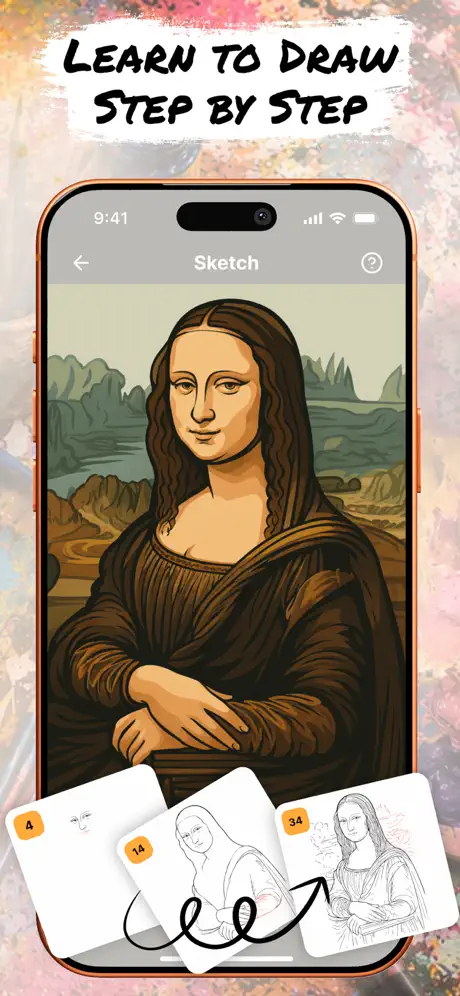
It’s really easy to draw while showing you step-by-step. You can even put your phone under the piece of paper you’re writing on and it shines right through.
Slow and you need to pay for everything
I tried opening the app with my WiFi being good and on the newest iPhone , the app is slow, everything was loading and not starting up , I have free storage space so that’s not the cause. Fix this app immediately. Nobody wants to play a slow laggy app.
Amazing experience
Amazing, it looks exactly like the drawing.you have to touch it up a little but after the drawing four stars because it was a little bit struggling to get it into possession and when I put my pencil to the right, it was like it was going to the left, but otherwise it was really good once you got all set up and your good to go, it’s amazing four stars. (Made my sister insane)
Drawsy: AR Draw for Sketching price by country
A weekly subscription costs $3.61 in Switzerland and $10.60 in the United Kingdom — 3× more for the same thing. Below is the going rate for each plan in every country that sells it — the middle price of what the app charges there, in the country's own currency with the dollar equivalent beneath it.
| Country | Weekly | Annual | One-time |
|---|---|---|---|
| Afghanistan | $3.99 | $29.99 | $9.99 |
| Albania | $4.99 | $34.99 | $11.99 |
| Algeria | $3.99 | $29.99 | $9.99 |
| Angola | $3.99 | $29.99 | $9.99 |
| Anguilla | $3.99 | $29.99 | $9.99 |
| Antigua And Barbuda | $3.99 | $29.99 | $9.99 |
| Argentina | $7.99 | $29.99 | $9.99 |
| Armenia | $4.99 | $34.99 | $11.99 |
| Australia | A$9.99$6.99 | A$49.99$34.96 | A$2.99$2.09 |
| Austria | €3.99$4.54 | €34.99$39.81 | €1.99$2.26 |
| Azerbaijan | $4.99 | $34.99 | $11.99 |
| Bahamas | $3.99 | $29.99 | $9.99 |
| Bahrain | $3.99 | $29.99 | $9.99 |
| Barbados | $4.99 | $34.99 | $11.99 |
| Belarus | $4.99 | $59.99 | $11.99 |
| Belgium | €3.99$4.54 | €34.99$39.81 | €1.99$2.26 |
| Belize | $3.99 | $29.99 | $9.99 |
| Benin | $4.99 | $34.99 | $11.99 |
| Bermuda | $3.99 | $29.99 | $9.99 |
| Bhutan | $3.99 | $29.99 | $9.99 |
| Bolivia | $3.99 | $29.99 | $9.99 |
| Bosnia & Herzegovina | €3.99$4.54 | €34.99$39.81 | €9.99$11.37 |
| Botswana | $3.99 | $29.99 | $9.99 |
| Brazil | R$24.90$4.78 | R$199.90$38.37 | R$59.90$11.50 |
| British Virgin Islands | $3.99 | $29.99 | $9.99 |
| Brunei Darussalam | $3.99 | $29.99 | $9.99 |
| Bulgaria | €3.99$4.54 | €34.99$39.81 | €9.99$11.37 |
| Burkina Faso | $3.99 | $29.99 | $9.99 |
| Cambodia | $3.99 | $29.99 | $9.99 |
| Cameroon | $4.99 | $34.99 | $11.99 |
| Canada | CA$9.99$7.04 | CA$49.99$35.20 | CA$2.99$2.11 |
| Cape Verde | $3.99 | $29.99 | $9.99 |
| Cayman Islands | $3.99 | $29.99 | $9.99 |
| Chad | $3.99 | $29.99 | $9.99 |
| Chile | CLP 4,990$5.19 | CLP 34,990$36.39 | CLP 9,990$10.39 |
| China | CN¥28.00$4.17 | CN¥198.00$29.46 | CN¥68.00$10.12 |
| Colombia | COP 19,900$6.03 | COP 129,900$39.35 | COP 24,900$7.54 |
| Congo | $3.99 | $34.99 | $11.99 |
| Congo, Democratic Republic | $3.99 | $29.99 | $9.99 |
| Costa Rica | $3.99 | $39.99 | $9.99 |
| Cote Divoire | $4.99 | $34.99 | $11.99 |
| Croatia | €3.99$4.54 | €34.99$39.81 | €9.99$11.37 |
| Cyprus | €3.99$4.54 | €34.99$39.81 | €9.99$11.37 |
| Czech Republic | CZK 199.00$9.28 | CZK 799.00$37.25 | CZK 49.00$2.28 |
| Denmark | DKK 39.00$6.05 | DKK 349.00$54.11 | DKK 89.00$13.80 |
| Dominica | $3.99 | $29.99 | $9.99 |
| Dominican Republic | $3.99 | $39.99 | $9.99 |
| Ecuador | $3.99 | $29.99 | $9.99 |
| Egypt | EGP 199.99$3.84 | EGP 1,499.99$28.81 | EGP 499.99$9.60 |
| El Salvador | $3.99 | $29.99 | $9.99 |
| Estonia | €3.99$4.54 | €34.99$39.81 | €9.99$11.37 |
| Fiji | $3.99 | $29.99 | $9.99 |
| Finland | €3.99$4.63 | €44.99$52.25 | €1.99$2.31 |
| France | €3.99$4.54 | €34.99$39.81 | €1.99$2.26 |
| Gabon | $3.99 | $29.99 | $9.99 |
| Gambia | $3.99 | $29.99 | $9.99 |
| Georgia | $4.99 | $34.99 | $11.99 |
| Germany | €3.99$4.63 | €44.99$52.25 | €1.99$2.31 |
| Ghana | $4.99 | $34.99 | $11.99 |
| Greece | €3.99$4.54 | €34.99$39.81 | €1.99$2.26 |
| Grenada | $3.99 | $29.99 | $9.99 |
| Guatemala | $3.99 | $29.99 | $9.99 |
| Guinea-bissau | $3.99 | $29.99 | $9.99 |
| Guyana | $3.99 | $29.99 | $9.99 |
| Honduras | $3.99 | $29.99 | $9.99 |
| Hong Kong | HK$32.00$4.08 | HK$228.00$29.08 | HK$88.00$11.22 |
| Hungary | HUF 1,790$5.55 | HUF 12,990$40.25 | HUF 4,490$13.91 |
| Iceland | $4.99 | $34.99 | $11.99 |
| India | ₹399.00$4.15 | ₹2,999.00$31.22 | ₹999.00$10.40 |
| Indonesia | IDR 69,000$3.84 | IDR 599,000$33.31 | IDR 199,000$11.06 |
| Iraq | $3.99 | $29.99 | $9.99 |
| Ireland | €3.99$4.63 | €44.99$52.25 | €1.99$2.31 |
| Israel | ₪29.90$9.74 | ₪99.90$32.54 | ₪14.90$4.85 |
| Italy | €3.99$4.54 | €34.99$39.81 | €1.99$2.26 |
| Jamaica | $3.99 | $29.99 | $9.99 |
| Japan | ¥600$3.81 | ¥5,000$31.78 | ¥300$1.91 |
| Jordan | $3.99 | $29.99 | $9.99 |
| Kazakhstan | KZT 2,490.00$5.47 | KZT 22,990.00$50.49 | KZT 5,990.00$13.16 |
| Kenya | $4.99 | $34.99 | $11.99 |
| Kosovo | €3.99$4.54 | €34.99$39.81 | €9.99$11.37 |
| Kuwait | $3.99 | $29.99 | $1.99 |
| Kyrgyzstan | $3.99 | $29.99 | $9.99 |
| Lao Peoples Democratic Republic | $3.99 | $29.99 | $9.99 |
| Latvia | €3.99$4.63 | €44.99$52.25 | €9.99$11.60 |
| Lebanon | $3.99 | $29.99 | $9.99 |
| Liberia | $3.99 | $29.99 | $9.99 |
| Libya | $3.99 | $29.99 | $9.99 |
| Lithuania | €3.99$4.54 | €34.99$39.81 | €1.99$2.26 |
| Luxembourg | €3.99$4.54 | €34.99$39.81 | €9.99$11.37 |
| Macao | $3.99 | $29.99 | $9.99 |
| Macedonia | $3.99 | $29.99 | $9.99 |
| Madagascar | $3.99 | $29.99 | $9.99 |
| Malawi | $3.99 | $29.99 | $9.99 |
| Malaysia | MYR 19.90$4.88 | MYR 129.90$31.84 | MYR 49.90$12.23 |
| Maldives | $3.99 | $29.99 | $9.99 |
| Mali | $3.99 | $29.99 | $9.99 |
| Malta | €3.99$4.54 | €34.99$39.81 | €9.99$11.37 |
| Mauritania | $7.99 | $49.99 | $4.99 |
| Mauritius | $4.99 | $34.99 | $11.99 |
| Mexico | MX$179.00$10.00 | MX$599.00$33.46 | MX$39.00$2.18 |
| Micronesia | $3.99 | $29.99 | $9.99 |
| Moldova | $4.99 | $34.99 | $11.99 |
| Mongolia | $3.99 | $29.99 | $9.99 |
| Montenegro | €3.99$4.54 | €29.99$34.12 | €9.99$11.37 |
| Montserrat | $3.99 | $29.99 | $9.99 |
| Morocco | $3.99 | $39.99 | $9.99 |
| Mozambique | $3.99 | $29.99 | $9.99 |
| Myanmar | $3.99 | $29.99 | $9.99 |
| Namibia | $3.99 | $29.99 | $9.99 |
| Nauru | $3.99 | $29.99 | $9.99 |
| Nepal | $4.99 | $34.99 | $11.99 |
| Netherlands | €3.99$4.54 | €34.99$39.81 | €1.99$2.26 |
| New Zealand | NZ$6.99$3.95 | NZ$49.99$28.24 | NZ$3.99$2.25 |
| Nicaragua | $3.99 | $29.99 | $9.99 |
| Niger | $3.99 | $29.99 | $9.99 |
| Nigeria | NGN 6,900.00$5.19 | NGN 49,900.00$37.54 | NGN 14,900.00$11.21 |
| Norway | NOK 99.00$10.39 | NOK 399.00$41.87 | NOK 29.00$3.04 |
| Oman | $3.99 | $39.99 | $9.99 |
| Pakistan | PKR 1,100$3.97 | PKR 7,900$28.52 | PKR 2,900$10.47 |
| Palau | $3.99 | $29.99 | $9.99 |
| Panama | $3.99 | $29.99 | $9.99 |
| Papua New Guinea | $3.99 | $29.99 | $9.99 |
| Paraguay | $3.99 | $29.99 | $9.99 |
| Peru | PEN 17.90$5.23 | PEN 129.90$37.98 | PEN 44.90$13.13 |
| Philippines | ₱249.00$3.98 | ₱2,490.00$39.84 | ₱599.00$9.58 |
| Poland | PLN 19.99$5.21 | PLN 129.99$33.85 | PLN 9.99$2.60 |
| Portugal | €3.99$4.54 | €34.99$39.81 | €9.99$11.37 |
| Qatar | QAR 29.99$8.24 | QAR 99.99$27.47 | QAR 39.99$10.99 |
| Romania | RON 19.99$4.31 | RON 149.99$32.33 | RON 49.99$10.77 |
| Russia | RUB 349.00$4.14 | RUB 2,490.00$29.51 | RUB 899.00$10.66 |
| Rwanda | $3.99 | $29.99 | $9.99 |
| Sao Tome & Principe | $3.99 | $29.99 | $9.99 |
| Saudi Arabia | SAR 17.99$4.80 | SAR 129.99$34.66 | SAR 9.99$2.66 |
| Senegal | $4.99 | $34.99 | $11.99 |
| Serbia | €3.99$4.63 | €44.99$52.25 | €9.99$11.60 |
| Seychelles | $3.99 | $29.99 | $9.99 |
| Sierra Leone | $3.99 | $29.99 | $9.99 |
| Singapore | SGD 5.98$4.67 | SGD 39.98$31.23 | SGD 14.98$11.70 |
| Slovakia | €3.99$4.54 | €34.99$39.81 | €1.99$2.26 |
| Slovenia | €3.99$4.54 | €34.99$39.81 | €9.99$11.37 |
| Solomon Islands | $3.99 | $29.99 | $9.99 |
| South Africa | ZAR 79.99$4.87 | ZAR 599.99$36.56 | ZAR 199.99$12.19 |
| South Korea | ₩6,600$4.86 | ₩49,000$36.06 | ₩17,000$12.51 |
| Spain | €3.99$4.54 | €34.99$39.81 | €1.99$2.26 |
| Sri Lanka | $3.99 | $29.99 | $9.99 |
| St. Kitts and Nevis | $3.99 | $29.99 | $9.99 |
| St. Lucia | $3.99 | $29.99 | $9.99 |
| St. Vincent & The Grenadines | $3.99 | $29.99 | $9.99 |
| Suriname | $3.99 | $29.99 | $9.99 |
| Swaziland | $3.99 | $29.99 | $9.99 |
| Sweden | SEK 49.00$5.11 | SEK 499.00$52.09 | SEK 29.00$3.03 |
| Switzerland | CHF 3.00$3.61 | CHF 25.00$30.05 | CHF 9.00$10.82 |
| Taiwan | NT$120.00$3.77 | NT$990.00$31.12 | NT$320.00$10.06 |
| Tajikistan | $3.99 | $29.99 | $9.99 |
| Tanzania | TZS 11,900.00$4.50 | TZS 89,900.00$33.97 | TZS 29,900.00$11.30 |
| Thailand | THB 149.00$4.44 | THB 999.00$29.74 | THB 399.00$11.88 |
| Tonga | $3.99 | $29.99 | $9.99 |
| Trinidad and Tobago | $3.99 | $29.99 | $9.99 |
| Tunisia | $3.99 | $29.99 | $9.99 |
| Turkey | TRY 199.99$4.08 | TRY 1,499.99$30.61 | TRY 499.99$10.20 |
| Turkmenistan | $3.99 | $29.99 | $9.99 |
| Turks and Caicos | $3.99 | $29.99 | $9.99 |
| Uganda | $4.99 | $34.99 | $11.99 |
| Ukraine | $4.99 | $34.99 | $11.99 |
| United Arab Emirates | AED 14.99$4.08 | AED 119.99$32.69 | AED 7.99$2.18 |
| United Kingdom | £7.99$10.60 | £49.99$66.30 | £4.99$6.62 |
| United States | $7.99 | $39.99 | $4.99 |
| Uruguay | $3.99 | $29.99 | $9.99 |
| Uzbekistan | $3.99 | $29.99 | $9.99 |
| Vanuatu | $3.99 | $29.99 | $9.99 |
| Venezuela | $3.99 | $29.99 | $9.99 |
| Vietnam | ₫119,000$4.59 | ₫999,000$38.55 | ₫299,000$11.54 |
| Yemen | $3.99 | $29.99 | $9.99 |
| Zambia | $4.99 | $34.99 | $11.99 |
| Zimbabwe | $4.99 | $34.99 | $11.99 |
Drawsy: AR Draw for Sketching FAQ
- Is Drawsy: AR Draw for Sketching free?
- Yes. The app and its basic features are free, in all 175 countries it sells in. Premium features are paid: they start from $3.99 (US), across 6 subscriptions and 3 one-time purchases.
- Does Drawsy: AR Draw for Sketching have a free trial?
- Yes — a 3 days free trial (US).
- Where is Drawsy: AR Draw for Sketching cheapest?
- A weekly subscription costs CHF 3.00 (≈$3.61) in Switzerland and £7.99 (≈$10.60) in the United Kingdom, its cheapest and dearest countries.
- What are the best alternatives to Drawsy: AR Draw for Sketching?
- AR Drawing: Sketch & Paint (4.4 from 328,239 reviews, premium from $5.00), PicTrace: AR Drawing & Sketch (4.5 from 162,477 reviews, premium from $4.99) and AR Drawing How to Draw Sketch (4.6 from 63,058 reviews, premium from $4.99).
Drawsy: AR Draw for Sketching download
Last updated 15 days ago.
Drawsy: AR Draw for Sketching sells in 175 countries. It was released 1 year and 3 months ago, on 27 Jun 2025. It holds a 4.6 rating from 5,425 reviews.
Supports 7 languages: English, Czech, French, German, Italian, Polish, Spanish.
How much does Drawsy: AR Draw for Sketching make?
Third-party estimates for the last 30 days, worldwide — not the store's own figures, which Apple publishes for nobody.
Revenue by plan
- Weekly 74%
- One-time 16%
- Annual 11%
Revenue by country
- United States 62%
- Mexico 5%
- United Kingdom 4%
- Saudi Arabia 3%