
Captr・Screenshot Organizer
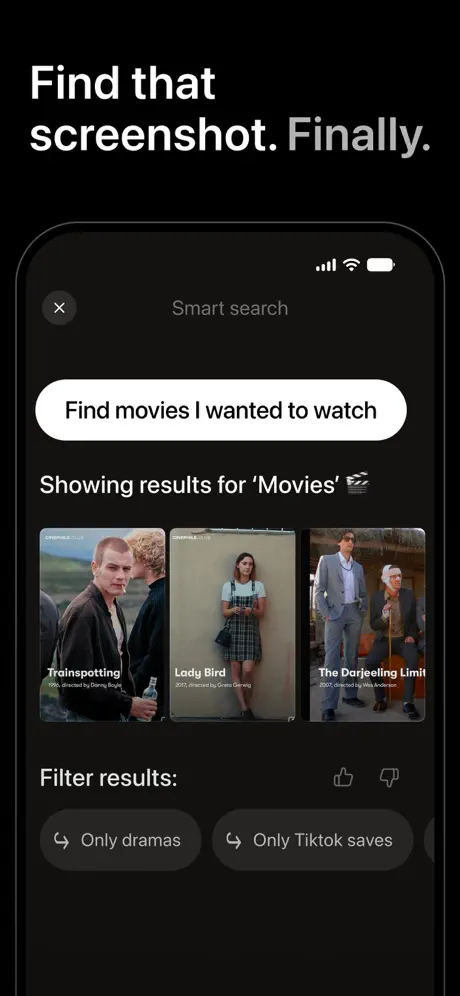
Turn Every Photo Into Action
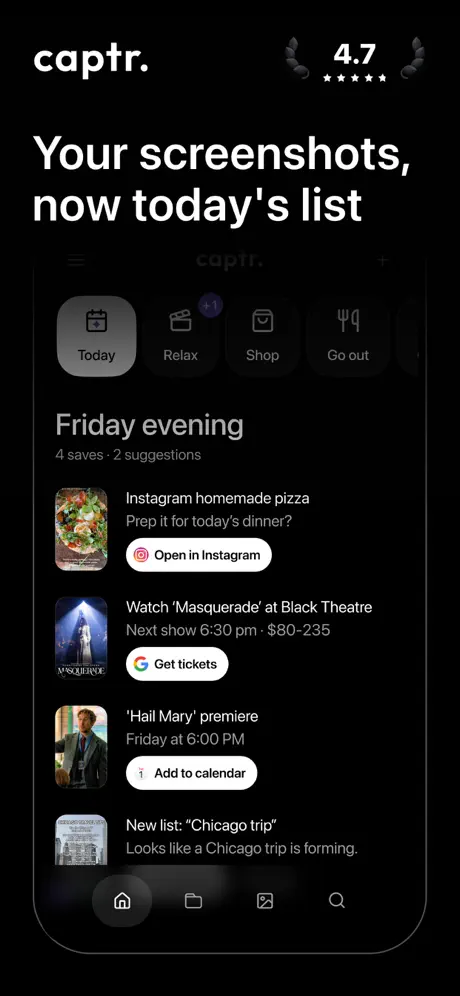
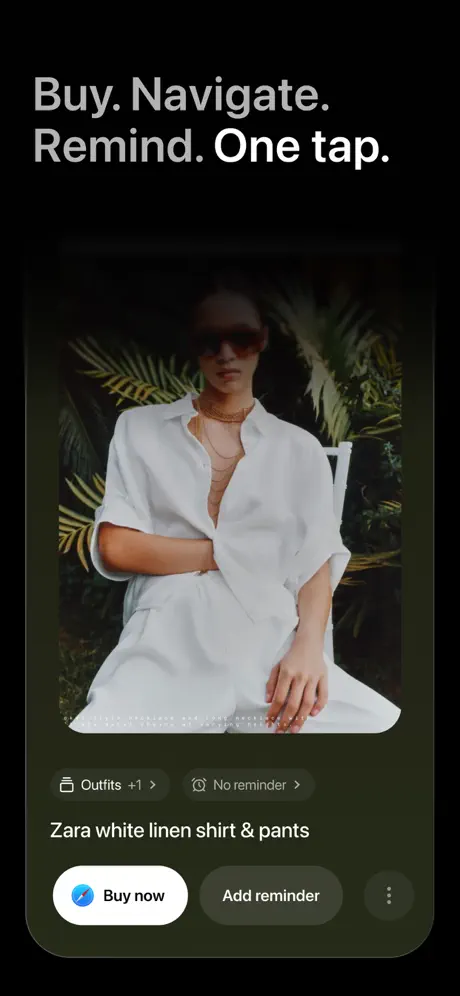
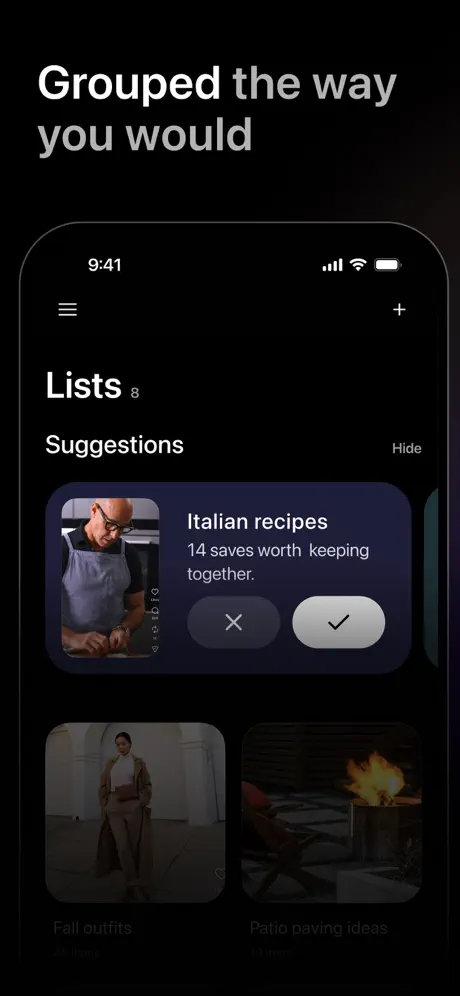
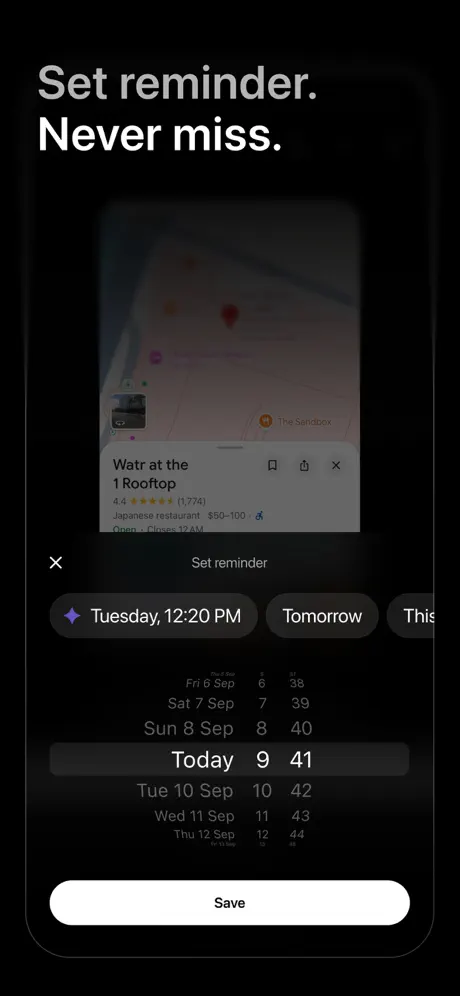
How much does Captr・Screenshot Organizer cost?
Prices are current as of 24 Oct 2026.
Captr・Screenshot Organizer has no in-app products on record in the United States.
10+ alternatives to Captr・Screenshot Organizer
| Captr・Screenshot Organizer | 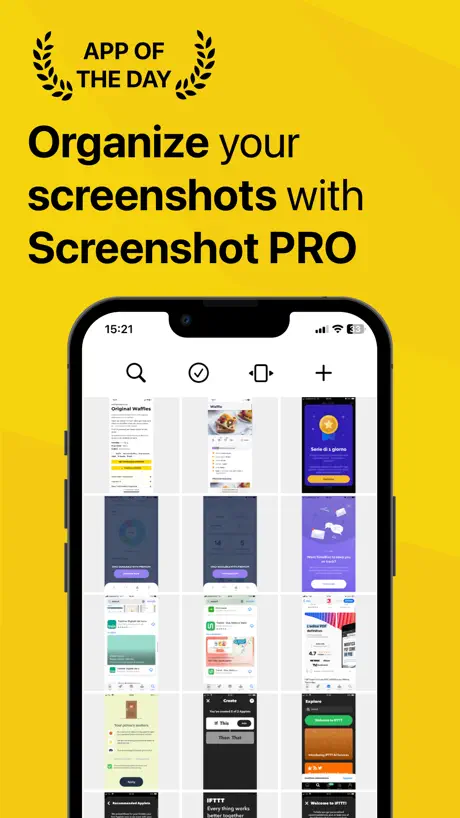  Screenshot PRO Screenshots App |   Screenshot |   Screenshot Manager - Organizer |   Markable AI Creator Automation |   Cleanmaster-smartclean |   Fancy Cleaner - AI Space Saver |   Screenshot AI Organizer |   Sprink: Save & Organize Posts |   ScreenshotAI-AI assistant |   VizKeeper: Snap, Say, Ask | |
|---|---|---|---|---|---|---|---|---|---|---|---|
| Rating / 5 | 4.7 | 4.1 | 2.6 | 3.9 | 4.8 | 4.3 | 4.4 | 4.2 | 4.0 | 5.0 | 5.0 |
| Reviews | 208 | 2.7K | 234 | 97 | 30 | 16 | 14 | 5 | 4 | 2 | 1 |
| Released | 2025 | 2019 | 2011 | 2021 | 2022 | 2026 | 2026 | 2025 | 2026 | 2025 | 2025 |
| Monthly price | — | $1.99 | — | — | — | — | — | — | — | — | — |
| Annual price | — | $8.99 | — | — | — | — | — | — | — | — | — |
| One-time price | — | $6.99 | — | — | — | — | — | — | — | — | — |
The going rate for each plan in United States, in its own currency, shaded from the cheapest price on the row to the dearest.
Captr・Screenshot Organizer reviews
4.7 out of 5, based on 208 reviews.
What people like
- Automatically organizes screenshots so you can delete them
- Makes it easy to find what you need
- Reminds you why you took the screenshot
What they complain about
- Rename feature and adding photos freeze the app
- Support loops back to App Store instead of helping
- Photos stay in your main gallery even after organizing
I like it
So far, so good…
Exactly what I’d been wanting
Well executed and nicely designed app for people who use screenshots as notes/reminders. I just wish you could store them and delete them from photos app so photos app stays clean.
Great Categorization Intent Falls Short
Captr and its website show the right idea, but the workflow is weak, and contacting the developer is an impossible loop, except for writing a review in the App Store. A) Workflow: 1) AI suggests titles, but there’s no action to accept the title as a picture group. Instead, you can choose a reminder for a single screenshot, or go to the web based on the screenshot’s source. I want to create albums of like-kind screenshots, from which choosing the actions on the album would be more beneficial. 2) I only see single-screenshot AI processing when I need batch grouping, where I can select an existing album/grouping or create a new one. B) Support: 1) The link from the App Store opens a website with great info and use cases that aren't delivered in the App; 2) The support site doesn't have a way to contact the developer for any given reason and loops back to the App Store, where I can only write a review. Is that how you want to be contacted? In my opinion, choosing a support category and a textbox description would be more useful for us than looping back to the App Store to post a review like the one I’m writing here. 3) Blog on the website is only from the developer. While it’s informational, there’s no capability to interact, and again, instead of posting an inquiry, we’re looped back to writing a review here. SUMMARY: This could easily be a 5-Star App, but it feels very young. Maybe the developer would consider using TestFlight to have Beta testers. If Captr uses TestFlight, I’d love to be one of the testers. I’m happy to update this review and its rating as these concerns are addressed. To the Developer: Keep building, this app has the unique potential I've been looking for. Thanks.
I want to love this app. It has amazing features .. but
However, the rename option doesn’t work. Adding selected photos to other list causes its to freeze and the library takes forever to open
I like captr !!
Just downloaded it. So far, so GOOOOOD! 😃👍
The best screen shot app!
I have over 20,000 screenshots and I used to think I would never be able to use them. They’re full of recipes, places to visit, things to do,!things to do with my kids and I can say after trying other apps for years and my phone screen organizer folders this is literally the best screenshot organizer ever I already feel more organized and I’m able to actually useall of the things I have set reminders, just so helpful!
Great tool!
Really simple, gets the job done!
Making my 1000s screenshots actionable
I have tens of thousands of screenshots, for reminders, inspiration, references etc and Captr. Actually helps me reference them and even proactively reminds me of things! It awesome
Love this app
This is a phenomenal idea for people who love to take screenshots- and then are overwhelmed with the amount of screenshots they took and no way to organize. This app really helps me w my ADD and screenshot addiction.
Finally making sense of my screenshots!
I’ve been waiting years for someone to make something or organize my life this way. I take so many screenshots and they all end up lost or never getting done. This is a great way to keep on top of everything in one place, and it’s SO much better than going into my photo roll.
Exceptional
Such an easy way to organize my screen shots. I had tried to organize them with photo app but this does it so much better. Love that you can make folders, makes it so easy to find what I am looking for.
Obsessed :)
If your phone is full of screenshots, get this. It automatically organises everything, and the best part is I can delete them to free up so much storage!
So helpful program
Actually helps me remember why I took a screenshot 😅 Love it
Captr・Screenshot Organizer FAQ
- Is Captr・Screenshot Organizer free?
- Yes. The app is free, in all 174 countries it sells in, and it sells nothing inside it.
- Does Captr・Screenshot Organizer have a free trial?
- No. None of its offers (US) come with a free trial.
- What are the best alternatives to Captr・Screenshot Organizer?
- Screenshot PRO Screenshots App (4.1 from 2,702 reviews, premium from $1.99), Screenshot (2.6 from 234 reviews) and Screenshot Manager - Organizer (3.9 from 97 reviews).
Captr・Screenshot Organizer download
Last updated 0 months ago.
Captr・Screenshot Organizer sells in 174 countries. It was released 1 year and 5 months ago, on 16 Jun 2025. It holds a 4.7 rating from 208 reviews.
Supports 1 language: English.
How much does Captr・Screenshot Organizer make?
Third-party estimates for the last 30 days, worldwide — not the store's own figures, which Apple publishes for nobody.