
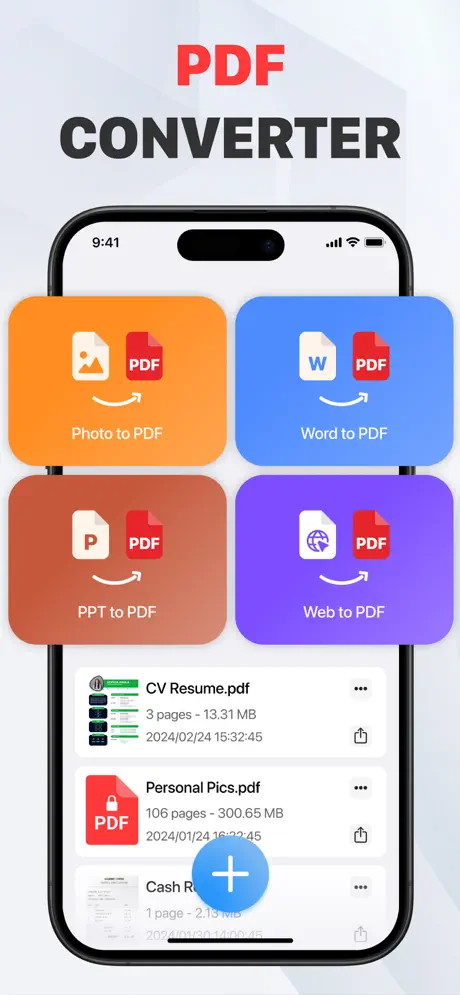
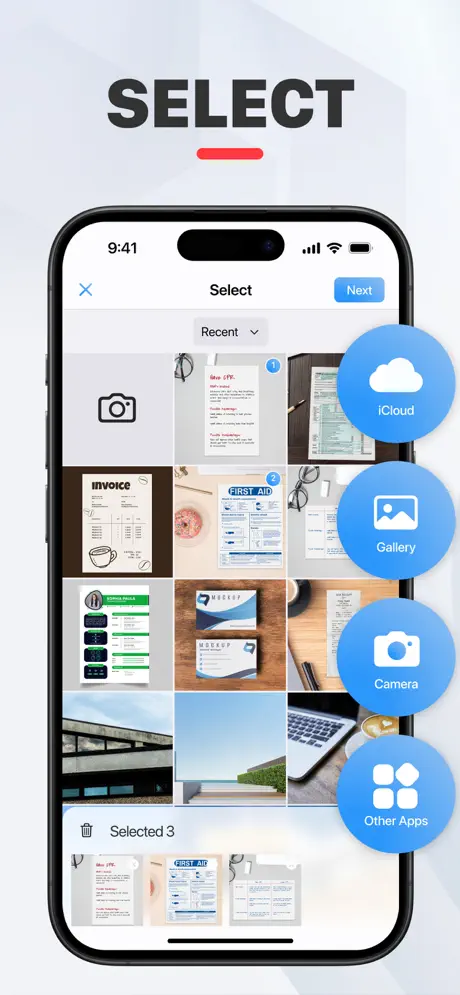
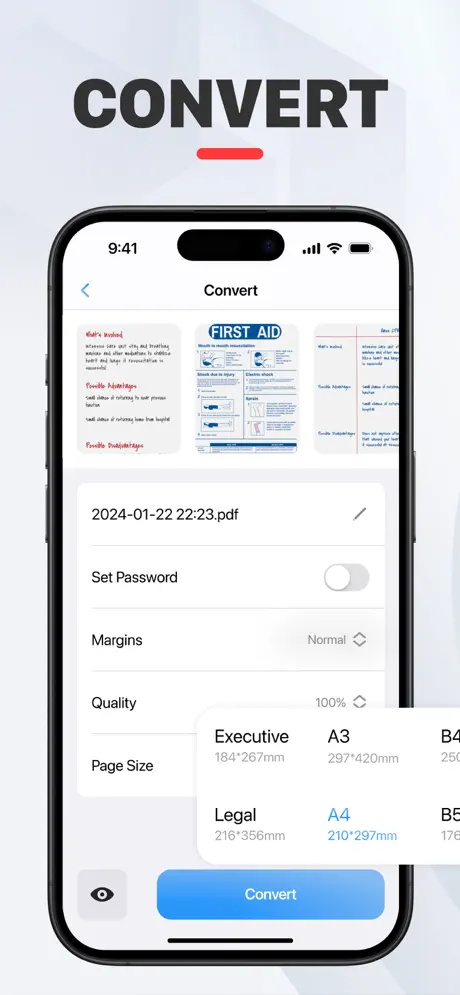
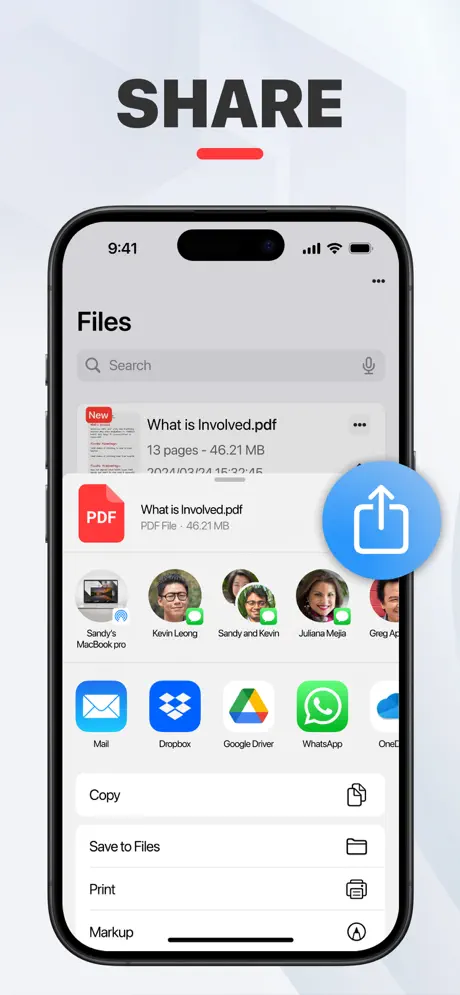
Photo to PDF Converter · Scan
Convert image to PDF Scanner

How much does Photo to PDF Converter · Scan cost?
Prices are current as of 7 Oct 2026.
2 subscriptions from $4.99
In the United States, Photo to PDF Converter · Scan has 2 subscriptions priced $4.99 – 24.99. It comes with a 3 days free trial.
| Subscription | Period | Price |
|---|---|---|
| PDF Converter Premium - week | Weekly | $4.99 |
| PDF Converter Premium Yearly | AnnualTrial: 3 days | $24.99 |
1 one-time purchase from $1.99
In the United States, Photo to PDF Converter · Scan has 1 one-time purchase priced $1.99.
| Product | Price |
|---|---|
| Word to PDF | $1.99 |
See what Photo to PDF Converter · Scan costs in all 174 countries →
10+ alternatives to Photo to PDF Converter · Scan
| Photo to PDF Converter · Scan | 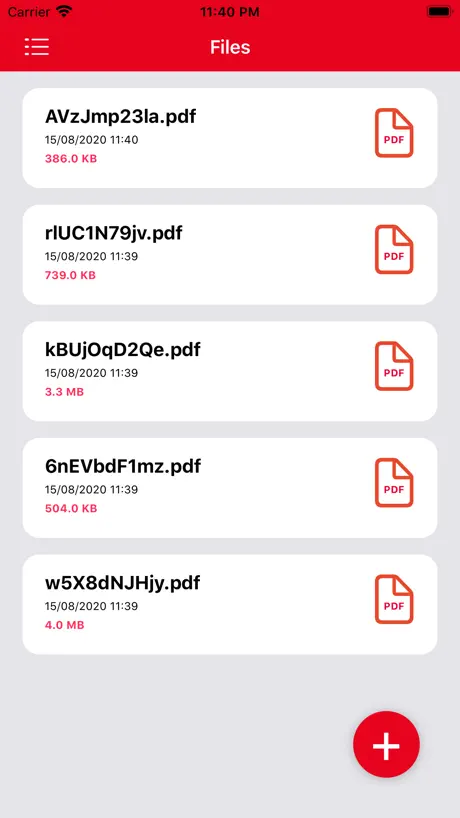  Convert Image To PDF tools Convert Image To PDF tools | 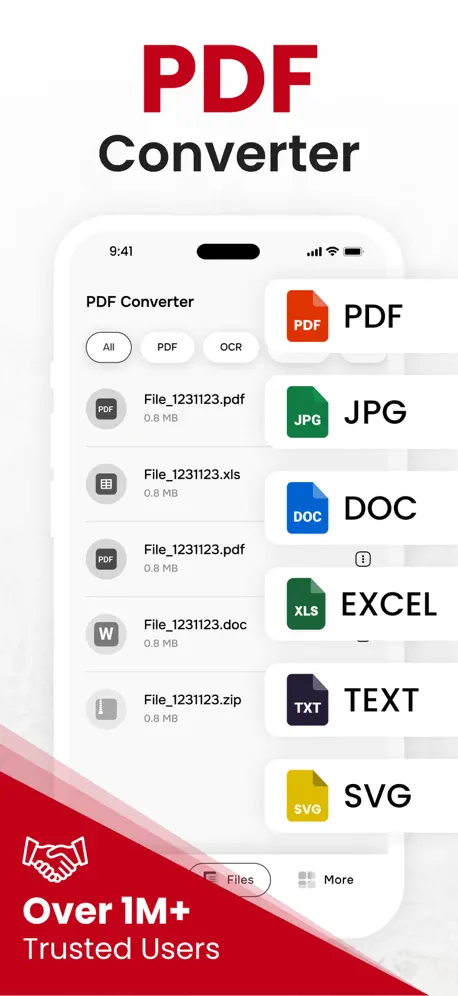  PDF Converter, Image to PDF PDF Converter, Image to PDF |   Image to PDF - Convert to PDF Image to PDF - Convert to PDF | 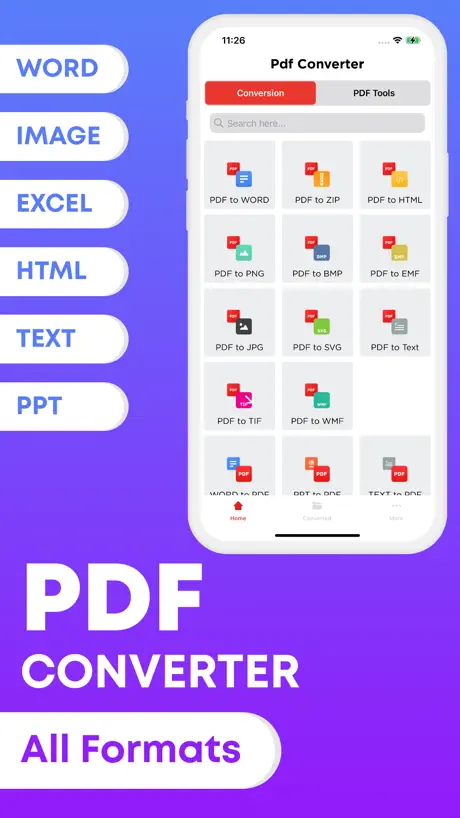  Word to PDF Converter - Reader Word to PDF Converter - Reader | 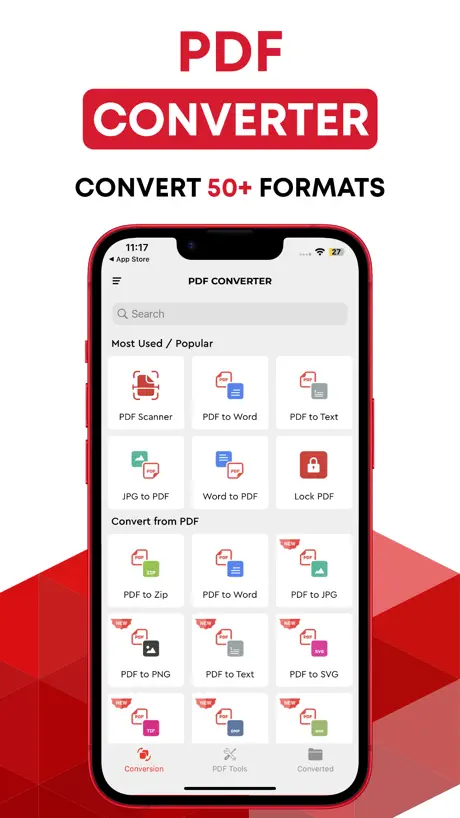  PDF Converter, Word to Pdf PDF Converter, Word to Pdf |   Photo to PDF - Image Converter Photo to PDF - Image Converter |   Smart Printer App & Scanner. Smart Printer App & Scanner. |   PDF Converter: Photo to PDF ! PDF Converter: Photo to PDF ! |   PDF Converter• Convert to Word PDF Converter• Convert to Word |   Image Converter : JPG to PDF Image Converter : JPG to PDF | |
|---|---|---|---|---|---|---|---|---|---|---|---|
| Rating / 5 | 4.6 | 4.6 | 4.4 | 4.7 | 4.1 | 4.4 | 4.5 | 4.4 | 4.8 | 4.4 | 4.7 |
| Reviews | 573 | 56K | 19K | 12K | 3.6K | 1.7K | 1K | 954 | 484 | 470 | 147 |
| Released | 2024 | 2020 | 2021 | 2020 | 2019 | 2018 | 2022 | 2023 | 2024 | 2021 | 2023 |
| Weekly price | $4.99 | $1.99 | $5.99 | — | $4.99 | $4.99 | $1.99 | — | $5.99 | — | — |
| Monthly price | — | $3.99 | $4.99 | $1.99 | $9.99 | $9.99 | $7.99 | — | $9.99 | — | — |
| Annual price | $24.99 | $17.99 | $49.99 | $14.99 | $19.99 | $19.99 | $29.99 | — | $34.99 | — | — |
| One-time price | $1.99 | — | $79.99 | — | $4.99 | $4.99 | — | — | $99.99 | — | — |
The going rate for each plan in United States, in its own currency, shaded from the cheapest price on the row to the dearest. Plans fewer than four in ten of the priced apps sell are left out.
Photo to PDF Converter · Scan reviews
4.6 out of 5, based on 573 reviews.
Liz
Liz
Все толко за оплату
Все толко за оплату
Быстро и чётко
Нужно было конвертировать фото в pdf файлы. Скачала несколько прог с хорошим рейтингом, в итоге, один из них выдал какую-то туфту в виде размытых файлов, где нифига не видно текста, другой дал возможность скачать только с огромными водяными знаками, а это были оч популярные проги, судя по рейтингу(( Спасибо создателям этого приложения, ваше приложение единственное из скаченных, которое сделало всё быстро и как надо🙌🏼
Pésima app
No me deja cancelar mi suscripción
tệ
mất 699k ko hiểu lí do????
Reemboslo
Horrible, me descontaron de mi cuenta bancaria dinero de una suscripción premium de un año que yo no realicé ni autoricé, espero me solucionen el problema
Photo to PDF Converter · Scan price by country
A weekly subscription costs $2.94 in Nigeria and $8.08 in Poland — 3× more for the same thing. Below is the going rate for each plan in every country that sells it — the middle price of what the app charges there, in the country's own currency with the dollar equivalent beneath it.
| Country | Weekly | Annual | One-time |
|---|---|---|---|
| Afghanistan | $4.99 | $24.99 | $1.99 |
| Albania | $5.99 | $29.99 | $1.99 |
| Algeria | $4.99 | $24.99 | $1.99 |
| Angola | $4.99 | $24.99 | $1.99 |
| Anguilla | $4.99 | $24.99 | $1.99 |
| Antigua And Barbuda | $4.99 | $24.99 | $1.99 |
| Argentina | $4.99 | $24.99 | $1.99 |
| Armenia | $5.99 | $29.99 | $1.99 |
| Australia | A$7.99$5.79 | A$39.99$28.98 | A$2.99$2.17 |
| Austria | €5.99$6.97 | €29.99$34.87 | €1.99$2.31 |
| Azerbaijan | $4.99 | $24.99 | $1.99 |
| Bahamas | $4.99 | $29.99 | $1.99 |
| Bahrain | $4.99 | $29.99 | $1.99 |
| Barbados | $5.99 | $29.99 | $1.99 |
| Belarus | $5.99 | $29.99 | $1.99 |
| Belgium | €5.99$6.97 | €29.99$34.87 | €1.99$2.31 |
| Belize | $4.99 | $24.99 | $1.99 |
| Benin | $5.99 | $29.99 | $1.99 |
| Bermuda | $4.99 | $24.99 | $1.99 |
| Bhutan | $4.99 | $24.99 | $1.99 |
| Bolivia | $4.99 | $24.99 | $1.99 |
| Bosnia & Herzegovina | €5.99$6.97 | €29.99$34.87 | €1.99$2.31 |
| Botswana | $4.99 | $24.99 | $1.99 |
| Brazil | R$24.90$4.88 | R$129.90$25.47 | R$12.90$2.53 |
| British Virgin Islands | $4.99 | $24.99 | $1.99 |
| Brunei Darussalam | $4.99 | $24.99 | $1.99 |
| Bulgaria | €4.99$5.80 | €24.99$29.06 | €1.99$2.31 |
| Burkina Faso | $4.99 | $24.99 | $1.99 |
| Cambodia | $4.99 | $29.99 | $1.99 |
| Cameroon | $5.99 | $29.99 | $1.99 |
| Canada | CA$6.99$5.07 | CA$34.99$25.36 | CA$2.99$2.17 |
| Cape Verde | $4.99 | $24.99 | $1.99 |
| Cayman Islands | $4.99 | $24.99 | $1.99 |
| Chad | $4.99 | $24.99 | $1.99 |
| Chile | CLP 4,990$5.40 | CLP 22,990$24.89 | CLP 1,990$2.15 |
| Colombia | COP 24,900$7.58 | COP 119,900$36.49 | COP 9,900$3.01 |
| Congo | $4.99 | $24.99 | $1.99 |
| Congo, Democratic Republic | $4.99 | $24.99 | $1.99 |
| Costa Rica | $4.99 | $24.99 | $1.99 |
| Cote Divoire | $4.99 | $24.99 | $1.99 |
| Croatia | €5.99$6.97 | €29.99$34.87 | €1.99$2.31 |
| Cyprus | €5.99$6.97 | €29.99$34.87 | €1.99$2.31 |
| Czech Republic | CZK 129.00$6.19 | CZK 699.00$33.54 | CZK 49.00$2.35 |
| Denmark | DKK 39.00$6.07 | DKK 199.00$30.95 | DKK 19.00$2.95 |
| Dominica | $4.99 | $24.99 | $1.99 |
| Dominican Republic | $4.99 | $24.99 | $1.99 |
| Ecuador | $4.99 | $24.99 | $1.99 |
| Egypt | EGP 179.99$3.52 | EGP 899.99$17.58 | EGP 99.99$1.95 |
| El Salvador | $4.99 | $24.99 | $1.99 |
| Estonia | €5.99$6.97 | €29.99$34.87 | €1.99$2.31 |
| Fiji | $4.99 | $24.99 | $1.99 |
| Finland | €5.99$6.97 | €29.99$34.87 | €1.99$2.31 |
| France | €5.99$6.97 | €29.99$34.87 | €1.99$2.31 |
| Gabon | $4.99 | $24.99 | $1.99 |
| Gambia | $4.99 | $24.99 | $1.99 |
| Georgia | $5.99 | $29.99 | $1.99 |
| Germany | €5.99$6.97 | €29.99$34.87 | €1.99$2.31 |
| Ghana | $5.99 | $29.99 | $1.99 |
| Greece | €5.99$6.97 | €29.99$34.87 | €1.99$2.31 |
| Grenada | $4.99 | $24.99 | $1.99 |
| Guatemala | $4.99 | $24.99 | $1.99 |
| Guinea-bissau | $4.99 | $24.99 | $1.99 |
| Guyana | $4.99 | $24.99 | $1.99 |
| Honduras | $4.99 | $24.99 | $1.99 |
| Hong Kong | HK$38.00$4.85 | HK$188.00$23.98 | HK$18.00$2.30 |
| Hungary | HUF 1,990$6.37 | HUF 9,990$31.95 | HUF 999$3.20 |
| Iceland | $5.99 | $29.99 | $1.99 |
| India | ₹499.00$5.25 | ₹2,499.00$26.27 | ₹199.00$2.09 |
| Indonesia | IDR 89,000$5.08 | IDR 399,000$22.79 | IDR 29,000$1.66 |
| Iraq | $4.99 | $24.99 | $1.99 |
| Ireland | €5.99$6.97 | €29.99$34.87 | €1.99$2.31 |
| Israel | ₪17.90$5.93 | ₪89.90$29.77 | ₪7.90$2.62 |
| Italy | €5.99$6.97 | €29.99$34.87 | €1.99$2.31 |
| Jamaica | $4.99 | $24.99 | $1.99 |
| Japan | ¥700$4.43 | ¥3,500$22.15 | ¥300$1.90 |
| Jordan | $4.99 | $24.99 | $1.99 |
| Kazakhstan | KZT 2,490.00$5.48 | KZT 12,990.00$28.58 | KZT 999.00$2.20 |
| Kenya | $5.99 | $29.99 | $1.99 |
| Kosovo | €5.99$6.97 | €29.99$34.87 | €1.99$2.31 |
| Kuwait | $4.99 | $24.99 | $1.99 |
| Kyrgyzstan | $4.99 | $29.99 | $1.99 |
| Lao Peoples Democratic Republic | $4.99 | $24.99 | $1.99 |
| Latvia | €5.99$6.97 | €29.99$34.87 | €1.99$2.31 |
| Lebanon | $4.99 | $24.99 | $1.99 |
| Liberia | $4.99 | $24.99 | $1.99 |
| Libya | $4.99 | $24.99 | $1.99 |
| Lithuania | €5.99$6.97 | €29.99$34.87 | €1.99$2.31 |
| Luxembourg | €5.99$6.97 | €29.99$34.87 | €1.99$2.31 |
| Macao | $4.99 | $24.99 | $1.99 |
| Macedonia | $4.99 | $24.99 | $1.99 |
| Madagascar | $4.99 | $24.99 | $1.99 |
| Malawi | $4.99 | $24.99 | $1.99 |
| Malaysia | MYR 22.90$5.63 | MYR 119.90$29.46 | MYR 9.90$2.43 |
| Maldives | $4.99 | $24.99 | $1.99 |
| Mali | $4.99 | $24.99 | $1.99 |
| Malta | €5.99$6.97 | €29.99$34.87 | €1.99$2.31 |
| Mauritania | $4.99 | $24.99 | $1.99 |
| Mauritius | $4.99 | $24.99 | $1.99 |
| Mexico | MX$99.00$5.47 | MX$499.00$27.55 | MX$39.00$2.15 |
| Micronesia | $4.99 | $24.99 | $1.99 |
| Moldova | $5.99 | $29.99 | $1.99 |
| Mongolia | $4.99 | $24.99 | $1.99 |
| Montenegro | €4.99$5.80 | €22.99$26.73 | €1.99$2.31 |
| Montserrat | $4.99 | $24.99 | $1.99 |
| Morocco | $4.99 | $24.99 | $1.99 |
| Mozambique | $4.99 | $24.99 | $1.99 |
| Myanmar | $4.99 | $24.99 | $1.99 |
| Namibia | $4.99 | $24.99 | $1.99 |
| Nauru | $4.99 | $24.99 | $1.99 |
| Nepal | $4.99 | $24.99 | $1.99 |
| Netherlands | €5.99$6.97 | €29.99$34.87 | €1.99$2.31 |
| New Zealand | NZ$9.99$5.84 | NZ$49.99$29.23 | NZ$3.99$2.33 |
| Nicaragua | $4.99 | $24.99 | $1.99 |
| Niger | $4.99 | $24.99 | $1.99 |
| Nigeria | NGN 3,900.00$2.94 | NGN 19,900.00$15.01 | NGN 3,200.00$2.41 |
| Norway | NOK 59.00$6.41 | NOK 299.00$32.50 | NOK 29.00$3.15 |
| Oman | $4.99 | $24.99 | $1.99 |
| Pakistan | PKR 1,300$4.69 | PKR 6,900$24.88 | PKR 500$1.80 |
| Palau | $4.99 | $24.99 | $1.99 |
| Panama | $4.99 | $24.99 | $1.99 |
| Papua New Guinea | $4.99 | $24.99 | $1.99 |
| Paraguay | $4.99 | $24.99 | $1.99 |
| Peru | PEN 19.90$5.94 | PEN 99.90$29.82 | PEN 9.90$2.96 |
| Philippines | ₱299.00$4.78 | ₱1,290.00$20.63 | ₱129.00$2.06 |
| Poland | PLN 29.99$8.08 | PLN 129.99$35.04 | PLN 9.99$2.69 |
| Portugal | €5.99$6.97 | €29.99$34.87 | €1.99$2.31 |
| Qatar | QAR 19.99$5.49 | QAR 99.99$27.47 | QAR 7.99$2.20 |
| Romania | RON 29.99$6.63 | RON 129.99$28.76 | RON 9.99$2.21 |
| Russia | RUB 449.00$5.27 | RUB 2,290.00$26.89 | RUB 199.00$2.34 |
| Rwanda | $4.99 | $24.99 | $1.99 |
| Sao Tome & Principe | $4.99 | $24.99 | $1.99 |
| Saudi Arabia | SAR 19.99$5.33 | SAR 99.99$26.66 | SAR 9.99$2.66 |
| Senegal | $4.99 | $24.99 | $1.99 |
| Serbia | €5.99$6.97 | €29.99$34.87 | €1.99$2.31 |
| Seychelles | $4.99 | $24.99 | $1.99 |
| Sierra Leone | $4.99 | $24.99 | $1.99 |
| Singapore | SGD 6.98$5.54 | SGD 34.98$27.76 | SGD 2.98$2.37 |
| Slovakia | €5.99$6.97 | €29.99$34.87 | €1.99$2.31 |
| Slovenia | €5.99$6.97 | €29.99$34.87 | €1.99$2.31 |
| Solomon Islands | $4.99 | $24.99 | $1.99 |
| South Africa | ZAR 99.99$6.23 | ZAR 499.99$31.17 | ZAR 39.99$2.49 |
| South Korea | ₩6,600$4.93 | ₩33,000$24.65 | ₩3,300$2.46 |
| Spain | €5.99$6.97 | €29.99$34.87 | €1.99$2.31 |
| Sri Lanka | $4.99 | $24.99 | $1.99 |
| St. Kitts and Nevis | $4.99 | $24.99 | $1.99 |
| St. Lucia | $4.99 | $24.99 | $1.99 |
| St. Vincent & The Grenadines | $4.99 | $24.99 | $1.99 |
| Suriname | $4.99 | $24.99 | $1.99 |
| Swaziland | $4.99 | $24.99 | $1.99 |
| Sweden | SEK 69.00$7.19 | SEK 299.00$31.18 | SEK 29.00$3.02 |
| Switzerland | CHF 5.00$6.17 | CHF 25.00$30.86 | CHF 2.00$2.47 |
| Taiwan | NT$150.00$4.77 | NT$790.00$25.10 | NT$60.00$1.91 |
| Tajikistan | $4.99 | $29.99 | $1.99 |
| Tanzania | TZS 14,900.00$5.63 | TZS 69,900.00$26.43 | TZS 5,900.00$2.23 |
| Thailand | THB 199.00$6.05 | THB 999.00$30.36 | THB 79.00$2.40 |
| Tonga | $4.99 | $24.99 | $1.99 |
| Trinidad and Tobago | $4.99 | $24.99 | $1.99 |
| Tunisia | $4.99 | $24.99 | $1.99 |
| Turkey | TRY 199.99$4.12 | TRY 999.99$20.61 | TRY 99.99$2.06 |
| Turkmenistan | $4.99 | $24.99 | $1.99 |
| Turks and Caicos | $4.99 | $24.99 | $1.99 |
| Uganda | $5.99 | $29.99 | $1.99 |
| Ukraine | $5.99 | $29.99 | $1.99 |
| United Arab Emirates | AED 19.99$5.45 | AED 99.99$27.25 | AED 7.99$2.18 |
| United Kingdom | £4.99$6.76 | £24.99$33.86 | £1.99$2.70 |
| United States | $4.99 | $24.99 | $1.99 |
| Uruguay | $4.99 | $24.99 | $1.99 |
| Uzbekistan | $4.99 | $29.99 | $1.99 |
| Vanuatu | $4.99 | $24.99 | $1.99 |
| Venezuela | $4.99 | $24.99 | $1.99 |
| Vietnam | ₫129,000$4.99 | ₫699,000$27.03 | ₫59,000$2.28 |
| Yemen | $4.99 | $24.99 | $1.99 |
| Zambia | $4.99 | $24.99 | $1.99 |
| Zimbabwe | $5.99 | $29.99 | $1.99 |
Photo to PDF Converter · Scan FAQ
- Is Photo to PDF Converter · Scan free?
- Yes. The app and its basic features are free, in all 174 countries it sells in. Premium features are paid: they start from $4.99 (US), across 2 subscriptions and 1 one-time purchase.
- Does Photo to PDF Converter · Scan have a free trial?
- Yes — a 3 days free trial (US).
- Where is Photo to PDF Converter · Scan cheapest?
- A weekly subscription costs NGN 3,900.00 (≈$2.94) in Nigeria and PLN 29.99 (≈$8.08) in Poland, its cheapest and dearest countries.
- What are the best alternatives to Photo to PDF Converter · Scan?
- Convert Image To PDF tools (4.6 from 56,483 reviews, premium from $1.99), PDF Converter, Image to PDF (4.4 from 18,995 reviews, premium from $4.99) and Image to PDF - Convert to PDF (4.7 from 12,137 reviews, premium from $1.99).
Photo to PDF Converter · Scan download
Last updated 2 months ago.
Photo to PDF Converter · Scan sells in 174 countries. It was released 2 years and 5 months ago, on 18 Apr 2024. It holds a 4.6 rating from 573 reviews.
Supports 16 languages: English, Arabic, French, German, Indonesian, Italian, Japanese, Korean, Polish, Portuguese, Russian, Chinese, Spanish, Thai, Turkish, Vietnamese.
How much does Photo to PDF Converter · Scan make?
Third-party estimates for the last 30 days, worldwide — not the store's own figures, which Apple publishes for nobody.
Revenue by plan
- Annual 64%
- Weekly 29%
- One-time 7%
Revenue by country
- Mexico 34%
- United States 11%
- Russia 9%
- Saudi Arabia 5%