Customize Search Engine
Search Smarter, Explore Deeper
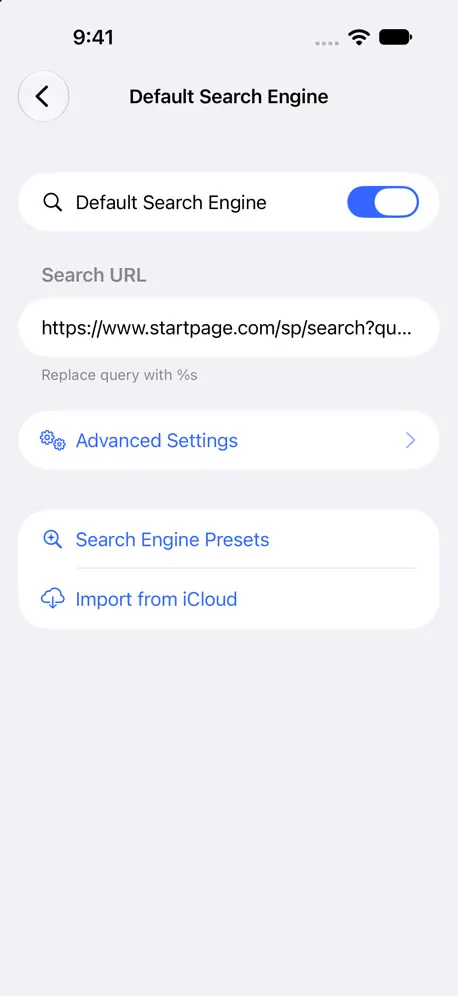
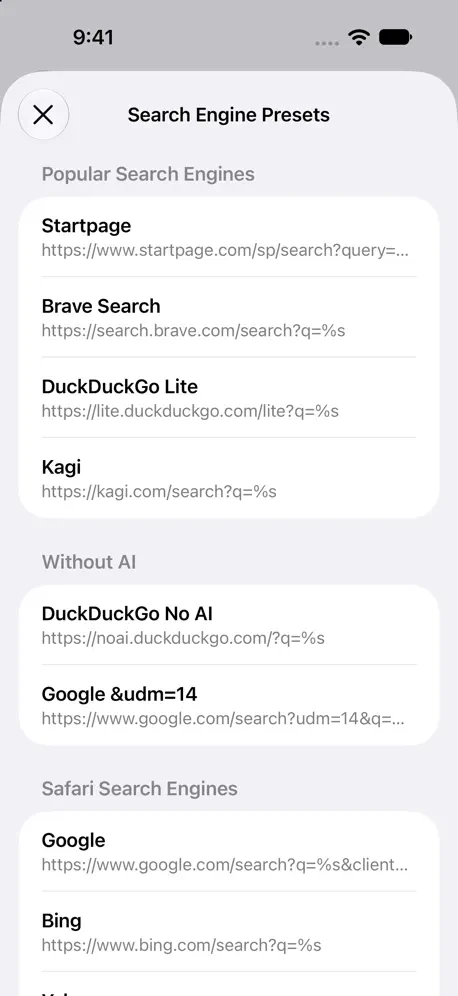
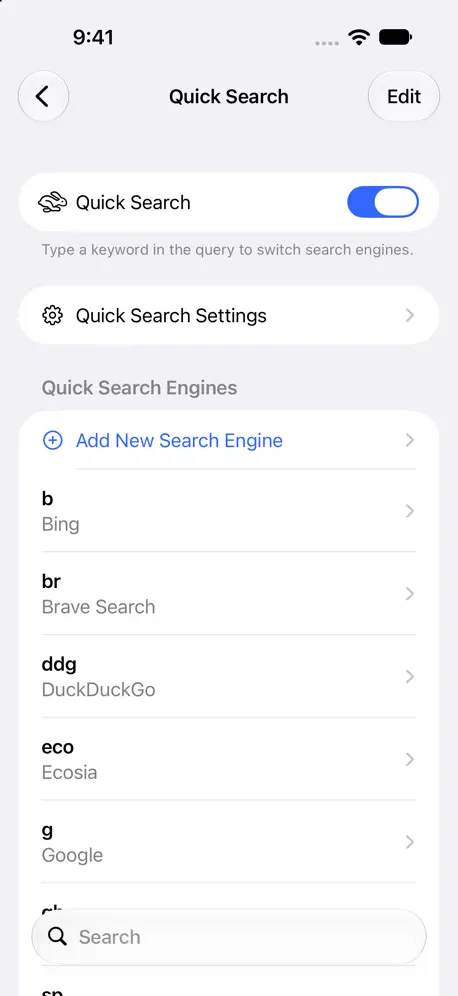
How much does Customize Search Engine cost?
Prices are current as of 25 Oct 2026.
Customize Search Engine has no in-app products on record in the United States.
10+ alternatives to Customize Search Engine
| Customize Search Engine |   Swisscows Private Search |   Quiche Browser | 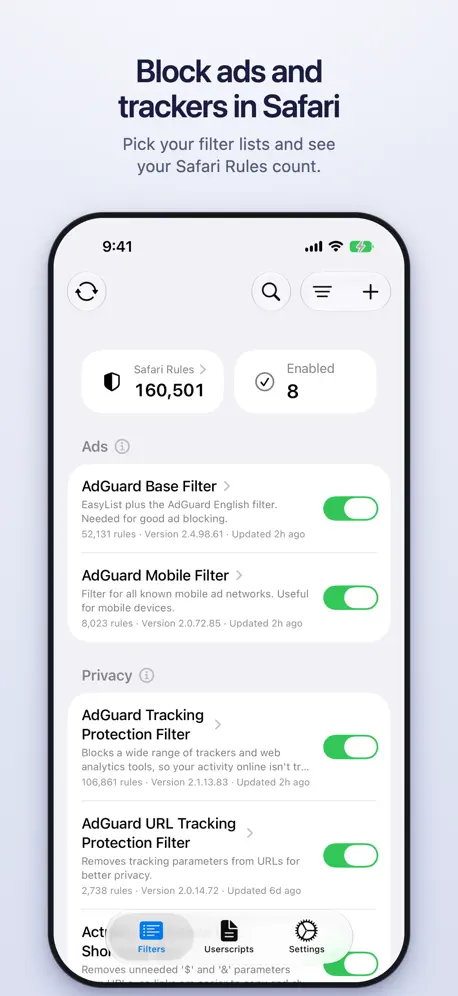  wBlock: Ad Blocker for Safari |   Kagi for Safari |   uBlacklist for Safari |   RedirectWeb: Smart URL Router |   udm14 for Safari |   Braver Search |   Bump Search |   BrowseHub: Private Browser | |
|---|---|---|---|---|---|---|---|---|---|---|---|
| Rating / 5 | 4.6 | 4.7 | 4.9 | 4.9 | 4.0 | 4.0 | 4.7 | 4.3 | 4.3 | 4.3 | 4.0 |
| Reviews | 182 | 2.6K | 2.3K | 711 | 408 | 217 | 212 | 99 | 66 | 19 | 6 |
| Released | 2023 | 2021 | 2023 | 2025 | 2022 | 2021 | 2021 | 2024 | 2025 | 2024 | 2024 |
| Monthly price | — | $3.99 | $3.99 | — | — | — | — | — | — | — | — |
| Annual price | — | $39.99 | $29.99 | — | — | — | $1.99 | — | — | — | — |
| One-time price | — | — | $4.99 | — | — | $2.99 | $3.99 | — | — | — | — |
The going rate for each plan in United States, in its own currency, shaded from the cheapest price on the row to the dearest.
Customize Search Engine reviews
4.6 out of 5, based on 182 reviews.
What people like
- Completely free with no ads
- Works great in private mode
- Finally lets you pick any search engine
What they complain about
- Causes annoying Google captcha blocks
- Shows a slow redirect screen
- Privacy concerns about leaking searches
Exactly what you’re looking for
Works great, no BS.
Ummm! No way!
Setup requires me to enable google.com / Deleted Immediately!
Disable Google AI
I can't find any clear directions on how to set up CSE to disable that ,deleted> AI in Google Search. Can anyone help with this, point by point? TIA! Looks awesome! Kudos to Kissuk! Wish there were clear instructions on this. I assume everyone is looking to disable AI.
Stopped working
This has stopped working as of a few weeks ago. I did the Google Web thing and I'm no longer being redirected automatically. It used to work perfectly
1 glaring issue
I installed this app specifically for the UDM14 Google search functionality. Although it “works”, there’s a big issue and dealbreaker for me where every new Google search I conducted, I now had an annoying, unremovable banner at the top of every Google search that said “Open in the (official) Google (search) app”. Once I disabled this extension, the unremovable “open in the Google app” banner completely disappeared, which is how it operated before. I even have Wipr 2 installed which gets rid of all ads including Google search ads and sponsored results. I thought this banner issue was perhaps out of the developer’s control, but that is incorrect! I just installed the “udm14 for Safari” extension, and after enabling it properly for Google.com, I now was able to get both the udm14 functionality working and the “open in the Google app” banner did not appear at all! Please fix this!
It just works
This needs to be a function in Safari outside the 5 default engine options. I can finally use Google without the AI overview again without having to do it manually. Thank you for your work :)
Couldn’t get it to work
Great idea but I couldn’t get it work on my iPad Pro. I completed the set up twice, however I still kept getting google’s AI. It may be conflicting with another extension.
Works fine on macOS but not iOS
See title. Using the same settings for both, for udm14.
Wish it worked consistently. But always has issues at start
Tried using this and following directions perfectly but cant stand it. I search andnit searches normally in safari without the extension intercepting the page, and then I try reloading and it doesnt work, disable the re-enable it and theres a better chance it works.... but its still inconsistent and there is no guarantee. I just was trying to add a prefix to a google search and after days of tinkering and adjusting it still doesnt work consistently.
動作するがリダイレクト画面が表示される
説明通りに動作はするが、同種の他のアプリと違ってリダイレクト中の画面が表示されるのがイマイチです。余計な機能はなくシンプルなのと無料なのはありがたいので、改善を望みます。
App crash during export settings
When I try export as json, the app crashes every time.
Don’t use it
I was liking it to begin with but then I realised that I might be leaking literally all my searches to Google? For instance I searched once with my normal search engine and suddenly found that Google had opened instead! I don’t think the issue is leaking to Apple like the developer says, it’s Google to worry about (Safari lets you turn off the Safari search suggestions anyway). Additionally, I don’t like the block page I see when I search with the blocker on. It’s sometimes there for several seconds before redirecting. And other times it remains stuck and search doesn’t work (this is still an issue on the latest version). I would personally recommend simply using xSearch. It has all the features of CSE without these bugs and glitches.
Works as expected, but…
It causes rapid redirecting with google, causing google to *always* declare I am a robot and have to go through a captcha. This is extremely annoying.
Doesn’t perform udm14
I got this app to avoid google Gemini ai results. When I open a tab, I get a blank search window, but when I perform the search, I get redirected through google regular search: a bunch of ads, Gemini results, idiots also ask, yadda yadda yadda. I just found a udm14 browser extension for chrome on Mac, and it is fabulous. Maybe this is really a problem with Safari?
Take notes, Apple
Other than the slight delay it adds by blocking then redirecting the query, it does exactly what it needs to do, works perfectly, and should be a basic feature of Safari.
doesnt work
doesnt work
Awesome app, but recent problem with google
First of all, I just want to say I love this app. I changed it to add &udm=14 to my Google searches to get rid of the AI overviews, I have tons of shortcuts like adding wbm before my url’s to open them in the Wayback Machine, etc. Amazing tool. However, I’ve recently been having a problem with my Google searches, where it basically searches ten times in a row as it keeps switching back and forth between All and Web. Because of this, I have to answer captchas every time I want to look something up, which gets annoying. Still a great extension though.
不知道有啥用
电脑和手机都有这个,也不知道干嘛用的
Works great!
I can finally use startpage as my main search engine in safari on my phone, Mac & iPad! I hate google so much
Does not work
Safari froze while trying to use Brave Search
I need help
I can't search anything on it please tell me how
Does what it says on the tin, and does it perfectly!
I rarely take the time to write app reviews, but I was so impressed with CSE and how effectively it took care of one of iOS’s biggest headaches: the search engine. AND it works in private mode too! As an active Kagi user, I could never find a great solution that was seamless with iOS Safari but this app is super easy to configure whatever custom search engine you want and it worked instantly. Super, super impressed.
Useless
This did nothing.
Зачем страница с редиректом?
Все ъорошо. Но страница с редиректом делает поисковой запрос еще медленее.
does exactly what I need
Title This app lets me block those awful ai overviews just fine. Most apps are garbage, spam you with ads, or beg for money. This one doesn’t
Doesn't work
Doesn't work at all
Fixes a major Safari annoyance
Installation is a little fiddly, but it is well worth the time and effort. If you find Apple’s list of search engines too limited give this a try. There is no fee or link to donate-I would gladly pay for this functionality.
Best app ever !
Recently, I wanted a custom search engine on my Safari but the Safari settings had limited choice. But this app does what it should perfectly, flawlessly and absolutely free so this is the perfect app that you need to look for, but it’s a bit hard to set up at first (if you are not a nerd at tech) but it’s a one time problem.
Seamless!
Once you set it up it works seamlessly! Highly recommend
Customize Search Engine FAQ
- Is Customize Search Engine free?
- Yes. The app is free, in all 175 countries it sells in, and it sells nothing inside it.
- Does Customize Search Engine have a free trial?
- No. None of its offers (US) come with a free trial.
- What are the best alternatives to Customize Search Engine?
- Swisscows Private Search (4.7 from 2,572 reviews, premium from $3.99), Quiche Browser (4.9 from 2,348 reviews, premium from $2.99) and wBlock: Ad Blocker for Safari (4.9 from 711 reviews).
Customize Search Engine download
Last updated 1 month ago.
Customize Search Engine sells in 175 countries. It was released 3 years and 8 months ago, on 24 Feb 2023. It holds a 4.6 rating from 182 reviews.
Supports 11 languages: English, Arabic, French, German, Japanese, Korean, Portuguese, Russian, Chinese, Spanish, Ukrainian.
How much does Customize Search Engine make?
Third-party estimates for the last 30 days, worldwide — not the store's own figures, which Apple publishes for nobody.