NTTA TollMate®
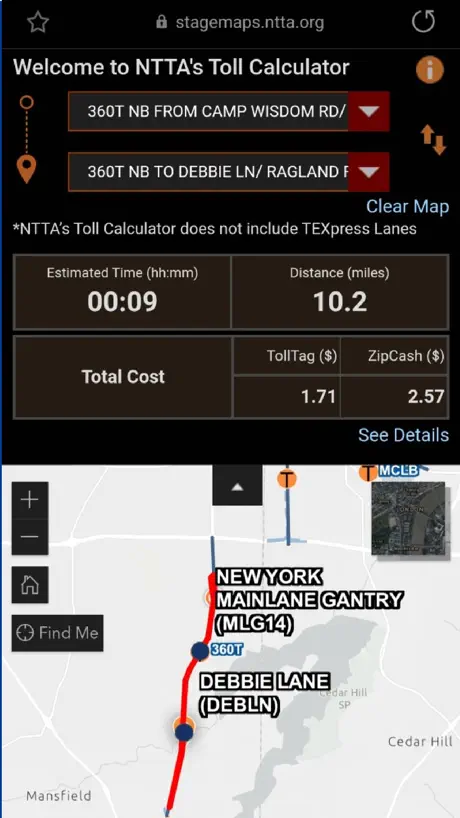
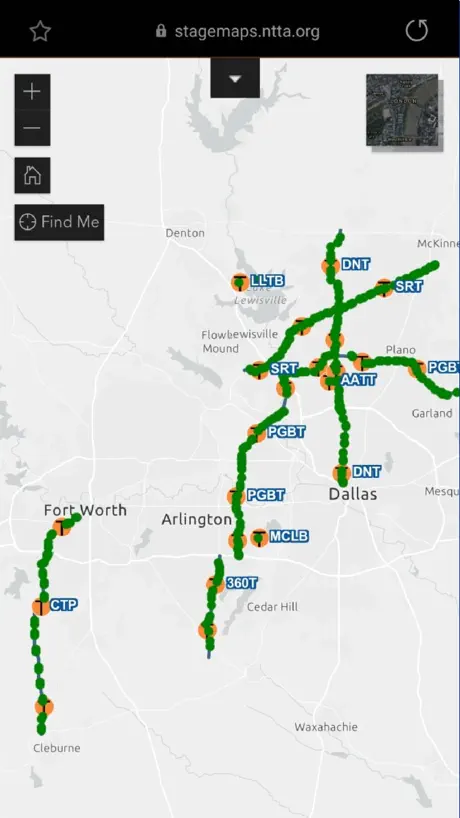
How much does NTTA TollMate® cost?
Prices are current as of 14 Nov 2026.
NTTA TollMate® has no in-app products on record in the United States.
10+ alternatives to NTTA TollMate®
| NTTA TollMate® | 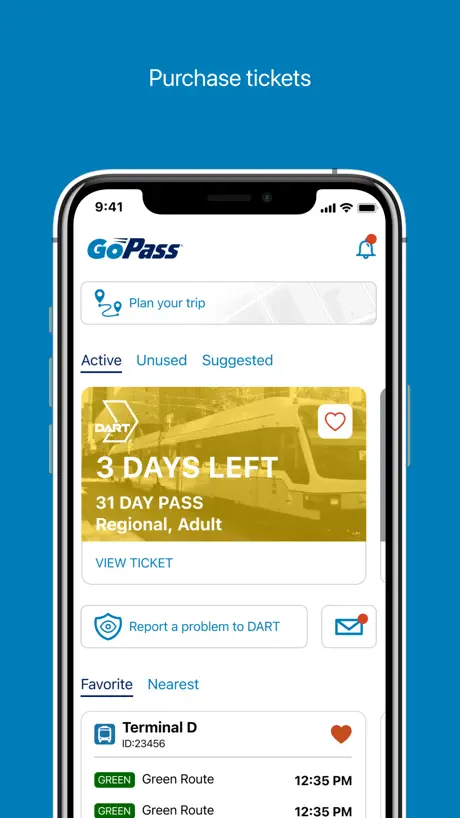  GoPass | 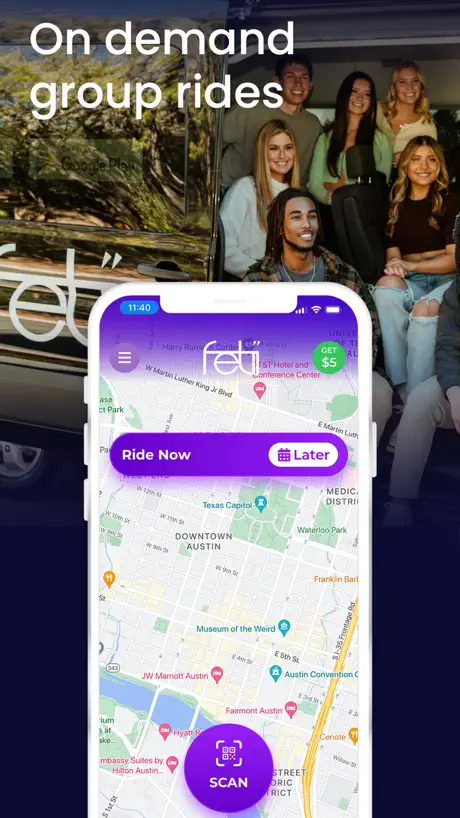  Fetii Ride |   Hitch - City-to-City Rideshare |   FW PARK |   Alto |   Park ATX |   DFW Airport |   GoCarma |   EZ TAG |   SAPark | |
|---|---|---|---|---|---|---|---|---|---|---|---|
| Rating / 5 | 1.7 | 4.8 | 4.8 | 4.4 | 4.7 | 4.7 | 4.0 | 4.6 | 4.1 | 3.4 | 2.1 |
| Reviews | 1.1K | 93K | 5.1K | 4.9K | 4.5K | 4.4K | 2.1K | 1.8K | 1.8K | 384 | 47 |
| Released | 2013 | 2013 | 2019 | 2018 | 2016 | 2018 | 2013 | 2012 | 2017 | 2019 | 2019 |
NTTA TollMate® reviews
1.7 out of 5, based on 1,102 reviews.
What people like
- Works fine if info is updated
What they complain about
- Account locks you out constantly
- App freezes and loads slowly
- Can’t update billing address in app
Works fine
Not sure why there are so many negative reviews. The app works fine. Keep your information updated and you won’t have any problems.
Terrible app
This gives no info, and doesn’t go back more than a year so I can’t see the supposed tolls that are in collections because the tag did not work in the first place
Can’t pay bill…
Always seems to be some sort of issue. It suspends my card ALL THE TIME. Says there is a positive balance when there isn’t and now idk what’s going on…. I can’t pay it, it’s past due and it keeps buffering and glitching. And they double charge me when I’m pulling the trailer, they take it from tag but they also bill me for the trailer separately.
Does the job but needs work
The app generally worked well until a couple of weeks or so ago. It now takes longer for the qccount information to load after logging in. The app freezes at times and i sometimes have issues logging in.
Worst App Ever Made
This app looks and functions as if a high school kid made it for a computer science project in the 90’s.
Tolls
C’mon NTTA can we hire a dedicated dude that knows what they are doing compared to holding onto the old guy that knows how to run the system the app works on. This is getting ridiculous. App runs like a clogged toilet bowl.
No Update
No updated features- it’s all the same. Additionally, I cannot update my address. Please do better.
No sirve
Se traba y no funciona
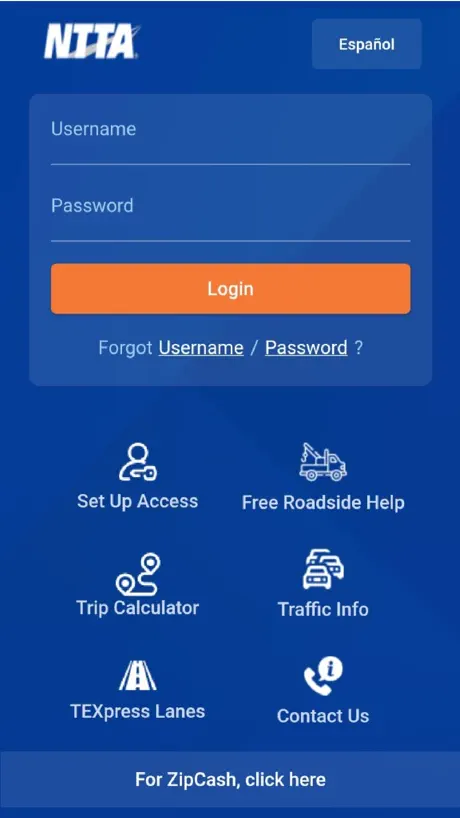
Unacceptable login experience is only the beginning
I don’t want cute puppets in marketing and gimmicky contests that no one wins—I just want to log in to my account without a user experience that is unacceptably bad at every micro-interaction. I go to check Tollmate and am presented with a PIN login. No idea what this is, but I know my username and password and had used Face ID in the past. I have to restart the app because the text entry won’t load. I tap username field, and tap autofill password from my iOS keyboard. Tollmate isn’t properly set up to allow this feature, or actively blocks it. I manually type my info in. After login, I’m prompted to reset my password. I enter my current password and a new valid password and verify it. I’m taken to the login. I enter my username (my name) and new password. I get a username not found error. I review it, entered it correctly. I go to the Forgot Username flow and enter my “Account #” and enter the numbers on my tollgag ID. I accidentally press cancel, the primary-looking button on the right and am taken to the login. I get back to the username form, re-enter my account number from my tolltag, tap Submit, and and get a validation message. The bottom two fields are required, even though it says Account ID OR the three bottom fields in close proximity. I enter the required field, and get an error. No records found. I try my plate number + username + phone number and successfully get an email with the same username I had entered (my name). Maybe it’s now sensitive to all capitals. I copy it, paste it into Tollmate, and then carefully enter my new password. Tollmate says my account is Locked and I’m prompted to reset my password, again. I tap reset password, paste my username, tap Continue, and get an email with a reset link and validation code I enter my new password, confirm the new password, paste the code, and tap Reset, the primary button on the right that matched the confirming action (Reset password). Nothing happens, no confirmation, but I go try to log in with my password, still locked. I request a mother code. Fill out the form, tap reset, and nothing. Now, I realize the button is actually functioning to resets a 3-field form like it’s 2005… Password expiry policies are also old practice, so this all could be avoided with updated identity, credentials, and access management and the UI surrounding it Wrong way notifications are always-on and using location. They get in the way of managing the account demanding precise location at all times. And there’s no way for them to only trigger when on an NTTA road—entering through a gantry, or being near or within a roadway. Updating a card’s billing address isn’t possible in the app. I move and have to update my ZIP, or I’ll end up having autopay not work, again. I had to call in to unlock my account, remove my existing card, and then add my same card again with the updating billing info. Everything about NTTA self-service needs a human-centered design professional
Glitchy At Best
Saved and properly entered credentials gets you locked out. Properly entered security question doesn’t work. Radio button for secondary security answer is dead. What else can go wrong. iPhone 17 pro max, iPad Pro and MB Pro.
Bad certificate
I just went inside the NTTA store and got my login issues fixed. A few weeks later the app won’t let me login. It says: Bad Certificate Matrips. NTTA.org
Bunk
App sucks it always logs me out and I constantly have to reset my pw it always show an error once I do sign in. This is trash.
Inoperable Pymt Mgr
I’ve attempt to add a new card to load funds, but the app is taking my info and not adding the card to the payment section. Where is my card information going?
Barely functions
Horridly bad. Can’t update info. Forced to call in. What’s the point of an app that doesn’t work?
NTTA TollMate® FAQ
- Is NTTA TollMate® free?
- Yes. The app is free, in all 2 countries it sells in, and it sells nothing inside it.
- Does NTTA TollMate® have a free trial?
- No. None of its offers (US) come with a free trial.
- What are the best alternatives to NTTA TollMate®?
- GoPass (4.8 from 93,284 reviews), Fetii Ride (4.8 from 5,108 reviews) and Hitch - City-to-City Rideshare (4.4 from 4,882 reviews).
NTTA TollMate® download
Last updated 19 days ago.
NTTA TollMate® sells in 2 countries. It was released 13 years and 6 months ago, on 20 May 2013. It holds a 1.7 rating from 1,102 reviews.
Supports 1 language: English.
How much does NTTA TollMate® make?
Third-party estimates for the last 30 days, worldwide — not the store's own figures, which Apple publishes for nobody.