Speed Tracker: GPS Speedometer
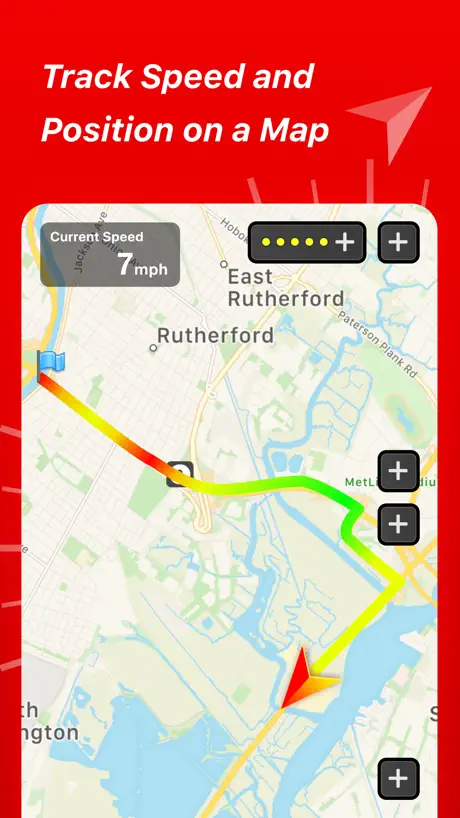
Trip Distance and Route Map
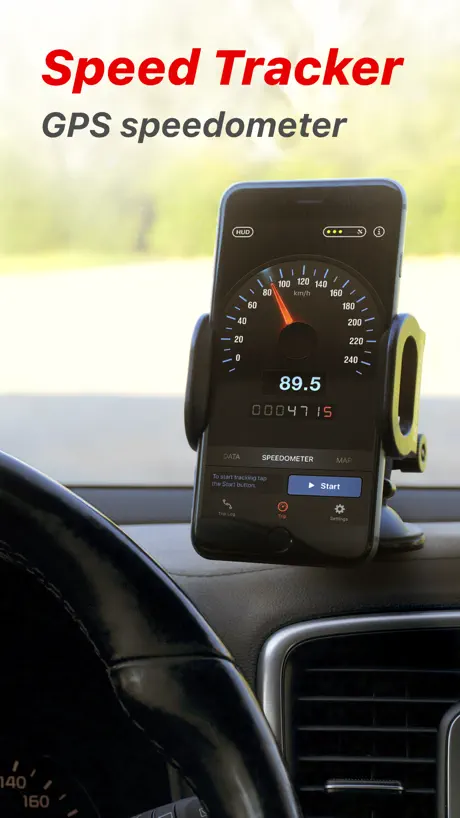
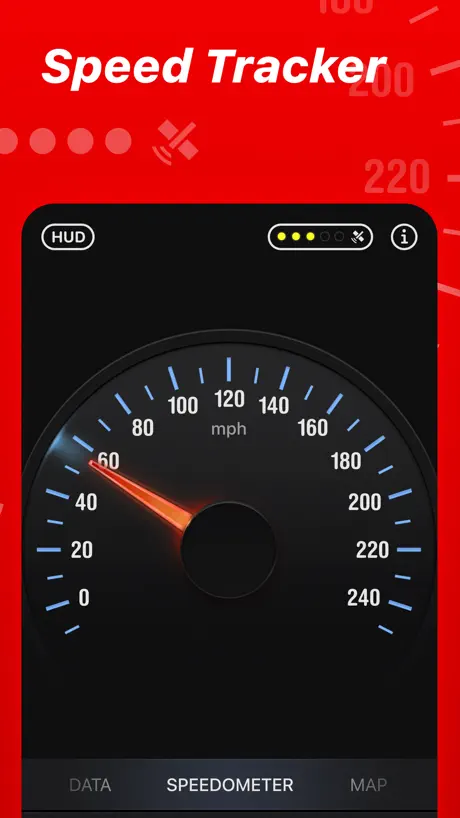
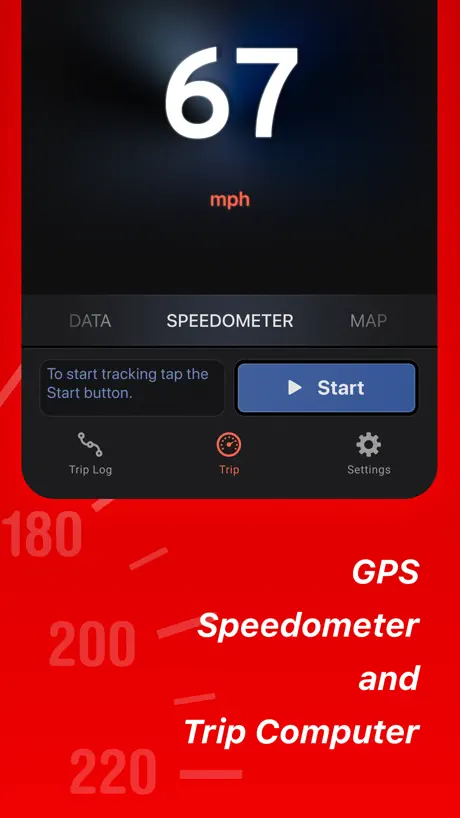
How much does Speed Tracker: GPS Speedometer cost?
Prices are current as of 1 Oct 2026.
2 subscriptions from $2.99
In the United States, Speed Tracker: GPS Speedometer has 2 subscriptions priced $2.99 – 17.99. It comes with a 7 days free trial.
| Subscription | Period | Price |
|---|---|---|
| Speed Tracker Pro. | MonthlyTrial: 7 days | $2.99 |
| Speed Tracker Pro. Yearly | AnnualTrial: 7 days | $17.99 |
1 one-time purchase from $29.99
In the United States, Speed Tracker: GPS Speedometer has 1 one-time purchase priced $29.99.
| Product | Price |
|---|---|
| Full Upgrade+ | $29.99 |
See what Speed Tracker: GPS Speedometer costs in all 175 countries →
10+ alternatives to Speed Tracker: GPS Speedometer
| Speed Tracker: GPS Speedometer |   Speedometer Simple Speedometer Simple | 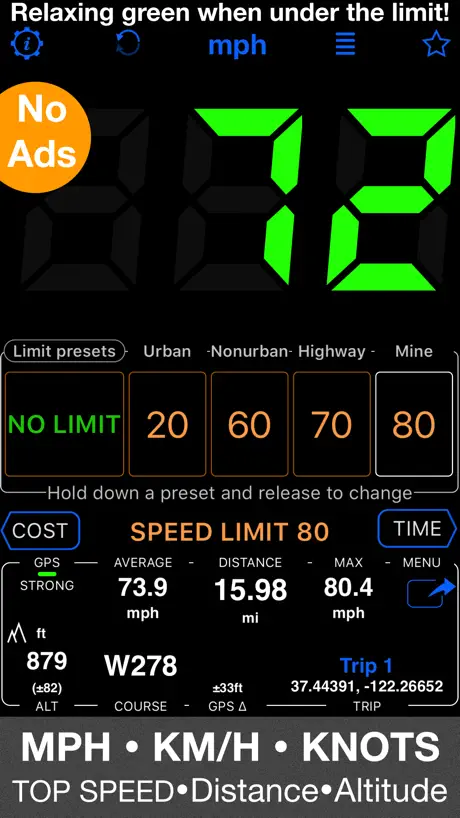  Speedometer 55 GPS Speed & HUD Speedometer 55 GPS Speed & HUD | 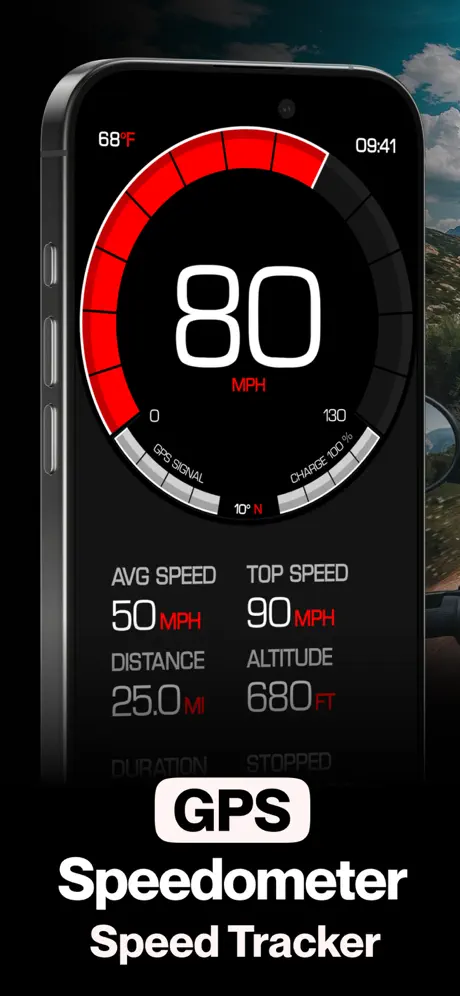  GPS Speedometer MPH Tracker GPS Speedometer MPH Tracker |   Speedometer» Speedometer» |   Speedometer Speed Box Trip Log Speedometer Speed Box Trip Log |   Speedometer ⊲ Speedometer ⊲ |   Digital Speed GPS Speedometer Digital Speed GPS Speedometer |   GPS Speedometer: Track Speed GPS Speedometer: Track Speed |   GPS Speedometer, Speed Tracker GPS Speedometer, Speed Tracker | 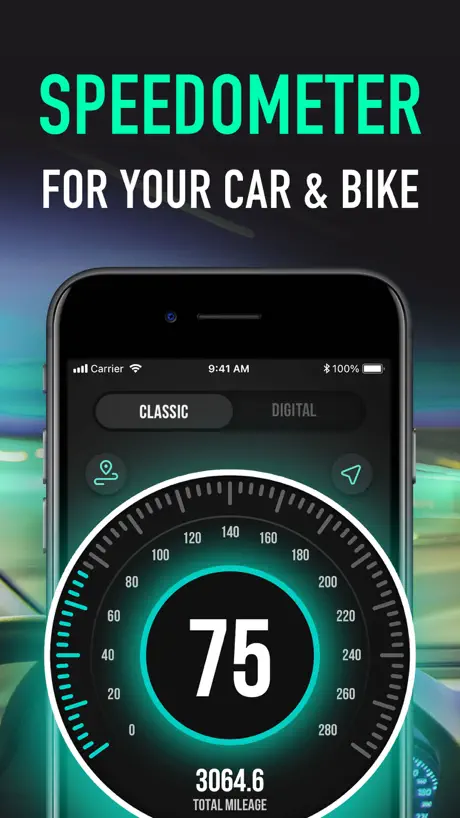  GPS Speedometer: Speed Tracker GPS Speedometer: Speed Tracker | |
|---|---|---|---|---|---|---|---|---|---|---|---|
| Rating / 5 | 4.5 | 4.6 | 4.7 | 4.6 | 4.8 | 4.5 | 4.4 | 4.6 | 4.6 | 4.7 | 4.4 |
| Reviews | 27K | 187K | 184K | 141K | 80K | 49K | 40K | 39K | 37K | 31K | 9.1K |
| Released | 2013 | 2014 | 2012 | 2014 | 2012 | 2009 | 2017 | 2018 | 2013 | 2019 | 2020 |
| Weekly price | — | $4.99 | — | $4.99 | — | $0.99 | — | $4.99 | $1.99 | — | $4.99 |
| Monthly price | $2.99 | — | — | $9.99 | — | $3.99 | — | $9.99 | $2.99 | — | $6.99 |
| 3-month price | — | — | — | $24.99 | — | — | — | $19.99 | — | — | $12.99 |
| Annual price | $17.99 | $19.99 | — | $34.99 | — | $5.99 | — | $29.99 | $19.99 | — | $19.99 |
| One-time price | $29.99 | $9.99 | — | $39.99 | — | $12.99 | — | $4.99 | $9.99 | $5.99 | — |
The going rate for each plan in United States, in its own currency, shaded from the cheapest price on the row to the dearest. Plans fewer than four in ten of the priced apps sell are left out.
Speed Tracker: GPS Speedometer reviews
4.5 out of 5, based on 27,262 reviews.
What people like
- GPS speed measurement is very accurate
- Easy to use interface
- Great for tracking trips and mileage
What they complain about
- Price hikes make it too expensive
- Ads interrupt you constantly
- GPS tracking glitches and loses data
- Support never actually helps
Amtrak flies!
With this app on Amtrak, you’ll be able to read your speed! We’re flying at 125 mph!
Annoying
Keeps asking for a review over and over even after paying
Better than most, but could be improved
Runs better than cheaper ones. Nice graphing and mapping. Two needs to be done are add options for speedometer color and brightness.
Only works 1/2 the time
I have the pro version and at first the app was great. I regularly drive a 135 mile trip. Now it only records half of the trip then stops with no notice given. No idea why it’s happening.
Miles per hour in kilometers per hour same time
We have claims you can display miles per hour in kilometers per at the same time yet. Have you not figured out how to do this?
None Better…
It works! Out of the box! Measures MPH by Genuine GPS Satellites!
Garbage
Not worth the download
Works overall good
Just wish I could get a free 1 week trial to see if I like to upgrade but rate 4/5 stars GREAT APP DEF RECOMMEND
Now too expensive
I was happy to use this app over several years. Apple have just told me the price is going up from £6.49 to £17.99. This is outrageous and cannot be justified. You have lost a customer. My Garmin GPS gives me this functionality for free so I have lost nothing in reality. Goodbye.
Meh
I got this so I could watch my speed only watch while riding a Segway. After a few minutes, the app stops running on the watch. The display on the iPhone is hard to read while riding.
Awesomeness!!!!
Simple, easy to use, huge visual screen, great app!
Help
Why is it 17+????
Speed Tracker
Very easy to use App. Thanks
Average app from a long timer user
I’ve had this app for a while now and thought I’d try using it for a long trip (7-9hours long). Only to end up with the past 1 hour of trip missing… thanks you very much
Needs auto start and stop feature
The app is good except It needs to automatically start when you start driving, or when it senses you in motion, and automatically stop once you stop driving, once you arrive at your destination. It’s hard to remember to start a trip every time I drive and even harder to remember to end the trip.. I was hoping to use this app as an odometer and to record how much time I spend in the car every week but it just defeats the purpose when i have to remember to turn it on everytime , or when I remember to turn it on once I’m half way to work then forget to turn it off hours later. I just end up having a bunch of 8-9hr trips that aren’t even the correct mileage. Auto start and. Auto stop feature like mileIQ and other similar apps would make the app work like it should. I’ve been paying $2.99 but as it right now I can’t justify it to keep paying.
Must have App for riders!
Just got back from a ride where I used the App for the first time. Well worth it!
Scam
Bought this app years ago. Had multiple new phones and was able to use my purchase. Got a new phone recently and it wants to charge me again.
Good
Decent app, very accurate, just wish the speedo would go up to at least 150, maxed the thing out on my Ducati lol
Inaccurate
Very disappointing so far. Digital speedometer reads about 15 kph faster than actual speed.
Disconnect
Would give this App a five star rating but it constantly cuts out and mileage and all the other info is incorrect. Very frustrating I have emailed the creators of the App about this problem and have not received an answer...very disappointing.
Great app
This is a great app to track speed and mileage
Non-intuitive and relentlessly frustrating. Excess complexity.
I have done everything in my power to this app. It is very countered. There is excess complexity. It is very difficult to get rid of those functions that serve no useful purpose. Screens constantly pop up, seeking to monetize the app.
Directions
The app would have five stars in it was possible to have directions on the map within the map or linked to Apple Maps app.
Only partially useful
It does track speed, but you loose all the GPS navigation visual clues of Google maps. All you see in the app is the pointer.
Ok
This app is a bit clunky just paid for it and it would not load had to turn I pad off and on now maps is not working
Nice
Love the app, but how do I remove the trailing tail from the drive as I’m going? I don’t need that.
Not accurate at all
I bought the paid version and it’s constantly missing data. It just said that I had an average speed of 500 mph today and quite often says I have an average speed of 200 to 250 mph and it doesn’t have the accuracy that I want, especially considering I paid money
Pretty good!
I would say this works a lot and even on planes! The only downside is there is a bunch of ads. Pretty good tho
Max stopping time is misleading
I that that it was the maximum stopping time was when you brake or de-accelerate. In actual fact it means what the max amount of time you stopped in your trip.
Good except for one thing.
Good app but needs the option to disable (bypass) the HUD screen. I don’t use the HUD and the HUD screen just gets in the way when I’m flicking through the various screens to get to what I want.
Great app needs additional features added though
Needs to have features added like speedometer pro auto start and stop ect
Annoying ads dude
Come on
Good
I have NO problem with this app.
?
OK so the apps not working it won’t pick up my location properly to tell me how fast im going it’s like glitching sometimes it tells me how fast I’m going then it stops
Too soon
As yet, my phone has not been able make use of it
User friendly
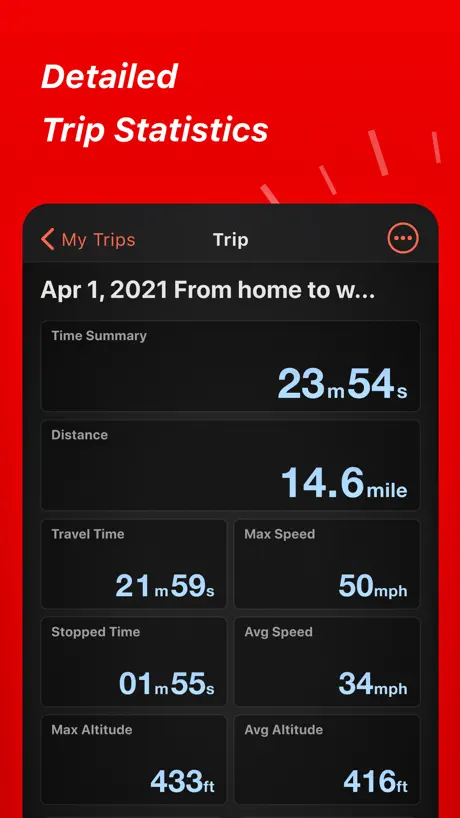
This app is great, accurate , and easy to use. At the end of your trip you have all aspects listed in detail(max speed, average speed, exact time of of your locations on the map). There is no way an officer can say you were speeding at a particular location when you have this app to back you up accurately. It’s free it’s great, its a no brainer
Ads incredibly intrusive
Last few updates have made using this app unbearable. Deleting and finding something else. Trash.
Shortcuts improvement
They should add an apple shortcut stopping the recording (they only got one activating it)
GPS tracking record deficient
I am finding that the map feature does not record my route accurately even though while travelling, the gps when viewed on the map within the app, is correctly tracking me. As a result, there is often an error in the “distance travelled” record.
Could be a great app, but....
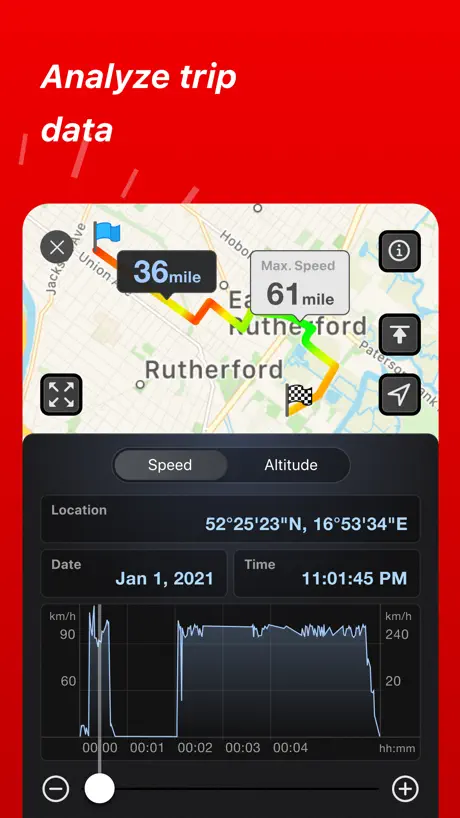
The speedo section is excellent- accurate and easy to see. The track on a map though is not so good - the track for my trip today shows my Pajero crossing a body of water where no bridge exists! Also shows an "as the crow flies" track whereas my Pajero can neither float or fly. Shame as otherwise it would get a 5 star rating.
Does exactly what I’ve been looking for
It’s interesting to pay a subscription but at least it’s cheap. But this is the exact program I needed, thank you!
I tried to cancel app for me to keep crook
I tried to cancel app several times force me to buy. I didn’t know the company wouldn’t give me my money back unethical crooks
None
Would like to see stopped time reinstalled
Does not work
Try it and data as to speed only altitude worked
Use on my iPhone
Currently use this on my iPhone. I have a mini iPhone tank holder that the iPhone is placed into and that then sits on my Harley tank this give me a fairly good idea where I am going and the speed and fuel economy. Let's me fill up and pre plan my trips and commute.
Pro is best
Best app DN Ice Boating
It’s all about money!
A very greedy app.
WORKS!
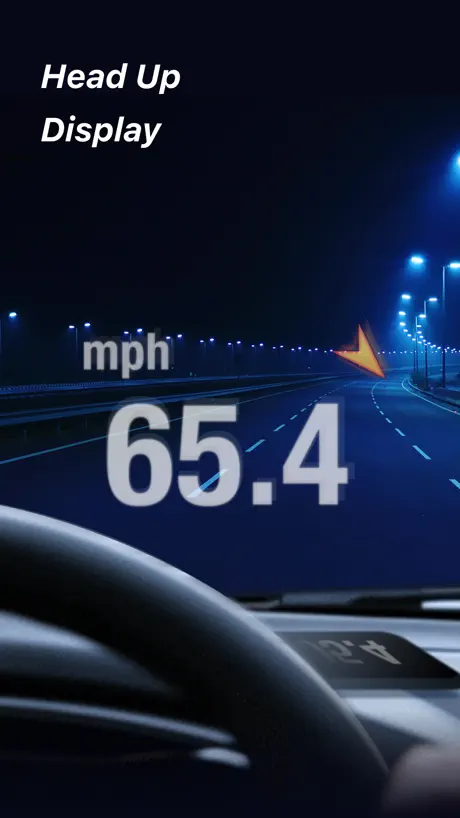
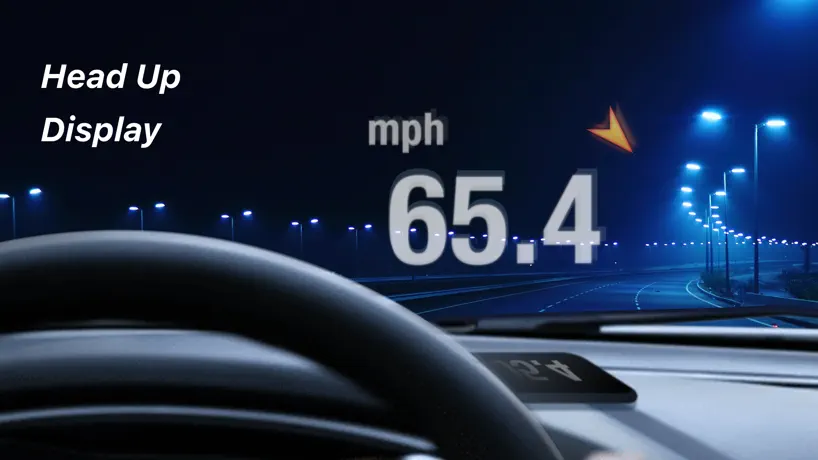
Been using for over a year now, works great! I love the Heads Up Display mode. Highly recommend!
Keeps dropping out on bike trails
Love the tracking function and the layout, but speed readout continuously drops out whenever you ride under a tree.
Speed tracker
Reasonably good but I found we HUD next to useless due to the fact that the phone screen is highly reflective and it just does not display on the windscreen. The phone screen just isn't bright enough
Speed Tracker: GPS Speedometer price by country
A monthly subscription costs $2.65 in Turkey and $4.61 in Hungary — 1.7× more for the same thing. Below is the going rate for each plan in every country that sells it — the middle price of what the app charges there, in the country's own currency with the dollar equivalent beneath it.
| Country | Monthly | Annual | One-time |
|---|---|---|---|
| Afghanistan | $2.99 | $17.99 | $29.99 |
| Albania | $2.99 | $17.99 | $34.99 |
| Algeria | $2.99 | $17.99 | $29.99 |
| Angola | $2.99 | $17.99 | $29.99 |
| Anguilla | $2.99 | $17.99 | $29.99 |
| Antigua And Barbuda | $2.99 | $17.99 | $29.99 |
| Argentina | $2.99 | $17.99 | $29.99 |
| Armenia | $2.99 | $17.99 | $34.99 |
| Australia | A$4.99$3.49 | A$29.99$20.97 | A$49.99$34.96 |
| Austria | €2.99$3.39 | €17.99$20.40 | €34.99$39.67 |
| Azerbaijan | $2.99 | $17.99 | $34.99 |
| Bahamas | $2.99 | $17.99 | $29.99 |
| Bahrain | $2.99 | $17.99 | $29.99 |
| Barbados | $2.99 | $17.99 | $34.99 |
| Belarus | $2.99 | $17.99 | $34.99 |
| Belgium | €2.99$3.39 | €17.99$20.40 | €34.99$39.67 |
| Belize | $2.99 | $17.99 | $29.99 |
| Benin | $3.99 | $17.99 | $34.99 |
| Bermuda | $2.99 | $17.99 | $29.99 |
| Bhutan | $2.99 | $17.99 | $29.99 |
| Bolivia | $2.99 | $17.99 | $29.99 |
| Bosnia & Herzegovina | €2.99$3.39 | €17.99$20.40 | €34.99$39.67 |
| Botswana | $2.99 | $17.99 | $29.99 |
| Brazil | R$14.90$2.85 | R$89.90$17.22 | R$199.90$38.30 |
| British Virgin Islands | $2.99 | $17.99 | $29.99 |
| Brunei Darussalam | $2.99 | $17.99 | $29.99 |
| Bulgaria | €3.49$4.05 | €19.99$23.22 | €34.99$40.64 |
| Burkina Faso | $2.99 | $17.99 | $29.99 |
| Cambodia | $2.99 | $17.99 | $29.99 |
| Cameroon | $2.99 | $17.99 | $34.99 |
| Canada | CA$3.99$2.81 | CA$23.99$16.89 | CA$39.99$28.16 |
| Cape Verde | $2.99 | $17.99 | $29.99 |
| Cayman Islands | $2.99 | $17.99 | $29.99 |
| Chad | $2.99 | $17.99 | $29.99 |
| Chile | CLP 2,990$3.09 | CLP 17,990$18.60 | CLP 34,990$36.17 |
| China | CN¥22.00$3.26 | CN¥128.00$18.99 | CN¥198.00$29.38 |
| Colombia | COP 14,900$4.43 | COP 89,500$26.58 | COP 129,900$38.58 |
| Congo | $2.99 | $17.99 | $34.99 |
| Congo, Democratic Republic | $2.99 | $17.99 | $29.99 |
| Costa Rica | $2.99 | $17.99 | $29.99 |
| Cote Divoire | $3.99 | $17.99 | $34.99 |
| Croatia | €2.99$3.39 | €17.99$20.40 | €34.99$39.67 |
| Cyprus | €2.99$3.47 | €17.99$20.89 | €34.99$40.64 |
| Czech Republic | CZK 79.00$3.67 | CZK 479.00$22.25 | CZK 799.00$37.11 |
| Denmark | DKK 29.00$4.51 | DKK 175.00$27.22 | DKK 249.00$38.72 |
| Dominica | $2.99 | $17.99 | $29.99 |
| Dominican Republic | $2.99 | $17.99 | $29.99 |
| Ecuador | $2.99 | $17.99 | $29.99 |
| Egypt | EGP 149.99$2.88 | EGP 899.90$17.28 | EGP 1,499.99$28.80 |
| El Salvador | $2.99 | $17.99 | $29.99 |
| Estonia | €2.99$3.39 | €17.99$20.40 | €34.99$39.67 |
| Fiji | $2.99 | $17.99 | $29.99 |
| Finland | €2.99$3.39 | €17.99$20.40 | €34.99$39.67 |
| France | €2.99$3.39 | €17.99$20.40 | €34.99$39.67 |
| Gabon | $2.99 | $17.99 | $29.99 |
| Gambia | $2.99 | $17.99 | $29.99 |
| Georgia | $2.99 | $17.99 | $34.99 |
| Germany | €2.99$3.39 | €17.99$20.40 | €34.99$39.67 |
| Ghana | $2.99 | $17.99 | $34.99 |
| Greece | €2.99$3.39 | €17.99$20.40 | €34.99$39.67 |
| Grenada | $2.99 | $17.99 | $29.99 |
| Guatemala | $2.99 | $17.99 | $29.99 |
| Guinea-bissau | $2.99 | $17.99 | $29.99 |
| Guyana | $2.99 | $17.99 | $29.99 |
| Honduras | $2.99 | $17.99 | $29.99 |
| Hong Kong | HK$22.00$2.80 | HK$128.00$16.31 | HK$228.00$29.04 |
| Hungary | HUF 1,490$4.61 | HUF 8,990$27.79 | HUF 12,990$40.15 |
| Iceland | $3.99 | $17.99 | $34.99 |
| India | ₹299.00$3.11 | ₹1,799.00$18.73 | ₹2,999.00$31.22 |
| Indonesia | IDR 49,000$2.73 | IDR 299,000$16.66 | IDR 599,000$33.37 |
| Iraq | $2.99 | $17.99 | $29.99 |
| Ireland | €2.99$3.39 | €17.99$20.40 | €34.99$39.67 |
| Israel | ₪9.90$3.31 | ₪59.90$20.03 | ₪99.90$33.41 |
| Italy | €2.99$3.39 | €17.99$20.40 | €34.99$39.67 |
| Jamaica | $2.99 | $17.99 | $29.99 |
| Japan | ¥500$3.18 | ¥3,000$19.06 | ¥5,000$31.77 |
| Jordan | $2.99 | $17.99 | $29.99 |
| Kazakhstan | KZT 1,490.00$3.39 | KZT 8,990.00$20.45 | KZT 17,990.00$40.93 |
| Kenya | $3.99 | $17.99 | $34.99 |
| Kosovo | €2.99$3.39 | €17.99$20.40 | €34.99$39.67 |
| Kuwait | $2.99 | $17.99 | $29.99 |
| Kyrgyzstan | $2.99 | $17.99 | $29.99 |
| Lao Peoples Democratic Republic | $2.99 | $17.99 | $29.99 |
| Latvia | €2.99$3.39 | €17.99$20.40 | €34.99$39.67 |
| Lebanon | $2.99 | $17.99 | $29.99 |
| Liberia | $2.99 | $17.99 | $29.99 |
| Libya | $2.99 | $17.99 | $29.99 |
| Lithuania | €2.99$3.39 | €17.99$20.40 | €34.99$39.67 |
| Luxembourg | €2.99$3.39 | €17.99$20.40 | €34.99$39.67 |
| Macao | $2.99 | $17.99 | $29.99 |
| Macedonia | $2.99 | $17.99 | $29.99 |
| Madagascar | $2.99 | $17.99 | $29.99 |
| Malawi | $2.99 | $17.99 | $29.99 |
| Malaysia | MYR 14.90$3.69 | MYR 89.90$22.25 | MYR 129.90$32.15 |
| Maldives | $2.99 | $17.99 | $29.99 |
| Mali | $2.99 | $17.99 | $29.99 |
| Malta | €2.99$3.39 | €17.99$20.40 | €34.99$39.67 |
| Mauritania | $2.99 | $17.99 | $29.99 |
| Mauritius | $2.99 | $17.99 | $34.99 |
| Mexico | MX$69.00$3.83 | MX$399.00$22.14 | MX$599.00$33.24 |
| Micronesia | $2.99 | $17.99 | $29.99 |
| Moldova | $2.99 | $17.99 | $34.99 |
| Mongolia | $2.99 | $17.99 | $29.99 |
| Montenegro | €2.99$3.39 | €17.99$20.40 | €29.99$34.00 |
| Montserrat | $2.99 | $17.99 | $29.99 |
| Morocco | $2.99 | $17.99 | $34.99 |
| Mozambique | $2.99 | $17.99 | $29.99 |
| Myanmar | $2.99 | $17.99 | $29.99 |
| Namibia | $2.99 | $17.99 | $29.99 |
| Nauru | $2.99 | $17.99 | $29.99 |
| Nepal | $2.99 | $17.99 | $34.99 |
| Netherlands | €2.99$3.39 | €17.99$20.40 | €34.99$39.67 |
| New Zealand | NZ$4.99$2.82 | NZ$29.99$16.94 | NZ$49.99$28.24 |
| Nicaragua | $2.99 | $17.99 | $29.99 |
| Niger | $2.99 | $17.99 | $29.99 |
| Nigeria | NGN 4,900.00$3.69 | NGN 29,900.00$22.53 | NGN 49,900.00$37.60 |
| Norway | NOK 39.00$4.06 | NOK 235.00$24.48 | NOK 399.00$41.56 |
| Oman | $2.99 | $17.99 | $29.99 |
| Pakistan | PKR 900$3.25 | PKR 5,399$19.50 | PKR 7,900$28.53 |
| Palau | $2.99 | $17.99 | $29.99 |
| Panama | $2.99 | $17.99 | $29.99 |
| Papua New Guinea | $2.99 | $17.99 | $29.99 |
| Paraguay | $2.99 | $17.99 | $29.99 |
| Peru | PEN 12.90$3.75 | PEN 79.90$23.23 | PEN 129.90$37.76 |
| Philippines | ₱179.00$2.86 | ₱999.00$15.96 | ₱1,990.00$31.79 |
| Poland | PLN 14.99$3.89 | PLN 89.99$23.37 | PLN 129.99$33.76 |
| Portugal | €2.99$3.39 | €17.99$20.40 | €34.99$39.67 |
| Qatar | QAR 9.99$2.74 | QAR 59.99$16.48 | QAR 99.99$27.47 |
| Romania | RON 14.99$3.22 | RON 89.99$19.35 | RON 149.99$32.26 |
| Russia | RUB 299.00$3.56 | RUB 1,790.00$21.29 | RUB 2,490.00$29.62 |
| Rwanda | $2.99 | $17.99 | $29.99 |
| Sao Tome & Principe | $2.99 | $17.99 | $29.99 |
| Saudi Arabia | SAR 12.99$3.46 | SAR 79.99$21.33 | SAR 129.99$34.66 |
| Senegal | $2.99 | $17.99 | $34.99 |
| Serbia | €2.99$3.39 | €17.99$20.40 | €34.99$39.67 |
| Seychelles | $2.99 | $17.99 | $29.99 |
| Sierra Leone | $2.99 | $17.99 | $29.99 |
| Singapore | SGD 3.98$3.13 | SGD 24.98$19.67 | SGD 39.98$31.48 |
| Slovakia | €2.99$3.39 | €17.99$20.40 | €34.99$39.67 |
| Slovenia | €2.99$3.39 | €17.99$20.40 | €34.99$39.67 |
| Solomon Islands | $2.99 | $17.99 | $29.99 |
| South Africa | ZAR 59.99$3.66 | ZAR 349.99$21.33 | ZAR 599.99$36.56 |
| South Korea | ₩4,400$3.25 | ₩25,000$18.47 | ₩49,000$36.20 |
| Spain | €2.99$3.39 | €17.99$20.40 | €34.99$39.67 |
| Sri Lanka | $2.99 | $17.99 | $29.99 |
| St. Kitts and Nevis | $2.99 | $17.99 | $29.99 |
| St. Lucia | $2.99 | $17.99 | $29.99 |
| St. Vincent & The Grenadines | $2.99 | $17.99 | $29.99 |
| Suriname | $2.99 | $17.99 | $29.99 |
| Swaziland | $2.99 | $17.99 | $29.99 |
| Sweden | SEK 39.00$3.90 | SEK 235.00$23.52 | SEK 399.00$39.94 |
| Switzerland | CHF 3.00$3.60 | CHF 18.00$21.58 | CHF 25.00$29.98 |
| Taiwan | NT$90.00$2.83 | NT$590.00$18.53 | NT$990.00$31.09 |
| Tajikistan | $2.99 | $19.99 | $29.99 |
| Tanzania | TZS 9,900.00$3.79 | TZS 59,900.00$22.90 | TZS 89,900.00$34.38 |
| Thailand | THB 99.00$2.95 | THB 599.00$17.84 | THB 999.00$29.76 |
| Tonga | $2.99 | $17.99 | $29.99 |
| Trinidad and Tobago | $2.99 | $17.99 | $29.99 |
| Tunisia | $2.99 | $17.99 | $29.99 |
| Turkey | TRY 129.99$2.65 | TRY 779.99$15.91 | TRY 1,499.99$30.60 |
| Turkmenistan | $2.99 | $17.99 | $29.99 |
| Turks and Caicos | $2.99 | $17.99 | $29.99 |
| Uganda | $2.99 | $17.99 | $34.99 |
| Ukraine | $2.99 | $17.99 | $34.99 |
| United Arab Emirates | AED 12.99$3.54 | AED 79.99$21.80 | AED 119.99$32.69 |
| United Kingdom | £2.99$3.96 | £17.99$23.80 | £29.99$39.67 |
| United States | $2.99 | $17.99 | $29.99 |
| Uruguay | $2.99 | $17.99 | $29.99 |
| Uzbekistan | $2.99 | $17.99 | $29.99 |
| Vanuatu | $2.99 | $17.99 | $29.99 |
| Venezuela | $2.99 | $17.99 | $29.99 |
| Vietnam | ₫79,000$3.05 | ₫475,000$18.32 | ₫999,000$38.52 |
| Yemen | $2.99 | $17.99 | $29.99 |
| Zambia | $2.99 | $17.99 | $34.99 |
| Zimbabwe | $2.99 | $17.99 | $34.99 |
Speed Tracker: GPS Speedometer FAQ
- Is Speed Tracker: GPS Speedometer free?
- Yes. The app and its basic features are free, in all 175 countries it sells in. Premium features are paid: they start from $2.99 (US), across 2 subscriptions and 1 one-time purchase.
- How much does Speed Tracker: GPS Speedometer cost per month?
- Speed Tracker Pro. is $2.99 (US). The annual plan works out cheaper per month: $17.99 a year.
- Does Speed Tracker: GPS Speedometer have a free trial?
- Yes — a 7 days free trial (US).
- Where is Speed Tracker: GPS Speedometer cheapest?
- A monthly subscription costs TRY 129.99 (≈$2.65) in Turkey and HUF 1,490 (≈$4.61) in Hungary, its cheapest and dearest countries.
- What are the best alternatives to Speed Tracker: GPS Speedometer?
- Speedometer Simple (4.6 from 186,885 reviews, premium from $4.99), Speedometer 55 GPS Speed & HUD (4.7 from 184,480 reviews) and GPS Speedometer MPH Tracker (4.6 from 141,159 reviews, premium from $4.99).
Speed Tracker: GPS Speedometer download
Last updated 6 months ago.
Speed Tracker: GPS Speedometer sells in 175 countries. It was released 13 years and 1 month ago, on 8 Aug 2013. It holds a 4.5 rating from 27,262 reviews.
Supports 11 languages: English, Dutch, French, German, Italian, Japanese, Polish, Portuguese, Russian, Spanish, Ukrainian.
How much does Speed Tracker: GPS Speedometer make?
Third-party estimates for the last 30 days, worldwide — not the store's own figures, which Apple publishes for nobody.
Revenue by plan
- Monthly 59%
- One-time 36%
- Annual 5%
Revenue by country
- United States 35%
- Germany 7%
- Canada 7%
- Australia 6%