
LightBlue®
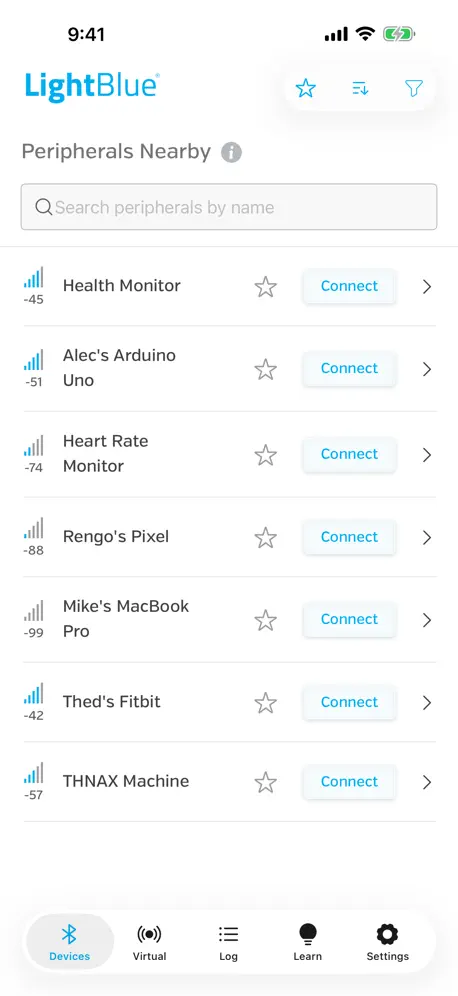
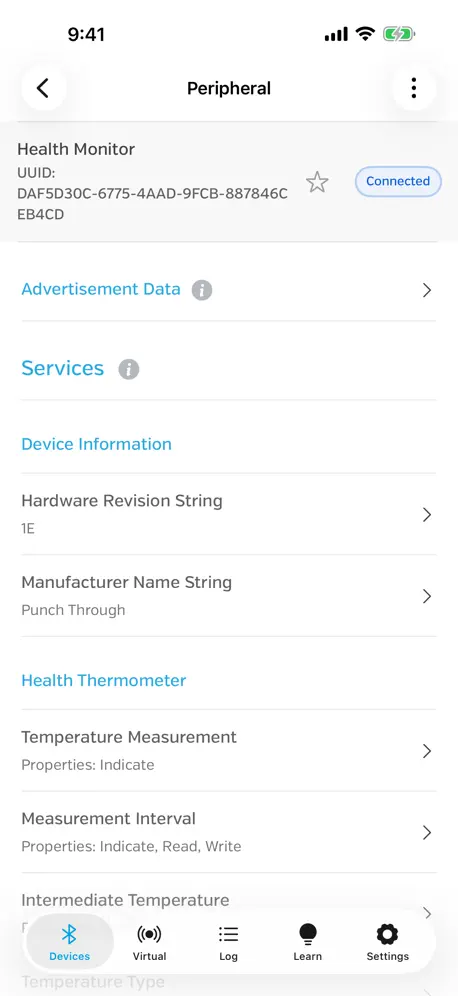
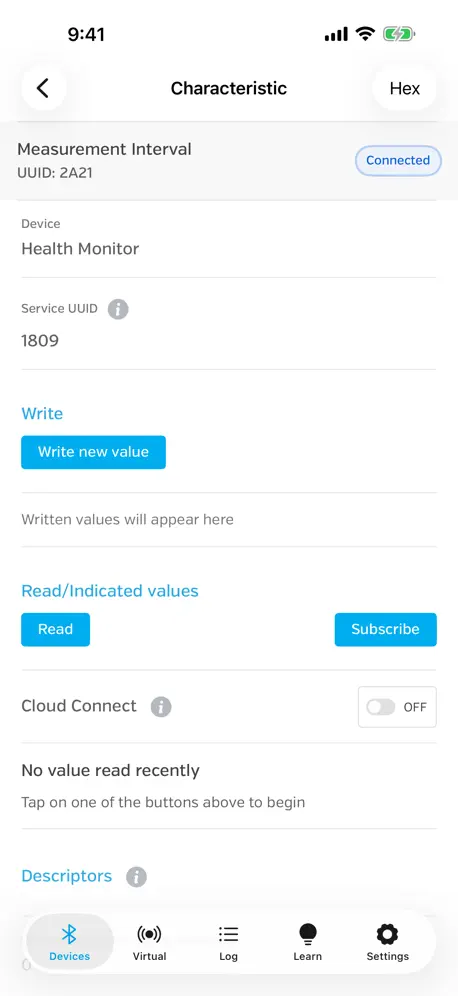
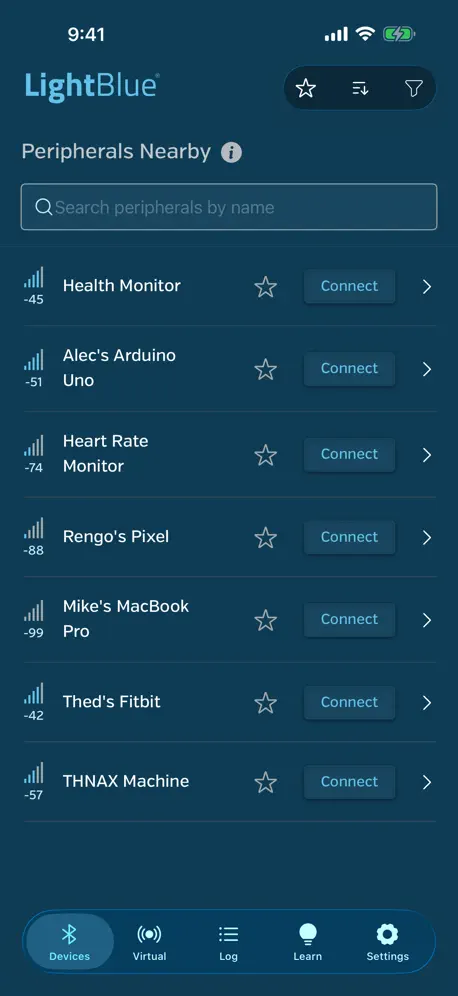
How much does LightBlue® cost?
Prices are current as of 14 Nov 2026.
LightBlue® has no in-app products on record in the United States.
10+ alternatives to LightBlue®
| LightBlue® | 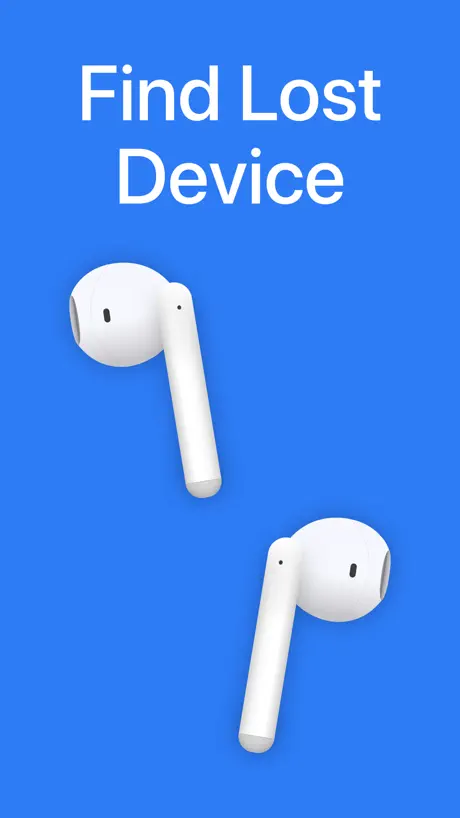  Wunderfind: Find Lost Device | 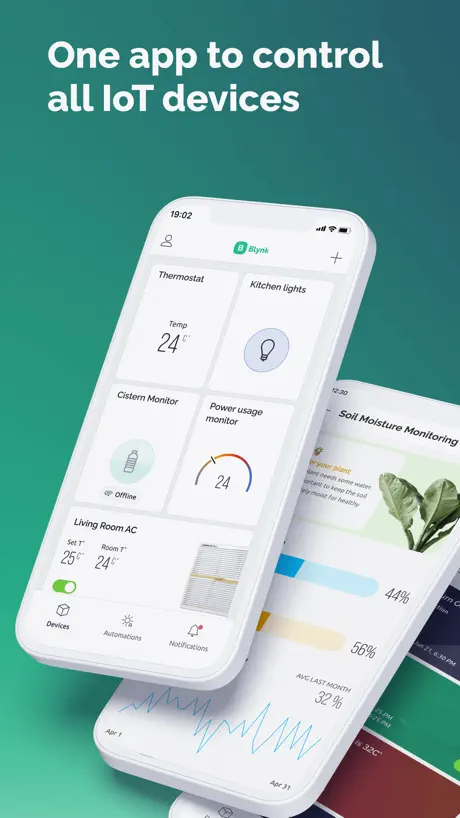  Blynk IoT | 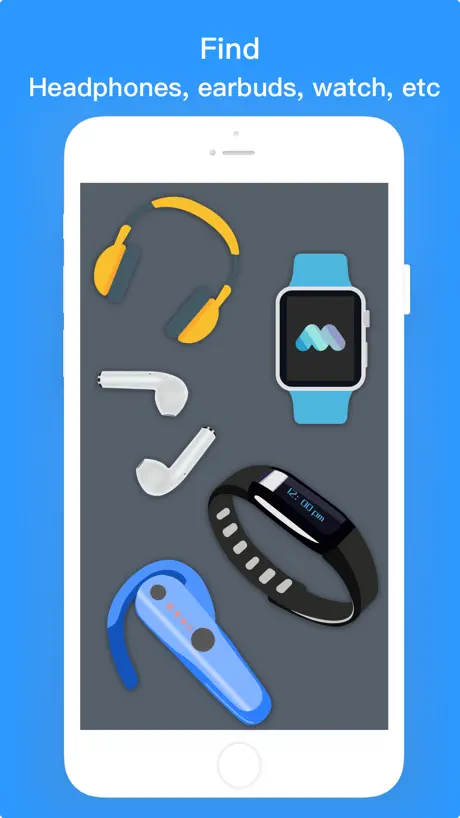  Find My Device-Find Bluetooth | 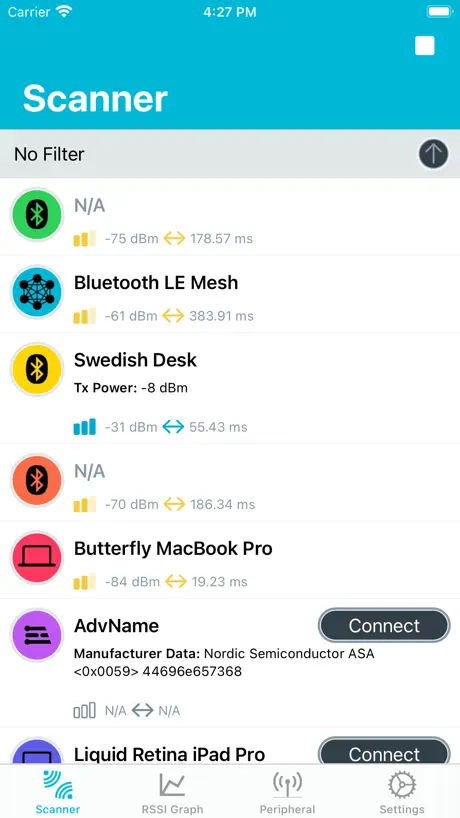  nRF Connect for Mobile | 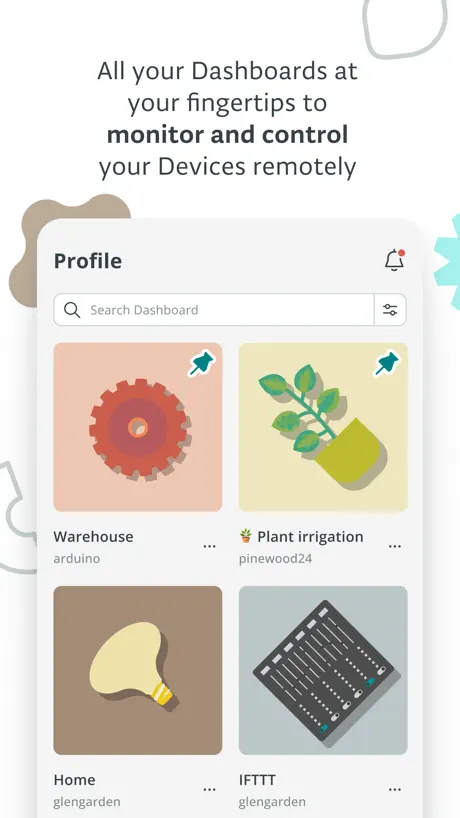  Arduino IoT Cloud Remote |   Flipper Mobile App |   Bluetooth for Arduino |   Found: Bluetooth Finder |   Find My Bluetooth Pencil |   Bluetooth Serial Connect | |
|---|---|---|---|---|---|---|---|---|---|---|---|
| Rating / 5 | 4.5 | 4.5 | 4.6 | 4.6 | 4.4 | 4.5 | 4.6 | 3.7 | 4.4 | 1.4 | 3.6 |
| Reviews | 4K | 286K | 10K | 6.5K | 2.2K | 2.1K | 967 | 293 | 56 | 33 | 24 |
| Released | 2012 | 2019 | 2021 | 2019 | 2016 | 2020 | 2022 | 2020 | 2021 | 2020 | 2023 |
| One-time price | — | $1.99 | — | — | — | — | — | $3.99 | — | — | — |
The going rate for each plan in United States, in its own currency, shaded from the cheapest price on the row to the dearest. Plans fewer than four in ten of the priced apps sell are left out.
LightBlue® reviews
4.5 out of 5, based on 3,995 reviews.
What people like
- Helped find lost devices like Fitbits
- Great tool for testing Bluetooth tech
- Shows accurate battery levels on straps
What they complain about
- Hard to connect Apple Pencil reliably
- App crashes or quits unexpectedly often
- Too technical for non-experts
非常好软件
听说可破解Apple Pencil限制
Complete lies
Preview images show names of devices, which it in-fact does not do, you have to name them manually.. lets not even get started on its scan or connect for device alone, 5ft away from a device with bluetooth and it doesn’t even show up in the app at all, and dont even get me started with a smart watch, it doesnt even see that and thats less then 2 feet away at any time.. Completely broken with absolutely no point to the app other then seeing your device names(once input manually)
Very unstable
Suddenly stopped connecting apple pencil. Sometimes it connects sometimes doesn’t
Virtural devices not working
I created a virtual device and enabled it, but I can not find it with my iOS app, I try to scan with specific service uuid and assign nil, both can not find it.
Kinda works
I can connect to my BLE IoT device, I can’t write UTF-8 Text because the popup thing has no “Ok” button when I try changing from Hex to a different format… it doesn’t make sense
Found my oura ring!!
Great app!! Helped me find my Oura ring!!!
The app does not work
Lost my Fitbit while out hiking. Found out on the Fitbit app that there is no good way to locate it. The best suggestion they had was to see the last time it synced. These days it always tries to sync so there’s no record. This app was mentioned in the Help files as a solution for iOS users. After walking for hundreds of yards, I started to doubt that this was even doing anything. Why not just open iOS settings, and look at my Bluetooth device devices that are connected? Eventually, I found my watch on the trail. That was with my own eyes. The iOS settings did indicate a connection. Went back to LightBlue to test it, toggled, a few buttons, no indication at all! Dvlpr: Please reach out to Fitbit to remove this as a possible solution, finding one
It’s okay
When I connected it it says disconnected but I still like app
-
找不到我的pencil Pro
Won’t reconnect Apple Pencil
It worked before, and I literally tried everything 😐
Works like a charm!
Lost my Fitbit. Was able to walk around my home and was directed to the laundry room. Found it in the hammer there. Highly recommended app!
Not Useful Due To
The app could not be used by me due to the apps design. The app uses very light colored fonts on a white background with no way to change or use dark mode to help use the app. Larger fonts would be nice to.
OMG!
I downloaded this app today to help me find a lost and disconnected hearing aid. My hearing aid app is great, but it could not find my device because it was disconnected in any case. I was retracing my steps and had to go to Best Buy. There were no fewer than 605 Bluetooth devices listed at Best Buy and my little hearing aid showed up by name in the list. I could not be more grateful to the person who turned my hearing aid in to the lost and found and to this app for helping me track it down. Amazing. The only reason I gave it 4 not 5 stars is because as a non tech professional I actually have no clue how most anything on the app works or what the numbers mean. It’s very technical for me.
Doesn’t work for Apple Pencil
Dear readers, Please help me figure out how to connect the Apple Pencil 1st generation (without the Type-C adapter included) to the iPad 11 on A16. I tried both without wires and with wires, I bought a separate Apple adapter and connected it via the iPad cable included, but pairing does not occur either physically or via the Lightblue utility. In the search in the application, it shows a multiplied device, but the connection does not occur with any of the clicks.
新版本无法使用啊
用了这么多类似软件,要不就是广告太多,要不就是对中文支持不好,推荐下一个 app 叫蓝牙很忙,很好用
Works Great
I needed to find a missing Oura Ring, this app was able to isolate which room and where in that room by tracking the signal strength. It even identified the manufacturer ID.
Apple Pencil Crashed out
I tried to connect a 1st generation Apple Pencil to the 5th generation IPad but didn’t work. Useless for a app that was supposed to work.
ALLOW CHANGING OF DEFAULT FORMAT
Much better than the other BLE dev apps out there. Especially appreciate the ability to quickly recall (write) something previously sent to a characteristic. My biggest issue is their default format of HEX. If I subscribe to a characteristic to receive notifications after changing to the UTF-8 format, I’d expect the notifications to be in that format, not HEX. Please add an app wide setting to change the default format, or at least retain the selected format for notifications.
真不知道到底能不能用
网上都说这个软件如何如何能使一代比激活的蓝牙装置之后,用他的第三方蓝牙方法直接脸上能够省钱,但是感觉并不是所有的平板都没用了,好像有一些用不了吧
It’s a half half
I have a Apple Pencil and I have been using this app since 25 December 2023 this was working very well but unfortunately every time I go to charge or accidentally disconnect my Apple Pencil from this app connecting it back up doesn’t work it always says stuff like dismiss and there is a code I have to use every time to get it to connect and sometimes the pin works sometimes it doesn’t this is a really struggle as I use my apple pen for my drawing masterpieces and I can’t finish my work because it won’t connect and having a problem with connecting after charging/disconnecting if I didn’t have this situation then I would give this app a 5/5 but for now it’s really hard to connect and I’m trying to be truthful with everyone here have a nice day goodbye.
Found
Lost my fitbit. Immediately saw to my relief that it was somewhere in the house because it connected by name. Figured out smoothly that it was upstairs, then in the bedroom, then I found it under the mattress where it must have slipped off of when I tucked in the sheets when making the bed. Glad I found this app!
No longer works
Use to work great at connecting my Apple Pencil to my iPad. Since update it no longer works. I tried everything possible to get it to work again and nothing fixes it.
Love it
At first I thought it was a scam app but it worked 10/10
Не могу подключить apple pencil
Перо у меня первого поколения а планшет 2025 года,искала все способы подключения,везде говорили об этом приложении.раннее перо было подключено к старому планшету,но после я его продала полностью очистив планшет и отдав как новенький.то есть можно считать,что я отключила перо от старого устройства,но даже так невозможно подключиться новому планшету к нему.в поиске ближайших устройств мне его показывает,пробую подключаться,ничего,совсем,а после кнопка вообще серой становиться и невозможно подключить.у меня было лишь два раза,когда подключение хотя бы продвинулось дальше,когда показывало попытку подключение и запись disconnect. И на этом все,далее подключение никак не менялось,попытку подключаться игнорируется.пробовала подключаться тремя разными переходниками на планшет и перо,тоже ничего не менялось совсем,даже использовался оригинальных переходник,который идет вместе с пером.я не могу купить новое перо,но и рисовать хочу.подскажите,может есть еще какие то способы?
Why it’s a 3
Ever time I try to connect my apple pen it always says connection error taking to long and I haven’t used my apple pen in weeks it’s annoy8ng bc I’ve tried so many times to connect it anyways thank you. From Casia.
bestest
using to test my iot peripheral implementation, and it does everything i need and then some.
Confusing and useless
I was told this program would be able to locate a lost Fitbit watch, but that’s not true. I can only find it if it’s right under your nose. Completely useless program, very user unfriendly, not recommended. Basically this is so lame that it will only tell you if the watch is right next to you, how useless IS THIS?! 😂😅
It works
I misplaced my Fitbit and used this app to find it!
Apple pencil
Is asking for the code that ‘shows’ on Apple Pencil before allowing a connection. Didn’t do this before. Tried 1234, didn’t work. Shame.
删除APP删除不干净
删除APP后不能重新获取,只有打开,但是点击后没反应。 并且删除APP后重启pad依旧还在,但是图标是空,并且打不开。
Wow!
This is such a useful app!!
Latest version broke parsing well known services
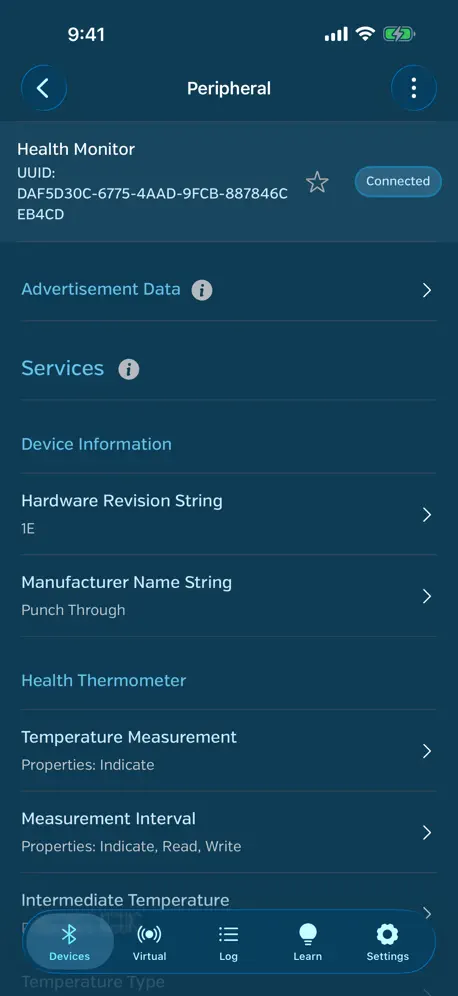
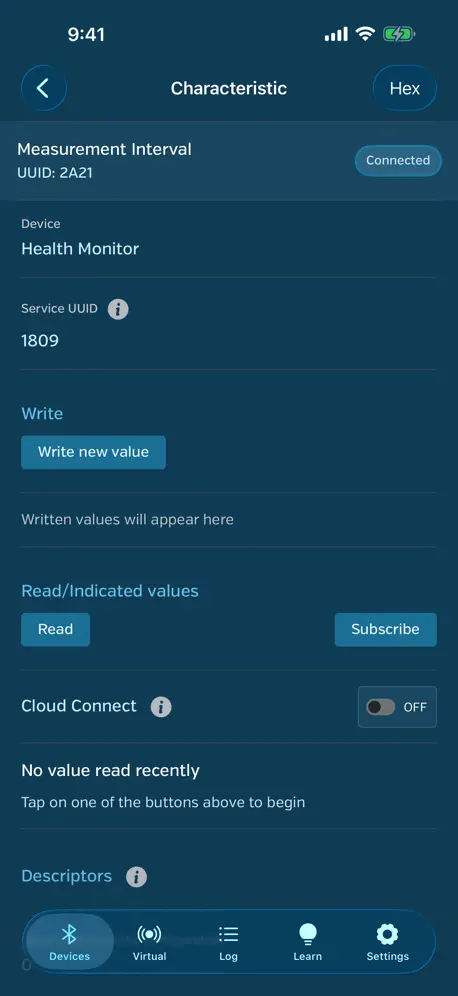
Ever since 5.1 (I think) the app stopped parsing well known services (eg. Battery Service, Device Information Service), and instead of human readable names for the services, characteristics, and values, it shows hex values only (0x1809, 0x180A). This definitely made it harder to test the implementation of those services on my devices. And if I have to use another BLE scanner to test these, I might as well use another to test everything around my device implementation.
A great app intended for TESTING, or DEVELOPMENT.
If you do not understand how Bluetooth can Bluetooth, this app may not be for you. Read: It’s not meant to find your lost left earbud.😏 It’s great however for testing, development, DIY, and learning. That’s what it’s made for, and it works. The Punchthrough site also happened to be a awesome resource about Bluetooth, and I learned from it. Check it out.
Apple pen interrogation error
Just yesterday my apple pen stopped functioning and then I tried reconnecting with the app and keeps on saying interrogation timed out This was my only hope to connect my 1st gen Apple Pencil to 10th gen IPad otherwise I might have to pay for the new one which I don’t want Please try fix
unexpectedly quit !
Ble unexpectedly quit !!
Helpful for battery levels
It’s hard to get a true reading of battery levels for my Heart Rate straps I use for cycling. The best way I’ve found is to use this tool to get an honest number. Previously, I’d use an app and it would use bars or some other metric and it didn’t even seem accurate. What an awesome tool!
Unusable since the redesign
This app has been invaluable to me for years. But ever since the redesign, it’s been buggy to the point that it’s completely unusable.
GitHub什么时候更新?
GitHub什么时候更新?
新版本不好用
不好用 不简洁
功能少
功能太少了,建议增加自定义九宫格按键等扩展功能
Wonderful!
Wow, a wonderful app! I can scan for BLE devices (I apparently have many more around the house than I even knew about!). Right now, I’m disappointed by the BT control for my adjustable bed, so I’m looking for a way to control it using an interface other than the vendor’s app. This may be my solution — I’m still experimenting. The only thing I’d change, if I could, would be an interface for Shortcuts/Siri on iOS/macOS. That would allow me to build a UI that could replace the vendor app I mentioned above.
Horrible
Zero instructions on how to use the app. Just a bunch of jibber jabber that looks like code.
最新ios下不能打印了
最近不能连接蓝牙小票打印机 打印了 什么情况
Uhm I’m scared
It won’t let me delete the app and I tried for 1 year so yeah
临时解决方法
找到一个临时解决的方法,关掉手机的蜂窝网络就可以使用了
So far so good
I bought an iPad Pro 6th gen, and I only have a 1st gen Apple Pencil, instead of the 2nd gen, not realizing they are not compatible. I looked on YouTube for instructions and it works perfectly
broken & doesnt work
Its broken and doesnt work. the pictures ae lies. Search does nothing, it tries to do something but does it in a ridiculusly stupid way. remniscien oof android samsung settings search. doesnt work. Your supposed to be able to see bluetooth devicei nfo on this. The pictures advertise this, wrong. also broken. any physical devices you have connected will be greyed out and you dont get any information on them. utterly useless. and virtual devidces doesnt work. honesty, india has lowered the global bar for software dev
Found my fitbit!
I used this app after losing my Fitbit. I new it was in the house as it would sync but it was out of battery so couldn't use the alarm vibration to find it! Fitbit website recommended this app and although it wasn't easy and took about a day and a half of on and off looking but I found it! This app picks up Bluetooth devices (even mine with no battery) and gives a signal strength when your near, the signal kept going on and off but I did narrow it down to the bedroom! It was frustrating because the signal would just suddenly go even tho I was near my Fitbit (found out later) but it GREATLY helped my search! Fab for a free app. Don't pay for 'find my Fitbit' app as its a scam, didn't even find my fully charged fiancés Fitbit when it was next to my phone!
越更新越难用
1
new version cannot use any more
The new version cannot open correctly. pls patch the bugs.
LightBlue® FAQ
- Is LightBlue® free?
- Yes. The app is free, in all 175 countries it sells in, and it sells nothing inside it.
- Does LightBlue® have a free trial?
- No. None of its offers (US) come with a free trial.
- What are the best alternatives to LightBlue®?
- Wunderfind: Find Lost Device (4.5 from 286,187 reviews, premium from $0.99), Blynk IoT (4.6 from 10,422 reviews, premium from $6.99) and Find My Device-Find Bluetooth (4.6 from 6,497 reviews).
LightBlue® download
Last updated 16 days ago.
LightBlue® sells in 175 countries. It was released 14 years and 2 months ago, on 8 Sept 2012. It holds a 4.5 rating from 3,995 reviews.
Supports 1 language: English.
How much does LightBlue® make?
Third-party estimates for the last 30 days, worldwide — not the store's own figures, which Apple publishes for nobody.