
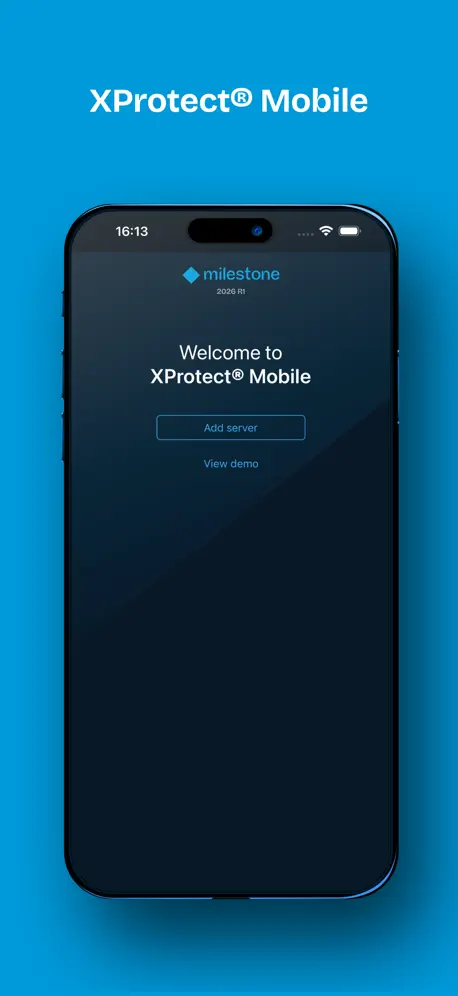
XProtect® Mobile
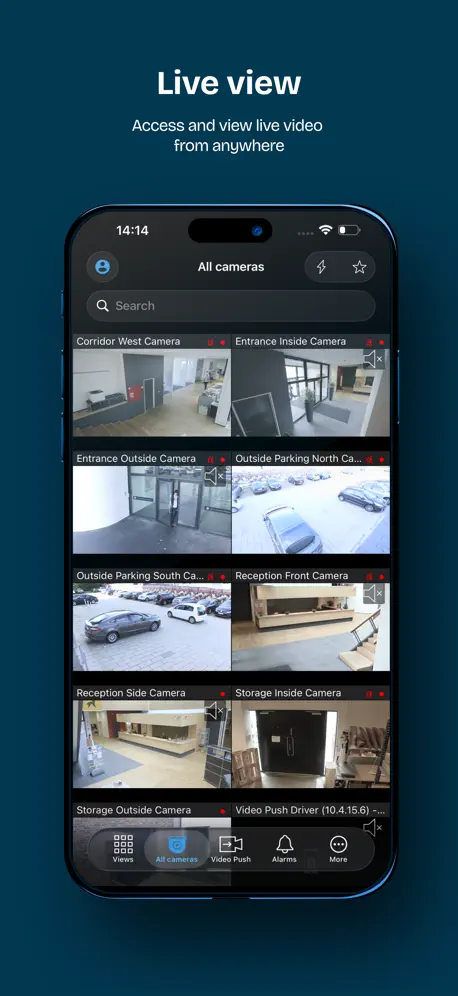
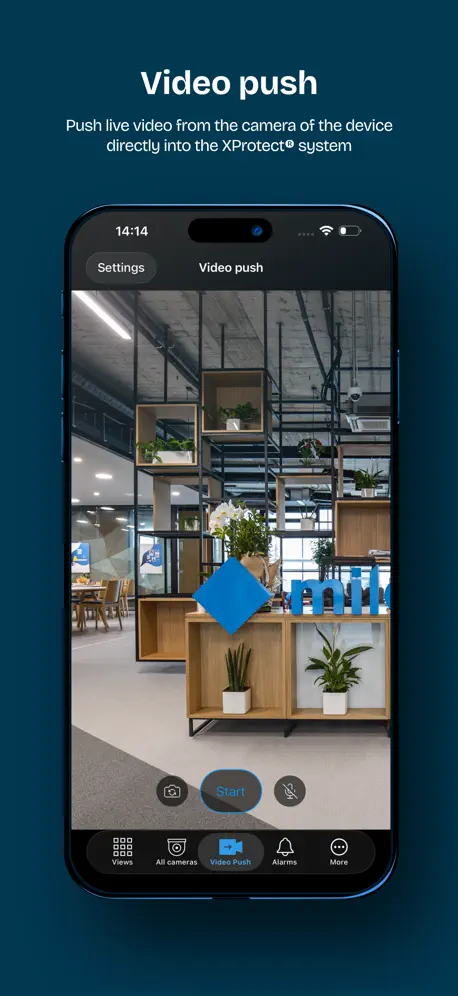
On-the-go video surveillance
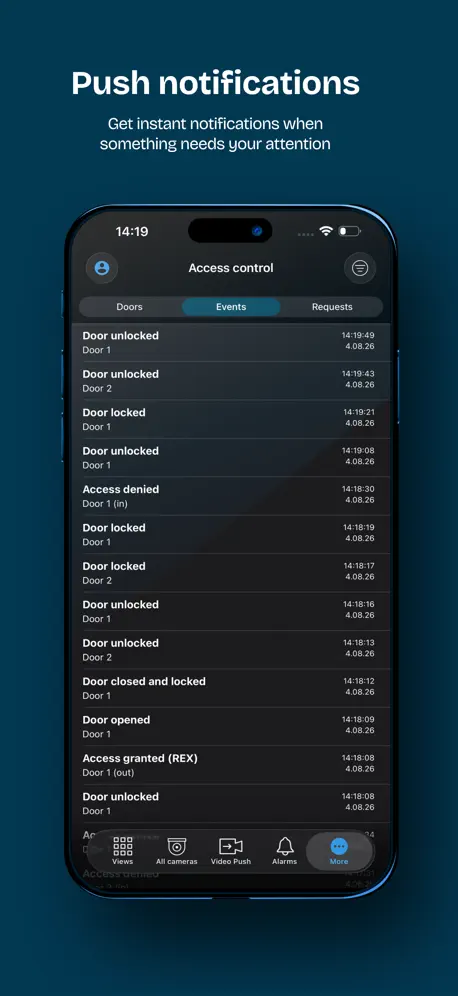
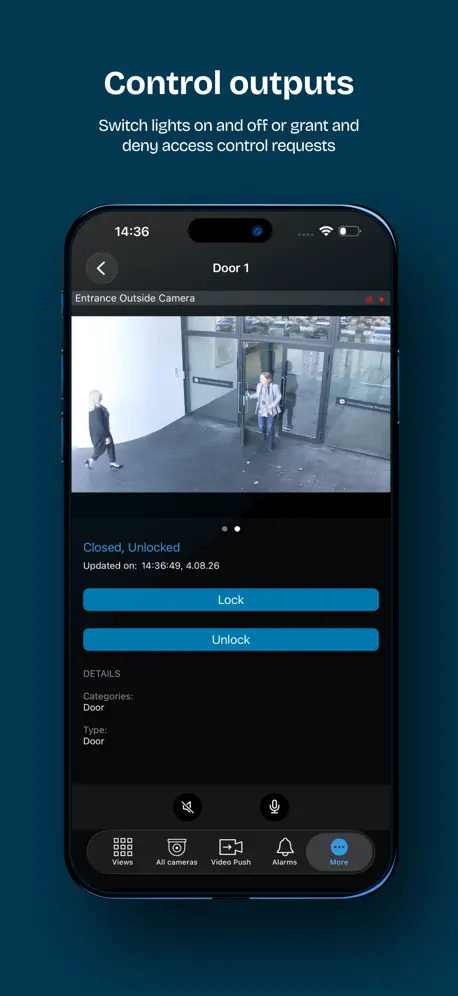
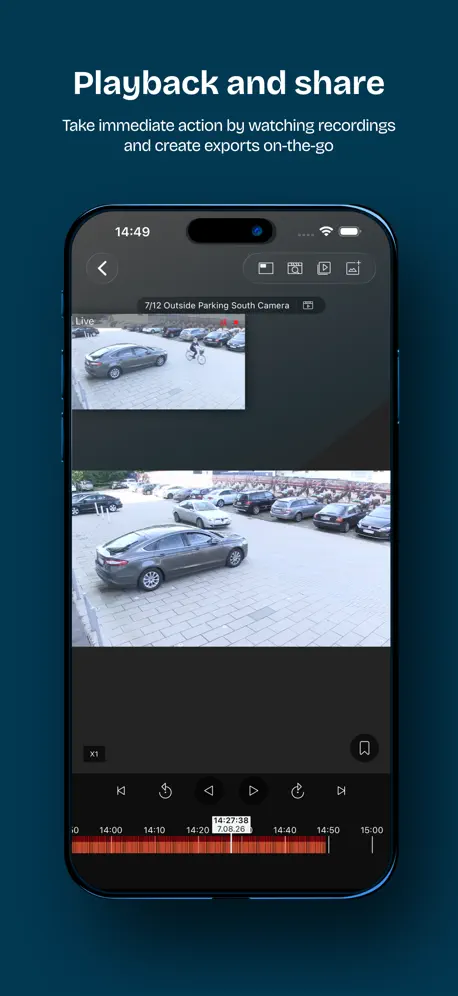
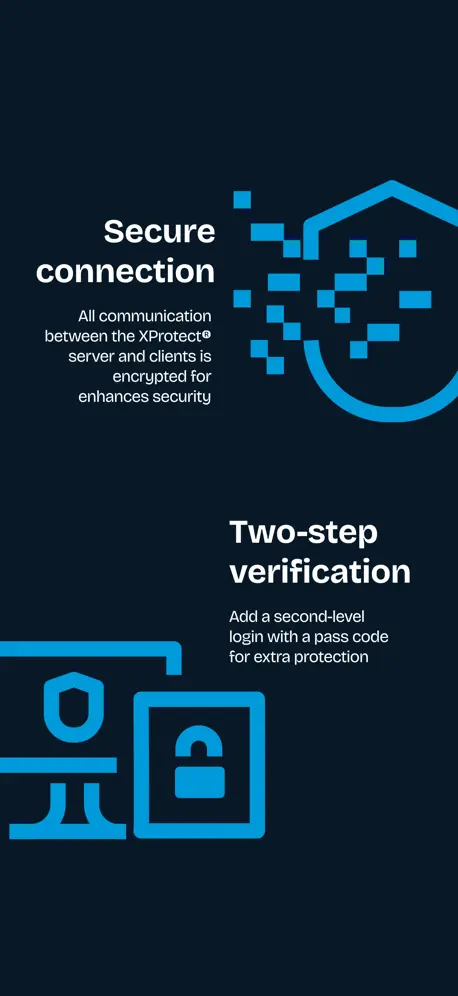
How much does XProtect® Mobile cost?
Prices are current as of 15 Nov 2026.
XProtect® Mobile has no in-app products on record in the United States.
10+ alternatives to XProtect® Mobile
| XProtect® Mobile | 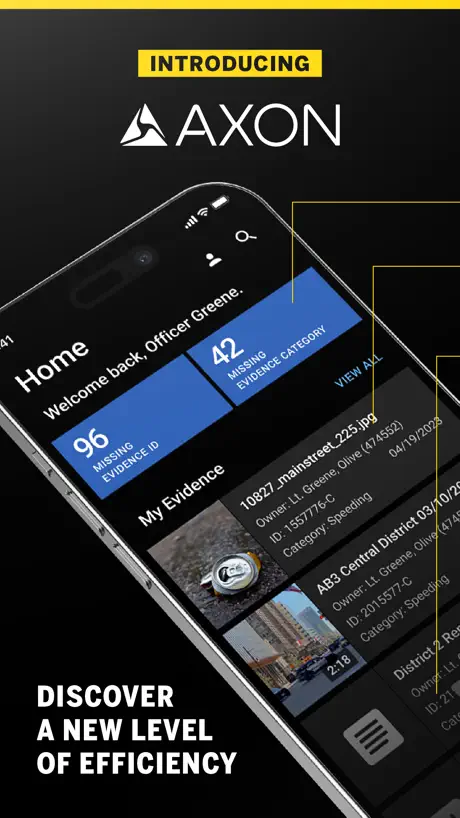  Axon | 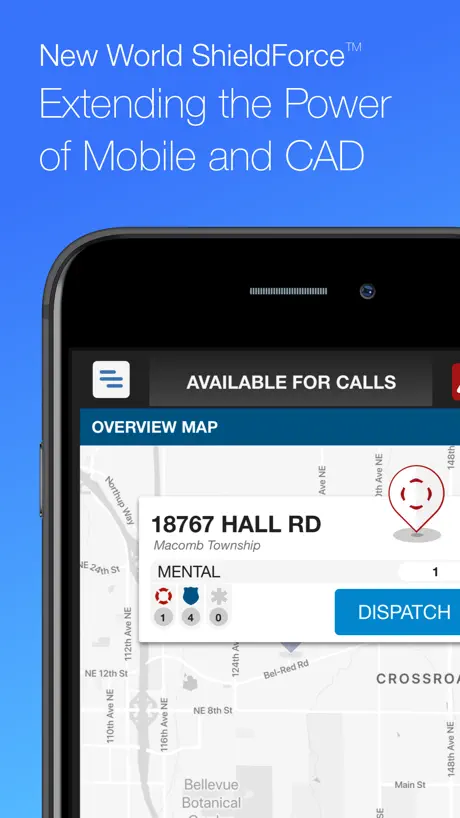  Tyler Shield Mobile | 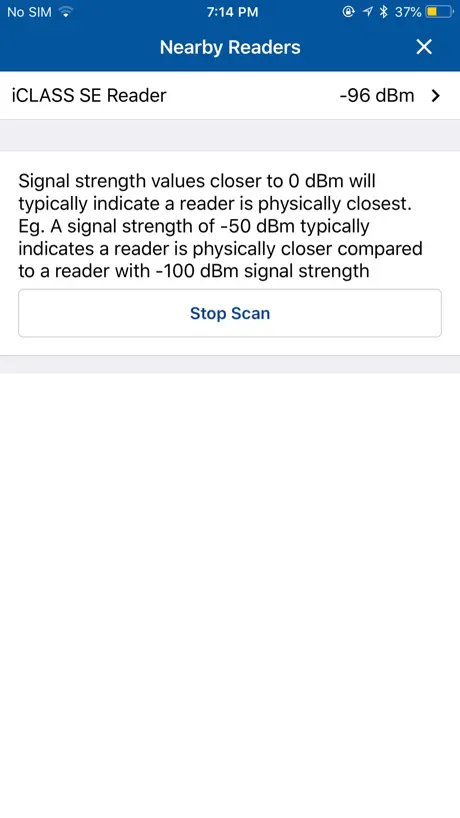  HID Reader Manager |   ESChat (Push-to-Talk) |   Intrepid Response |   Axon Device Manager |   VIP - Virtual Phone |   Peregrine Mobile |   CovertTrack Mobile |   Axon Respond | |
|---|---|---|---|---|---|---|---|---|---|---|---|
| Rating / 5 | 2.6 | 4.8 | 3.8 | 2.9 | 3.1 | 4.3 | 3.3 | 3.6 | 4.9 | 2.6 | 4.0 |
| Reviews | 473 | 1.4K | 334 | 101 | 48 | 24 | 23 | 19 | 14 | 9 | 8 |
| Released | 2012 | 2024 | 2018 | 2018 | 2012 | 2019 | 2018 | 2017 | 2022 | 2017 | 2021 |
XProtect® Mobile reviews
2.6 out of 5, based on 473 reviews.
What people like
- Excellent live video quality
- Easy to set up quickly
- Free software works well
What they complain about
- Crashes immediately when you open it
- Loads video streams very slowly
- Alarm notifications often fail to arrive
Finally Works
The latest update has made a huge difference to the app. Seems bullet proof so far, no crashing or buffering from the main server.
needs updates! no alarms view
apr 2026 - I manage multiple xprotect installs, the app is not horrible, BUT it suffers from a major issue and that's the performance of loading cameras/video, which is critical- it's incredibly slow. I've tried transcoding on and off / direct streaming on and off , all the different settings it's just very slow to load (codec h264, axis cameras). the desktop app is great and fast. I'm talking about local network access on a Wi-Fi 7 access point - so no excuses except for poor app performance/coding. oct2023- this app needs to be updated (over hauled really). considering milestone is one of the most expensive , top-of-the-line VMS systems and considering the size of the company, it's appalling that this is their ios/mobile offering.
Alerts not loading
Alerts not loading on IOS but working fine on android previews version on IOS 25.1a still working fine.
Alarm Issues
Having a issue with alarms showing on IOS. Co worker has a Android and his populate with no issue 🤔
PTZ Controls not accessible on new update?
Unsure if the feature is now located elsewhere but we cannot access the PTZ controls anymore?
For Free Incredible
This app is simple. Obviously you have to install the desktop software but it works. Easy enough to port forward from an external IP. Multiple cameras supported. Easy to watch recordings at variable speeds. Thankful for a free app, and free desktop software that works well. Thank you milestone developers.
No alarm notification
Alarm notifications are hit or miss, mostly miss. If you require alarm notifications while away from a your client workstation you are unlikely to receive them. The alarms are listed within the app, notifications are turned on, but no pop up notification.
Needs improvement.
Actually not too bad. All depends how good that milestone mobile server can do it’s job.
Not working properly
I have to delete the server then add it again to be able to see the cameras every time, then it works for couple hours and then says cant connect and i have to delete and re add.
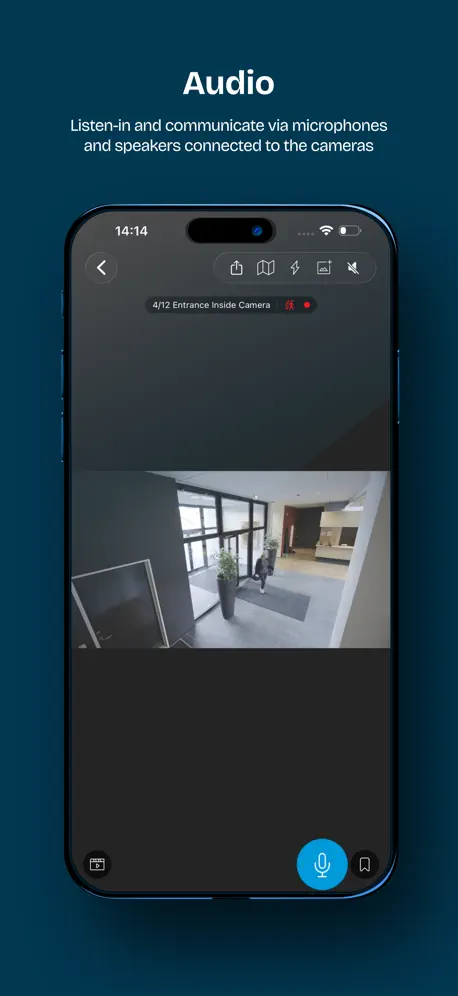
More issues after 22.3.1 - user credentials, Audio drops and doesn’t restart automatically
Hi Milestone - thank you for continuously improving the application. One issue I have experienced of late is when live streaming an audio and video capable device (set as a video device and audio microphone device on management client), is when the mobile/recording server is serving live streams to a mobile device with mobile client (over LTE and Wifi), when the client drops packets on transmission, that the video stream persists, however the audio does not. When this happens, a pop up error ‘network issue - please fix’ presents, and the speaker icon is shown as muted, and the speaker button must be ‘unmuted’ to re-enable the audio stream. This is not seen on smartclient, only mobile client and is in my view an application issue. Please resolve in next feature release. Thanks! As of 22.3.1, if a user changes their password on the domain, there is no option to change login credentials within the mobile app (for iPhone), instead the user must delete the server settings and re-enter. This is terribly frustrating for a SysAdmin, as they are having to guide the end user through the process of rebuilding their server configuration on the mobile app. Please resolve this issue, along with the audio packet loss and auto-restart.
Menu bars in the way
Revision: Finally!!! The menu bars go away!!!!!!! Praise the Lord!!! Revision: The app no longer allows me to jump from one motion trigger to the next. This is a must have for a mobile security app. Please fix ASAP. Old. I love this app but please make the menu bars go away. The top and bottom of my video are hidden behind the too and bottom menu bars!!!
Crashes when logging in
This is app is completely unusable. It crashes when logging in on both my iPhone and iPad.
Non working anymore
With the IOS 12.4.1 is still work but since the last IOS update...doesn't work anymore. This apps is so usefull. Hope that it will be upgraded.
Issue with apple version of app. Android works perfect
The apple version of the app only works when connected to the same network as the mobile server. When connecting across another network, especially with the ports locked down to only the secure ports, the iPad app will not connect. The android app has no problem connecting using the same settings as the iPad. I suspect the iPad app will only work if both non secure and secure ports are open. Android app works perfect with only secure port exposed.
Don’t enable Biometrics on IOS 16.0.3
The app will continuously crash when opening.
Massively improved (updated review)
A lot of work has clearly been done on this app recently. It’s more stable and much faster than its ever been 😊
This app never works. NEVER.
app crashes the second i try and open it. it’s been this way for a year. insane how little they update this. horrible dev team
Problemi su PTZ
Nel controllo PTZ manca la freccia di sinistra. Provato su iphone X e ios 12
Worse!
Latest version is tons worse. Yes it doesn’t need to transcode anymore so server performance is fine but I can’t zoom on any camera, as soon as I let go it pops back to the zoomed out position and the picture is hugely distorted.
UI update is bad
App has gone downhill with UI redesign. Zooming in on a live camera view immediately resets most times. Sad to see such poor quality control of your software changes.
Works great
Great video quality. Feature rich.
App crashes
App crashes as soon as you attempt to connect to any server. Reinstall does not help. This uninstall is only option. Save yourself the trouble.
Works well with Milestone Arcus
Works very well with Milestone Arcus software that comes with some Western Digital MyCloud NAS devices. My only constructive feedback would be to allow users to either disable or hide the black bar at the top of the camera view (contains the close button, camera name and recording status), when in landscape. It often blocks the camera info and the top 10% of the image. Other than that, very good product!
Updated camera UI ruined it
The latest UI update changed the black background to a dark blue background which I find distracting. But the worst part of this update is that you can’t get out of PTZ mode after entering this more. The only way I can exit PTZ mode is to force the app closed and then restart the app. Milestone — have you heard the saying “if it isn’t broken don’t fix it”? The previous UI was working perfectly and was much better.
Semble avoir un bug en ce moment
Habituellement j’aimais bien mais elle ne cesse de se fermer des que j’essaie de l’ouvrir depuis un quelques semaines
Solid
Works great, Milestone offers features that other video security products don’t even come close to offering.
Crashes Immediately
App opens but then crashes when I click on a location to view (on iPad latest iOS)
Milestone Muse
Hi Milestone - your mobile server and client need to be revisited, and bring forward support for mobile H264 decoding. Needing the mobile server to transcode H264 to MJPEG for rebroadcast is antiquated. My recording server is recording streams @256kbps, yet the mobile server is transcoding that same stream from 256 to nearly 2.5mbps MJPG @15fps. Sure, I can manage it by throttling image size and fps on the server, though that makes the end user image on the mobile client very poor. Most of your mobile client users are using portable devices on cellular data, which makes using mobile client for viewing both expensive in cellular data and taxing on both the cell network, mobile server and server side network. Please reconsider this programmatically and step forward to support 264 with the server and the client. Cheers!
App crashes
After the last update I have been unable to open my cameras on my Apple phone. As soon as I click the app and it open, it immediately shuts down
Slow but great software
Xprotect is a nice server but very specific in terms of set-up. This allows remote mobile viewing and access to the Axis door system but it’s very slow. I have the Husky system running 12 cameras w/out a dedicated mobile server on a 10 by 10 fiber.
Thank you for iPhone X support
Thank you for iPhone X support
Won’t open on iPhone 15 Pro Max
App won’t open on iPhone 15 Pro Max
New update not working
I updated app yesterday and stopped working. Now it turn on and off.
Needs improvement
Finicky and difficult
iPhone native resolution support
Please update the application to support native iPhone screen sizes. Right now the ui is rendered on iPhone 6,7,8 Plus sizes zoomed in Just doesn’t look professional. Thank you!
Update fixed crashing at startup.
Awesome, the latest update has fixed the crashing at startup, all is back to normal.
Broken app
The app doesn’t even work now… it just quits while opening.
XProtect Review
Best all round CCTV software I have used but bad move on removing self signed SSL in latest iOS software.
Terrible App
We have thousands of cameras in hundreds of views organized in folders by location. Desktop client and web client all show the folders and views correctly. Mobile app doesn’t. It just lumps all of the views together without the folder names so you find them easily.
After the update it does not work
I updated the app the afternoon, now it goes to the home screen then just closes down. Very frustrating.. can you fix please..
Works great if you have it setup correctly
This is very specific software. If you don’t have a Milestone server properly setup with access to and from the internet then this app is not for you. If you DO have the above mentioned server this works great and is the only way to go in my mind. Truth be told, the Milestone product line was not my first choice. I wanted “open source” and Linux based. Bah, that equated to “better be a Linux expert” and know the intricate in’s and out’s of all the subject matter. Through a lot of trial and error my choices limited themselves down to this very fine product. Milestone got me up and running with 8 devices for free in just a day or two. Versus the couple of weeks I’d already spent on the aforementioned Linux Open source options.
Terrible
Milestone had gone downhill in the past few years. This app crashes with certain systems, even their own demo server. We have moved away (far away) from Xprotect products. I hope canon can figure it out as it once was top NVR of choice. Maybe back to basics.
Review
Fonctionne bien mais les images lag un peu
Unable to load milestone mobile.
After latest update 12.3a milestone mobile is not loading (working). I deleted the app and now I am unable to download it again.
Can never find this app
The name & icon don't represent what this does, even though I keep searching for it. Use a camera with a decent name so I can find it on my phone.
Non-connection issue resolved after Mobile Server update
Referring to response to my previous review for version 11.3b
So buggy
How does the #1 VMS have such a bad iOS app? Seriously? It barely works. Want to look at a camera… well if not ever finally loads it’ll crash - and not only will the app crash but it’ll crash your mobile service as well on the server - so bad!!
not bad
camera view looks good-easy to see on ipad or iphone. works well once the mobile server is configured correctly
Difficult to find motion triggered events
The product is fine if you want to watch live video. No issues. However, if you are trying review recorded video for specific motion events (when did UPS drop off my Amazon package), the software is below what is standard for NVR apps. For example, the Blue Iris software generates a small thumbnail for each motion event, and this acts as a great index to review motion events. Milestone software requires you to perform a multi-step investigation. I got this to work once, and every time since than I get a disk is full error, not enough disk space to perform investigation. My c-drive has over 400GB free, this should be more than enough space for a 30 min review of one camera. For me, the only practical way to review recorded motion events is to extract motion event times from an external Zwave motion sensor connected my SmartThings IOT box, record the date and time of an external motion detector event, and then take a multi step process on the Milestone app to pull up the camera, select review, and then set the review clock to the nearest minute, and then play and wait for the event to occur. I don’t think it should be this difficult. The Milestone Smart Client can display times of motion trigger. Why can’t these motion event triggers be pushed to my the mobile app? It would enhance the product. In summary, the live view with all the smart-client screen configs readily available is great. Playback from a specific time is also ok if you know the exact date and time start point. Searching for motion detection only events is cumbersome. If Milestone would add quick jumps/indexing between motion events (kind of like Arlo snips) then the Mobile review would be much easier and useful. Then the app would deserve 4 or 5 stars.
Works Well
Works well as its made for I ise XProtect Expert 2016 but it's lacking something special like for eg: "having the System Monitor Tab" on it to check your system performance while on the go!? Etc etc
XProtect® Mobile FAQ
- Is XProtect® Mobile free?
- Yes. The app is free, in all 175 countries it sells in, and it sells nothing inside it.
- Does XProtect® Mobile have a free trial?
- No. None of its offers (US) come with a free trial.
- What are the best alternatives to XProtect® Mobile?
- Axon (4.8 from 1,400 reviews), Tyler Shield Mobile (3.8 from 334 reviews) and HID Reader Manager (2.9 from 101 reviews).
XProtect® Mobile download
Last updated 10 days ago.
XProtect® Mobile sells in 175 countries. It was released 14 years and 9 months ago, on 13 Feb 2012. It holds a 2.6 rating from 473 reviews.
Supports 33 languages: English, Arabic, Bulgarian, Croatian, Czech, Danish, Dutch, Finnish, French, German, Greek, Hebrew, Hindi, Hungarian, Icelandic, Italian, Japanese, Korean, Norwegian Bokmål, Persian, Polish, Portuguese, Romanian, Russian, Serbian, Chinese, Slovak, Spanish, Swedish, Thai, Turkish, Ukrainian, Vietnamese.