
FieldAware Mobile
How much does FieldAware Mobile cost?
Prices are current as of 26 Oct 2026.
FieldAware Mobile has no in-app products on record in the United States.
10+ alternatives to FieldAware Mobile
| FieldAware Mobile |   iForm |   Vuforia View |   IBM MaaS360 Browser |   mobileTMA GO |   Anvl |   HORIZON Fluid Analysis Results |   M-LINK Connect |   BOX System Controller |   Valley Design Tools |   HaasService | |
|---|---|---|---|---|---|---|---|---|---|---|---|
| Rating / 5 | 3.1 | 4.2 | 4.2 | 2.5 | 2.2 | 4.1 | 3.3 | 4.5 | 1.0 | 5.0 | — |
| Reviews | 113 | 354 | 168 | 101 | 38 | 20 | 19 | 8 | 2 | 1 | — |
| Released | 2011 | 2010 | 2016 | 2013 | 2014 | 2018 | 2015 | 2020 | 2024 | 2023 | 2020 |
FieldAware Mobile reviews
3.1 out of 5, based on 113 reviews.
What people like
- Support team is very helpful and responsive
- Works great with their PC software
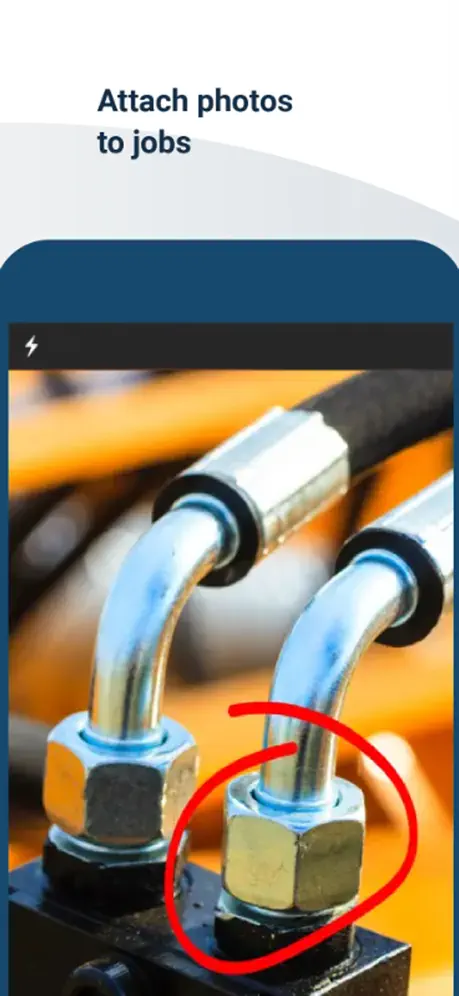
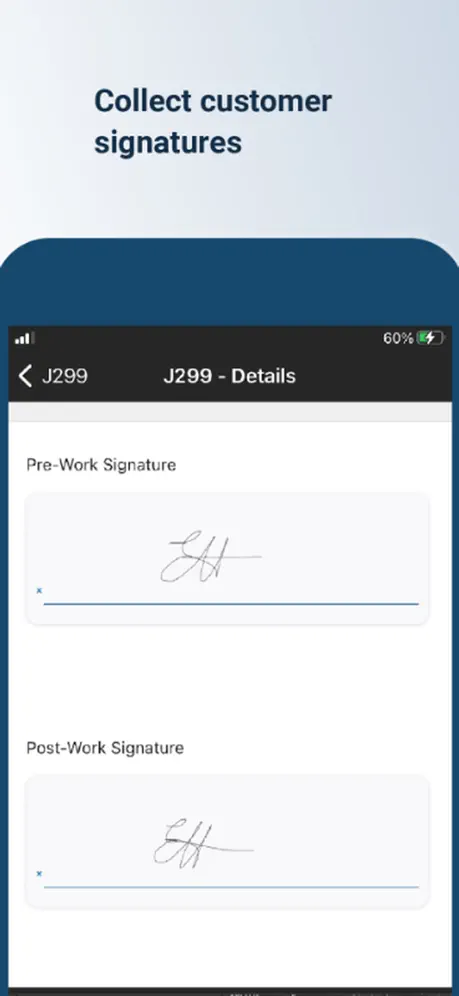
- Easy to add photos and signatures
What they complain about
- Syncing is slow and interrupts your work
- App crashes or loses data frequently
- Updates often break the app further
- You cannot copy and paste text
Love it
Field aware is great with Netsuite in the field!
Update
Tooooo many updates. Just leave it alone.
Daily User
I enjoy using FieldAware for my day to day. I start my morning by checking FieldAware and that’s how I know where to go next. It seems to be easy to use and I like how it saves the job history so I can go back in time and follow up. Once in a while A new job will not show so I have to delete and re-download, other than that I’ve enjoyed using FieldAware.
Doesn’t give a quick rundown on newly added jobs
App is never consistent with showing added jobs, it just sends a notification that it needs to be synced to add the job. Ok, what job are we talking about? Where and when is this scheduled job taking place? Also does not show jobs being removed, instead they disappear. There are many times where I have 30 jobs scheduled at a time and it’s an absolute pain to weed through all the jobs to see where it was added. It does not display unavailabilities in some cases. I have over 1000 completed jobs, and will have to scroll all the way to the bottom just to see future unavailable posts. Some customers require a tech signature in some forms and this app does not have an easy implementation for techs to add their signature. There is also a bug where I use the search function to look up customers with multiple jobs, after hitting the back button on a selected job, the search cancels out and goes back to all jobs. Can Field Aware implement these features?
Multiple assets on one job
Sometimes I have to work on multiple assets for the same customer, would be nice to group assets together on a job This app has potential though
Excellent FSM platform
Bravo FieldAware! excellent customer history, asset history, and easy to document notes, eforms, pictures, and signatures within the workflows we have setup in our account. Scheduling and routing in the web app is fantastic. If you are wanting to take your business to the next level ask them for a live demonstration. This app is only usable for paying customers who have been qualified by their sales and consulting teams
Terriable
After the update, I had to disable and remove the app from my iPad and then reinstall it so it would actually open up. Your calendar is wrong too. I can click on a Monday on the calendar and it shows up on Sunday for the jobs for the week. You need to redo this app again cause it sucks.
Great value
Our company was an early adopter to FieldAware and we are still raving fans. There is no perfect field service reporting and scheduling software on the market; they all have their pros and cons, even the big behemoths. Believe me, I’ve researched and tried many. I even left Fieldaware (FA) looking for a more perfect software but came back after a disastrous year. Since then, FA has made continuous improvements in performance and feature enhancements, and they listen and act on their customers’ comments and recommendations. Overall, FA is a good Bang for the Buck. Dayton, OH
Old, tired tech
I know of no other app that you have to actually physically sinc in order to update. The user interface on the PC is also clunky and requires too many steps to do some functions and requires you to do some unnecessary steps to perform other functions
Start and complete at bottom of screen
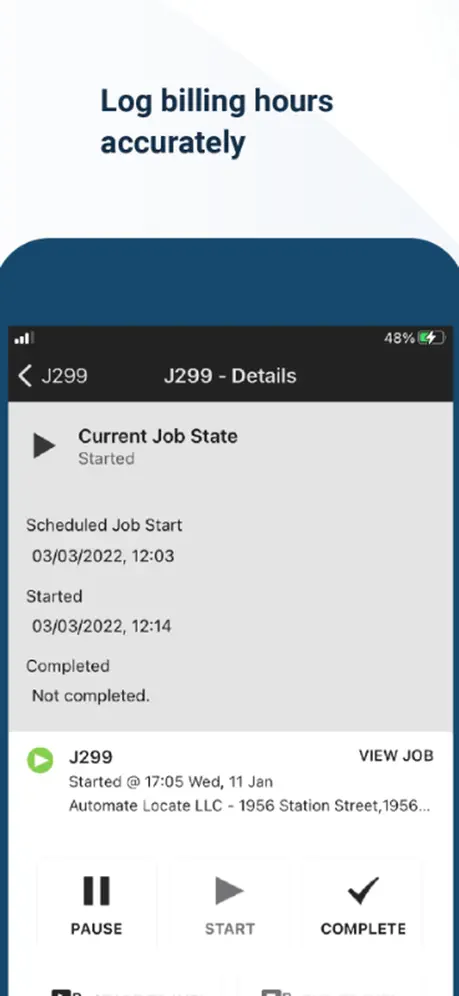
The bottom screen is still partially cutoff when you start, pause and complete option pops ups
Opps Dir
I have been looking and interviewed many field management solutions and settled on Field Aware. We are just getting started now. We are both excited and happy. FA is not an all in one solution at this point, but they seem to be ahead of the curve on new features and fixing bugs (all software has bugs). We almost deployed on Samsung Tad 4’s, but found the integration with editable PDF’s to be too cumbersome, the iPad workflow is perfect. Equally important to the functionality, the FA support is outstanding! Thus, early on – 5 stars.
Extremely inconsistent
App is always having problems syncing tickets and have lost data entry cause of it. Have deleted and re installed to try to fix issues and it still operates like garbage.
Uplink
There needs to be a timeout on the uplink/update every time it tries to connect. I.e. If it can't connect in 30 seconds, save the data and retry in so many minutes, thus allowing the user to perform other actions. A failure to connect currently means the user is stuck waiting and can't do anything else until it connects or he restarts the phone or app.
Bring back saving signatures
PLEASE bring back the ability to save your signature. Very annoying that you can’t save it anymore!
Add basic features
Forget adding multiple pics at once just add the ability to select the customer info and be able to copy it. would give 5 stars if I could do that but until then it's just an inconvenience
Excellent!
This is such a great platform when combined with PC software, improves company efficiency 10 fold!
Can’t send jobs
Can’t send jobs anymore
Sir
The sync window is a nuisance and syncing can take from 3 to 15 seconds. This should be done behind the scenes. App glitches out using satellite wifi. There is no need to "Pause" before Travel Start and then sync.....again! Photos need to open in a folder showing all photos with a preview option. Another window showing your total time for that day would be beneficial. Currently travel time and site time need to be added especially if working on multiple field aware work orders. Trying to give this app a chance but it has only created more work for me and my service advisors.
Need to fix glitches
Good app but needs work. I give the company 5 stars for effort 3 stars for app thou too many glitches
Awesome app!
This is an awesome app!! Extremely user friendly!!
Garbage
Awful
Great!
Great App!
Terrible App. Terrible software
Cant adjust the times if you forget to punch in/out. Notifications frequently don't work. Constantly having to update, but updates reflect no positive changes. Terrible customer support. Difficult to type on and cant attach anything but a picture. Our company is now shopping for a better solution. the guy they bribed into using this dysfunctional app should no longer be allowed to make decisions on anything.
COO
Great app
Don’t waste the money on this software
Completely unreliable software. Constantly wiping out field tickets. Forcing revisits to ultimately do the job twice or more.
NAB
Nothing but problems and glitches. Constantly having to update or re install the app I’ve been sent to old jobs that were already completed.
Can NOT sync
The recent updates ruined this app. After updating to iOS 10 the synchronization fails. I have to reinstall the app to make it work then it will fail again after a few hours or sometimes after a day. Please fix this since I need this for work.
This is horrible
Ver 1.27 still can't copy and paste. Agh I work for a large company. If This app costs more than $.99 it's still not worth it. It's constantly syncing. Crashing, checking for updates while your typing and bumps you out. And Every update it seems to get worse. Can't even copy paste anymore. I actually do like how it can track time no more time cards. But you can't see how long you been working on something until you pause it. I'm shocked a Corp like ours switched to this. Anyway maybe a couple more years it will be good. Rite now I wouldn't waste time or $$$. We were promised that it would do all kinds of stuff to save time like auto populate customer information on all forms for that job. That has yet to happen. You also can't use the forms if you don't have good cell service. I can go on all day, though I'm sure you get my point. I would honestly say anyone rated this app 5 stars just isn't using it. I've been using almost 1 year
FieldAware Mobile FAQ
- Is FieldAware Mobile free?
- Yes. The app is free, in all 175 countries it sells in, and it sells nothing inside it.
- Does FieldAware Mobile have a free trial?
- No. None of its offers (US) come with a free trial.
- What are the best alternatives to FieldAware Mobile?
- iForm (4.2 from 354 reviews), Vuforia View (4.2 from 168 reviews) and IBM MaaS360 Browser (2.5 from 101 reviews).
FieldAware Mobile download
Last updated 1 month ago.
FieldAware Mobile sells in 175 countries. It was released 15 years ago, on 1 Nov 2011. It holds a 3.1 rating from 113 reviews.
Supports 4 languages: English, French, German, Spanish.
How much does FieldAware Mobile make?
Third-party estimates for the last 30 days, worldwide — not the store's own figures, which Apple publishes for nobody.