Speed Cameras Spain & Portugal
Detector GPS Traffic Alerts
How much does Speed Cameras Spain & Portugal cost?
Prices are current as of 6 Oct 2026.
6 subscriptions from $1.99
In the United States, Speed Cameras Spain & Portugal has 6 subscriptions priced $1.99 – 24.99.
| Subscription | Period | Price |
|---|---|---|
| Pro Version | Monthly | $1.99 |
| Pro Version | 3 months | $3.99 |
| Ultra Version | Monthly | $3.99 |
| Pro Version | Annual | $8.99 |
| Ultra Version | 3 months | $8.99 |
| Ultra Version | Annual | $24.99 |
3 one-time purchases from $0.00
In the United States, Speed Cameras Spain & Portugal has 3 one-time purchases priced $3.99 – 4.99.
| Product | Price |
|---|---|
| Version Pro | $0.00 |
| Encouraging tip | $3.99 |
| PRO Version | $4.99 |
See what Speed Cameras Spain & Portugal costs in all 4 countries →
10+ alternatives to Speed Cameras Spain & Portugal
| Speed Cameras Spain & Portugal |   Speed Cameras Radar Speed Cameras Radar |   GasAll: Gas stations in Spain GasAll: Gas stations in Spain |   Speed Limit Camera - Detector Speed Limit Camera - Detector | 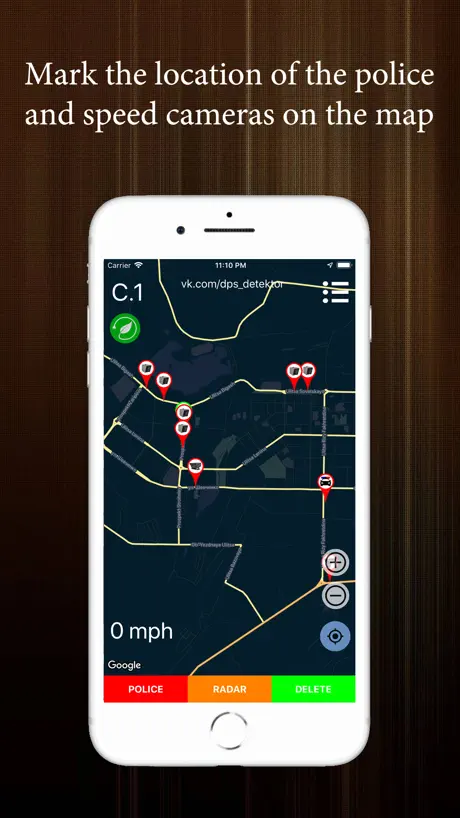  Police Detector - speed radar Police Detector - speed radar | 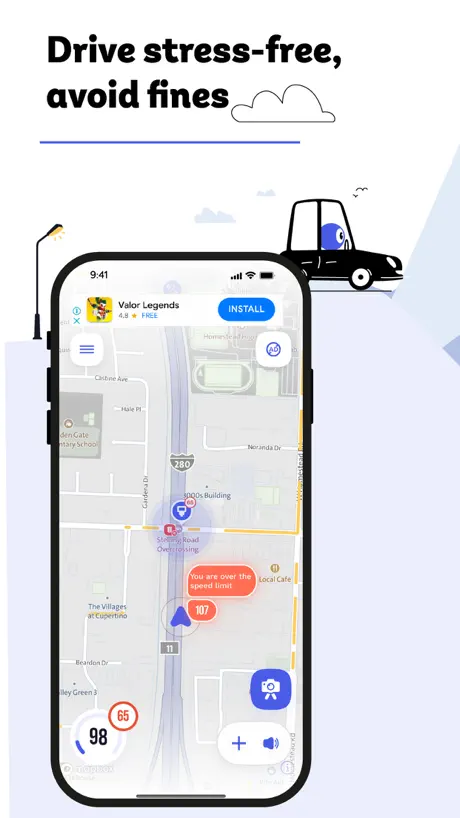  Cee: Speed Camera & Convoy Cee: Speed Camera & Convoy | 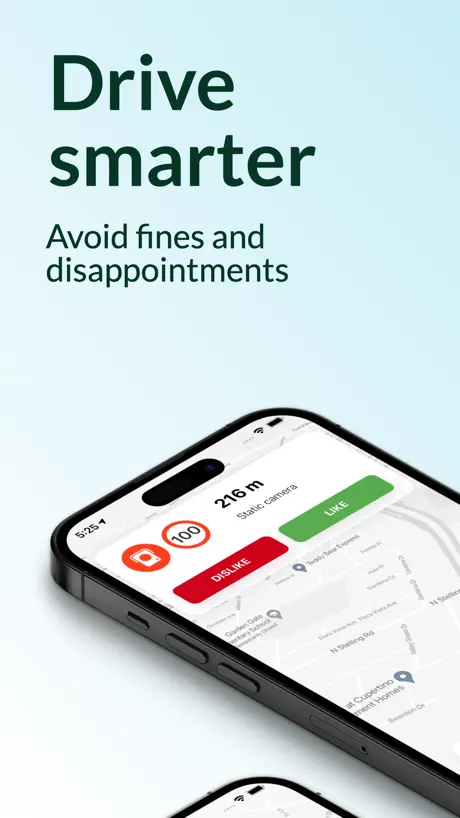  Speed Cameras Radar Detector Speed Cameras Radar Detector |   InfoDGT InfoDGT |   App Trànsit App Trànsit |   Radar Detector: Camera Tracker Radar Detector: Camera Tracker |   Zunder - Charging Network Zunder - Charging Network | |
|---|---|---|---|---|---|---|---|---|---|---|---|
| Rating / 5 | 4.5 | 4.6 | 4.7 | 4.4 | 4.3 | 4.7 | 4.7 | 4.4 | 1.1 | 4.6 | 3.7 |
| Reviews | 16K | 55K | 27K | 4.9K | 3.4K | 2.3K | 2K | 1.4K | 625 | 277 | 202 |
| Released | 2011 | 2015 | 2008 | 2017 | 2022 | 2022 | 2017 | 2018 | 2016 | 2025 | 2018 |
| Weekly price | — | — | — | $3.99 | — | — | $4.99 | — | — | $6.99 | — |
| Monthly price | $1.99 | $2.99 | — | $7.99 | $1.99 | $6.99 | — | — | — | $19.99 | — |
| Annual price | $8.99 | $17.99 | — | $12.99 | $9.99 | $34.99 | $39.99 | — | — | $29.99 | — |
| One-time price | $4.99 | $3.99 | — | $24.99 | — | — | $2.99 | — | — | — | — |
The going rate for each plan in United States, in its own currency, shaded from the cheapest price on the row to the dearest. Plans fewer than four in ten of the priced apps sell are left out.
Speed Cameras Spain & Portugal reviews
4.5 out of 5, based on 15,771 reviews.
What people like
- Helps you avoid speeding tickets effectively
- Easy to use and straightforward
- Filters Google Maps traffic nicely
What they complain about
- Data is often outdated and wrong
- Old buyers forced into expensive new plans
- Annoying ads interrupt paid users constantly
- App crashes or glitches on CarPlay
Funcionalidad
Facilidad de uso
Cambios no funcionales solo pensando en el negocio .
Pagué en su día por ella y ahora quieren que pague de nuevo . Por unas actualizaciones que no veo necesarias.Hacer otro producto y no os carguéis uno que funciona y mucha gente pago por el .
Practica y funciomal
El app hace lo que toca, avisa de forma de los radares de forma bastante decente Ahora habeis sacado una version ultra, me parece correcto que cobreis por nuevas funcionalidades respecto a la pro, no se de que se queja la gente, es trabajo y hay que cobrarlo, ahora, sin fastidiar a los que tenemos pro. Desde que esta lo de ultra, yo tengo pro, en carplay a veces en el app de radares sale mapa superpuesto y a veces no, es raro, y ademas no se que pasa que en google maps deja de salir el mapa, tengo q salir y volver a entrar de google maps. Yo, como cliente de Pro, el app va peor que antes. Aparte, estaria bien que pudiéramos marcar que no me avise de un radar que no existe, porque es muy cansino que pite por un radar que no existe camino a mi casa cada dia.
Bastante pobre
Muy floja para ser de pago. No detecta radares que llevan años ahí. Ni tampoco algunos móviles habituales.
Opinión
Poco precisa, es mejorable
Fantástico
Va Geni evita muchas multas. Es muy buen avisador. Lo mejor que he conocido
Sin vergüenza
Bueno pues después de tanto tiempo usando y pagando la primera versión, voy a borrar la app. Puedo entender que para aguantar la plataforma pongáis pagos pero yo ya pagué y os habéis metido en el tema de las suscripciones con precios abusivos y además estáis utilizando las notificaciones para molestar con que cambies a la versión ultra. Mirar señores Google, Waze y muchos otros lo dan gratis yo estoy de acuerdo con pagar pero no nos toméis por burros. La avaricia rompió el saco, buena suerte.
Buena APP pero tengo varias dudas.
La llevo utilizando muchos años en su versión PRO, si nos pasamos a probar la versión premium se puede desactivar la renovación automática? Y por otro lado, después de muchos años de uso a los que confiamos en la versión Pro en su día, no digo que gratis, pero alguna deferencia no estaría demás. Buena App no le doy las 5 estrellas por el detalle comentado.
Posible Bug al Actualizar
Mi ios es 16.7.11 de Iphone 8 Plus. Me dice la aplicación que he pagado que actualice a la versión gratuita y se pasa a Ultra pero se requiere IOS 17. Si hubiera borrado la aplicación de pago, ya ahora no podría actualizar a la versión Ultra Pro. Así que “desarrollador”, quítame la notificación de “actualizar” porque esa notificación es para “usuarios con IOS 17”. Los que somos del 16.7.11 ¿como actualizamos, comprando otro Iphone? En fin… dos estrellas por intentar dejarnos de lado a los usuarios que te compramos la aplicación en el pasado. Se nota que una vez que te pagamos tu aplicación que no era ni reconocida, ya te has olvidado de nosotros. Y quieras poner Ultra a los IOS 17. Y cuando pase 4 años, también harás lo mismo a los IOS 17. Pondrás de requisito IOS 25 y que actualicen a la versión Ultra Cosmos. En fin… un saludo crack
Peor cada día
No funcionan las rutas ni las gasolineras y antes si. En CarPlay si abro la app no puedo ver los mapas de WAZE ni de Google
Antes mejor
Compré hace años la versión superior ahora te indica pasar a la versión ultra , para poder seguir tienes que pasar a la versión normal
No actualiza bien
En una zona conocida marca demasiados radares móviles y no marca precisamente el que más se pone
Seguridad
Es muy bueno para no ir siempre pendiente del velocímetro
No avisa de todos?
Ojo, porque no avisa del radar de tramo de la A5 del kilómetro 85 en ambos sentidos
Mb
Molt bona!
Una estafa
Después de pagar la app ahora para tener más cosas hay que pagar .. lo de antes no valía . Vaya mierda de aplicación y las cámaras de Granada desde hace años sin ver ni actualizar… vaya mierda de aplicación .
Bien
Funciona correctamente
Confuso
Avisa radares en sentido contrario
Hace tiempo que la utilizo, muy buena aplicación…
Sería genial si permitiera un descuento en el pago anual a aquellos que tenemos el pro de por vida anterior…
Tú
A
Limpieza
Aligerar la BD de antiguos camuflados que ya se colocan
No de pago
Hace años pagué por esta aplicación,para siempre, la cual me gusta y he recomendado. Ahora veo que ponéis otros pagos a mi entender desproporciónales. Aún así sigo confiando en ella.
Notificaciones de publicidad aunque pagues
Estoy harto de recibir notificaciones de publicidad en una app que he pagado. La opción para desactivarlas no funciona desde hace meses
Car play
Seria interesante añadir apple car play el mapa al igual que en la App para verlo en la pantalla del coche y poder manejarlo como en el movil
Bueno
Perfecto yo
no se enteran
en la A-2 y la B-23, la principal entrada de Barcelona q da acceso a la Diagonal, las Rondas, el aeropuerto, el puerto y el centro, hace 3 AÑOS q rebajaron la velocidad de 120 km/h a 100, pero la app sigue cantando 120 tan pancha… cuántos MILES de coches a DIARIO deben seguir pagando la app y sus inútiles radares totalmente desactualizados?
Ok
Ok
Poca profesionalidad
Quitaron la versión que pague en su día y ahora si quieres el premium a pagar por planes. Gracias por vuestra respuesta, ya no uso vuestra app
Cámara
Aveces no les grao
English?
Downloaded this app 3 times. Can’t figure out how to get it to work in English since everything is in Spanish when I started the app. I just deleted it and looking for a new app.
Buena App
Lo bueno es que puedo filtrar a Google trafic para ver el tráfico pero por Google maps no pasa nada ( lima )
Spain only?
No option to change the country. When I wrote hospital it directed me from North East of UK to Madrid Spain! Useless!!
Speed Cameras Spain & Portugal price by country
A monthly subscription costs $1.99 in the United States and $2.80 in Spain — 1.4× more for the same thing. Below is the going rate for each plan in every country that sells it — the middle price of what the app charges there, in the country's own currency with the dollar equivalent beneath it.
| Country | Monthly | 3 months | Annual | One-time |
|---|---|---|---|---|
| Portugal | €2.49$2.80 | €4.99$5.61 | €9.99$11.24 | €5.99$6.74 |
| Spain | €2.49$2.80 | €4.99$5.61 | €9.99$11.24 | €5.99$6.74 |
| United Kingdom | £1.99$2.63 | £3.99$5.28 | £8.99$11.89 | £4.99$6.60 |
| United States | $1.99 | $3.99 | $8.99 | $4.99 |
Speed Cameras Spain & Portugal FAQ
- Is Speed Cameras Spain & Portugal free?
- Yes. The app and its basic features are free, in all 4 countries it sells in. Premium features are paid: they start from $1.99 (US), across 6 subscriptions and 3 one-time purchases.
- How much does Speed Cameras Spain & Portugal cost per month?
- Pro Version is $1.99 – 3.99 (US). The annual plan works out cheaper per month: $8.99 – 24.99 a year.
- Does Speed Cameras Spain & Portugal have a free trial?
- No. None of its offers (US) come with a free trial.
- Where is Speed Cameras Spain & Portugal cheapest?
- A monthly subscription costs $1.99 in the United States and €2.49 (≈$2.80) in Spain, its cheapest and dearest countries.
- What are the best alternatives to Speed Cameras Spain & Portugal?
- Speed Cameras Radar (4.6 from 54,541 reviews, premium from $2.99), GasAll: Gas stations in Spain (4.7 from 26,522 reviews) and Speed Limit Camera - Detector (4.4 from 4,926 reviews, premium from $3.99).
Speed Cameras Spain & Portugal download
Last updated 0 months ago.
Speed Cameras Spain & Portugal sells in 4 countries. It was released 15 years and 2 months ago, on 16 Jul 2011. It holds a 4.5 rating from 15,771 reviews.
Supports 6 languages: English, Basque, Catalan, Galician, Portuguese, Spanish.
How much does Speed Cameras Spain & Portugal make?
Third-party estimates for the last 30 days, worldwide — not the store's own figures, which Apple publishes for nobody.
Revenue by plan
- One-time 54%
- Annual 22%
- Monthly 21%
- 3 months 3%
Revenue by country
- Spain 97%
- United States 3%
- Portugal 1%
- United Kingdom 0%