iCamViewer: IP Camera Viewer
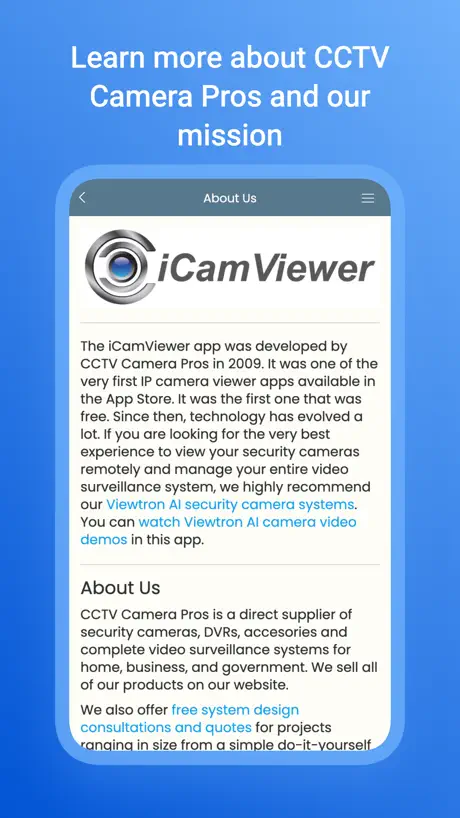
How much does iCamViewer: IP Camera Viewer cost?
Prices are current as of 5 Nov 2026.
iCamViewer: IP Camera Viewer has no in-app products on record in the United States.
10+ alternatives to iCamViewer: IP Camera Viewer
| iCamViewer: IP Camera Viewer |   FREEIP |   IP Camera Viewer - IPCams | 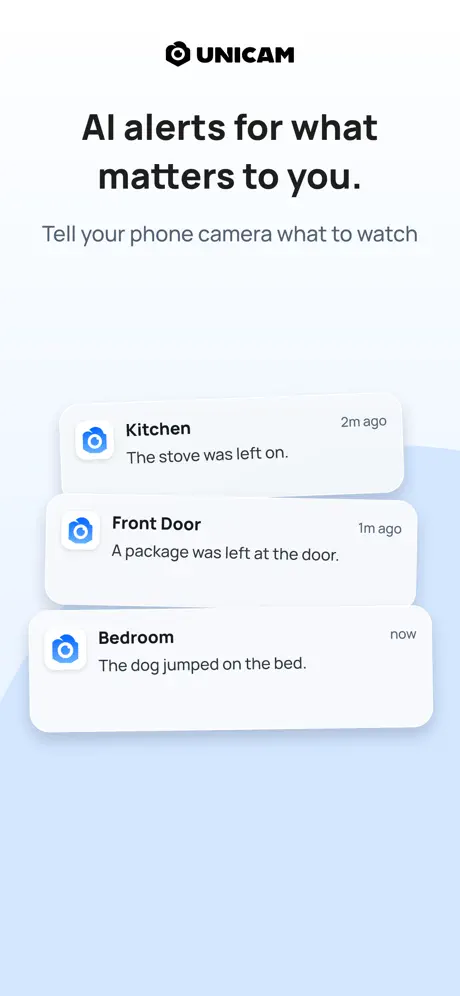  UniCam: IP Camera Viewer | 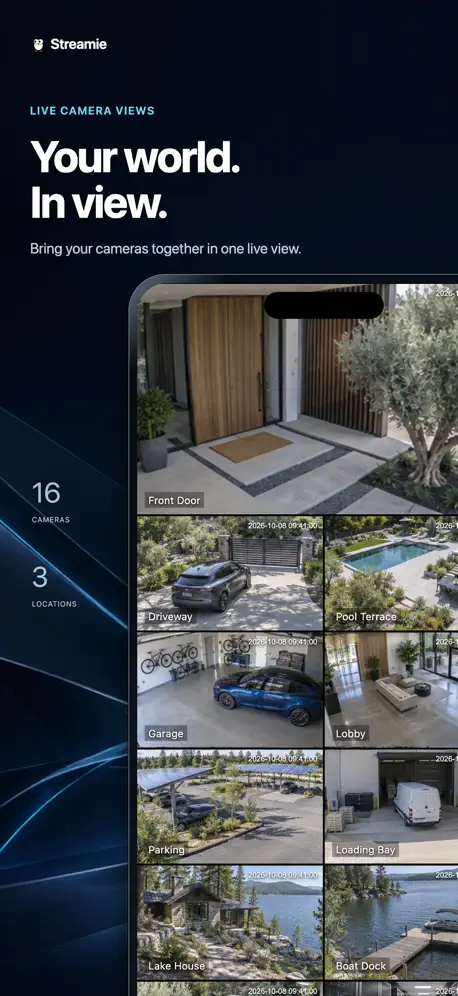  Streamie: IP Camera Streaming |   IP Camera Lite | 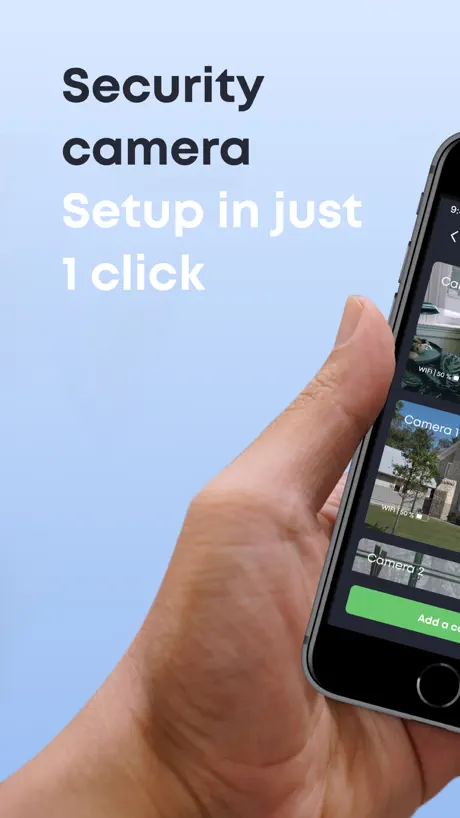  Cam&Cam - Security camera |   IP Camera Viewer & Monitor |   Videoloft: CCTV Camera Viewer |   IP Camera Viewer: Cam Hero |   TinyCam Pro | |
|---|---|---|---|---|---|---|---|---|---|---|---|
| Rating / 5 | 2.9 | 4.3 | 4.2 | 4.6 | 4.3 | 3.3 | 3.4 | 4.3 | 4.8 | 4.4 | 2.2 |
| Reviews | 277 | 12K | 4.6K | 307 | 297 | 214 | 214 | 205 | 156 | 119 | 57 |
| Released | 2009 | 2014 | 2015 | 2020 | 2018 | 2015 | 2019 | 2025 | 2019 | 2024 | 2020 |
| Monthly price | — | — | $4.99 | $3.99 | $4.99 | — | $6.99 | $5.99 | — | $9.99 | — |
| Annual price | — | — | $59.99 | $29.99 | $49.99 | — | $9.99 | $29.99 | — | $59.99 | — |
| One-time price | — | — | $149.99 | $3.99 | — | — | $19.99 | $24.99 | — | $129.99 | — |
The going rate for each plan in United States, in its own currency, shaded from the cheapest price on the row to the dearest. Plans fewer than four in ten of the priced apps sell are left out.
iCamViewer: IP Camera Viewer reviews
2.9 out of 5, based on 277 reviews.
What people like
- Setup is quick and very easy
- No annoying ads or pop ups
- Works reliably with many camera brands
What they complain about
- Crashes often when connecting to cameras
- Does not play audio from cameras
- No controls for pan tilt zoom
- Can only view one camera at a time
Works, no nonsense
This is an app that does what it advertises. No nonsense, no pop ups, no nags. It does require the user to know camera IP addresses, login credentials, and camera brand & model. I selected Dahua for my various cameras and it worked for all of them. About 5 minutes from download to viewing cameras.
Does not connect
Outdated & unable to support common cameras. Tried to connect working IP cam on my LAN and just got the perpetual loading pinwheel. Don’t waste your time. I already did that for you.
Better than most
Seems to work quite well for a Foscam F19900 in hd720 mode even though I had to pretend it was an F19903. hd1080 mode doesn't seem to stream reliably over my network to anything. I'm guessing that's a limitation of wireless rather than this software. Nevertheless hd720 streaming seems to work fine over many hours. Most other viewers including VLC tend to give up after a very short while, probably when the first packet arrives in the wrong order.
Can only see one camera at a time.
Can only see one camera at a time.
One step above bad
1. Crashes often 2. Good camera support 3. The reviews are very obvious fakes
Works great, no nonsense
This app works reliably with my Panasonic BL-C140A, and doesn’t harass me with ads or other shenanigans.
Oops, can’t delete camera
What do you mean “oops, you can’t delete your last camera. Yes I can. It’s one of the first things you allow your app to do. Delete the cameras that aren’t working. Even if there is only one. I’m not wasting my time trying to get it to work if his is how bad it is.
Inverted images
No problem setting up with generic cameras (Chose Wanscam pan/tilt), but cannot find setting to invert images from cams that are upside down. Any ideas?
Hypnotic ...
... watching the little thingy spin while this says "Loading" forever.
Ok
Just ok
Good app
Works fine for my two cameras
App problems
Unfortunately the app would not let me delete or edit my camera, when attempting to delete I got an error message saying that camera couldn't be deleted, to edit instead, no edit option?! No PTZ controls either.
Great docs, but where is the sound?
My d-link has a mic, but I don't think this software can monitor audio. The docs and setup are a little much for an app on iOS (should be simple and intuitive), but the app seems to work and it even gives pointers for the dynamic ip problem.
Should be much better
I got a Zavio F3115 IP cam from CCTV Camera Pros. For a while, this was the best app I could find to view my camera. (There is an official app provided by the manufacturer that is weak because it is unstable, but at least you can hear the sound stream.) This app is more stable but has a number of weaknesses, such as: 1. It does not play the audio stream from my Zavio F3115 2. It crops the video frame in a weird way on my iPhone 3. The video is choppy (because it shows a series of jpg images instead of the RTSP stream.) 4. It takes a long time to load because it has to download content every time you start it (which is essentially ads for CCTV Camera Pros) 5. You can't delete old camera profiles. (There is a delete button, but it does nothing.) I wish CCTV Camera Pros had told me that I can just use the VLC app to open my cam's video stream. (For my Zavio F3115, that stream is at "rtsp://[ip address]/video.pro1" [or 2 or 3 or 4].) The video is much smoother, and I can get the audio too.
i can't use it....,
I can't use it...., if it work , i will be happy.....
Great app
Works great. Set up a couple of ip cameras with no problem. Very reliable.
Failed to load
Could not load this on my iPad 2
Works OK but...
I find that the viewer works great BUT it would be nice to increase the size of the image with the pinch feature.
Shortcomings
OK app, downloaded fine, even connected my Edimax cameras without drama but you only get a single camera view at a time and after using the configuration page you have to log out of the app then back in for the settings to take effect, strange
Unable to have a blank password
At home my cameras do not need a password so I left blank but the app do not honor blank passwords.
Works and supports many cams
Nice app support for some cisco cams foscams dlink
Used to work perfectly
I have a zavio ip cam and CANNOT connect to it via this app. Used to work just fine. Now I just get an unable to connect message. Please fix!!
Great App
The app works great, in my case I am using two different cameras with good results from both. Only problem was with the last upgrade, I lost all my settings and that took awhile to fix. Future upgrades should retain the settings.
Good app, rubbish loading time
The actual app is good and very easy to setup. Have to Panasonic cameras working on it in few minutes. However, it takes over a min to actually load, let alone select a camera to view. I have another app that will show both cameras in under 10secs.
Average
Good basic software. Lacks support for multiple windows (up to 4 windows) for iPad is reasonable. Also, it may require update for supported devices.
ICamViewer
This program works VERY well. One suggestion: allow us to sort the camera (location) names, then it wpuld be perfect. For the coders: awesome, simply awesome.
Doesn't connect
Won't connect to any of my ip cameras. Other apps do fine.
Excellent App
Works great. Recent updates are well polished.
works but has bugs
delete cam does delete the wrong cam :( vendor drop down locks weird. looks you only see half of the popup. miss the view where u see few cams at once.
More features needed
E.g. Need PTZ, 1 or 2 way audio and recording feature.
Update
Up date don't work
Update broke wide screen
horizontal view on iphone 5 only shows the top half of video feed. Please fix!
Wish it supported sound, but great app!
Does exactly what it promises with my D-Link wifi cams. Would be useful as a baby monitor app if sound worked but can't really complain since it is free. This isn't one of those stupid voyeur apps so don't download it then give a bad review when you can't watch endless hours of strangers doing absolutely nothing! This app is for people who have one or more IP (wired or wireless) cams on their local network (or probably remote locations if you're savvy like that) that they want to monitor. It works perfectly IF your cam(s) are supported.
Bonne app mais...
Bonne app mais en ce moment elle se ferme toute seule!!! Pas pratique! 😣😔😡 Sinon lorsque ça marche...rien à dire! 👍
Works fine. Most of the bad reviews are from clueless kiddies who want to snoop cams
This app works FINE. It even works on my old iPhone 3G. It is a "serious" app for users who own and configure their OWN IP cameras. It IS *NOT* a toy for kiddies or voyeurs to detect & snoop on their neighbors or local store security cams, or view a random list of cameras somewhere in the world! A bunch of useless reviews from stupid people! You must know the Camera Model, IP Address, port and password for the camera(s) you want to configure. And it DOES show "live" images. On my DLink 6620G the updates were about 5 seconds apart. It does the job as advertised, but it does not have any advanced features. For example, there are no controls for PTZ cameras, at least not for the DLink. The rest of the selections in the icon bar are "infomercial" material by the company that sells Video Surveillance Hardware. Therefore it earns a 3 star rating.
Great App
The Installation was a breeze and super easy
Junk
Absolutely poor quality. Also not a big fan of getting spammed by this app. Will look elsewhere for our needs.
Good app for Monitoring YOUR OWN cameras
This is a good app for monitoring your own cameras. As others have indicated, it is NOT for viewing public cameras. Seems to load live views a lot slower than it used to, but overall a good reliable viewer. Would be nice if it had a setting to disable the automatic screen lock (like Zavio's app does); however, I just could not get my cams set up on their app - unlike this app, which was relatively simple. Overall, a recommended app.
ECCTV
QQ connais un apps du même genre fonctionnant avec les enregistreur numérique ECCTV (DVR 1016) ??? ils ont une apps complètement pourri qui bug toute les secondes !
Free but quite limited
Nice little free app to keep track of your IP cams. Lacks features as PTZ control and recording movie or stills though. Support is swift and helpful! Most other moron reviewers seem to think this app gives you a free view of CCTV cams in your neighborhood.. Are you guys stupid or what?? Get yourself an ip cam... Losers.
Add Night Owl Access
If this app only had Night Owl access it would be perfect!!!
Only works with Zavio (??) cameras
Description says many cameras, see complete list in app. List is only Zavio which I've never heard of and the list are links to purchase. FAIL. Do not download.
Works Great
App loads no problems, pointed to the ip addr. of cam, even though not in list, works how it's supposed to. Good work devs.
zut
n bouge pas la camera motorise domage
Q-See
I have q see 9 channel would did app work?
Works great
I have tried dozens of free ip camera apps and this is the only one I have been able to get to work on iOS 6 and iPad 3 and a d-link 2100+. There is another app that will work but it is no longer avail from the App Store. I plan on using this to monitor the horses in the pasture while we are away on vacation. I have a d-link 900w that I will use with this also. Old cameras, I know, but they still work. Thanks for the great app!
Don't work
I didn't let me do it
Does what it's supposed to do
Took me all of 2 minutes to configure the app. There isn't any support for Pan/Tilt/Zoom so 4 stars.
Good but
When i use the app it always crashes when it tries to connect to the camera
It's ok
I thought your iPod would just use a scanner and find nearby cameras to see
iCamViewer: IP Camera Viewer FAQ
- Is iCamViewer: IP Camera Viewer free?
- Yes. The app is free, in all 175 countries it sells in, and it sells nothing inside it.
- Does iCamViewer: IP Camera Viewer have a free trial?
- No. None of its offers (US) come with a free trial.
- What are the best alternatives to iCamViewer: IP Camera Viewer?
- FREEIP (4.3 from 11,925 reviews), IP Camera Viewer - IPCams (4.2 from 4,587 reviews, premium from $3.99) and UniCam: IP Camera Viewer (4.6 from 307 reviews, premium from $1.99).
iCamViewer: IP Camera Viewer download
Last updated 2 years ago.
iCamViewer: IP Camera Viewer sells in 175 countries. It was released 16 years and 10 months ago, on 30 Dec 2009. It holds a 2.9 rating from 277 reviews.
Supports 1 language: English.