
iNet Pro - Network Scanner
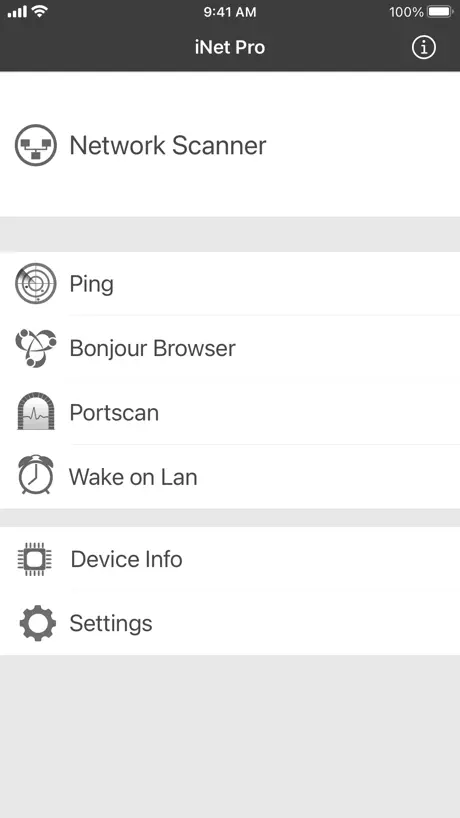
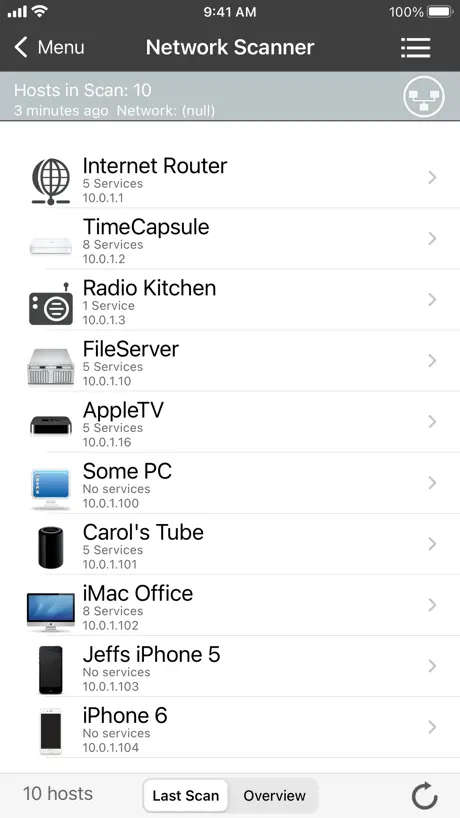
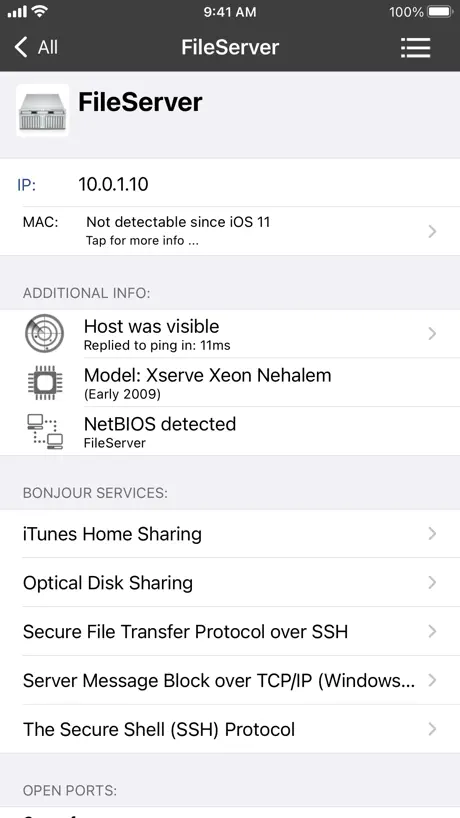
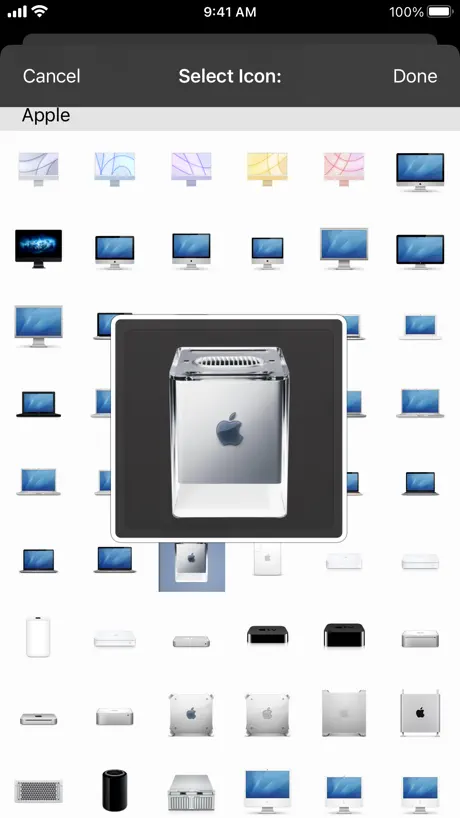
How much does iNet Pro - Network Scanner cost?
Prices are current as of 12 Sept 2026.
iNet Pro - Network Scanner has no in-app products on record in the United States.
iNet Pro - Network Scanner download price by country
| Country | Price |
|---|---|
| Germany | €9.99 |
| United States | $9.99 |
| United Kingdom | £9.99 |
| Switzerland | CHF 9.00 |
| Canada | CA$12.99 |
| Australia | A$14.99 |
| France | €9.99 |
| Austria | €9.99 |
| Italy | €9.99 |
| Netherlands | €9.99 |
| Mexico | MX$199.00 |
| Sweden | SEK 129.00 |
| Japan | ¥1,500 |
| Belgium | €9.99 |
| Norway | NOK 129.00 |
| Spain | €9.99 |
| Denmark | DKK 89.00 |
| Brazil | R$59.90 |
| Greece | €9.99 |
| Russia | RUB 899.00 |
| Czech Republic | CZK 249.00 |
| Poland | PLN 49.99 |
| Finland | €9.99 |
| Thailand | THB 399.00 |
| Portugal | €9.99 |
| Slovakia | €9.99 |
| South Africa | ZAR 199.99 |
| China | CN¥68.00 |
| Colombia | COP 49,900 |
| Croatia | €9.99 |
| Ireland | €9.99 |
| Hungary | HUF 4,490 |
| Indonesia | IDR 169,000 |
| Israel | ₪34.90 |
| Luxembourg | €9.99 |
| Saudi Arabia | SAR 39.99 |
| Chile | CLP 9,990 |
| Malaysia | MYR 49.90 |
| New Zealand | NZ$19.99 |
| Romania | RON 49.99 |
| Vietnam | ₫299,000 |
| Philippines | ₱599.00 |
| Slovenia | €9.99 |
| Turkey | TRY 499.99 |
| United Arab Emirates | AED 39.99 |
| Estonia | €9.99 |
| Hong Kong | HK$88.00 |
| Singapore | SGD 14.98 |
| Ukraine | $11.99 |
| Argentina | $9.99 |
| South Korea | ₩17,000 |
| Kuwait | $9.99 |
| Peru | PEN 44.90 |
| Taiwan | NT$320.00 |
| Uruguay | $9.99 |
| Costa Rica | $9.99 |
| Egypt | EGP 499.99 |
| India | ₹999.00 |
| Sri Lanka | $9.99 |
| Lithuania | €9.99 |
| Moldova | $11.99 |
| Bulgaria | €9.99 |
| Bolivia | $9.99 |
| Cyprus | €9.99 |
| Dominican Republic | $9.99 |
| Ecuador | $9.99 |
| Guatemala | $9.99 |
| Honduras | $9.99 |
| Iceland | $11.99 |
| Jordan | $9.99 |
| Kenya | $11.99 |
| Kazakhstan | KZT 5,990.00 |
| Lebanon | $9.99 |
| Latvia | €9.99 |
| Malta | €9.99 |
| Oman | $9.99 |
| Qatar | QAR 39.99 |
| Seychelles | $9.99 |
| El Salvador | $9.99 |
| Venezuela | $9.99 |
| Afghanistan | $9.99 |
| Antigua And Barbuda | $9.99 |
| Anguilla | $9.99 |
| Albania | $11.99 |
| Armenia | $11.99 |
| Angola | $9.99 |
| Azerbaijan | $11.99 |
| Bosnia & Herzegovina | €9.99 |
| Barbados | $11.99 |
| Burkina Faso | $9.99 |
| Bahrain | $9.99 |
| Benin | $11.99 |
| Bermuda | $9.99 |
| Brunei Darussalam | $9.99 |
| Bahamas | $9.99 |
| Bhutan | $9.99 |
| Botswana | $9.99 |
| Belarus | $11.99 |
| Belize | $9.99 |
| Congo, Democratic Republic | $9.99 |
| Congo | $9.99 |
| Cote Divoire | $11.99 |
| Cameroon | $11.99 |
| Cape Verde | $9.99 |
| Dominica | $9.99 |
| Algeria | $9.99 |
| Fiji | $9.99 |
| Micronesia | $9.99 |
| Gabon | $9.99 |
| Grenada | $9.99 |
| Georgia | $11.99 |
| Ghana | $11.99 |
| Gambia | $9.99 |
| Guinea-bissau | $9.99 |
| Guyana | $9.99 |
| Iraq | $9.99 |
| Jamaica | $9.99 |
| Kyrgyzstan | $9.99 |
| Cambodia | $9.99 |
| St. Kitts and Nevis | $9.99 |
| Cayman Islands | $9.99 |
| Lao Peoples Democratic Republic | $9.99 |
| St. Lucia | $9.99 |
| Liberia | $9.99 |
| Libya | $9.99 |
| Morocco | $9.99 |
| Montenegro | €9.99 |
| Madagascar | $9.99 |
| Macedonia | $9.99 |
| Mali | $9.99 |
| Myanmar | $9.99 |
| Mongolia | $9.99 |
| Macao | $9.99 |
| Mauritania | $9.99 |
| Montserrat | $9.99 |
| Mauritius | $11.99 |
| Maldives | $9.99 |
| Malawi | $9.99 |
| Mozambique | $9.99 |
| Namibia | $9.99 |
| Niger | $9.99 |
| Nigeria | NGN 14,900.00 |
| Nicaragua | $9.99 |
| Nepal | $11.99 |
| Nauru | $9.99 |
| Panama | $9.99 |
| Papua New Guinea | $9.99 |
| Pakistan | PKR 2,900 |
| Palau | $9.99 |
| Paraguay | $9.99 |
| Serbia | €9.99 |
| Rwanda | $9.99 |
| Solomon Islands | $9.99 |
| Sierra Leone | $9.99 |
| Senegal | $11.99 |
| Suriname | $9.99 |
| Sao Tome & Principe | $9.99 |
| Swaziland | $9.99 |
| Turks and Caicos | $9.99 |
| Chad | $9.99 |
| Tajikistan | $9.99 |
| Turkmenistan | $9.99 |
| Tunisia | $9.99 |
| Tonga | $9.99 |
| Trinidad and Tobago | $9.99 |
| Tanzania | TZS 29,900.00 |
| Uganda | $11.99 |
| Uzbekistan | $9.99 |
| St. Vincent & The Grenadines | $9.99 |
| British Virgin Islands | $9.99 |
| Vanuatu | $9.99 |
| Kosovo | €9.99 |
| Yemen | $9.99 |
| Zambia | $11.99 |
| Zimbabwe | $11.99 |
10+ alternatives to iNet Pro - Network Scanner
| iNet Pro - Network Scanner |   Network Analyzer Pro: IP Tools Network Analyzer Pro: IP Tools | 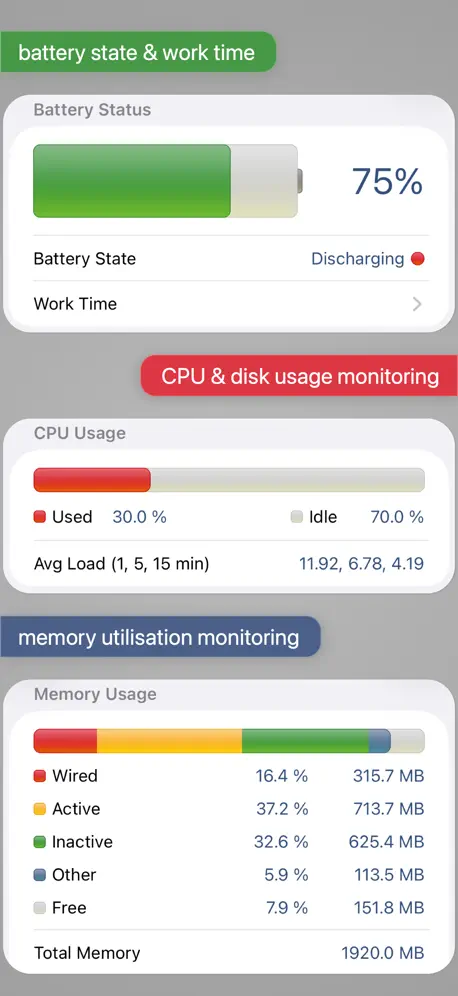  System Status Pro: hw monitor System Status Pro: hw monitor | 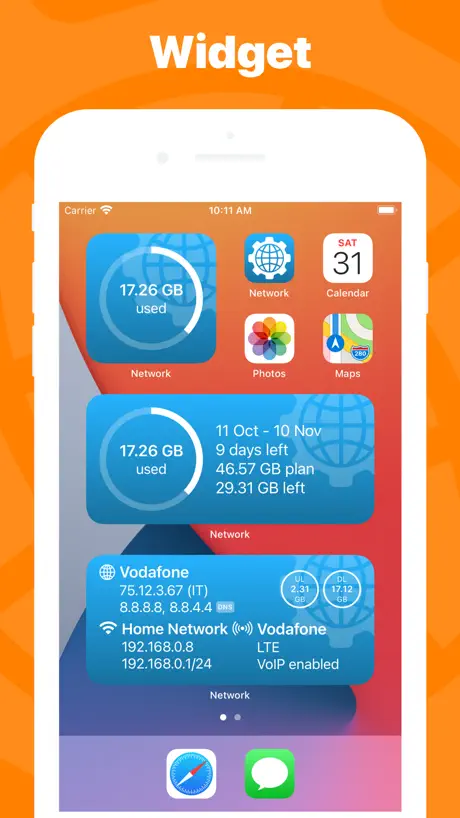  Network Utility Network Utility |   iNetTools - Pro iNetTools - Pro |   Detectir Detectir |   Network Utility Pro Network Utility Pro |   IP Scanner Ultra IP Scanner Ultra |   IT Tools - Network Analyzer IT Tools - Network Analyzer |   Flame Services Browser Flame Services Browser |   CCC Mobile Backup CCC Mobile Backup | |
|---|---|---|---|---|---|---|---|---|---|---|---|
| Rating / 5 | 4.6 | 4.7 | 4.7 | 4.6 | 4.7 | 4.4 | 4.6 | 4.6 | 4.4 | 4.5 | 4.0 |
| Reviews | 2.9K | 22K | 12K | 2K | 1.5K | 883 | 611 | 217 | 80 | 75 | 52 |
| Released | 2009 | 2012 | 2010 | 2012 | 2013 | 2021 | 2016 | 2011 | 2009 | 2009 | 2024 |
| One-time price | — | — | — | $2.99 | — | — | — | — | — | — | — |
The going rate for each plan in United States, in its own currency, shaded from the cheapest price on the row to the dearest.
iNet Pro - Network Scanner reviews
4.6 out of 5, based on 2,934 reviews.
What people like
- Detects almost every device on your network
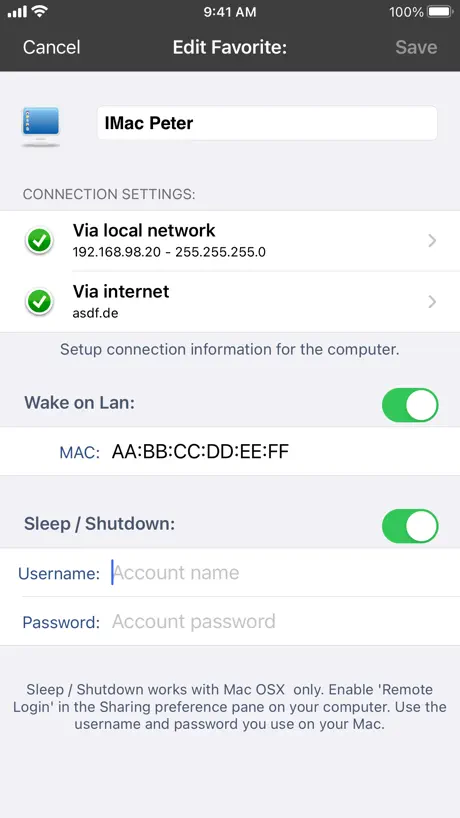
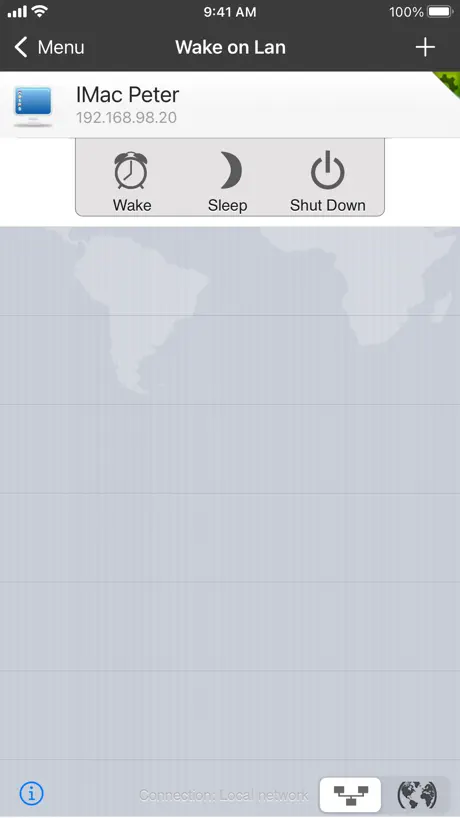
- Wake on LAN feature works very well
- Developer is responsive to user feedback
- Very useful tool for home network issues
What they complain about
- Requires location permission for basic scanning
- App crashes frequently during network scans
- Does not show MAC addresses anymore
- iPad version costs extra and feels old
Best app
For scanning lan
Not worth paying for
Wish I had never bought this app … no better than many free LAN scanner apps now available … I should have read reviews better as many good ones are now very old!
Please add iPad support
Great tool but it’s really missing support for iPad
Needs more work
My MacOS version is having real difficulty finding ALL the devices actually on my local home WiFi. The router reports 18 total attached devices but iNet reports 9-13. We have 2 ALEXA, iNet only detects one. I am using a Privacy Hero II router.
Benefit of the doubt
I’ve not received any response in my spam folder or I would of noticed it but you seem confident you sent the answer to what “open via” means and even though I still don’t know I believe you at your word. Your response to my review is the only contact and it was by fluke I looked it up. Thank you I guess.
GOOD
GOOD
Very useful tool, BUT…
I used for years the free version and is great but it was disappointing that it did not populate details automatically for most of my network devices. I thought it was a limitation because of free version.. I bought the paid full version, but seems that it did not upgraded the free version I already had, but got a new download instead. Strangely the full version also did not discover the details (names etc) of the devices although in the updates it mentioned that the latest version does…What’s more annoying is that previously I spend ages to update the details manually in the free version and that stayed there. Seems I need again to manually update those in the paid version. May be I do not know, but only if there is away to export all data from the free app to the paid… Any advice or help, please? Thanks!
Very Useful
This is a really useful app. I’ve used it for a number of years now and always found it detects everything on the network. New or custom (user definable) icons would be useful though for more IoT devices such as bulbs, sockets, fans etc.
Missing Devices
Scanner is not a useful tool as many devices are known to be on network are not found
Great app👍🏻
Last update: app crashed when i will apply some notes! Please fix! Would be nice when i could apply my own pictures to the scanned devices Please ad some more sort options: IP adress Name Response time Keep up the good work👏
Clear information
Very useful tool for network management… but would be better if after giving names to devices, it actually would remember them. No point in applying names that don’t stick!
No longer recommended
This used to be the top paid app for the price on my book until they decided they needed location services even on the paid version. Look elsewhere.
Great! Just wish it had more icons
This app is great at identifying devices in my home! I just wish it had more icons for raspberry pi devices, cameras, plugs, lights, fans, and even my oven! Just more icons for smart home devices in general. I’m sure an icon pack can be found for free or downloaded online! It would also be great to be able to add the MAC address of devices found using other tools.
Crashes consistently
This app promises much in the way of features, but the current build is crashing when attempting to initiate a network scan. Recommend not purchasing until the developer fixes the problem. Sorry I spent $8.99 for an app that crashes. It is not compatible with iOS 11 at the moment.
Good network scanner
Once my favorite network utility, UI seems a bit dated, a bit cumbersome, and out of step with the rest of iOS. Custom icons aren’t retained; lost each time I scan a network (-1 star). The in-app Review editor doesn’t show text of the review, while writing this review from App Store works as expected.
Amazing Scanner
This is the Swiss Army knife for network problems, at an affordable price. Keep it up.
WARNING: Latest version required Location access.
WARNING: Latest version required Location Access for the app to scan. Remove the Location Services requirement. No reason why the latest iNet update should required such access for the app to work. In all previous version, Location access was never required. It is an invasion of Privacy. Why the need for Location Access?????
iNet Tool
This tool works well for me although it would be great if I could get the MAC addresses.
Great tool potentially.
I used to k ow exactly who or what was Tsukuba my service and able to pick out and block Unknown’s. Now ... I cannot tell if friend or foe . Instructions would help !
Good feature set… bad iOS 13 support
[UPDATE] iOS 13’s dark mode looks terrible in the app since the last update! It shows bands of white background in section headers. [Original review] The cool thing about this app is the ability to scan local and/or VPN networks when a VPN connection is active.
Internet Dependency
I rescind this review and return to my 5-star rating. I use this app all of the time and I love it. The issue I describe below is due to legitimate supplemental queries that I will leave to the developer to describe. The developer is going to address the long delay when the an Internet connection is down. I thank them for their response. I suggest to the developer that, for what it may be worth, they hammer Apple about the support link. I would have used it except the actual link is so hard to see I decided that the only support was a help page which I deemed useless. Because of this I assumed my only option was to write a negative review. This is a great app! In this day of expanding IoT I find it indispensable for troubleshooting my home network. They are concerned about privacy and it is my bad to have implied otherwise. My rescinded previous review for reference: Until today I would give this app a 5 star rating. I love its functionality. I use it often. It is incredibly convenient and function-rich. However, today our Internet went down for an unknown reason. In diagnosing it I decided to do a LAN scan. It failed in iNet Pro. It hung. Why? Well almost certainly because it needs an Internet connection to run. (I tested this when the Internet came back up by manually disconnecting the WAN. It does!) Why would it need an Internet connection to run? Well it seems quite plausible that this is because it is pumping our private data to its servers. This is just barely tolerable with the free app but not the paid pro app. Further, it defeats the purpose of this app being a diagnostic tool if it fails to function diagnosing the LAN when the Internet is down! This is, to say the least, a huge failure even if it isn’t “stealing” our data! Now maybe I am being too hard here. This is possible. Maybe this is a bug and the issue is that it is trying to do a reverse DNS and on LAN IP addresses or something like that, that provides a secondary service which only the Internet can provide. Or maybe there is a configuration parameter that I haven’t yet found that turns such queries off. Even so, the app shouldn’t hang on whatever potentially legitimate Internet query it is performing to supplement its local scan. For as long as this app has been around it is hard to imagine that a bug like this wouldn’t have been caught. Doing a LAN scan when Internet connectivity issues arise seems like a pretty basic use of this app! It failing in this “crisis” we were experiencing is pretty bad! This app’s whole point is all about diagnosing network issues. iNet Pro crashed and burned in a crisis. I now mistrust this app! What info is it scurrying away.? Do I now have a research project trying to determine what it is accessing and why? I will for the moment continue using the app as it is so functional and likely the damage of exposure it has done has likely been done already. However I am going to start to do a deep dive into what it is up to and look for alternatives if I decide this app is essentially a Trojan horse. At this point all signs are pointing to it being a Trojan even if a legal Trojan. Keep in mind this app can pump your entire LAN map with info about every system on your LAN to who knows where? This may all be legal. It might all be in some legal text we agreed to by hitting an OK button along the way. This doesn’t diminish at all the possibility it is pumping one’s internal network data to servers somewhere in the cloud for who-knows-what reason. Huge red flag!!!!
Location access ?
It used to be great but now it’s asking for location ? Like really ?
Dark mode?
I like the app. It is quite simple to use and works. I see they added dark mode but the app is still all in white. Not sure if that’s working?
You have to allow it to use your location before it will do a scan
Been using this for years but this week tried to use it with location services off and it won’t do a scan. What a ridiculous situation - who are they selling the data to? Not going to buy another product if banana glue think this is an acceptable way to operate. 2020-04 update says it allows scanning without location services but you have to go through 4 prompts that try and dissuade you from doing the thing you just asked it to do. There are other free products which offer most of the functionality so BannanGlue need to up their game
Great until recent update
Since the latest update wake on lan no longer works. I've tried deleting the app and reinstalling the app but it will not wake my PC. Another app I use for the same use is still working fine. Could you please fix thanks
Great app
This apps does a lot will list every device connected to your WiFi and do lots more. Also you can email if you have any problems and get help .
Forced use of location data
Use of location data should be optional, not forced just to do a simple network scan.
Enhanced Ping Options
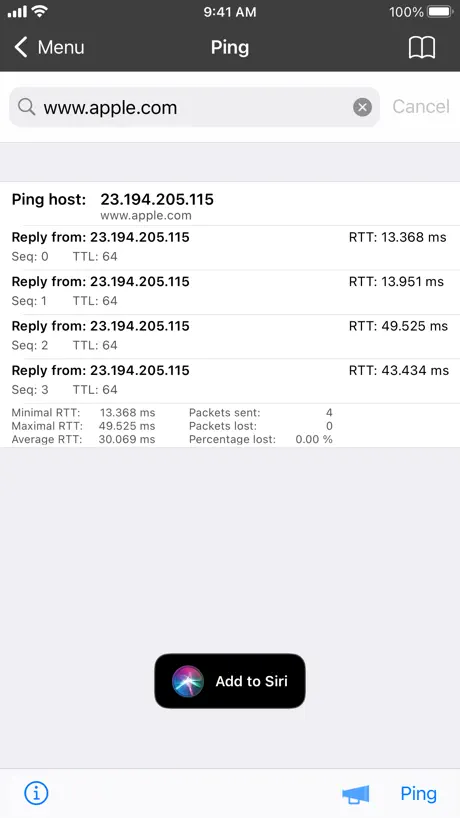
The only item I wish could be modified is the number Pings that are sent. I would like to have a programmatic capability to send x number of pings or indefinite with the STOP link terminating the operation.
Works great
I've been using this for years works for scanning the network to find devices
Update iPhone 5
L'application est très complète mais il faudrait quand même pensé a la mettre à jour pour l'iPhone 5
Excellent, legit, as old as the App Store and still updated
This is probably one of the first apps I bought and it is still regularly updated by the same developer. It’s as good as Apple will allow this type of app to be. Check out the Mac version as well, Apple restricts the Mac less so it is even more useful. But for an iPhone LAN scanner there isn’t a better one, and I’ve tried several but there’s no point in using another if you have this one.
No longer rely
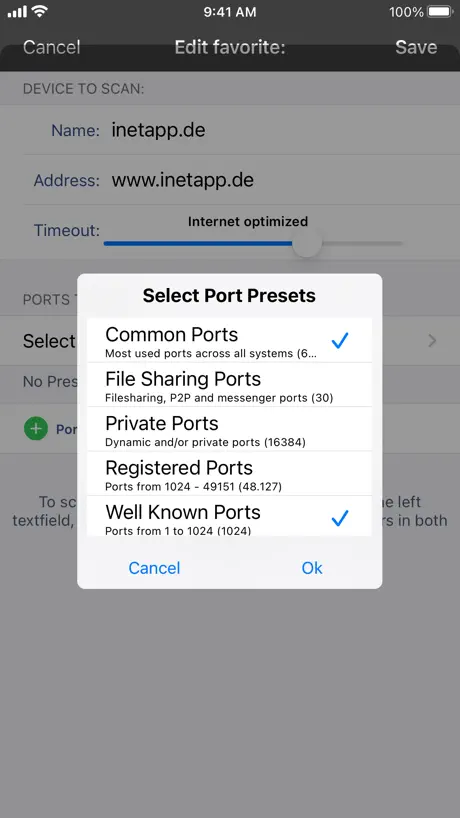
You can no longer rely on this revealing all open ports
One of my go to apps
I got this one early on and I am so disappointed that an on my new iPhone 8 that i was finally talked into upgrading to the giant phone from an iPhone 4s and I now Half my apps either don’t work or are not updated or have weird quirks like no Mac addresses......
Was a very useful until Ios11
Was very useful for trouble shooting network issues until iOS 11 crippled the app by limiting its access it network information. Too bad! Hope Apple allows more access but security is important too.
Ok
Perché solo 3 stelle? Manca ancora la risoluzione per l'iPhone 5. Quanto dobbiamo aspettare?
Best WOL (Wake on Land)
It’s great to find a Wake on LAN app that outperforms five others I tried. This app stands out for its consistent ability to effectively wake up devices remotely. Its stability and user-friendly interface are definite strengths. In summary, it’s a reliable and efficient app that excels in its function.
Pretty Much Useless
All of the useful info shows apologies for iOS SDK changes
Migrated from SubnetInsight
This review is identical to the one I left regarding iNet for iPad, as there is no difference between them except with respect to device compatibility. — I’ve been an avid user of SubnetInsight since getting my first iOS device in 2011. However, given the changes made in iOS 11, it is completely unusable now. The developer has pulled it from the App Store and no replacement has been offered. iNet Pro is a decent substitute, but its developer should check out SubnetInsight on a pre-iOS 11 device and take some cues from it. Here are my qualms with the app, which is otherwise pretty good and functions as expected. 1) The price is a bit steep. That would not be so bad if iNet Pro was a universal app. As it stands, I ended up purchasing it twice for both my iPad and iPhone, basically raising its cost to $12.99. 2) I realize that the limitations of iOS 11 make certain features hard to implement, and that the ability to remember and customize each device’s name was scrapped because of this change. Nevertheless, many people have devices on their networks that are assigned static IP address, and an option to assign a specific name to them according to IP (not MAC address) would be quite useful. This is not extremely troublesome for me, as I run my own DNS servers, which iNet Pro uses to resolve IP addresses. However, it ignores name resolution when a device broadcasts its hostname over Bonjour or NetBios, which is annoying. 3) The ability to see offline devices would be appreciated, as I’d like to know when they were last online. SubnetInsight was capable of remembering wifi networks, as well as the hosts that were connected to them. In addition, it provided geolocation data for each access point. This is a feature I miss. Again, I realize that changes in iOS 11 make implementing this gracefully somewhat difficult, but an “advanced” toggle of sorts could be provided. 4) I wish iNet Pro would simply scan a device for open ports automatically when I tap on one. Or perhaps do so in the background after a network scan is completed. 5) The integration of WOL is nice, and allowed me to delete your other app, iNet WOL. Indeed, the special keyboard made entering addresses much less painful. However, syncing WOL data via iCloud would alleviate the need for me to enter this information on multiple devices. Overall, I do not regret the purchase and am a happy customer. I even decided to check out the macOS version, which is free from all of the issues mentioned in bullet #2 above. If you’re looking for network scanner, I think iNet Pro is the best currently available for iOS 11 devices.
iOS 11 ruined this great app.
The fact that this doesnt pick up Mac addresses anymore makes it a LOT less useful. Not the developers fault, but still. Sorry devs, i cant recommend this app any more.
Update
Good and useful but need to have a update for iPhone 5 and iPads
One
Amazing.
Latest version unusable
This app was really good until the most recent update. It now crashes as Aston as you try and do a scan!! It needs to be fixed as it cannot be used as is.
Scurvydigdog
Does what it says on the tin ! Very useful
Useful app, bit rough around the edges
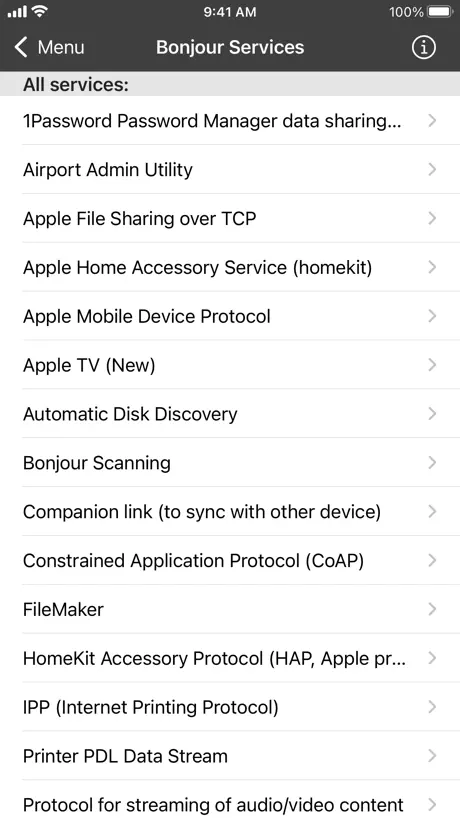
Very useful app, functional, especially the bonjour browser. However, still not retina comparable. The iPad iNet is also a seperate app and purchase, which I thought was very steep. The iPad app also isn't optimised for iPad pro (no surprise as its not even retina yet)
Nicht mit iPad fähig
In der Beschreibung steht das es iPad fähig sei ist es aber nicht wurde mich freuen, deswegen zwei Sterne Abzug :/ um den Price musste das es können....
Great tool for network testing
I have used this tool for more than 10 years and I highly recommend it
Free version better to keep it
The difference between free ver and paid is so small not worth paying £5.49 to be cable to scan a limited 65 ports and limited 4 connections for example can only connect to FTP http ssh and not customise. I regret buying and seen better free applications on linux.
Does the job
Great and quick and spotting basic problems on a local network.
Quelques bugs
Application très lente : Il faut attendre longtemps pour avoir le résultat d'un simple réseau de 5 ordinateurs. A la place des noms on retrouve }#8É ...
Disapointed...
Wake over internet it is not working with my Airport Extreme...
iNet Pro - Network Scanner FAQ
- Is iNet Pro - Network Scanner free?
- No. iNet Pro - Network Scanner costs $9.99 (US) to download.
- Does iNet Pro - Network Scanner have a free trial?
- No. None of its offers (US) come with a free trial.
- What are the best alternatives to iNet Pro - Network Scanner?
- Network Analyzer Pro: IP Tools (4.7 from 22,484 reviews), System Status Pro: hw monitor (4.7 from 12,151 reviews) and Network Utility (4.6 from 1,977 reviews, premium from $2.99).
iNet Pro - Network Scanner download
Last updated 1 month ago.
iNet Pro - Network Scanner sells in 175 countries. It was released 17 years and 5 months ago, on 10 Apr 2009. It holds a 4.6 rating from 2,934 reviews.
Supports 15 languages: English, Danish, Dutch, French, German, Italian, Japanese, Korean, Norwegian Bokmål, Polish, Portuguese, Chinese, Spanish, Swedish, Turkish.
How much does iNet Pro - Network Scanner make?
Third-party estimates for the last 30 days, worldwide — not the store's own figures, which Apple publishes for nobody.