Telnet Lite
gives easy access to a server
How much does Telnet Lite cost?
Prices are current as of 15 Nov 2026.
Telnet Lite has no in-app products on record in the United States.
10+ alternatives to Telnet Lite
| Telnet Lite |   PRTG - Monitoring |   Network Toolbox Net security | 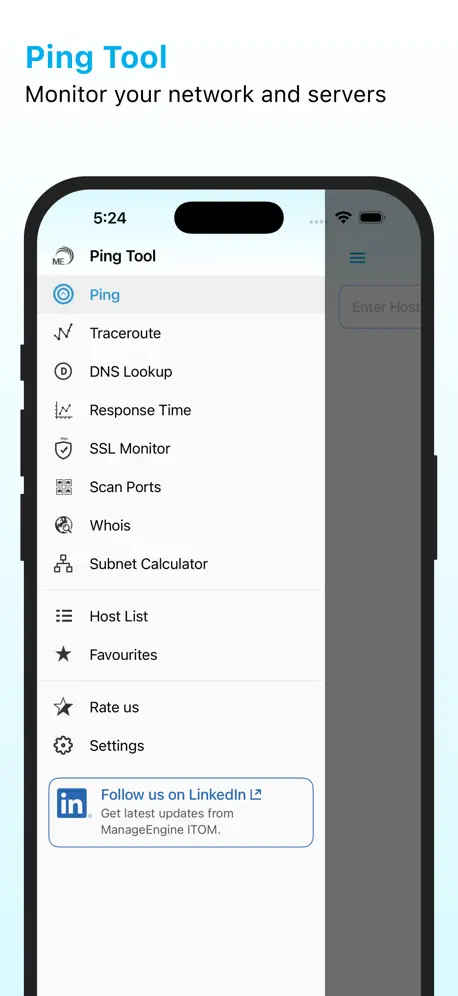  ManageEngine Ping Tool | 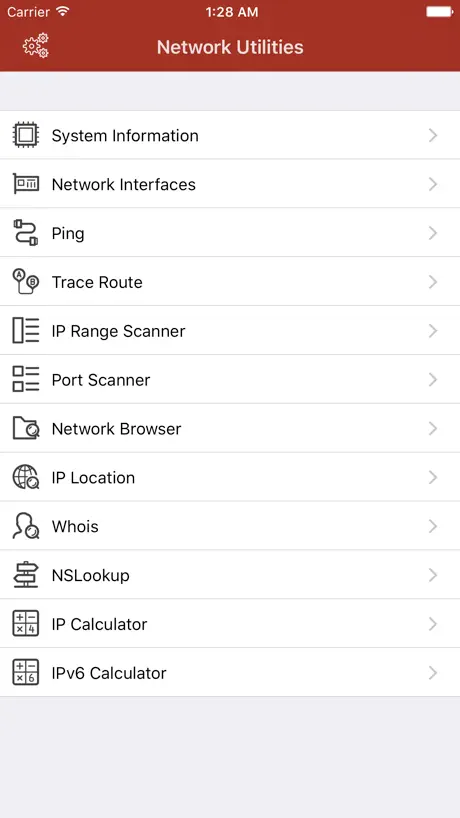  Network Utilities & Analyzer | 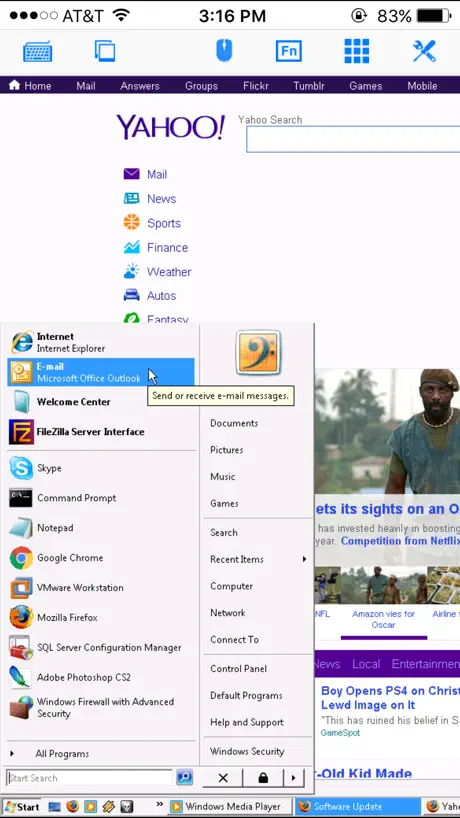  iRemoteDesktop Lite | 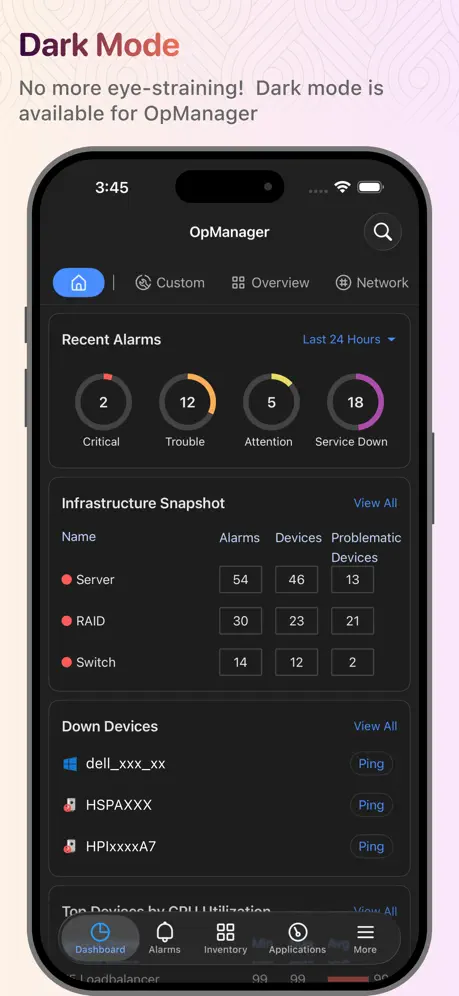  OpManager | 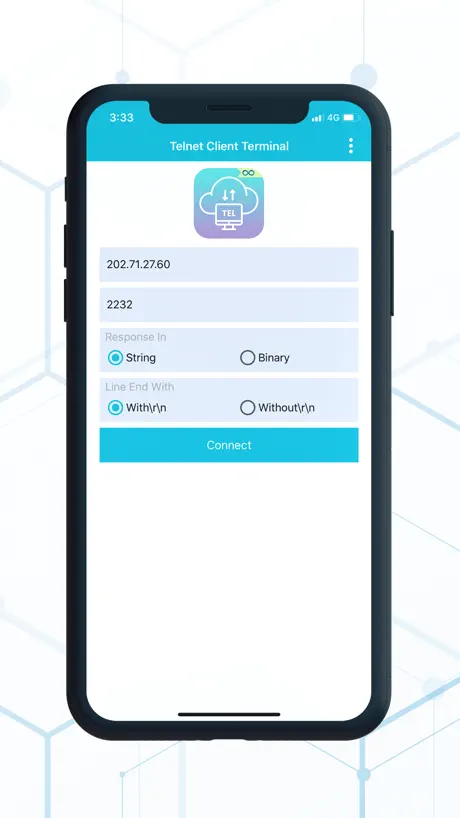  Telnet Client Terminal |   Remote Access Plus |   Ivanti Velocity |   SmartTE Terminal Emulation | |
|---|---|---|---|---|---|---|---|---|---|---|---|
| Rating / 5 | 3.1 | 4.7 | 4.6 | 4.8 | 4.5 | 3.4 | 4.7 | 3.1 | 4.6 | 4.9 | 4.4 |
| Reviews | 158 | 11K | 6.6K | 2.9K | 877 | 766 | 516 | 137 | 23 | 19 | 7 |
| Released | 2019 | 2009 | 2013 | 2011 | 2017 | 2010 | 2012 | 2016 | 2020 | 2020 | 2012 |
| Monthly price | — | — | $9.99 | — | $0.99 | — | — | — | — | — | — |
| Annual price | — | — | $29.99 | — | $9.99 | — | — | — | — | — | — |
| One-time price | — | — | — | — | $2.99 | $4.99 | — | $0.99 | — | — | — |
The going rate for each plan in United States, in its own currency, shaded from the cheapest price on the row to the dearest. Plans fewer than four in ten of the priced apps sell are left out.
Telnet Lite reviews
3.1 out of 5, based on 158 reviews.
What people like
- Works perfectly for basic remote access
- Saves your login credentials nicely
- Great for quick emergency checks
What they complain about
- Sessions cut off after five minutes
- Keyboard hides what you are typing
- Enter key is in the wrong spot
- Connection drops when switching apps
great free telnet/ssh client
Works great to ssh into home router/gateway. Even saves ssh credentials if you’d like. Nice keyboard and control key layouts. I’m impressed.
Piece of junk
I can connect to the server but when I attempt to type anything including my login details it doesn’t allow a single character to enter the screen, this is entirely worthless
Actually works, slowly
I tried five other terminal apps before this one. None of them worked. This on runs but it is slow. If you’re using IOS then you likely are happy when your Apple device does anything so let’s call this app a win.
Once decent; time to get rid of it
I used to use Mocha Telnet on a regular basis. When the developers, in their infinite wisdom, decided to make a 5 minute limit on sessions, that was the beginning of the end. Since then, I’ve moved to Termius and found that it does everything that Mocha does, but better. Bye bye!
Export only exported last session used
Export broken, purchased app and tried to export and it would not export all sessions.
Works Great for UPR RP Students
I you study at the UPR in Rio Piedras, this is just great. Replacing TeraTerm in PC by being mobile.
Worse with every update
I first started using this app years ago on an iPhone 4. It worked great, scanned quickly, didn’t have a 5 minute limitation on the free version, and did everything I needed it to do. After upgrading phones and getting the updated app, I noticed that each update is making the app worse. The scanning feature deteriorated to a point where it takes forever to properly find a barcode. Why would they update an app that would make a newer phone harder to use than an iPhone 4? The most recent update moved the enter button and replaced it with a second, useless keyboard button. Years ago I contacted the developers about issues I had with scanning after an update and they basically said they didn’t care. If the scanner worked like it should and the developers didn’t continue making the product worse with each update, I would happily spend the $5 to upgrade to the unlimited version, but until that happens, I guess I’ll just reconnect every 5 minutes. If there was another app option, I would use it in a heartbeat.
Great!
Neat, handy app for remote configuration of network devices.
2.5 stars, really, as it’s basically half useful
For what it is, it’s good. But the 5 minutes session timeout and lack of ability to upgrade to the full version and preserve existing settings makes it half what it could be. For short emergency access it is perfect. But for anything more involved, unless you don’t have any full computer anywhere nearby, it’s just easier to logon to a console with a decent keyboard and screen than pay £6 and then painstakingly re-enter your login details ona. touchscreen interface.
Lite!
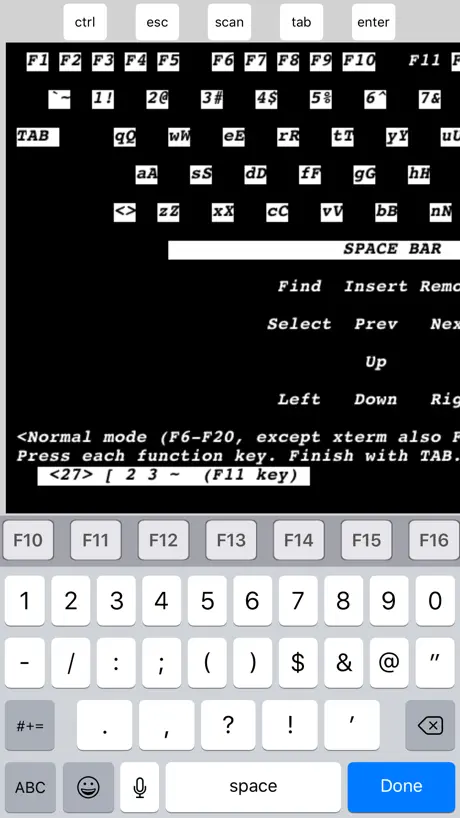
Ohne Tab und F2-12 so gut wie unbrauchbar. Konfiguration umfangreich, aber unübersichtlich.
Very useful
Even the lite version has proven to be an asset while needing to check progress or stability of my Linux servers. Very good app
Can’t type and bait/switch issues
Keyboard no longer works, and now I lost the ability of using app for more than five minutes. Those two issues were not there prior to updates.
Good, but strange design decision
While the app does what it's supposed to, and does it well for the most part, the decision to make the in-keyboard button the "done" button, instead of the enter one is odd, especially considering that's usually where the enter button is located. Other than that, it is good.
Enter button
Where has the enter button gone????
Hello
Hello. Mocha in Russian mean urine :) You should make rebranding for russian market.
Telnet lite
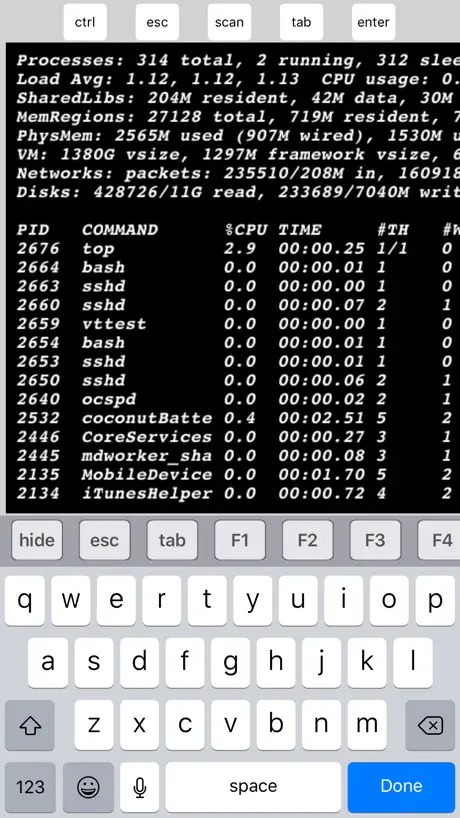
This is a very useful app for me. This enables me to connect my iPad to ham radio dx spotting network which is telnet based. At a glance it provides dx station callsign, frequency, mode of operation, be it phone, digital, code, etc. in this case the iPad is really just functioning as a dumb terminal, but the app has many more capabilities beyond what I use it for. Thanks for a good solid application.
I disabled auto update because of this
When I originally downloaded this app, there were very few limitations, mainly concerning which keys you could press. Then the developer updated the app and changed the limitation: the full keyboard was available, but sessions cannot last longer than five minutes. I held off updating for three months, and would have waited longer had I not accidentally hit the button. It was uninstalled in less than 60 seconds. Sorry, but I’m not allowing that.
Pretty good!
I would give five stars if it didn't disconnect when you switch to another app, and if it supported copy & paste features. I have no problem with the keyboard as you can move the screen around so you can see what you're typing no problem.
Hard to use
It's pretty terrible that the return button is at the top of the screen. It really needs to be switched with the done button.
Great app
Great app - does what it says on the tin. Only annoyance is that you can't switch out of the app, say to look at a password, or copy and paste a command, because when you switch back the connection has been disconnected. Otherwise great for a quick telnet session.
Great App
This does exactly what I needed so it's a winner for me
Once great, now useless
****WARNING - this will quit your sessions every five minutes.*** Don't bother. I was a happy Mocha user for years, and this "update" was foisted on me without warning. I will never buy a Mocha product, and will actively celebrate their demise.
Good
Cant scroll text on ipad 2 in landscape mode Cant increase window size with text Simple, fast, stable
Barely usable
Text entry is very slow and the keyboard animations are very laggy, if this were fixed this app would be so much better. A separate input line would be nice, as would ANSI color support.
tab fehlt
Ala kostenlose app spitze, wünsche mir nur noch eine tab emulation um verzeichnisse und befehle in der shell zu ergänzen
Great App!
Works as advertised. Thanks!
Not worth it.
This app used to be good for occasionally connecting via ssh to another host. Now that sessions are limited to 5 minutes, I'll be deleting it. Turns out there are competing apps that do what this app does, for free. UPDATE: Developer updated this app once again to hide all the recent negative reviews. Beware!
Reasonable
A reasonable telnet client, probably more use on an iPad than phone. But good in emergencies. The keyboard does obscure the screen a bit, and having the landscape as a paid option is a pain. But good and useful app
It's ok
You can't see what you're writing which is a pain.
не нашел стрелок вверх и вниз
не нашел стрелок вверх и вниз...
Telnet
Awesome... Thank you for your creativity
arbitrary time limit
Adding in a totally arbitrary 5 minute session time limit = 1 star rating
For what I'm using it for, it's alright.
I downloaded this light app, simply to try out an online MUD server. So for what it's worth, it does the job, and so far has given no back talk or nagging.
ruined by small flaw
Great app EXCEPT when you use the keyboard it covers the cursor input so you can't see what you're typing. This makes the app virtually impossible to use.
Русский язык
Не поддерживает русский язык. Хотелось бы поддержки utf8.
Telnet Lite
This app works great for remote access via my I Pad.
AVOID!!!
Dumping this app. Not worth the hassle of the 5 minute limit, and too costly for what this app does. Look for an alternative.
Nicht übel
...für ein kostenloses app.
Keyboard covers input line!
If keyboard is up, the bottom of the telnet window is covered by the keyboard. U can't move the telnet window up far enough to see what u r typing. Not good for BBSs.
Capable emulation
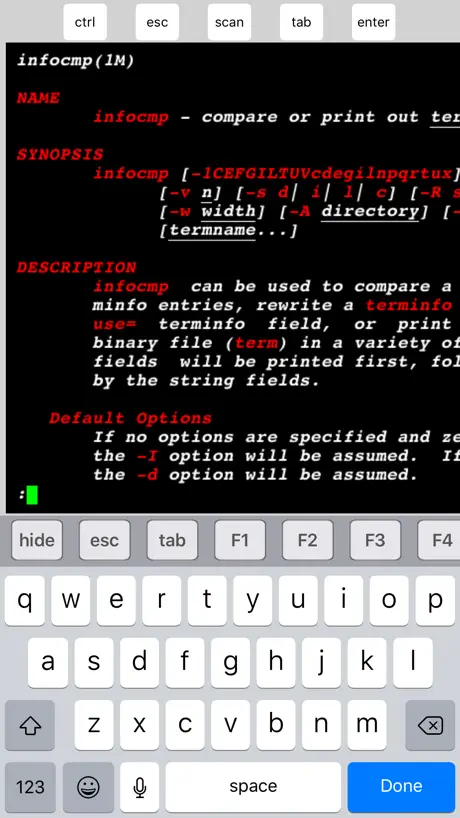
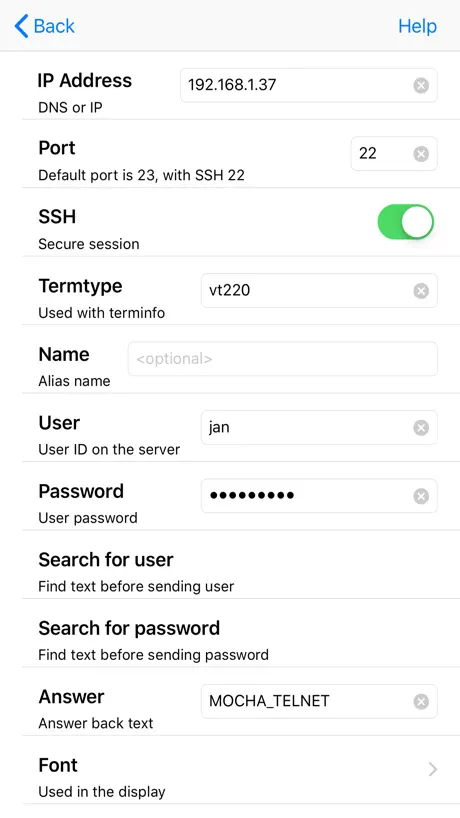
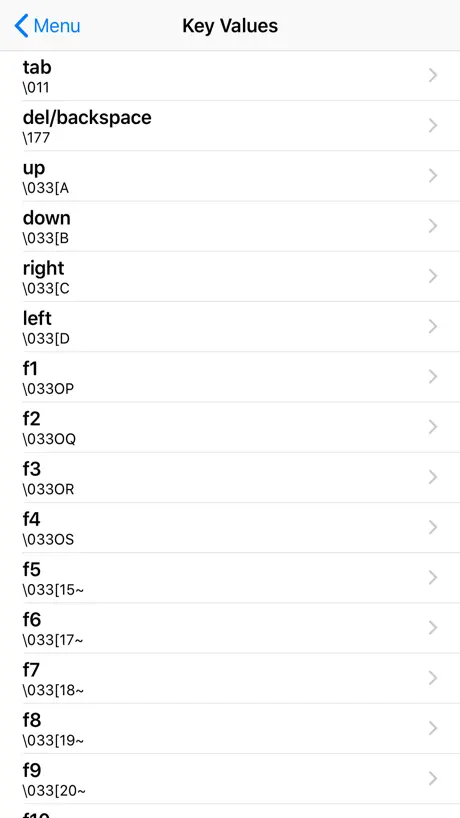
Adds Control key to keyboard. Use Control-[ to create <ESC> key for VT100 keyboard emulation (e.g. <ESC>OP for F1 or PF1). Can be used in a pinch for most needs. However its a pain to use the <ENTER> key since it's not available on the keyboard but has to be selected from the app's header section, the same way you select the <Control> key. Should be available via the normal iPhone keyboard. Best used in landscape mode (yes, even for 80 column) since screen can't be resized or moved like in other apps.
i love it
needed ssh2 on the go. this has been working perfectly for the minimal usage i require.
Doesn't work
Can't seem to even get a <CR> to send to the server. Poor and clumsy implementation.
No scroll buffer?
Not bad but would be useful to scroll back up again. Not as good as the ssh apps in terms of usability.
Not good for telnet BBS
Needs a way to press arrow keys and a way to change font codepage.
Works, but a few flaws
Well it works, but the keyboard gets in the way!
AWESOME!!!
UP THERE⬆️
Useless, cant type in anything
How am i supposed to do anything if none of the keys do anything?
Nice app
Works very well with my router! Does what it says on the tin
Unhelpful developers
You cannot control how received line-endings are handled. I need to connect to an application that sends lf (\n) terminated lines. But, Mocha Telnet Lite (and probably Mocha Telnet) will not insert the cr (\r). This causes the output to "stair-step" down the screen. I wrote the developer and their response was "we don't do that." Well, I don't buy their products. Otherwise, the app does, mostly, what it says. But, the display is crude and the characters hard to read. Too bad there is not a better free telnet app out there, and I don't feel like paying $10 just to find another app with the same problem. I resolved my problem by creating a special account that runs the telnet as its login app, and I connect with ssh.
A bit too lite
I've tried talking to an SMTP server with this but it appears that the enter button only sends a CR which is not useful. I may try this with a telnet server once I have checked one out from a past OpenBSD source tree. (three stars due to assumption that it works well when talking to a telnet daemon).
Telnet Lite FAQ
- Is Telnet Lite free?
- Yes. The app is free, in all 175 countries it sells in, and it sells nothing inside it.
- Does Telnet Lite have a free trial?
- No. None of its offers (US) come with a free trial.
- What are the best alternatives to Telnet Lite?
- PRTG - Monitoring (4.7 from 10,551 reviews), Network Toolbox Net security (4.6 from 6,612 reviews, premium from $2.99) and ManageEngine Ping Tool (4.8 from 2,851 reviews).
Telnet Lite download
Last updated 1 month ago.
Telnet Lite sells in 175 countries. It was released 7 years and 9 months ago, on 1 Feb 2019. It holds a 3.1 rating from 158 reviews.
Supports 1 language: English.
How much does Telnet Lite make?
Third-party estimates for the last 30 days, worldwide — not the store's own figures, which Apple publishes for nobody.