
To-Do List: Task Checklist
Simple Daily Task Manager
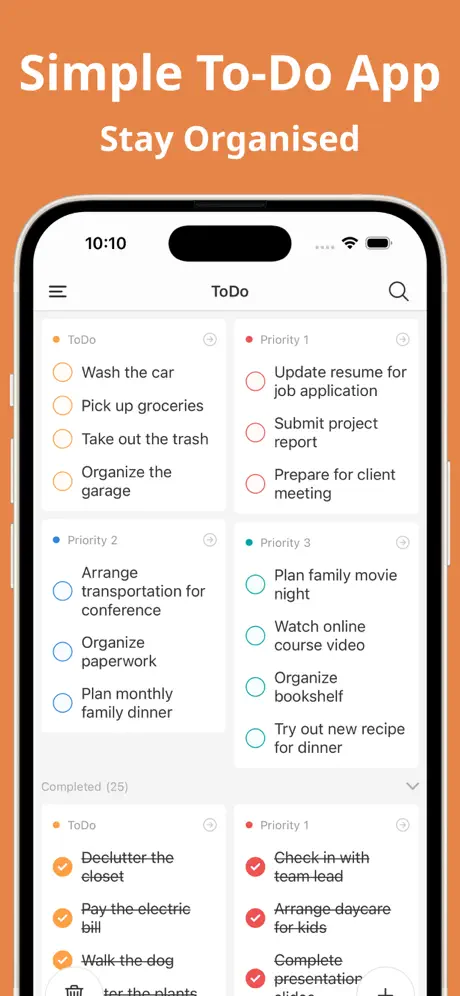
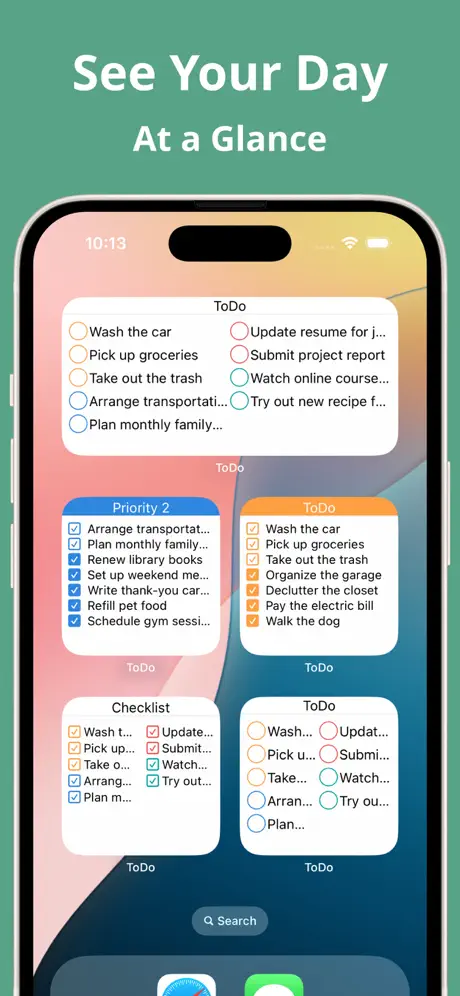
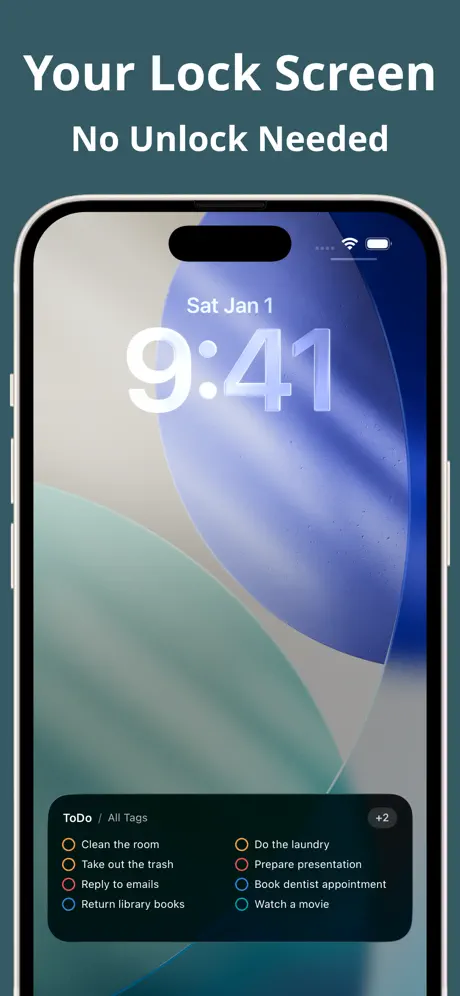
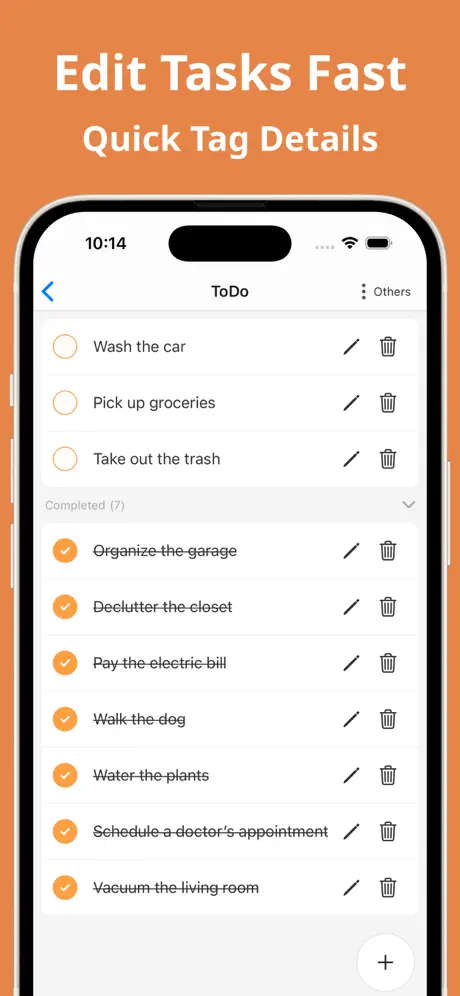
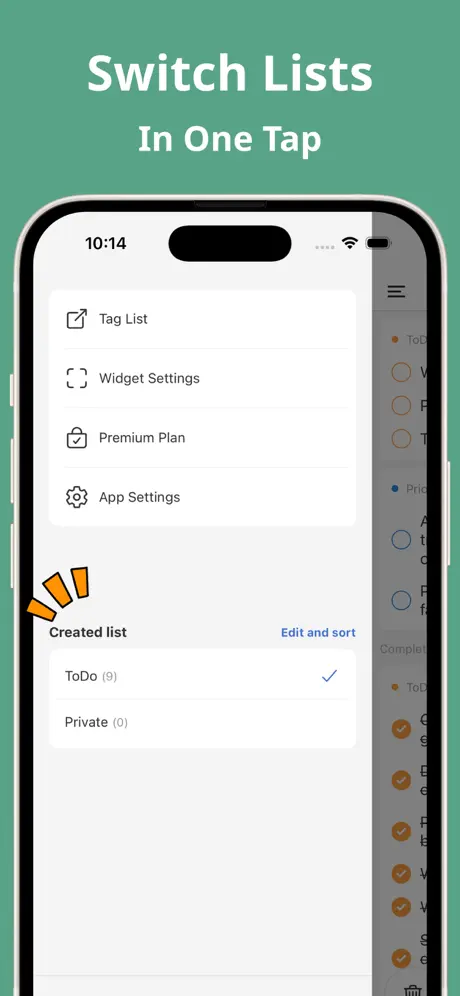
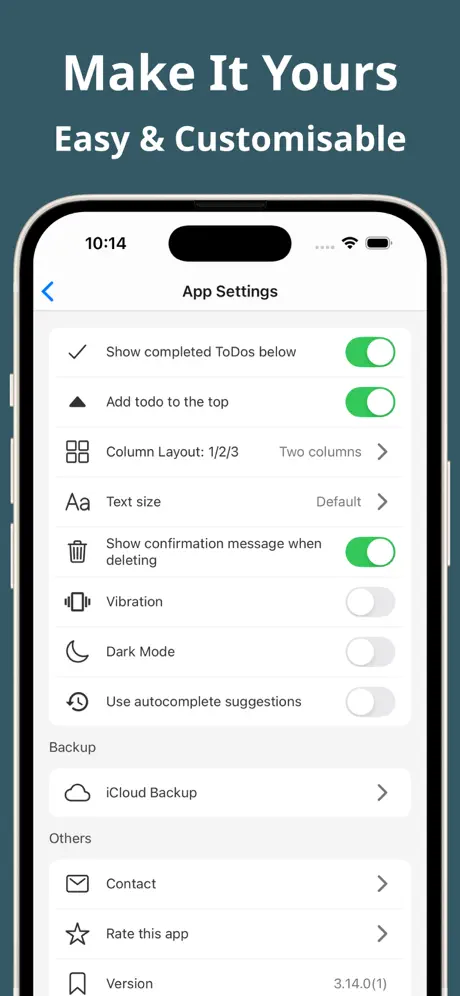
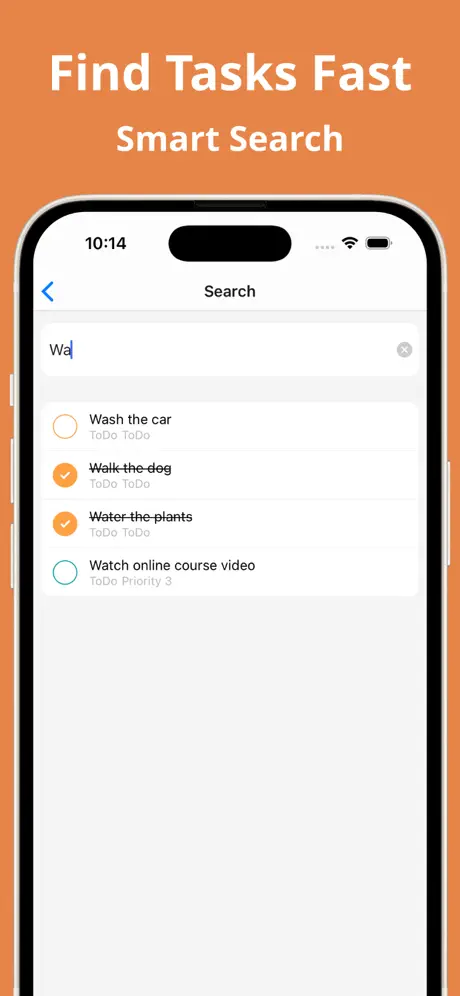
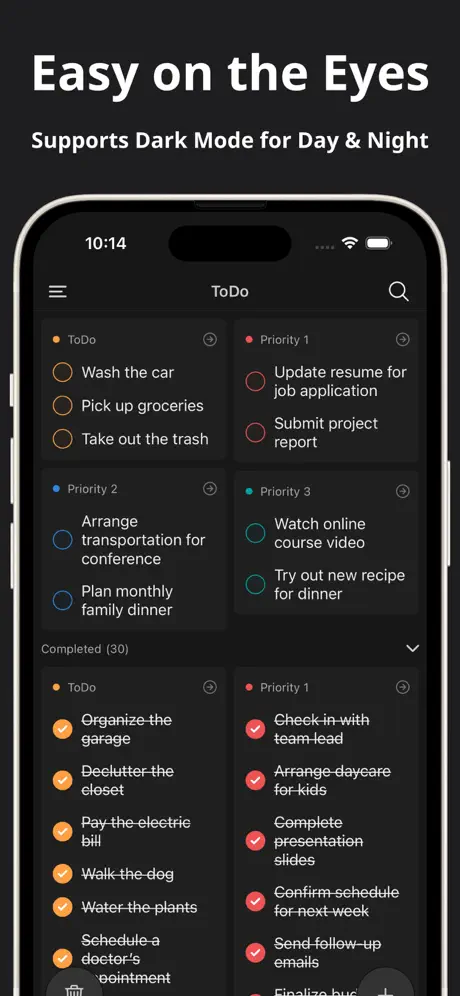
How much does To-Do List: Task Checklist cost?
Prices are current as of 6 Oct 2026.
1 one-time purchase from $4.99
In the United States, To-Do List: Task Checklist has 1 one-time purchase priced $4.99.
| Product | Price |
|---|---|
| Hide Ads | $4.99 |
See what To-Do List: Task Checklist costs in all 132 countries →
10+ alternatives to To-Do List: Task Checklist
| To-Do List: Task Checklist | 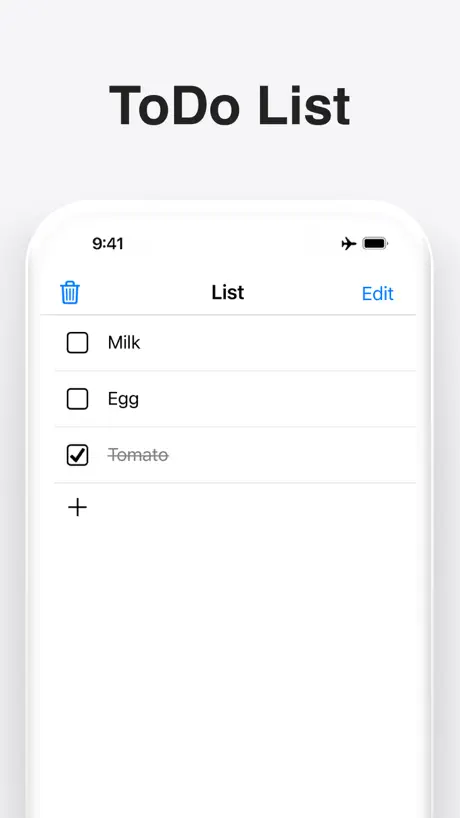  ToDo List - Daily Task Planner ToDo List - Daily Task Planner | 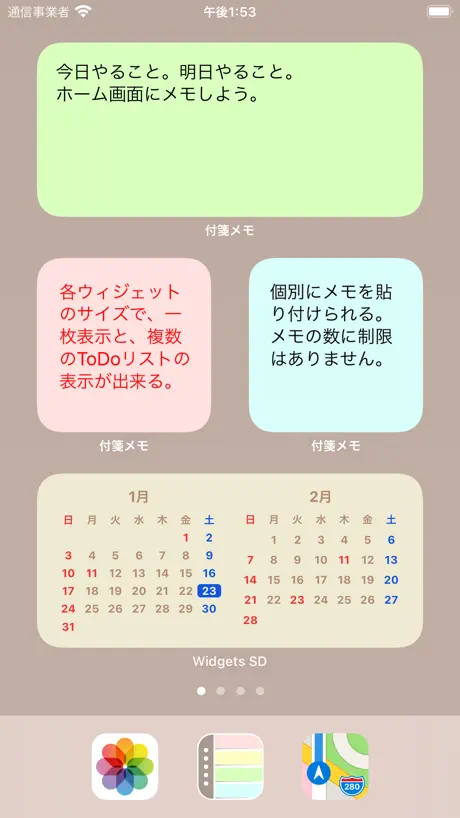  付箋メモ帳型ToDoリスト - メモ ウィジェット 付箋メモ帳型ToDoリスト - メモ ウィジェット |   Simple ToDo List & Tasks Simple ToDo List & Tasks | 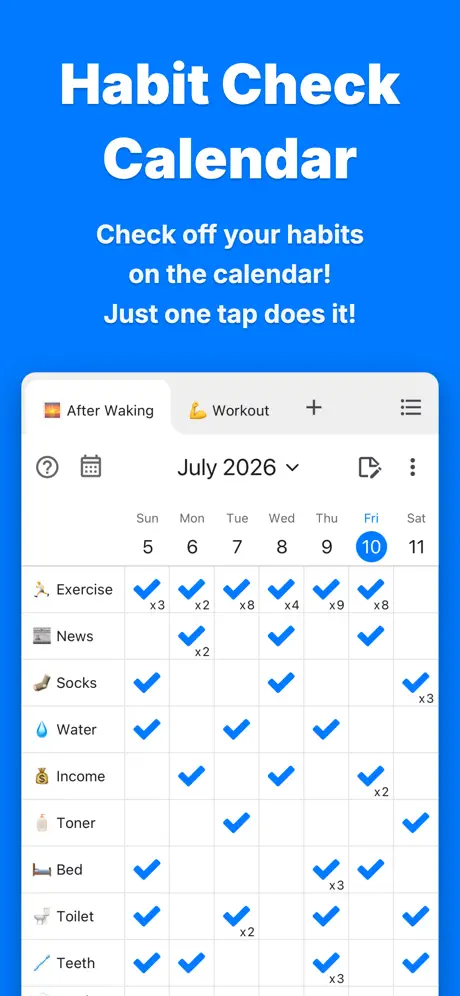  Habit Check Calendar Habit Check Calendar |   DaySche | Daily Task Manager DaySche | Daily Task Manager |   1day Schedule 1day Schedule | 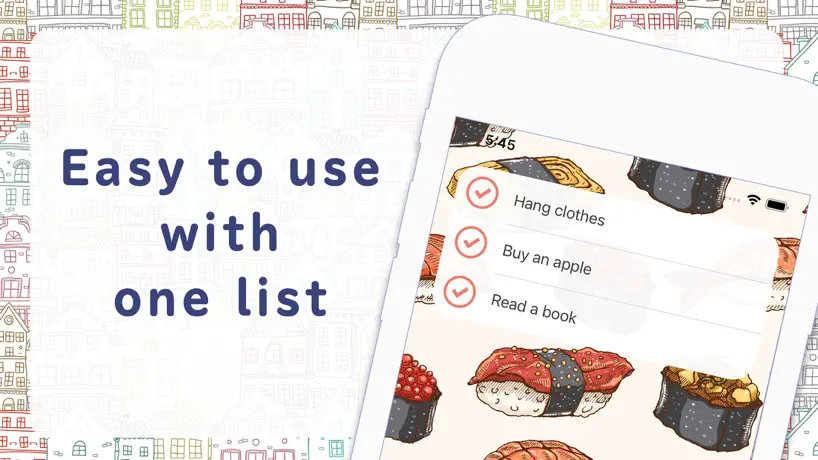  InstantTODO: Never Forget Task InstantTODO: Never Forget Task | 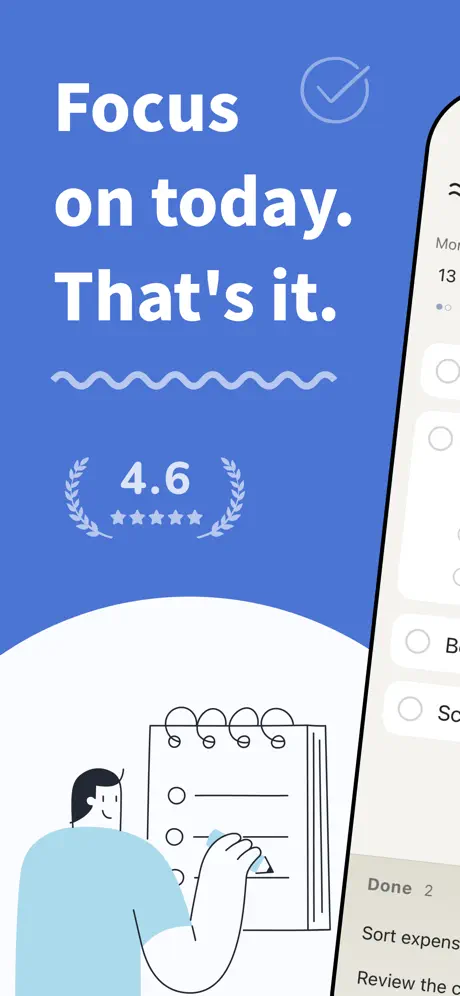  RiverTodo - Daily Goal Tracker RiverTodo - Daily Goal Tracker | 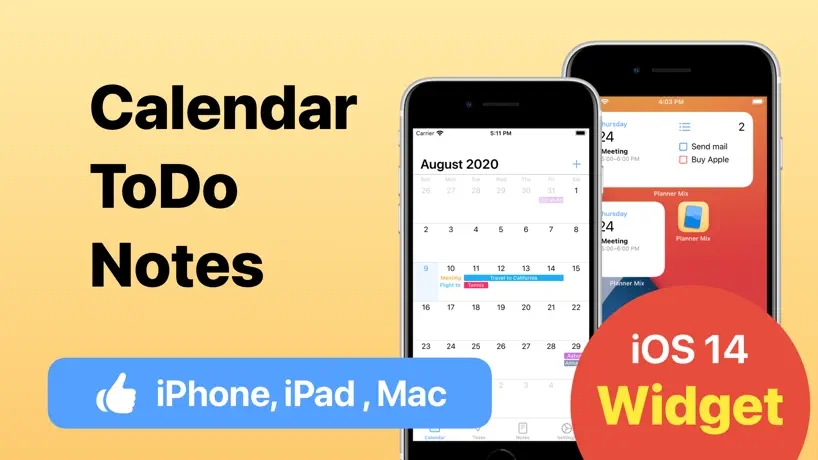  Schedule Planner - Mix Schedule Planner - Mix | 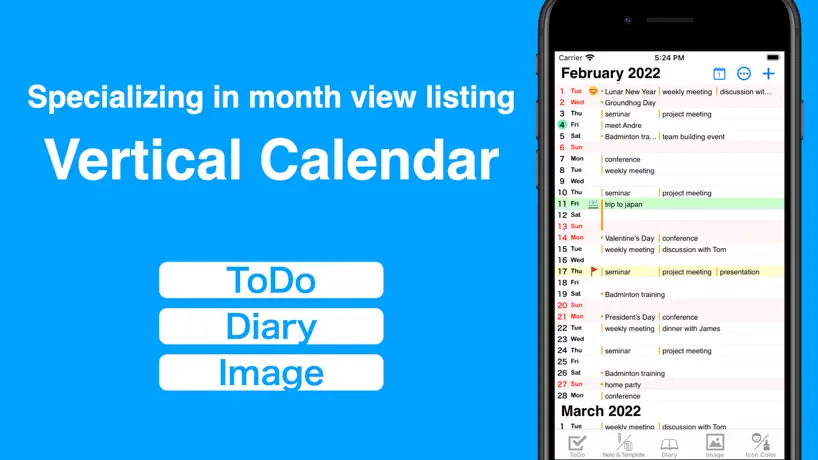  Vertical Planner:Calendar,Todo Vertical Planner:Calendar,Todo | |
|---|---|---|---|---|---|---|---|---|---|---|---|
| Rating / 5 | 4.6 | 4.6 | 4.4 | 4.7 | 4.7 | 4.8 | 4.4 | 4.4 | 4.6 | 4.4 | 4.3 |
| Reviews | 953 | 81K | 11K | 4.9K | 4.2K | 1.2K | 1.1K | 812 | 565 | 557 | 552 |
| Released | 2022 | 2016 | 2019 | 2021 | 2022 | 2022 | 2020 | 2020 | 2023 | 2020 | 2021 |
| Monthly price | — | — | — | — | — | — | — | $2.49 | $1.99 | $4.99 | $2.99 |
| One-time price | $4.99 | $7.99 | $4.99 | — | $4.99 | $2.99 | $3.99 | — | — | — | — |
The going rate for each plan in United States, in its own currency, shaded from the cheapest price on the row to the dearest. Plans fewer than four in ten of the priced apps sell are left out.
To-Do List: Task Checklist reviews
4.6 out of 5, based on 953 reviews.
What people like
- Simple design that actually works well
- Great widget for seeing all tasks
- Support fixes bugs incredibly fast
What they complain about
- Widgets rarely update your changes
- Typing is broken with some keyboards
- Accidentally checking off tasks while scrolling
助かります。
最近物忘れが多いので使ってみました。
開かない
アプリがいきなり開かないので困っています…
ウィジェットのデザイン
UIが使いやすく、気に入って使わせていただいております。 1点、ウィジェットにした際チェックボックスの〇が大きく詰まった見た目が好みでなく、若干気持ち悪く感じてしまう(あくまで私の主観です) 線も細いため色別に分けられるのに視認性が良くない点も残念に思う。 同じリリースされている「買い物リスト」はチェックボックスも四角くコンパクトで色もハッキリ見えるためパッと見でも隣のタスクへ自然と目線が移りとても見やすい。 正直こちらをメインに使いたいが、 ウィジェットにすると上部にアプリ名の'買い物リスト'のラベルが常に表示される。多様な使い方ができるアプリかと思いますので、こちらをリスト名等に変更できるか表示自体が無くなると嬉しいです。 またどちらのアプリも タスクの名前に触れると完了済み判定になってしまい、スクロールの際の誤タップが頻発してしまうので、 チェックボックスの部分のタップで判定されると助かります。 ご検討いただけますと幸いです。
ウィジェットが反応しません
シンプルで見やすくてとてもいいです! ただウィジェットに追加できると聞いてDLしたのですが、ウィジェット追加しても真っ白で内容が反映されず困ってます…… アプリ内のウィジェット設定もタップしても反応せず…
基本的には使いやすい
ウィジェットがあるToDoアプリを探していたのでこちらを利用しています。 シンプルかつタグで仕分けできて使い勝手がいいのですが、 大抵のアプリではタスク名をタップすると編集できることが多いので毎回間違えてしまったり、誤タップでタスク完了にしてしまい使いづらいです。 チェックマークがあるのでそちらをタップで完了でいいのではないかと思いました。
実用性
分類が一見して分かりやすく実用性である。
ウィジェットが更新されない
リストを更新してもウィジェットが更新されない これは、ひどい
最近調子悪いです
すごく重宝してました。 が、最近ずっとウィジェットへの更新がかなり遅く、数テンポ遅れて更新されるので不便さを感じています。 使い易いメモアプリを探してたどり着いた最良アプリでしたので、ぜひ改善いただきたいです。
バグ?
Todoを追加してる最中に、文字を漢字に変換できなかったり、強制的に確定されてしまったりするのがだいぶストレス それ以外は問題ないから、どうか直していただきたい
文字入力について
課金して、無制限に使えるようにしたにも関わらず、文字の入力が上手く行きません。Simejiにも対応するよう、見直しをしていただきたいです。
ウィジェットからのリンクがおかしくなった!
毎日とても重宝していたのに、今日から急にウィジェットをタップしてリストを表示した際に他のリストとリンクするようになってしまい困っています! 設定をしなおしても変わりません。 現在はタグを6個リストを4個に分けて使用していて、ウィジェットも4つで使用していました! 管理者の方、助けてください! ----------------------------- 数日ですぐにアップデートされて改善されました! 対応してくださりありがとうございます! すぐに変更されたアプリは初めてです!!
ウィジェットが更新されない
最初にタスクをひとつ登録して、それはウィジェットに表示されたのですが、そこからタスクのテキストを編集しても反映されず、新しいタスクを登録してみても反映されずです。ずっと編集前のタスクが表示され続けてます。他の類似のウィジェットは動作しているので端末の問題ではないと思ってます
タイムラグ
複数タブがウィジェット一つに纏まって表示されるのはとても良い。 ただ、リストを修正してもウィジェットが修正前のまま。 一旦閉じても変わらず。暫くすると正しく表示される。 このタイムラグを何とかして欲しい。
ウィジェット反映がめちゃくちゃ遅い
それ以外の使い勝手は良いです!
使いやすいです
他のアプリを使ってましたが、どんどん機能が増えて使いにくくなったのでこちらにしてみました。複数の項目がひと目でわかってシンプルで使いやすいです。
タグごとのウィジェット
なんで廃止した?これが便利で使ってたのに泣 復活希望。 しばらくは同じ作者さんの買い物リストで代用します。 もし復活したらタグごとにウィジェットに表示できる数を3つから、たくさんできるようにしてほしいです。
ウィジェットが惜しい!
アプリ内容はシンプルで直感的でもあり非常にに使いやすく感じています。 ただタグ文面の色が薄くて存在感がないのと、タグの右にあるボタンが小さいのでちょっと触りづらいかなと感じました。 あとはウィジェット 例えばタグに「買い物(料理)」、todoリストに「牛乳」「卵」 また別のタグに「運動」、todoリスト「ウォーキング」「腕立て伏せ」と設定したとして それら複数タグのtodoをウィジェットで表示する際は「タグ」が表示されずtodoのみが羅列されます。 なので逆にtodoではなく、タグのみを全て表示するウィジェットがほしいですね。 なおかつ、タグ内の1/4は達成済等の表示をあればいいなと思います。
タブごとのウィジェットが正常に登録できない
ちゃんと設定してるのにウィジェットに出てきません
慣れが必要
なれるまでリスト作りがちょっと難しかったです。シンプルなデザインが良いです。 2025.12.14現在、プレミアムプランのボタンが押せないです。 2025.12.15現在、プレミアムプランを購入しましたが、リストの追加ができません。「購入状態を復元する」ボタンを押しても、新しいリストが作れず、「リストは5つまで追加可能です」と、プレミアムプラン登録画面へのアラートが出ます。対応お願いします。 直りました!即時の対応ありがとうございます。
too ugly after updating
its too ugly after updating,thats why i delete it
タスク更新後、内容がウェジットに反映されない
ウェジットで見れることや、アプリを開くと1画面でタスクがグループごとに見れる便利さが気に入って使っていますが、 リストを更新した際、ウェジットに反映されないので、ウェジットを削除して再度ウェジットを追加しないと使えない不便さがあります。他のレビューにも同じようなことを書いてられる方がいたので、このままなの仕様でいくのかなぁ 使い続けていきたいけどウェジットに更新内容が反映されないのはある意味致命的だと思うので改善されるといいですね。
文字化けがひどい
普段Simejiでローマ字入力で文字を打っていますが、上手く打てない事が多い...というかまともに打てません。カーソルが1番最後にある時はまだ打てる という程度です。改善していただけると嬉しいです!!
感謝
デザインがシンプルで感じが良く、直感的に操作できて使いやすい。 ウィジェットのデザインや表示の選択肢も良い。 広告枠もうるさくない。 このかたの買い物リストも良かった。感謝。 プレミアムで良いので色の選択肢が増えたり透明化できるとなお良いと感じた (重くなるなら現状ままがいい)
ウィジェットに掲載されるリストが欲しかった
色んなリストアプリを試していて一番見やすかったです プレミアムにバージョンアップさせる予定ではいますが、todoをタグ間で移動できたらもっと良いかと思いました (今は消して書き直しています)
はじめの2~3週間は
良かったんですが、、最近todoいれてもウィジェットに反映されなくなりました。 消してもう一度ウィジェット入れ直したら、白い画面でフリーズしたままになりました。
とにかく使いやすい。
シンプルだけどしっかり役立つアプリです。
タグごとのウィジェット
が白いので、黒いバージョンもほしいです。できればお願い致します!(使いやすい、素晴らしいアプリです!ありがとうございます)
毎日とか隔週とか繰り返し機能が欲しい
繰り返し機能あれば☆5
少し…
そんなに自由にできないから、もう少し自由にできるようにして欲しいな。
ウィジェットでのタスク表示数が最も多い
ウィジェットでのタスク表示数が最も多いので私にとってはこれが1番です。唯一と思える欠点はウィジェットでの表示順がアプリ内での表示順と異なること。ホーム画面に表示させたいからウィジェットを使うのに、項目数が多いと表示して欲しい項目が表示されないのでウィジェットを開いて確認する必要があります。ウィジェットでの表示順との表示順が同じになれば、ウィジェットに表示させたい項目を上に移動させるだけで済むので非の打ち所がなくなります。
見やすくていいです!
一覧で見れないと忘れちゃうので、ざっと同じページで付箋のように見れて助かります。 改善していただけたら嬉しいこと 登録したタスクのタグ間での移動ができると助かります!🙇♂️ あと、今はリストがタグごとにしか選べないのがちょっと不便です。 タグごとではなくやることを登録する時一つ一つにリストを選べると、優先度がタグでわかりやすいまま、一つのジャンルのリストのみを表示できて使いやすくなるかなと思いました。
使いやすいとは思う。
今のところ使い勝手が良く重宝しています。要望としては、タグの色を増やして欲しいです。
Very helpful app!
Easy to use, helps me a lot with work.
使いやすい
シンプルさもあり使いやすいです。 希望があるなら、todoリストごとにウィジェットを登録できるようになると非常に嬉しいです。ぜひご検討お願いします。
To-Do List: Task Checklist price by country
A one-time purchase costs $4.68 in Pakistan and $7.96 in Colombia — 1.7× more for the same thing. Below is the going rate for each plan in every country that sells it — the middle price of what the app charges there, in the country's own currency with the dollar equivalent beneath it.
| Country | One-time |
|---|---|
| Afghanistan | $4.99 |
| Algeria | $4.99 |
| Angola | $4.99 |
| Anguilla | $4.99 |
| Antigua And Barbuda | $4.99 |
| Argentina | $4.99 |
| Armenia | $5.99 |
| Australia | A$7.99$5.75 |
| Azerbaijan | $5.99 |
| Bahamas | $4.99 |
| Bahrain | $4.99 |
| Barbados | $5.99 |
| Belize | $4.99 |
| Benin | $5.99 |
| Bermuda | $4.99 |
| Bhutan | $4.99 |
| Bolivia | $4.99 |
| Botswana | $4.99 |
| British Virgin Islands | $4.99 |
| Brunei Darussalam | $4.99 |
| Burkina Faso | $4.99 |
| Cambodia | $4.99 |
| Cameroon | $5.99 |
| Canada | CA$6.99$5.07 |
| Cape Verde | $4.99 |
| Cayman Islands | $4.99 |
| Chad | $4.99 |
| Chile | CLP 5,990$6.41 |
| China | CN¥38.00$5.66 |
| Colombia | COP 24,900$7.96 |
| Congo | $4.99 |
| Congo, Democratic Republic | $4.99 |
| Costa Rica | $4.99 |
| Cote Divoire | $5.99 |
| Dominica | $4.99 |
| Dominican Republic | $4.99 |
| Ecuador | $4.99 |
| Egypt | EGP 249.99$4.90 |
| El Salvador | $4.99 |
| Fiji | $4.99 |
| Gabon | $4.99 |
| Gambia | $4.99 |
| Georgia | $5.99 |
| Ghana | $5.99 |
| Grenada | $4.99 |
| Guatemala | $4.99 |
| Guinea-bissau | $4.99 |
| Guyana | $4.99 |
| Honduras | $4.99 |
| Hong Kong | HK$38.00$4.85 |
| India | ₹499.00$5.18 |
| Indonesia | IDR 89,000$5.05 |
| Iraq | $4.99 |
| Israel | ₪17.90$5.93 |
| Jamaica | $4.99 |
| Japan | ¥780$4.95 |
| Jordan | $4.99 |
| Kazakhstan | KZT 2,990.00$6.58 |
| Kenya | $5.99 |
| Kuwait | $4.99 |
| Kyrgyzstan | $4.99 |
| Lao Peoples Democratic Republic | $4.99 |
| Lebanon | $4.99 |
| Liberia | $4.99 |
| Libya | $4.99 |
| Macao | $4.99 |
| Madagascar | $4.99 |
| Malawi | $4.99 |
| Malaysia | MYR 22.90$5.64 |
| Maldives | $4.99 |
| Mali | $4.99 |
| Mauritania | $4.99 |
| Mauritius | $5.99 |
| Mexico | MX$99.00$5.85 |
| Micronesia | $4.99 |
| Mongolia | $4.99 |
| Montserrat | $4.99 |
| Morocco | $4.99 |
| Mozambique | $4.99 |
| Myanmar | $4.99 |
| Namibia | $4.99 |
| Nauru | $4.99 |
| Nepal | $5.99 |
| New Zealand | NZ$9.99$5.84 |
| Nicaragua | $4.99 |
| Niger | $4.99 |
| Nigeria | NGN 7,900.00$5.98 |
| Oman | $4.99 |
| Pakistan | PKR 1,300$4.68 |
| Palau | $4.99 |
| Panama | $4.99 |
| Papua New Guinea | $4.99 |
| Paraguay | $4.99 |
| Peru | PEN 22.90$6.84 |
| Philippines | ₱299.00$4.78 |
| Qatar | QAR 19.99$5.49 |
| Rwanda | $4.99 |
| Sao Tome & Principe | $4.99 |
| Saudi Arabia | SAR 19.99$5.33 |
| Senegal | $5.99 |
| Seychelles | $4.99 |
| Sierra Leone | $4.99 |
| Singapore | SGD 6.98$5.54 |
| Solomon Islands | $4.99 |
| South Africa | ZAR 99.99$6.25 |
| South Korea | ₩7,700$5.74 |
| Sri Lanka | $4.99 |
| St. Kitts and Nevis | $4.99 |
| St. Lucia | $4.99 |
| St. Vincent & The Grenadines | $4.99 |
| Suriname | $4.99 |
| Swaziland | $4.99 |
| Taiwan | NT$150.00$4.76 |
| Tajikistan | $4.99 |
| Tanzania | TZS 14,900.00$5.63 |
| Thailand | THB 199.00$6.05 |
| Tonga | $4.99 |
| Trinidad and Tobago | $4.99 |
| Tunisia | $4.99 |
| Turkmenistan | $4.99 |
| Turks and Caicos | $4.99 |
| Uganda | $5.99 |
| United Arab Emirates | AED 19.99$5.45 |
| United States | $4.99 |
| Uruguay | $4.99 |
| Uzbekistan | $4.99 |
| Vanuatu | $4.99 |
| Venezuela | $4.99 |
| Vietnam | ₫149,000$5.75 |
| Yemen | $4.99 |
| Zambia | $5.99 |
| Zimbabwe | $5.99 |
To-Do List: Task Checklist FAQ
- Is To-Do List: Task Checklist free?
- Yes. The app and its basic features are free, in all 132 countries it sells in. Premium features are paid: they start from $4.99 (US), across 1 one-time purchase.
- Does To-Do List: Task Checklist have a free trial?
- No. None of its offers (US) come with a free trial.
- Where is To-Do List: Task Checklist cheapest?
- A one-time purchase costs PKR 1,300 (≈$4.68) in Pakistan and COP 24,900 (≈$7.96) in Colombia, its cheapest and dearest countries.
- What are the best alternatives to To-Do List: Task Checklist?
- ToDo List - Daily Task Planner (4.6 from 81,437 reviews, premium from $7.99), 付箋メモ帳型ToDoリスト - メモ ウィジェット (4.4 from 11,202 reviews, premium from $4.99) and Simple ToDo List & Tasks (4.7 from 4,916 reviews).
To-Do List: Task Checklist download
Last updated 1 month ago.
To-Do List: Task Checklist sells in 132 countries. It was released 4 years and 1 month ago, on 30 Aug 2022. It holds a 4.6 rating from 953 reviews.
Supports 13 languages: English, French, German, Indonesian, Japanese, Korean, Malay, Portuguese, Chinese, Spanish, Thai, Turkish, Vietnamese.
How much does To-Do List: Task Checklist make?
Third-party estimates for the last 30 days, worldwide — not the store's own figures, which Apple publishes for nobody.
Revenue by plan
- One-time 100%
Revenue by country
- Japan 94%
- United States 1%
- South Korea 1%
- China 1%