
Princess Home
How much does Princess Home cost?
Prices are current as of 20 Nov 2026.
Princess Home has no in-app products on record in the United States.
10+ alternatives to Princess Home
| Princess Home |   TCP Smart | 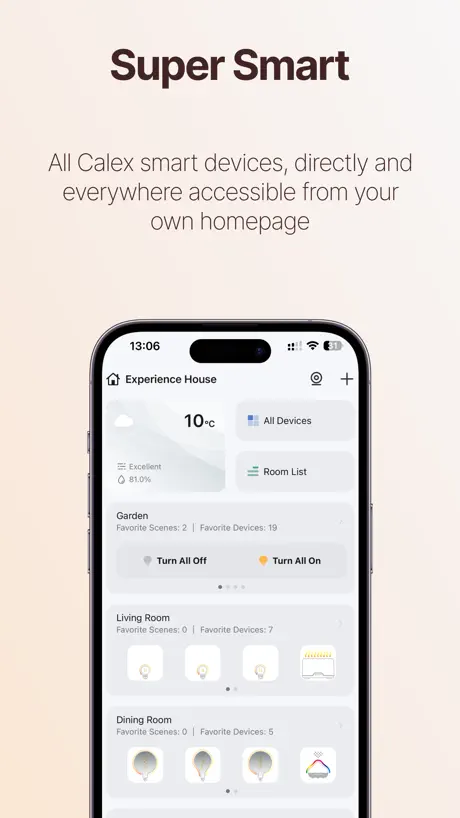  Calex Smart | 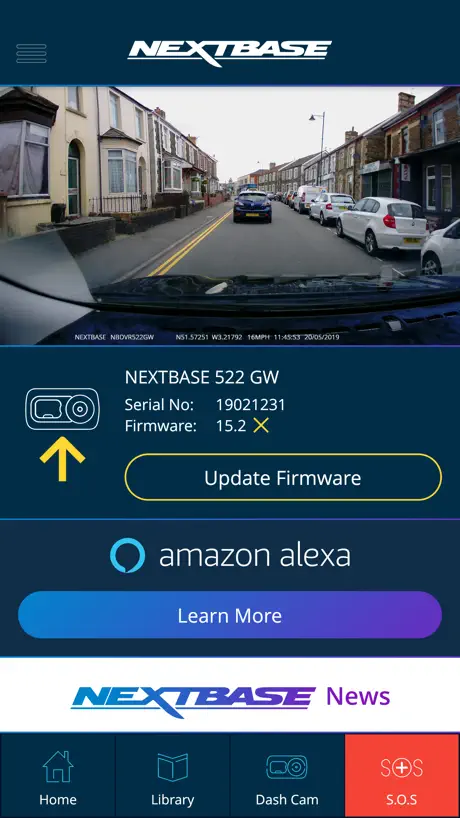  MyNextbase Connect |   ENERGIZER SMART |   Nextbase | 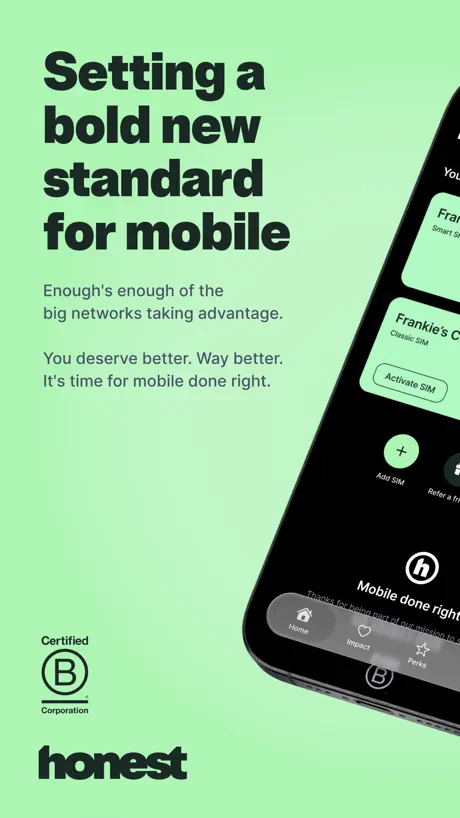  Honest Mobile |   MPro Mesh | |
|---|---|---|---|---|---|---|---|---|
| Rating / 5 | 1.9 | 4.7 | 4.6 | 4.0 | 4.7 | 4.7 | 4.2 | 1.5 |
| Reviews | 108 | 21K | 19K | 6K | 5.7K | 3.2K | 1.6K | 339 |
| Released | 2022 | 2018 | 2019 | 2019 | 2020 | 2024 | 2019 | 2020 |
Princess Home reviews
1.9 out of 5, based on 108 reviews.
What people like
- Easy to set up and connect initially.
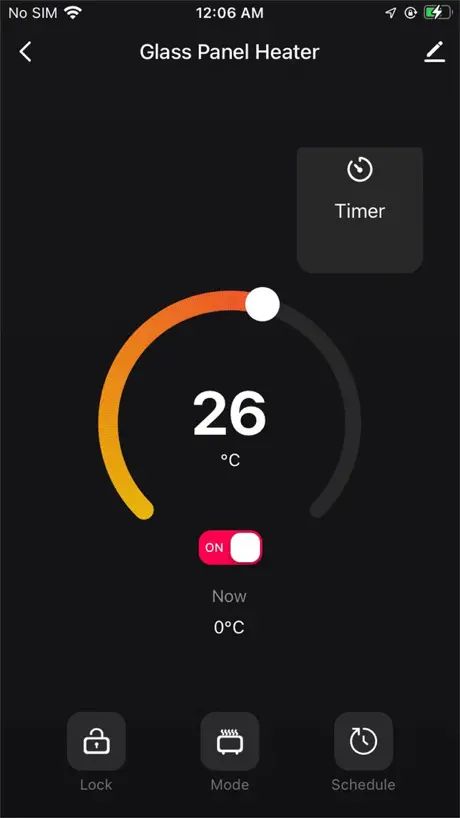
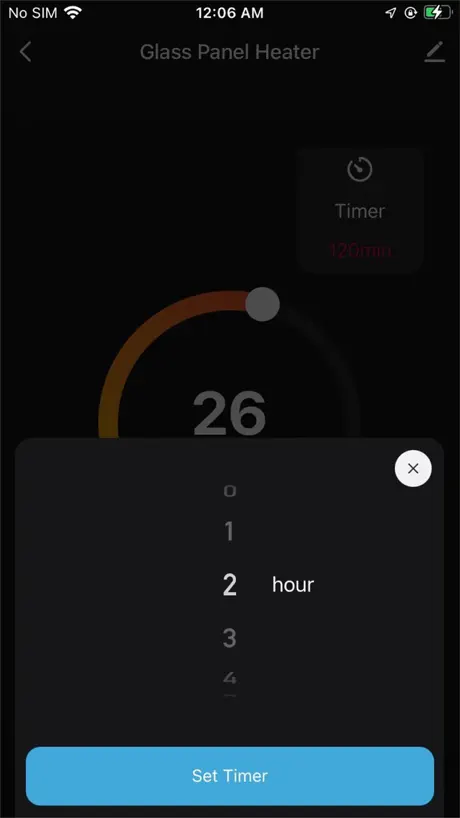
- Controls temperature and timers from anywhere.
- Works well with Google Assistant and Alexa.
What they complain about
- Connects only on 2.4GHz Wi-Fi.
- Scheduling features often fail or ignore off times.
- Does not work with Apple Siri shortcuts.
Princess Home App Fantastisch
De app werkt super eenvoudig, heel makkelijk te installeren, ook handig onderweg naar huis, heel simpel in te stellen. Heerlijk warm als je thuis komt. Ik dacht eerst aan een afstandsbediening, maar de App werkt veel makkelijker.
From good to useless
I moved my panel heater from one plug to another in the same room. Now it will not connect to the app! Same router same password!I've installed and reinstalled the app, reset the heater and it refuses to work. I suggest you don't buy this if you value your sanity!!!
Good
App personally does really good for me, one thing is about the product. it knocks itself on all the time and is really annoying. wish it would just say turned off
Broken
Able to connect and setup schedules, but any schedules to turn the heater off are ignored making it pretty useless.
Air con
I’ve bought one of their portable AC units, the item itself is brilliant and the app to control it easy to use. I’d give it more stars but the temperature adjustment is a circle you drag your finger along to adjust it but it doesn’t work. I have to set the temperature ahead of time and then use the other features. A plus and a minus button would be better.
I dont understand the 1 star reviews?
Giving 5 stars due to the ease of use. Connected all three of my glass heater radiators to the wifi within a few minutes of switching them on. And can now control the heat settings on the fly! Even control the heaters on mobile data outside the house. Amazing app and amazing technology these are!
Won’t connect
The smart connection worked fine with the “HomeWizard Climate” app before this current Princess Home app replaced it. Followed all the steps/instructions, including changing WiFi to 2.4 GHz only (shouldn’t be any need for that really) and it just won’t connect. I’ll use the “smart” tower fan manually and when it comes to replacing it I’ll stick to trusted brands like Philips, Delonghi, Dimplex etc and steer clear of these new/junk brands.
Quick setup and reliable so far
No issues with connection. Make sure to use 2.4G connection and also worth having a mesh WiFi network for anything smart in your house. Cannot see anyway to connect it with Siri Shortcuts as advertised.
Lack of connectivity
Lack of connectivity. This device needs to have HomeKit connection. The current Alexa and google home connections are not good. Google can’t even show the device and Alexa just updates me on stuff that I’m doing in the app at the same time. It’s pointless. Adding to Siri option only does timer for 1,2,3 hours even thought the app gives 24h options. You can also cancel timer so it’ll just stay on forever. And that’s right no way to turn it off. You have to go back into the app to turn off defeating the point of the automations. All devices need some serious thought to have them to connect and run automatically
Ok but could be a little better
The App is OK if not a little sparse on functionality. The most glaring absence is any indication on the app that heater is actually ‘Heating’. The heater itself has an icon to tell you it’s heating, but if you’re operating it remotely, you’ve no idea of its current state. Otherwise seems to work well. Naturally it’s on 2.4g wifi like most smart devices.
Smart Dehumidifier
TOP TIP - ensure you are connecting to 2.4GHz band - easy guide to change on web. I brought the Princess 20L Smart Dehum from Argos based on good reviews and also best dehumidifier award from Good Housekeeping. I was really concerned when I saw poor some app reviews, but for me a very quick and simple process to connect helped by the quick set up guide. Use the app to monitor humidity progress in office pod, switches off when desired level met. High recommend this product!
Child lock
Not sure about the heat but definitely cheaper to run, trying to find the child lock, it says it’s in the settings on the app but there is no child lock that I can find.
Goede app
Heel handig is de app die je op afstand kan bedienen met timer functies. Enige minpunt is dat de temperaturen waarschijnlijk niet kloppen.
Great app and product with one major flaw!
Love both the glass panel heater I have and the app. I personally found it very easy to set up and love that I can set an automatic schedule for the heater to turn on and off. However, it would seem that if my phone is set to ‘Do Not Disturb’ at a time when a scheduled action is supposed to take effect (i.e. the heater turning on or off) then that action doesn’t take effect! This resulted in my heater missing its turn off time in the morning and staying on all day without me realising. Like I say. Great product. Great app. But this is a major flaw if you want to set your heater to come on and off automatically.
Schedule issues
I haven’t had any issues with the connectivity and I can control the dehumidifier easily with no issues from my phone but you have to make sure your are not connecting to 5mhz or it dos t work. However the schedule function is poor with the start times reverting to off all the time even tho I keep setting them to on so the dehumidifier needs to be turned on manually which is annoying as one of the reasons I went for this model was to be able to schedule the on and off times.
Works fine. No problems
These panel heaters are brilliant and very economical. The poor ratings seem to be people unable to connect to WiFi. Mine worked first time. Make sure your router is connecting using 2.4 ghz. The biggest issue would be inputting an incorrect password either on your WiFi or your Princess login password. It only takes one character mistake to fail to connect. Make sure your heater, router and mobile are in the same room when you connect first time. Works with Alex no problems as well. App response is instant and does everything you’d want with temperature, and timers.
Poor updates
Wi-Fi constant drop out recently! Poor connectivity was good but not now
Siri
No es posible conectar con Siri
Glasplaatverwarming
Instalatie vrij snel gelukt. Ook met iOS 16! Nu afwachten of de verwarming voldoet aan onze verwachting.
Was worried
You need to change your router setting to include 2.4Ghz then it connects no problem. You can change your router settings on your PC or IPhone. App works fine now.
Unable to use fan
Bought a fan for the office, am unable to change the office wifi from 5Ghz to 2.4Ghz, so the fan is completely useless, thanks princess 👍 consider putting buttons on the fan next time?
DO NOT BUY FOR THE PHONE CONNECTION!
Brought a Ceramic heater, it was great packaged well and good quality, worked as a heater should, however when I tried to connect it to my phone, wouldn’t connect at all! I tried 15 times using both my Wi-Fi password and account password, Wi-Fi password made me think it worked, but then came up as connection failed! Went into the check Wi-Fi connection and it said poor connection, then decided to go and stand next to my router and again, refused to tell me it was a good connection. At that point I gave up and decided to take the product back. So yes the product works however the Wi-Fi connection that we originally brought it for the feature is rubbish.
Simple
Not sure what all the issues are about regarding connection to WiFi? A few simple steps to follow and worked 1st time for me. App is quite basic but that’s a good thing as it’s easy to set a timer or a schedule for the week. I’ve mounted the infrared heater to the wall in my office and scheduled it to come on at 7.30am every week day, no problems at all.
App is rubbish
App is absolutely terrible. The scheduling feature in the app doesn’t work. It’s not intuitive either. They have hire a few decent app and backend developers to fix the bugs and redesign this from scratch. Don’t buy if you are looking for app based usage.
Raccourcis Siri dans la dernière MAJ ?
Il est précisé dans la mise à jour à 1.0.4 que les raccourcis Siri ont été rajouté dans l’application… mais où se trouvent-ils ?! Je ne trouve rien dans l’application qui y fait référence.
You might have to change some router setting.
I was worried when I read the reviews that I would not be able to connect my heater. Admittedly I did have to go in to my wifi router setting and change it so that devices don’t automatically connect to 5ghz as well as the 2.4ghz connection but after this works perfectly. Paired easily with google assistant also.
Does not pair/connect:-/
This APP is the better of two similarly disastrously programmed aberrations. However the bottom line is that, it too, is inaffective at putting the SMART into the Princess SMART dehumidifier. After three days of trying I downloaded the Tuya APP and was almost immediately operational albeit with sense of a slight lack of privacy.
Works fine for me
Many have said they can’t connect the app. Admit it took a couple of goes but it now works fine. Very pleased.
Heater works ok app is dog poo
Apple is absolutely ridiculous. It keeps forgetting the heater wiping it from your phone and you have to keep reloading it every time you want to use it which is absolutely ridiculous. This app is clearly generated by incompetents that do not have the capability to deal with the glitches.
Geweldige App
Wat een geweldige App, wel even goed lezen anders ga je er niet uit komen. Maar alles werkt geweldig ook als de steker uit gaat en weer terug werkt alles direct weer. Ben er heel blij mee
Connectivity issues
This app is a nightmare to get everything connected although the app itself is ok-if you ever manage to get everything connected. I had to change wifi settings to get it to connect and even then it took multiple attempts.
Fix the connectivity issues
Hey dev’s do you see all the one star reviews due to the connectivity issues? Spent 1 hour trying to get your so called “smart” heater to connect to the wireless before giving up. Maybe you should make that your number one priority?
Princess Home FAQ
- Is Princess Home free?
- Yes. The app is free, in all 175 countries it sells in, and it sells nothing inside it.
- Does Princess Home have a free trial?
- No. None of its offers (US) come with a free trial.
- What are the best alternatives to Princess Home?
- TCP Smart (4.7 from 21,107 reviews), Calex Smart (4.6 from 19,124 reviews) and MyNextbase Connect (4.0 from 6,047 reviews).
Princess Home download
Last updated 1 month ago.
Princess Home sells in 175 countries. It was released 4 years and 4 months ago, on 30 Jun 2022. It holds a 1.9 rating from 108 reviews.
Supports 19 languages: English, Arabic, Czech, Danish, Dutch, Finnish, French, German, Italian, Japanese, Korean, Norwegian Bokmål, Polish, Portuguese, Russian, Chinese, Slovak, Spanish, Swedish.
How much does Princess Home make?
Third-party estimates for the last 30 days, worldwide — not the store's own figures, which Apple publishes for nobody.