
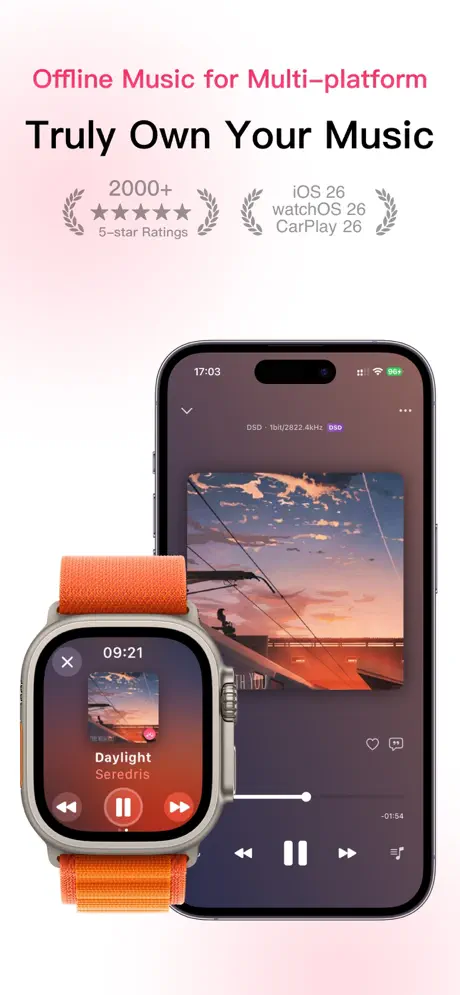
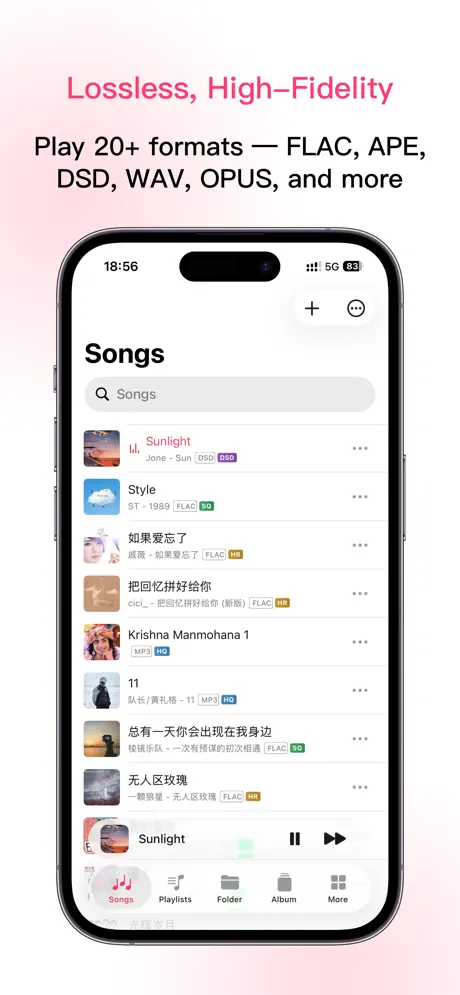
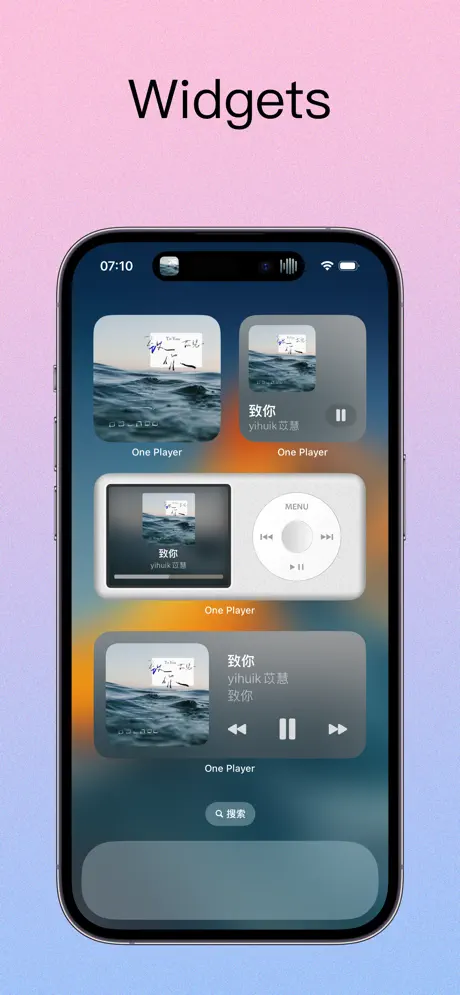
One Player: Offline hifi Music
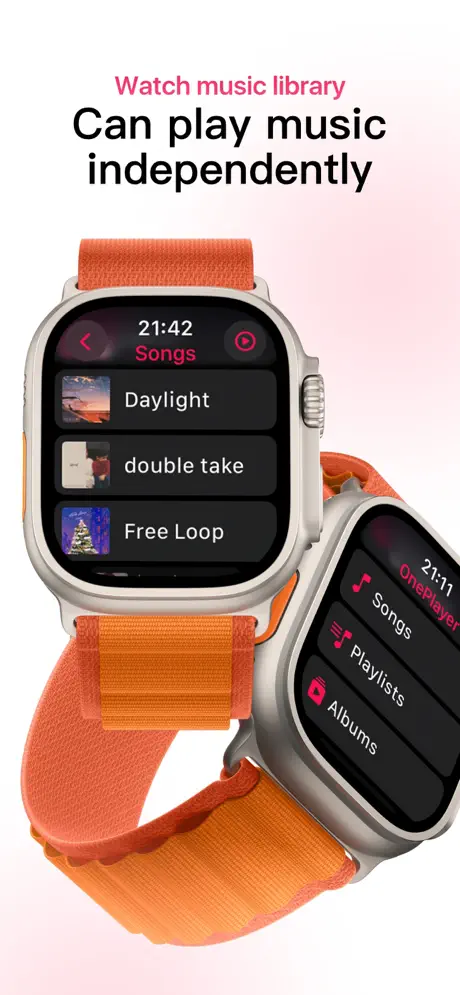
Watch & Car Hi-Res & Lyrics

How much does One Player: Offline hifi Music cost?
Prices are current as of 5 Oct 2026.
2 subscriptions from $1.99
In the United States, One Player: Offline hifi Music has 2 subscriptions priced $1.99 – 5.99.
| Subscription | Period | Price |
|---|---|---|
| Monthly Pro | Monthly | $1.99 |
| Yearly Pro | Annual | $5.99 |
5 one-time purchases from $1.99
In the United States, One Player: Offline hifi Music has 5 one-time purchases priced $1.99 – 17.99.
| Product | Price |
|---|---|
| AI Lyrics Recognition 60 Minutes | $1.99 |
| AI Lyrics Recognition 180 Minutes | $2.99 |
| AI Lyrics Recognition 600 Minutes | $7.99 |
| Premium on offer | $9.99 |
| Premium version | $17.99 |
See what One Player: Offline hifi Music costs in all 173 countries →
10+ alternatives to One Player: Offline hifi Music
| One Player: Offline hifi Music | 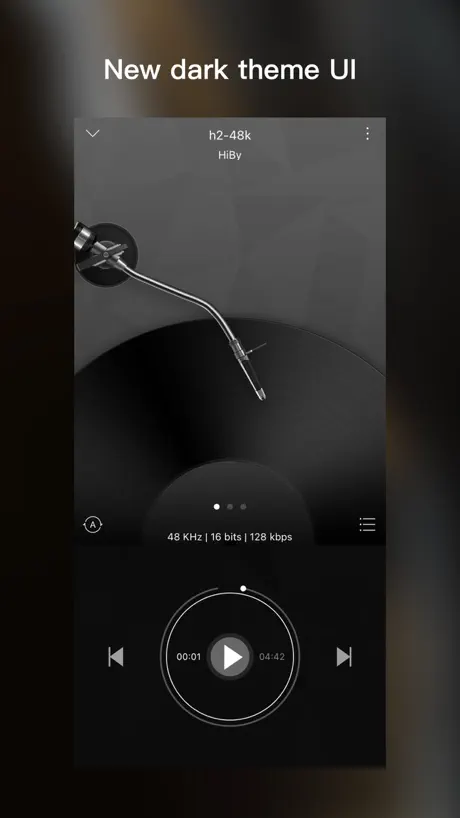  HiByMusic HiByMusic | 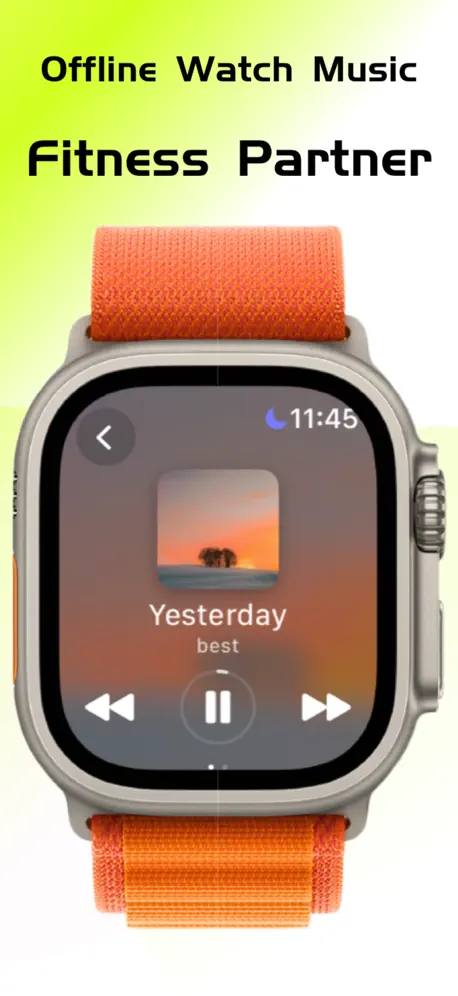  iPlayer - Offline Music Player iPlayer - Offline Music Player | 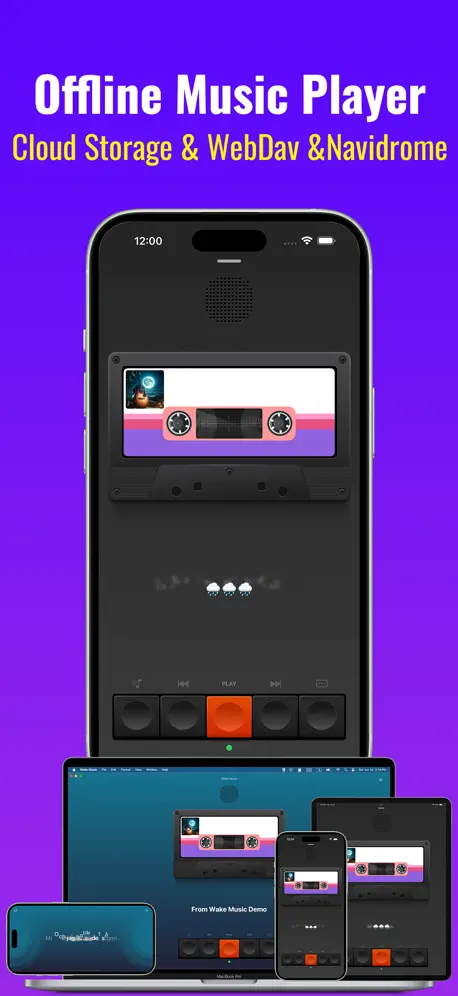  Wakemusic:Offline Music Player Wakemusic:Offline Music Player |   Ever Play - HiFi Music Player Ever Play - HiFi Music Player |   Anywhere - Music Player Anywhere - Music Player |   Light Player - Local & Cloud Light Player - Local & Cloud |   foobar2000 foobar2000 |   WatchAudio WatchAudio |   Musiver - Enjoy music Musiver - Enjoy music |   AMPod Music Player AMPod Music Player | |
|---|---|---|---|---|---|---|---|---|---|---|---|
| Rating / 5 | 4.6 | 3.9 | 4.7 | 4.7 | 4.3 | 4.6 | 4.7 | 4.6 | 4.6 | 4.2 | 4.7 |
| Reviews | 3.1K | 3.7K | 3.4K | 3.3K | 3.1K | 1.6K | 1.1K | 704 | 668 | 438 | 304 |
| Released | 2022 | 2015 | 2024 | 2024 | 2018 | 2023 | 2023 | 2016 | 2023 | 2023 | 2024 |
| Weekly price | — | — | — | $2.99 | $0.49 | — | — | — | — | — | — |
| Monthly price | $1.99 | — | $1.99 | — | $0.99 | $2.99 | — | — | — | — | — |
| 6-month price | — | — | — | — | $3.49 | $7.99 | — | — | — | — | — |
| Annual price | $5.99 | — | $7.99 | $7.99 | $6.99 | $14.99 | $2.99 | — | — | — | — |
| One-time price | $7.99 | — | $6.99 | $2.99 | $1.99 | $14.99 | $5.99 | — | — | — | — |
The going rate for each plan in United States, in its own currency, shaded from the cheapest price on the row to the dearest. Plans fewer than four in ten of the priced apps sell are left out.
One Player: Offline hifi Music reviews
4.6 out of 5, based on 3,135 reviews.
What people like
- Simple and easy to use.
- One-time payment, no subscriptions.
- Almost no ads in free version.
What they complain about
- Free version limits playlist size.
- Syncing music from iPhone is hard.
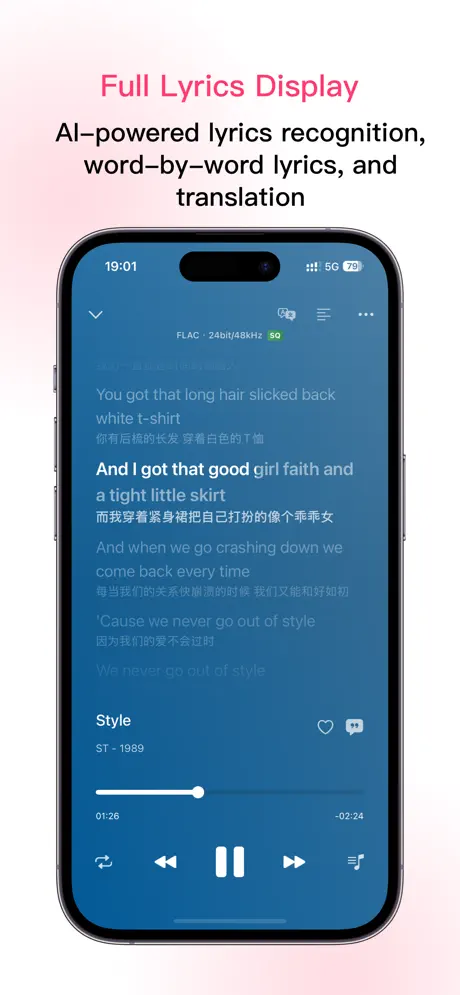
- Lyrics sync ignores milliseconds.
とてもいい
とても使い勝手が良くて見た目もいいただここはきつい有料だ!無料にしてくれ!
バグ多すぎ
接続時によく不具合が発生する
LRCファイルの改善希望
LRCファイルの再生機能についてですが、[mm:ss.xx]の形式で記述されたタイムスタンプを読み込めないようです。例えば、[00:15.50]と指定しても、歌詞は[00:15]のタイミングで表示されてしまい、曲が進むにつれて歌詞がずれてしまいます。ミリ秒単位の正確な同期に対応していただけると嬉しいです。
うーん
歌詞が勝手に歌の途中で一番下までスクロールすんのどうにかして欲しい なんで歌詞の文字が薄いグレーなのかもわからん
AndroidでMusicoletを使ってた人におすすめ!
タイトルの通りです。Musicoletのように使うには課金が必要ですが、買い切りなので一度払えばずっと使えます。 無料でも広告はほぼ無いし使えないことはないですが、フォルダ内の連続再生ができません。 アプリはしっかり日本語にも対応していてわかりやすい。 MP3に埋め込まれているジャケ写や歌詞もちゃんと表示できます。 日本人に広まらないのが謎なくらい良い音楽プレーヤーです。 25年9月現在、買い切りで2000円、セール中だと1100円で購入できます。 Musicoletのような音楽プレーヤーを探している方に本当におすすめしたいアプリです。
結局
無料だとプレイリストに数曲しか登録できなかったので即アンスト。何の機能が有料なのか書いておいてほしい。
有bug啊
打开专辑 里面的歌曲数经常显示多了两倍
入れるの面倒
パソコンで音楽ファイルを入れたい人向け。iPhoneからmp3入れるには、ファイルのアプリからしかできない。このアプリで+を押すとパソコンで入れる画面になる。+からファイル開けたら楽なのに。
최고의 어플!!
처음엔 사용하기가 불편했지만 지금은 개발자의 업데이트를 통해 사용하기도 폄해지고 너무 좋습니다. 하루하루가 즐겁습니다^^ 감사합니다.
良いアプリ
操作簡単
One Player: Offline hifi Music price by country
A monthly subscription costs $1.20 in Malaysia and $3.05 in Hungary — 3× more for the same thing. Below is the going rate for each plan in every country that sells it — the middle price of what the app charges there, in the country's own currency with the dollar equivalent beneath it.
| Country | Monthly | Annual | One-time |
|---|---|---|---|
| Afghanistan | $1.49 | $5.99 | $7.99 |
| Albania | $1.99 | $6.99 | $9.99 |
| Algeria | $1.49 | $5.99 | $7.99 |
| Angola | $1.49 | $5.99 | $7.99 |
| Anguilla | $1.49 | $5.99 | $7.99 |
| Antigua And Barbuda | $1.49 | $5.99 | $7.99 |
| Argentina | $1.49 | $5.99 | $7.99 |
| Armenia | $1.99 | $6.99 | $9.99 |
| Australia | A$2.99$2.08 | A$9.99$6.94 | A$12.99$9.02 |
| Austria | €1.99$2.24 | €6.99$7.86 | €8.99$10.11 |
| Azerbaijan | $1.99 | $6.99 | $9.99 |
| Bahamas | $1.99 | $6.99 | $8.99 |
| Bahrain | $1.99 | $6.99 | $8.99 |
| Barbados | $1.99 | $6.99 | $9.99 |
| Belarus | $1.99 | $6.99 | $9.99 |
| Belgium | €1.99$2.24 | €6.99$7.86 | €8.99$10.11 |
| Belize | $1.49 | $5.99 | $7.99 |
| Benin | $1.99 | $6.99 | $9.99 |
| Bermuda | $1.49 | $5.99 | $7.99 |
| Bhutan | $1.49 | $5.99 | $7.99 |
| Bolivia | $1.49 | $5.99 | $7.99 |
| Bosnia & Herzegovina | €1.99$2.24 | €6.99$7.86 | €8.99$10.11 |
| Botswana | $1.49 | $5.99 | $7.99 |
| Brazil | R$9.90$1.90 | R$39.90$7.64 | R$49.90$9.56 |
| British Virgin Islands | $1.49 | $5.99 | $7.99 |
| Brunei Darussalam | $1.49 | $5.99 | $7.99 |
| Bulgaria | €1.99$2.24 | €6.99$7.86 | €8.99$10.11 |
| Burkina Faso | $1.49 | $5.99 | $7.99 |
| Cambodia | $1.99 | $6.99 | $8.99 |
| Cameroon | $1.99 | $6.99 | $9.99 |
| Canada | CA$2.99$2.11 | CA$7.99$5.63 | CA$9.99$7.04 |
| Cape Verde | $1.49 | $5.99 | $7.99 |
| Cayman Islands | $1.49 | $5.99 | $7.99 |
| Chad | $1.49 | $5.99 | $7.99 |
| Chile | CLP 1,990$2.01 | CLP 6,990$7.07 | CLP 9,990$10.11 |
| China | CN¥12.00$1.79 | CN¥28.00$4.17 | CN¥32.00$4.77 |
| Colombia | COP 7,900$2.39 | COP 29,900$9.04 | COP 39,900$12.06 |
| Congo | $1.49 | $5.99 | $7.99 |
| Congo, Democratic Republic | $1.49 | $5.99 | $7.99 |
| Costa Rica | $1.49 | $5.99 | $7.99 |
| Cote Divoire | $1.99 | $6.99 | $9.99 |
| Croatia | €1.99$2.24 | €6.99$7.86 | €8.99$10.11 |
| Cyprus | €1.99$2.24 | €6.99$7.86 | €8.99$10.11 |
| Czech Republic | CZK 49.00$2.25 | CZK 149.00$6.86 | CZK 199.00$9.16 |
| Denmark | DKK 19.00$2.86 | DKK 49.00$7.37 | DKK 69.00$10.38 |
| Dominica | $1.49 | $5.99 | $7.99 |
| Dominican Republic | $1.49 | $5.99 | $7.99 |
| Ecuador | $1.49 | $5.99 | $7.99 |
| Egypt | EGP 79.99$1.53 | EGP 299.99$5.74 | EGP 399.99$7.66 |
| El Salvador | $1.49 | $5.99 | $7.99 |
| Estonia | €1.99$2.24 | €6.99$7.86 | €8.99$10.11 |
| Fiji | $1.49 | $5.99 | $7.99 |
| Finland | €1.99$2.24 | €6.99$7.86 | €8.99$10.11 |
| France | €1.99$2.31 | €6.99$8.13 | €8.99$10.45 |
| Gabon | $1.49 | $5.99 | $7.99 |
| Gambia | $1.49 | $5.99 | $7.99 |
| Georgia | $1.99 | $6.99 | $9.99 |
| Germany | €1.99$2.24 | €6.99$7.86 | €8.99$10.11 |
| Ghana | $1.99 | $6.99 | $9.99 |
| Greece | €1.99$2.24 | €6.99$7.86 | €8.99$10.11 |
| Grenada | $1.49 | $5.99 | $7.99 |
| Guatemala | $1.49 | $5.99 | $7.99 |
| Guinea-bissau | $1.49 | $5.99 | $7.99 |
| Guyana | $1.49 | $5.99 | $7.99 |
| Honduras | $1.49 | $5.99 | $7.99 |
| Hong Kong | HK$18.00$2.29 | HK$48.00$6.11 | HK$58.00$7.39 |
| Hungary | HUF 999$3.05 | HUF 2,490$7.60 | HUF 3,490$10.65 |
| Iceland | $1.99 | $6.99 | $9.99 |
| India | ₹149.00$1.55 | ₹599.00$6.21 | ₹799.00$8.29 |
| Indonesia | IDR 29,000$1.62 | IDR 99,000$5.53 | IDR 129,000$7.20 |
| Iraq | $1.49 | $5.99 | $7.99 |
| Ireland | €1.99$2.24 | €6.99$7.86 | €8.99$10.11 |
| Israel | ₪4.90$1.61 | ₪19.90$6.55 | ₪24.90$8.19 |
| Italy | €1.99$2.24 | €6.99$7.86 | €8.99$10.11 |
| Jamaica | $1.49 | $5.99 | $7.99 |
| Japan | ¥300$1.90 | ¥1,000$6.34 | ¥1,300$8.24 |
| Jordan | $1.49 | $5.99 | $7.99 |
| Kazakhstan | KZT 999.00$2.23 | KZT 3,490.00$7.78 | KZT 4,990.00$11.12 |
| Kenya | $1.99 | $6.99 | $9.99 |
| Kosovo | €1.99$2.24 | €6.99$7.86 | €8.99$10.11 |
| Kuwait | $1.49 | $5.99 | $7.99 |
| Kyrgyzstan | $1.99 | $6.99 | $8.99 |
| Lao Peoples Democratic Republic | $1.99 | $6.99 | $8.99 |
| Latvia | €1.99$2.24 | €6.99$7.86 | €8.99$10.11 |
| Lebanon | $1.49 | $5.99 | $7.99 |
| Liberia | $1.49 | $5.99 | $7.99 |
| Libya | $1.49 | $5.99 | $7.99 |
| Lithuania | €1.99$2.24 | €6.99$7.86 | €8.99$10.11 |
| Luxembourg | €1.99$2.24 | €6.99$7.86 | €8.99$10.11 |
| Macao | $1.99 | $5.99 | $7.99 |
| Macedonia | $1.99 | $5.99 | $7.99 |
| Madagascar | $1.49 | $5.99 | $7.99 |
| Malawi | $1.49 | $5.99 | $7.99 |
| Malaysia | MYR 4.90$1.20 | MYR 29.90$7.33 | MYR 39.90$9.78 |
| Maldives | $1.49 | $5.99 | $7.99 |
| Mali | $1.49 | $5.99 | $7.99 |
| Malta | €1.99$2.24 | €6.99$7.86 | €8.99$10.11 |
| Mauritania | $1.49 | $5.99 | $7.99 |
| Mauritius | $1.99 | $6.99 | $9.99 |
| Mexico | MX$29.00$1.59 | MX$129.00$7.09 | MX$179.00$9.84 |
| Micronesia | $1.49 | $5.99 | $7.99 |
| Moldova | $1.99 | $6.99 | $9.99 |
| Mongolia | $1.49 | $5.99 | $7.99 |
| Montenegro | €1.99$2.24 | €5.99$6.74 | €6.99$7.86 |
| Montserrat | $1.49 | $5.99 | $7.99 |
| Morocco | $1.49 | $5.99 | $7.99 |
| Mozambique | $1.49 | $5.99 | $7.99 |
| Myanmar | $1.49 | $5.99 | $7.99 |
| Namibia | $1.49 | $5.99 | $7.99 |
| Nauru | $1.49 | $5.99 | $7.99 |
| Nepal | $1.99 | $6.99 | $9.99 |
| Netherlands | €1.99$2.24 | €6.99$7.86 | €8.99$10.11 |
| New Zealand | NZ$3.99$2.24 | NZ$9.99$5.61 | NZ$14.99$8.42 |
| Nicaragua | $1.49 | $5.99 | $7.99 |
| Niger | $1.49 | $5.99 | $7.99 |
| Nigeria | NGN 2,500.00$1.88 | NGN 9,900.00$7.44 | NGN 12,900.00$9.69 |
| Norway | NOK 29.00$3.01 | NOK 79.00$8.21 | NOK 99.00$10.29 |
| Oman | $1.49 | $5.99 | $7.99 |
| Pakistan | PKR 400$1.44 | PKR 1,700$6.13 | PKR 2,200$7.93 |
| Palau | $1.49 | $5.99 | $7.99 |
| Panama | $1.49 | $5.99 | $7.99 |
| Papua New Guinea | $1.49 | $5.99 | $7.99 |
| Paraguay | $1.49 | $5.99 | $7.99 |
| Peru | PEN 7.90$2.36 | PEN 24.90$7.43 | PEN 34.90$10.42 |
| Philippines | ₱99.00$1.58 | ₱399.00$6.37 | ₱499.00$7.97 |
| Poland | PLN 9.99$2.56 | PLN 29.99$7.69 | PLN 39.99$10.25 |
| Portugal | €1.99$2.24 | €6.99$7.86 | €8.99$10.11 |
| Qatar | QAR 4.99$1.37 | QAR 19.99$5.49 | QAR 29.99$8.24 |
| Romania | RON 9.99$2.10 | RON 29.99$6.31 | RON 39.99$8.42 |
| Rwanda | $1.49 | $5.99 | $7.99 |
| Sao Tome & Principe | $1.49 | $5.99 | $7.99 |
| Saudi Arabia | SAR 4.99$1.33 | SAR 24.99$6.66 | SAR 34.99$9.33 |
| Senegal | $1.99 | $6.99 | $9.99 |
| Serbia | €1.99$2.24 | €6.99$7.86 | €8.99$10.11 |
| Seychelles | $1.49 | $5.99 | $7.99 |
| Sierra Leone | $1.49 | $5.99 | $7.99 |
| Singapore | SGD 2.98$2.33 | SGD 8.98$7.02 | SGD 9.98$7.80 |
| Slovakia | €1.99$2.24 | €6.99$7.86 | €8.99$10.11 |
| Slovenia | €1.99$2.24 | €6.99$7.86 | €8.99$10.11 |
| Solomon Islands | $1.49 | $5.99 | $7.99 |
| South Africa | ZAR 29.99$1.80 | ZAR 119.99$7.20 | ZAR 149.99$9.00 |
| South Korea | ₩3,300$2.45 | ₩9,900$7.36 | ₩12,000$8.92 |
| Spain | €1.99$2.24 | €6.99$7.86 | €8.99$10.11 |
| Sri Lanka | $1.49 | $5.99 | $7.99 |
| St. Kitts and Nevis | $1.49 | $5.99 | $7.99 |
| St. Lucia | $1.49 | $5.99 | $7.99 |
| St. Vincent & The Grenadines | $1.49 | $5.99 | $7.99 |
| Suriname | $1.99 | $6.99 | $8.99 |
| Swaziland | $1.49 | $5.99 | $7.99 |
| Sweden | SEK 29.00$2.89 | SEK 79.00$7.87 | SEK 99.00$9.86 |
| Switzerland | CHF 2.00$2.42 | CHF 5.00$6.04 | CHF 7.00$8.45 |
| Taiwan | NT$60.00$1.88 | NT$190.00$5.96 | NT$290.00$9.10 |
| Tajikistan | $1.99 | $6.99 | $8.99 |
| Tanzania | TZS 3,900.00$1.47 | TZS 17,900.00$6.76 | TZS 22,900.00$8.65 |
| Thailand | THB 49.00$1.46 | THB 199.00$5.93 | THB 299.00$8.91 |
| Tonga | $1.49 | $5.99 | $7.99 |
| Trinidad and Tobago | $1.49 | $5.99 | $7.99 |
| Tunisia | $1.49 | $5.99 | $7.99 |
| Turkey | TRY 99.99$2.03 | TRY 299.99$6.10 | TRY 399.99$8.14 |
| Turkmenistan | $1.49 | $5.99 | $7.99 |
| Turks and Caicos | $1.49 | $5.99 | $7.99 |
| Uganda | $1.99 | $6.99 | $9.99 |
| United Arab Emirates | AED 4.99$1.36 | AED 22.99$6.26 | AED 29.99$8.17 |
| United Kingdom | £1.99$2.63 | £5.99$7.92 | £7.99$10.57 |
| United States | $1.99 | $5.99 | $7.99 |
| Uruguay | $1.49 | $5.99 | $7.99 |
| Uzbekistan | $1.99 | $6.99 | $8.99 |
| Vanuatu | $1.49 | $5.99 | $7.99 |
| Venezuela | $1.49 | $5.99 | $7.99 |
| Vietnam | ₫49,000$1.89 | ₫199,000$7.67 | ₫249,000$9.60 |
| Yemen | $1.49 | $5.99 | $7.99 |
| Zambia | $1.99 | $6.99 | $9.99 |
| Zimbabwe | $1.99 | $6.99 | $9.99 |
One Player: Offline hifi Music FAQ
- Is One Player: Offline hifi Music free?
- Yes. The app and its basic features are free, in all 173 countries it sells in. Premium features are paid: they start from $1.99 (US), across 2 subscriptions and 5 one-time purchases.
- How much does One Player: Offline hifi Music cost per month?
- Monthly Pro is $1.99 (US). The annual plan works out cheaper per month: $5.99 a year.
- Does One Player: Offline hifi Music have a free trial?
- No. None of its offers (US) come with a free trial.
- Where is One Player: Offline hifi Music cheapest?
- A monthly subscription costs MYR 4.90 (≈$1.20) in Malaysia and HUF 999 (≈$3.05) in Hungary, its cheapest and dearest countries.
- What are the best alternatives to One Player: Offline hifi Music?
- HiByMusic (3.9 from 3,696 reviews), iPlayer - Offline Music Player (4.7 from 3,437 reviews, premium from $1.99) and Wakemusic:Offline Music Player (4.7 from 3,268 reviews, premium from $0.99).
One Player: Offline hifi Music download
Last updated 10 days ago.
One Player: Offline hifi Music sells in 173 countries. It was released 4 years and 6 months ago, on 14 Mar 2022. It holds a 4.6 rating from 3,135 reviews.
Supports 32 languages: English, Arabic, Catalan, Croatian, Czech, Danish, Dutch, Finnish, French, German, Greek, Hebrew, Hindi, Hungarian, Indonesian, Italian, Japanese, Korean, Malay, Norwegian Bokmål, Polish, Portuguese, Romanian, Russian, Chinese, Slovak, Spanish, Swedish, Thai, Turkish, Ukrainian, Vietnamese.
How much does One Player: Offline hifi Music make?
Third-party estimates for the last 30 days, worldwide — not the store's own figures, which Apple publishes for nobody.
Revenue by plan
- One-time 59%
- Annual 24%
- Monthly 18%
Revenue by country
- China 56%
- United States 19%
- Hong Kong 3%
- Germany 2%