Moasure
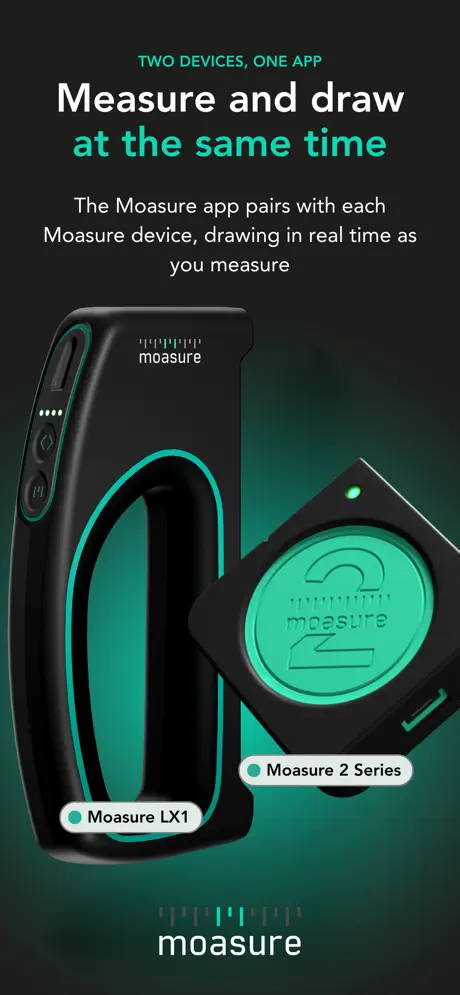
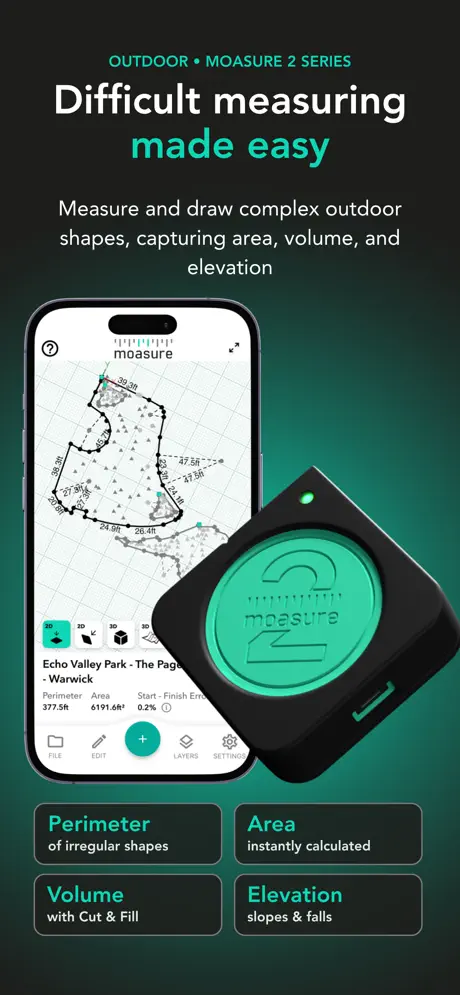
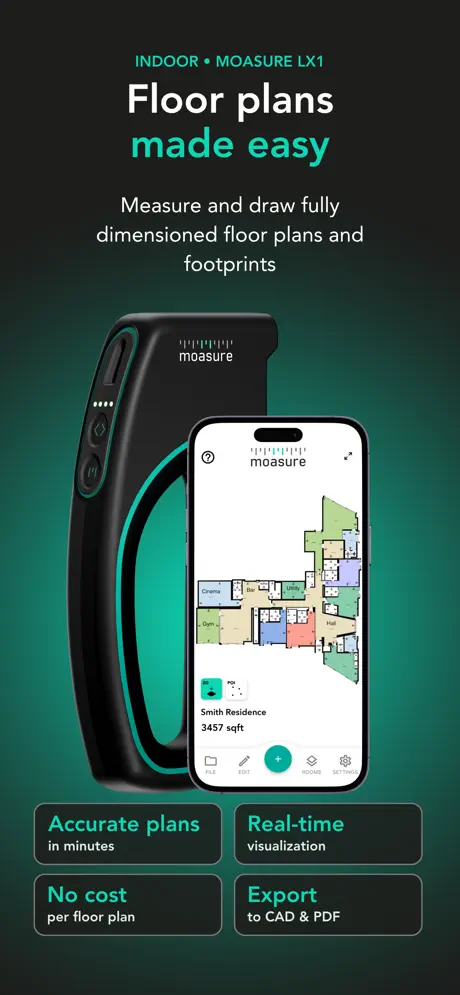
The Moasure Companion App
How much does Moasure cost?
Prices are current as of 11 Nov 2026.
Moasure has no in-app products on record in the United States.
10+ alternatives to Moasure
| Moasure |   Concrete Calculator Plus |   GPS Land Measurement & Survey |   Landscaping Calculator Plus |   Measure Map Pro |   Chippy Tools: Construction |   Gravel Calculator Plus | 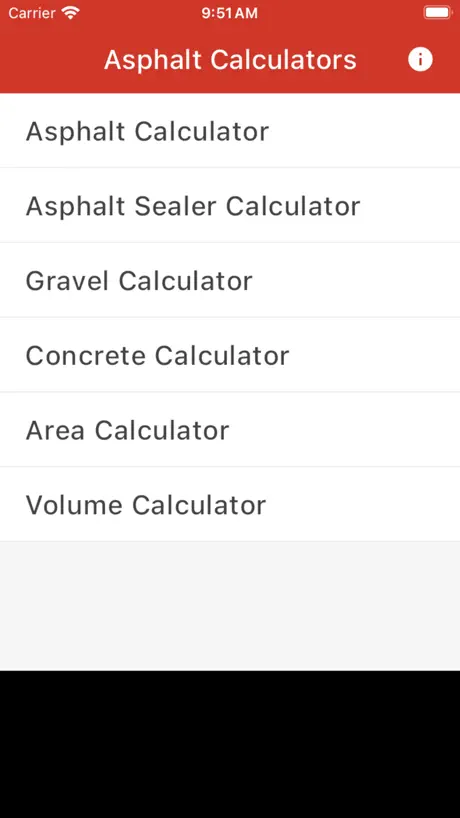  Asphalt Calculator Plus | 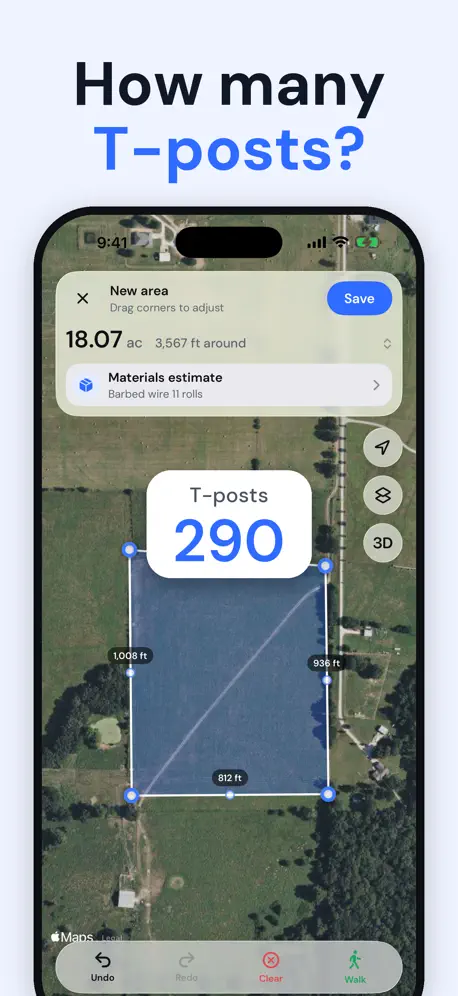  AreaMap: Measure Land & Acres | 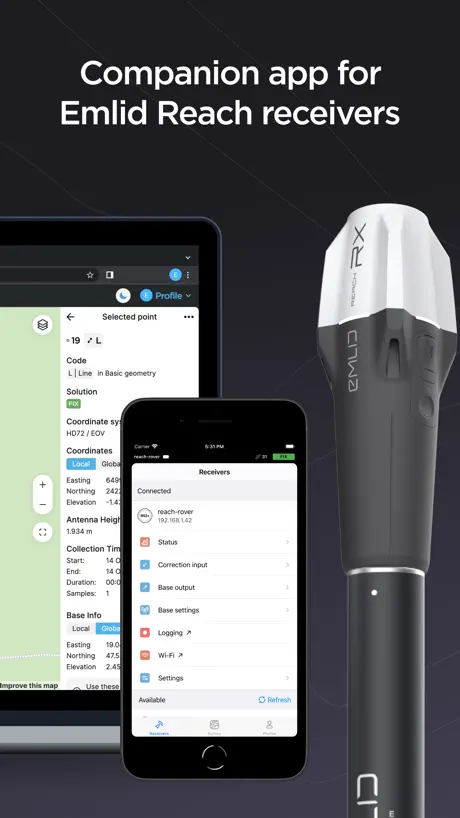  Emlid Flow |   Room Scanner - Easy Measure Rm | |
|---|---|---|---|---|---|---|---|---|---|---|---|
| Rating / 5 | 4.3 | 4.8 | 4.6 | 4.8 | 4.5 | 4.6 | 4.8 | 4.8 | 4.5 | 4.3 | 4.7 |
| Reviews | 318 | 29K | 6.7K | 3.8K | 2.9K | 2.8K | 2.3K | 918 | 325 | 255 | 225 |
| Released | 2021 | 2020 | 2013 | 2020 | 2011 | 2021 | 2020 | 2024 | 2026 | 2020 | 2023 |
| Weekly price | — | — | — | — | — | $2.99 | — | — | $9.99 | — | — |
| Monthly price | — | — | $4.99 | — | — | $5.99 | — | — | $19.99 | $24.99 | — |
| Annual price | — | — | $29.99 | — | — | $19.99 | — | — | $69.99 | — | — |
| One-time price | — | — | — | — | $28.99 | $85.00 | — | — | — | — | — |
The going rate for each plan in United States, in its own currency, shaded from the cheapest price on the row to the dearest. Plans fewer than four in ten of the priced apps sell are left out.
Moasure reviews
4.3 out of 5, based on 318 reviews.
What people like
- Works great without cell service
- Measures large areas very quickly
- Free updates keep improving the app
What they complain about
- App crashes and deletes your work
- Measurements are often inaccurate or inconsistent
- Editing features on phone screens suck
- Stick mount is cheap and loose
Thank you
This tool is my personal guide to design my vision!
Don’t buy this
I must have a broken one or people are getting these for free and posting good reviews because this thing doesn’t work at alll. No measurement is the same and start point and end points never finish at the same location. I’ve called technical support and they want me to send screen shots in which doesn’t help when I’m the field actually tying to work with this. So frustrating
Good, nearly there
The device is relatively easy to use and learn after watching a few videos. It enables a single person to measure large areas easily and quickly. Have used it to map a large backyard with a pool. I agree with some of the previous reviews… Sensitive to users movement and handling Could be more accurate once base layer has been set, ie measurements differ when redone App does not allow for error correction, removing lines, naming lines
Landscaper
Always have a hard time connecting, if you’re in an area with not great wi-fi you better have a second plan in hand!
不是很好用
我这个定位总是飘?转一圈回来放到同一个位置,显示都不同……
Excellent product!
Just arrived…easy to set up and use. Going to be an excellent addition to my proposal process.
Wildly inaccurate
I bought this device for $500 for the first edition completely useless. I built a 52,250 ft.² building San Antonio for foundation. I used to measure all my Plumbing top outs to overlay it against the auto cad file, let me tell you not even close completely inaccurate which I never purchased it complete waste of $500
Super pratique
Je l’utilise depuis un an et j’e suis ravis. Mais il manque clairement une option comme le cloud. J’ai changé de téléphone dans faire de sauvegarde parce que la dernière avait 10jours. Résultat j’ai perdu mes métrés sur plus de 20 chantiers. Je vous laisse imaginer comment vous passez pour un amateur quand vous devez rappeler tous vos clients . Deuxième problème j’ai l’impression que la sauvegarde automatique fonctionne une fois sur 2. Autre problème quand vous ouvrez un dossier pour voir tous vos fichiers du même dossier il faut revenir au menu d’accueil. C’est n’importe quoi
Cool if it worked
This unit isn’t close to as useful as it claims. Great for perimeters but layers and grade from those layer is basically useless, never works.
Gut, aber...
Himmelsrichtungen wären hilfreich, teilweise fehlerhafte Messungen, Stick billige Qualität (schon mein zweiter), ABER viele Messungen auch super.
This thing is legit!!
10 out of 10!
Exporting files from app nightmare
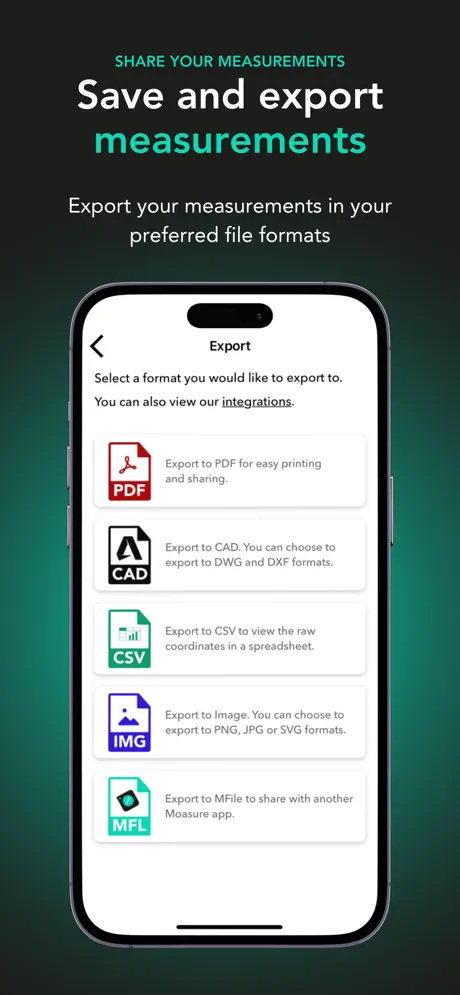
Exporting cad files from the phone refuses to attach to emails and is a pain to work around for it not even to work on the design program when imported.
2 pro - web and actual elevation
If it has a web to edit points and calculations. Editing points and lines on a 6 in screen with big fingers is very troublesome. It needs a function to input actual elevation to match survey records. Matching measurements is easier for quote and inspection.
Not a Fan
If everything is perfect, it works fine. If ground is slightly uneven or not 100% solid the device will not measure correctly without major effort. The interface and edit features within the application are horrendous. Adding pictures, adding notes, and basically every feature that isn’t strictly the measurement, feels clunky and challenging to use. If your ground is solid, it works great. But working within a trench, the device fails more times that not to give the correct measurement. The stick that comes with it constantly loosens up due to the lackluster construction of it, making the phone go all over the place, which in turn makes it harder to stop the measurement when you are suppose to. I would give 1 star but like I stated above, when the conditions are perfect, it works fine. Hopefully future updates will make the app more efficient and user friendly.
Wie soll ich bewerten …
Schwierig ! Zum Teil verblüffend gute Ergebnisse- dann wieder folgen Messungen die um einiges daneben liegen ! Wenn man sich aber darauf verlassen muss ist das halt kritisch ! Also von 10 Messungen sind 5 eher daneben ! Auch hatte ich einige Probleme mit dem Verhalten der App bei den Messungen! Das ist lösbar ! Wichtig ist ob das Prinzip funktioniert wie gemessen wird - und da bin ich eher kritisch! Zumal das ganze System nicht gerade günstig ist !
AWESOME!!!!
Don’t waste time thinking about getting one just do it!!! No regrets
Bluetooth connectivity issues
Does not work
Use in revit
I use this device to gain ground topography of job sites. Then import the DXF into revit. The only reason I didn’t give it 5 star is the app stop being able to export groups via email using gmail. Instead I must do it individually via messenger.
Funktion gut, Stabiltät nicht
Die verschiedenen Funktionen sind mit ein wenig Übung und den zahlreichen Tutorials schnell erlernt und sicher angewendet. Beim Aufmessen von Aushub mittels Punktewolke stürzt die App jedesmal ab, wodurch die Anschaffung für mich völlig nutzlos wird. Schade, hoffentlich kommt bald ein Bugfix.
Great product
This is my new favorite toy. I’m sure my wheel feels lonely.
Keeps crashing
Not useful for large projects. I tried to use this to mark out fencing for my homestead property and the app keeps crashing and losing all data after a certain point (like 1-2 hours of measuring). There is no auto-save feature or “save-as-you-go” feature and I am unable to finish the entire project in one go, before it crashes.
Good device
Haven’t had it for long and I like it. There are a few things I’d like to see in the app update though. The ability to undo a measurement and the ability to set known measurements into a line. Like I said I’m still new to it but there are points that it won’t allow me to edit and I’d like to delete/ ignore all point of possible. The last thing I’d like to be able to do is drag and drop points from different layers if they are supposed to line up but don’t quite in the calibration process. Otherwise quite the handy tool. Especially like the ability to overlay measurements over pictures.
Déçu
Selon les avis ça a tout pour plaire en théorie et ça m’a donc séduit mais quand c’est trop beau… Je l’ai testé pour mesurer mon jardin avec le mode mur et globalement le plan est cohérent, je n’ai pas vérifié les mesures avec le télémètre trop fastidieux. Je suis passé ensuite avec des dizaines de mesures chez moi, salon, chambre, sdb et la justement ce n’est pas bon. Les mesures sont approximatives on arrive à se retrouver avec des écarts de 3cm sur une distance de 1m40 (contrôle avec le télémètre à chaque fois). Des fois sur une mesure de 6m vous êtes au centimètre près. Du coup on recommence et la toujours des différences avec des valeurs encore différentes sur des murs différents. Alors oui le concept est séduisant avec des réalisations de plan intérieur très très très rapide mais ce n’est pas exploitable en l’état il faut tout re mesurer et re modifier chaque valeur sur l’ordinateur après export. Pour moi ce produit se destine exclusivement aux mesures extérieur quand on est pas à 5-10cm près et ou il est quasi impossible voir fastidieux de mesurer avec un décamètre. Je vais renvoyer le Moasure one.
Simply the Best !
I’ve had this for a few years now and it just keeps getting better and better with each FREE app update!
Price gouge
Loved the device and what it offers now they released their next version and it’s 899 for just the device. They do not offer any sort of discount or anything for having previous device . They will just continue to “make it better and more accurate” each iteration and charge more making the one you previously had useless sad to see from this company. Also now when u go to open a different measurement while you are already looking at one it makes u reselect the folder. That’s something I just noticed
Très utile
J’utilise Moasure depuis début janvier 2023. Il nécessite un certain temps de prise en main mais les tutos sont très bien fait si on prend le temps de les suivres. Après ça les mesures sont faites très rapidement et suffisamment précise pour être exploitable afin de réaliser un devis. Si les mesures sont à faire dans un terrain avec des herbes hautes l’appareil à quelques difficultés à comprendre qu’il est à l’arrêt. Le service commercial est hyper réactif si on a des questions.
Not for professional use
I ordered the Moasure One after researching and much deliberation. I decided to do it and I am not happy with the purchase. My unit doesn’t reliably respond when tapped to turn on. This has led to completely blowing a meeting with a client. Wasting both of our time and fuel; making me look unprofessional. I tried this at home to get a feel for it first. It worked. It was fully charged. When I got to the job site I double tapped it; over and over without it turning on. Then it did turn on as I was putting it away-but I couldn’t get it back into the stick before it turned off again. Well before the 1 minute auto off I have set for it. I think if they want to market this to professionals, they need to put a switch on it. I don’t know anyone that has time for this type of error. We work hard, I don’t need to work harder to have a piece of technology. It’s supposed to make the job easier. Pro beware- Homeowner quality item
Total awesomeness
This thing is a game changer
P.O.S.
Don’t waste your money. Never works when you need it to. If it does work you just walked a marathon since you have to walk the same thing 10 times till
Always an issue
I am totally exasperated with trying to efficiently use this device. It doesn’t matter how gentle I am with placing it. It doesn’t matter the pace that I move or how many times I go over the same area there always seems to be an issue. In addition, there have been several times on the device gives me the square footage and I’ll review it with a measuring tape in the square footage is off. I thought this would be a great time saver for a measuring irregular areas and it’s been nothing but an annoyance.Also, you would think that all I would have to do is push the save button, but I have to go through three different steps to get it to save and then send it. Otherwise, I’ll never see the results.I’d be very happy to send it back and have a refund.
Best technology!
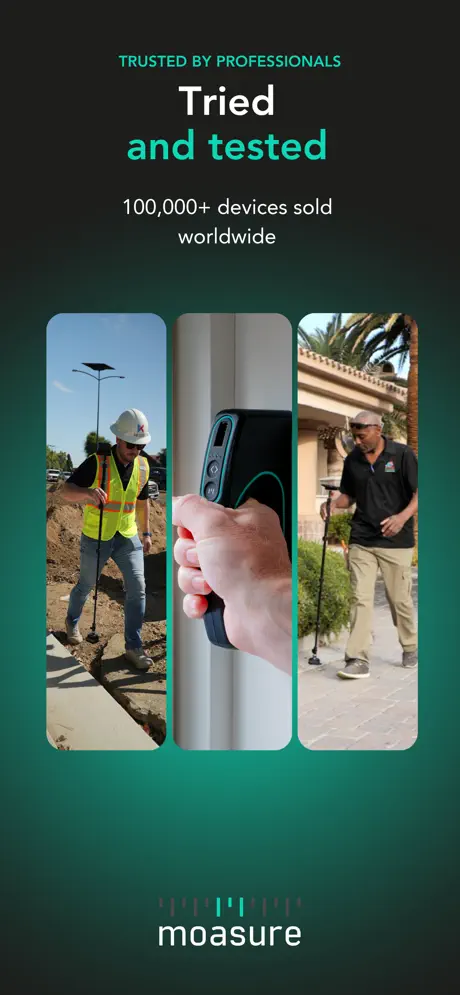
I have one of the original Moasure units and am still amazed with how accurate this device is. The amount of time it constantly saves me is amazing along with the accuracy. Everytime I go on a job it is always a conversation starter. I never travel without it.
It won’t turn on
The technology is good but it won’t start with the two taps I have to plug in and quickly do this is not time efficient my wheel measure is better and faster
Nice idea, good stick, terrible software
I was told by a contractor about this device. I researched it and decided to buy it. I guess the only time this would be useful is for CLEAR, OUTDOOR applications where there are no obstructions and only to get an ESTIMATE and not clear and accurate measurements. You also have to take independent measurements of a single area. Additional areas need to be separately measured and accounted for. I checked the tutorials and then tried to work with it myself doing indoor floor plans. What a JOKE! First, the menu from tutorials is different than the actual menu from the app. Secondly, Indoors you can get an accurate floor plan of one maybe two rooms, but you always have to go back to SQUARE ONE, and reference your measurements from that INITIAL line. If you have multiple rooms where you need to enter from room to another, GOOD LUCK! There will be successive errors and no matter how many times you try to retake the measurements there will always be errors due to having to go back to where you took the first line! There’s no option to change the reference point. When trying to measure an exterior contour of the building and then interior rooms, the rooms will be skewed at a weird angle and rooms will overlap. Meaning that the individual rooms measurements might be ok, but will not be placed accurately in a floor plan. There’s no UNDO option and even if you know the contour might be OK, there no more IGNORE option after you took the measurements of a room. Once you start taking measurements, you have to keep going in one “take” and try to do rooms and closets at the same time, which is a pain. It’s also a pain to try to do closets after you finished the main room, since you have to go out and find the first line of the first room you measured. Meaning if your first line is the foyer/ entrance you have to go back to the entrance and then take multiple measurements tracing the room/ closet from the entrance all the way to that room! That itself is prone to errors and a terrible waste of time. I find that my laser distance measurements app is far more precise and faster than having to redo measurements over and over again, and having to reference back to my initial line.
Best tool in my toolbox!
Moasure works well on so many levels within my business. Excellent tool! Thanks guys!
Needlessly Requires Account, But Won’t Allow Account Creation
The device requires the creation of an account and verification of an email address. Despite using the “Resend” option when it tells me I must verify my email before logging in, I’ve not received a single email. Now I have a $500 paper weight unless somehow the email comes in, but it’s already been two hours since I attempted to create the account. This is a terrible customer decision. Don’t add things that gate keep customers — especially when you’re unable to reliably execute those controls.
Ohne Abo wäre der Kauf überlegenswert
…selbst für 10€ im Monat für unser Unternehmen nicht lohnenswert
Easy to use
I tried the device right away and found it quite easy to use. I will be using this for my landscaping project to insure proper drainage. So much better than a string and tape measure (another person gave a 1 star… ??!! WHY???). I will be using it on my property overseas as well. I love that it doesn’t need satellite or cell service to work. This is perfect because some of the places I will be measuring overseas have either spotty or no cell service. I’m GLAD that I found your product! A couple suggestions: 1. The Stick needs a better phone mount as my phone is in a case and it doesn’t provide a secure enough hold on it. 2. The iPad app needs to have the ability to switch views between Portrait to Landscape view for editing.
App crashes
After 45 mins of measuring the app just crashed and all the work got erased… again… I’ll try once more and if not I’ll return the product, I can’t be wasting my time like this
Moasure FAQ
- Is Moasure free?
- Yes. The app is free, in all 175 countries it sells in, and it sells nothing inside it.
- Does Moasure have a free trial?
- No. None of its offers (US) come with a free trial.
- What are the best alternatives to Moasure?
- Concrete Calculator Plus (4.8 from 28,770 reviews), GPS Land Measurement & Survey (4.6 from 6,667 reviews, premium from $4.99) and Landscaping Calculator Plus (4.8 from 3,756 reviews).
Moasure download
Last updated 17 days ago.
Moasure sells in 175 countries. It was released 5 years ago, on 5 Nov 2021. It holds a 4.3 rating from 318 reviews.
Supports 12 languages: English, Dutch, French, German, Italian, Japanese, Polish, Portuguese, Russian, Chinese, Spanish, Swedish.
How much does Moasure make?
Third-party estimates for the last 30 days, worldwide — not the store's own figures, which Apple publishes for nobody.