
Adobe Connect
All new Adobe Connect app!
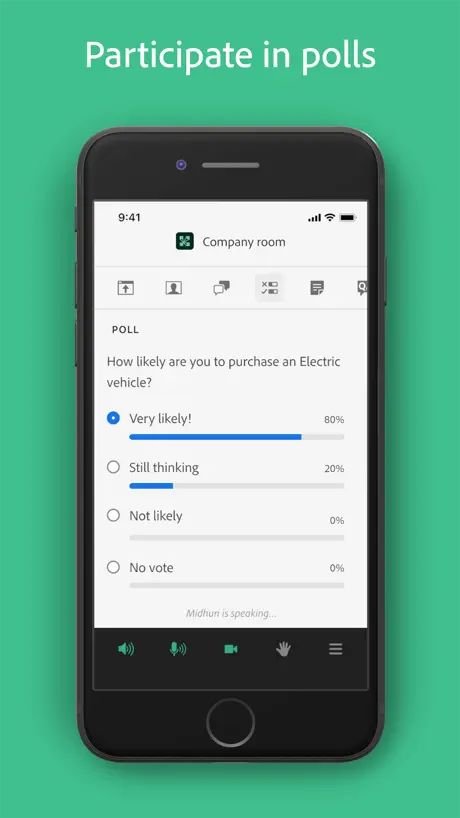
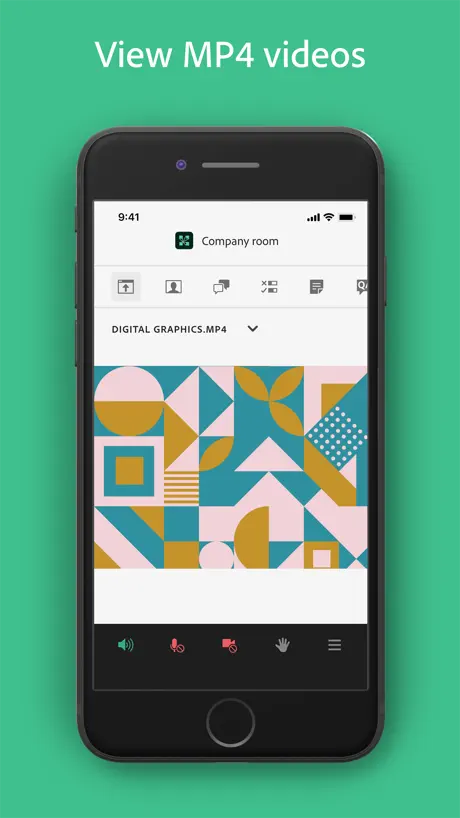
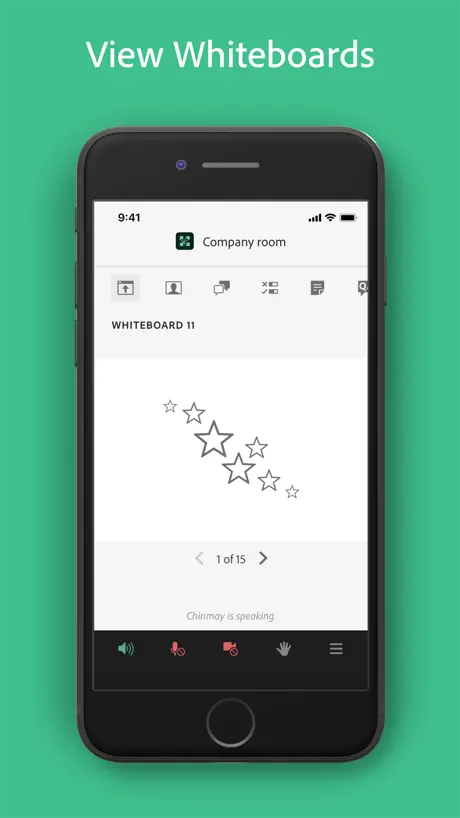
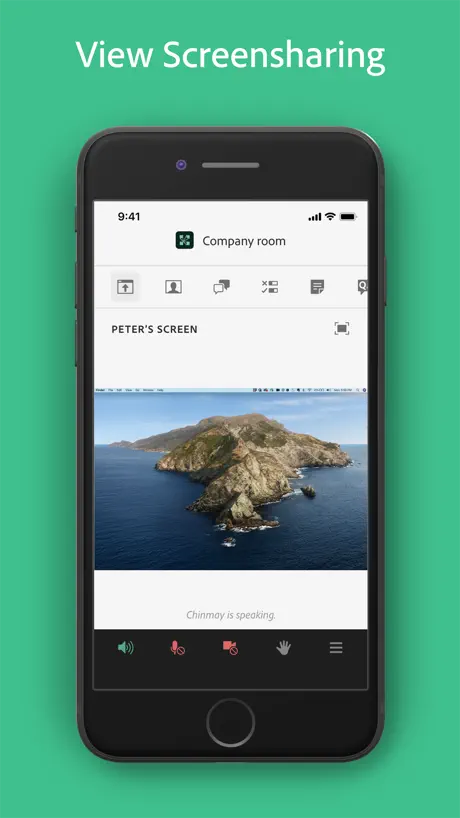
How much does Adobe Connect cost?
Prices are current as of 7 Sept 2026.
Adobe Connect has no in-app products on record in the United States.
10+ alternatives to Adobe Connect
| Adobe Connect |   Ostrich VPN - Proxy Master Ostrich VPN - Proxy Master |   HaloVPN: Fast Secure VPN Proxy HaloVPN: Fast Secure VPN Proxy |   HaloVPN Pro: Fast VPN Proxy HaloVPN Pro: Fast VPN Proxy |   Ostrich VPN Light - Fast Proxy Ostrich VPN Light - Fast Proxy |   Keeper: Crypto Wallet Keeper: Crypto Wallet |   PlatoVPN Fast:Super VPN Proxy PlatoVPN Fast:Super VPN Proxy |   Super V2ray Tunnel 2026 Super V2ray Tunnel 2026 |   V2Lite VPN - Super VPN Proxy V2Lite VPN - Super VPN Proxy |   Chand Chand |   Plato VPN Super:Fast VPN Proxy Plato VPN Super:Fast VPN Proxy | |
|---|---|---|---|---|---|---|---|---|---|---|---|
| Rating / 5 | 3.4 | 4.7 | 4.6 | 4.6 | 4.8 | 4.3 | 4.7 | 4.3 | 4.6 | 4.3 | 4.6 |
| Reviews | 486 | 31K | 25K | 24K | 21K | 20K | 7.3K | 5.9K | 4.7K | 2K | 1.6K |
| Released | 2021 | 2021 | 2020 | 2020 | 2022 | 2021 | 2024 | 2026 | 2022 | 2020 | 2025 |
| Monthly price | — | $3.99 | $7.99 | $9.99 | — | — | — | — | — | — | — |
| Annual price | — | $24.99 | $47.99 | $58.99 | — | — | — | — | — | — | — |
| One-time price | — | — | — | — | — | $9.99 | $6.99 | — | — | — | $1.99 |
The going rate for each plan in United States, in its own currency, shaded from the cheapest price on the row to the dearest. Plans fewer than four in ten of the priced apps sell are left out.
Adobe Connect reviews
3.4 out of 5, based on 486 reviews.
What people like
- Works well in the background
- Clean and simple interface
- Better than the old version
- Easy to use for classes
What they complain about
- Audio often fails or cuts out
- App crashes and lags frequently
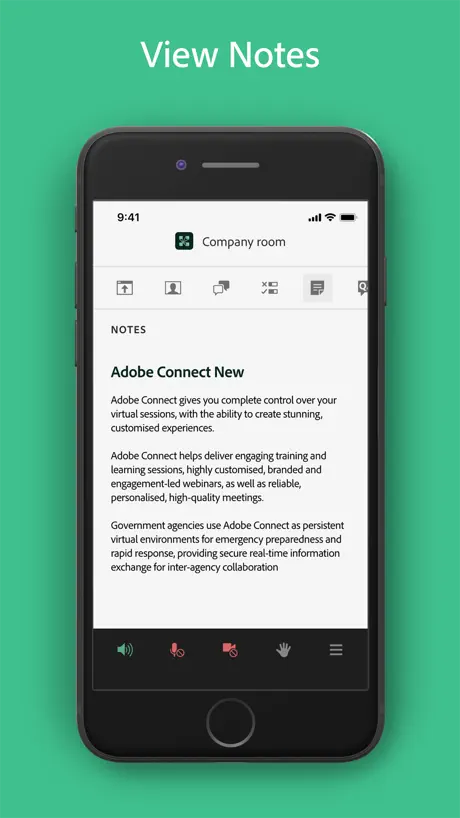
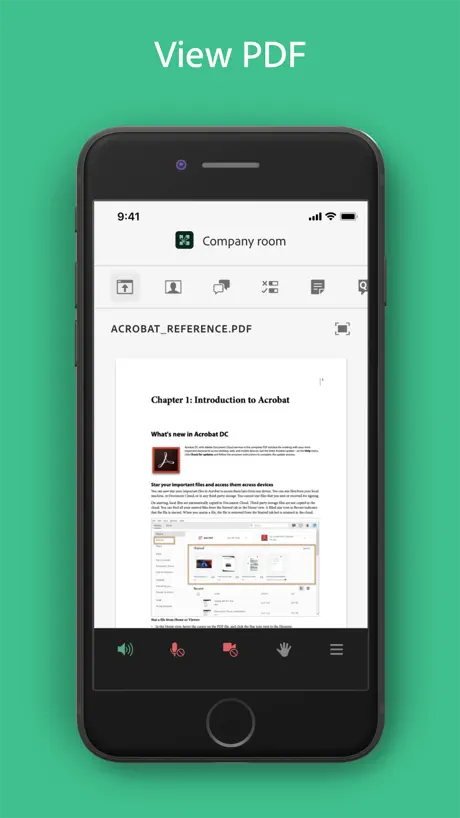
- Cannot view PDF files in app
- Gets stuck with no way to exit
Saved me!
Came home late for class and attended on my IPhone on the app!
Bad my Wi-Fi is good doesn’t work very well
I would never recommend this I would recommend zoom
It’s good
I am a student so it’s decent, wish it was a bit better and optimised for iPads, but eh ok
App only works sometimes
This app is hit or miss, but mostly miss. It crashes all the time. Sound only works about 10% of the time that the app actually manages to keep itself running. Using any functionality outside of listening only makes the issue worse. You would think that commute mode would help with some of these issues, but sound has not worked for me a single time using commute mode. Please fix this!
Participant Issues
As a participant, and first time user, some slides and videos by presenters were not visible.
Easy
Good way to learn
IT DOESNT WORK!!!
Please read this adobe We all have problems with this app it doesn’t verify my session links And please please bring back the old app in usa😭😭😭🙏🏽🙏🏽
Good app but lacks couple of crucial features.
Needs emoticons and hand gestures.
Needs optimizations on iPad
The app needs several adjustments and optimizations on iPad for example in the main tab we can see the chat and the presentation but we can write messages.
Buggy on iPad Pro
The app has an annoying issue where if multiple people in chat post a message the chat window snags and you miss the most current messages being sent. You have to manually scroll down to see more messages, but since it doesn’t automatically scroll to the most recent you have no idea a bunch of people have sent a message.
Awesome tool
This tool is pretty clean simple to use and feature rich , loved it.
iOS 26
It’s not working on iOS 26
Chat Box nicht aktiv
Bitte prüft nochmal nach, warum der ChatBox eingefroren bleibt. Der Rest funktioniert gut
Useless
Our school uses SSO and I can’t get the app to work with it. Very frustrating. I used to be able to bypass by logging in through a browser and then opening the app, but that no longer works.
PDF not support
still not support pdf files, the usefull doc pleaeeeeeee adobe do it
The Unmatched Brilliance of Adobe: A Photographer’s Dream Come True
In the ever-evolving world of professional photography, one name stands tall, unrivaled in its brilliance - Adobe. As the proud owner of Quinton Stocton Photography, I can confidently say that this revolutionary editing tool has not only transformed my business but also profoundly impacted my life. When it comes to creating awe-inspiring, captivating, and positively unique imagery, adobe reigns supreme. Its extensive array of features and unmatched precision allows photographers to breathe life into their visions. From subtle enhancements to radical transformations, the possibilities seem boundless. My journey with Adobe began as an enthusiastic amateur, but its transformative power quickly propelled me into the realm of professional photography. With each passing project, I found myself more in awe of the application's capabilities, unlocking creative dimensions I never thought possible. One cannot stress enough the significance of investing in the premium service. The range of tools available in the premium package elevates one's artistic potential beyond measure. The seamless integration with all of the Adobe Creative Suite applications only further amplifies the already staggering array of possibilities. For any discerning photographer, videographer, or content creator, the Adobe Creative Suite is a godsend. With a comprehensive suite of tools, ranging from video editing to graphic design, it caters to every aspect of the creative process. Its versatility and unmatched performance make it an invaluable asset for anyone seeking to curate breathtaking content for social media, websites, or personal archives. In an era plagued with knock-off apps claiming to offer similar results, I cannot emphasize enough the importance of choosing Adobe over the rest. While imitation may be the sincerest form of flattery, it is no substitute for the original. Adobe has a time-tested legacy of innovation and has consistently maintained its position as the industry leader. Affordability is a crucial consideration for any professional, and Adobe hits the sweet spot in this regard.The value they provide is unparalleled, especially when one considers the vast array of features and regular updates they offer. Moreover, their free trials allow users to experience the magic firsthand before committing to the premium experience. As someone eternally grateful for the transformative impact of Adobe, I implore all aspiring creators not to settle for anything less. Google me, follow me on every social media platform, visit my Buy Me a Coffee page (here we can support each other if you're new to editing, I offer a service to teach people wanting to get into the space anything they would like to know), or explore my Linktree- you'll see the magnificent results achieved with Adobe's tools (You can find me under every platform by Quinton Stocton Photography). I don't intend this as a self-promotion, but rather an earnest endeavor to share the brilliance of Adobe with the world. It has truly revolutionized my approach to photography and has enriched my creative journey immeasurably. To those who wish to learn the art of harnessing Adobe's potential, feel free to reach out on any of my platforms. I would be more than delighted to offer guidance and share my experiences.Remember, investing in Adobe is an investment in your craft and, ultimately, in a future where your creative visions are brought to life like never before.
Add recording session from mobile
The app suggests to go back to the browser in order to have more features, but as a host I can only use the app. I am trying to record the session while using my phone but it hasn’t been possible. Please add this feature!
Access to PDF Files are Necessary
This version of the Adobe Connect application has a better appeal compared to the older application. Everything seems smoother to operate, but we need to have the ability to access pdfs and web links. We also need to be able to view pdfs that are being presented by another individual. Other than that, the application is great.
Laggy on iPad Pro
Super laggy, old version was better.
Plz adobe listen to us !
adobe you are great company plz update app and fix issues , you can do this .
Very very very nice and best version!
It is so better than Old version and orginal version from Adobe! the orginal adobe version is so old and Bugs. please add support from PDF Files.
Not working
Doesn’t even join the rooms anymore!
Viel Besser
Die neue App ist deutlich angenehmer, da sie im Hintergrund läuft und es keinerlei Probleme mit Ton oder Bild gibt. Es ist leider schade, dass noch nicht alle Optionen per App funktionieren daher einen Stern Abzug.
Erişilebilirlik
Görme engelliler için erişilebilirliği yok ekran okuyucu ile uyumlu değil
Meh
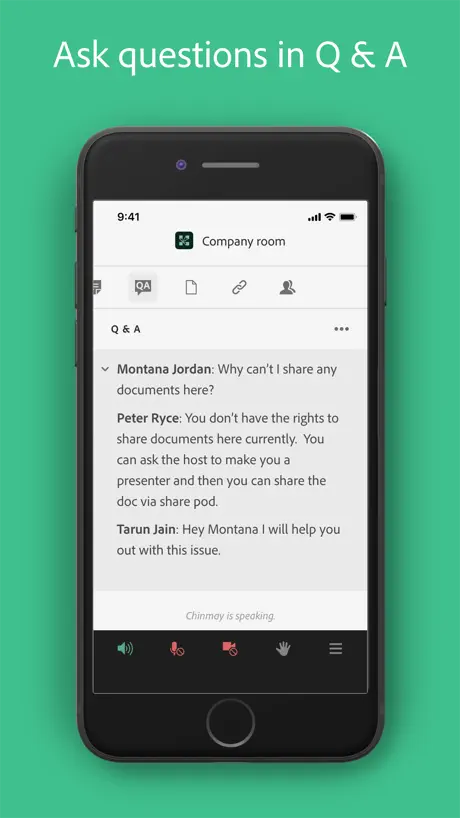
Please add Q&A support. This one is so much better than the last but I find myself being forced to use the old one because this one doesn’t have everything I need yet.
Massive improvements !
Design and compatibility changes are wonderful. Please add pdf support
Awful App
Send you right to “Join Room” with no way to get out of the app. iOS Mobile App
Better one the UI but not the performance
It’s better than old one but also cannot support pdf files please add it
Ständig Netzwerkprobleme
Leider fliegt man ständig raus, weil die App Netzwerkprobleme hat. Obwohl alles andere problemlos funktioniert. So braucht man die App nicht nutzen. Sehr schade
Amazing and very modern upgrade
A please to use
Unbelievable
I’m giving this app one star for the singular fact that Adobe is so incompetent that instead of updating “Adobe Connect” from v2 to v3 they released an ENTIRELY DIFFERENT APP (“Adobe Connect New”), leaving those on the “original” Adobe Connect (which is going on three years with no updates as I write this in May 2023) stuck with all its bugs, fails, and poor performance for time immemorial. Because why use the model used by every other known app in the galaxy whereby your app automatically updates via App Store at night when you’re asleep, when you can cross your fingers and hope that your users magically discover that the only way to ever get past the nightmare that is v2 is to install an entirely new app?! If Adobe was smart, they would have looked at this and taken the opportunity to rebrand the app to at least hide the appearance of incompetence (say, for example, “Adobe Connect is now Adobe Together”) which would have clued people in and gotten them to App Store (“hmm, I have Adobe Connect, but I need Adobe Together for this meeting, I’d better go to App Store to download Together”). But no. I mean, come on, what is Adobe going to do when it comes time to update “Adobe Connect New” from v3 to v4, release “Adobe Connect New Newer Newest”?! Alas, to add insult to injury, the incompetence doesn’t end there, with Adobe—the world leader in image editing software—providing screen shots in App Store for Adobe Connect New that are rotated 90º out of horizontal. I don’t know whether to laugh or cry.
Bequemes App
Funktioniert gut 👍 Einen (in manchen Situationen wesentlichen) Nachteil hab ich inzwischen doch festgestellt: Wenn die Sitzung noch nicht begonnen hat bzw. aus Versehen einen Raum betreten wurde, wo die Sitzung noch nicht begonnen hat, gibt es keine Möglichkeit in dem App, den Raum zu wechseln/verlassen. Das App bleibt in dem Status einfach „hängen“!!! Und „wartet“ bis, die Sitzung anfängt, ohne weitere Vorschläge! Ich musste das App löschen (!!!) und neu installieren, um einen anderen/richtigen Raum betreten zu können! In der „alten“ Version Adobe Connect ist das nicht der Fall. Dafür bietet die alte Version keine Möglichkeit, immer online zu bleiben und zuzuhören und gleichzeitig in einem anderen App zu arbeiten (läuft nicht im Hintergrund). Dies bietet gerade New Adobe Connect. Was ich sehr bequem finde! Interface ist auch aus meiner Sicht bequemer gemacht, als die „alte“ Version. …Sollte man lieber beide Apps installieren - das ist mein Schluss.
Not as good as the old one
I’m using an iPad Pro an I can’t see any shared screen Please fix this
Great app
Great to see this from Adobe
No Audio
I can’t even hear audio in any of my meetings…
Es gibt bessere Apps
Der Ton hackt manchmal. Die App muss mehrmals neu gestartet werden.
So cool
So i use this app for my school and i have to say that this app made me have one of the best experiences from online school thanks adobe💖
Constant crashing
It’s super embarrassing to have to keep asking to be let back into a meeting every 10 minutes. I’m on ios 16 on a 14 plus. Come on.
Unvollständig
Bitte fügt Notes für die App Version hinzu. Es nervt nur die Hälfte nutzen zu können.
attractive
as expected from adobe, she's got a very pretty interface. will report back on performance.
Needs more work
When redirecting from a web site to a server the auto login process fails. After installing there should be a link available in Force Touch in order to open the relative link in adobe connect but the Force Touch link is not available.
Adobe Connect FAQ
- Is Adobe Connect free?
- Yes. The app is free, in all 175 countries it sells in, and it sells nothing inside it.
- Does Adobe Connect have a free trial?
- No. None of its offers (US) come with a free trial.
- What are the best alternatives to Adobe Connect?
- Ostrich VPN - Proxy Master (4.7 from 31,495 reviews, premium from $1.49), HaloVPN: Fast Secure VPN Proxy (4.6 from 24,989 reviews, premium from $3.99) and HaloVPN Pro: Fast VPN Proxy (4.6 from 23,767 reviews, premium from $9.99).
Adobe Connect download
Last updated 1 month ago.
Adobe Connect sells in 175 countries. It was released 5 years and 4 months ago, on 3 Jun 2021. It holds a 3.4 rating from 486 reviews.
Supports 3 languages: English, French, German.
How much does Adobe Connect make?
Third-party estimates for the last 30 days, worldwide — not the store's own figures, which Apple publishes for nobody.