
Resize Video Compressor App
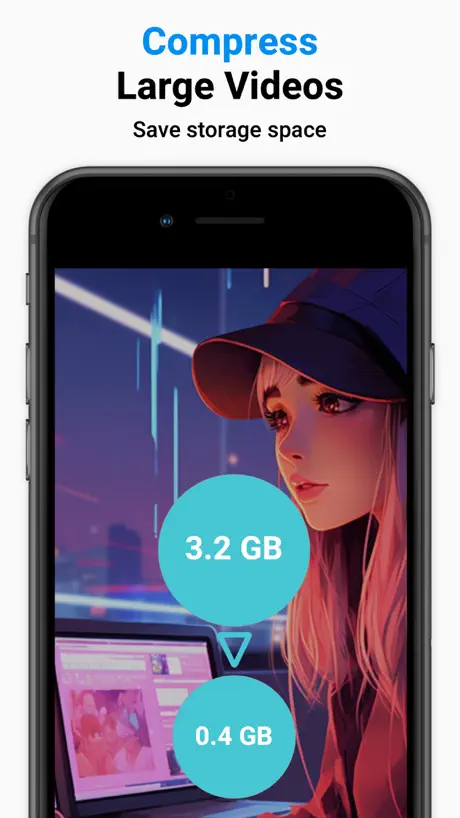
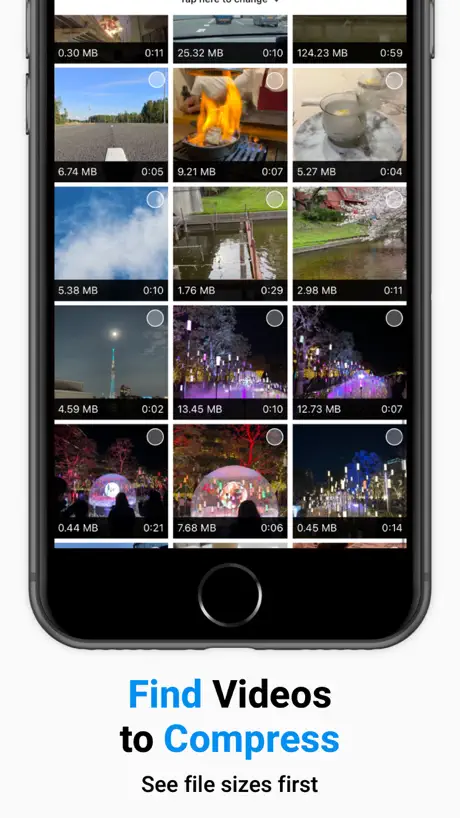
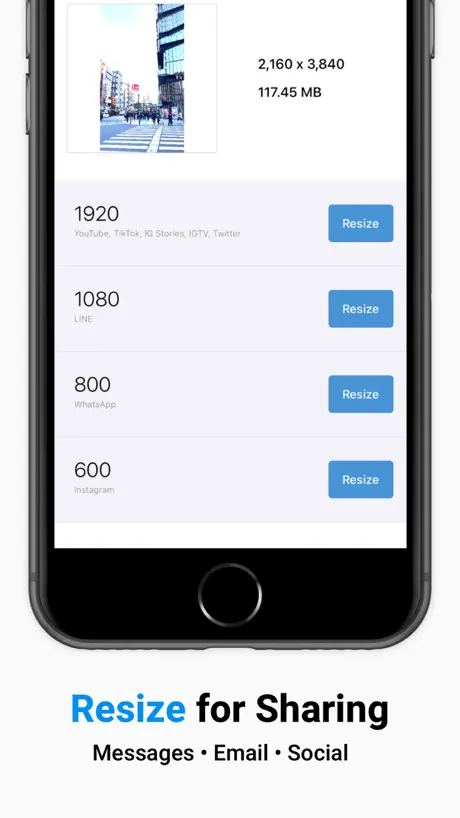
Reduce Video Size Fast & Easy
How much does Resize Video Compressor App cost?
Prices are current as of 7 Oct 2026.
2 subscriptions from $0.99
In the United States, Resize Video Compressor App has 2 subscriptions priced $0.99 – 6.99.
| Subscription | Period | Price |
|---|---|---|
| Monthly plan | Monthly | $0.99 |
| Yearly plan | Annual | $6.99 |
1 one-time purchase from $9.99
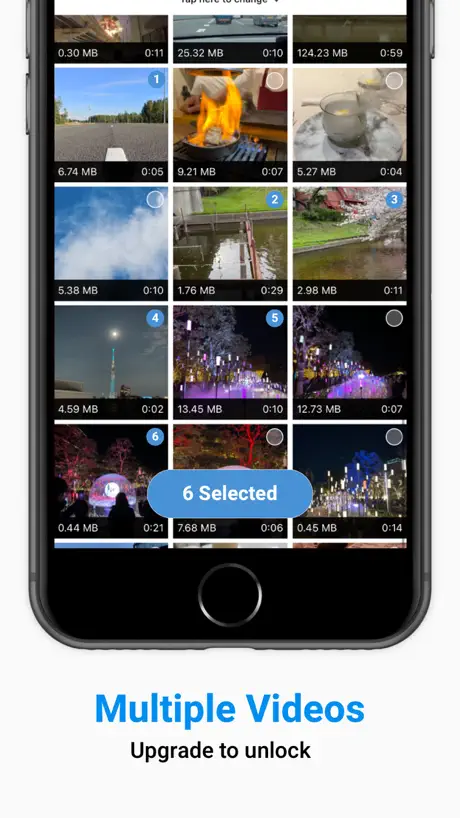
In the United States, Resize Video Compressor App has 1 one-time purchase priced $9.99.
| Product | Price |
|---|---|
| One-time purchase plan | $9.99 |
See what Resize Video Compressor App costs in all 175 countries →
10+ alternatives to Resize Video Compressor App
| Resize Video Compressor App |   SlimSpace - Compressor SlimSpace - Compressor |   MP4 Maker - Convert to MP4 MP4 Maker - Convert to MP4 |   Image Compress Photo & Video Image Compress Photo & Video | 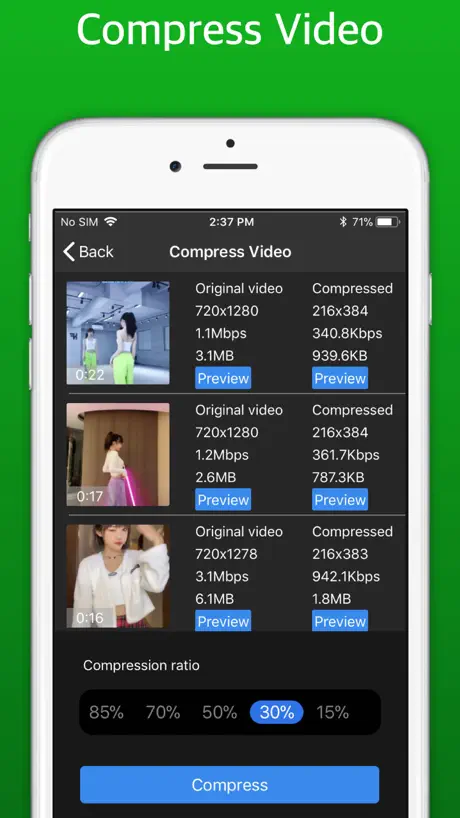  Compress Video - Shrink Photos Compress Video - Shrink Photos | 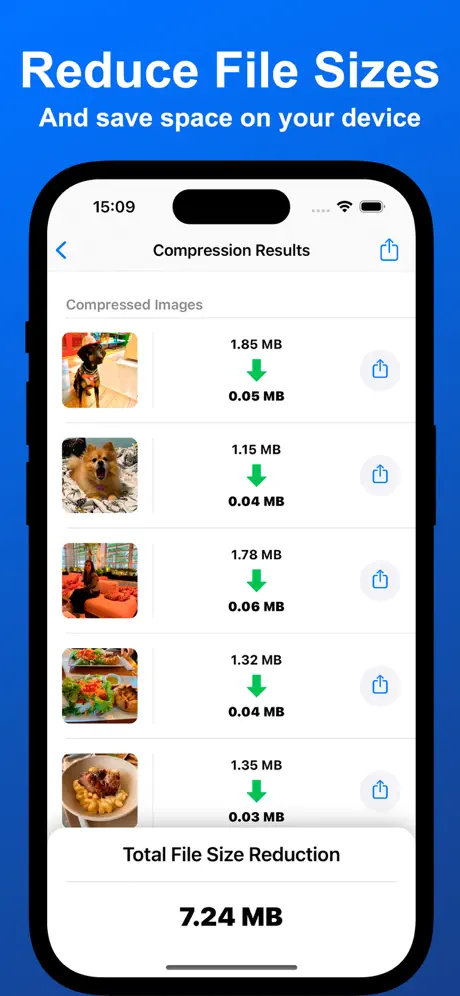  Compressor: Photos & Pictures Compressor: Photos & Pictures |   PhotoCompress - Resize Images PhotoCompress - Resize Images |   Video Vault - Downloader Photo Video Vault - Downloader Photo |   Unzipper: Zip and Unzip files Unzipper: Zip and Unzip files | 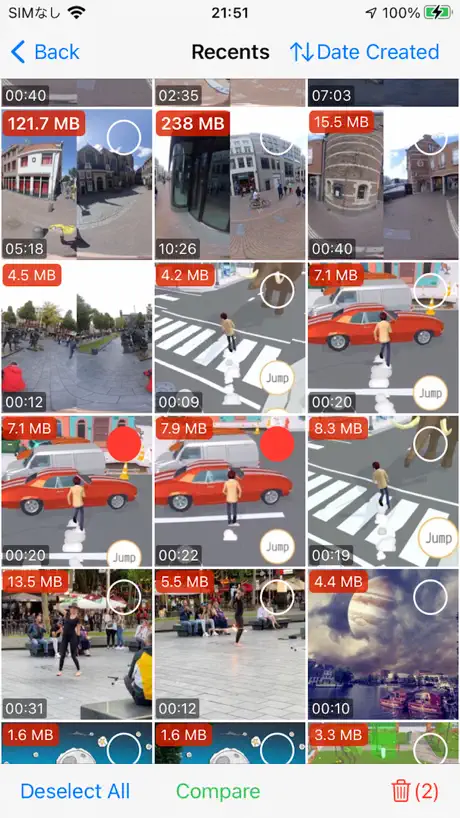  Video Remover: Storage Cleaner Video Remover: Storage Cleaner |   FileCentral for iPhone FileCentral for iPhone | |
|---|---|---|---|---|---|---|---|---|---|---|---|
| Rating / 5 | 4.6 | 4.8 | 4.5 | 4.5 | 4.8 | 4.6 | 4.6 | 3.7 | 4.6 | 4.2 | 4.7 |
| Reviews | 659 | 53K | 5.8K | 3.6K | 3.5K | 2K | 1.8K | 1.6K | 861 | 694 | 356 |
| Released | 2020 | 2017 | 2019 | 2016 | 2021 | 2021 | 2022 | 2016 | 2020 | 2021 | 2015 |
| Weekly price | — | $0.69 | — | $7.89 | — | — | — | $2.99 | — | — | — |
| Monthly price | $0.99 | $3.49 | — | $12.90 | — | $1.99 | — | $5.99 | — | — | — |
| One-time price | $9.99 | $18.99 | $4.99 | $98.90 | $1.99 | $3.99 | — | $39.99 | — | $1.99 | — |
The going rate for each plan in United States, in its own currency, shaded from the cheapest price on the row to the dearest. Plans fewer than four in ten of the priced apps sell are left out.
Resize Video Compressor App reviews
4.6 out of 5, based on 659 reviews.
What people like
- Simple design that is easy to use
- Great compression without losing quality
- Accesses hidden or synced folders easily
What they complain about
- Ads block buttons and ruin the experience
- Crashes on large video files
- Outputs black screens with audio only
Fast and simple need to allow larger videos
Not a internet wizz but this app was very simple. Need to allow larger videos.
Please make it free
Please make it free. Thank you!!
ファイルサイズが大きいと落ちます
過去にiPhoneで撮影した動画が無駄に容量を圧迫してiTunesの同期も遅くて困っていたんですが、このアプリで簡単に圧縮出来ました。 ●良い点 ・写真アプリの「ビデオ」はもちろん、iTunesで同期した写真フォルダ(カメラロールではない)や、非表示のフォルダにもアクセス出来る。このアプリに出逢うまで検索上位に出てくる無料アプリをたくさん試しましたが、ソースすら選べないアプリが結構多かったので半ば諦めかけていたところです。 ・フルHDの動画を、解像度を変えずにファイルサイズが3分の1ほどに激減しました。画質の低下もほとんど気になりません。 ▼気になる点 ・1GB程度のファイルは安定して変換出来ますが、3GBを超えるファイルは途中でアプリが落ちてしまいます。 ■その他 ・当方では同期しているサブフォルダ数が多いせいか(1000ぐらいあります)、ソースを選ぶ時にフォルダ表示にやや時間が掛かります ・当方ではビデオフォルダがリストの一番下に表示されるため、スクロールが大変です。フォルダを記憶する機能があると助かります。 ・複数のソースを選択してバッチ処理出来るとありがたいです。
バイト数で表示して欲しい
FBメッセンジャーで25MB以下にしたい。 という用途には、まったく向かなかった。 私は即削除ですが、各SNS投稿向けに使う方はいいのでは。 という意味で、あまり星を減らしても、なので、星3で。 シンプルで使いやすさはありました。 圧縮後のバイト数を最初から見える化して欲しい。あるいは、バイト数で指定できたら最高。
Resize video
Excellent app Users friendly Lite and practically useful Loving it 😻
撮影日時や位置情報は消える
撮影日時や位置情報は消えてしまいます。 そのあたりは無料アプリの方が優秀です。残念です。
WAFI
تطبيق رائع
Best
easy to use, fast, and pretty great overall. There are ads and there are a select number of video sizes (instead of being able to scale up or down dynamically based on file size/resolution), but honestly not a problem
Can’t do custom video sizes!
Can’t do custom video sizes!
Simple and it works
Simple, clear design and it works perfectly. Thank you.
DO NOT DOWNLOAD
This app does not work
使いやすいアプリ
とても使いやすい! すぐに変換できて便利。元の大きな動画も削除できて良い。愛用しています。
Add bloated until useless to use
Couldn’t even select the video as all the ads just popped up and in the way to press any buttons. Bad compression and when it was finally finished more ads popped open to the point I couldn’t see the finished result. Delete!!!
The best so far
👍🏻👍🏻👍🏻
Does not work
Not working
.
WOW amazing thank you !!
動画自体が真っ黒になる
動画を圧縮したら黒くなりました。 2回目も黒くなったので諦めます。 真っ黒の画面に音声だけ流れる仕組みなんですか?
يحتاج لتطوير والتسهيل
يحتاج لتطوير والتسهيل
Resize Video Compressor App price by country
A monthly subscription costs $0.38 in Nigeria and $1.59 in Hungary — 4× more for the same thing. Below is the going rate for each plan in every country that sells it — the middle price of what the app charges there, in the country's own currency with the dollar equivalent beneath it.
| Country | Monthly | Annual | One-time |
|---|---|---|---|
| Afghanistan | $0.99 | $6.99 | $9.99 |
| Albania | $0.99 | $7.99 | $11.99 |
| Algeria | $0.99 | $6.99 | $9.99 |
| Angola | $0.99 | $6.99 | $9.99 |
| Anguilla | $0.99 | $6.99 | $9.99 |
| Antigua And Barbuda | $0.99 | $6.99 | $9.99 |
| Argentina | $0.99 | $6.99 | $9.99 |
| Armenia | $0.99 | $7.99 | $11.99 |
| Australia | A$1.99$1.43 | A$9.99$7.19 | A$14.99$10.78 |
| Austria | €0.99$1.15 | €7.99$9.28 | €9.99$11.60 |
| Azerbaijan | $0.99 | $6.99 | $11.99 |
| Bahamas | $0.99 | $7.99 | $9.99 |
| Bahrain | $0.99 | $7.99 | $9.99 |
| Barbados | $0.99 | $7.99 | $11.99 |
| Belarus | $0.99 | $7.99 | $11.99 |
| Belgium | €0.99$1.15 | €7.99$9.28 | €9.99$11.60 |
| Belize | $0.99 | $6.99 | $9.99 |
| Benin | $0.99 | $6.99 | $11.99 |
| Bermuda | $0.99 | $6.99 | $9.99 |
| Bhutan | $0.99 | $6.99 | $9.99 |
| Bolivia | $0.99 | $6.99 | $9.99 |
| Bosnia & Herzegovina | €0.99$1.15 | €7.99$9.28 | €9.99$11.60 |
| Botswana | $0.99 | $6.99 | $9.99 |
| Brazil | R$4.90$0.96 | R$39.90$7.81 | R$59.90$11.72 |
| British Virgin Islands | $0.99 | $6.99 | $9.99 |
| Brunei Darussalam | $0.99 | $6.99 | $9.99 |
| Bulgaria | €0.99$1.15 | €7.49$8.70 | €9.99$11.60 |
| Burkina Faso | $0.99 | $6.99 | $9.99 |
| Cambodia | $0.99 | $7.99 | $9.99 |
| Cameroon | $0.99 | $7.99 | $11.99 |
| Canada | CA$0.99$0.72 | CA$9.99$7.24 | CA$12.99$9.41 |
| Cape Verde | $0.99 | $6.99 | $9.99 |
| Cayman Islands | $0.99 | $6.99 | $9.99 |
| Chad | $0.99 | $6.99 | $9.99 |
| Chile | CLP 990$1.07 | CLP 6,990$7.53 | CLP 9,990$10.77 |
| China | CN¥8.00$1.19 | CN¥48.00$7.13 | CN¥68.00$10.10 |
| Colombia | COP 4,900$1.58 | COP 39,900$12.84 | COP 49,900$16.06 |
| Congo | $0.99 | $6.99 | $9.99 |
| Congo, Democratic Republic | $0.99 | $6.99 | $9.99 |
| Costa Rica | $0.99 | $6.99 | $9.99 |
| Cote Divoire | $0.99 | $6.99 | $11.99 |
| Croatia | €0.99$1.15 | €7.99$9.28 | €9.99$11.60 |
| Cyprus | €0.99$1.15 | €7.99$9.28 | €9.99$11.60 |
| Czech Republic | CZK 29.00$1.39 | CZK 199.00$9.54 | CZK 249.00$11.93 |
| Denmark | DKK 9.00$1.40 | DKK 59.00$9.18 | DKK 89.00$13.84 |
| Dominica | $0.99 | $6.99 | $9.99 |
| Dominican Republic | $0.99 | $6.99 | $9.99 |
| Ecuador | $0.99 | $6.99 | $9.99 |
| Egypt | EGP 29.99$0.58 | EGP 199.99$3.90 | EGP 499.99$9.74 |
| El Salvador | $0.99 | $6.99 | $9.99 |
| Estonia | €0.99$1.15 | €7.99$9.28 | €9.99$11.60 |
| Fiji | $0.99 | $6.99 | $9.99 |
| Finland | €0.99$1.15 | €7.99$9.28 | €9.99$11.60 |
| France | €0.99$1.15 | €7.99$9.28 | €9.99$11.60 |
| Gabon | $0.99 | $6.99 | $9.99 |
| Gambia | $0.99 | $6.99 | $9.99 |
| Georgia | $0.99 | $7.99 | $11.99 |
| Germany | €0.99$1.15 | €7.99$9.28 | €9.99$11.60 |
| Ghana | $0.99 | $7.99 | $11.99 |
| Greece | €0.99$1.15 | €7.99$9.28 | €9.99$11.60 |
| Grenada | $0.99 | $6.99 | $9.99 |
| Guatemala | $0.99 | $6.99 | $9.99 |
| Guinea-bissau | $0.99 | $6.99 | $9.99 |
| Guyana | $0.99 | $6.99 | $9.99 |
| Honduras | $0.99 | $6.99 | $9.99 |
| Hong Kong | HK$8.00$1.02 | HK$58.00$7.40 | HK$88.00$11.22 |
| Hungary | HUF 499$1.59 | HUF 2,990$9.52 | HUF 4,490$14.30 |
| Iceland | $0.99 | $7.99 | $11.99 |
| India | ₹99.00$1.04 | ₹699.00$7.32 | ₹999.00$10.46 |
| Indonesia | IDR 19,000$1.08 | IDR 119,000$6.78 | IDR 169,000$9.62 |
| Iraq | $0.99 | $6.99 | $9.99 |
| Ireland | €0.99$1.15 | €7.99$9.28 | €9.99$11.60 |
| Israel | ₪2.90$0.95 | ₪24.90$8.19 | ₪34.90$11.48 |
| Italy | €0.99$1.15 | €7.99$9.28 | €9.99$11.60 |
| Jamaica | $0.99 | $6.99 | $9.99 |
| Japan | ¥100$0.65 | ¥700$4.54 | ¥900$5.83 |
| Jordan | $0.99 | $6.99 | $9.99 |
| Kazakhstan | KZT 499.00$1.11 | KZT 3,490.00$7.76 | KZT 5,990.00$13.32 |
| Kenya | $0.99 | $7.99 | $11.99 |
| Kosovo | €0.99$1.15 | €7.99$9.28 | €9.99$11.60 |
| Kuwait | $0.99 | $6.99 | $9.99 |
| Kyrgyzstan | $0.99 | $7.99 | $9.99 |
| Lao Peoples Democratic Republic | $0.99 | $6.99 | $9.99 |
| Latvia | €0.99$1.15 | €7.99$9.28 | €9.99$11.60 |
| Lebanon | $0.99 | $6.99 | $9.99 |
| Liberia | $0.99 | $6.99 | $9.99 |
| Libya | $0.99 | $6.99 | $9.99 |
| Lithuania | €0.99$1.15 | €7.99$9.28 | €9.99$11.60 |
| Luxembourg | €0.99$1.15 | €7.99$9.28 | €9.99$11.60 |
| Macao | $0.99 | $6.99 | $9.99 |
| Macedonia | $0.99 | $6.99 | $9.99 |
| Madagascar | $0.99 | $6.99 | $9.99 |
| Malawi | $0.99 | $6.99 | $9.99 |
| Malaysia | MYR 4.90$1.20 | MYR 29.90$7.31 | MYR 49.90$12.20 |
| Maldives | $0.99 | $6.99 | $9.99 |
| Mali | $0.99 | $6.99 | $9.99 |
| Malta | €0.99$1.15 | €7.99$9.28 | €9.99$11.60 |
| Mauritania | $0.99 | $6.99 | $9.99 |
| Mauritius | $0.99 | $6.99 | $11.99 |
| Mexico | MX$19.00$1.12 | MX$149.00$8.78 | MX$199.00$11.73 |
| Micronesia | $0.99 | $6.99 | $9.99 |
| Moldova | $0.99 | $7.99 | $11.99 |
| Mongolia | $0.99 | $6.99 | $9.99 |
| Montenegro | €0.99$1.15 | €6.99$8.12 | €9.99$11.60 |
| Montserrat | $0.99 | $6.99 | $9.99 |
| Morocco | $0.99 | $6.99 | $9.99 |
| Mozambique | $0.99 | $6.99 | $9.99 |
| Myanmar | $0.99 | $6.99 | $9.99 |
| Namibia | $0.99 | $6.99 | $9.99 |
| Nauru | $0.99 | $6.99 | $9.99 |
| Nepal | $0.99 | $6.99 | $11.99 |
| Netherlands | €0.99$1.15 | €7.99$9.28 | €9.99$11.60 |
| New Zealand | NZ$1.99$1.16 | NZ$12.99$7.55 | NZ$19.99$11.62 |
| Nicaragua | $0.99 | $6.99 | $9.99 |
| Niger | $0.99 | $6.99 | $9.99 |
| Nigeria | NGN 500.00$0.38 | NGN 3,500.00$2.64 | NGN 14,900.00$11.22 |
| Norway | NOK 9.00$0.97 | NOK 89.00$9.60 | NOK 129.00$13.92 |
| Oman | $0.99 | $6.99 | $9.99 |
| Pakistan | PKR 300$1.08 | PKR 1,900$6.84 | PKR 2,900$10.45 |
| Palau | $0.99 | $6.99 | $9.99 |
| Panama | $0.99 | $6.99 | $9.99 |
| Papua New Guinea | $0.99 | $6.99 | $9.99 |
| Paraguay | $0.99 | $6.99 | $9.99 |
| Peru | PEN 2.90$0.86 | PEN 29.90$8.90 | PEN 44.90$13.36 |
| Philippines | ₱49.00$0.78 | ₱399.00$6.37 | ₱599.00$9.56 |
| Poland | PLN 4.99$1.34 | PLN 39.99$10.75 | PLN 49.99$13.44 |
| Portugal | €0.99$1.15 | €7.99$9.28 | €9.99$11.60 |
| Qatar | QAR 2.99$0.82 | QAR 24.99$6.87 | QAR 39.99$10.99 |
| Romania | RON 4.99$1.10 | RON 39.99$8.85 | RON 49.99$11.06 |
| Russia | RUB 99.00$1.17 | RUB 599.00$7.10 | RUB 899.00$10.66 |
| Rwanda | $0.99 | $6.99 | $9.99 |
| Sao Tome & Principe | $0.99 | $6.99 | $9.99 |
| Saudi Arabia | SAR 4.99$1.33 | SAR 29.99$8.00 | SAR 39.99$10.66 |
| Senegal | $0.99 | $6.99 | $11.99 |
| Serbia | €0.99$1.15 | €7.99$9.28 | €9.99$11.60 |
| Seychelles | $0.99 | $6.99 | $9.99 |
| Sierra Leone | $0.99 | $6.99 | $9.99 |
| Singapore | SGD 0.98$0.77 | SGD 9.98$7.86 | SGD 14.98$11.80 |
| Slovakia | €0.99$1.15 | €7.99$9.28 | €9.99$11.60 |
| Slovenia | €0.99$1.15 | €7.99$9.28 | €9.99$11.60 |
| Solomon Islands | $0.99 | $6.99 | $9.99 |
| South Africa | ZAR 19.99$1.23 | ZAR 149.99$9.26 | ZAR 199.99$12.35 |
| South Korea | ₩1,100$0.82 | ₩9,900$7.36 | ₩17,000$12.64 |
| Spain | €0.99$1.15 | €7.99$9.28 | €9.99$11.60 |
| Sri Lanka | $0.99 | $6.99 | $9.99 |
| St. Kitts and Nevis | $0.99 | $6.99 | $9.99 |
| St. Lucia | $0.99 | $6.99 | $9.99 |
| St. Vincent & The Grenadines | $0.99 | $6.99 | $9.99 |
| Suriname | $0.99 | $6.99 | $9.99 |
| Swaziland | $0.99 | $6.99 | $9.99 |
| Sweden | SEK 9.00$0.93 | SEK 99.00$10.24 | SEK 129.00$13.34 |
| Switzerland | CHF 1.00$1.23 | CHF 7.00$8.62 | CHF 9.00$11.08 |
| Taiwan | NT$30.00$0.95 | NT$220.00$6.96 | NT$320.00$10.13 |
| Tajikistan | $0.99 | $7.99 | $9.99 |
| Tanzania | TZS 1,900.00$0.72 | TZS 14,900.00$5.64 | TZS 29,900.00$11.31 |
| Thailand | THB 29.00$0.88 | THB 249.00$7.55 | THB 399.00$12.09 |
| Tonga | $0.99 | $6.99 | $9.99 |
| Trinidad and Tobago | $0.99 | $6.99 | $9.99 |
| Tunisia | $0.99 | $6.99 | $9.99 |
| Turkey | TRY 19.99$0.41 | TRY 179.99$3.71 | TRY 499.99$10.30 |
| Turkmenistan | $0.99 | $6.99 | $9.99 |
| Turks and Caicos | $0.99 | $6.99 | $9.99 |
| Uganda | $0.99 | $7.99 | $11.99 |
| Ukraine | $0.99 | $7.99 | $11.99 |
| United Arab Emirates | AED 2.99$0.81 | AED 24.99$6.81 | AED 39.99$10.90 |
| United Kingdom | £0.99$1.34 | £6.99$9.45 | £9.99$13.50 |
| United States | $0.99 | $6.99 | $9.99 |
| Uruguay | $0.99 | $6.99 | $9.99 |
| Uzbekistan | $0.99 | $7.99 | $9.99 |
| Vanuatu | $0.99 | $6.99 | $9.99 |
| Venezuela | $0.99 | $6.99 | $9.99 |
| Vietnam | ₫29,000$1.12 | ₫199,000$7.69 | ₫299,000$11.55 |
| Yemen | $0.99 | $6.99 | $9.99 |
| Zambia | $0.99 | $6.99 | $11.99 |
| Zimbabwe | $0.99 | $7.99 | $11.99 |
Resize Video Compressor App FAQ
- Is Resize Video Compressor App free?
- Yes. The app and its basic features are free, in all 175 countries it sells in. Premium features are paid: they start from $0.99 (US), across 2 subscriptions and 1 one-time purchase.
- How much does Resize Video Compressor App cost per month?
- Monthly plan is $0.99 (US). The annual plan works out cheaper per month: $6.99 a year.
- Does Resize Video Compressor App have a free trial?
- No. None of its offers (US) come with a free trial.
- Where is Resize Video Compressor App cheapest?
- A monthly subscription costs NGN 500.00 (≈$0.38) in Nigeria and HUF 499 (≈$1.59) in Hungary, its cheapest and dearest countries.
- What are the best alternatives to Resize Video Compressor App?
- SlimSpace - Compressor (4.8 from 53,032 reviews, premium from $0.69), MP4 Maker - Convert to MP4 (4.5 from 5,815 reviews, premium from $4.99) and Image Compress Photo & Video (4.5 from 3,614 reviews, premium from $7.89).
Resize Video Compressor App download
Last updated 8 days ago.
Resize Video Compressor App sells in 175 countries. It was released 6 years and 1 month ago, on 9 Aug 2020. It holds a 4.6 rating from 659 reviews.
Supports 2 languages: English, Japanese.
How much does Resize Video Compressor App make?
Third-party estimates for the last 30 days, worldwide — not the store's own figures, which Apple publishes for nobody.
Revenue by plan
- Monthly 68%
- One-time 23%
- Annual 9%
Revenue by country
- United States 32%
- Saudi Arabia 24%
- Japan 14%
- United Arab Emirates 5%