ChargeUp Driver App
EV Charging App
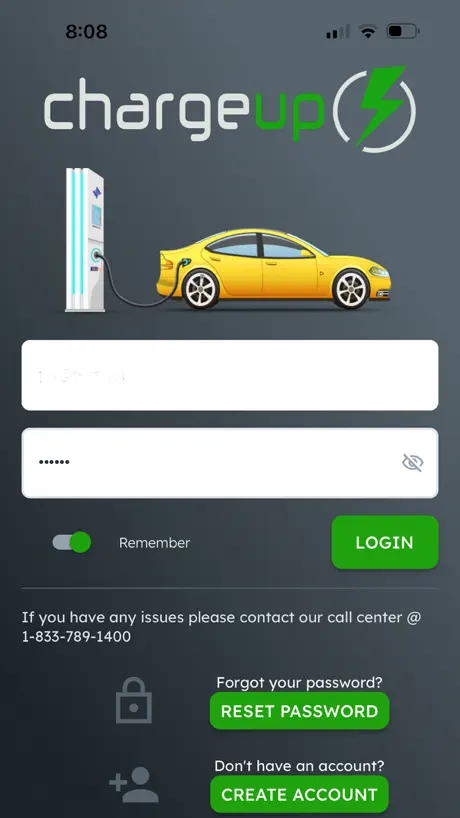
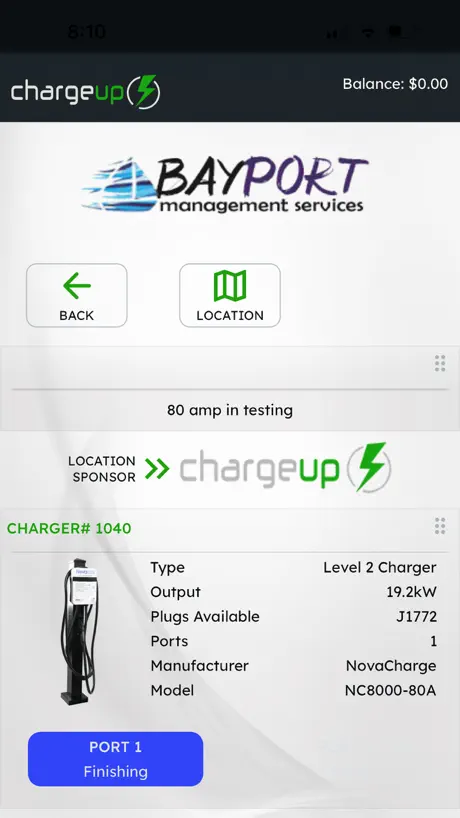
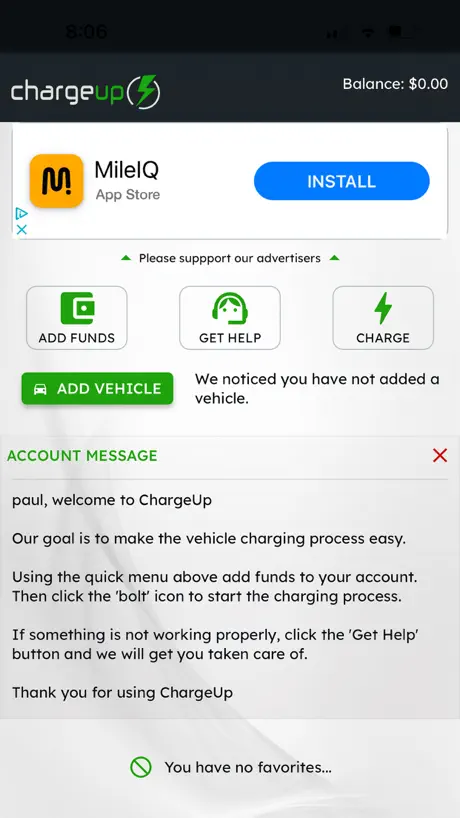
How much does ChargeUp Driver App cost?
Prices are current as of 19 Nov 2026.
ChargeUp Driver App has no in-app products on record in the United States.
10+ alternatives to ChargeUp Driver App
| ChargeUp Driver App |   MyEnvera |   Optiwatt: Local Energy Rewards |   EVIQO |   Sage Systems |   7Charge |   Circle K Charge USA |   iFLO |   Hotwire Communications |   TslaMirror |   Loop EV Charging Network | |
|---|---|---|---|---|---|---|---|---|---|---|---|
| Rating / 5 | 1.9 | 4.7 | 4.7 | 4.8 | 4.0 | 4.7 | 1.6 | 3.2 | 2.2 | 3.4 | 3.2 |
| Reviews | 244 | 11K | 3.4K | 2.3K | 1K | 465 | 122 | 102 | 52 | 49 | 37 |
| Released | 2020 | 2014 | 2020 | 2023 | 2023 | 2022 | 2022 | 2023 | 2019 | 2020 | 2019 |
ChargeUp Driver App reviews
1.9 out of 5, based on 244 reviews.
What people like
- Easy to download and straightforward to use
- Clear information gauges show charging status well
- Includes special parking spots at some locations
What they complain about
- Requires preloading funds instead of paying per use
- Forces you to add car details before charging
- App interface looks old and feels slow
- Customer support is unhelpful and hard to reach
App rating
Easiest App to use!! Love the information gauges as it charges…
Not easy to navigate
This app is not easy to navigate. It does not even show you locations where you can get a fast charge.
It’s an app, but it could be improved
It’s not a bad app it could definitely be improved I would like to see two factor authentication. Just for extra piece of mind. The app could be improved. U.I. Just seems like it was thrown together. And like that’s good that works somebody thought. Had some glitches. At work, sometimes the app is super slow to load especially when I’m running behind for work I only use the app because my employer uses the charger network
UI
App serve what it need but honestly it could use a better UI we live in 2026 the app look like a early 2000
Maintenance
You need to stay on top of the maintenance of these charging units. Today I had to try 4 units before I found one that worked!
SIMPLE and PERFECT
This app is for EV chargers in Babcock Ranches, a neighborhood village in South West Florida. It’s very easy, intuitive, convenient snd straightforward. I had to download snd install it so that I could charge my car at my son’s middle school. Seriously impressed with the User Interface. People who have rated this poorly must be confused about the purpose of the app because it’s really pretty darn good for what it’s intended to do.
SLOP
>oh sweet, a car charger at Disney >ok fine I’ll download the app >ok fine I’ll make an account >keyboard won’t pop up for my full name textbox >ok whatever who needs that I’ll just leave it blank >damn this app is REALLY slow and has a ton of unnecessary animations >needs every permission in the book >finally finds the place to scan the charger’s QR code to start charging >”preparation” of charger takes 4 minutes >get prompt to add credit card >after adding card get prompt that i have to add funds >try to add funds >card name autofilled with name on account >can’t edit card name >ok fine let me see if I can edit my account name >can’t edit account name >ok wow ok ill log out and make a new account >can’t log out
Not as user friendly as other apps
I used to have a charge point app but the current charger doesn’t work with that. The previous app was very straightforward: the map visualized ALL the chargers and had a very user friendly color code for available/unavailable. Also, you could set a notification that allowed you to know when the port you wanted to be notified about was available again and even what type of car was charging.
Stupid
I’m OK that I have to load the app. I’m also OK that I have to scan the QR code. I am not OK with the fact that I am forced to put my car information in before I can start charging. I am also not OK with the fact that it says preparing and takes forever to do whatever it’s doing before it starts charging. These are nuisances. They are not blockers. Putting in my car make model year and color should be optional for charging. It should not be required, especially when I’m standing out in the cold.
Quam J
The app is easy to download and use.
Zero stars
The first thing it says on the home tab in this app is that their goal is to make charging easier, and I have to say I cannot imagine how they could have been less successful in that endeavor. To begin with, I am not a fan of being forced to download an app and create an account and come up with a password every time I need to take a tinkle. So I’m on a roadtrip and I need to charge. This appears to be the only charger in the area. *download app, create account, etc* No Apple Pay on charger or in app. Finally I get the cc number from my wife and guess what, now I’m in a vicious circle: “add new card” -> “card not verified” -> “add new card” and here I am. Stuck at a charger with no miles and no way to charge.
Charge not stop
When I try to stop the charge, the app still show-me the veicule in charge yet. I’m drive away of the dispenser and still “charging”
Good location, bad payment and login option
I loved that they have a special parking in Mount Dora, but I hated that I need to add my payment information instead of using a reliable service (PayPal, Apple Card, etc). I had to find a card to add that I can reset later to not be concerned with fraud. Besides that, why not to use google/facebook to create an account? I had to beg my husband to stop in this spot because he had been there before and he knew he wouldn’t entry with his info in a such unsafe app.
Faithful chargers
Most faithful electric charger in Florida. Thanks!
Dumb
This is the dumbest app I have ever used
Took money but refused to charge car
After adding credit card and loading up money, app says not enough money and refused to use what was loaded to start charge season. Spent 30 mins for something that should take less than 5 seconds and then given up after support didn't answer phone.
Horrible
Do not use this app. You will lose money and horrible app to use, load or figure out.
Worst charger app
It doesn’t remember your login, doesn’t remember the email address used, you have to add your card to your account add funds to your “wallet” instead of it just charging the card on file for what was used
Trash
This app and their outdated, scammy model to require funds to be preloaded is just that, outdated and scammy. The app feels like a 12 year old with access to codex prompted for an app that runs on Windows 95. A DOS prompt might feel more user friendly. In all fairness, it is hard for me to be objective. My bias is such that I have and will continue have no respect for such business models or such poorly structured apps. The preload model is just a scam, especially for these one off brands (been driving EVs for 11 years, never heard of this company). They are hoping you load money, charge once, and forget the difference for their books to look more robust. They should charge pay per use with the credit card you input and this preload model should be illegal. They should also make the app simpler and half decent.
No Refunds
I requested a refund because I went full hybrid no more plug in. I realized later my cards were expired. Generic email responses. Long hold times, email today they cannot refund my new card on file?WHATTT???Wheres my refund??🤬🤬🤬🤬
They suck
Chargers never work
ChargeUp Driver App FAQ
- Is ChargeUp Driver App free?
- Yes. The app is free, in all 40 countries it sells in, and it sells nothing inside it.
- Does ChargeUp Driver App have a free trial?
- No. None of its offers (US) come with a free trial.
- What are the best alternatives to ChargeUp Driver App?
- MyEnvera (4.7 from 10,879 reviews), Optiwatt: Local Energy Rewards (4.7 from 3,392 reviews) and EVIQO (4.8 from 2,291 reviews).
ChargeUp Driver App download
Last updated 3 years ago.
ChargeUp Driver App sells in 40 countries. It was released 6 years and 3 months ago, on 30 Jul 2020. It holds a 1.9 rating from 244 reviews.
Supports 3 languages: English, French, Spanish.
How much does ChargeUp Driver App make?
Third-party estimates for the last 30 days, worldwide — not the store's own figures, which Apple publishes for nobody.