Work Shift Calendar (Shifter)
The best app for shift workers
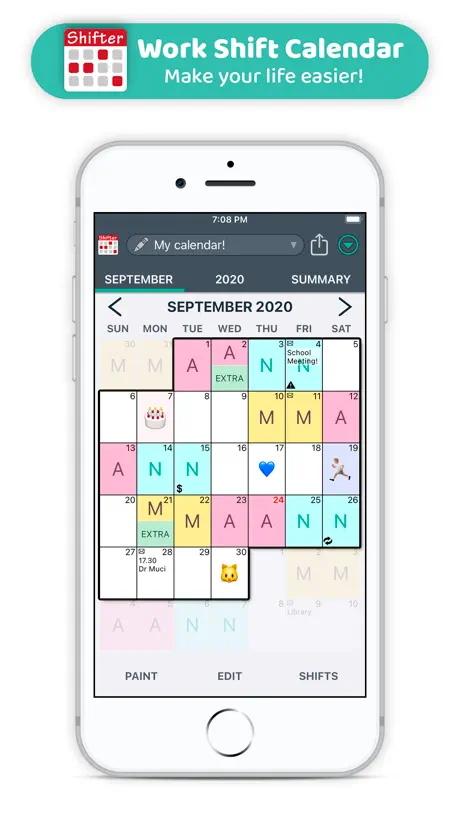
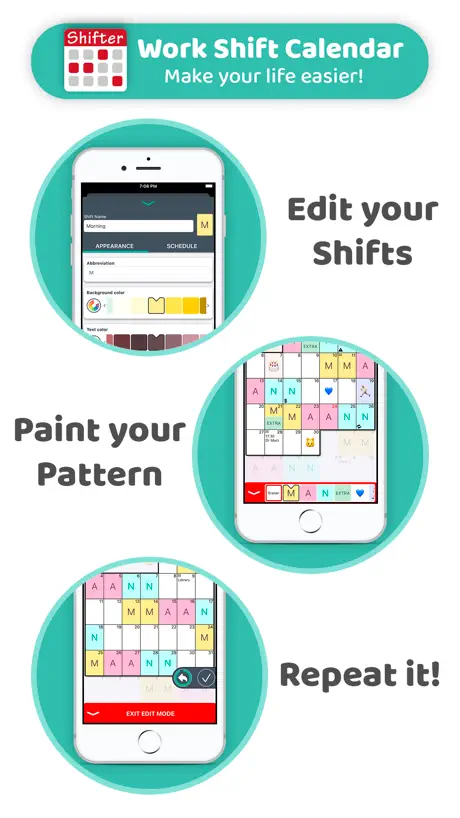
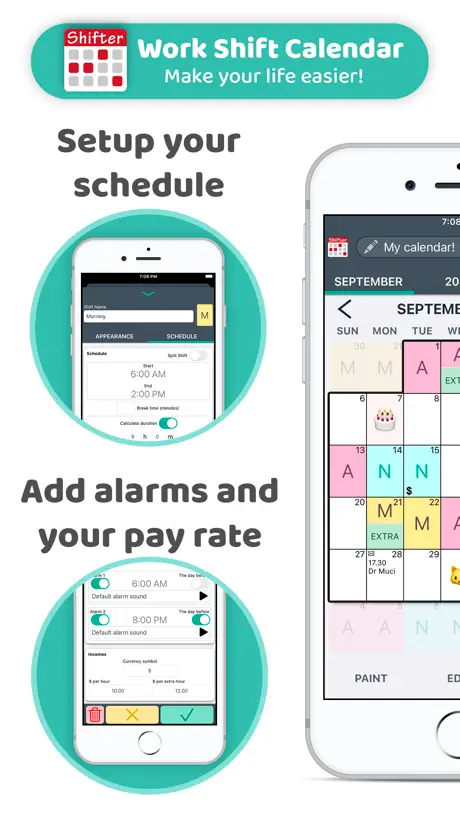
How much does Work Shift Calendar (Shifter) cost?
Prices are current as of 5 Oct 2026.
2 one-time purchases from $0.99
In the United States, Work Shift Calendar (Shifter) has 2 one-time purchases priced $0.99 – 9.99.
| Product | Price |
|---|---|
| PRO Version | $4.99 |
| Donation | $0.99 – 9.99 |
See what Work Shift Calendar (Shifter) costs in all 175 countries →
10+ alternatives to Work Shift Calendar (Shifter)
| Work Shift Calendar (Shifter) |   Simple Calendar Daily Planner Simple Calendar Daily Planner |   Supershift - Shift Calendar Supershift - Shift Calendar |   Shift Work Calendar Planner Shift Work Calendar Planner | 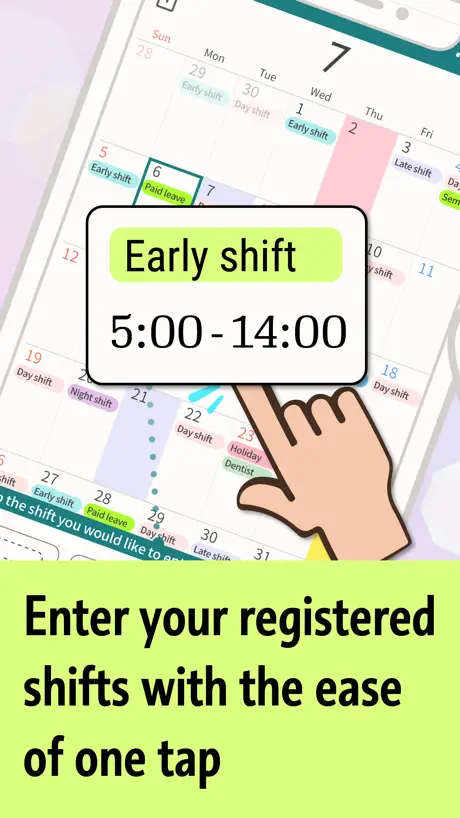  SHIFTAR: Work schedule planner SHIFTAR: Work schedule planner | 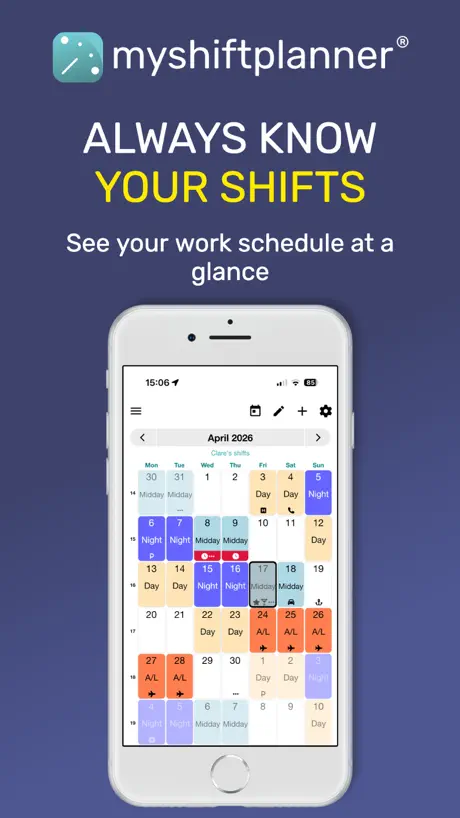  My Shift Planner - Calendar My Shift Planner - Calendar |   Shift Day Work Calendar: Spoke Shift Day Work Calendar: Spoke | 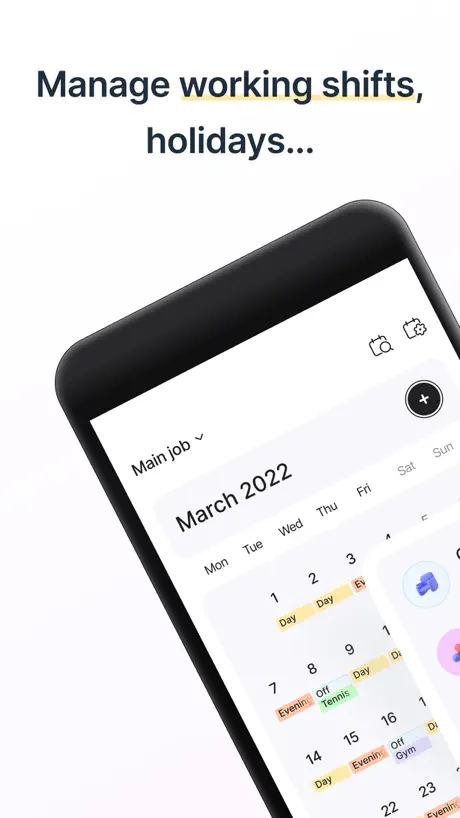  Shift Work Calendar & Schedule Shift Work Calendar & Schedule | 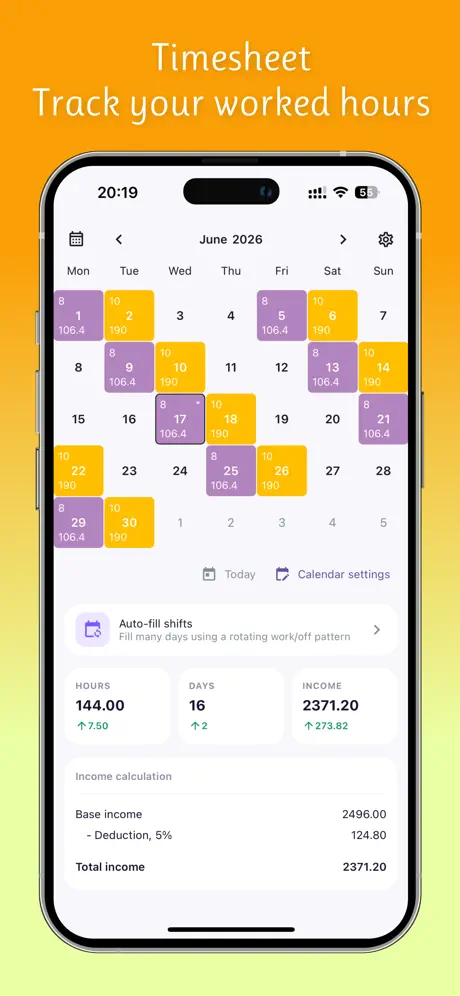  Work Hours Tracker - Timesheet Work Hours Tracker - Timesheet | 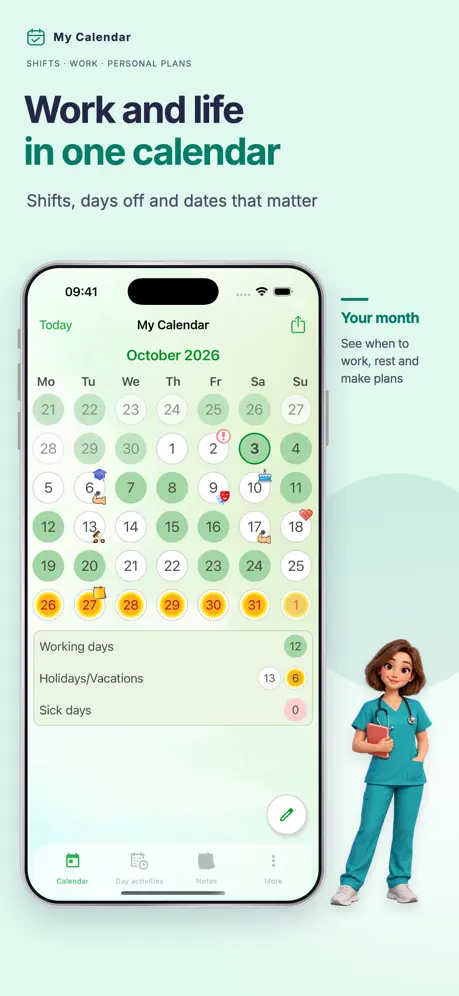  My Calendar - Shift schedule My Calendar - Shift schedule | 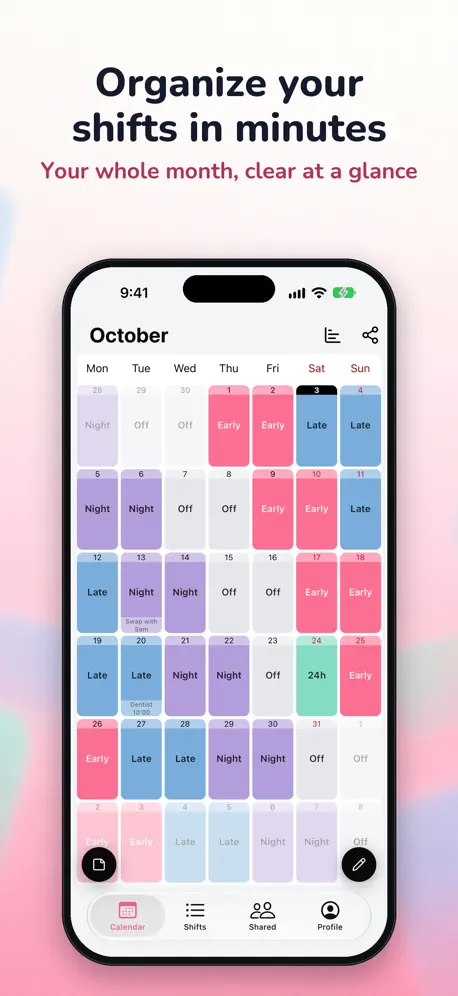  Shifts Calendar (Shifty) Shifts Calendar (Shifty) | |
|---|---|---|---|---|---|---|---|---|---|---|---|
| Rating / 5 | 4.8 | 4.6 | 4.8 | 4.6 | 4.7 | 4.8 | 4.6 | 4.6 | 4.8 | 4.8 | 4.6 |
| Reviews | 104K | 486K | 144K | 100K | 85K | 31K | 27K | 14K | 5K | 3.5K | 995 |
| Released | 2020 | 2018 | 2016 | 2010 | 2018 | 2013 | 2015 | 2021 | 2024 | 2022 | 2025 |
| Monthly price | — | — | $3.99 | $1.59 | $1.99 | $0.99 | $4.99 | $0.99 | $3.99 | $0.99 | $1.99 |
| Annual price | — | — | $9.99 | $11.00 | $8.99 | $9.99 | $34.99 | $11.99 | $19.99 | — | $17.99 |
| One-time price | $4.99 | $8.99 | $39.99 | — | — | $24.99 | $2.99 | $12.99 | $39.99 | — | — |
The going rate for each plan in United States, in its own currency, shaded from the cheapest price on the row to the dearest. Plans fewer than four in ten of the priced apps sell are left out.
Work Shift Calendar (Shifter) reviews
4.8 out of 5, based on 104,258 reviews.
What people like
- Very easy to use and navigate
- Great for tracking work shifts
- Helpful for planning days off
- Clean and simple interface
What they complain about
- No home screen widget available
- Support ignores your emails
- Data disappears when switching phones
- Sync issues with Google Calendar
Work Shift Calender
Very cool app, helps me immensely calculating my shift patterns for the next 2 years
Timo
Pagué por la aplicación y vamos, a mi me han timado
Calificaciones
Perfecta
Una pena
La app es genialisima, yo la tengo de pago y aún así trae cuenta porque es un único pago (que es poco) y te olvidas PERO LO QUE LLEVO PEOR ES QUE NO TENGA WIDGET!! Ya podrían arreglarlo o van a perder descargas
Incompleta
Peccato non si possa mettere come widget, risulta limitata la versione free, si possono aggiungere solo due opzioni per giornata. Utile per chi lavora su turni e vuole avere un quadro chiaro della settimana o mese, carina la possibilità di personalizzazione. Peccato non sia compatibile con Apple Watch
Excellent
Excellent
Mal
Si desinstalas la App para liberar espacio u luego la vuelves a instalar te borra todos los turnos y notas
Basic and Handy
For my purposes, it’s very handy. It helps me keep track of my work schedule. It also helps me visualize my schedule workday and events. Especially when I need to request days off. I use it as a standalone app.
Sincronización iPhone y iPad
Aplicación muy práctica cuando se trabaja con turnos variables. Se merecería 5 estrellas si se sincronizaran indistintamente las versiones de iPad y iPhone cuándo están vinculadas a la misma cuenta. No sincroniza ni la opción Pro 🤷🏻♂️
So so
I wish I Edit more, changung colores, etc.
Work shift
Excellent work shift
Poca seriedad
He cambiado el teléfono y no me deja trasladar todos mis calendarios, soy PRO desde hace dos años casi y no merece la pena. Se pierde todo.
Suggestion.
I hope we can put or write down notes.
Schrecklich
Wird wohl aktuell zur datenkrake um persönliche Daten zu verkaufen.
Aspectos a mejorar
Buena la app, muy amigable para usar, el problema es que no tiene respaldo, es decir, si cambio de teléfono no se guardan los datos, sino que debo hacer todo de 0
Very helpful app
I really enjoy this app
Buena app
App
Work
Works well listing work schedule events …just forwarded to new phone and opened app and schedule was there. I have paid for it like three times times over years only complaint
Ms
Doesn’t rotate automatically so I have to do month by month ; annoying
Turni spariti
Ho usato questa app gratuita da molti anni su un iphone poi improvvisamente ieri sera son spariti tutti i turni . Ho fatto diversi tentativi fino a pagare per versione pro pensando che potessi risolvere . Niente . Tabula rasa. Potete far qualcosa?
Good
Good one 👍
Terrible customer service
I purchased a pro version and got a new phone. I emailed them 2 weeks ago to restore purchase no response. I paid for a service that I can’t use.
Nice app
I like this app. Works fine for me
Wann endlich WITGES bei iPhone
Der Kalender ist echt gut einfach zu bedienen etc. Aber es gibt keine WITGES mehr. Das ist ärgerlich
Buena
Menos anuncios
Highly recommend
I’m a firefighter and work shift. I’ve been using this app for years. It’s very easy to use and navigate. This is one of my most used work related apps!
iOS 26.6
Premium version, with the update to IOS 26.6 the Widget disappeared, please reinsert it.
Easy
It’s quite easy to use
Pro verze
Na androidu jsem mela zaplacenou pro verzi která se mi do iPhonů nepřenesla. To by mi až tak nevadilo ale nejde mi si aktivovat pro verze na iPhone, už jsem to zkoušela opakovaně a nic což mě mrzí protože tuhle soku mam moc rada
Migliorabile
App molto utile e ben fatta ma da migliorare alcune cose, come ad esempio la disponibilità di qualche widget e credo ci sia un bug nel caricare i turni su Google calendar e l’impossibilità di caricarli direttamente su Apple calendar. Per il resto davvero ottima ma più di tre stelle non posso dare.
G
Gff
Falsche Versprechungen!!!
Ich hab die Vollversion gekauft, ein WIDGET gibt es nicht, und in den Google- Kalender kann ich auch nicht hochladen. NICHT KAUFEN, kümmert sich anscheinend keiner mehr drum und das GELD ist weg!
MYROTA🤍
PAMMY🩷
Widget
Jak přidat widget v iOS
Ok
Ok
Sw
Nice
Horrível
Horrível
Work Calendar
Easy to use and personalise
Почините пожалуйста
Лучшее приложение буквально, но стала замечать некоторые ошибки. Допустим есть «смена» и если ставишь ее 16 в месяц в общем отчете изображается 15 (если ставишь 15 то 14 и тогда лее) и это очень мешает особенно когда я работаю в плавучем графике и считаются смены дням. И так же смена месяцев меняется в разнобой в графе месяц может быть апрель, а в графе обзор май и так всяко разно очень неудобно
Mrs
Love it
Don’t upgrade!
Do not upgrade this calendar it is of no benefit whatsoever! I contacted them and they do not reply!
Missing a Widget
I previously had the full version of this app on android. Since switching to apple, I purchased the app as I enjoyed it so much! What I am however missing is the widget feature that the android version had as it meant I didn’t have to load my app to see my shifts and could easily see them from my Home Screen. If it had an apple widget, full marks
Sue’s rota
Find this app very easy to use and so helpful, brilliant
John
Brilliant app
Compra
Comprei o aplicativo na playstore da Google e agora não consigo mudar para o iPhone! Tenho que comprar novamente ?
Great app
Great app for work rota. Shame you can’t put repeating events like birthdays into it though.
Just want answers
I paid the price for this so I could share it with my wife on Google Calendar and it will not work and I’ve tried everything. Just want to know how to fix this
Work Shift Calendar (Shifter) price by country
A one-time purchase costs $4.70 in Pakistan and $7.52 in Colombia — 1.6× more for the same thing. Below is the going rate for each plan in every country that sells it — the middle price of what the app charges there, in the country's own currency with the dollar equivalent beneath it.
| Country | One-time |
|---|---|
| Afghanistan | $4.99 |
| Albania | $5.99 |
| Algeria | $4.99 |
| Angola | $4.99 |
| Anguilla | $4.99 |
| Antigua And Barbuda | $4.99 |
| Argentina | $4.99 |
| Armenia | $5.99 |
| Australia | A$7.99$5.55 |
| Austria | €5.99$6.74 |
| Azerbaijan | $5.99 |
| Bahamas | $4.99 |
| Bahrain | $4.99 |
| Barbados | $5.99 |
| Belarus | $5.99 |
| Belgium | €5.99$6.74 |
| Belize | $4.99 |
| Benin | $5.99 |
| Bermuda | $4.99 |
| Bhutan | $4.99 |
| Bolivia | $4.99 |
| Bosnia & Herzegovina | €5.99$6.74 |
| Botswana | $4.99 |
| Brazil | R$29.90$5.73 |
| British Virgin Islands | $4.99 |
| Brunei Darussalam | $4.99 |
| Bulgaria | €5.99$6.74 |
| Burkina Faso | $4.99 |
| Cambodia | $4.99 |
| Cameroon | $5.99 |
| Canada | CA$6.99$4.92 |
| Cape Verde | $4.99 |
| Cayman Islands | $4.99 |
| Chad | $4.99 |
| Chile | CLP 5,990$6.10 |
| China | CN¥38.00$5.65 |
| Colombia | COP 24,900$7.52 |
| Congo | $5.99 |
| Congo, Democratic Republic | $4.99 |
| Costa Rica | $4.99 |
| Cote Divoire | $5.99 |
| Croatia | €5.99$6.74 |
| Cyprus | €5.99$6.74 |
| Czech Republic | CZK 129.00$5.94 |
| Denmark | DKK 39.00$5.86 |
| Dominica | $4.99 |
| Dominican Republic | $4.99 |
| Ecuador | $4.99 |
| Egypt | EGP 249.99$4.79 |
| El Salvador | $4.99 |
| Estonia | €5.99$6.74 |
| Fiji | $4.99 |
| Finland | €5.99$6.74 |
| France | €5.99$6.74 |
| Gabon | $4.99 |
| Gambia | $4.99 |
| Georgia | $5.99 |
| Germany | €5.99$6.74 |
| Ghana | $5.99 |
| Greece | €5.99$6.74 |
| Grenada | $4.99 |
| Guatemala | $4.99 |
| Guinea-bissau | $4.99 |
| Guyana | $4.99 |
| Honduras | $4.99 |
| Hong Kong | HK$38.00$4.84 |
| Hungary | HUF 1,990$6.08 |
| Iceland | $5.99 |
| India | ₹499.00$5.18 |
| Indonesia | IDR 99,000$5.53 |
| Iraq | $4.99 |
| Ireland | €5.99$6.74 |
| Israel | ₪14.90$4.89 |
| Italy | €5.99$6.74 |
| Jamaica | $4.99 |
| Japan | ¥800$5.07 |
| Jordan | $4.99 |
| Kazakhstan | KZT 2,990.00$6.73 |
| Kenya | $5.99 |
| Kosovo | €5.99$6.74 |
| Kuwait | $4.99 |
| Kyrgyzstan | $4.99 |
| Lao Peoples Democratic Republic | $4.99 |
| Latvia | €5.99$6.74 |
| Lebanon | $4.99 |
| Liberia | $4.99 |
| Libya | $4.99 |
| Lithuania | €5.99$6.74 |
| Luxembourg | €5.99$6.74 |
| Macao | $4.99 |
| Macedonia | $4.99 |
| Madagascar | $4.99 |
| Malawi | $4.99 |
| Malaysia | MYR 22.90$5.61 |
| Maldives | $4.99 |
| Mali | $4.99 |
| Malta | €5.99$6.74 |
| Mauritania | $4.99 |
| Mauritius | $5.99 |
| Mexico | MX$99.00$5.44 |
| Micronesia | $4.99 |
| Moldova | $5.99 |
| Mongolia | $4.99 |
| Montenegro | €4.99$5.61 |
| Montserrat | $4.99 |
| Morocco | $5.99 |
| Mozambique | $4.99 |
| Myanmar | $4.99 |
| Namibia | $4.99 |
| Nauru | $4.99 |
| Nepal | $5.99 |
| Netherlands | €5.99$6.74 |
| New Zealand | NZ$9.99$5.61 |
| Nicaragua | $4.99 |
| Niger | $4.99 |
| Nigeria | NGN 7,900.00$5.94 |
| Norway | NOK 59.00$6.13 |
| Oman | $4.99 |
| Pakistan | PKR 1,300$4.70 |
| Palau | $4.99 |
| Panama | $4.99 |
| Papua New Guinea | $4.99 |
| Paraguay | $4.99 |
| Peru | PEN 22.90$6.66 |
| Philippines | ₱299.00$4.78 |
| Poland | PLN 24.99$6.42 |
| Portugal | €5.99$6.74 |
| Qatar | QAR 19.99$5.49 |
| Romania | RON 29.99$6.33 |
| Russia | RUB 449.00$5.38 |
| Rwanda | $4.99 |
| Sao Tome & Principe | $4.99 |
| Saudi Arabia | SAR 19.99$5.33 |
| Senegal | $5.99 |
| Serbia | €5.99$6.74 |
| Seychelles | $4.99 |
| Sierra Leone | $4.99 |
| Singapore | SGD 6.98$5.45 |
| Slovakia | €5.99$6.74 |
| Slovenia | €5.99$6.74 |
| Solomon Islands | $4.99 |
| South Africa | ZAR 99.99$6.00 |
| South Korea | ₩7,700$5.71 |
| Spain | €5.99$6.74 |
| Sri Lanka | $4.99 |
| St. Kitts and Nevis | $4.99 |
| St. Lucia | $4.99 |
| St. Vincent & The Grenadines | $4.99 |
| Suriname | $4.99 |
| Swaziland | $4.99 |
| Sweden | SEK 69.00$6.87 |
| Switzerland | CHF 4.00$4.83 |
| Taiwan | NT$150.00$4.71 |
| Tajikistan | $4.99 |
| Tanzania | TZS 14,900.00$5.63 |
| Thailand | THB 199.00$5.93 |
| Tonga | $4.99 |
| Trinidad and Tobago | $4.99 |
| Tunisia | $4.99 |
| Turkey | TRY 249.99$5.09 |
| Turkmenistan | $4.99 |
| Turks and Caicos | $4.99 |
| Uganda | $5.99 |
| Ukraine | $5.99 |
| United Arab Emirates | AED 19.99$5.45 |
| United Kingdom | £4.99$6.60 |
| United States | $4.99 |
| Uruguay | $4.99 |
| Uzbekistan | $4.99 |
| Vanuatu | $4.99 |
| Venezuela | $4.99 |
| Vietnam | ₫149,000$5.74 |
| Yemen | $4.99 |
| Zambia | $5.99 |
| Zimbabwe | $5.99 |
Work Shift Calendar (Shifter) FAQ
- Is Work Shift Calendar (Shifter) free?
- Yes. The app and its basic features are free, in all 175 countries it sells in. Premium features are paid: they start from $0.99 (US), across 2 one-time purchases.
- Does Work Shift Calendar (Shifter) have a free trial?
- No. None of its offers (US) come with a free trial.
- Where is Work Shift Calendar (Shifter) cheapest?
- A one-time purchase costs PKR 1,300 (≈$4.70) in Pakistan and COP 24,900 (≈$7.52) in Colombia, its cheapest and dearest countries.
- What are the best alternatives to Work Shift Calendar (Shifter)?
- Simple Calendar Daily Planner (4.6 from 486,348 reviews, premium from $8.99), Supershift - Shift Calendar (4.8 from 143,563 reviews, premium from $3.99) and Shift Work Calendar Planner (4.6 from 99,759 reviews, premium from $1.59).
Work Shift Calendar (Shifter) download
Last updated 2 years ago.
Work Shift Calendar (Shifter) sells in 175 countries. It was released 6 years and 2 months ago, on 25 Jul 2020. It holds a 4.8 rating from 104,258 reviews.
Supports 18 languages: English, Albanian, Bulgarian, Czech, Danish, French, German, Greek, Italian, Norwegian Bokmål, Polish, Portuguese, Romanian, Russian, Serbian, Slovenian, Spanish, Turkish.
How much does Work Shift Calendar (Shifter) make?
Third-party estimates for the last 30 days, worldwide — not the store's own figures, which Apple publishes for nobody.
Revenue by plan
- One-time 100%
Revenue by country
- Spain 33%
- Italy 10%
- Germany 6%
- Chile 5%