
Video Compressor - resize all
Simple batch vids size reducer
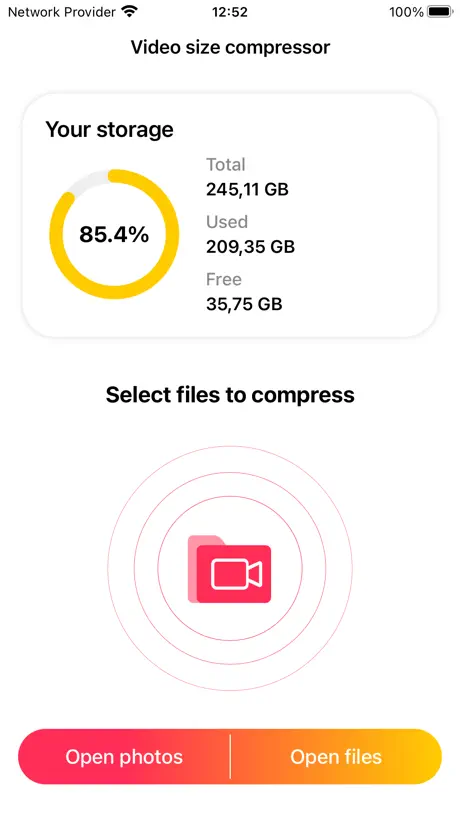
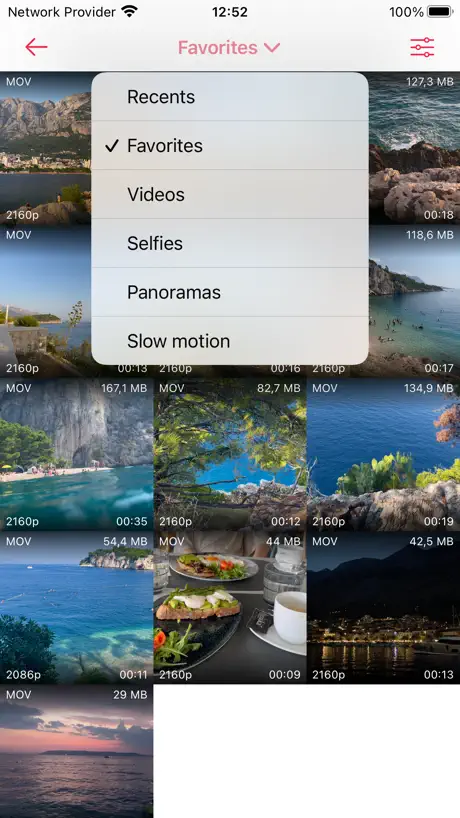
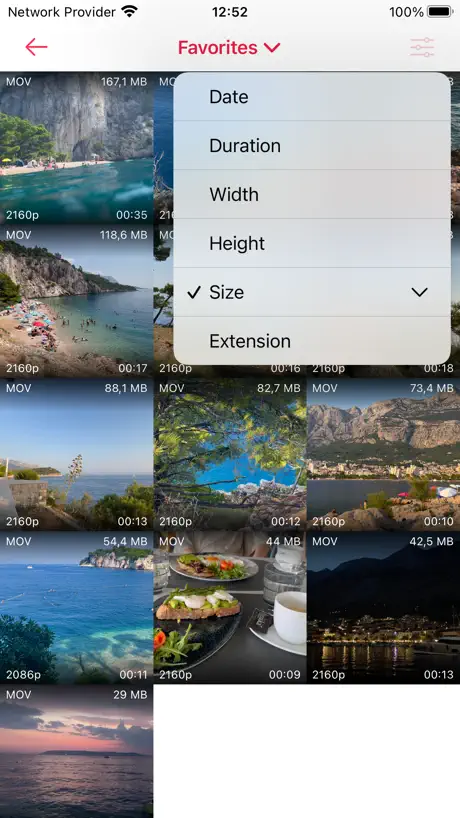
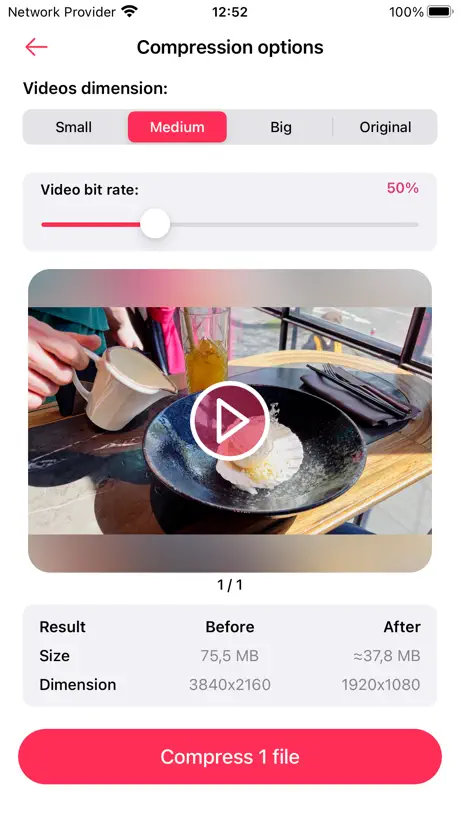

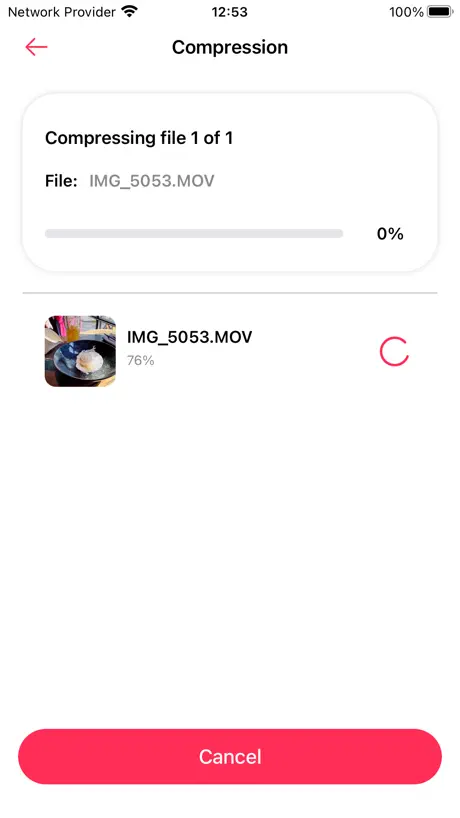
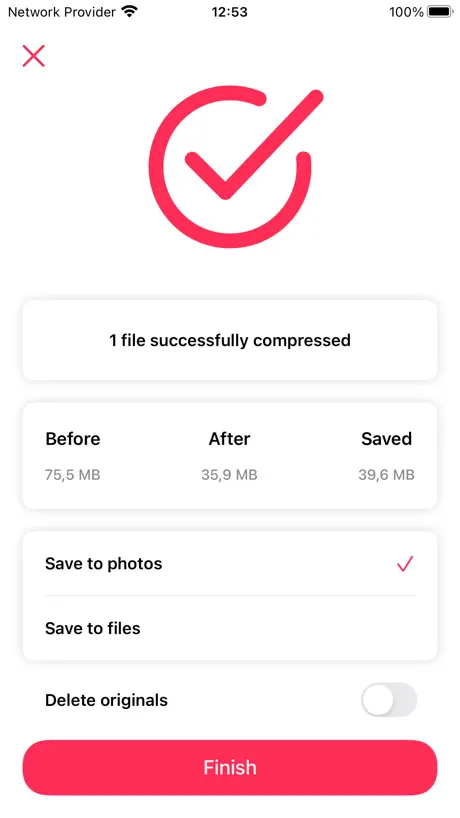
How much does Video Compressor - resize all cost?
Prices are current as of 9 Sept 2026.
Video Compressor - resize all has no in-app products on record in the United States.
10+ alternatives to Video Compressor - resize all
| Video Compressor - resize all |   Video Compressor-Shrink videos Video Compressor-Shrink videos |   Compress Videos & Resize Video Compress Videos & Resize Video |   Video Compress - Shrink Vids Video Compress - Shrink Vids |   Video Compress - Shrink Videos Video Compress - Shrink Videos |   Video Compressor - HQ Compress Video Compressor - HQ Compress |   Video Compressor & Reduce size Video Compressor & Reduce size |   Video Compressor - Shrink Vids Video Compressor - Shrink Vids | 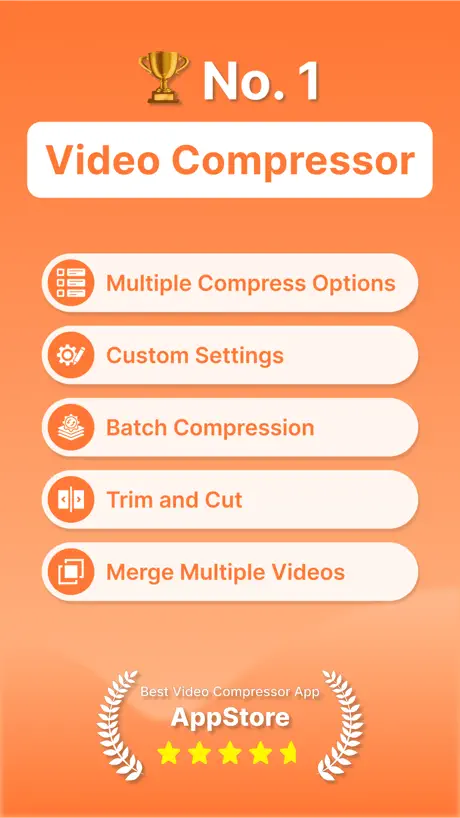  Video Compressor : Save Space Video Compressor : Save Space | 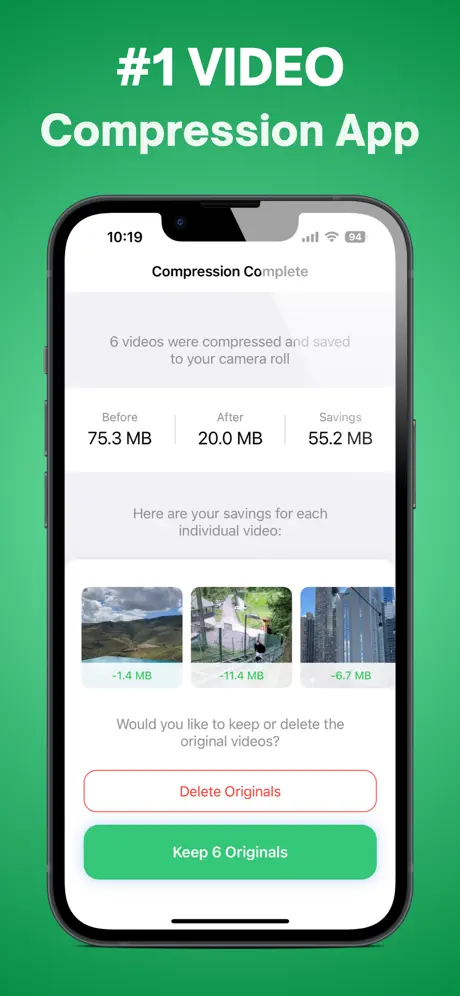  Compress Videos: Free Up Space Compress Videos: Free Up Space |   iResize Video Compressor iResize Video Compressor | |
|---|---|---|---|---|---|---|---|---|---|---|---|
| Rating / 5 | 4.8 | 4.7 | 4.7 | 4.6 | 4.5 | 4.8 | 4.6 | 4.8 | 4.6 | 4.5 | 4.5 |
| Reviews | 4.2K | 95K | 68K | 33K | 32K | 20K | 19K | 4.4K | 2.7K | 2K | 247 |
| Released | 2020 | 2016 | 2019 | 2015 | 2016 | 2021 | 2016 | 2021 | 2020 | 2024 | 2025 |
| Monthly price | — | — | $4.99 | $6.99 | — | — | — | $1.99 | $4.99 | — | — |
| Annual price | — | — | $5.99 | — | — | $4.99 | — | — | $19.99 | $44.99 | — |
| One-time price | — | $1.99 | $12.99 | $5.99 | $1.99 | $8.99 | $19.99 | $3.99 | $19.99 | — | — |
The going rate for each plan in United States, in its own currency, shaded from the cheapest price on the row to the dearest. Plans fewer than four in ten of the priced apps sell are left out.
Video Compressor - resize all reviews
4.8 out of 5, based on 4,157 reviews.
What people like
- It is completely free with no ads
- You can compress many videos at once
- It saves high quality without lowering resolution
- The interface is simple and easy to use
What they complain about
- It often loses original date and location data
- You frequently cannot find the compressed files
- It forces MOV format instead of MP4
- The app crashes or freezes randomly
Absolutely fantastic
This app is absolutely fantastic. I noticed it hasn’t been updated in about a year, I really hope you continue developing it. It’s one of the most impressive apps I’ve used in a long time. It’s so polished. Great job!
Doesn’t work
Appears to do something then asks for access to my photos. Then it dumped a version of the file that was the exact same size as the one I dropped into it. This thing is a scam or something.
Very useful.
Great for making space on your phone.
Could be better
First run was ok, but second time using, no option to save to different location and kept getting an error
Almost perfect
The app works great, it’s fast, simple & easy to use, so far it has always produced a compressed file significantly smaller than projected, and it’s (currently) free and doesn’t scrape your identity from your device for nefarious purposes which is refreshing. It’s just shy of Mary Poppins levels of nigh perfection. After a trial run I deleted my previous compression app immediately. This app could exceed or at least match Ms. Poppins’ practical perfection if the devs addressed two fairly minor points: - If you only grant limited access to your library, then after you use it if you want to select more videos to compress you need to close and reopen it to get that prompt again. - The compressed video seems to always come out as the same file type as the original, no way to select an alternative file type. If there was a button to trigger the popup to select more videos on demand that would be swell, but since I guess most folks grant full access it’s probably low yield for them. If we could select a file type for the compressed outcome with info regarding how different file types would affect the compressed file size before we decide, that would be very, very useful indeed since not all platforms accept all file types for uploading. All in all though, it’s good, I’ll take it, I like it a lot.
Actually free
Does what it says
Same issue as before Cept now it’s worse
Gave it a try 3X! Ignores customers - it’s all about DATA MINiNG! Wants access to ALL photos NoT just the one you need to compress!!! NOT COOL!!👎🏻This time it took 2x to compress it to desired size (mb) but it gives NO option to delete old files or photo or video already compressed & puts it in a storage vault somewhere showing percentage in a circle of used so called “storage”. Sorry but this should’ve been fixed since last river as it’s been months now! Movin on …
Almost perfect
If you could allow users to choose mp4 as the output it would be perfect.
please please please add option to replace previous files once compressed
otherwise great app
Allow vids to play before selection
Wish I could see all that was compressed in one album. Wish it would let us play vids sorted by largest before selecting. Scrolling and selecting gets stuck.
Excelente
Excelente aplicación, fácil de usar, comprime los archivos rápidamente
Scam
Does destroy your video for sure ! Does not work. Should be pulled down for r fixed.
Your compression needs fixing
It fails to compress some videos while others work for some strange reason.
Fast, but ...
The configuration options are limited but easy to understand. Converting the videos is super fast, but unfortunately the result is miserable: the videos are of poor quality and are still huge. Not what I was looking for...
Cant find compressed video
I cant find the compressed video anywhere in my files, it’s just on the app. It would be a great tool if it worked as it seems like it is definitely compressing them
Recommended to everyone
It’s free it’s off-line zero ads and it works. It was very bad for me that the storage is always full but now. I always have a lot of storage but before compress video make a screenshot of the date and time so when you come press, delete the old video you would Have the date and you can set it up in photo but it must have some work so that it would automatically make the date and time back like in the original video.
WHERE GOES my video after compress?
I can't find my compressed video and old version of video delited too.
Keep metadata & 5 ★
UX is far better than any app with the same function I only wish could keep metadata of kompressed videos
where did my video go?
I have compressed two videos and I have not been able to locate the compressed file. So, that blows.
Need YOUR answer first
I’m excited to try this bc its needed so bad. However I don’t want to lose the original file creation date(s) because of compression. If you can please advise what the app does: 1. Overwrite original file date. 2. Preserve original file date. I sent an you email for support. Please advise so I know how to proceed. If you do overwrite the date would you consider a fix to the app to correct the issue?!
Amazing app
The fact that you can compress videos from the photo library and re-save it there it’s really amazing, truly helps you save iCloud space which was my main problem. I like free but I think this app should have some compensation. :)
Need more
Only 1 GB? Lame
Great
Works as intended with no ads, just a bit slow.
Funktioniert nicht so gut
Wenn man die Auflösung ändert, hat man keine Speicherersparnis.
Não consegui compactar.
O App fecha ou retorna com erro. Mac com M3.
Fast and efficient
Automatically retains the quality of the original and allows you to save the original in case there are any problems with the new, smaller version
DIDN'T WORK FOR ME
Took all day to compress and then it produces some type of DOCUMENT that could not be opened.
压缩后打乱了视频原本拍摄日期
rt
ok
good just need stronger compression rather than doing it several times
Doesn’t work well
I used another program to compress my video because this one didn’t work.
The Best One
Believe it or not, I downloaded, tested, and compared EVERY video compressor app in the App Store. This is the best one. The only one that truly compresses the video in high quality without forcing you to make the resolution smaller. Super easy interface, plus it just so happens to have an actual Mac app. And it’s free. I don’t really understand how, since it’s the best. But I’m so glad my hunt is finally over. I wasted so much time looking for this app!
my video got deleted
I had a video of 32 GB size i wanted to compress it, when i click on compress button it started but the bar did not go up evan 1% and gived a erro after that my video was gone.
Good app but …
This is a good app to have but I can’t reliably use it because it seemingly randomly misses to set the correct date/time/location of the original video. This randomly happens when I use 1 or more videos. Since I really want to preserve this metadata I have to convert the videos one at a time to manually correct the date/time/location for the times that the app misses it. This makes the process very cumbersome and time consuming. Please issue a fix for both Mac and iOS.
MP4 to MOV
Why does the app automatically convert my MP4 to MOV without an option to prevent it?
WoOoW
Amazing app I didn't expect this achievement, simple and easy to use without complications, and the result is 🤩
Won’t even open videos …
Don’t know what has happened to this app, but it has become absolutely useless! It won’t even open video files, let alone compress them!
Good app with some opportunities to improve
Good app with some opportunities to improve. When converting a bunch of videos some of them don't inherit the original date/time & location.
اغنية
اغنية
Finally
I’ve downloaded and tried several but this works both with photos and external storage!! My search is over. Simple to use and efficient!!
Need mp4 lost to mov
I had to compress a video for work, I was told I had to have it as MP4. I placed it in the app and when I converted it turned it into an MOV. the export option is greyed out as well. How can I keep my file type???
Good, but…
It produces errors when compressing many of my videos.
good but one flaw
Almost perfect but just a few things to make it better: 1.the app become unresponsive when selecting the video, it cannot scroll. 2. also it would be good to show the file name in the video selection page, so I know which one has been compressed already which one hasn’t .3 The app will be killed if running in the background and it needs to start again which is quite annoying
Best video compressor I’ve found so far
Works well, lets you compress multiple videos at once, and doesn’t have a ridiculously overpriced subscription. God bless 🙏
Only 1 video compressed for $3.99??
I compressed one small video and used 85% if my free space. What. This app stinks.
Could be better
Great to quickly compress some videos from Apple Photos but does not keep the metadata such as the location of the video
Video Compressor - resize all FAQ
- Is Video Compressor - resize all free?
- Yes. The app is free, in all 173 countries it sells in, and it sells nothing inside it.
- Does Video Compressor - resize all have a free trial?
- No. None of its offers (US) come with a free trial.
- What are the best alternatives to Video Compressor - resize all?
- Video Compressor-Shrink videos (4.7 from 94,561 reviews, premium from $1.99), Compress Videos & Resize Video (4.7 from 67,614 reviews, premium from $4.99) and Video Compress - Shrink Vids (4.6 from 33,268 reviews, premium from $3.99).
Video Compressor - resize all download
Last updated 1 year ago.
Video Compressor - resize all sells in 173 countries. It was released 6 years and 1 month ago, on 11 Aug 2020. It holds a 4.8 rating from 4,157 reviews.
Supports 33 languages: English, Arabic, Catalan, Croatian, Czech, Danish, Dutch, Finnish, French, German, Greek, Hebrew, Hindi, Hungarian, Indonesian, Italian, Japanese, Javanese, Korean, Malay, Norwegian Bokmål, Polish, Portuguese, Romanian, Russian, Chinese, Slovak, Spanish, Swedish, Thai, Turkish, Ukrainian, Vietnamese.
How much does Video Compressor - resize all make?
Third-party estimates for the last 30 days, worldwide — not the store's own figures, which Apple publishes for nobody.