
Resize it - compress any image
Change pics size, aspect ratio
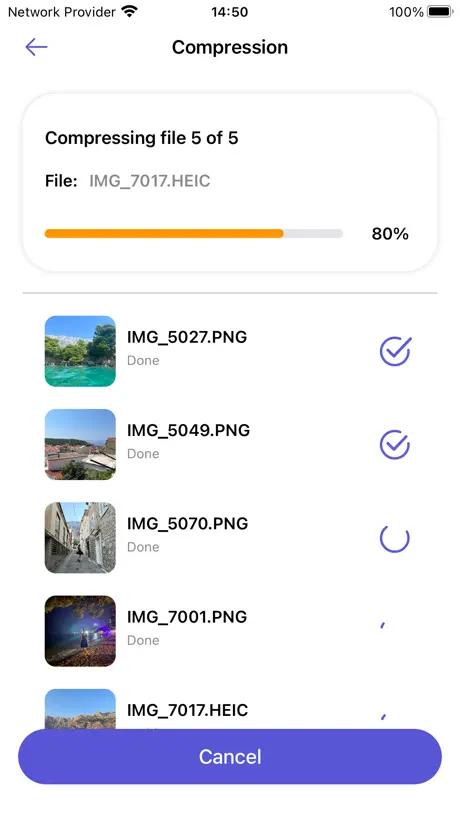
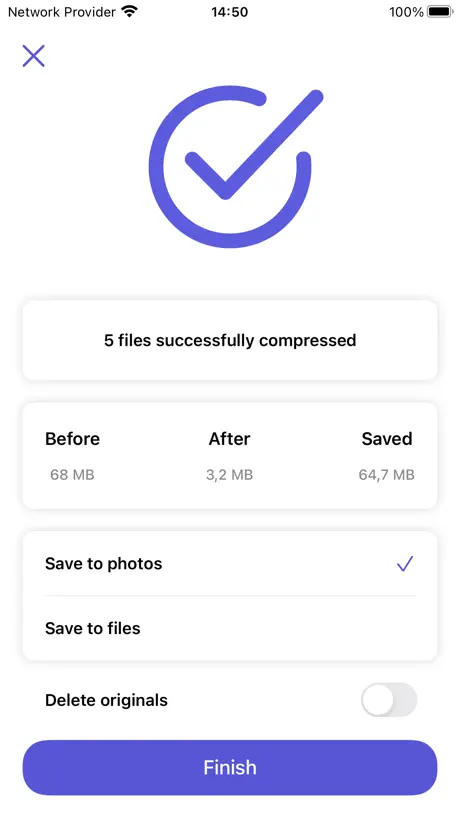
How much does Resize it - compress any image cost?
Prices are current as of 12 Nov 2026.
Resize it - compress any image has no in-app products on record in the United States.
10+ alternatives to Resize it - compress any image
| Resize it - compress any image | 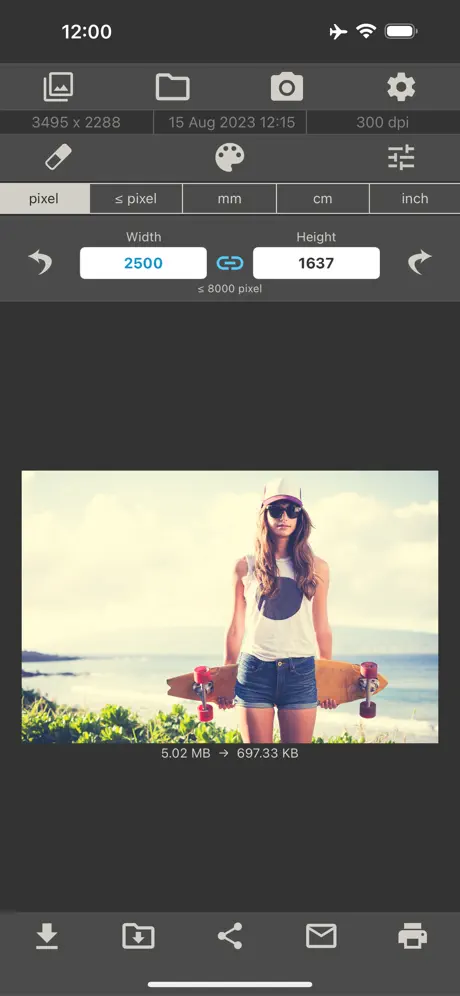  Image Size | 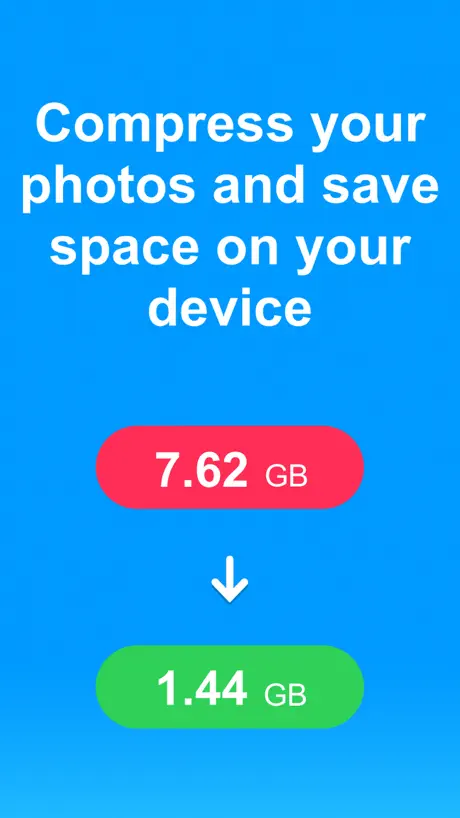  Compress Photos & Pictures |   Photo Compress - Shrink Pics |   Photo Resizer: resize image | 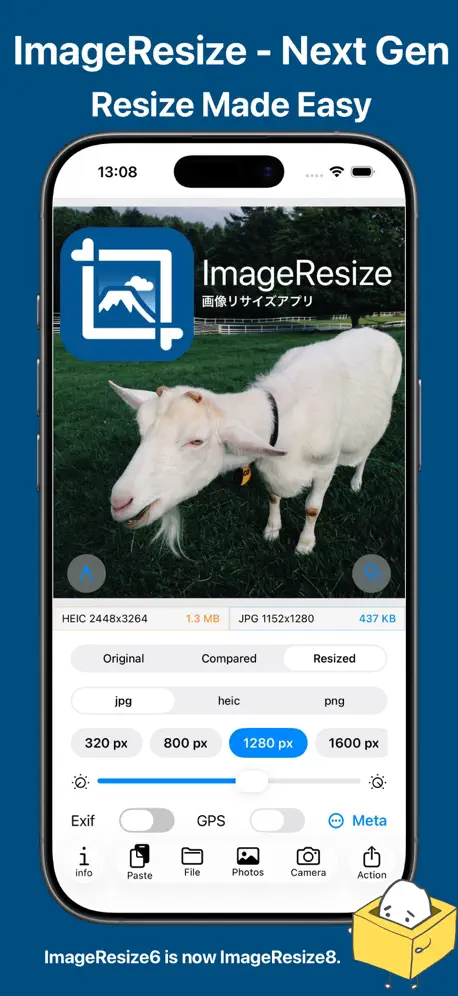  ImageResize - Photo Resizer |   Resize: Photo Video Compress |   Image Size - Photo Compress |   Size Image |   Compress Photos: Shrink Images | 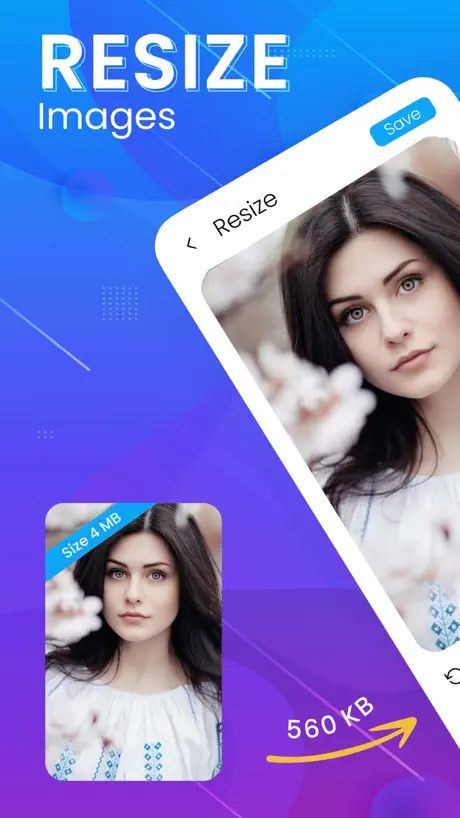  Image Resizer & Photo Resizer | |
|---|---|---|---|---|---|---|---|---|---|---|---|
| Rating / 5 | 4.7 | 4.7 | 4.7 | 4.6 | 4.6 | 4.3 | 4.3 | 4.6 | 4.5 | 4.5 | 4.6 |
| Reviews | 2.7K | 85K | 67K | 38K | 10K | 8.1K | 5.9K | 5K | 1.8K | 767 | 601 |
| Released | 2020 | 2013 | 2019 | 2015 | 2021 | 2013 | 2020 | 2018 | 2024 | 2024 | 2023 |
| Monthly price | — | — | $4.99 | $5.99 | — | $1.99 | $4.99 | — | — | — | — |
| One-time price | — | $5.99 | $12.99 | $5.99 | $0.99 | $2.99 | — | $2.99 | — | — | $2.99 |
The going rate for each plan in United States, in its own currency, shaded from the cheapest price on the row to the dearest. Plans fewer than four in ten of the priced apps sell are left out.
Resize it - compress any image reviews
4.7 out of 5, based on 2,694 reviews.
What people like
- Compresses files without losing quality
- Totally free and very easy
- Processes images directly on device
What they complain about
- Forces saving as HEIC format
- Crashes often while compressing images
- Requires full access to all photos
Resizing JPEG’s
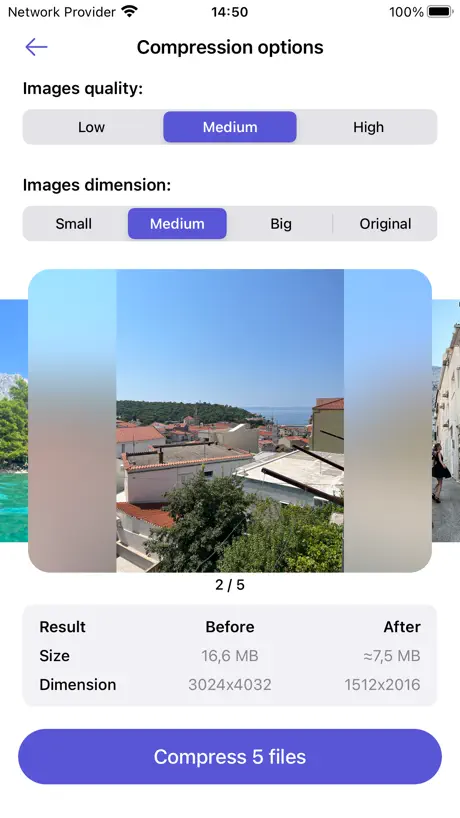
I only just tried it, but it appears to work really great. It gives lots of options for a size and quality.
Won’t even open past the Home Screen
Waste
Magic!
Potential bug? Take a photo, duplicate, crop the duplicate, then resizeit both, end up with uncropped version! Can’t say enough good things about this app. It’s super simple, super easy to use, and resize without losing quality to the point of being unbelievable. I choose highest quality and full original resolution, it reduces photos by 5-10x yet I can’t tell any difference. In the future I hope: 1/ we can edit more than 20 photos at once 2/ the app can tell which images have been compressed already, even with by just looking at the name -compressed or by whether a photo is from resize-it folder or not, so to avoid recompress a compressed photo. 3/ if we resize a photo that belongs to multiple albums (including favorite), once we delete it after resizing, the resized copy should be added to corresponding albums Thanks so much for this app!!!
Smooth and Easy
I’m trying this App out right now and I don’t have any idea if it’s just Duplicating the pictures over again or if it’s actually shrinking the size of the image but only time will tell
Good in theory
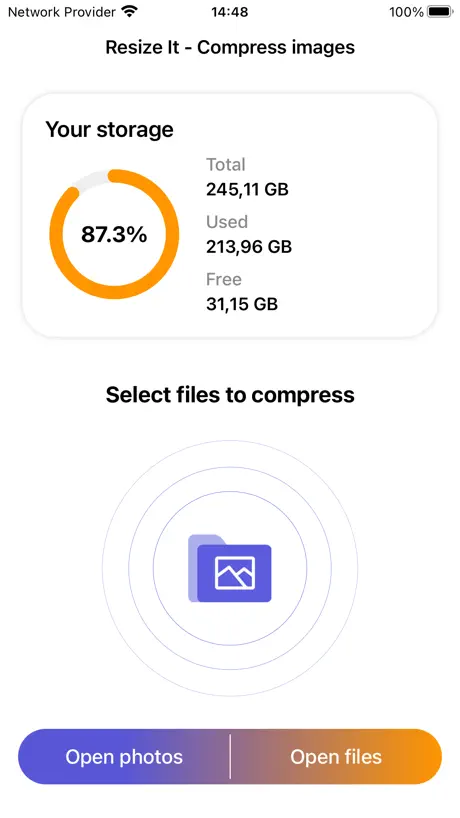
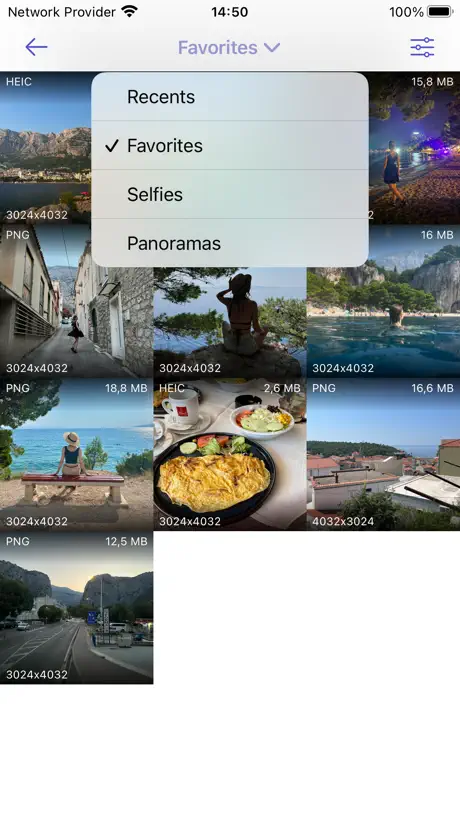
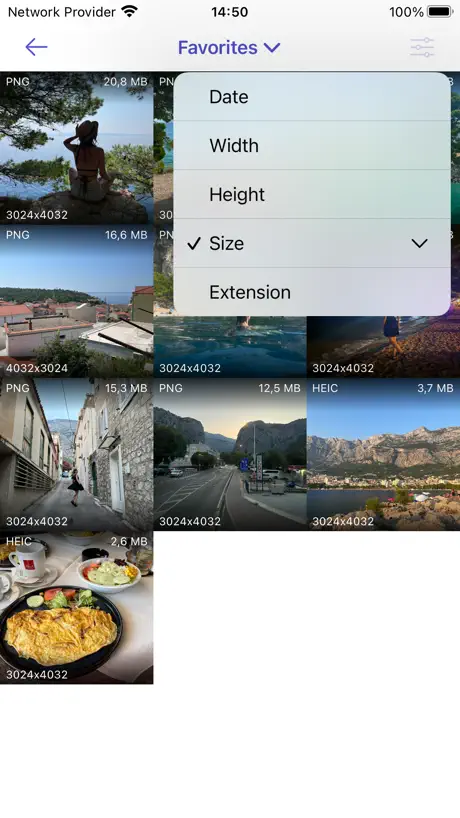
The GOOD: - On-device; it’s not sending your photos to some server somewhere. - Completely free. - Actually saves a lot of space The MEH: - Options are kinda limited – you can’t choose your own resolution or quality, HOWEVER that does make the app very easy to use, which I appreciate. Maybe add an “advanced mode” for those who want those options. The BAD: - The app requires full access to your photo library, instead of simply using the iOS photo picker that is more robust, has search, and only gives apps access to photos that you select, when you select them. (Private Access to Photos) - As a result, there is also no way to sort photos by recently saved. So if you save a photo taken in the past that you want to compress, you have to scroll ALLLLL the way back to that date to find it, or manually change the date in the Photos app. - The app shows incorrect information on how much storage is in use on your device. I think these issues are probably caused by the app being relatively old without any major changes.
Perfectly simple & effective
I was looking for a simple way to reduce the file size of my photos on my iPhone and found Resize it. I will attach photos to MS Outlook emails and Resize gives a simple way to select quality and file size so I am not sending HUGE images which embed in the middle of the email. Then I found they make a sister app for the Mac. SOLD!
dissapointing
I could not get this appp to work for me. very annoying.
Manca la possibilità di convertire il formato
Peccato che non ci sia la possibilità di scegliere il formato in cui salvare le immagini in seguito alla compressione (ad esempio, da .heic a .jpg)
HEIC?
This dev has bought into Apple’s ecosystem. Compress a jpeg and end up with an HEIC file…that is mostly incompatible with my PD-using friends. Sorry. Uninstalled.
Easy to use/Very little storage though
This app is EASY to use! That’s HUGE for a non-tech savvy person like me. HOWEVER, when I went to use it the second time, it indicated that I’ve already used all my free storage. So, it wouldn’t compress my second photo. I can’t figure out how to add more storage or how to delete the first picture, to free up space for the second picture. Ugh, technology frustrates me. I was REALLY hoping this app was going to be something easy I could use, whenever I needed to compress a photo for my channel. *sigh*
Great App
I have been using this app for a while now and it gets the job done to. I know there are limits to how many images you can get to compress all at one time but that I’m fine with. Recently however there seems to be a minor issue with the app. When I got the app it could compress images down to where it needs to be but now when I compress many photos it only compresses half of the amount. For example: if I compressed let’s say 200 photos that would have been 487MB’s it would be compressed to maybe around 40MB’s to 60MB’s. Now it is half of that amount even when I compress it as small as I can possibly get it to. Still it is a great app and this is only a recent small issue that would wonderful when fixed and I still give it five stars.
Does not work on my iPad.
Mystifying. Interface looks completely straightforward, but I always end up with a big red X: File not compressed.
Presque Parfait Categorisation non conservée et options supplémentaires.
+ possibilité de régler une +/- forte compression et de choisir plusieurs images. - Manque possibilité de garder la catégorisation de l’image. Exemple : les Captures d’Écran PNG sont bien et significativement réduites en HEIF mais n’apparaissent plus dans la catégorie Capture d’écran d’iOS si on les cherche ensuite. * Attention l’évaluation de la réduction de poids et/ou traduction ne sont pas correctes. Dans mon cas pour des Captures d’écran, elle a été meilleure sans altérer la qualité. Exemple : une Capture PNG de 3.Mo devait être réduite de +/- 2 Mo en compression maximale tout en conservant les dimensions originales mais, au final l’image ne pèse que 55.Ko sans véritables pertes de qualité en HEIF. Donc Bravo ! , c’est meilleure qu’annoncé mais il faudrait avoir une estimation plus près de la réalité. D’ailleurs la traduction des résultats chiffrés ne sont pas corrects en français, il ne faut pas traduire l’espace gagné comme « Enregistré » mais en « Récupéré » Sinon on crois que c’est la taille finale du fichier. ** Enfin, ce serait bien de pouvoir choisir le format, en plus de l’HEIF, tel que le JPEG,, PNG…
Potrebbe essere migliore
Funziona bene ma non si può scegliere (e cambiare) il formato di destinazione che è solo HEIC
Good app, needs to keep date the same!!
This is a good app! It may not seem like you really need to resize photos, but it’s possible to fill up even the biggest capacity of phones with photos that don’t need to be high resolution. However, we really need the capture date to remain the same so that the “new” photos stay in chronological order. As it is when you resize and delete the original, it puts the “new” photo at the end of the photo album. Is there anyway you can fix this? I only did 3 stars because this is a major limitation and makes the app almost useless u less I resize phones immediately upon capture. If Apple restricts your ability to do this, let me know and I will bump the app to 5*.
Super!!
Va muy deprisa
NOT INTUITIVE
I have 'resized' two images and can't find the 'new' image. Doesn't seem to have a place to put them. No instructions, no walk through.
Super App, welche keine Daten sammelt
...sehr selten im Apple AppStore zu finden. Dringende Verbesserungsvorschläge: - die komprimierten Bilder werden ohne Rückfrage leider nur im HEIC Format gespeichert :( Wäre super, wenn man das Format entweder einstellen könnte ODER das ursprüngliche Format bspw. JPG einfach übernommen werden würde. - die komprimierten Bilder - egal welche Qualitätsstufe gewählt wird - erscheinen dunkler als das Originalbild. - eine Integration in das Teilen-Menü wäre auch von Vorteil ;) Wäre super, wenn die Verbesserungen implementiert werden könnten - dann gibt's auf jeden Fall volle 5 Sterne! Danke für's Lesen :)
Jpeg naar Heif
Maakt er ongevraagd Heif bestanden van
Ottima ma
Veloce e ottima per ridimensionare foto. Grosso difetto non si può selezionare il tipo di file di destinazione e salva solo in formato .HEIC
Wow!
Works like a charm
Not what I wanted
This App is not what I wanted or needed
Still has problems
As in my earlier review it's a very promising app but still has the problem of deleting any caption you may have added to the photo before resizing it. Can't be difficult to keep the caption and it's essential for my use. The app does keep exif data like camera and location so please keep the caption text if there.
Perfect until the recent update
This app worked wonderful until the recent update. Only having an option for Heic files rather than JPEG is not an option for me. Please add format options. Not everyone wants HEIC files.
Love it but why won't it keep working
This app does exacly what it says, efficiently. But now it tells me that I only have 10 gb of storage free and won't let me do more images. My phone itself has plenty of storage, so I'm not sure if the app is taking up storage room or why it won't let me continue using. This has been an efficicent way of resizing photos for upload...I want it to keep working! There is no option to delete files or clear cache. What do I need to do?
Very good
Very good very true
Difficult to use
See title
Dear developers
App is very good but most of the time it crashes while compressing .. plz fix this bug
Unfinished potential
This app looks great and has one of the best UI that I have ever seen. That is until you try to choose a photo and realize that it only lets you pick from your main camera roll as far as I could tell. No other folder, including the hidden folder. Between that huge problem and the fact the app hasn’t been updated in over 1 year = total deal breaker and a two star review for me unfortunately.
Einzigartige App, aber keine Übernahme von GPS-Daten
Diese App ist tatsächlich die einzige, die ich kenne, die Bilder aus der Photos-Bibliothek verkleinert und sie auch dort wieder speichert. Alle anderen Bildverkleinerer aus dem Mac App Store können nur Bilder auf Datei-Ebene verändern. Cool ist ebenso, dass diese App eine Universal-App ist und somit auf allen 3 Plattformen funktioniert. Ich hatte mich gefreut, meine Bibliotheksgröße auf diese Weise etwas zu verringern, bin nun aber doch enttäuscht: die neuen Bilder haben keine Location-Daten (GPS-Daten) mehr. Diese sind aber wichtig für die Fotoorganisation. Ebenso sind die Kompresionseinstellungen etwas minimalistisch, es gibt z.B. zwischen 2000 und 3000 Pixel keine Zwischenoption. Etwas schade ist auch, dass man nur 20 Bilder gleichzeitig verkleinern kann, das ist aber noch zu verschmerzen. Die Dateinamen werden unschön lang, das ist aber nur ein Schönheitsfehler und mir nicht so wichtig. Wenn die App es schafft, auch die Geo-Daten zu übernehmen, bekommt sie 5 Sterne. Denn mit ihr kann man auch auf dem Mac ohne nennenswerten Qualitätsverlust relativ leicht Bildgrößen von Bildern innerhalb der Photos-Bibliothek halbieren.
Awesome app
Works great, better than many paid apps. Can I buy you coffee? :)
Tried twice
I used two apps one to convert HEIC to JPG then to resize it but worst of everything could not meet Reddit 500kb tried taking that image back through made a PNG and tried resizing that still could not get to desired size. 5 seconds in a Linux computer with gimp done. Absolutely useless if your goal is to make an avatar or social account image where space is at a premium. So this app failed perhaps go back and think will this work for profile images on most sites coming from the excessively large files on iPhones these days.
Exported image erased transparent pixels
Hoping add a setting to keep the transparent pixel and support customize exported image format. Designs are good and easy to use, very good app!
Says what it does..and does it very well.
User friendly, quick and easy way to reduce the pixel size
Does not work
Does not work
Good and fast
It works very well, too bad you can not select more than twenty photos
Easy and good results
Easy to use the app for free
Poor UI
it pops up to grant access to images in settings. Which settings, where, no information is given. The app does not have a settings option too.
Almost perfect
Love the design and layout, and it works great as advertised! My only suggestion: for PNG files, let us be able to convert to JPG to help save even more space. I take plenty of screenshots on my phone, and it’s nice to shrink the resolution down. But this app only does same type shrinking (PNG -> PNG), it means it only saves so much space. Being able to shrink AND convert them to JPG would be great!!👍🏻👍🏻
Quick and easy download.
Quick and easy download.
BAD!
They will not let you use this app unjless you give them access to all your photos. Security nightmnare!!!!!
Resize it - compress any image FAQ
- Is Resize it - compress any image free?
- Yes. The app is free, in all 173 countries it sells in, and it sells nothing inside it.
- Does Resize it - compress any image have a free trial?
- No. None of its offers (US) come with a free trial.
- What are the best alternatives to Resize it - compress any image?
- Image Size (4.7 from 85,053 reviews, premium from $2.99), Compress Photos & Pictures (4.7 from 67,475 reviews, premium from $4.99) and Photo Compress - Shrink Pics (4.6 from 38,230 reviews, premium from $2.99).
Resize it - compress any image download
Last updated 1 year ago.
Resize it - compress any image sells in 173 countries. It was released 6 years and 3 months ago, on 24 Jul 2020. It holds a 4.7 rating from 2,694 reviews.
Supports 33 languages: English, Arabic, Catalan, Croatian, Czech, Danish, Dutch, Finnish, French, German, Greek, Hebrew, Hindi, Hungarian, Indonesian, Italian, Japanese, Javanese, Korean, Malay, Norwegian Bokmål, Polish, Portuguese, Romanian, Russian, Chinese, Slovak, Spanish, Swedish, Thai, Turkish, Ukrainian, Vietnamese.
How much does Resize it - compress any image make?
Third-party estimates for the last 30 days, worldwide — not the store's own figures, which Apple publishes for nobody.