
Photo to PDF Converter Scanner
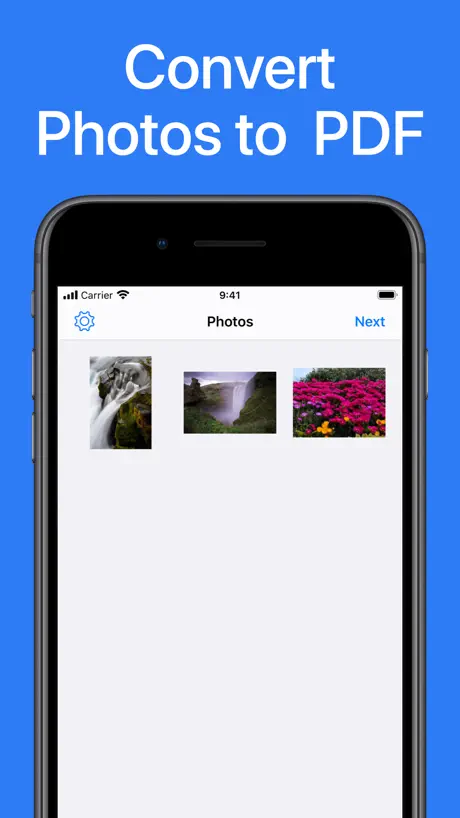
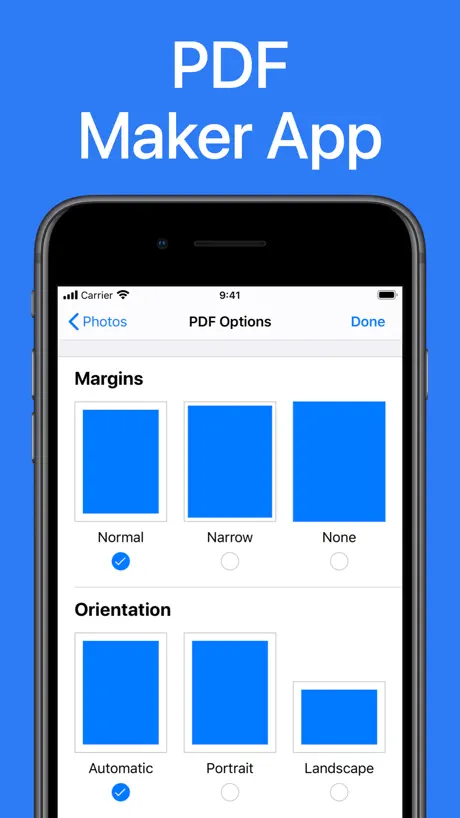
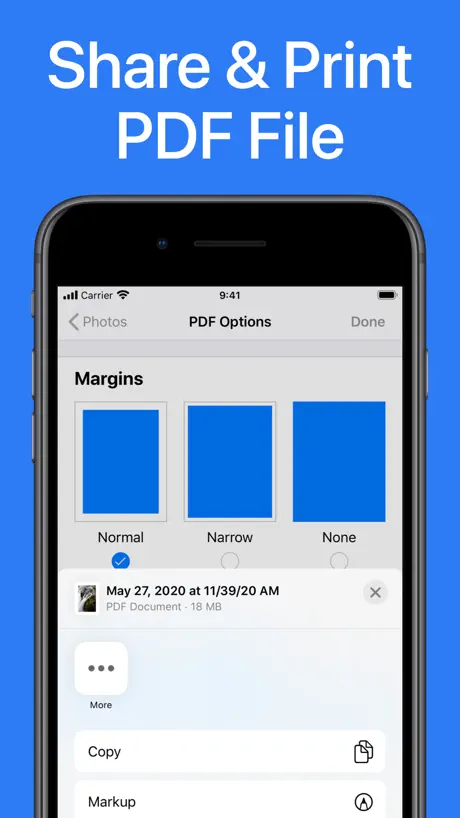
How much does Photo to PDF Converter Scanner cost?
Prices are current as of 6 Nov 2026.
Photo to PDF Converter Scanner has no in-app products on record in the United States.
10+ alternatives to Photo to PDF Converter Scanner
| Photo to PDF Converter Scanner |   Photos PDF : Scanner Converter |   PDF Converter - PDF Editor・ |   Camera Scanner: PDF Converter | 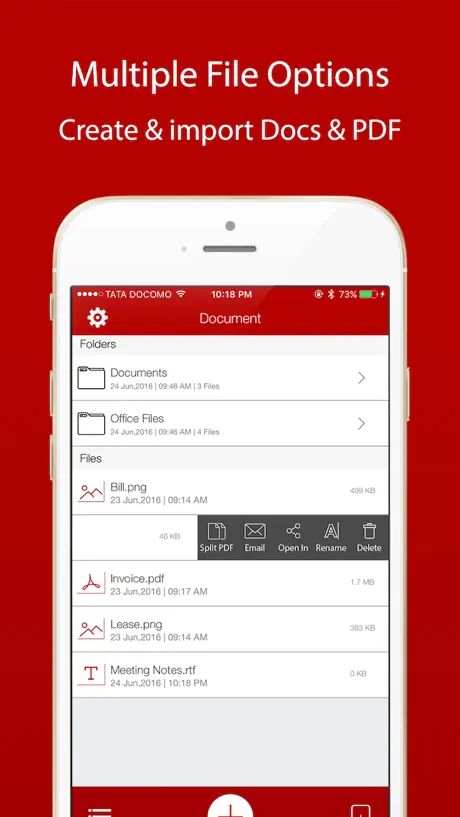  PDF Maker : Converter,Scanner | 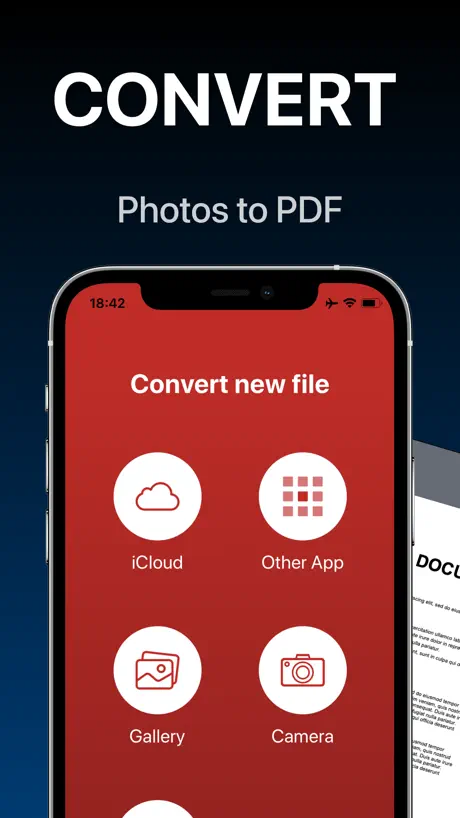  PDF Converter - Word to PDF |   PDF Maker - Convert to PDF |   Image to PDF Converter · Edit |   Image to PDF Converter + |   Converter & Editor: PDF Expert |   Kaagaz PDF Scanner & Compress | |
|---|---|---|---|---|---|---|---|---|---|---|---|
| Rating / 5 | 4.6 | 4.8 | 4.4 | 4.7 | 4.3 | 4.7 | 4.6 | 4.2 | 4.7 | 4.6 | 3.9 |
| Reviews | 63K | 297K | 87K | 60K | 50K | 44K | 26K | 19K | 4K | 2.5K | 597 |
| Released | 2020 | 2017 | 2013 | 2021 | 2014 | 2020 | 2021 | 2022 | 2021 | 2022 | 2020 |
| Weekly price | — | — | $4.99 | $7.99 | $4.99 | $4.99 | $6.99 | $4.99 | — | $5.99 | — |
| Monthly price | — | — | $9.99 | $4.99 | — | $9.99 | $9.99 | $4.99 | $4.99 | $11.99 | $1.99 |
| Annual price | — | — | $29.99 | $59.99 | $34.99 | — | $29.99 | $29.99 | $29.99 | $59.99 | $9.99 |
| One-time price | — | $9.99 | $0.99 | — | $0.99 | — | — | — | $2.99 | — | — |
The going rate for each plan in United States, in its own currency, shaded from the cheapest price on the row to the dearest.
Photo to PDF Converter Scanner reviews
4.6 out of 5, based on 63,154 reviews.
What people like
- It converts photos to PDF instantly
- It is completely free with no ads
- The process is very easy and fast
What they complain about
- Creates huge files that are hard to share
- You cannot delete photos after converting them
- App data keeps growing with no way to clear it
- Spins forever and crashes on newer iPhones
Sanjay
Very nice app
5
5
1st time use
First impressions good time will tell
Inconsistent
Works, then doesn’t with no explanation I can uncover.
Good
Good
Excellent
Doesn’t work
Doesn’t work
Photo to pdf
Great tool
Blue
Not good
PDF Convertor
I would give it more stars if the screen would rotate, rather than that it works as it should
Great
Great service & quick work
Not working
I don’t know what happened but the app is not working only. I wanted to upload the pics of my math textbook to make pdf but the pics aren’t showing
Size options
Great app but there should be size options too
In able to use it
Knowing not what to do
No compression of files.
The app does not allow the file to to compressed for emails
Best
Best pdf maker for free I have seen.
Very Un-Optimized Ap
I have my iphone 11 and its stuck and is so much slow...
Mr.Guruprasad C
Baynaa
Baykaоо
Gs
Très bien
Best App
Very Easy And Fast Process , Excellent App
It doesn't delete your data
When you work on a file and then remove it from the app, and completely delete it from your device, the files' size will still keep building up in the app's data with no way of deleting them, or even accessing them. The only true way of deleting the files's data of the files that you worked on, on this app, is to delete the app itself. There should be at least an option in the settings to delete the app's cache. Other than that, the app works great
Experience
The Best thing about this app is that it’s free , no ads and no subscription. But it comes with a problem , that it creates huge files ( a pdf of 3 images can generate a file upto 60 MB ). Great App , Thanks to the Developers !! 🙌
Balabala
Hi
Awesome and easy
Very happy
Perfect app!
Great app fast and quick unlike other apps.
Rating
Had bc mc very bad not saving the images at all ,charing money dont install this app please
👍
My 1sr time using
Bit Tricky
Once you’ve selected photos & converted to PDF, can’t find how to delete them so gets a bit confusing. When wanting to add more photos it’s more by chance that you can, isn’t always an option which is very time consuming.
Chess
Super
Doesn’t work
iPhone 16 Pro. Select photos and settings. Just spins and spins.
Best App
🌟🌟🌟🌟🌟🌟🌟🌟🌟🌟🌟
PDF what happened
If you not working what I du
Master file
Q block
Vh
Ghh
Yeah this is awesome
J
Complaint
Hey I just clicked a photo and that would be a less than 1 mb but after converting the pdf was of 8.3 mb
Very helpful app
It’s instant pdf maker app I loved it
WTF
Waste app dont download
So far so good
Ok
Suggestion
It should have an option to adjust the quality of images (low normal high). Since it takes good 3-5 minutes to upload a PDF document.
jk
kamboj
Worst app
Worst app
Markup
Quick and easy’ So originally’ i was taking snapshots of a larger pdf’ than editing each photo putting notes on them etc’ than transferring that to my desktop pc and than sharing it. This is cutting a lot of my steps’ i still wish i could markup and add notes in this app
Photo to PDF Converter Scanner FAQ
- Is Photo to PDF Converter Scanner free?
- Yes. The app is free, in all 175 countries it sells in, and it sells nothing inside it.
- Does Photo to PDF Converter Scanner have a free trial?
- No. None of its offers (US) come with a free trial.
- What are the best alternatives to Photo to PDF Converter Scanner?
- Photos PDF : Scanner Converter (4.8 from 296,604 reviews, premium from $9.99), PDF Converter - PDF Editor・ (4.4 from 87,443 reviews, premium from $0.99) and Camera Scanner: PDF Converter (4.7 from 59,840 reviews, premium from $2.99).
Photo to PDF Converter Scanner download
Last updated 1 year ago.
Photo to PDF Converter Scanner sells in 175 countries. It was released 6 years and 5 months ago, on 27 May 2020. It holds a 4.6 rating from 63,154 reviews.
Supports 5 languages: English, French, German, Italian, Spanish.
How much does Photo to PDF Converter Scanner make?
Third-party estimates for the last 30 days, worldwide — not the store's own figures, which Apple publishes for nobody.