Epson Print Layout
Professional Printing
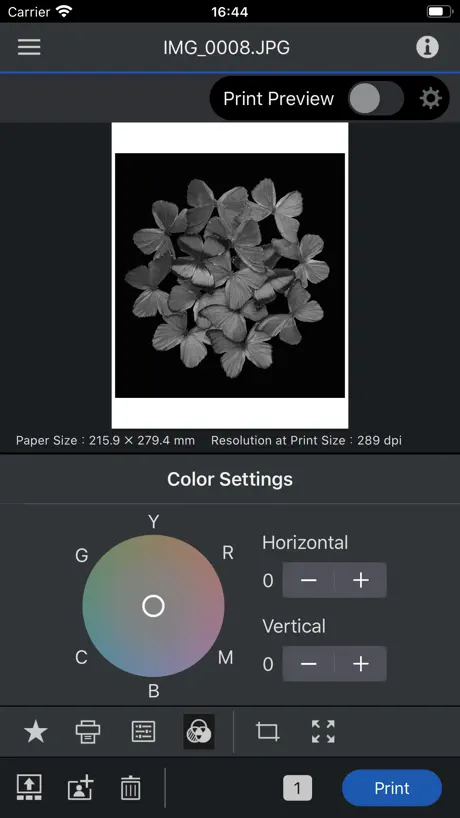
How much does Epson Print Layout cost?
Prices are current as of 15 Nov 2026.
Epson Print Layout has no in-app products on record in the United Kingdom.
10+ alternatives to Epson Print Layout
| Epson Print Layout |   Easy-PhotoPrint Editor |   Print to Size | 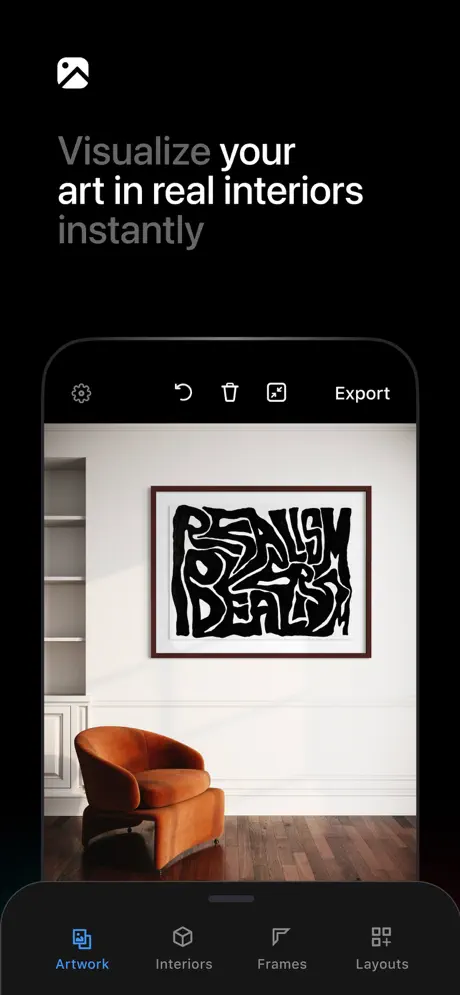  Smartist: Art Preview on Wall | 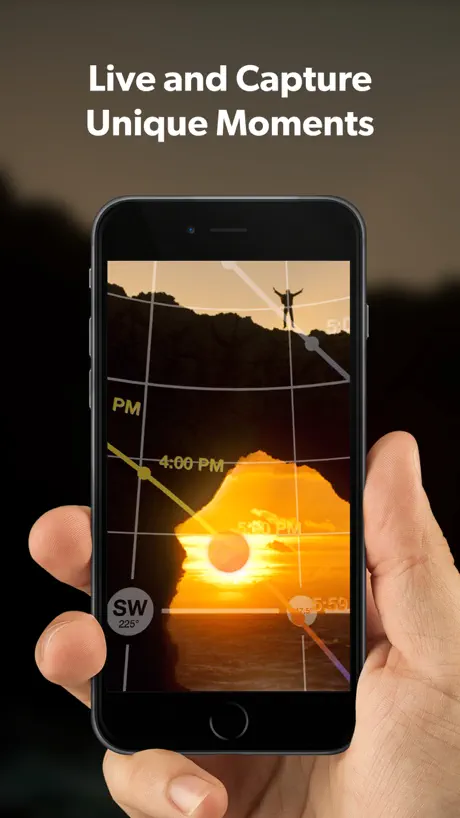  PhotoPills | 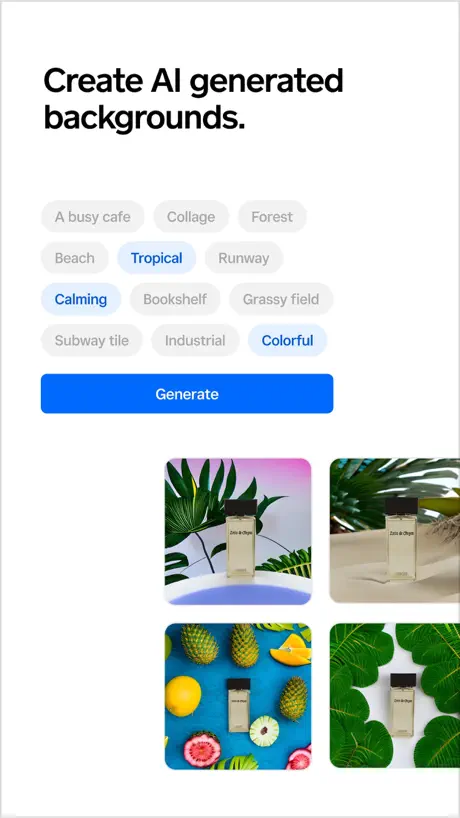  Photo Studio by Square | 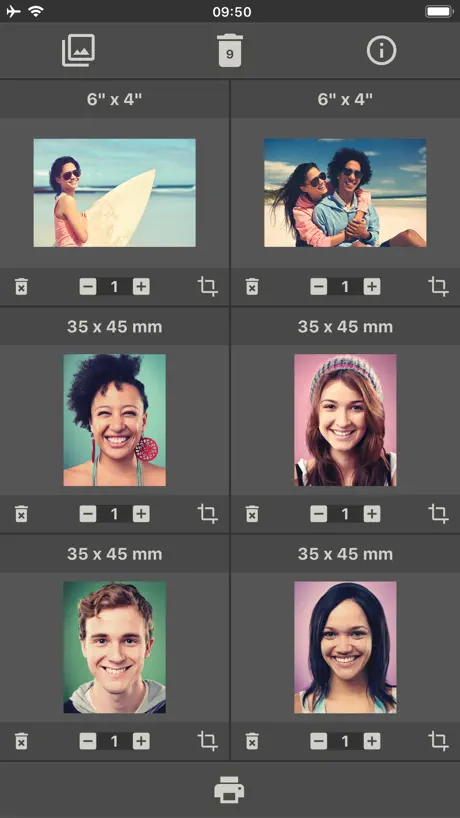  Photo Printing | 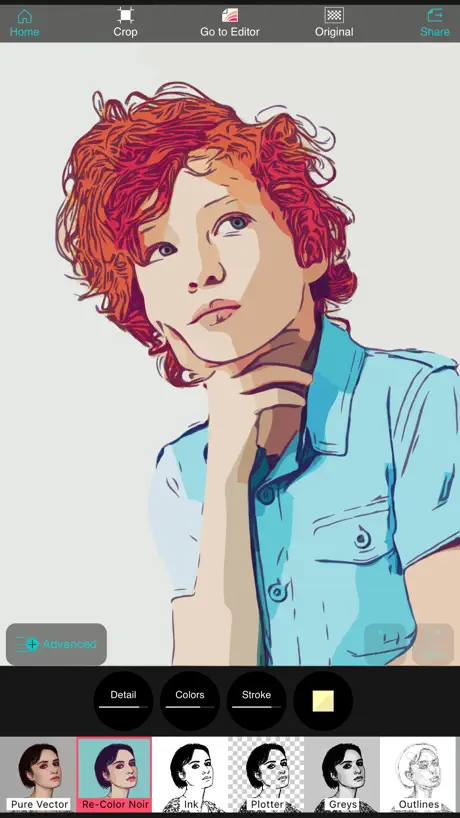  Vector Q by Imaengine |  Procreate Dreams | 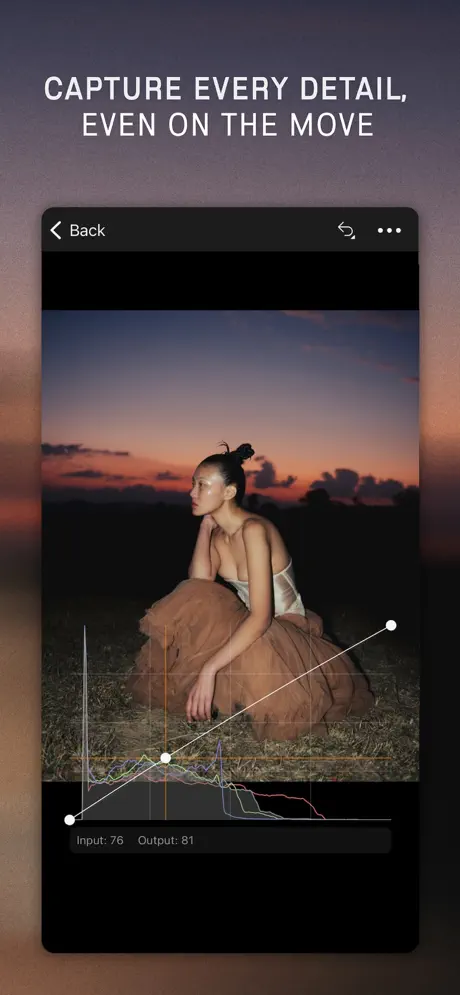  Capture One |   Poster Printing | |
|---|---|---|---|---|---|---|---|---|---|---|---|
| Rating / 5 | 4.5 | 4.7 | 4.8 | 4.7 | 4.8 | 4.8 | 4.6 | 4.4 | 3.6 | 3.3 | 4.4 |
| Reviews | 6K | 182K | 30K | 30K | 6.3K | 5.6K | 5.3K | 4.2K | 1.8K | 1.5K | 988 |
| Released | 2020 | 2018 | 2015 | 2021 | 2013 | 2021 | 2019 | 2013 | 2023 | 2022 | 2022 |
| Monthly price | — | — | — | £12.99 | — | — | — | — | — | £8.49 | — |
| Annual price | — | — | — | £89.99 | — | — | — | — | — | £84.00 | — |
| One-time price | — | — | — | — | — | — | £7.99 | £7.99 | — | — | £17.99 |
The going rate for each plan in United Kingdom, in its own currency, shaded from the cheapest price on the row to the dearest. Plans fewer than four in ten of the priced apps sell are left out.
Epson Print Layout reviews
4.5 out of 5, based on 5,960 reviews.
What people like
- Produces accurate and gorgeous photo colors
- Works well over home network connection
- Easy to use once you learn it
What they complain about
- Prints landscape photos as squished portraits
- App crashes when printing multiple images
- No option to import custom ICC profiles
Learning
Just downloaded
Another no good from seiko; it cannot even find the printer on network
I restarted everything, check all but this app cant find the printer damn this pos
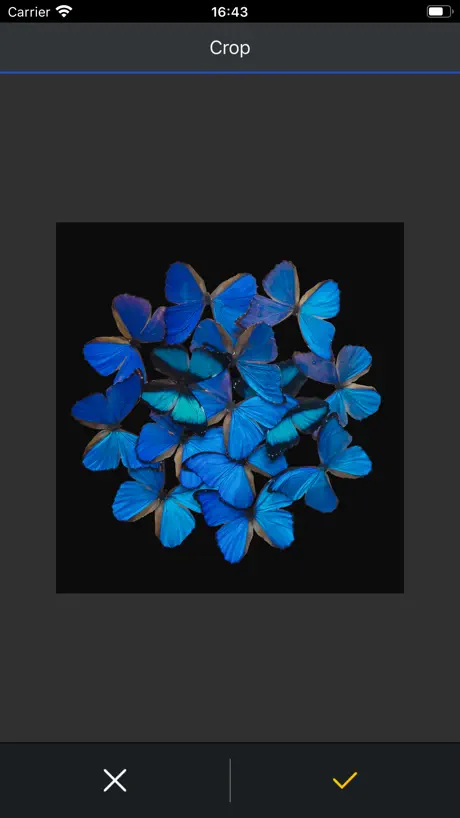
Crop needs work
I was able to print the picture, but I was wanting a ruler and to be able to crop in all directions, not just corners.
语言
四十多种语言竟然没有中文
大部分都是英文
app主要都是英文 不太方便
Great printer
My husband bought this printer and we are impressed with the Quality of the pictures we printed, the colors accuracy is outstanding a gorgeous, and this is multifunctional printer we can print documents, make copies and scan when needed we are more than happy with this purchase!
Photographers avoid
Works great until it spontaneously stops communicating with printer and countless hours later, after downloading and re-downloading drivers and apps, clearing caches, updating wireless settings later, you are still left with a worthless expensive brick in lieu of a functional printer.
Only tried a few times
It’s ok better than using my computer
没有中文菜单,用起来会有点麻烦
2025年底了,都还没有中文,内容就那么多,汉化有那么困难吗……建议大家不要给高分,高分了都没有更新动力。
New at this
As a person who’s not too pc literate it’s a bit difficult to get this going. But once it’s figured out it’s an excellent printer.
Beautiful Photos
The set up of the printer was a bit challenging but once I figured it out, I’ve really enjoyed the quality of the photos. The apps are also very easy to use.
Worst app, least functions
There was literally no way to change the paper size or the DPI of the print. Despite my image being 8 1/2 x 11” at 300 DPI, it will not print at that size. For whatever reason it’s defaulting at 8.27x11.69” 308 dpi?????? What even is that!?
还不错
什么时候能支持拼版啊!
Printing
When printing it leaves white un even print on photo paper
为什么APP没有中文
希望厂家添加中文,这样也是对中国用户的尊重,为什么我们花同样的钱,没有一样的服务。
Satisfied
Great printing
The worst printer ever
Full of paper, refuses to print.
Great for the IPad
This app works great with the IPad, after learning how to navigate the program it all good.
Won’t print landscape
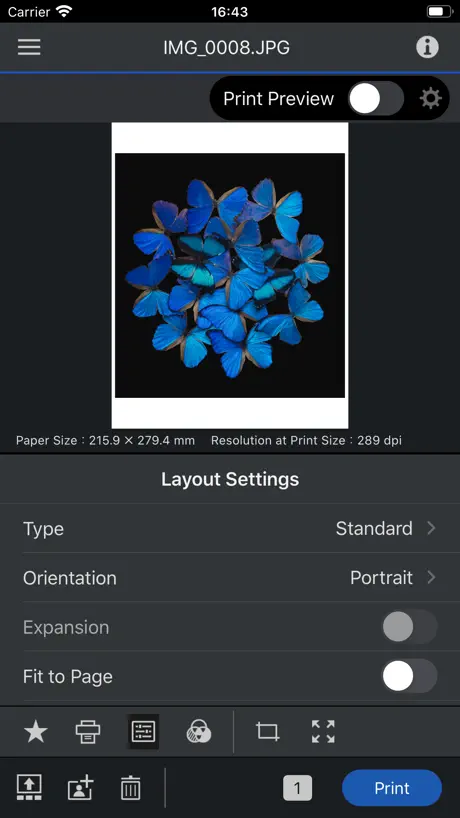
Prints portrait format correctly, when printing landscape it looks fine and in landscape format in the app but comes out of the printer squished and stretched into portrait format.
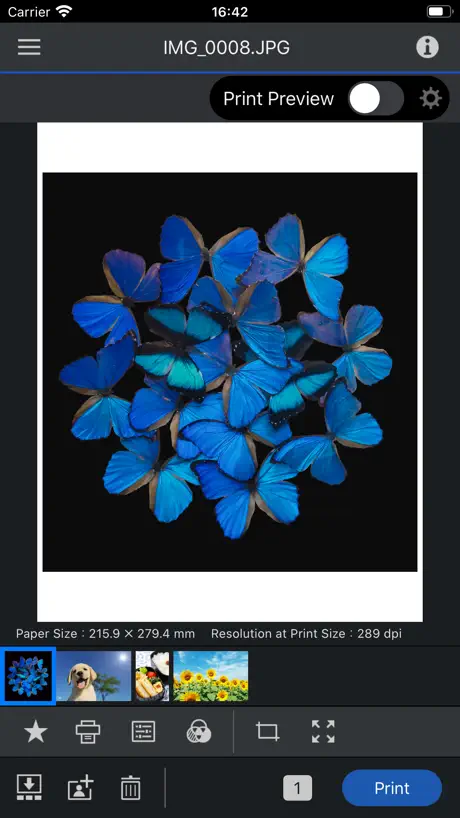
Print quality options limited
I wish I could print best rather than just standard quality
Amazing experience
I am extremely happy with Epson SC p900 printer and making my journey too easy can’t say enough thanks to EPSON
Won’t print landscape or high quality.
Do not use this app for serious printing! It will only disappoint.
Buggy
Took several tries to get it to recognize my printer (ET-8550). Which I guess is better than the desktop version… it doesn’t recognize the ET-8550 at all. Loaded a photo - crashed. Opened back up, reload - crashed. Went for a third round of that, too. Yup. Finally got a print off, colors where off. Not horribly off, but come on - how hard can it be to get orange right. Anyway. I give 4 stars because it looks to be a good app… if it works.
Dramatische software
Het is gewoon schandalig wat voor software u bij mijn ET 8550 leveren. Het is enorm beperkt! Voor een printer van bijna €800. Epson schaam je en doe er wat aan!
需要简体中文,簡体字中国語が必要だ
我们需要简体中文!簡体字中国語が必要だ!!!We need simplified Chinese.
Great for expanding print options!
I’ve been using it for printing out my digital sketches onto watercolor paper so that I can paint them traditionally. It’s essential for me Gombe able to adjust the size and paper type for this, and this app helps me do that. I’ve been using the mat presentation paper setting, and it’s been working great. I print on 180lb hot press cotton rag watercolor paper.
UGH!!
Everything is coming out smudged, off center, and wasting all the ink I supposedly save by buying this
感謝
コロナ禍でのお仕事、お疲れ様です。 今、初めて使わせて頂いておりますが、案内が比較的分かり易く、印刷も綺麗で、良い商品の様な気がします。 また、改めてレビューさせて下さい。 ⭐︎励ましの言葉 あらゆる勤勉な働きには価値がある。 (格言14:23) 新世界訳聖書より 感謝と共に
Could Be Better
Nice and convenient, but app crashes whenever I try to print more than one image at a time
为什么它搜不到我的打印机
。
Amazing app
The app is amazing. Everything I’ve tried to print has picture. Perfect quality. Great in color, fast printing. I’m loving it.
Epson didn’t recognize this app and it won’t print landscape photos.
I called Epson support because this app will not print landscapes. The print preview shows a landscape photo, the orientation is set to landscape but regardless of which cassette I load the paper in and also correctly select in the app, it comes out a squished portrait. I am frustrated because I really do like this app and the professional settings I can select for printing but cannot get it to print in landscape at all. Edit: I can print landscape if I go edit the photo and rotate it so that it is in a portrait layout. Obviously this is just an annoying thing to have to do for every print. Epson could not solve this issue and they asked where I even found this app, because as they told me they only support 2 apps for mobile printing, iprint and smart panel. I found this app via a link in the smart panel app from Epson.
画像が崩れる
用紙の縦横比と大きく異なる画像でも、以前のバージョン(1.4.0まで)は自動的に、しかも上手にトリミングしてくれましたが、この1.5.0ではその機能が失われ、画像が崩れて用を為しません。以前のような自動トリミングを復活して頂けないでしょうか?
Can’t select paper types other than Epsons
It’s a great tool but for whatever reason I can install custom paper types to the printer itself but not select those from the App. I can’t even select that I want to use the paper type selected on the printer. That really makes the App kind of useless to me..
什么时候有汉语版 英语对我有点难 摸索中
难
P700
Great app! As a photographer I have set up my workflow to be entirely based on my ipad. It would be amazing if this was updated to be able to add other icc profiles. Also the ability to print multiple images on one page. I’m sure over time more features will be added🤞🏽
garbage with new iOS update
Literally 90% of my photos fail half way though. I’ve lost so much paper
Needs Custom ICC profiles
This app fills a large gap in allowing to print high quality prints from the iPad, but really needs the ability to import ICC paper profiles.
Could be so much better.
I use this exclusively for printing from my Mac computer and it works a treat. Not so on my iPad. Printing in the default setup with jpeg images is ok. I want higher quality tifs so have set up the export dialogue in Lightroom mobile for 16 bit no compression tiffs with ProPhoto RGB colour. I have no idea how to set the the custom dimension and can find no help anywhere. Every landscape image prints portrait, squeezing up the image. I need this to work.
Works perfect from the iPad
I have a P900, I have used Epson print layout from the Mac, works ok, I moved to the iPad temporarily and right away I got familiar with it, very responsive, I exported a 86MB Tiff file from Affinity Photo in 8-bit Adobe RGB, then printed from this app. Thanks Epson.
Print quality
I cannot change my print quality from premium paper to high gloss or ultra gloss paper. It’s only printing in letter quality, fast print, low quality.
Works like a charm!
Uses my P900 printer over my home network flawlessly. Very happy with the app and cv the printer!
麻烦增加下中文
麻烦增加中文
Excellent
The printer is top Notch and what’s even better is the software and free apps available for this printer.
It keeps telling me to load paper
I am trying to print a 4 x 6 photo. I have done everything and it has said to do, but it keeps telling me to load paper.
写真に日付け等のプリントについて
写真に日付けや時刻がプリントされるように改善して欲しい。
Love and Hate
This app prints high quality photos, however I personally am struggling with using the app. It closes my app out in the middle of projects over and over. So frustrating.
Epson Print Layout FAQ
- Is Epson Print Layout free?
- Yes. The app is free, in all 175 countries it sells in, and it sells nothing inside it.
- Does Epson Print Layout have a free trial?
- No. None of its offers (GB) come with a free trial.
- What are the best alternatives to Epson Print Layout?
- Easy-PhotoPrint Editor (4.7 from 182,260 reviews), Print to Size (4.8 from 30,395 reviews) and Smartist: Art Preview on Wall (4.7 from 29,907 reviews, premium from $11.80).
Epson Print Layout download
Last updated 1 year ago.
Epson Print Layout sells in 175 countries. It was released 6 years and 7 months ago, on 23 Apr 2020. It holds a 4.5 rating from 5,960 reviews.
Supports 44 languages: English, Azerbaijani, Belarusian, Bulgarian, Catalan, Croatian, Czech, Danish, Dutch, Estonian, Finnish, French, German, Greek, Hindi, Hungarian, Indonesian, Italian, Japanese, Kazakh, Korean, Latvian, Lithuanian, Macedonian, Malay, Mongolian, Norwegian Bokmål, Polish, Portuguese, Romanian, Russian, Serbian, Chinese, Slovak, Slovenian, Spanish, Swahili, Swedish, Thai, Turkish, Turkmen, Ukrainian, Uzbek, Vietnamese.
How much does Epson Print Layout make?
Third-party estimates for the last 30 days, worldwide — not the store's own figures, which Apple publishes for nobody.